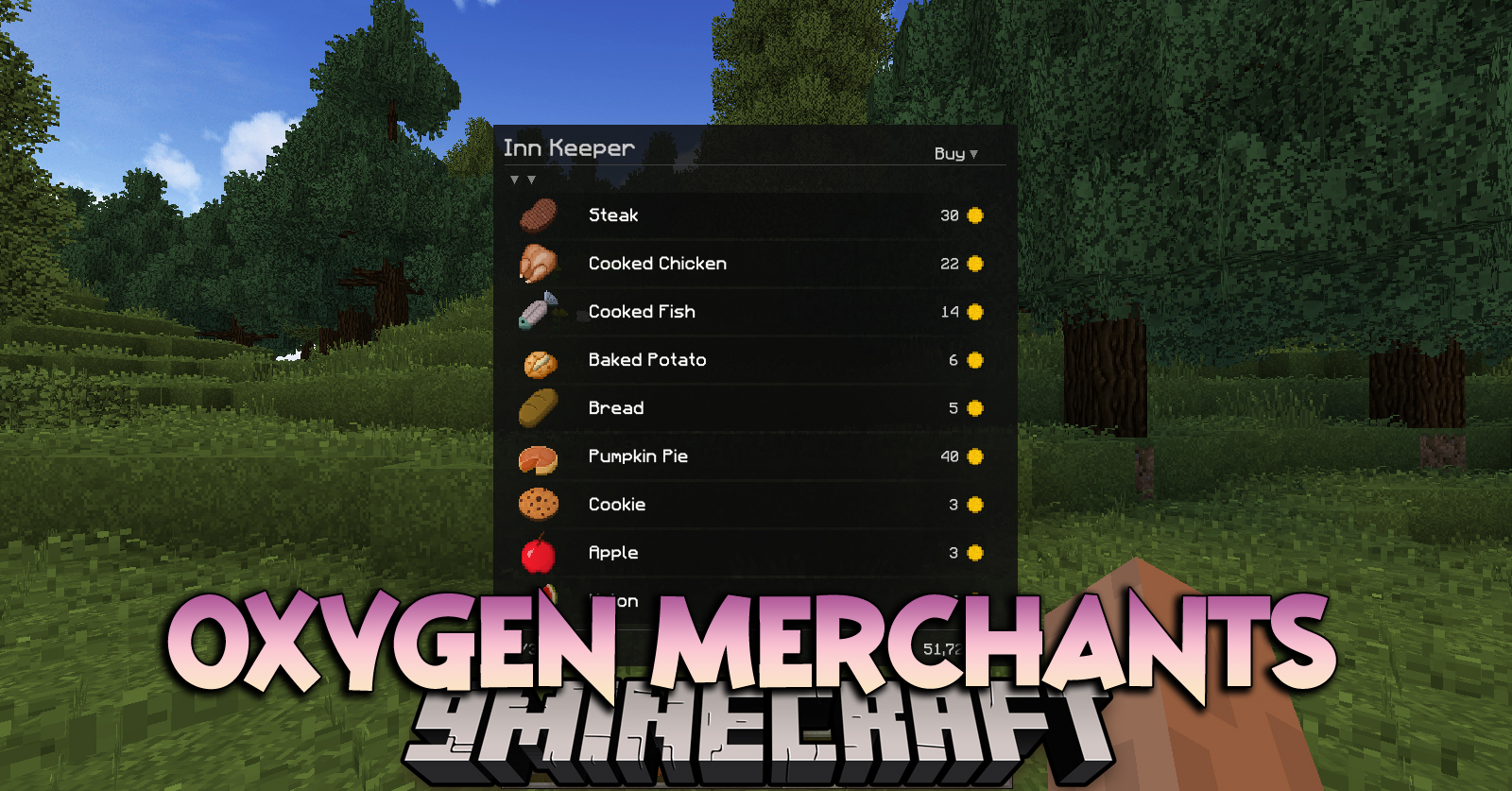
Oxygen Merchants Mod adds the ability to create trading menus with sets of offers for the sale and purchase of items for virtual currency or items. Access to the menu is possible by command or using the Oxygen Interaction module. Merchant menu linked to merchant profile. Required on server and client.
Features:
- Creation of merchants selling and buying items
- Use of virtual currency (any) or items as the currency of the merchant
Commands:
Module commands are registered as arguments to the Core commands: “/oxygenc”, “/oxygens” and “/oxygenop”.
Server – Operators:
Open the management menu:
“/oxygenop merchants -management”
Open merchant menu:
“/oxygenop merchants -open-menu {target} {profile id} {debug flag}”
The command allows you to open the specified profile of the merchant (“profile id”) for the specified player (“target”). As a pointer to a player can be used username or selector (players only, excluding @a). Profile identifier is persistent id specified on profile creation. Use debug flag “true” to display additional data in the merchant menu.
Oxygen Merchants Mod Download Links
For Minecraft 1.12.2
Forge version: Download from Server 1 – Download from Server 2
- Edition: Minecraft Java
- File type: .jar
- How to install: Install the matching mod loader (Forge, Fabric or NeoForge) for your Minecraft version. → Download the .jar. → Put it in the .minecraft/mods folder and launch that loader profile.
- Where to get it: In MC Java Mods, or directly above on this page.
Install steps are the general flow for this file type — How to install Minecraft Java mods & modpacks walks through it step by step.
- Downloads as 200293.mcaddon
- Download size: 85 KB
- Download link checked 29 Jul 2026 — working
- Mirrored on our own servers — the download does not depend on the original host
These come from our own check of the pack file, not from the source page.