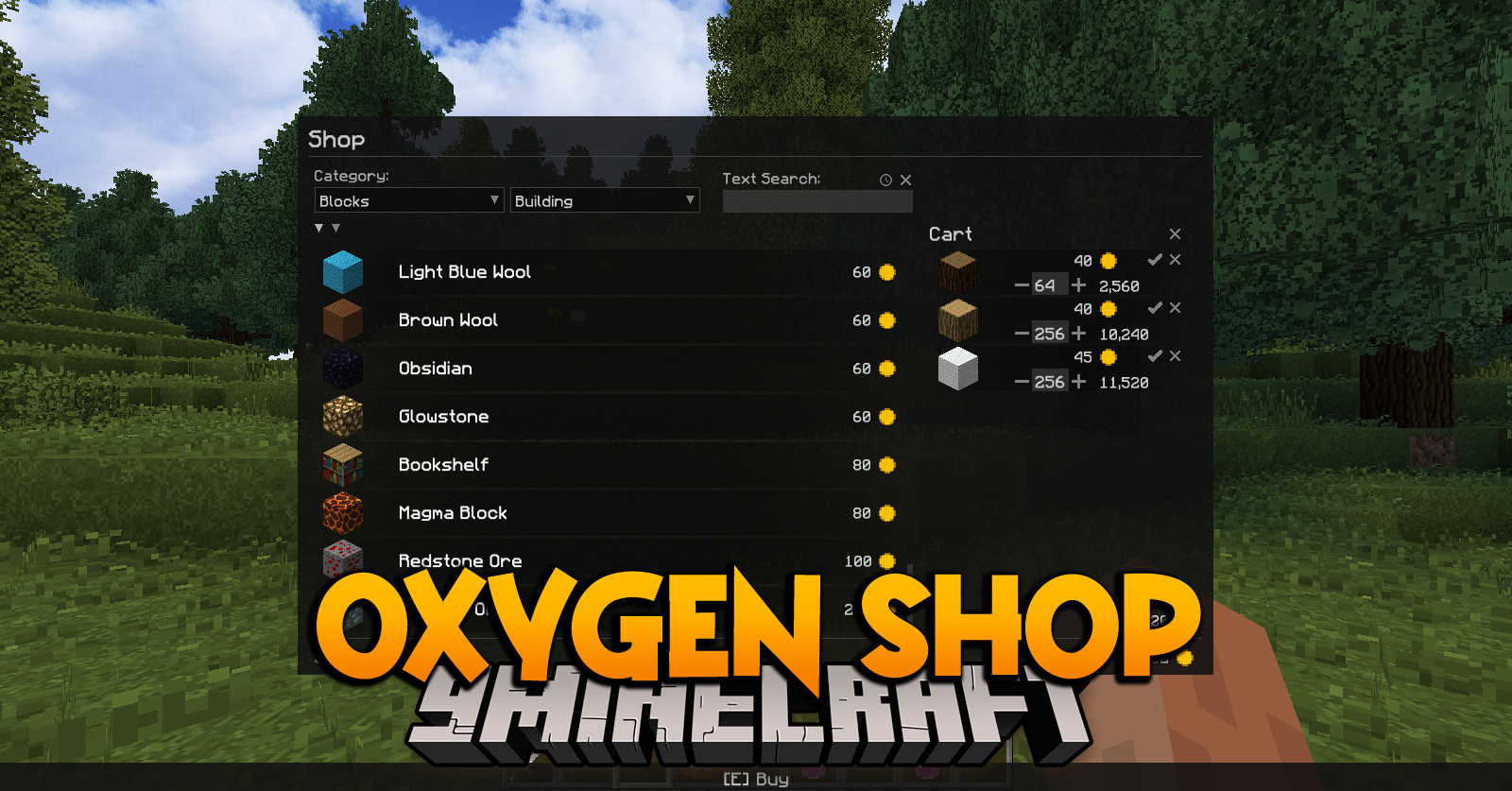
Oxygen Shop Mod adds a simple store of blocks and items with an endless supply of resources. Can be opened with “.” key press, using chat command “/oxygenc shop” or via Oxygen Menu. Required on server and client.
Features:
- Selling blocks and items
- Using any digital currency supported by Oxygen
Commands:
Module commands are registered as arguments to the Core commands: “/oxygenc”, “/oxygens” and “/oxygenop”.
Server – Operators:
Open the shop menu: “/oxygenop shop -open-menu {target}”
Available for: console, player
As the target can be used the username or selector (only players, except @a).
Reload shop offers: “/oxygenop shop -reload-offers”
Available for: console, player
Offers are stored in a JSON file in the folder “.minecraft/config/oxygen/data/server/shop/”. The command can be used in case of manual editing of a file to apply changes.
Save changes: “/oxygenop shop -save-offers”
Available for: console, player
The command must be used in case of editing shop offers using commands.
Create offer: “/oxygenop shop -create-offer {amount} {price} {discount}”
Available for: player
To create an offer, you need to take the item in the main hand and use the command, indicating:
- “amount” – the number of items per offer
- “price” – total price
- “discount” – a percentage discount (not taken into account when calculating the price, used only for display in the menu – discount must be included in price)
Remove offer: “/oxygenop shop -remove-offer”
Available for: player
To delete an offer, you need to take the item in main hand and enter the command. All offers with this item will be deleted.
Client:
Open shop menu: “/oxygenc shop”
Delete cached shop data: “/oxygenc shop -reset-data”
Data will be reloaded when you open the menu.
Oxygen Shop Mod Download Links
For Minecraft 1.12.2
Forge version: Download from Server 1 – Download from Server 2
- Edition: Minecraft Java
- File type: .jar
- How to install: Install the matching mod loader (Forge, Fabric or NeoForge) for your Minecraft version. → Download the .jar. → Put it in the .minecraft/mods folder and launch that loader profile.
- Where to get it: In MC Java Mods, or directly above on this page.
Install steps are the general flow for this file type — How to install Minecraft Java mods & modpacks walks through it step by step.
- Downloads as 200294.mcaddon
- Download size: 83 KB
- Download link checked 22 Jul 2026 — working
- Mirrored on our own servers — the download does not depend on the original host
These come from our own check of the pack file, not from the source page.