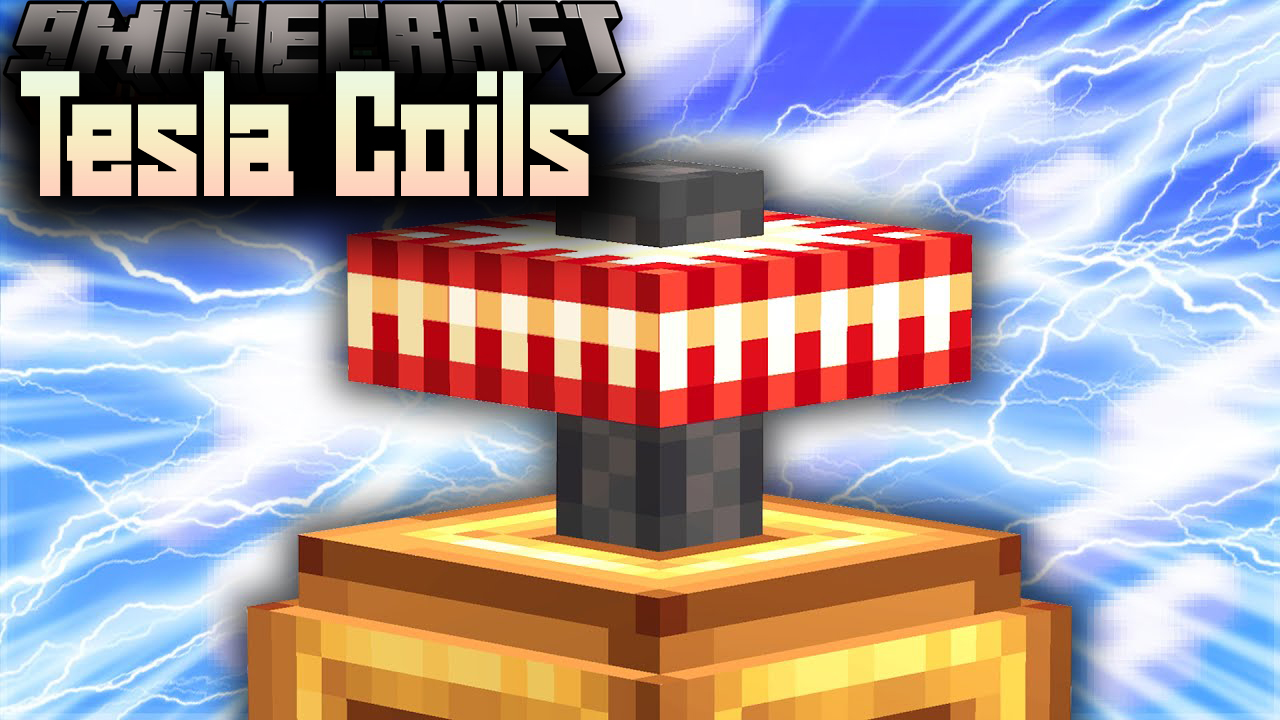
With the introduction of the new Tesla power API, a lot of modders are jumping on the tech bandwagon, however many of them are avoiding tackling the issue of power transfer simply because conventional power cables are such a pain in the ass in Minecraft. Tesla Coils Mod is an Immersive Engineering inspired way to transport your Tesla power.
Screenshots:
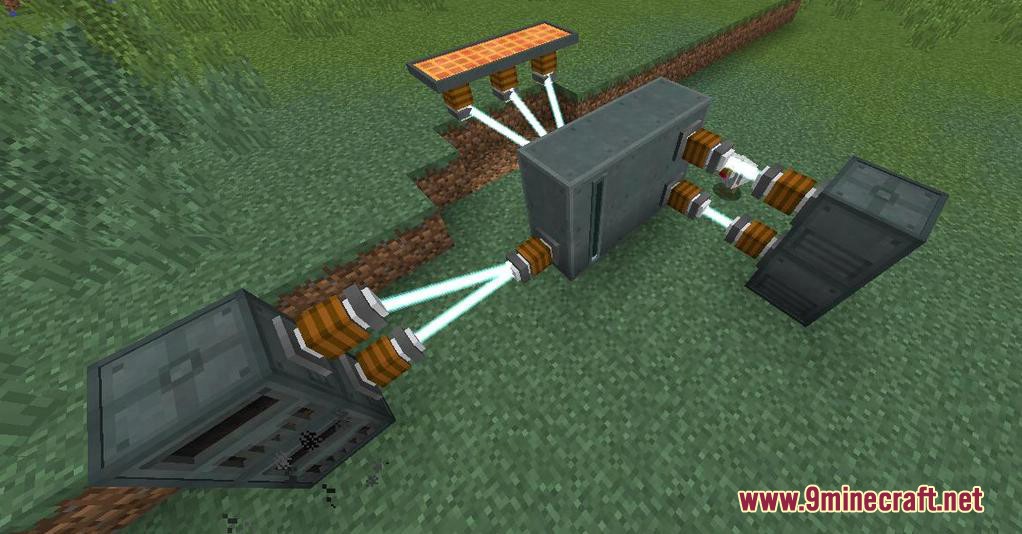
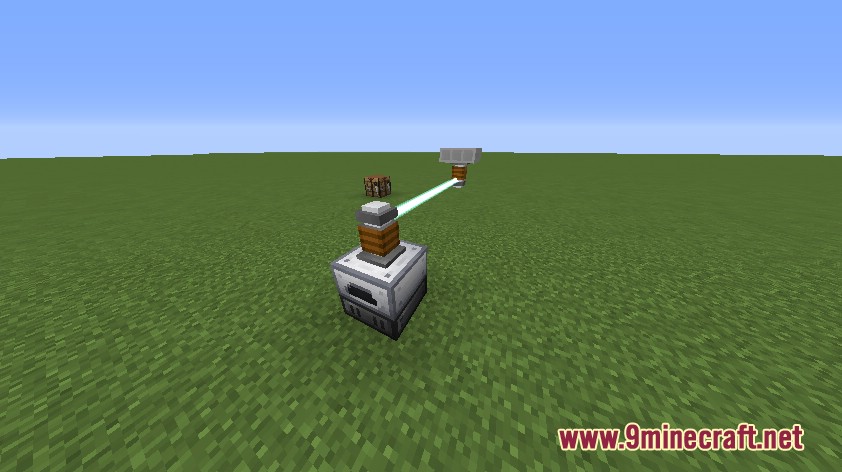
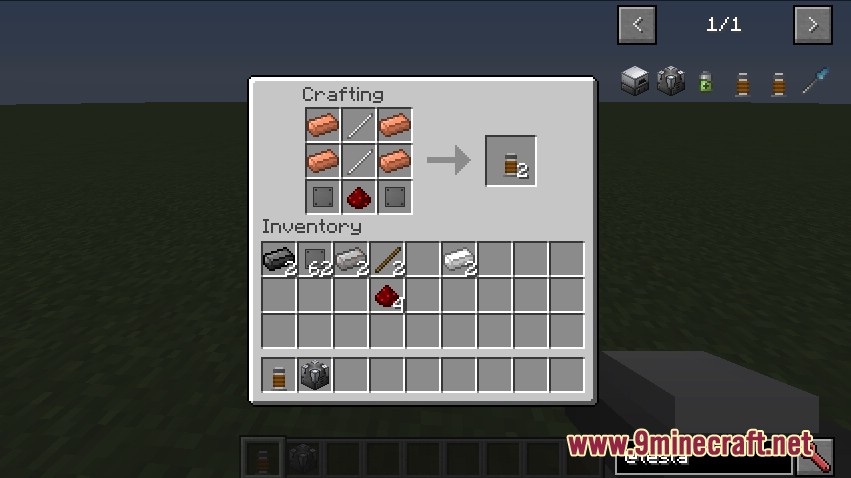
How to use:
- Simply place a Tesla Coil on the machine you want to take power from, and another on the machine you want to insert power into, then right click both with a Tuning Tool to link them.
- You’ll see a fancy laser linking the 2 coils, and Tesla power will begin transferring.
- The base rate is 20T/t, however this is configurable, and higher tiers of Tesla Coils will be coming in the future that can transfer more power.
Tesla Coils Mod Download Links
For Minecraft 1.10.2
Forge version: Download from Server 1 – Download from Server 2
Quick facts
- Edition: Minecraft Java
- File type: .jar
- How to install: Install the matching mod loader (Forge, Fabric or NeoForge) for your Minecraft version. → Download the .jar. → Put it in the .minecraft/mods folder and launch that loader profile.
- Where to get it: In MC Java Mods, or directly above on this page.
Install steps are the general flow for this file type — How to install Minecraft Java mods & modpacks walks through it step by step.
Verified by MCModsHub
- Downloads as 200349.mcaddon
- Download size: 57 KB
- Download link checked 22 Jul 2026 — working
- Mirrored on our own servers — the download does not depend on the original host
These come from our own check of the pack file, not from the source page.