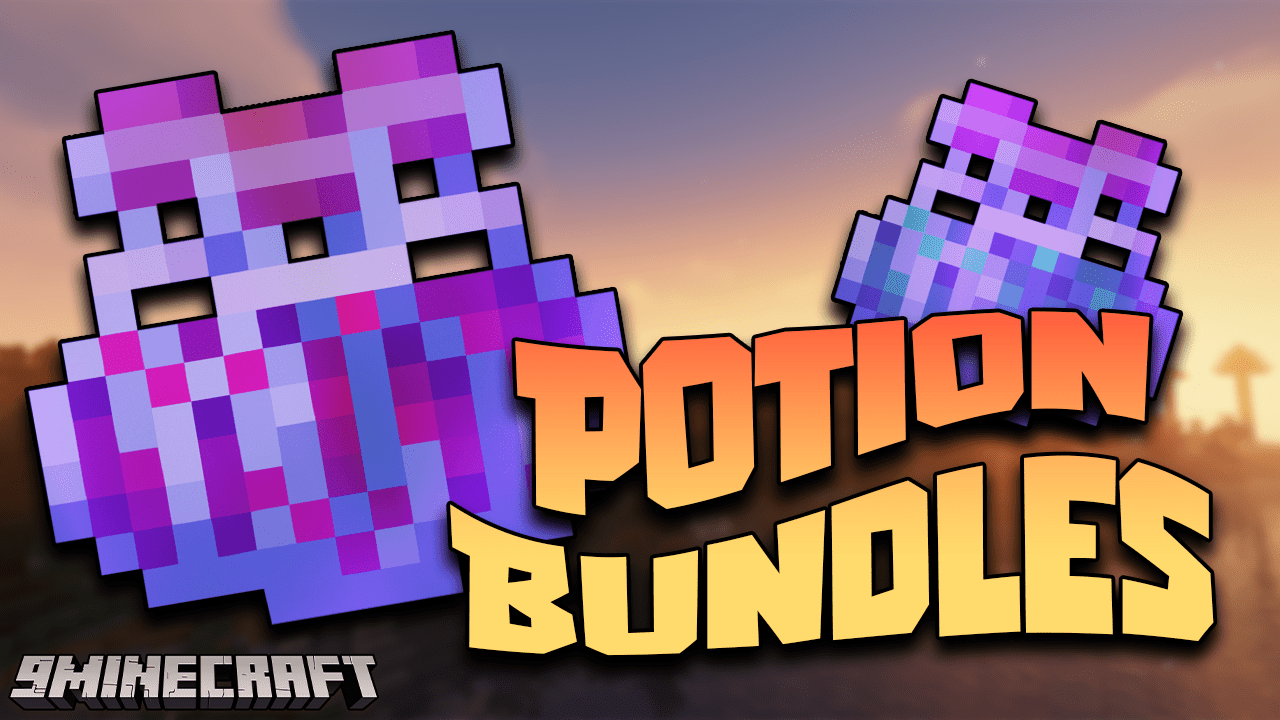
Potion Bundles Mod (1.21.1, 1.20.1) – Combine 3 Identical Potions
Java mod listed for Minecraft 1.20–1.21. Downloads from the MC Java Mods app on Android.
⬇ DownloadWith Potion Bundles Mod, you can combine three identical potions using a string in the crafting grid, which will save a significant amount of space during long and dangerous journeys.
Features:
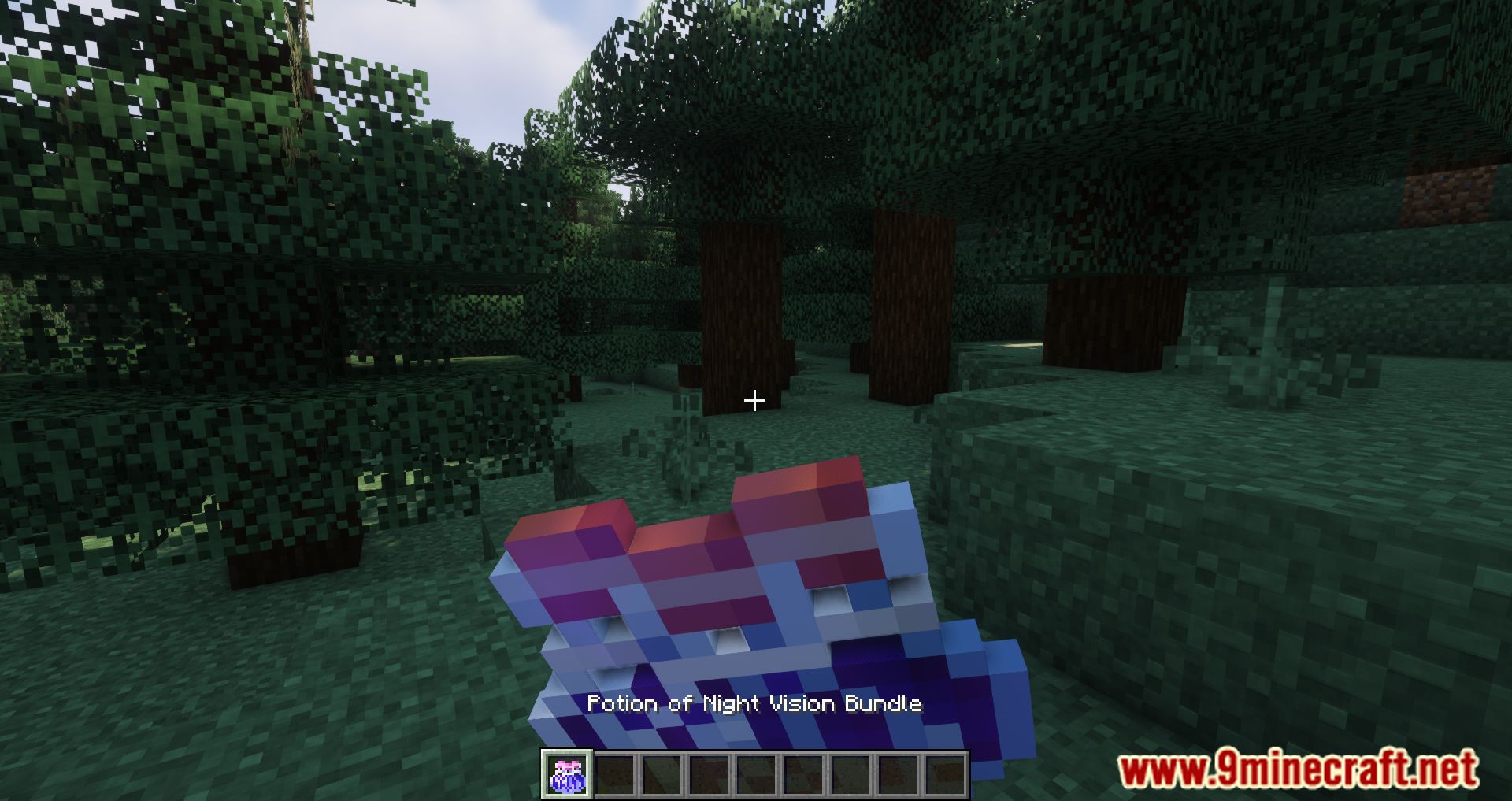
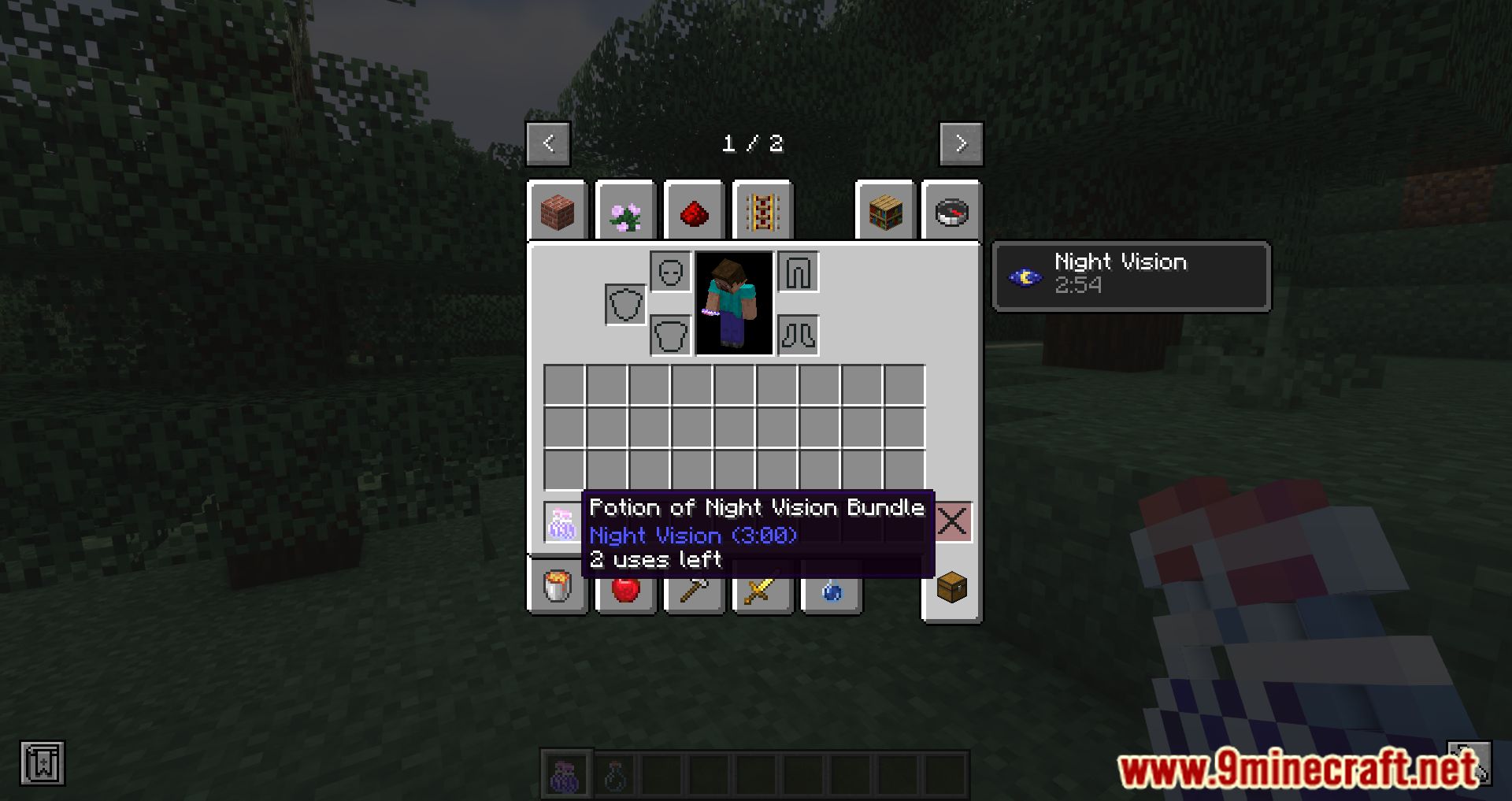
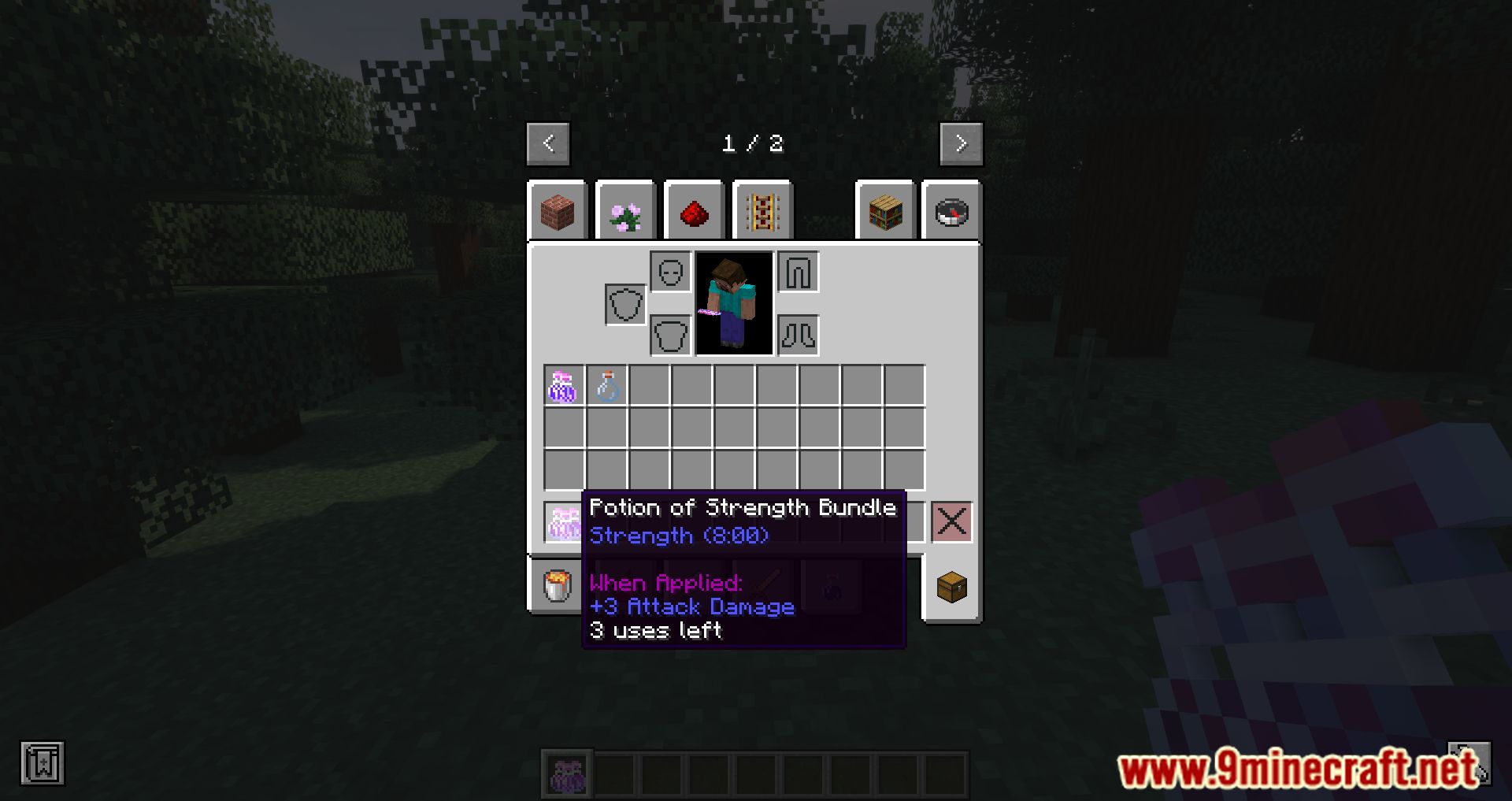
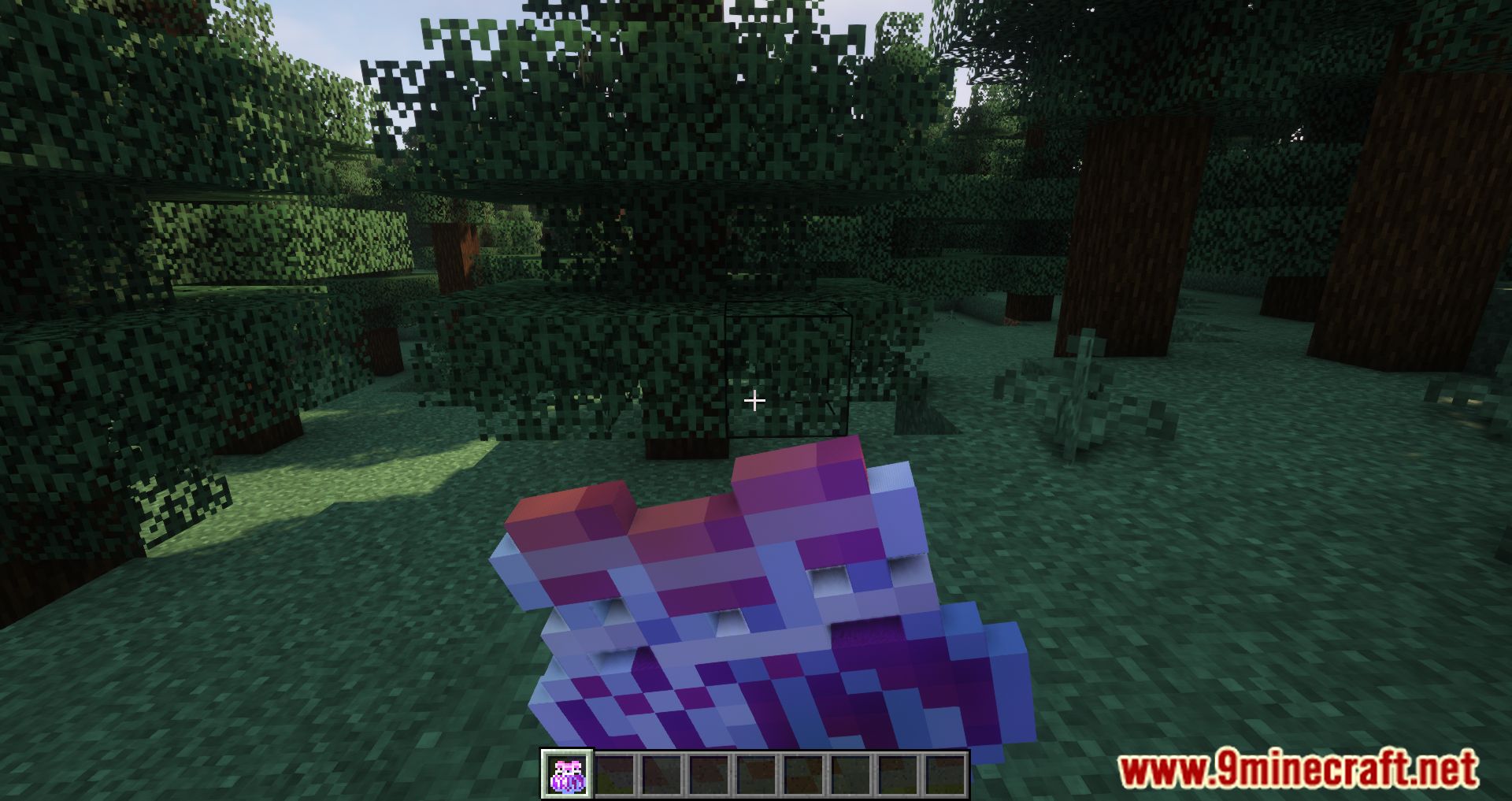
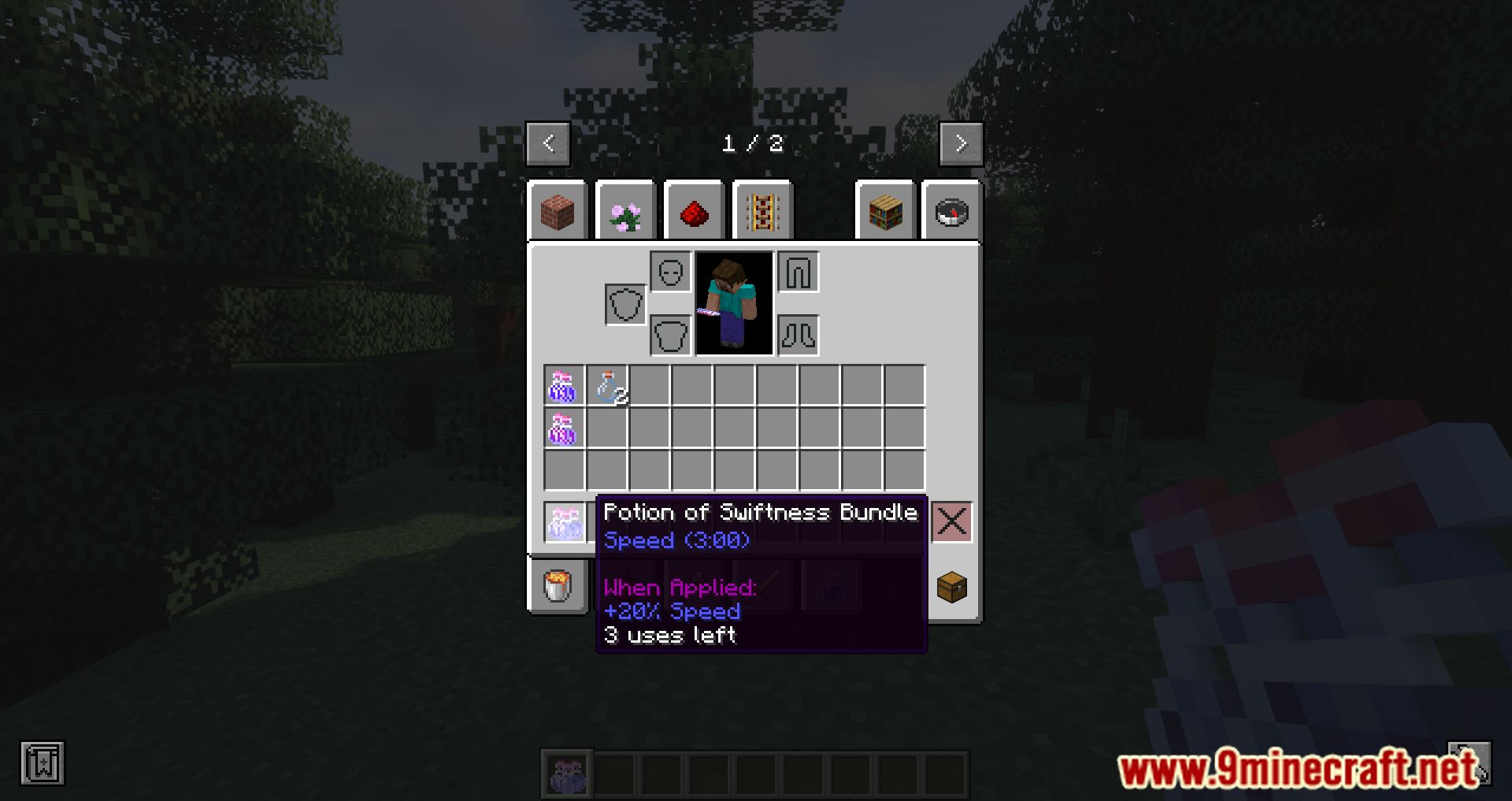
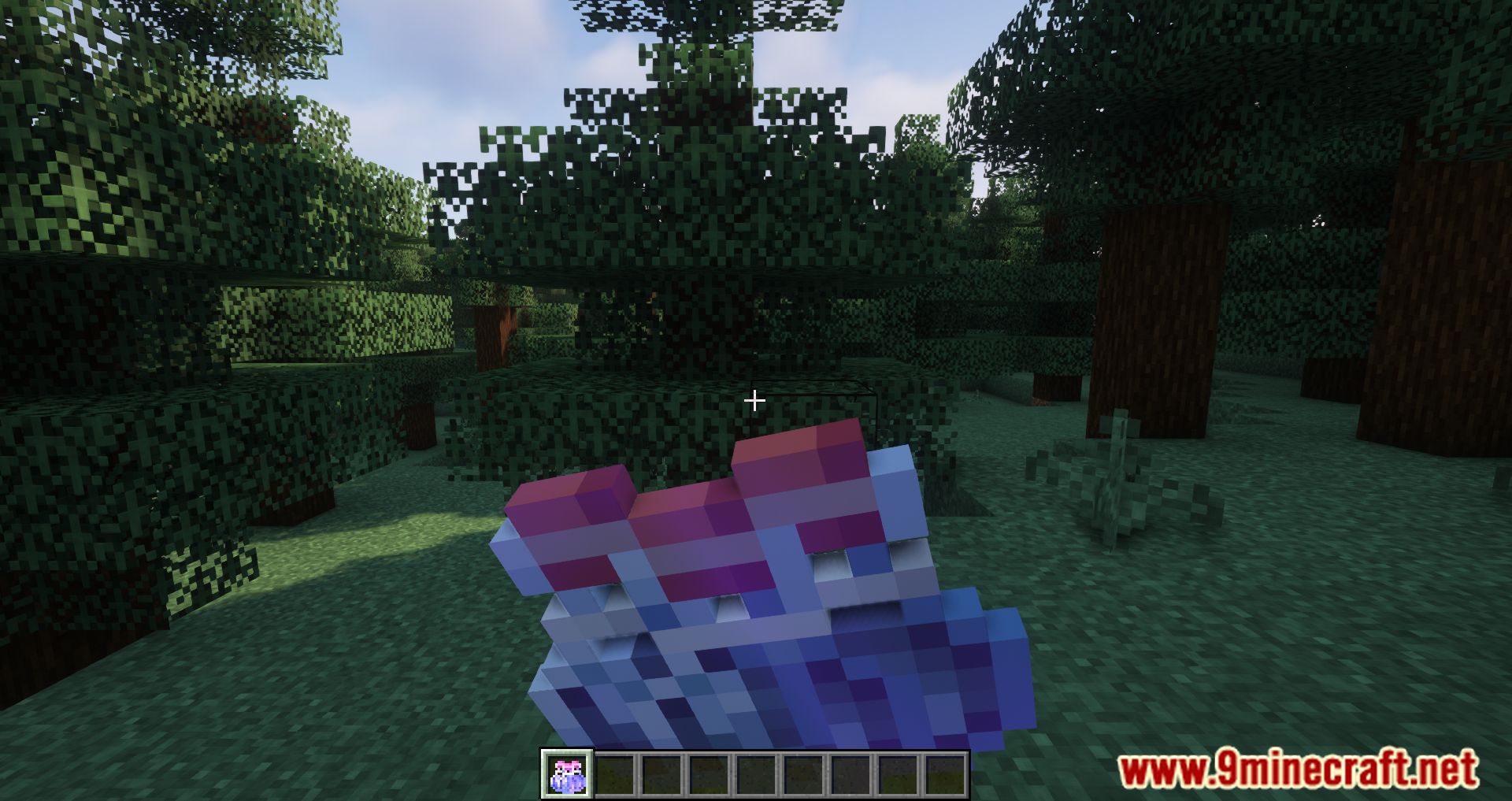
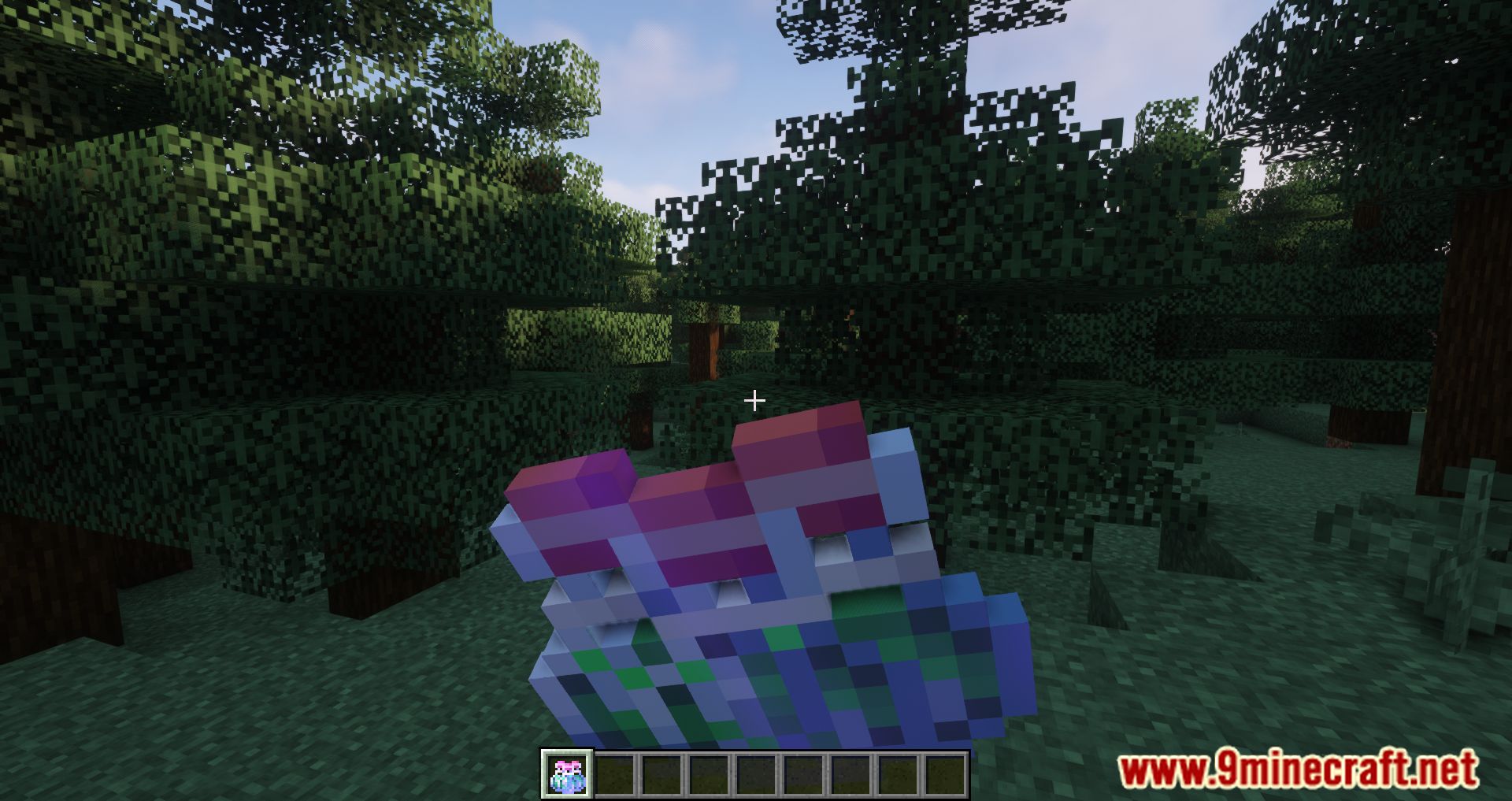
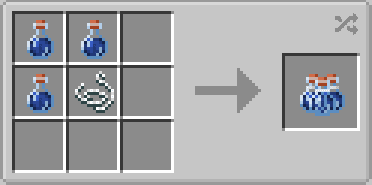
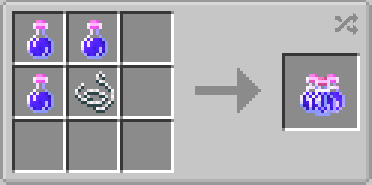
- Combine three identical potions: Use a string in the crafting grid to bundle three identical potions (bottles) into one bundle, saving inventory space.
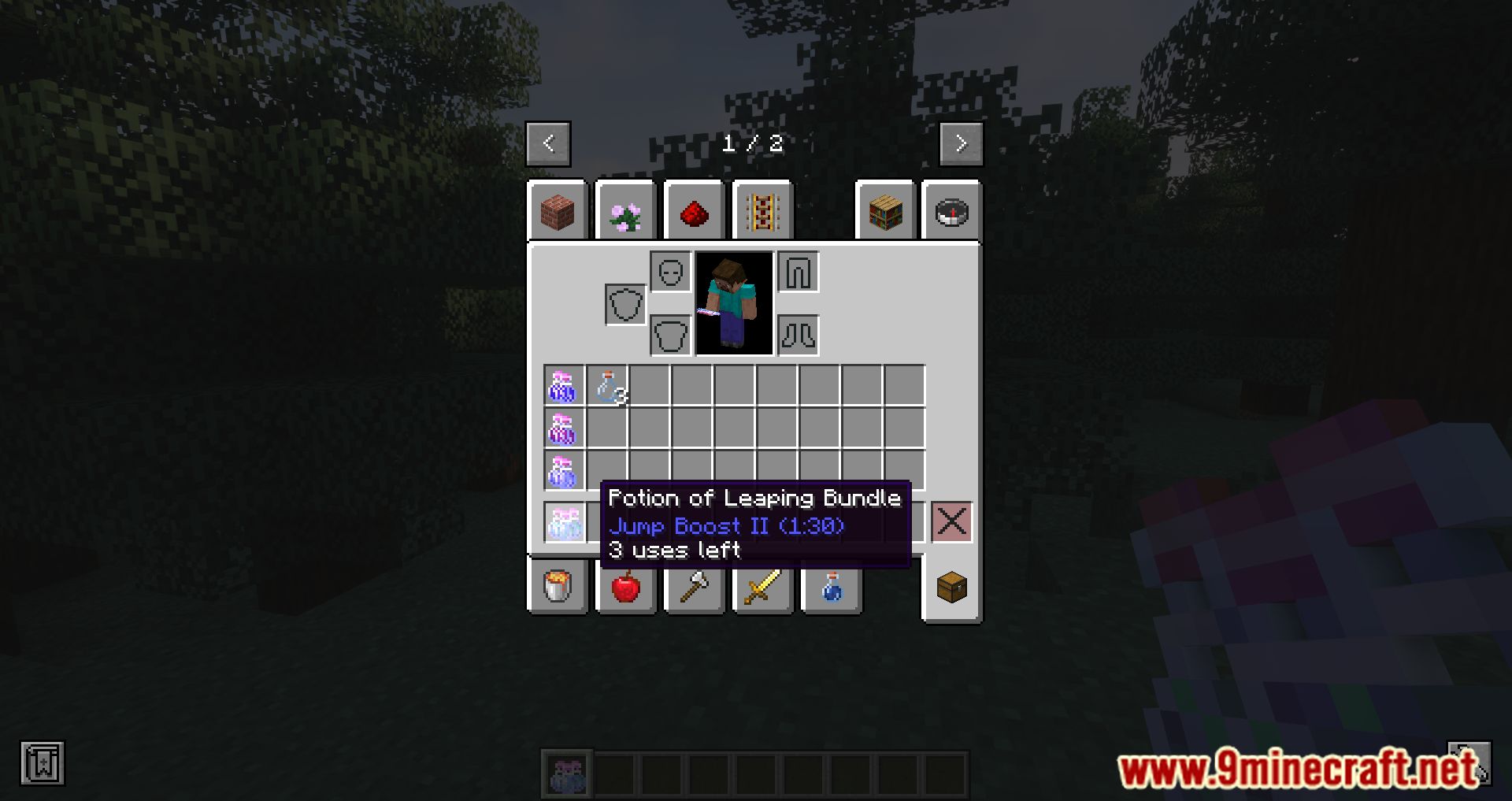
- The mod works with all types of potions, including those from other mods, as long as they use Minecraft’s potion registry system.
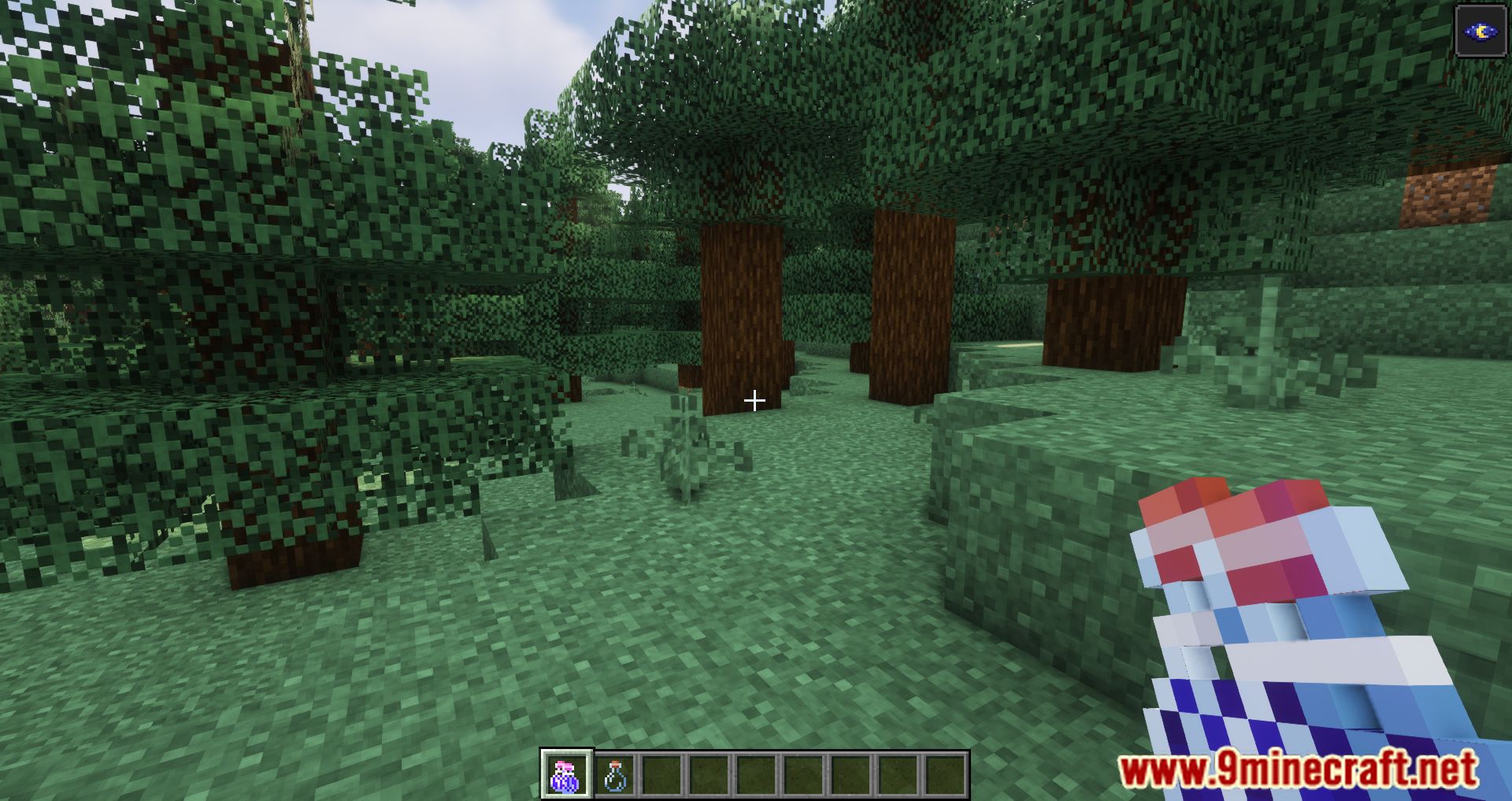
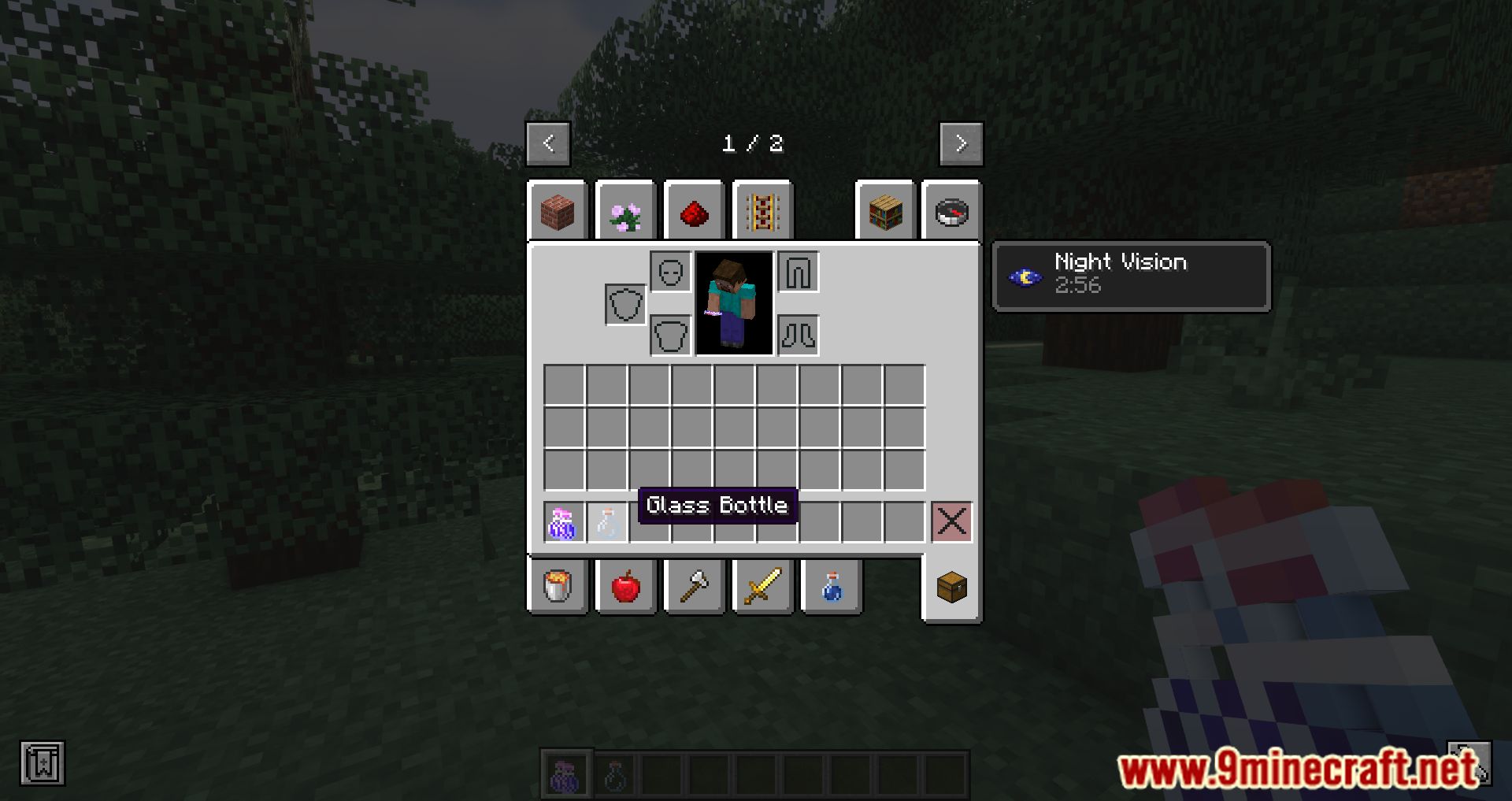
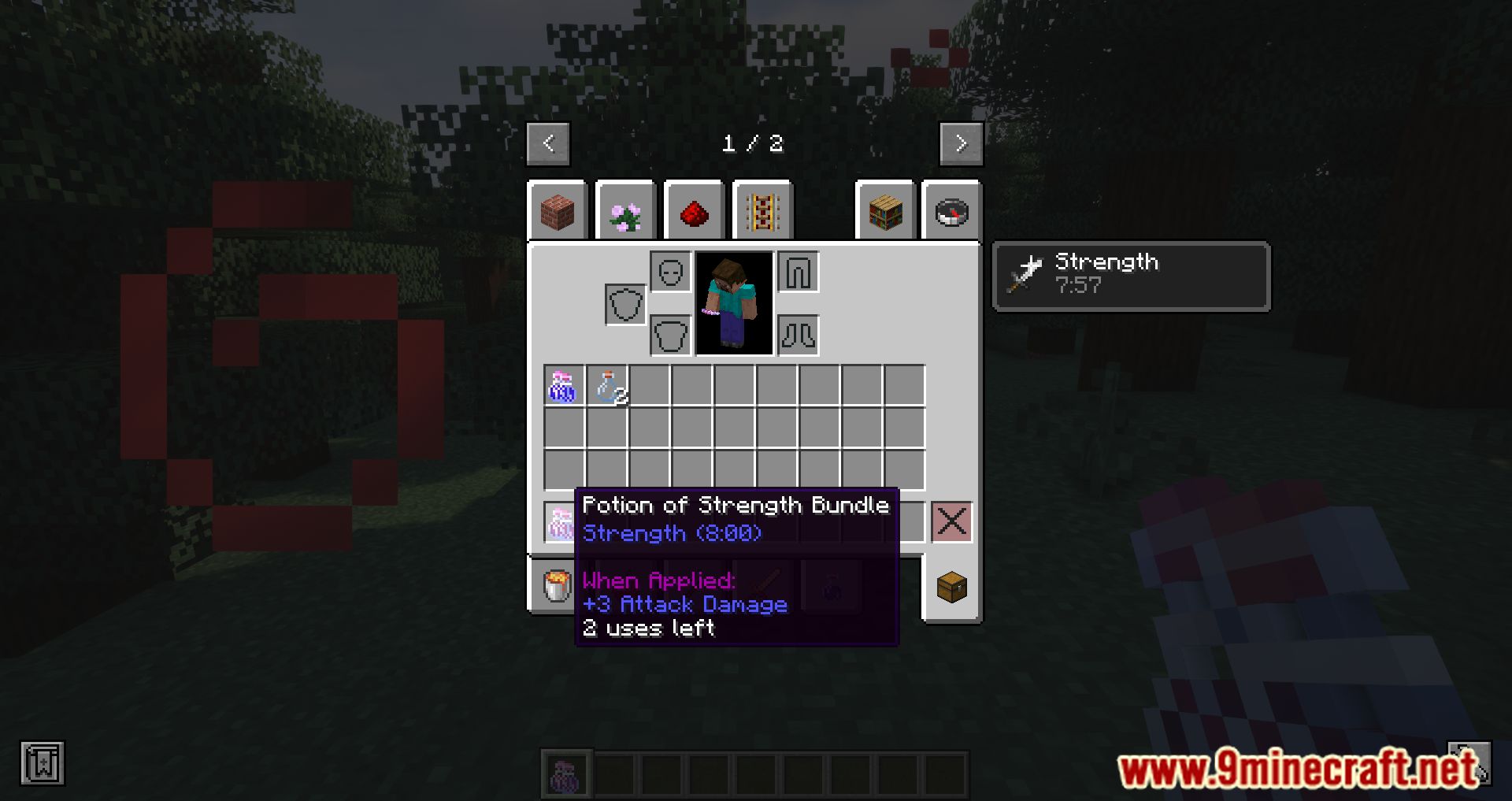
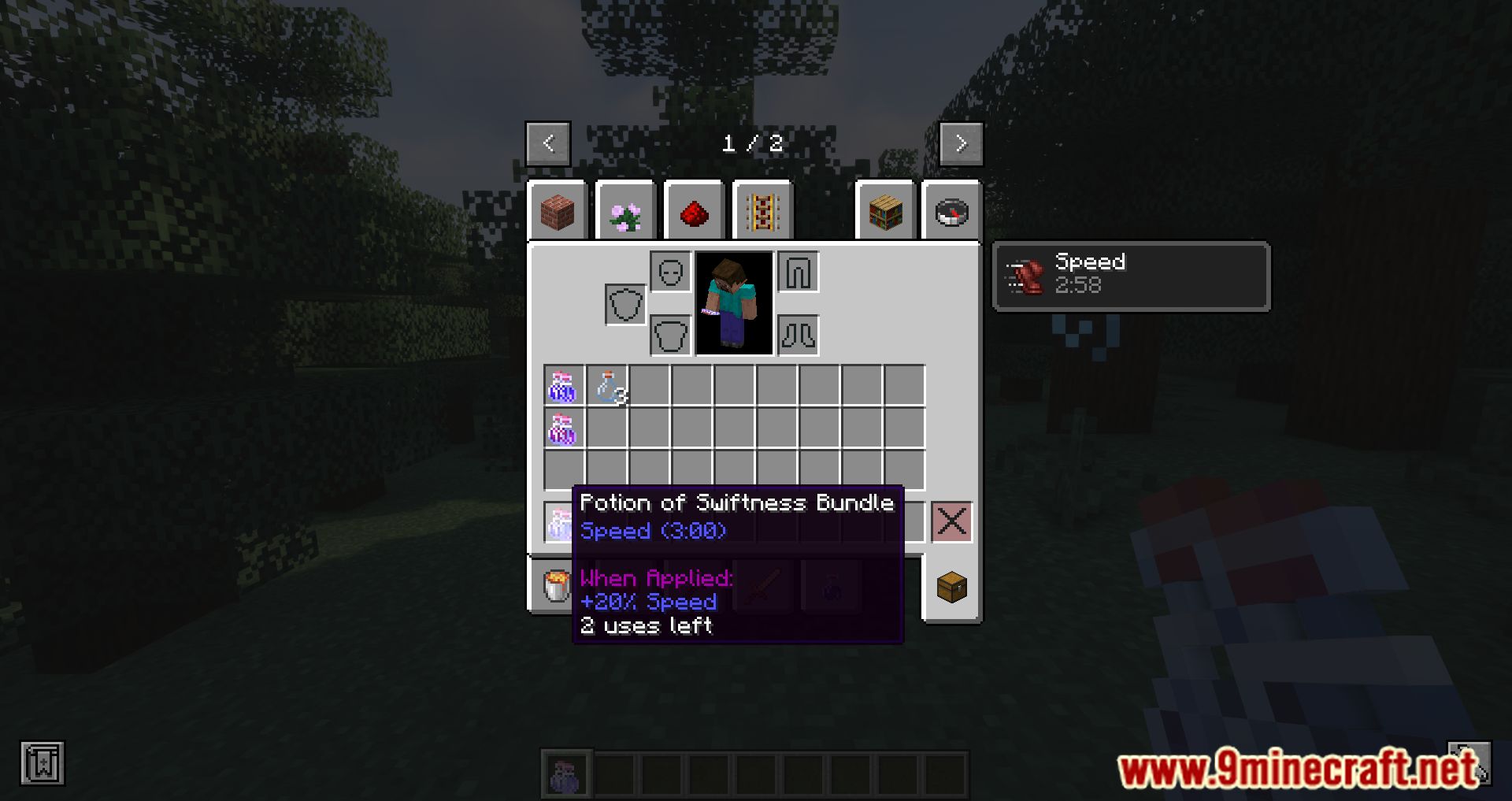
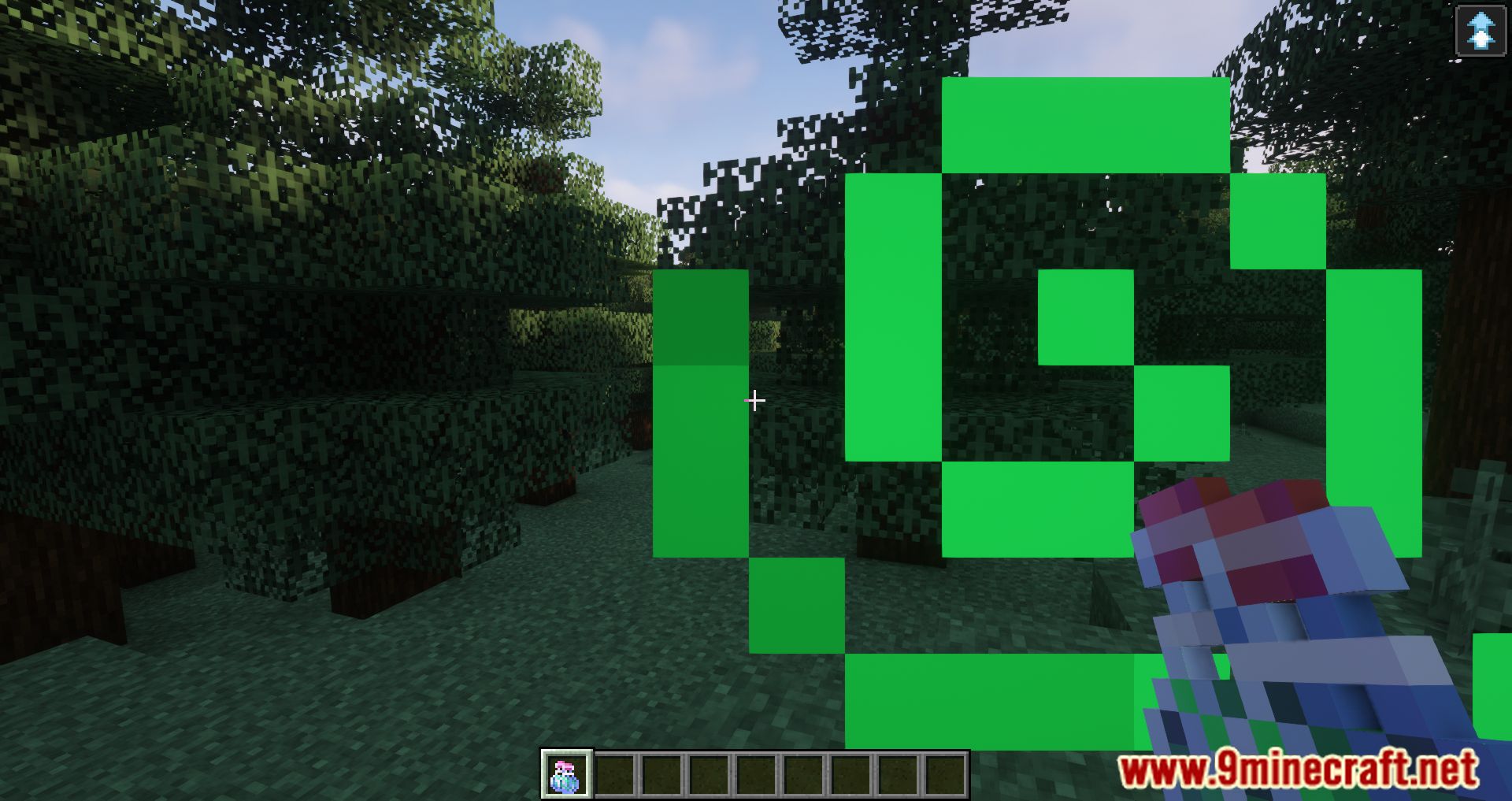
- When using a potion bundle, the player consumes one dose of the potion, returning an empty bottle to the inventory. After consuming all three potions, the string is returned (this feature is customizable).
- Players can modify settings in the configuration file, such as enabling/disabling the return of the string after the bundle is used up.
Screenshots:
Crafting Recipes:
Requires:
Minecraft Forge
Potion Bundles Mod Download Links
For Minecraft 1.15.2
Forge Version: Download from Server 1 – Download from Server 2
For Minecraft 1.16.5
Forge Version: Download from Server 1 – Download from Server 2
For Minecraft 1.17.1
Forge Version: Download from Server 1 – Download from Server 2
For Minecraft 1.18.2, 1.18.1
Forge Version: Download from Server 1 – Download from Server 2
For Minecraft 1.19
Forge Version: Download from Server 1 – Download from Server 2
For Minecraft 1.19.2, 1.19.1
Forge Version: Download from Server 1 – Download from Server 2
For Minecraft 1.19.3
Forge Version: Download from Server 1 – Download from Server 2
For Minecraft 1.19.4
Forge Version: Download from Server 1 – Download from Server 2
For Minecraft 1.20
Forge Version: Download from Server 1 – Download from Server 2
For Minecraft 1.20.1
Forge Version: Download from Server 1 – Download from Server 2
For Minecraft 1.20.4
NeoForge Version: Download from Server 1 – Download from Server 2
For Minecraft 1.20.6
NeoForge Version: Download from Server 1 – Download from Server 2
For Minecraft 1.21.1, 1.21
NeoForge Version: Download from Server 1 – Download from Server 2
- Edition: Minecraft Java
- File type: .jar
- Minecraft versions listed: 1.21.1, 1.20.1
- How to install: Install the matching mod loader (Forge, Fabric or NeoForge) for your Minecraft version. → Download the .jar. → Put it in the .minecraft/mods folder and launch that loader profile.
- Where to get it: In MC Java Mods, or directly above on this page.
Install steps are the general flow for this file type — How to install Minecraft Java mods & modpacks walks through it step by step.
- Downloads as 200395.mcaddon
- Download size: 20 KB
- Download link checked 22 Jul 2026 — working
- Mirrored on our own servers — the download does not depend on the original host
These come from our own check of the pack file, not from the source page.