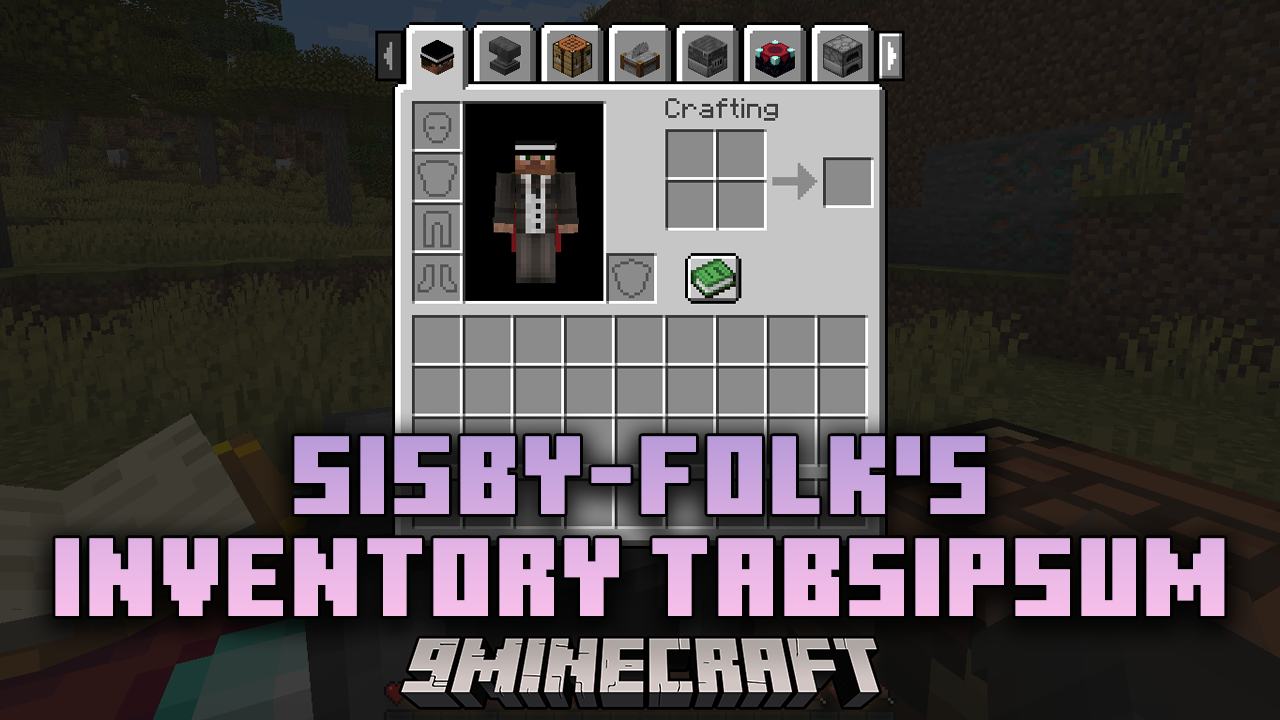
Sisby-folk's Inventory Tabs Mod (1.21.1, 1.20.1) – Improving Workflow In Minecraft
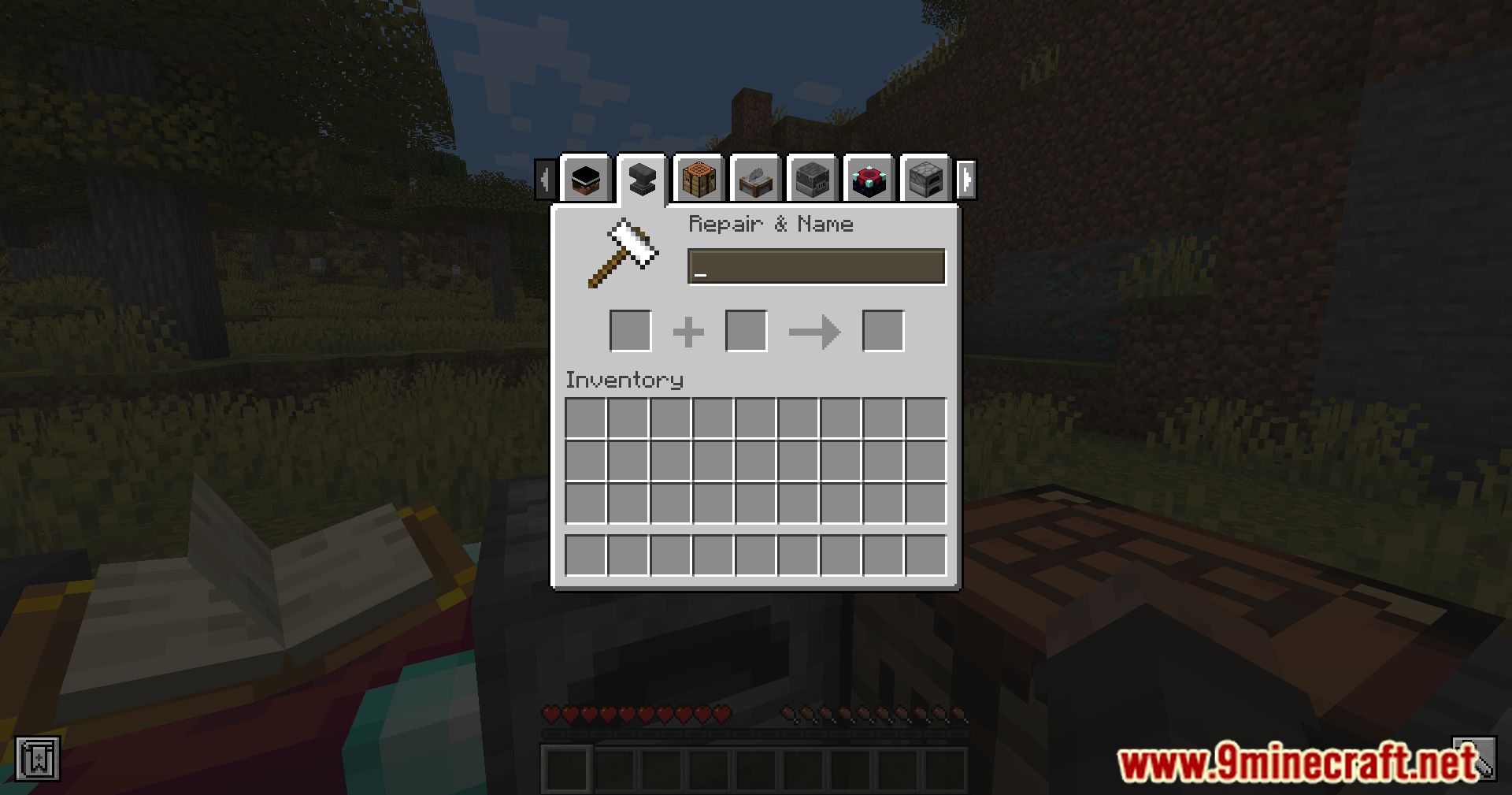
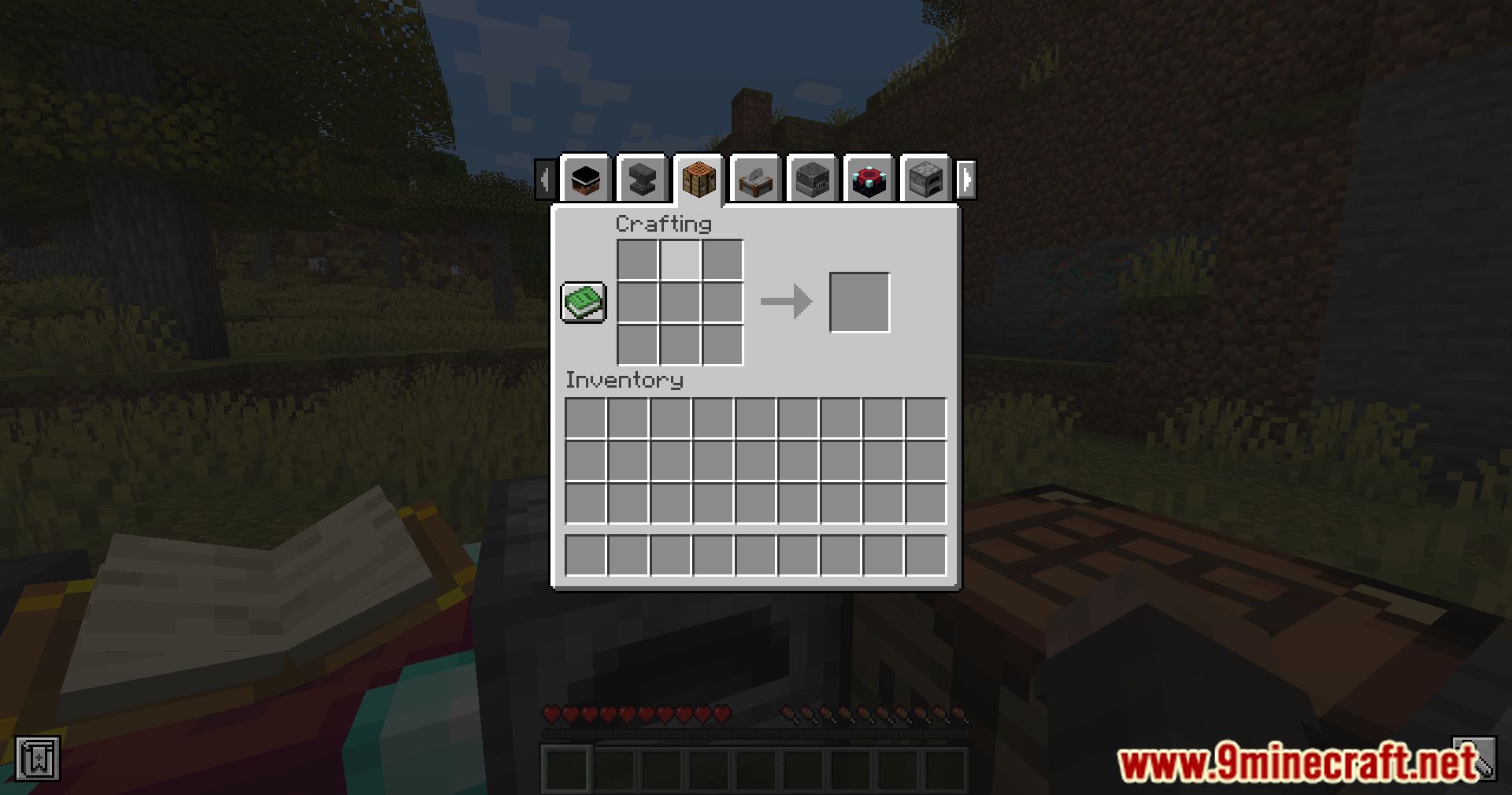
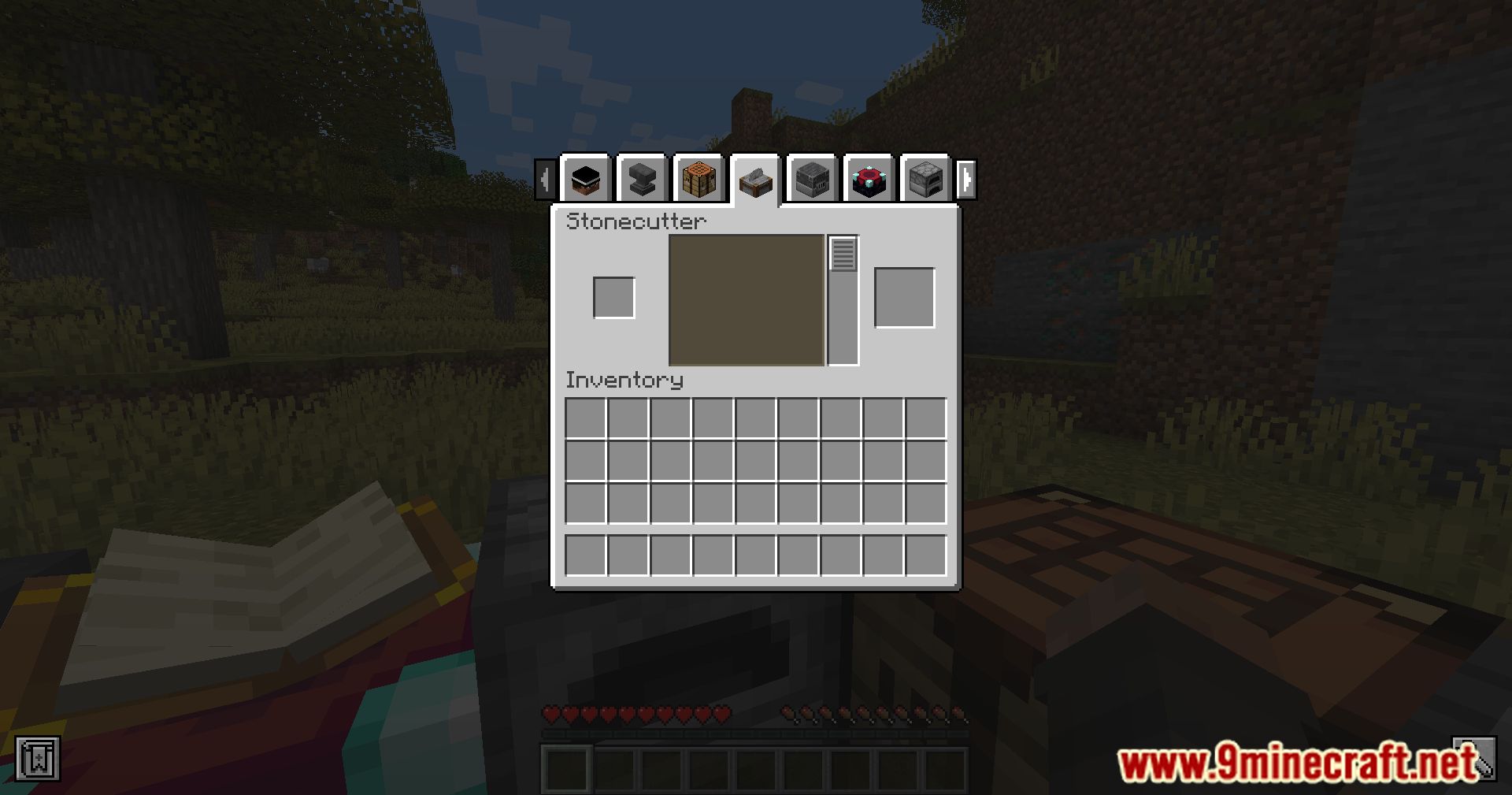
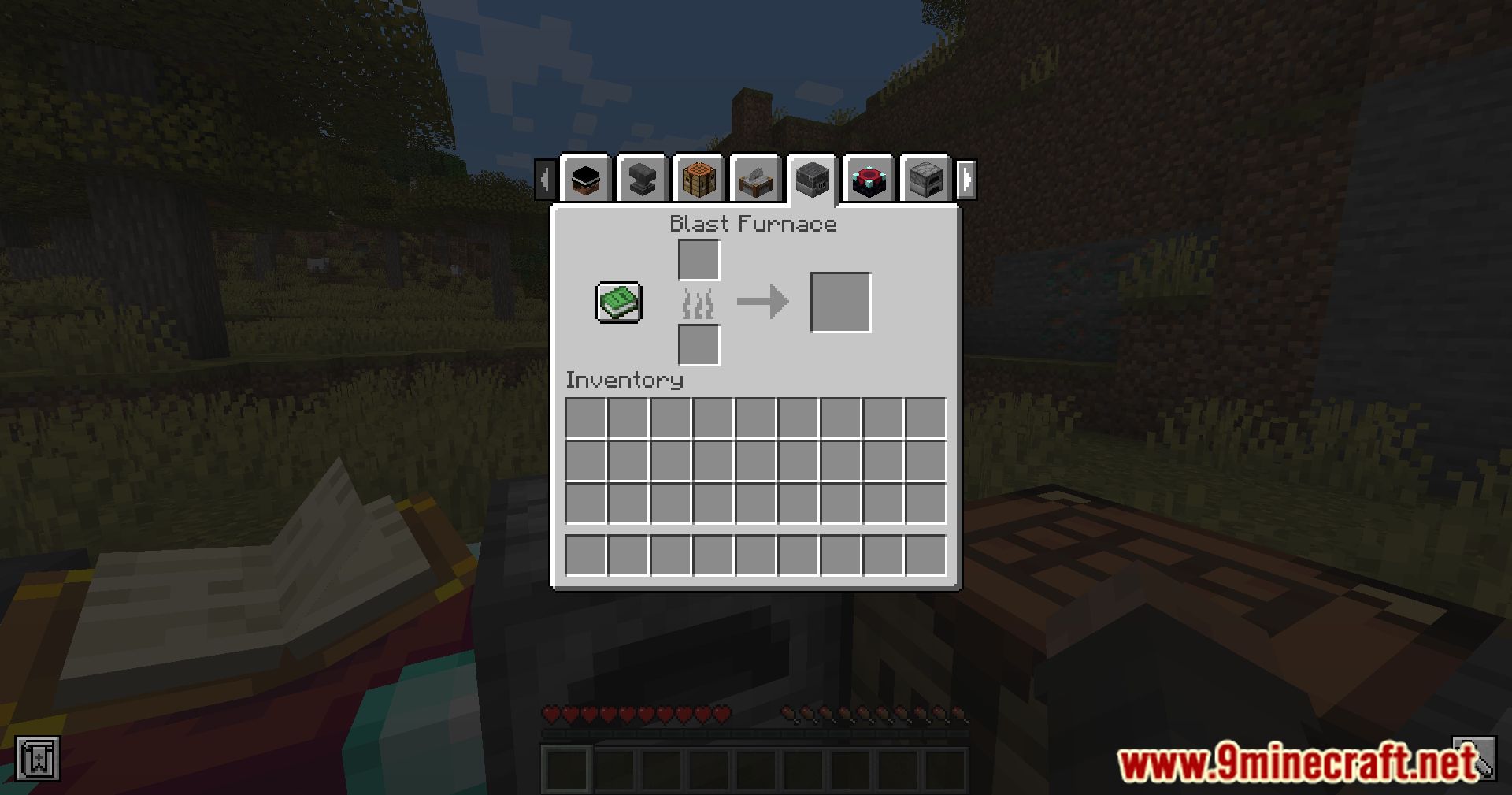
Sisby-folk's Inventory Tabs Mod enhances the user interface by allowing players to switch between different in-world screens, such as blocks and entities…
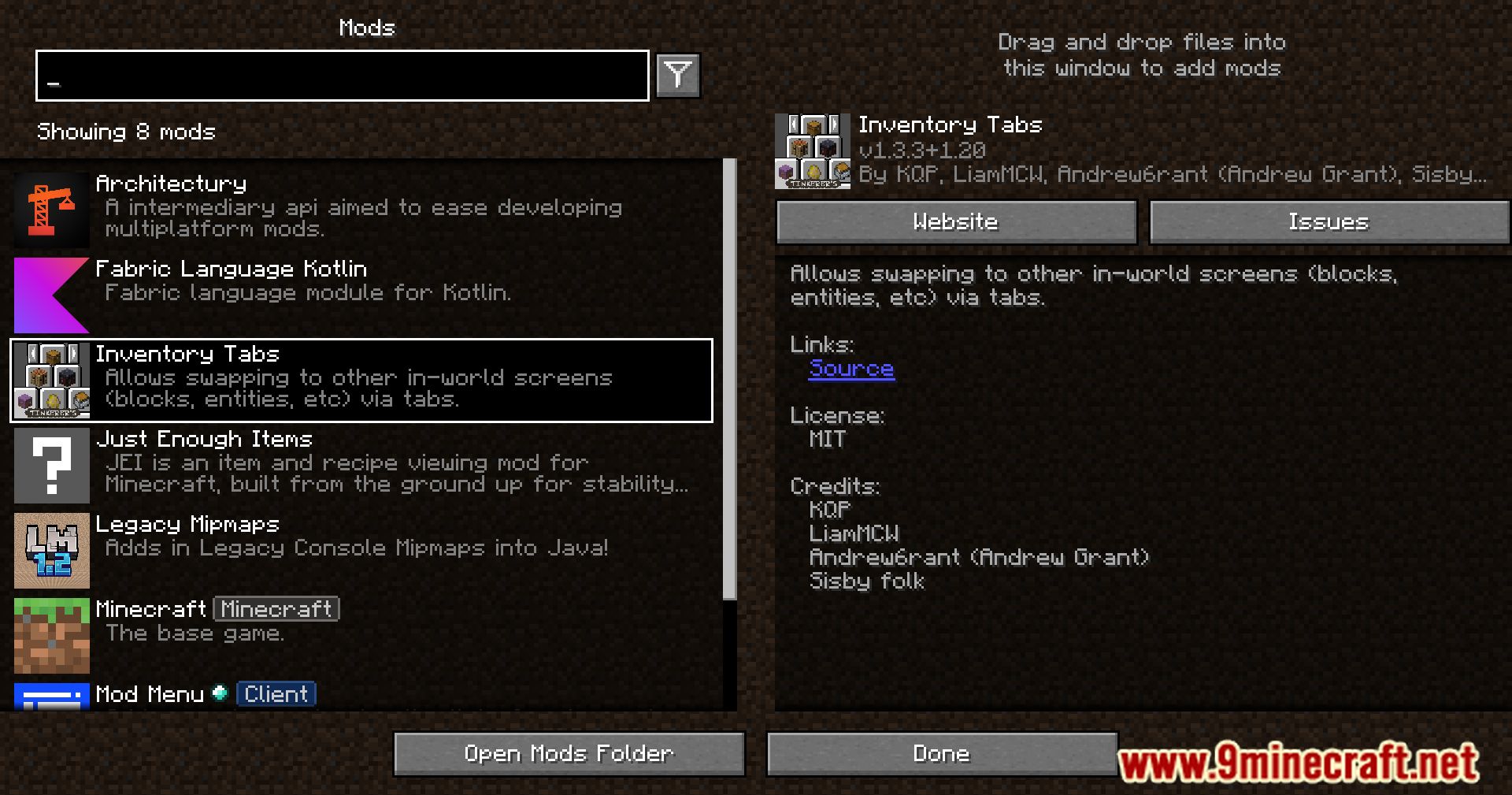
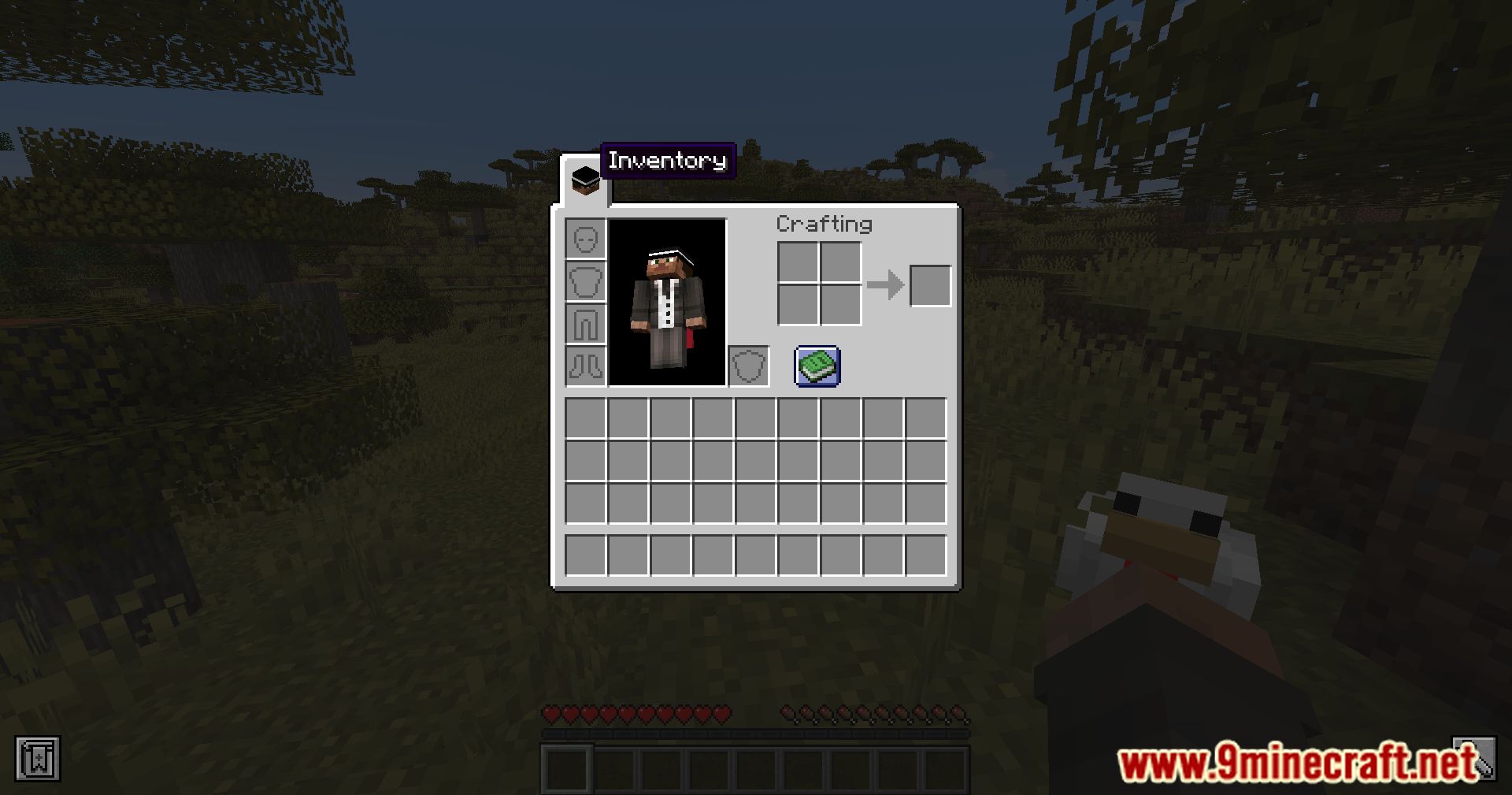
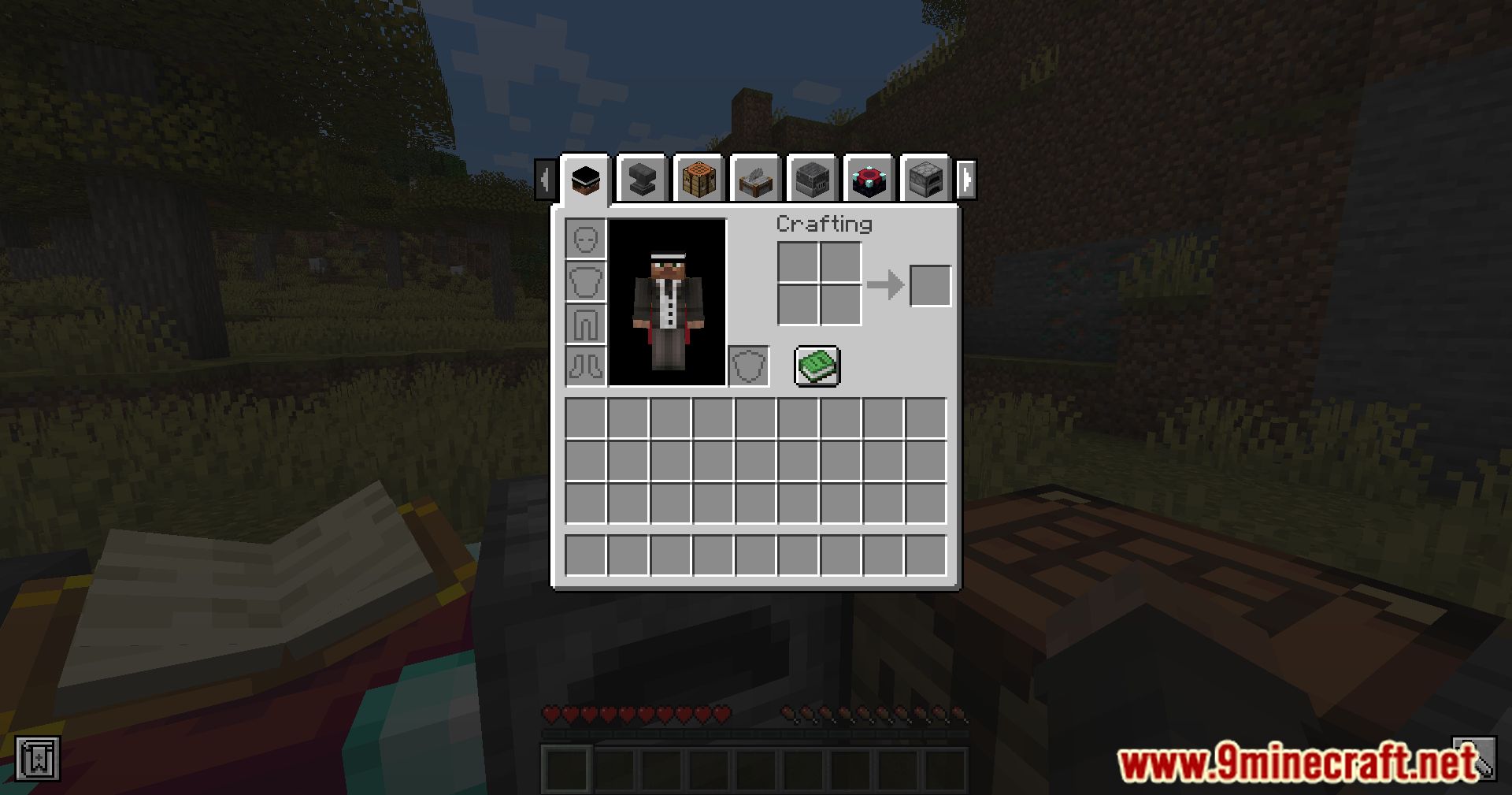
⬇ DownloadSisby-folk’s Inventory Tabs Mod enhances the user interface by allowing players to switch between different in-world screens, such as blocks and entities, using tabs.
Features:
- Tabbed Interface: Easily swap between different in-world screens, including blocks and entities, through a convenient tab system.
- User-Friendly Design: Provides a more intuitive and organized way to manage inventories and interact with the game environment.
- Enhanced Efficiency: Improves gameplay efficiency by reducing the need to constantly open and close different menus.
Screenshots:
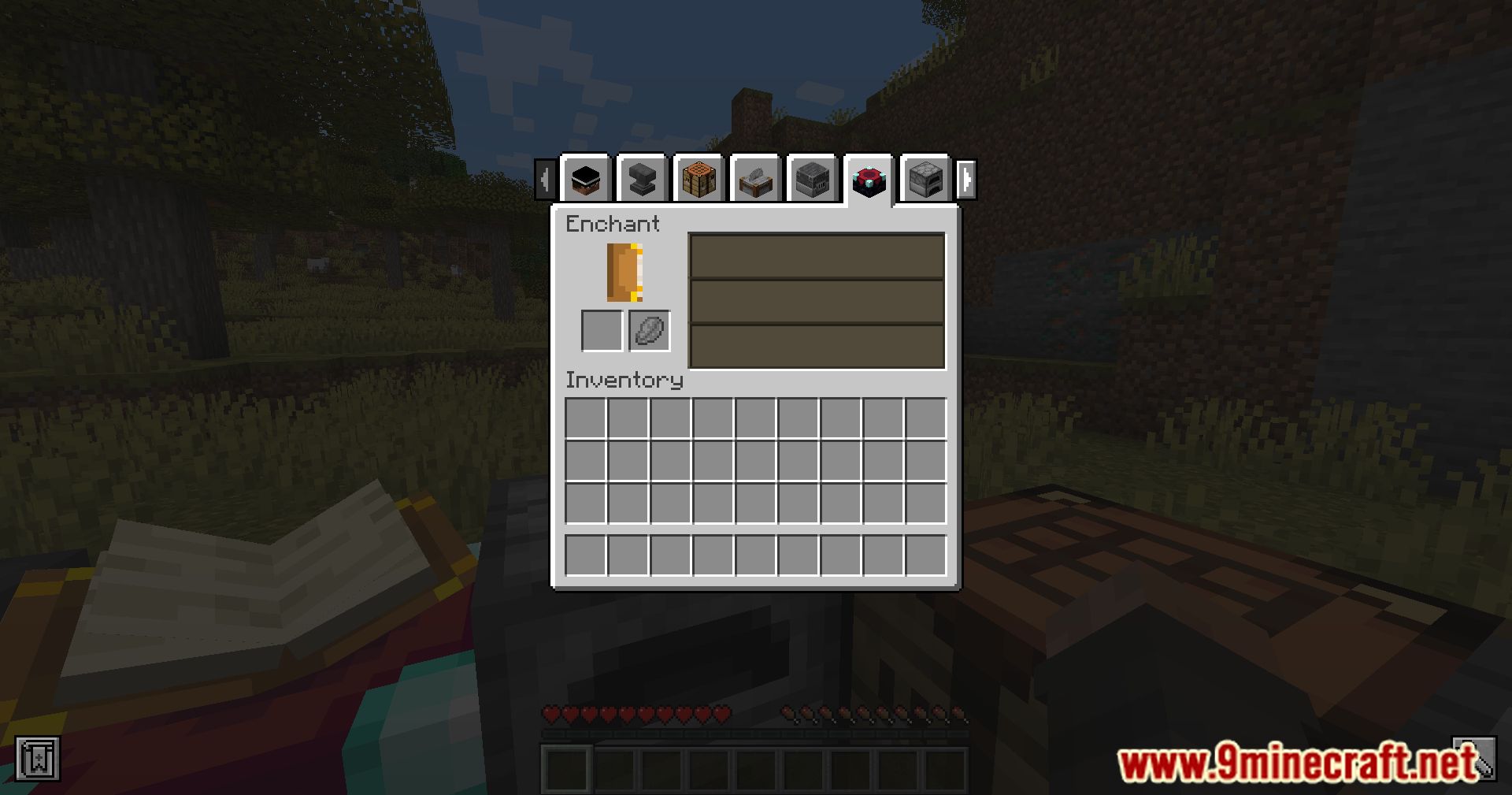
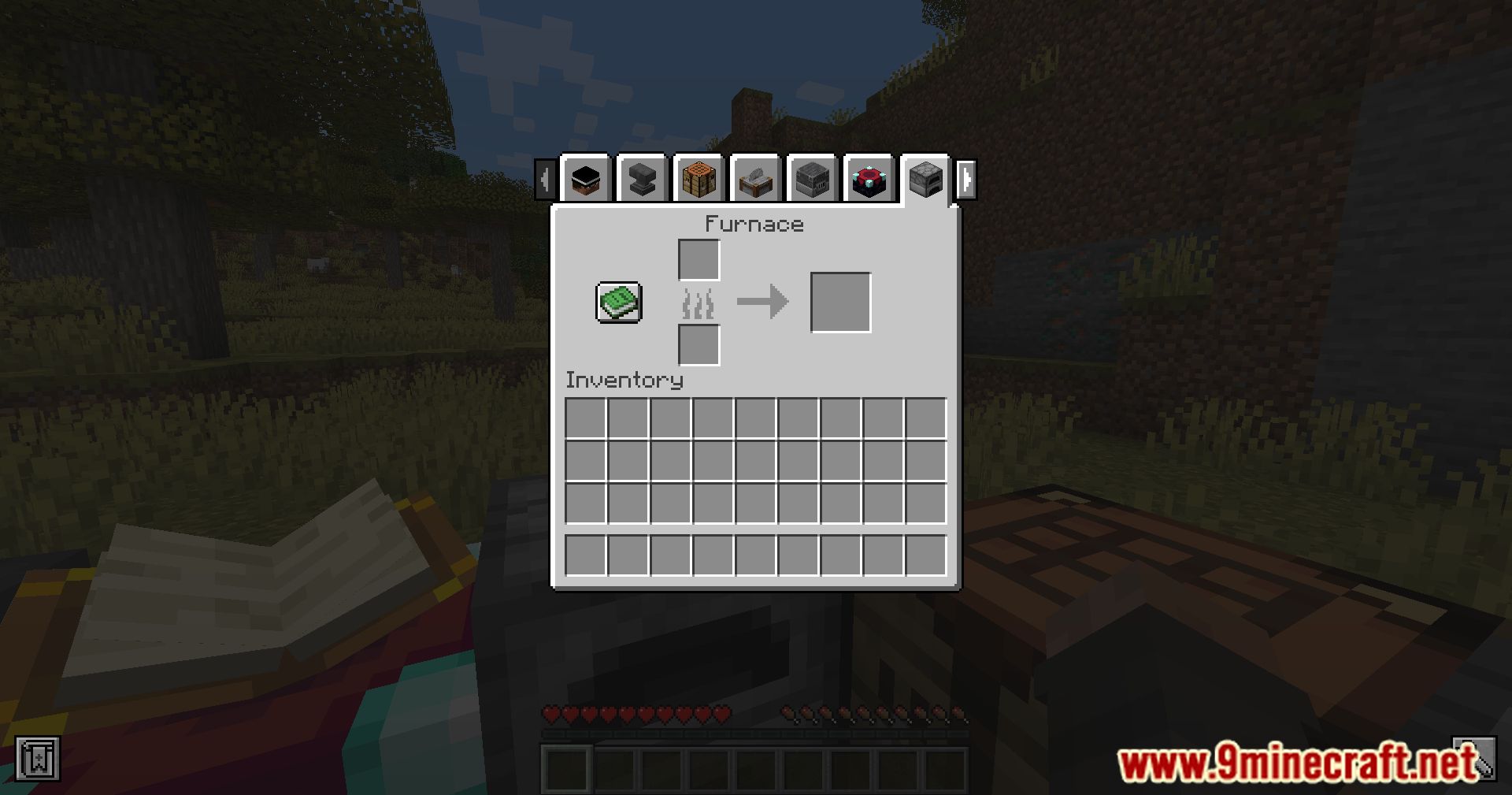
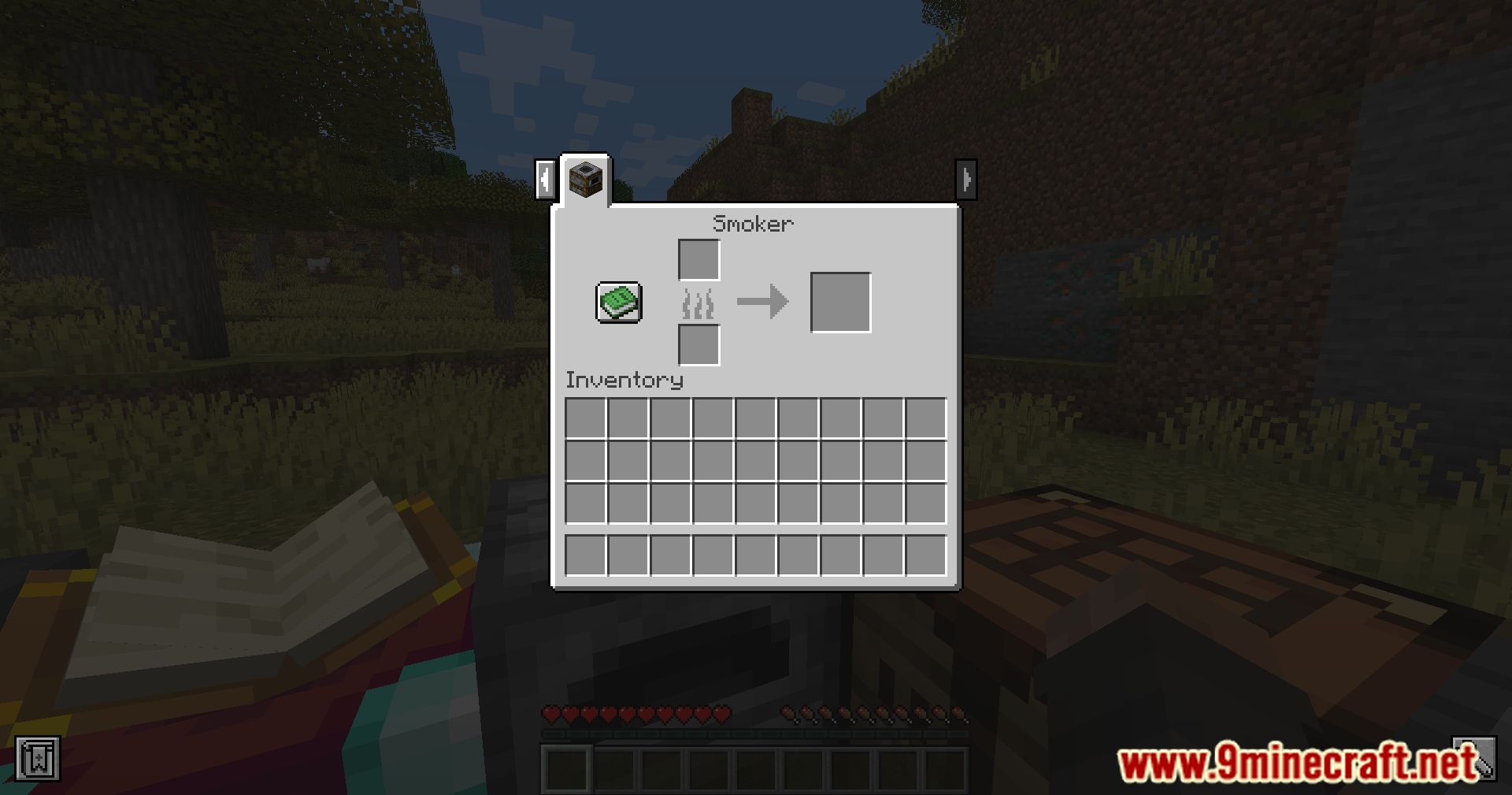
Sisby-folk’s Inventory Tabs Mod Download Links
For Minecraft 1.21.1, 1.21
Fabric/Quilt Version: Download from Server 1 – Download from Server 2
For Minecraft 1.20.1
Forge/Fabric/Quilt Version: Download from Server 1 – Download from Server 2
For Minecraft 1.19.2
Fabric/Quilt Version: Download from Server 1 – Download from Server 2
For Minecraft 1.18.2
Fabric/Quilt Version: Download from Server 1 – Download from Server 2
- Edition: Minecraft Java
- File type: .jar
- Minecraft versions listed: 1.21.1, 1.20.1
- How to install: Install the matching mod loader (Forge, Fabric or NeoForge) for your Minecraft version. → Download the .jar. → Put it in the .minecraft/mods folder and launch that loader profile.
- Where to get it: In MC Java Mods, or directly above on this page.
Install steps are the general flow for this file type — How to install Minecraft Java mods & modpacks walks through it step by step.
- Downloads as 200424.mcaddon
- Download size: 377 KB
- Download link checked 22 Jul 2026 — working
- Mirrored on our own servers — the download does not depend on the original host
These come from our own check of the pack file, not from the source page.