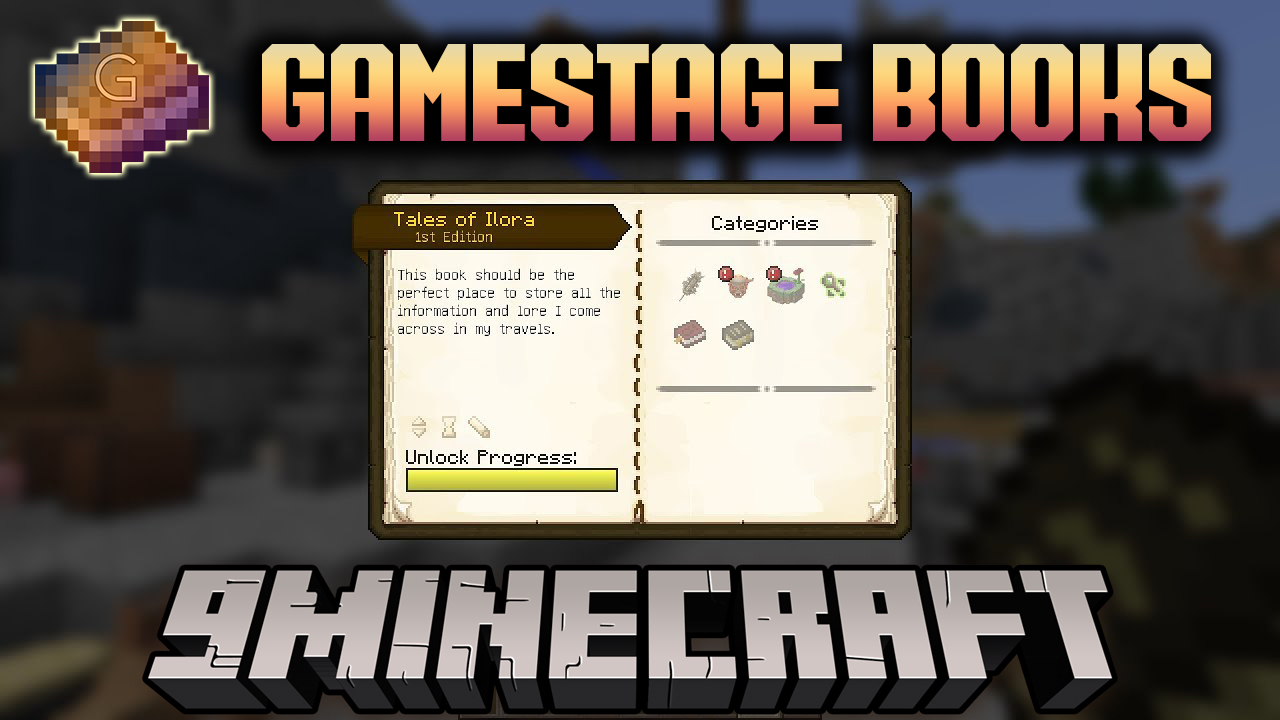
Gamestage Books Mod is a Crafttweaker addon that generate books which unlock gamestages. You can set things like what color the book should be, and what item it should display as a header when the book is used to unlock the stage.
Gamestage Books is a modification exclusively for pack creators or server founders, as the mod adds scenario books. In them, you can write a survival script or the order of obtaining items and sending rewards for it.
How to use:
Put all of the books in a separate script. The first line must be #loader gamestagebooks This ensures that the script is during preInit, so that items & their models can be properly registered.
Script example:
#loader gamestagebooks

import mods.gamestagebooks.Book;

Book.addBook("emerald_stage", "Emerald Knowledge", "Emerald Handbook", "minecraft:emerald", 0x0cf200);
- Stagename -> “emerald_stage”
- Human readable stagename(used in unlock title) -> “Emerald Knowledge”
- Name of the Book -> “Emerald Handbook”
- Item to display on unlock -> “minecraft:emerald”
- Item to display on unlock with meta -> “minecraft:wool@4”
- Color of the book -> 0x0cf200
- Color is a hexvalue prefixed with 0x
Gamestage Books Mod Download Links
For Minecraft 1.12.2
Forge version: Download from Server 1 – Download from Server 2
- Edition: Minecraft Java
- File type: .jar
- How to install: Install the matching mod loader (Forge, Fabric or NeoForge) for your Minecraft version. → Download the .jar. → Put it in the .minecraft/mods folder and launch that loader profile.
- Where to get it: In MC Java Mods, or directly above on this page.
Install steps are the general flow for this file type — How to install Minecraft Java mods & modpacks walks through it step by step.
- Downloads as 200427.mcaddon
- Download size: 24 KB
- Download link checked 22 Jul 2026 — working
- Mirrored on our own servers — the download does not depend on the original host
These come from our own check of the pack file, not from the source page.