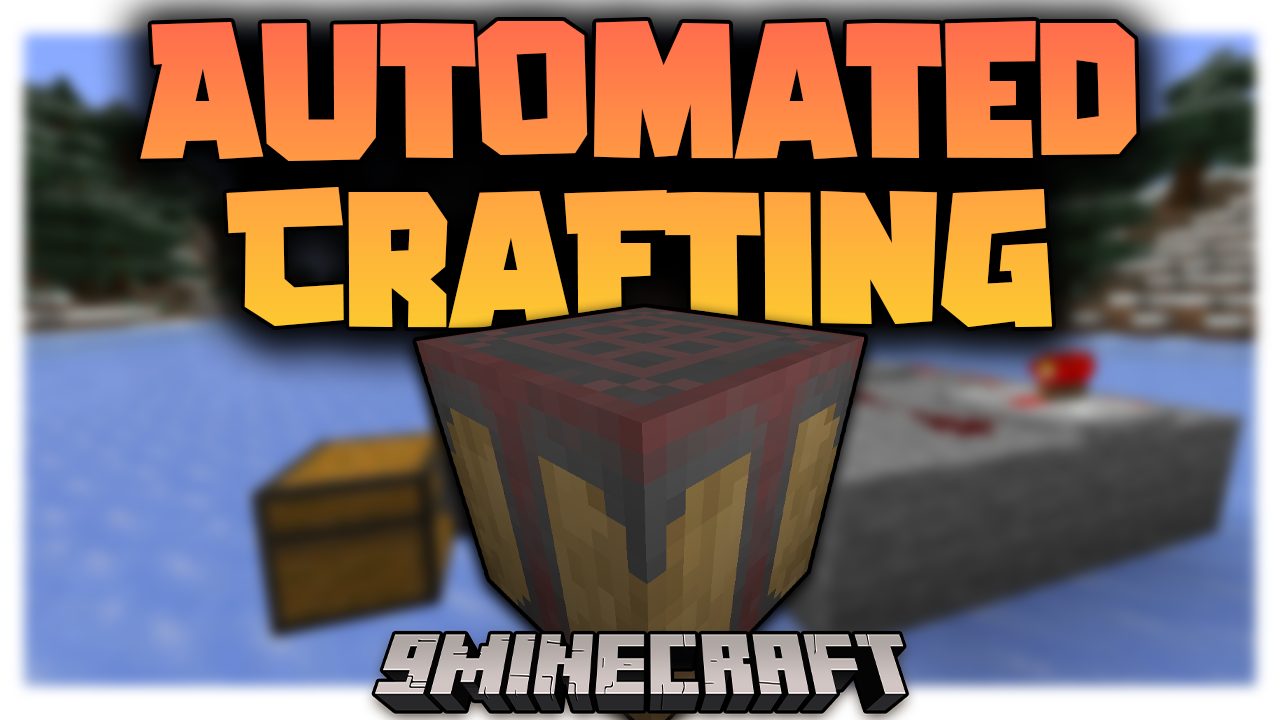
Automated Crafting Mod (1.21.1, 1.20.1) – Automatic Item Crafting
Java mod listed for Minecraft 1.20–1.21. Downloads from the MC Java Mods app on Android.
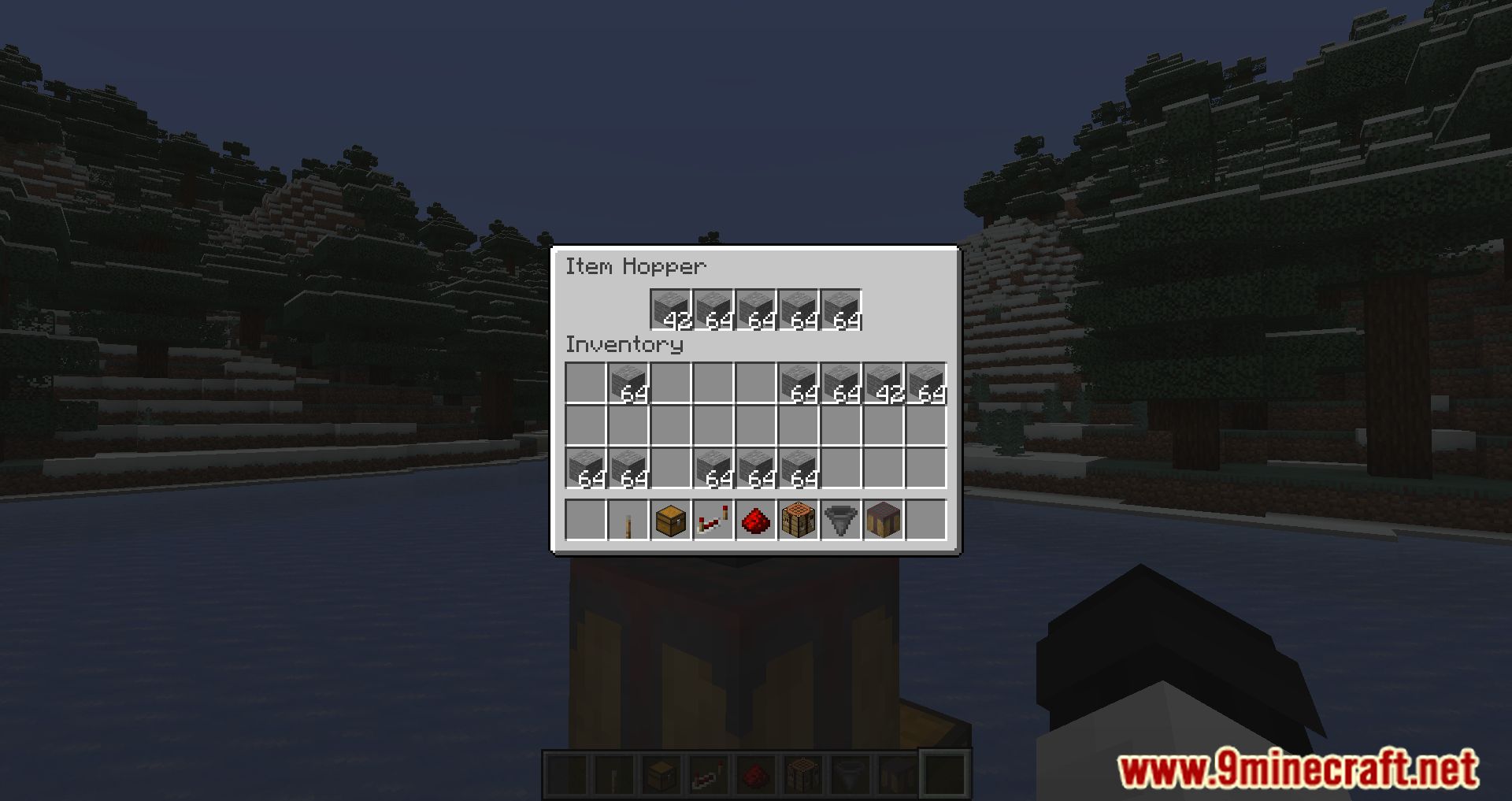
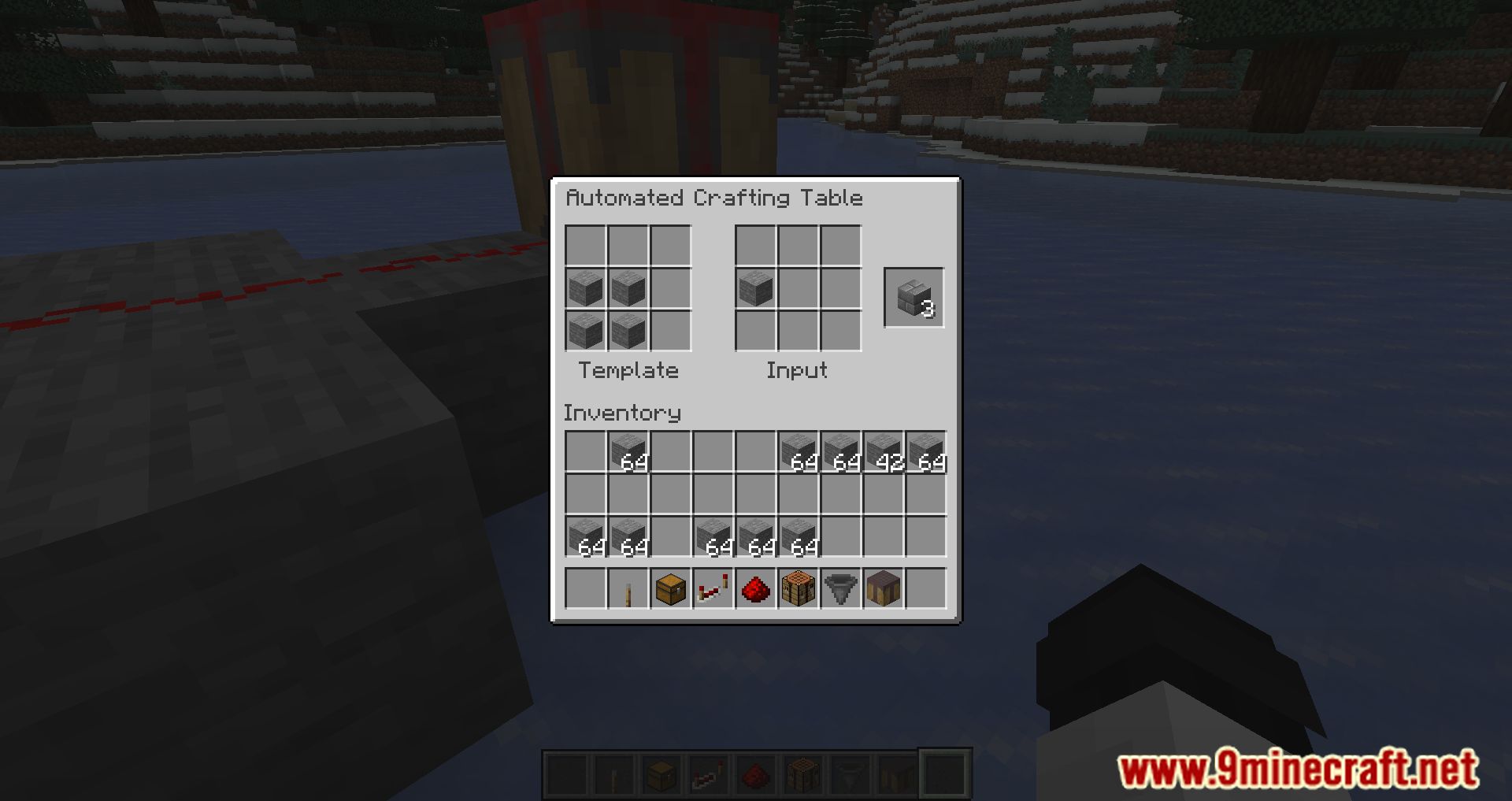
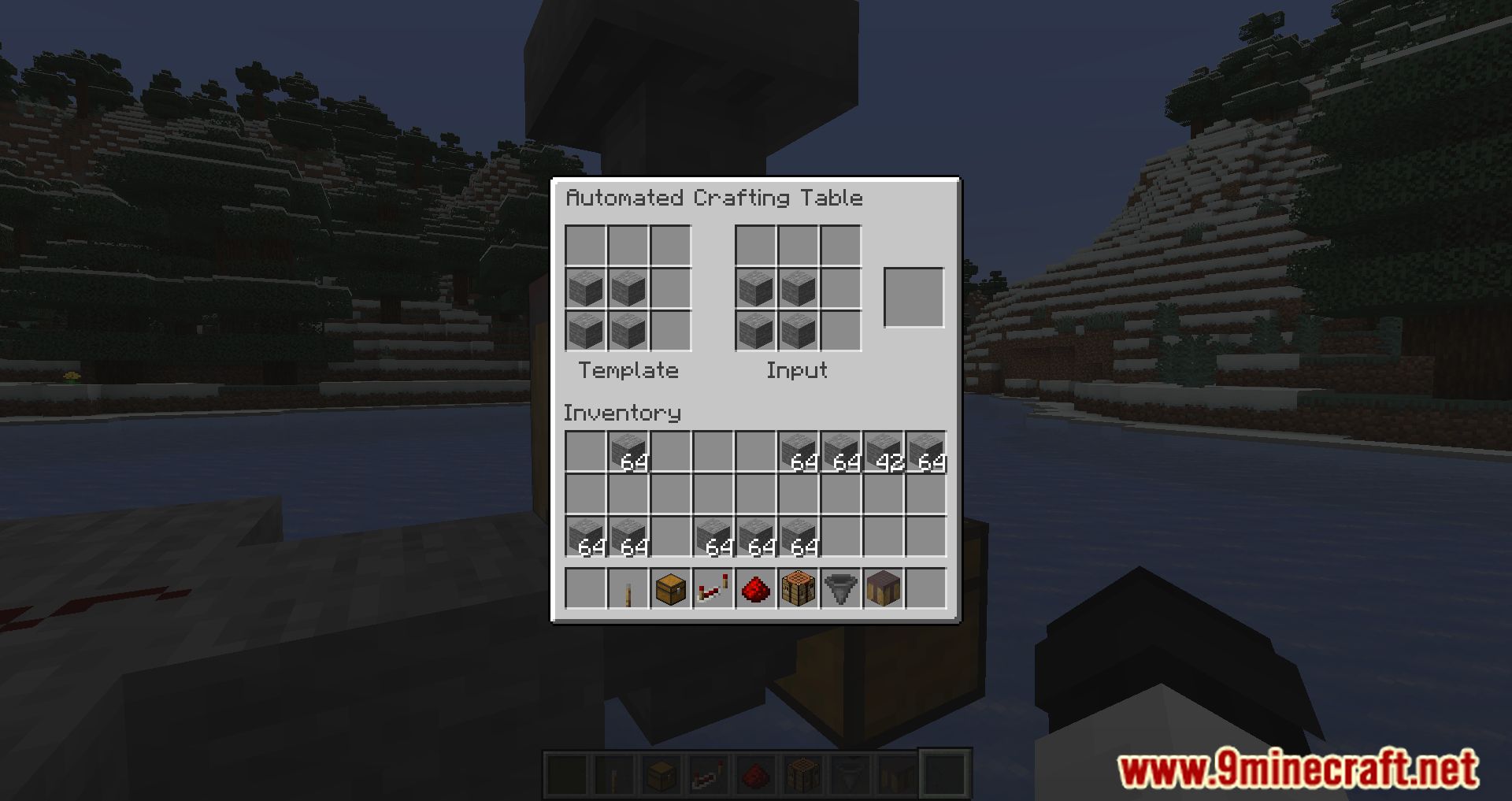
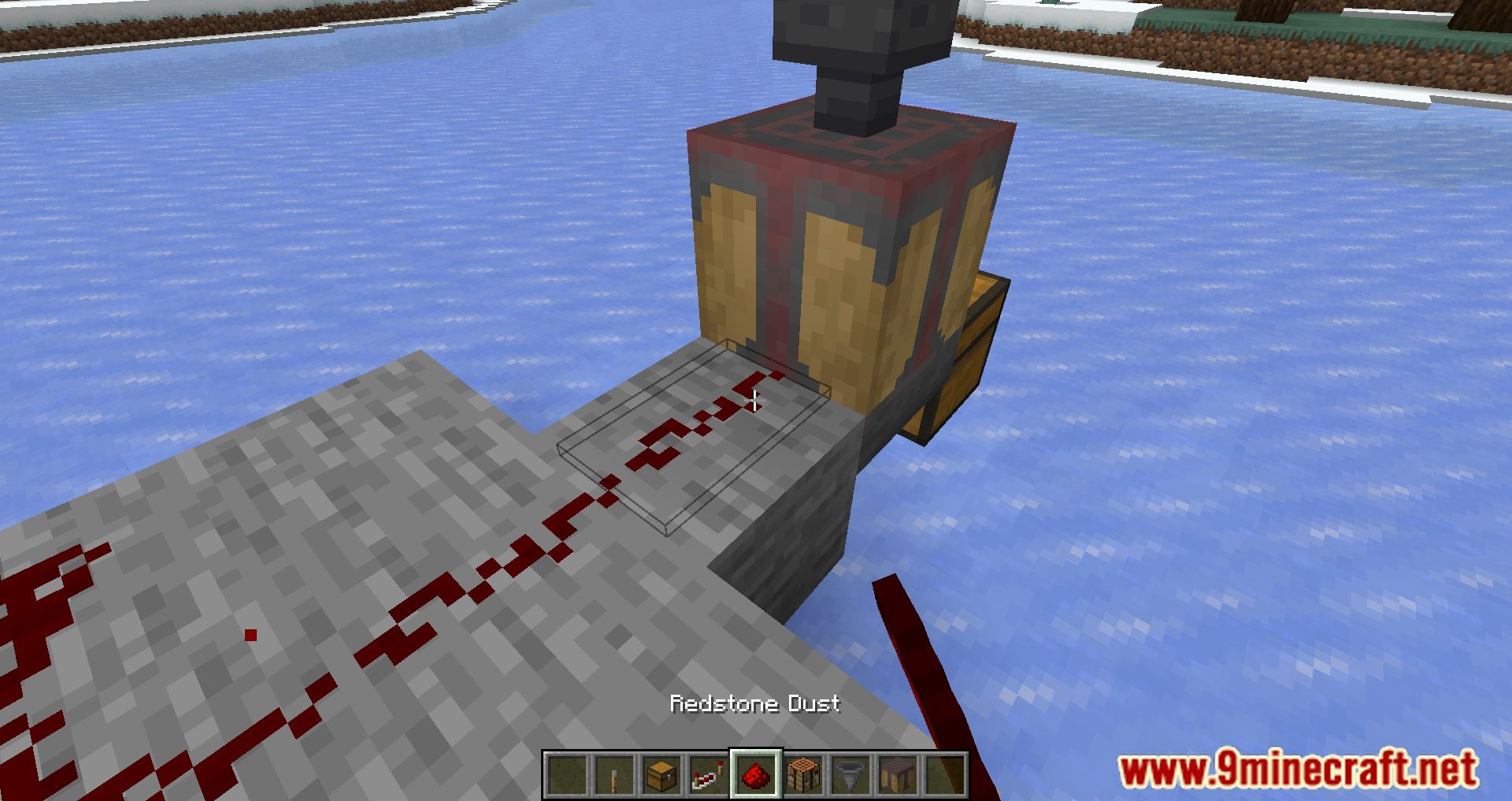
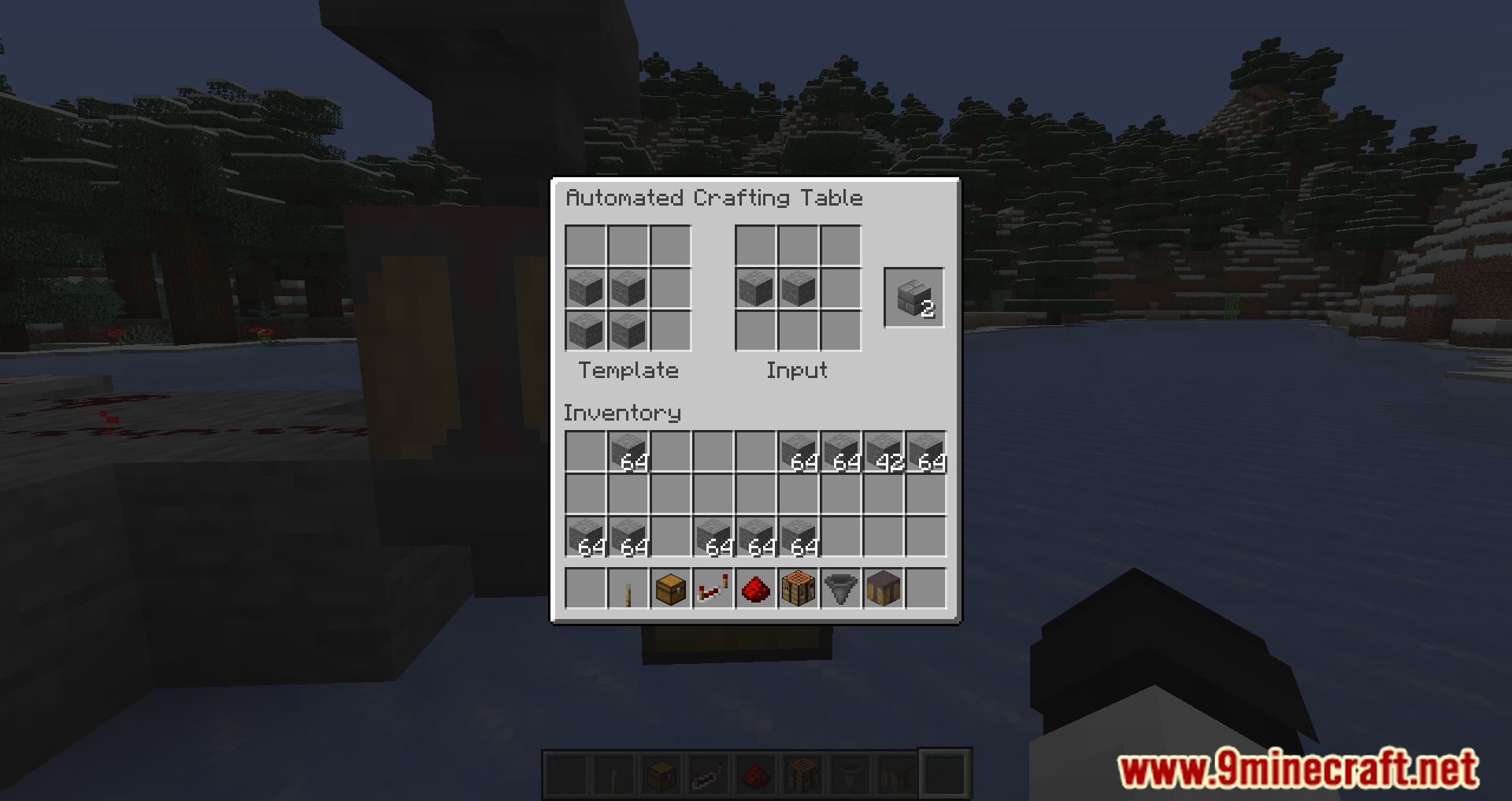
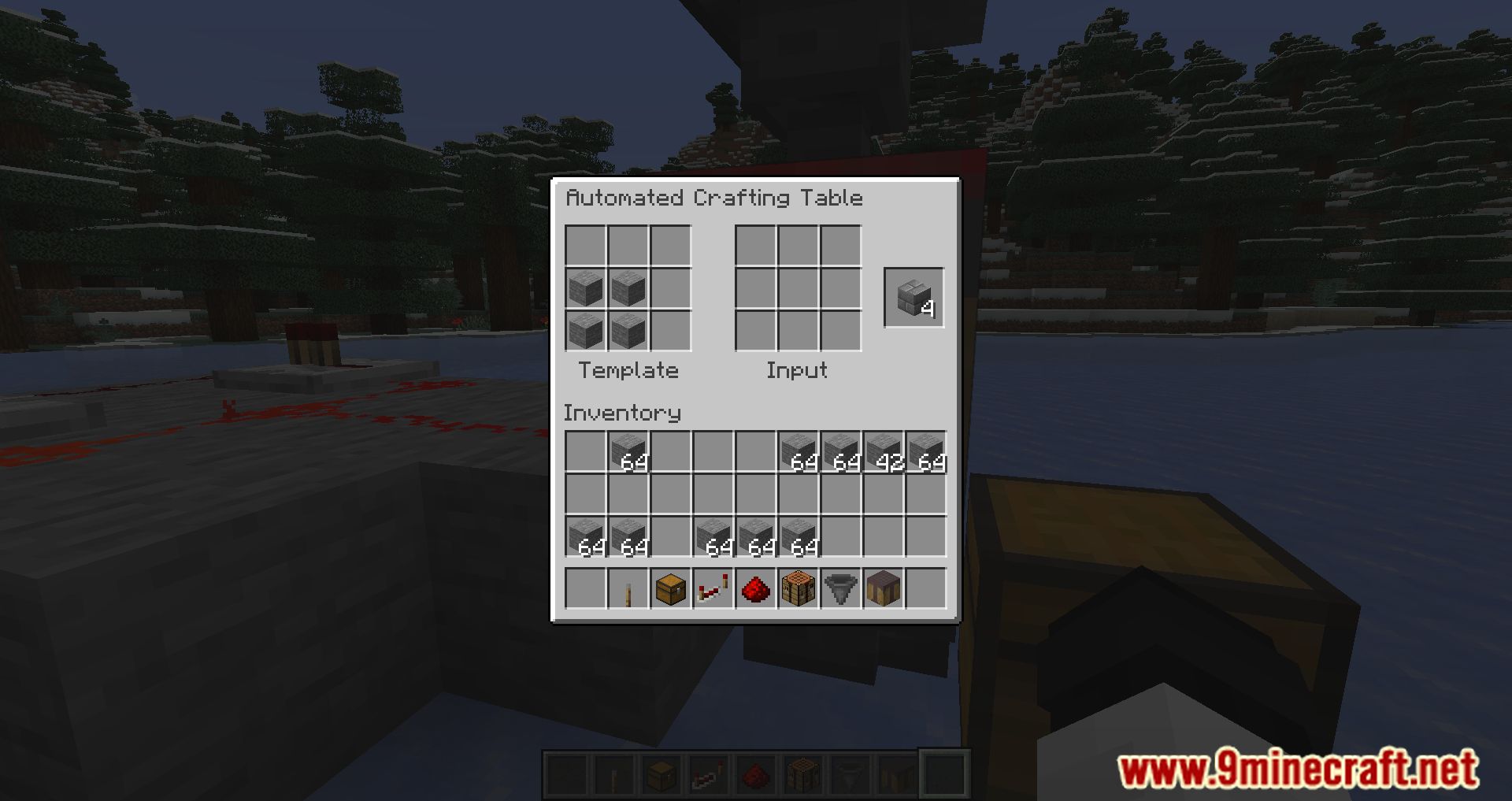
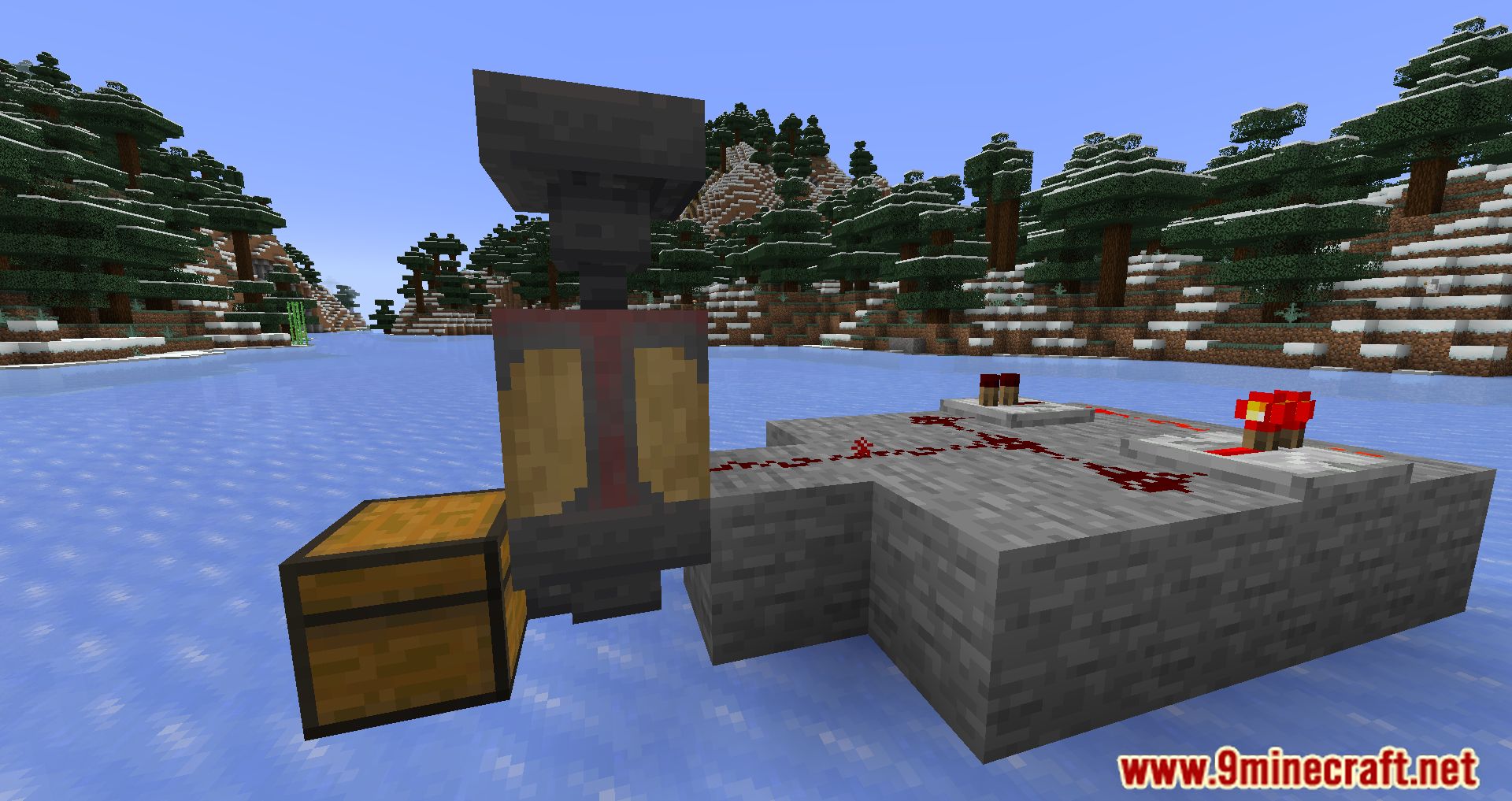
⬇ DownloadCraft a better survival experience with the Automated Crafting Mod for Minecraft. There are so many crafting recipes in Minecraft that are incredibly time-consuming to get, and we know that you want to spend more time mining and exploring our beautiful world instead of waiting for those tedious items to be turned into something useful! This mod gives you the ability to craft things automatically by building machines in your crafting table that utilize machines such as hoppers and automated carvers to craft items whenever they are needed. This mod is incredibly useful for players who want to get more out of their Minecraft experience by allowing them to focus on exploring the world instead of sitting at crafting tables waiting for items.
Features:
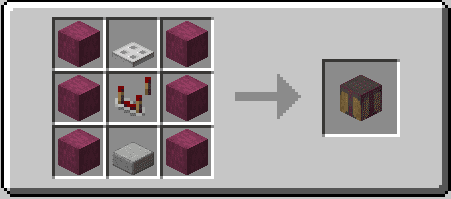
- Adds a single block: the Automated Crafting Table
Screenshots:

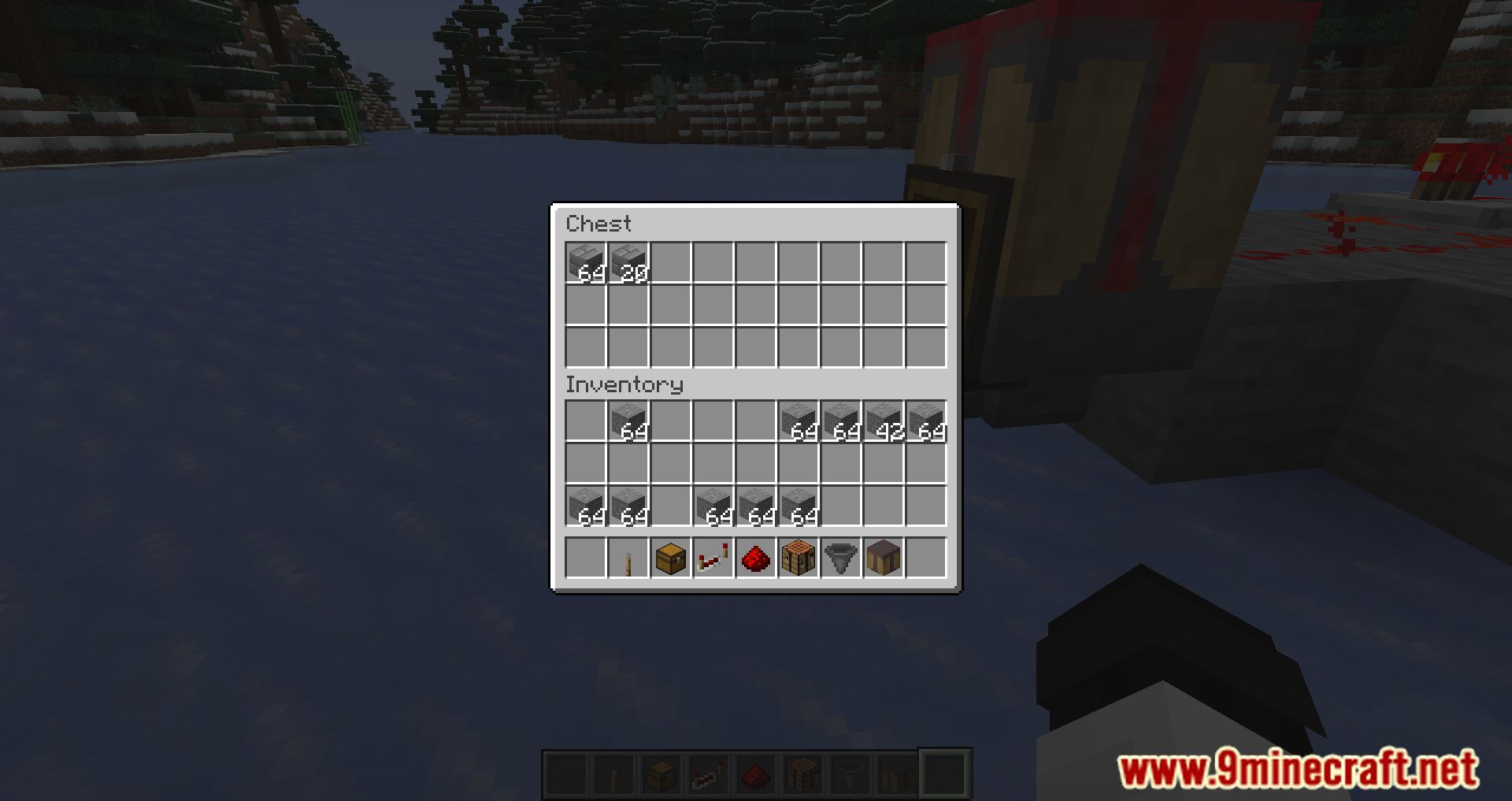
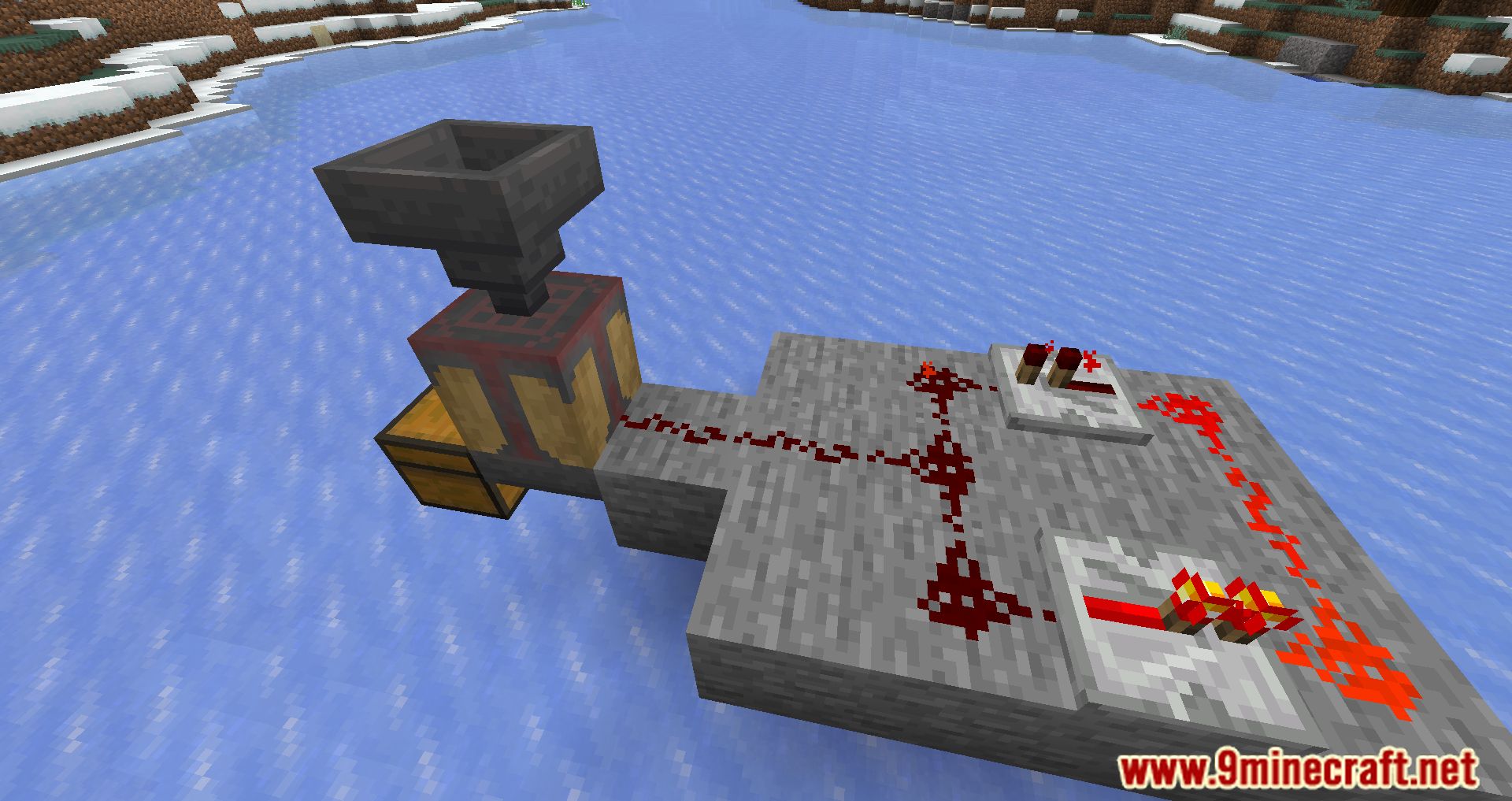
Crafting Recipes:
Automated Crafting Mod Download Links
For Minecraft 1.21.1, 1.21
Fabric/Quilt version: Download from Server 1 – Download from Server 2
For Minecraft 1.20.6
Fabric/Quilt version: Download from Server 1 – Download from Server 2
For Minecraft 1.20.4
Fabric/Quilt version: Download from Server 1 – Download from Server 2
For Minecraft 1.20.2
Fabric/Quilt version: Download from Server 1 – Download from Server 2
For Minecraft 1.20.1, 1.20
Fabric/Quilt version: Download from Server 1 – Download from Server 2
For Minecraft 1.19.4
Fabric/Quilt version: Download from Server 1 – Download from Server 2
For Minecraft 1.19.2, 1.19.1, 1.19
Fabric version: Download from Server 1
For Minecraft 1.18.2, 1.18.1
Fabric version: Download from Server 1
For Minecraft 1.17.1, 1.7
Fabric version: Download from Server 1
For Minecraft 1.16.5
Fabric version: Download from Server 1
- Edition: Minecraft Java
- File type: .jar
- Minecraft versions listed: 1.21.1, 1.20.1
- How to install: Install the matching mod loader (Forge, Fabric or NeoForge) for your Minecraft version. → Download the .jar. → Put it in the .minecraft/mods folder and launch that loader profile.
- Where to get it: In MC Java Mods, or directly above on this page.
Install steps are the general flow for this file type — How to install Minecraft Java mods & modpacks walks through it step by step.
- Downloads as 200494.mcaddon
- Download size: 16 KB
- Download link checked 29 Jul 2026 — working
- Mirrored on our own servers — the download does not depend on the original host
These come from our own check of the pack file, not from the source page.