
Shulker Plus Mod (1.21.1, 1.20.1) – Dye Shulker Boxes
Java mod listed for Minecraft 1.20–1.21. Downloads from the MC Java Mods app on Android.
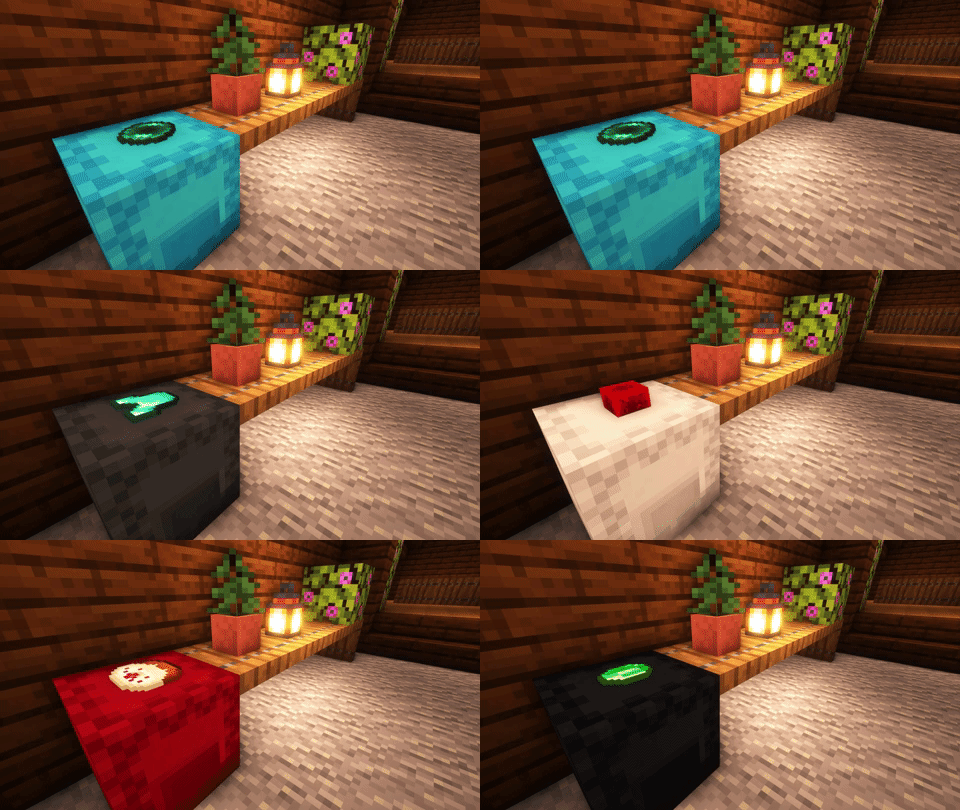
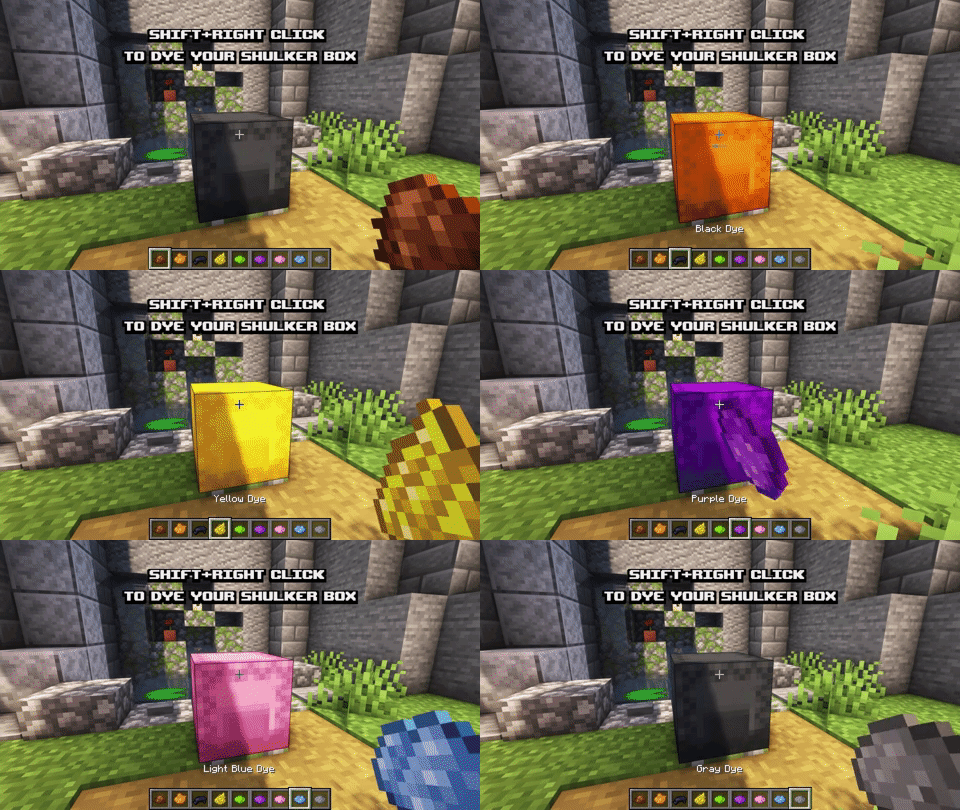
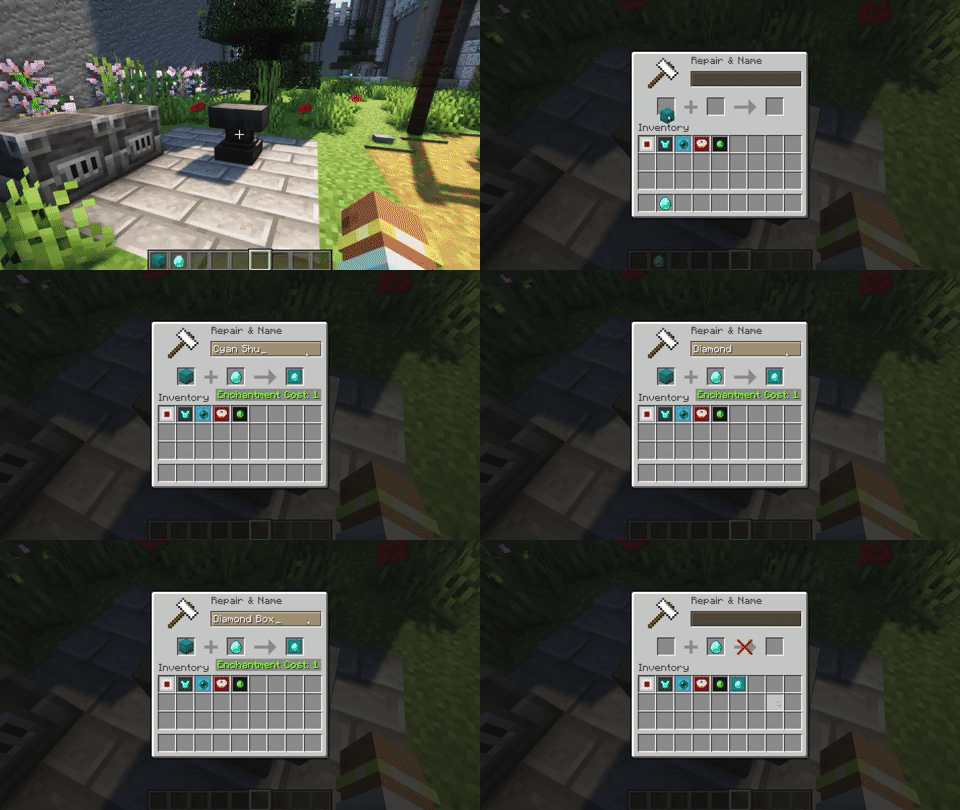
⬇ DownloadShulker Plus Mod is a Minecraft mod that adds the ability to label Shulker boxes with an item dynamically rendered as an item frame on top, even in your inventory. This way, you can tell before laying it down which Shulker chest you’re handling, and can more easily sort your chests on the go. The mod also adds the ability to dye Shulker boxes to further differentiate them visually. To label a Shulker box, simply combine it with an item at an anvil. The item will be rendered as an item frame on top of the Shulker box, and the box will retain its custom name. You can also dye Shulker boxes by shift-right-clicking them with a dye. Shulker+ is a great mod for players who want to better organize their Shulker boxes and make them stand out. It is easy to use and install, and it is a great way to improve your Minecraft experience.
Features:
- Allows players to label Shulker boxes with an item rendered as an item frame
- Allows custom naming for Shulker boxes via the anvil
- Choose your style! Shulker Plus can render the item on the vanilla 3d version of the Shulker box, or change the base texture to flat (inspired by Xisuma) and render it like that (see screenshots)
- Allows dyeing Shulker boxes via shift+right click with a dye (optional)
Screenshots:

Shulker Plus Mod Download Links
For Minecraft 1.21.1, 1.21
Fabric Version: Download from Server 1 – Download from Server 2
For Minecraft 1.20.1
Forge Version: Download from Server 1 – Download from Server 2
Fabric Version: Download from Server 1 – Download from Server 2
For Minecraft 1.18.2
Forge Version: Download from Server 1 – Download from Server 2
Fabric Version: Download from Server 1 – Download from Server 2
- Edition: Minecraft Java
- File type: .jar
- Minecraft versions listed: 1.21.1, 1.20.1
- How to install: Install the matching mod loader (Forge, Fabric or NeoForge) for your Minecraft version. → Download the .jar. → Put it in the .minecraft/mods folder and launch that loader profile.
- Where to get it: In MC Java Mods, or directly above on this page.
Install steps are the general flow for this file type — How to install Minecraft Java mods & modpacks walks through it step by step.
- Downloads as 200548.mcaddon
- Download size: 44 KB
- Download link checked 22 Jul 2026 — working
- Mirrored on our own servers — the download does not depend on the original host
These come from our own check of the pack file, not from the source page.