
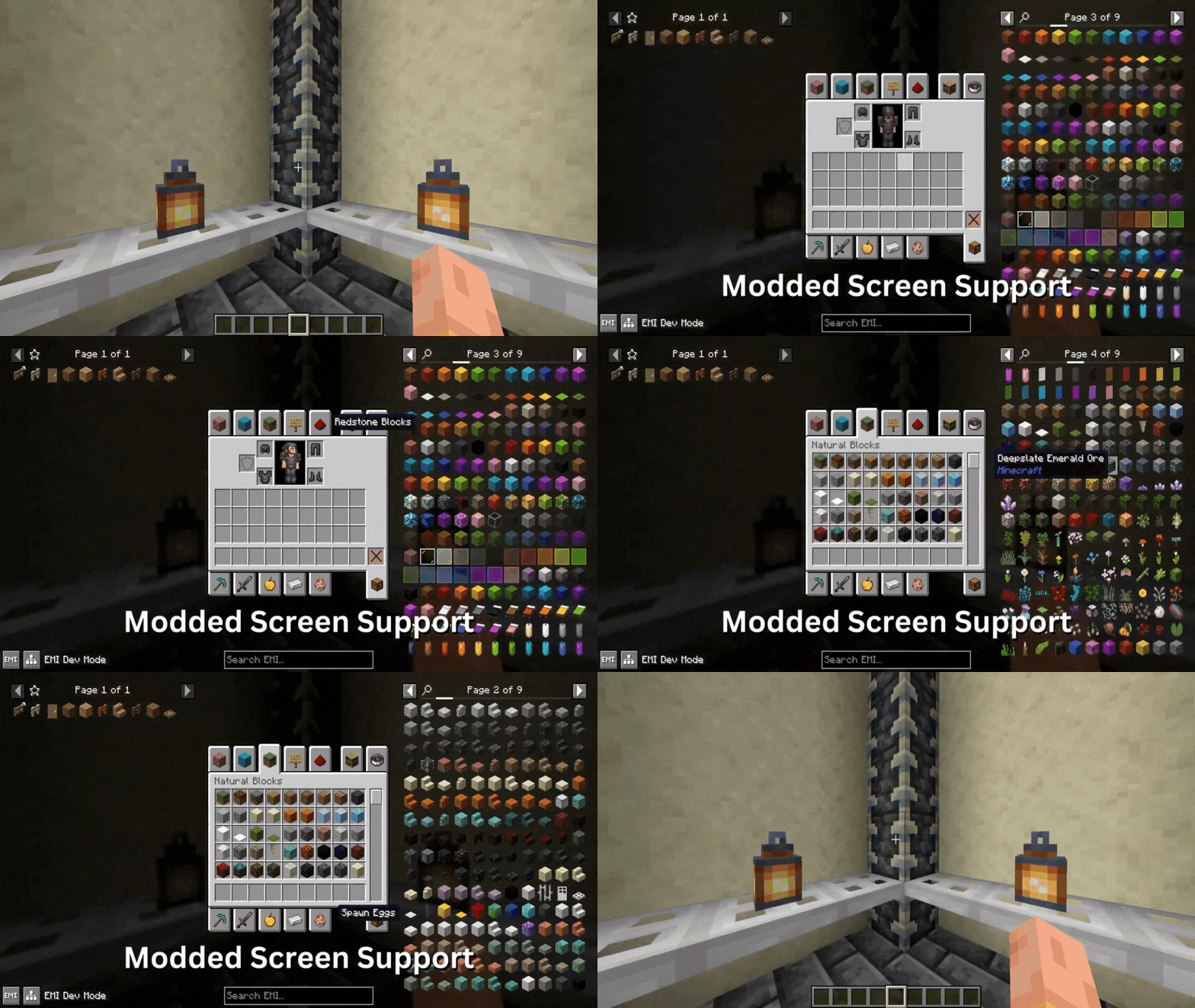
Flow Mod elevates your inventory management experience with smooth and visually appealing animations. Flow seamlessly integrates with your inventory interactions, gracefully opening and closing inventory screens with an ease-in-out animation, transforming the mundane task of accessing your items into an aesthetically pleasing transition. Whether you’re a seasoned Minecraft veteran or a newcomer to the game, Flow enhances your gameplay by adding a touch of elegance and refinement to your everyday inventory interactions.
Features:
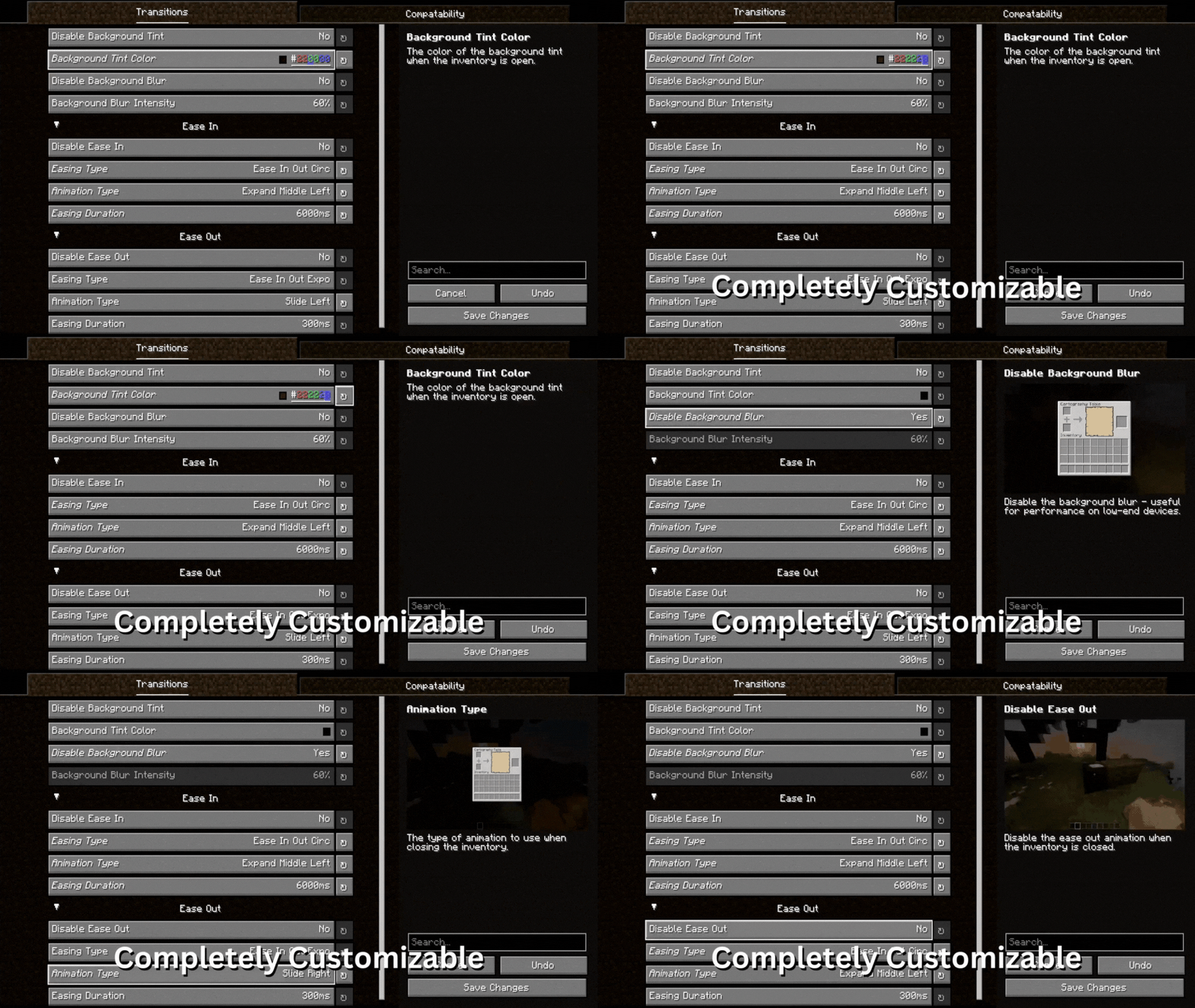
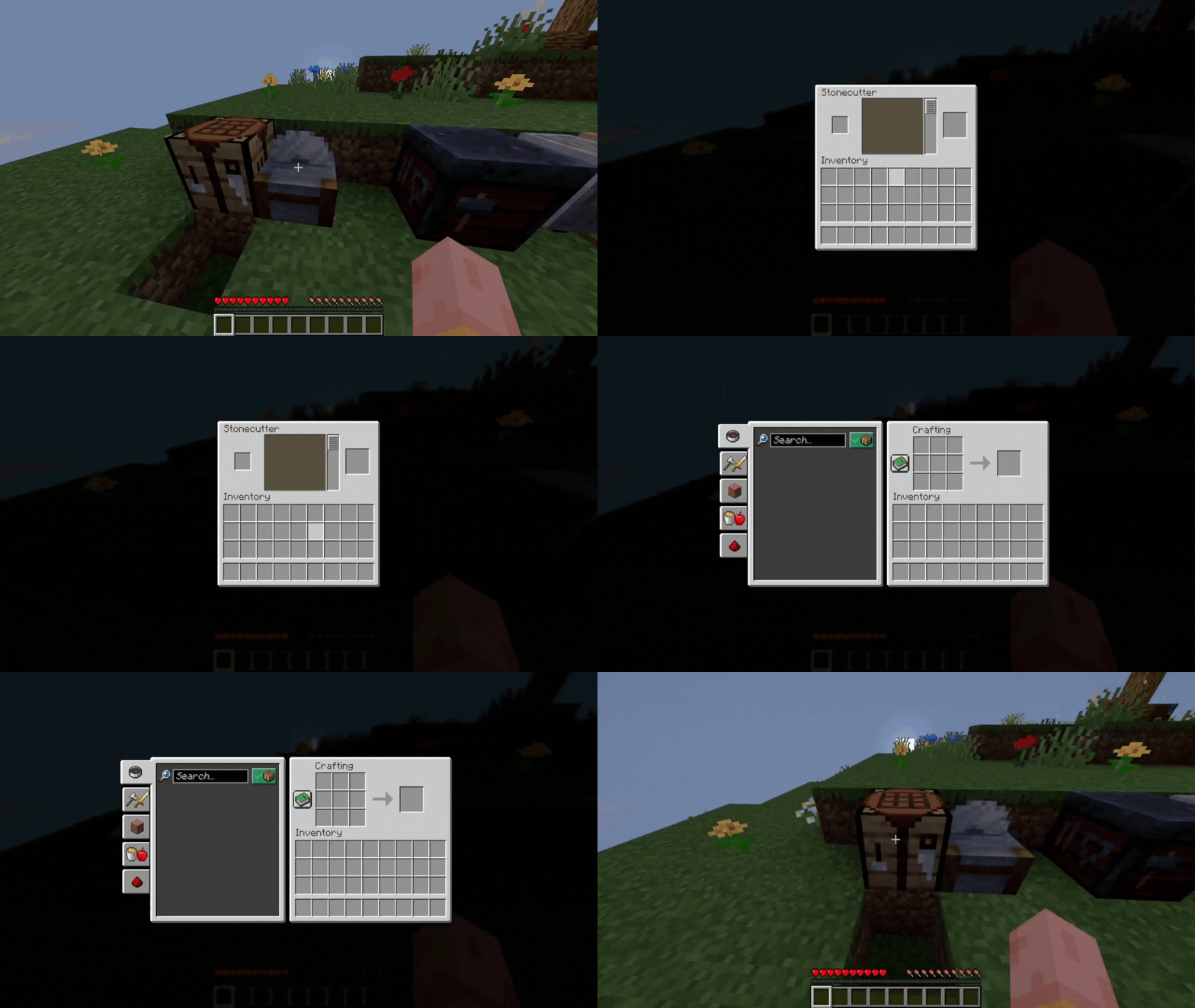
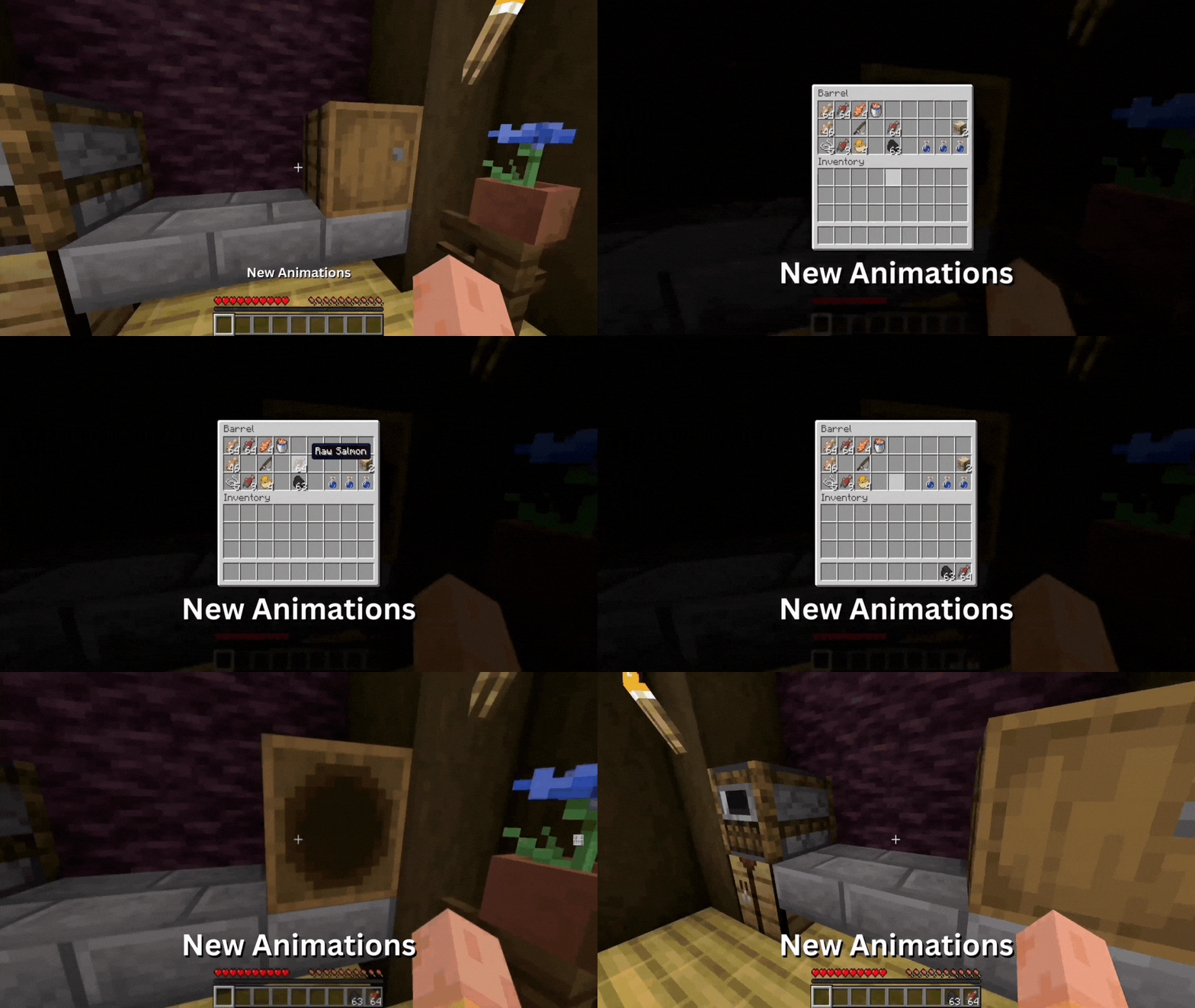
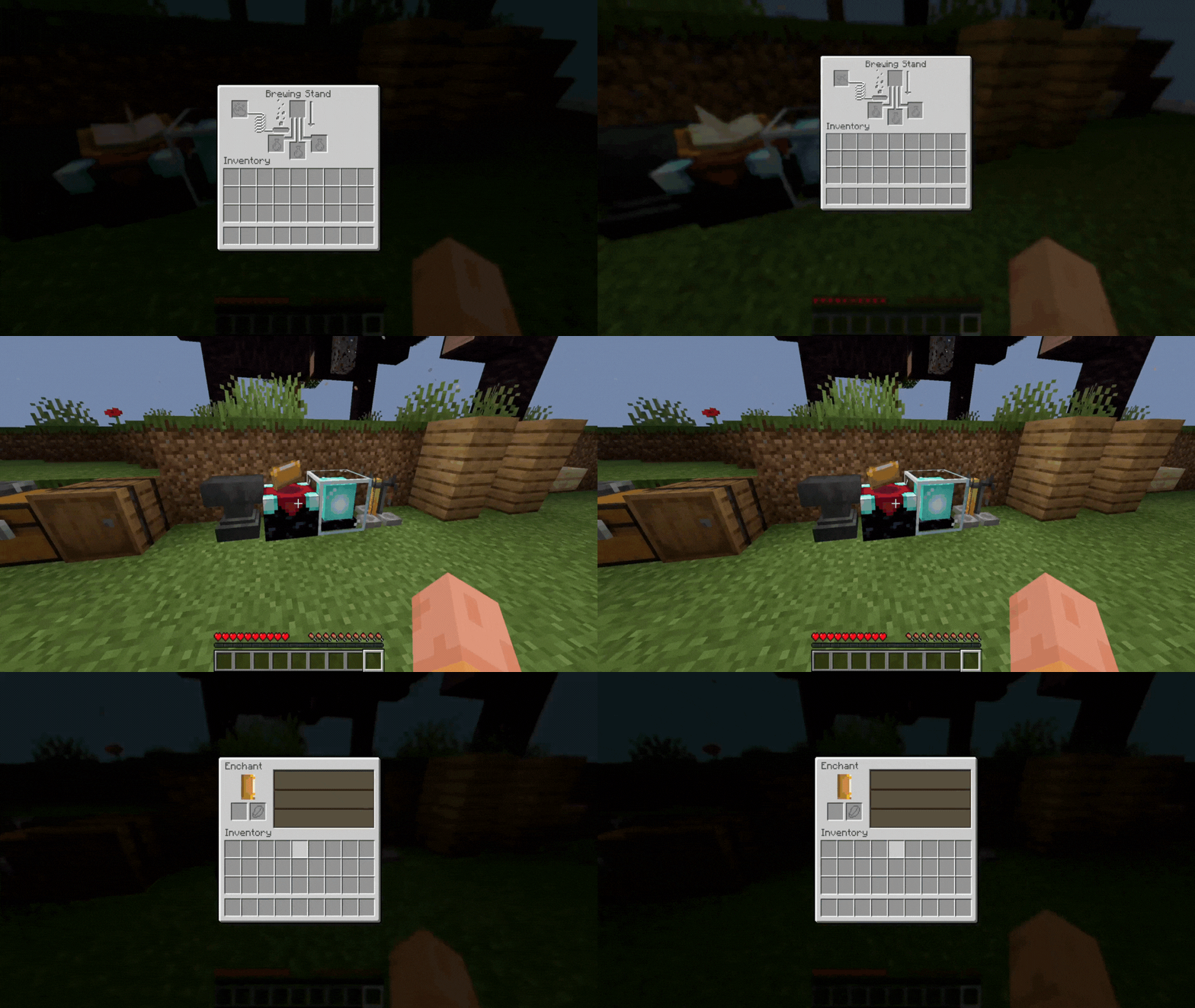
- Flow allows you to configure an ease in-out animation when opening and closing any inventory screens.
Screenshots:
Flow Mod Download Links
For Minecraft 1.21.1, 1.21
Fabric Version: Download from Server 1 – Download from Server 2
For Minecraft 1.20.6
Fabric Version: Download from Server 1 – Download from Server 2
For Minecraft 1.20.4
Fabric Version: Download from Server 1 – Download from Server 2
For Minecraft 1.20.2
Fabric Version: Download from Server 1 – Download from Server 2
For Minecraft 1.20.1, 1.20
Fabric Version: Download from Server 1 – Download from Server 2
- Edition: Minecraft Java
- File type: .jar
- Minecraft versions listed: 1.21.1, 1.20.1
- How to install: Install the matching mod loader (Forge, Fabric or NeoForge) for your Minecraft version. → Download the .jar. → Put it in the .minecraft/mods folder and launch that loader profile.
- Where to get it: In MC Java Mods, or directly above on this page.
Install steps are the general flow for this file type — see the MC Java Mods guides for the full walkthrough.
- Downloads as 200559.mcaddon
- Download size: 2.6 MB
- Download link checked 29 Jul 2026 — working
- Mirrored on our own servers — the download does not depend on the original host
These come from our own check of the pack file, not from the source page.