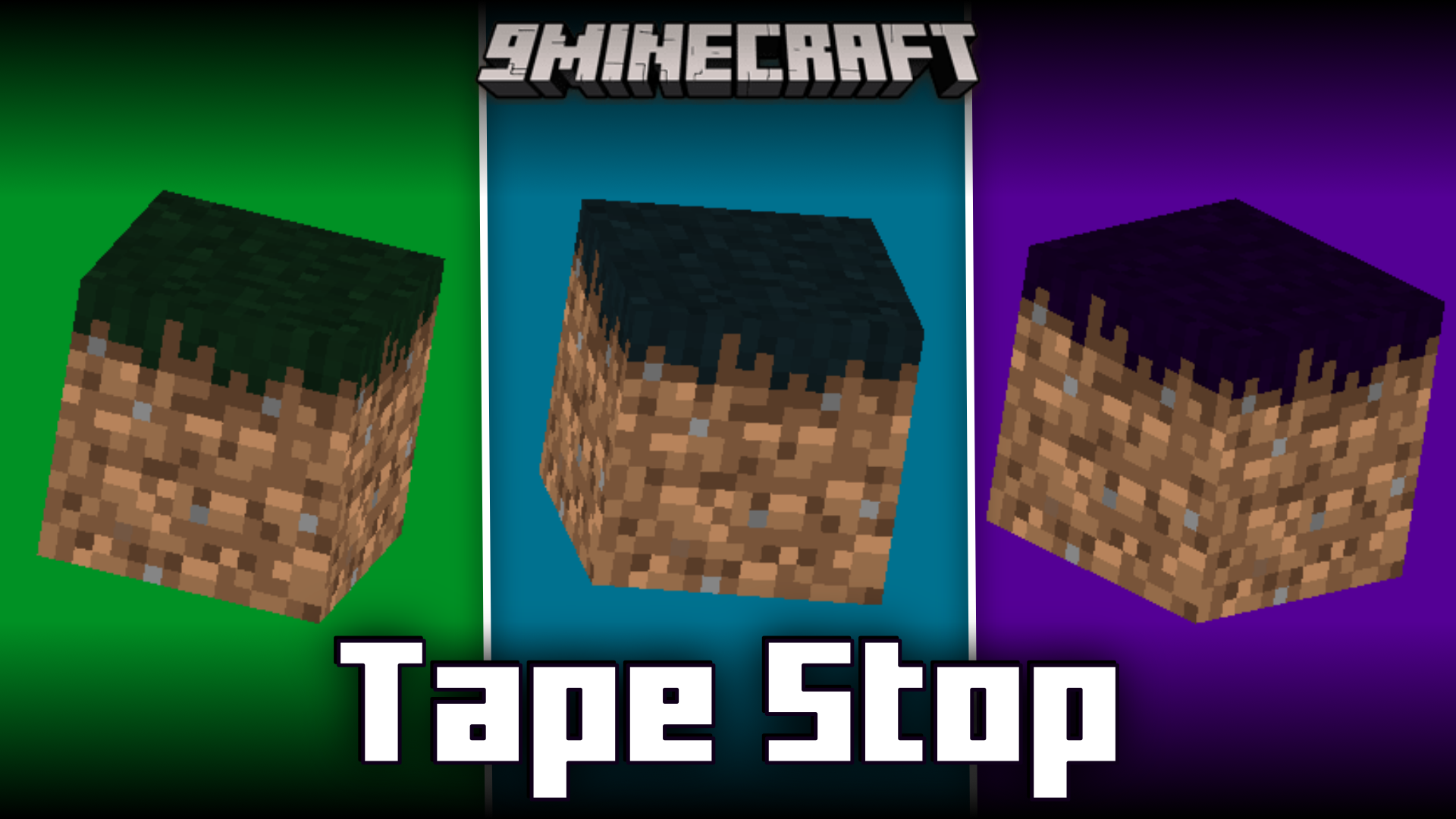
Minecraft is a resource intensive game. Even if you leave the game window and work on something else, leaving the game running in background, your computer performance will still very much be affected by the game. This is because the game renders stuff even when the game window is running in the background. Tape Stop Mod aims to prevent this by adding a waiting screen that will appear when the game window is not in use. If you minimize the game window, or work on some other window leaving the game running in the background, this waiting screen will appear, essentially stopping the game from rendering. This will increase your computer performance.
Features:
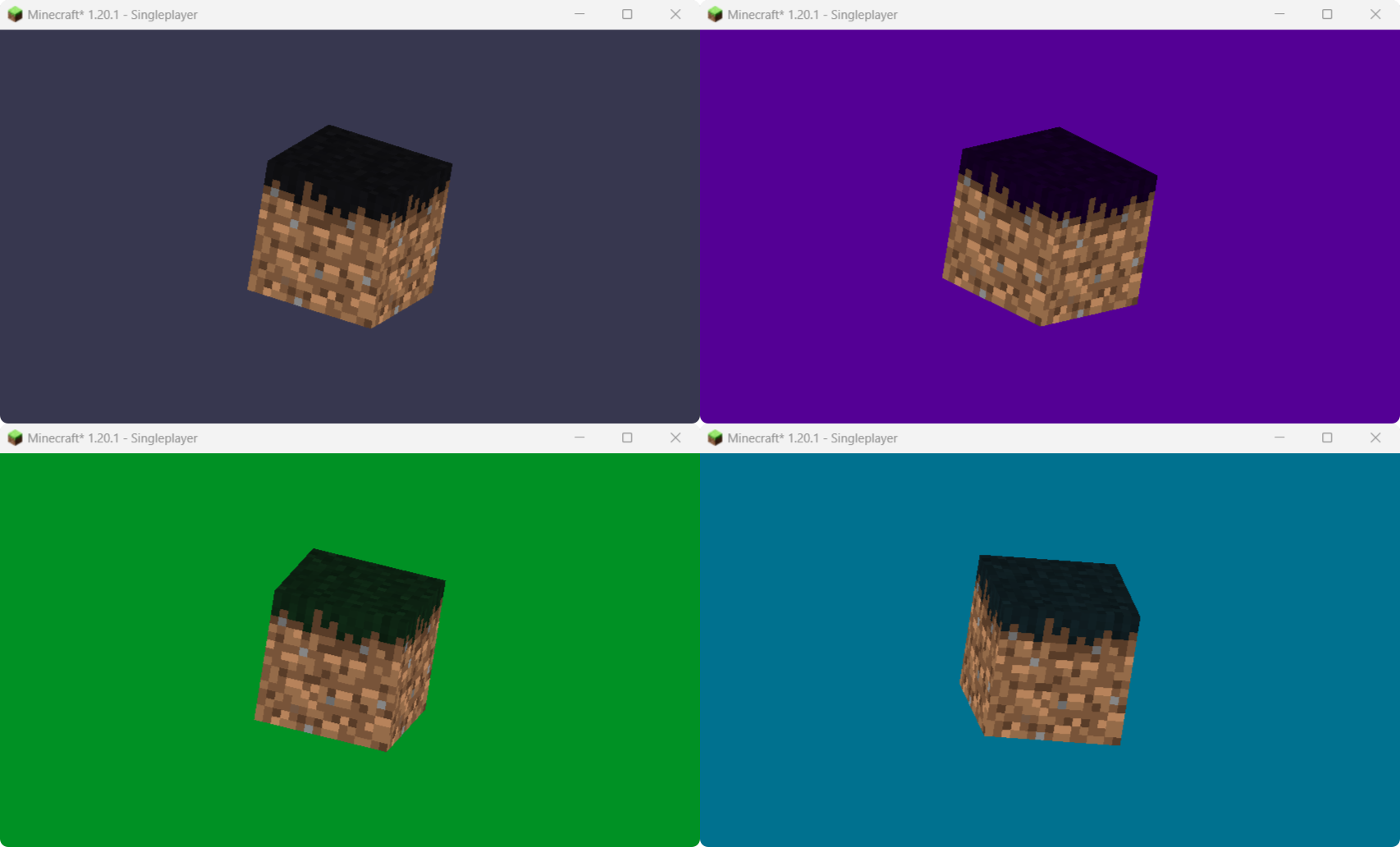
- Adds a waiting screen when the game window is not in use.
- Helps save processing power, and hence increases performance.
- Two waiting screen options – Rotating grass block and Panorama.
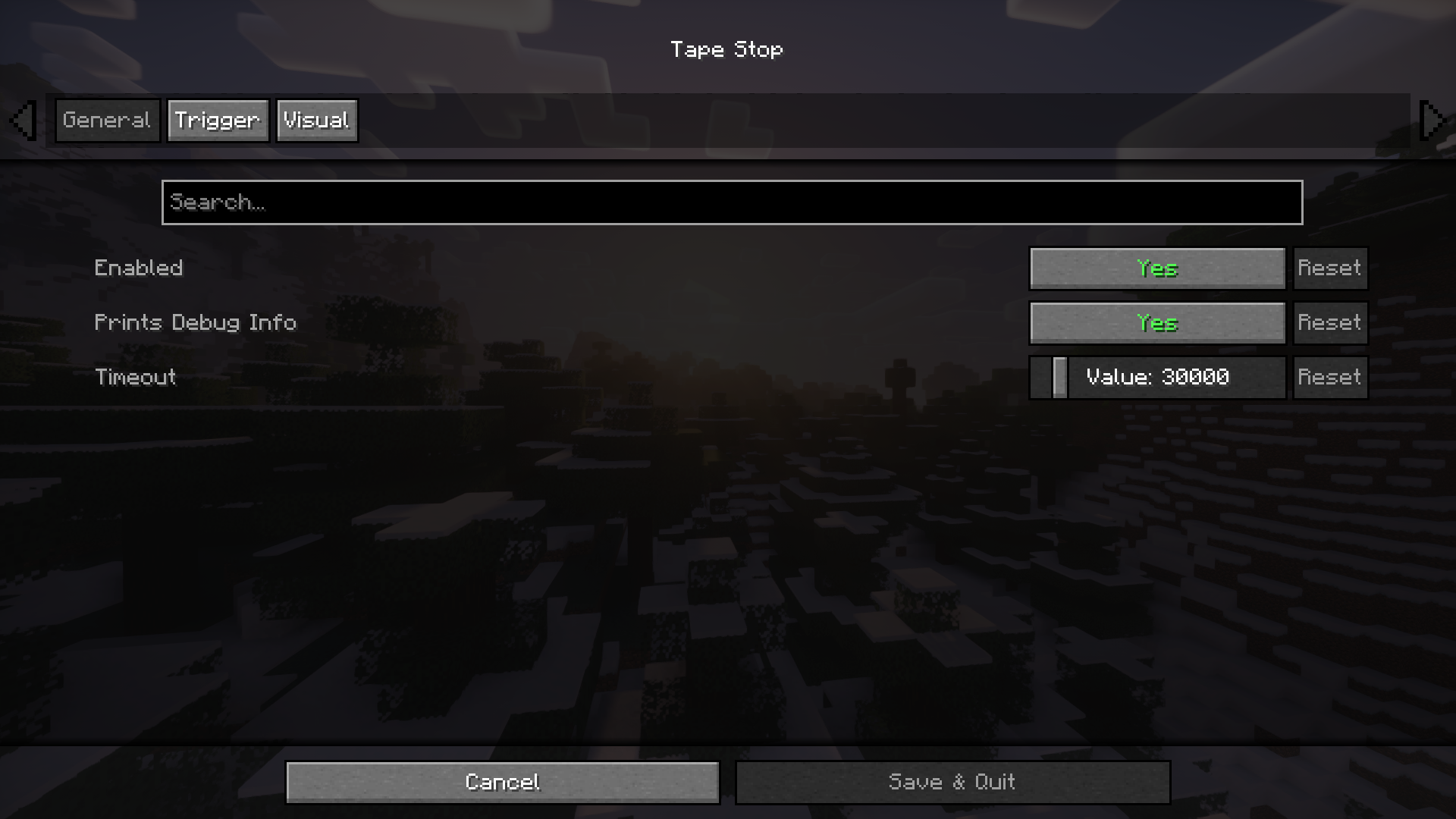
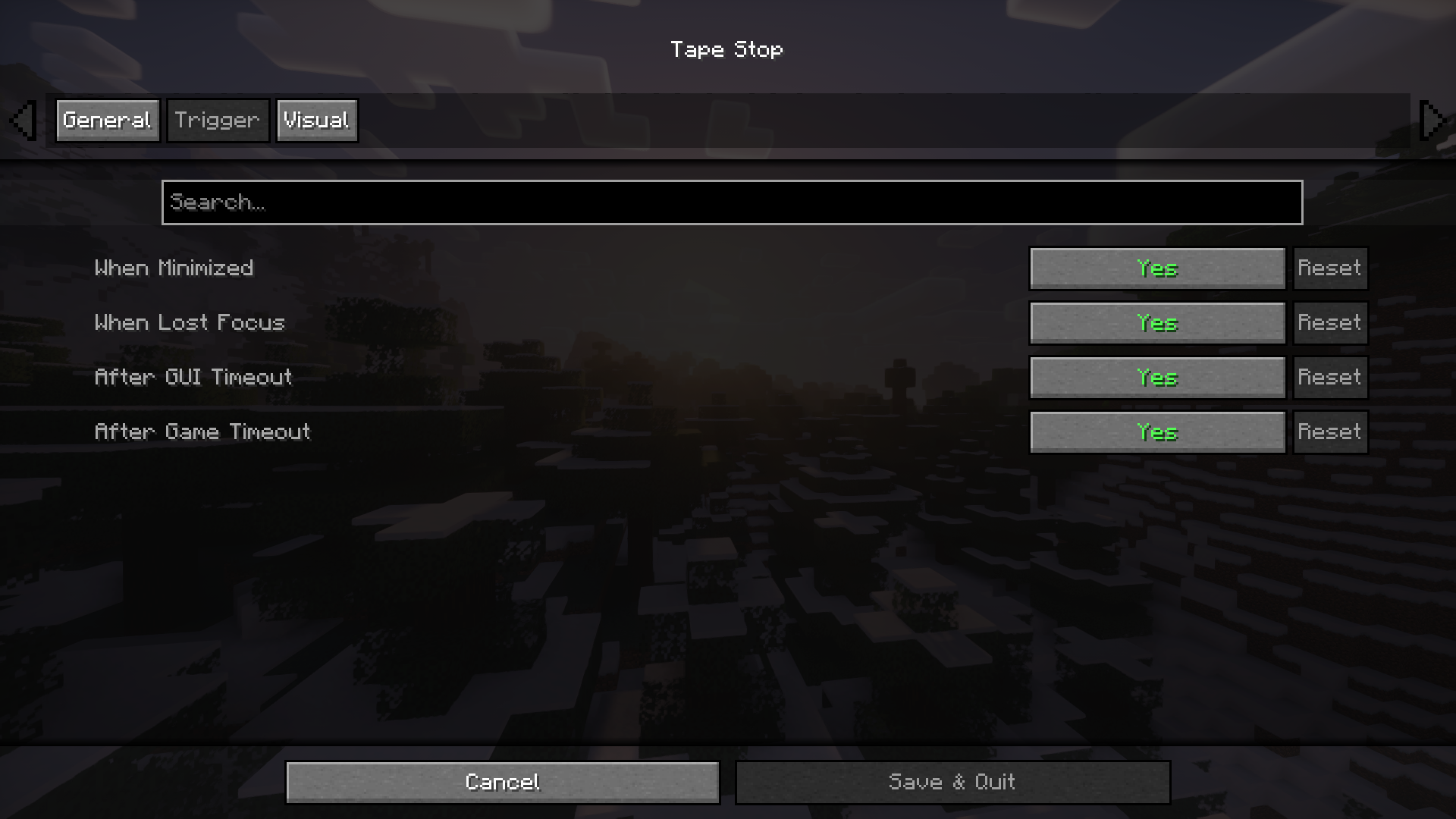
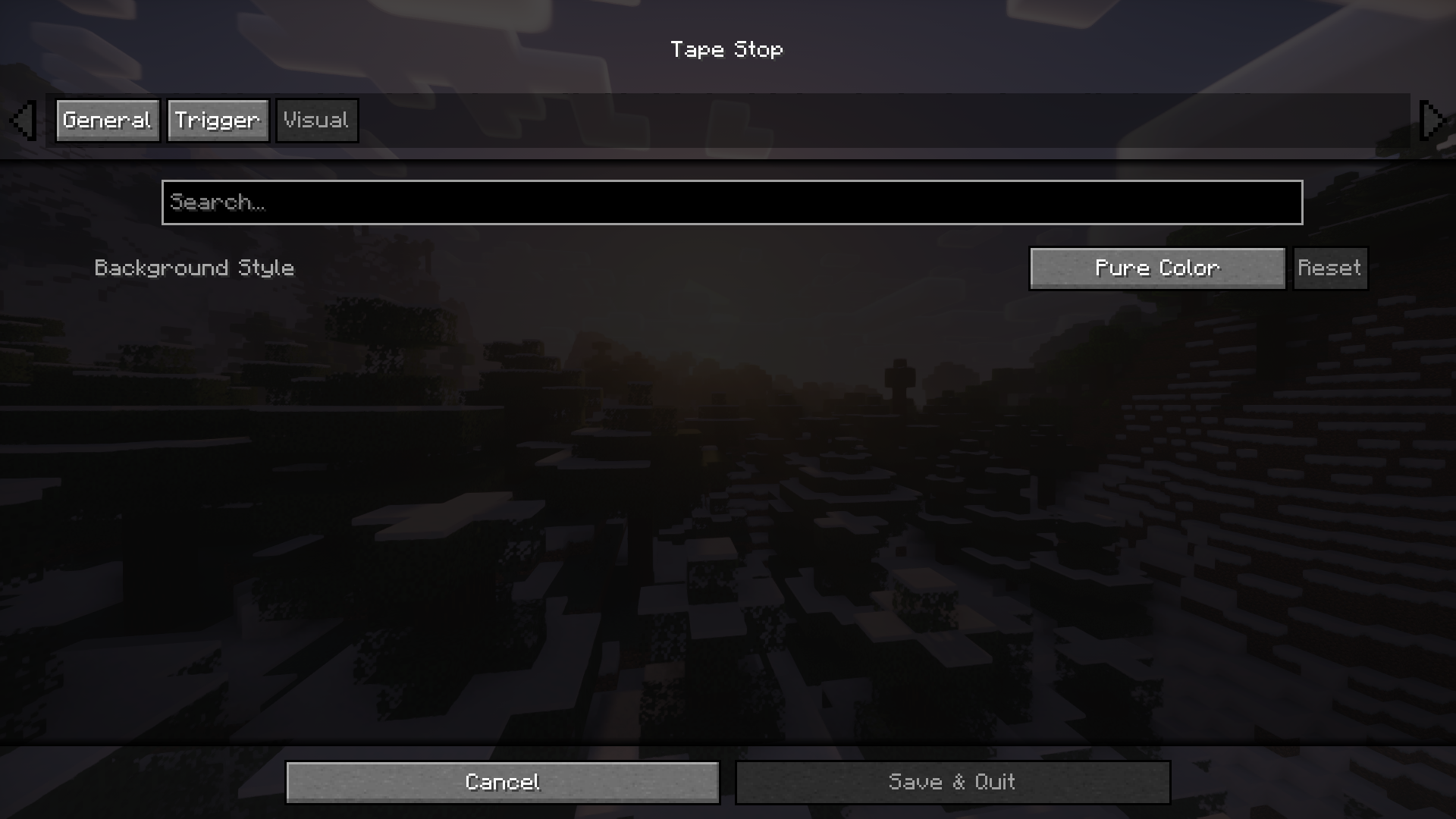
Screenshots:
Tape Stop Mod Download Links
For Minecraft 1.20.4, 1.20.1
Fabric/Quilt version: Download from Server 1 – Download from Server 2
For Minecraft 1.19.4
Fabric/Quilt version: Download from Server 1 – Download from Server 2
For Minecraft 1.19.2
Fabric/Quilt version: Download from Server 1 – Download from Server 2
For Minecraft 1.18.2
Fabric/Quilt version: Download from Server 1 – Download from Server 2
- Edition: Minecraft Java
- File type: .jar
- Minecraft versions listed: 1.20.4, 1.20.1
- How to install: Install the matching mod loader (Forge, Fabric or NeoForge) for your Minecraft version. → Download the .jar. → Put it in the .minecraft/mods folder and launch that loader profile.
- Where to get it: In MC Java Mods, or directly above on this page.
Install steps are the general flow for this file type — How to install Minecraft Java mods & modpacks walks through it step by step.
- Downloads as 200644.mcaddon
- Download size: 54 KB
- Download link checked 22 Jul 2026 — working
- Mirrored on our own servers — the download does not depend on the original host
These come from our own check of the pack file, not from the source page.