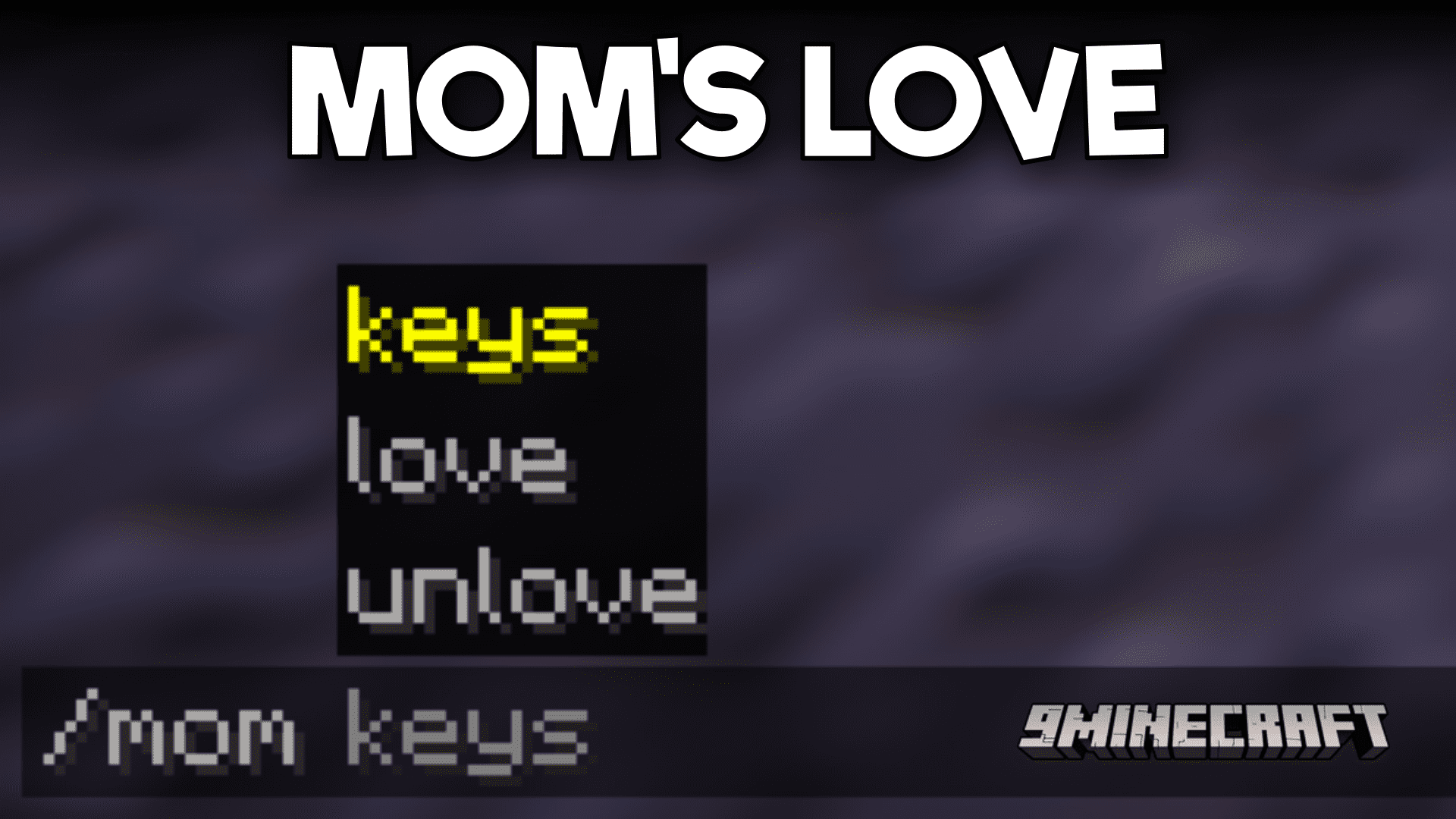
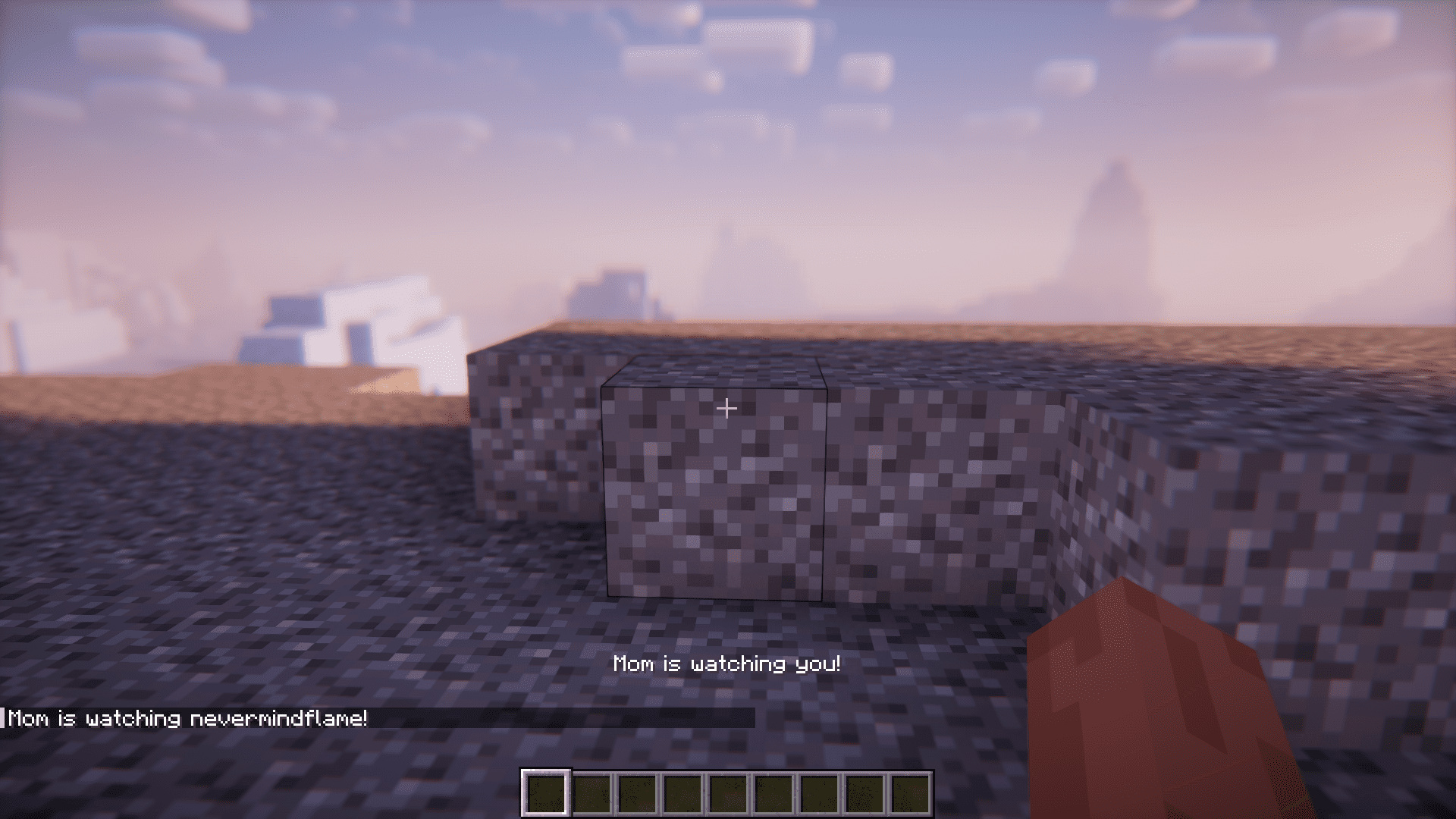
The keepInventory gamerule in Minecraft allows players to retain the items in their inventory after death. This gamerule, when enabled, will ensure that no items or experience points are lost upon death. There are many different Minecraft servers that are available for players. Some of them will have the keepInventory gamerule enabled, while the others keep it disabled. But the issue is that some players who are inexperienced with the game will need special care and should be allowed to have keepInventory enabled. While the same does not apply to experienced players on the same server. This is where Mom’s Love Mod comes with a solution. This mod adds a new /mom command that allows you to enable and disable the keepInventory gamerule for certain players of your choice. This allows new players to retain their inventory on death, while the opposite occurs for experienced ones. When the player says certain keyword set, the mother’s protection is triggered.
Features:
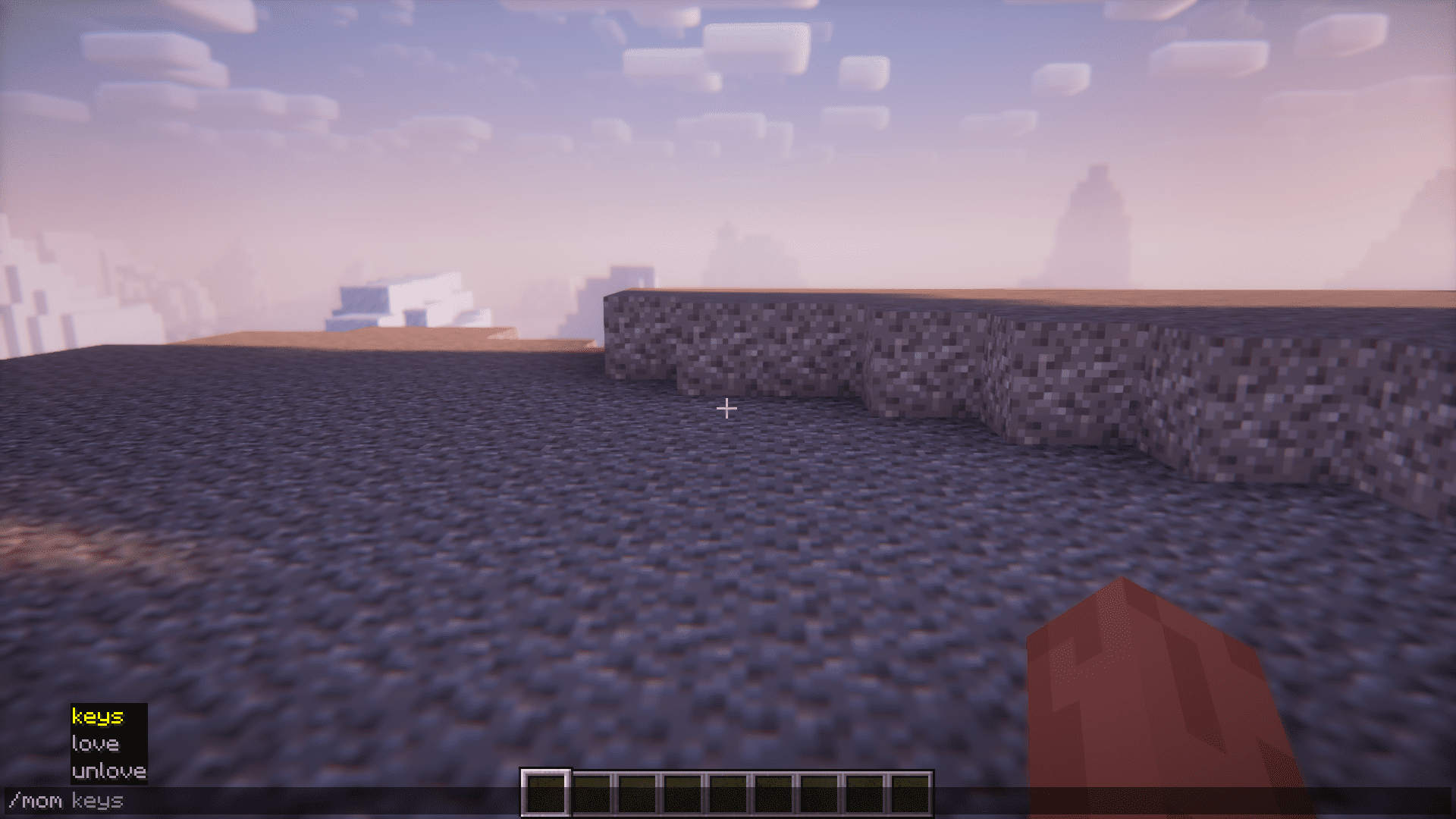
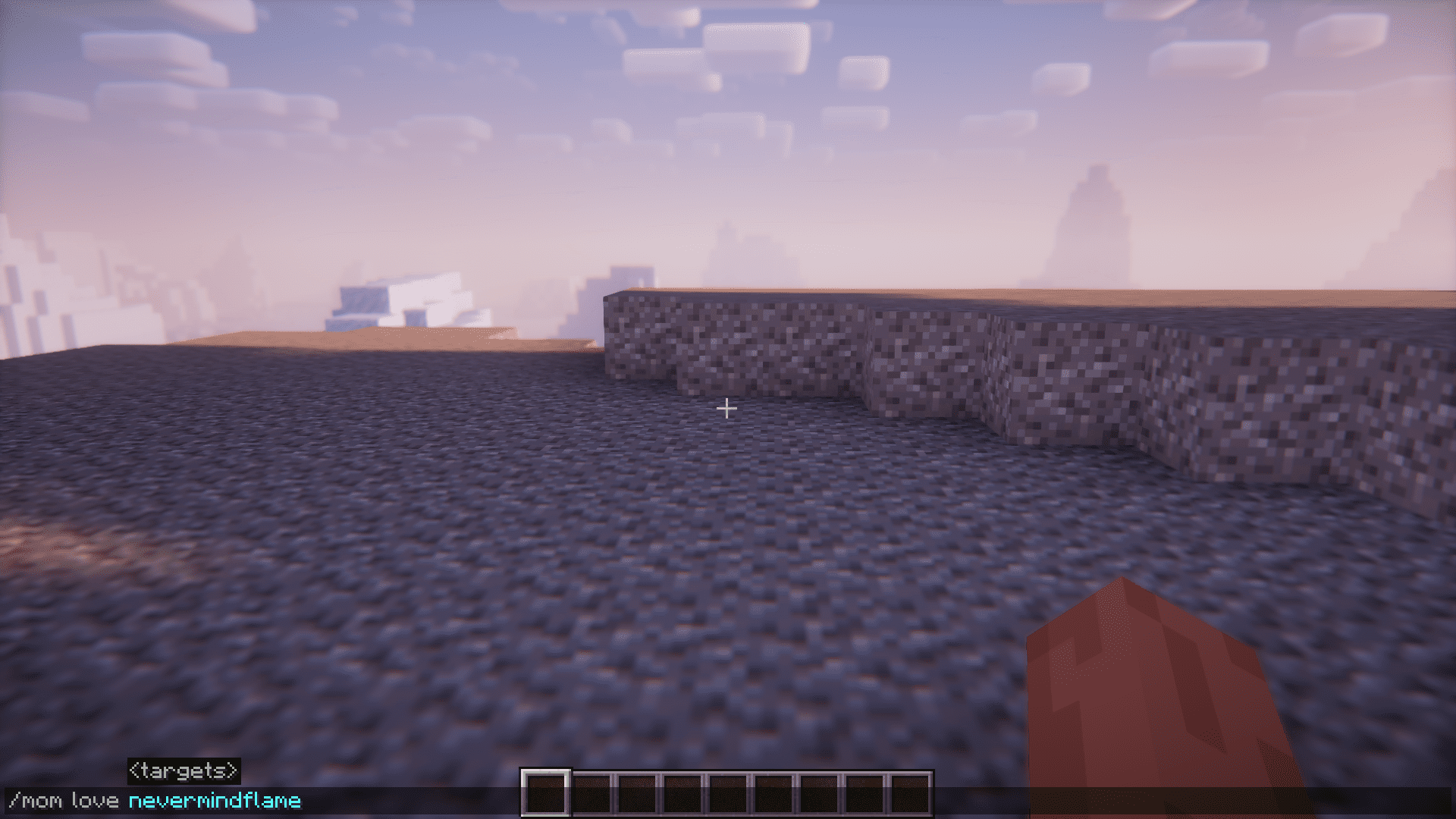
Commands:
- Give love: /mom love <playerName>
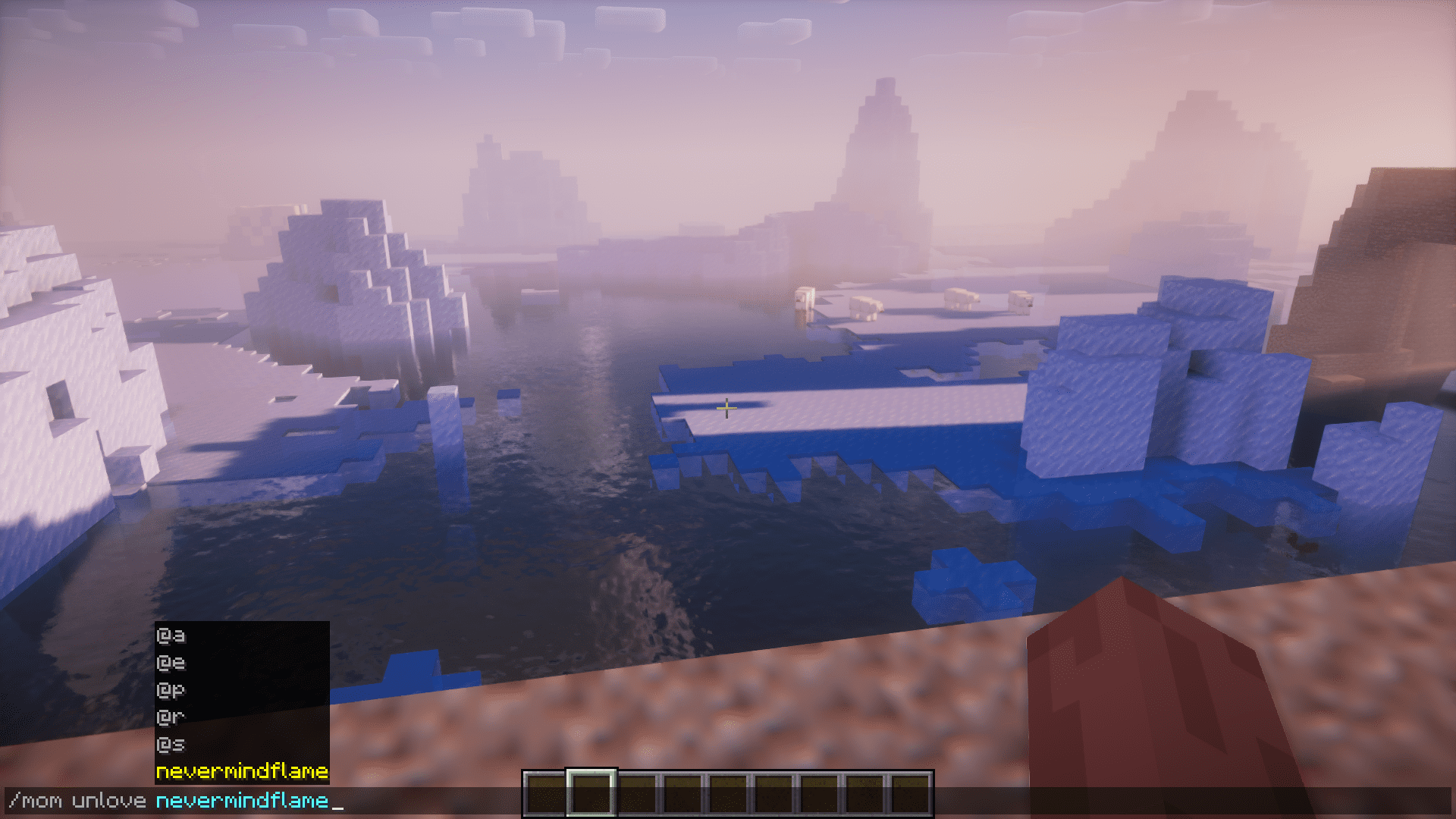
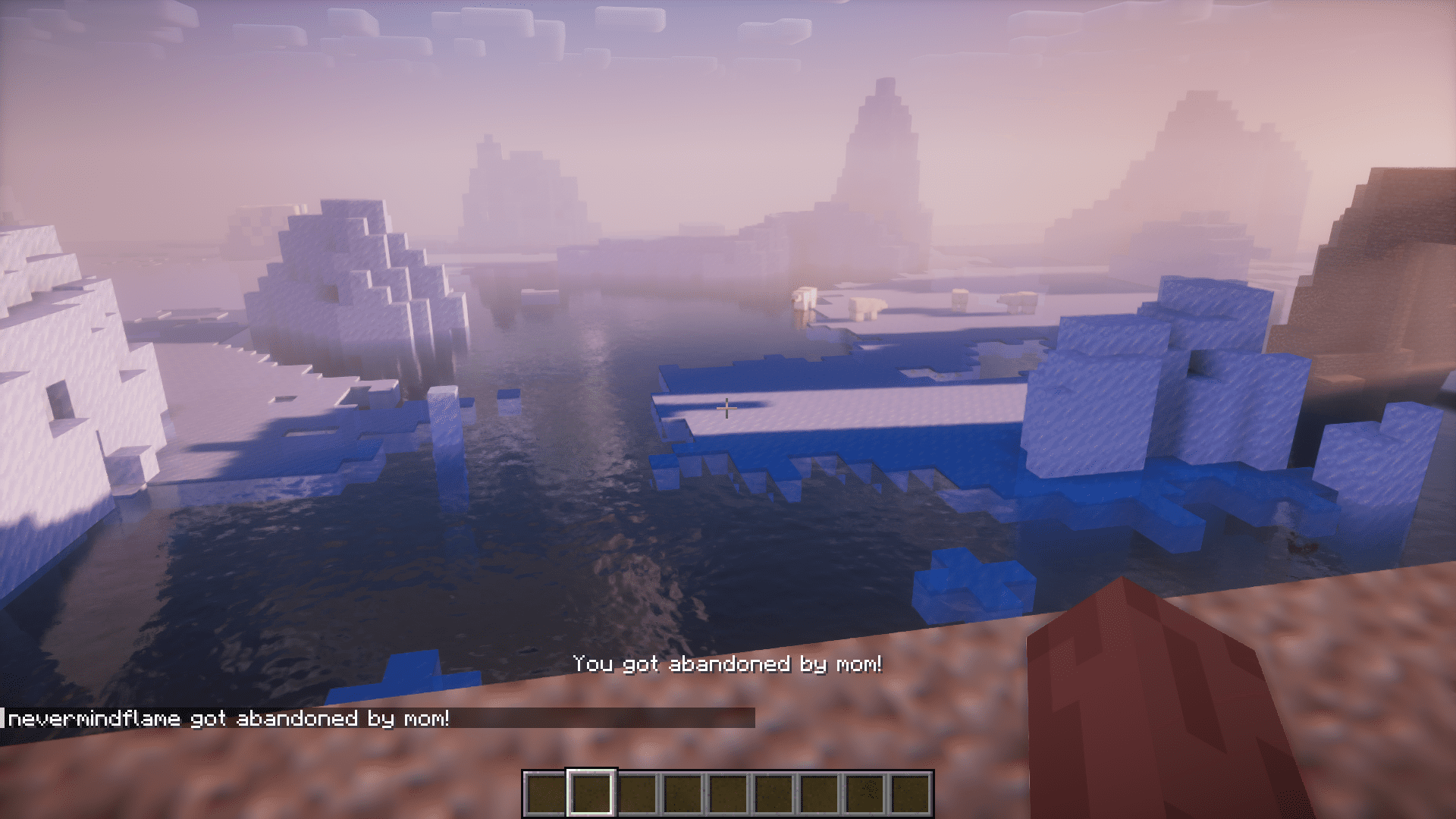
- Let him live on his own: /mom unlove <playerName>
- Add keywords: /mom keys add <keywords>
- Remove keywords: /mom keys del <keywords>
Screenshots:

Mom’s Love Mod Download Links
For Minecraft 1.21.1, 1.21
Forge version: Download from Server 1 – Download from Server 2
NeoForge version: Download from Server 1 – Download from Server 2
Fabric version: Download from Server 1 – Download from Server 2
For Minecraft 1.20.4
Fabric version: Download from Server 1 – Download from Server 2
For Minecraft 1.20.1
Forge/NeoForge version: Download from Server 1 – Download from Server 2
For Minecraft 1.19.3
Forge version: Download from Server 1 – Download from Server 2
For Minecraft 1.19.2
Forge version: Download from Server 1 – Download from Server 2
Fabric version: Download from Server 1 – Download from Server 2
Quilt version: Download from Server 1 – Download from Server 2
For Minecraft 1.18.2
Forge version: Download from Server 1 – Download from Server 2
Fabric version: Download from Server 1 – Download from Server 2
For Minecraft 1.16.5
Forge version: Download from Server 1 – Download from Server 2
- Edition: Minecraft Java
- File type: .jar
- Minecraft versions listed: 1.21.1, 1.20.1
- How to install: Install the matching mod loader (Forge, Fabric or NeoForge) for your Minecraft version. → Download the .jar. → Put it in the .minecraft/mods folder and launch that loader profile.
- Where to get it: In MC Java Mods, or directly above on this page.
Install steps are the general flow for this file type — How to install Minecraft Java mods & modpacks walks through it step by step.
- Downloads as 200668.mcaddon
- Download size: 92 KB
- Download link checked 22 Jul 2026 — working
- Mirrored on our own servers — the download does not depend on the original host
These come from our own check of the pack file, not from the source page.