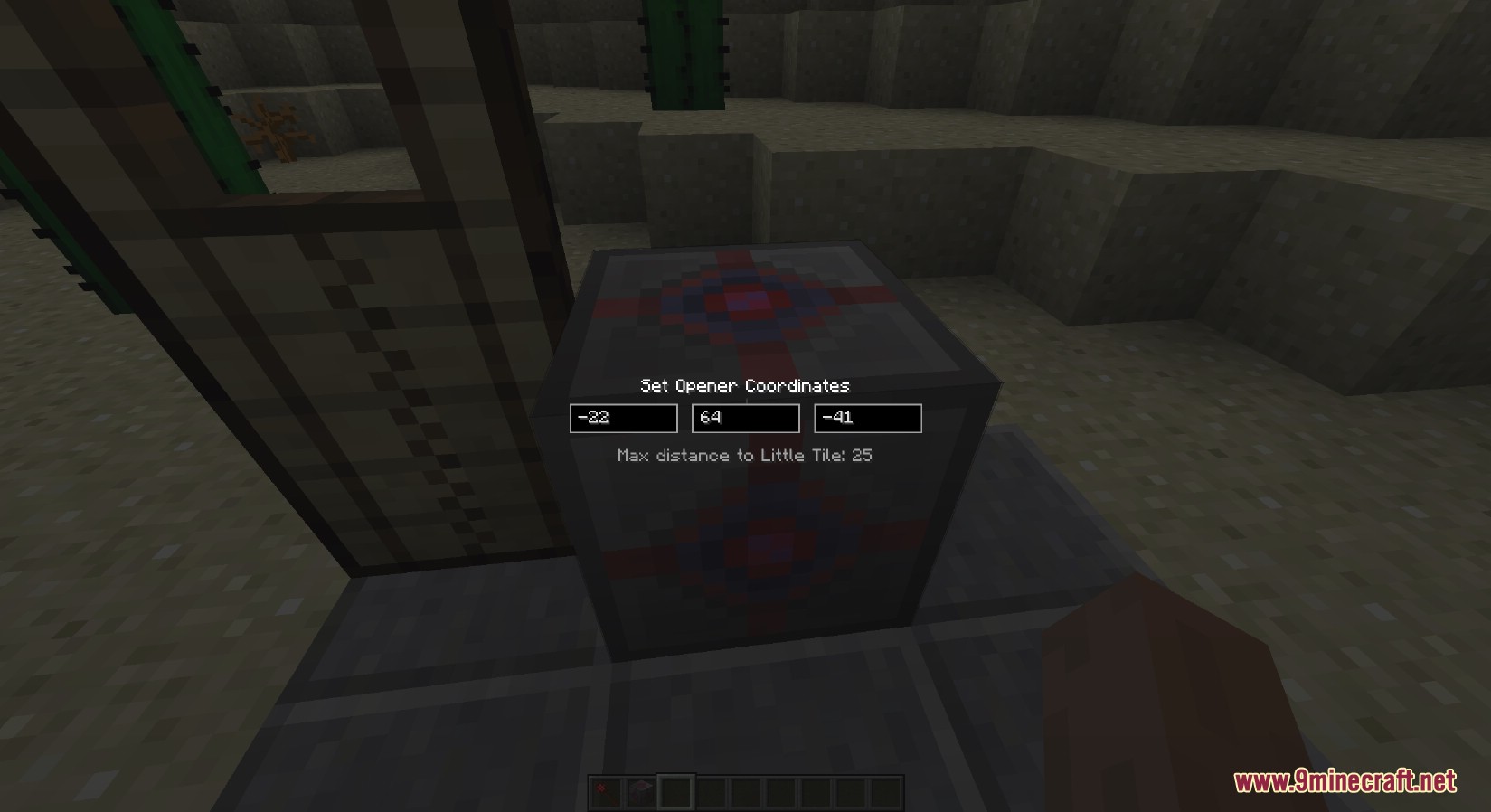
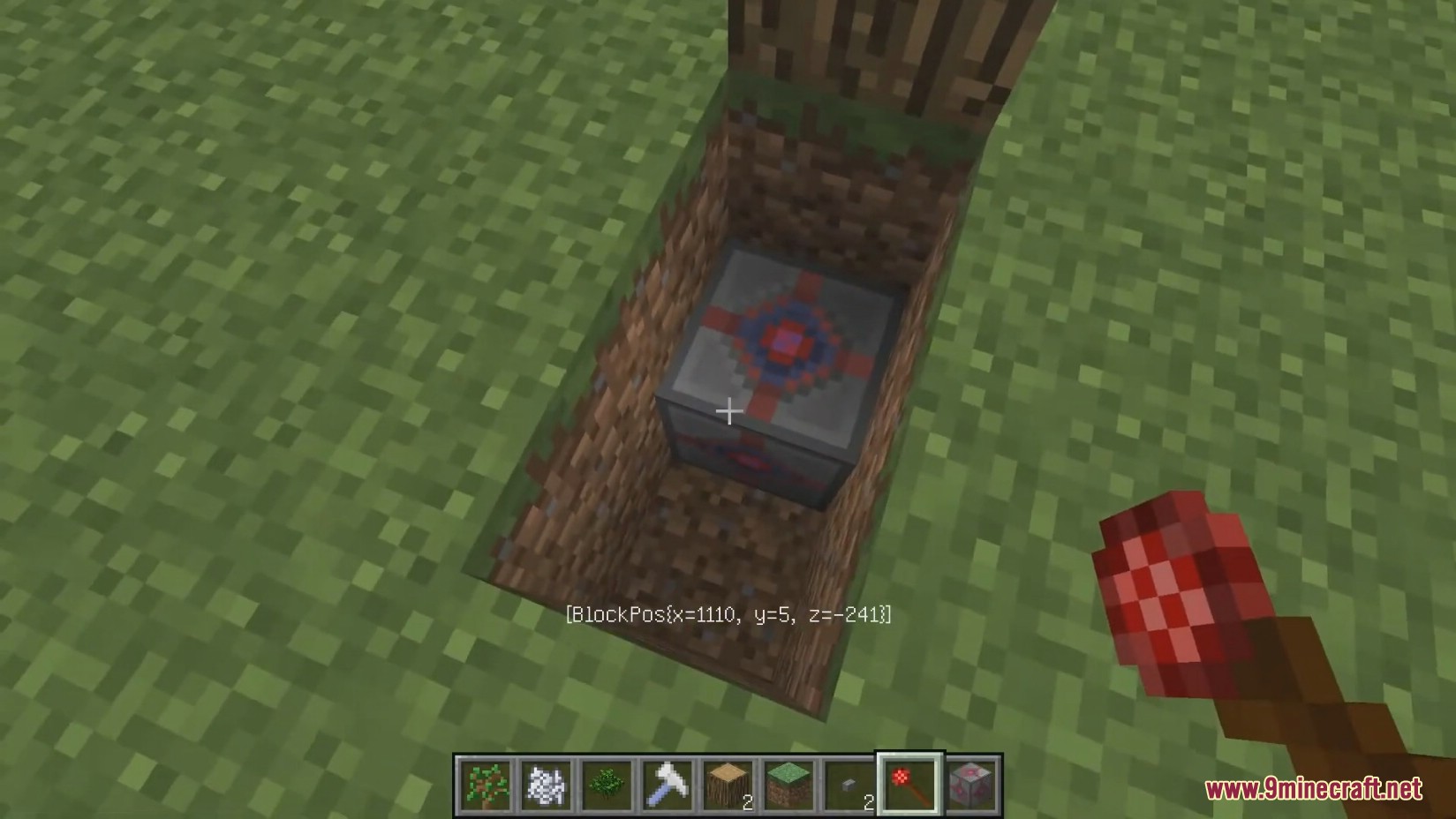
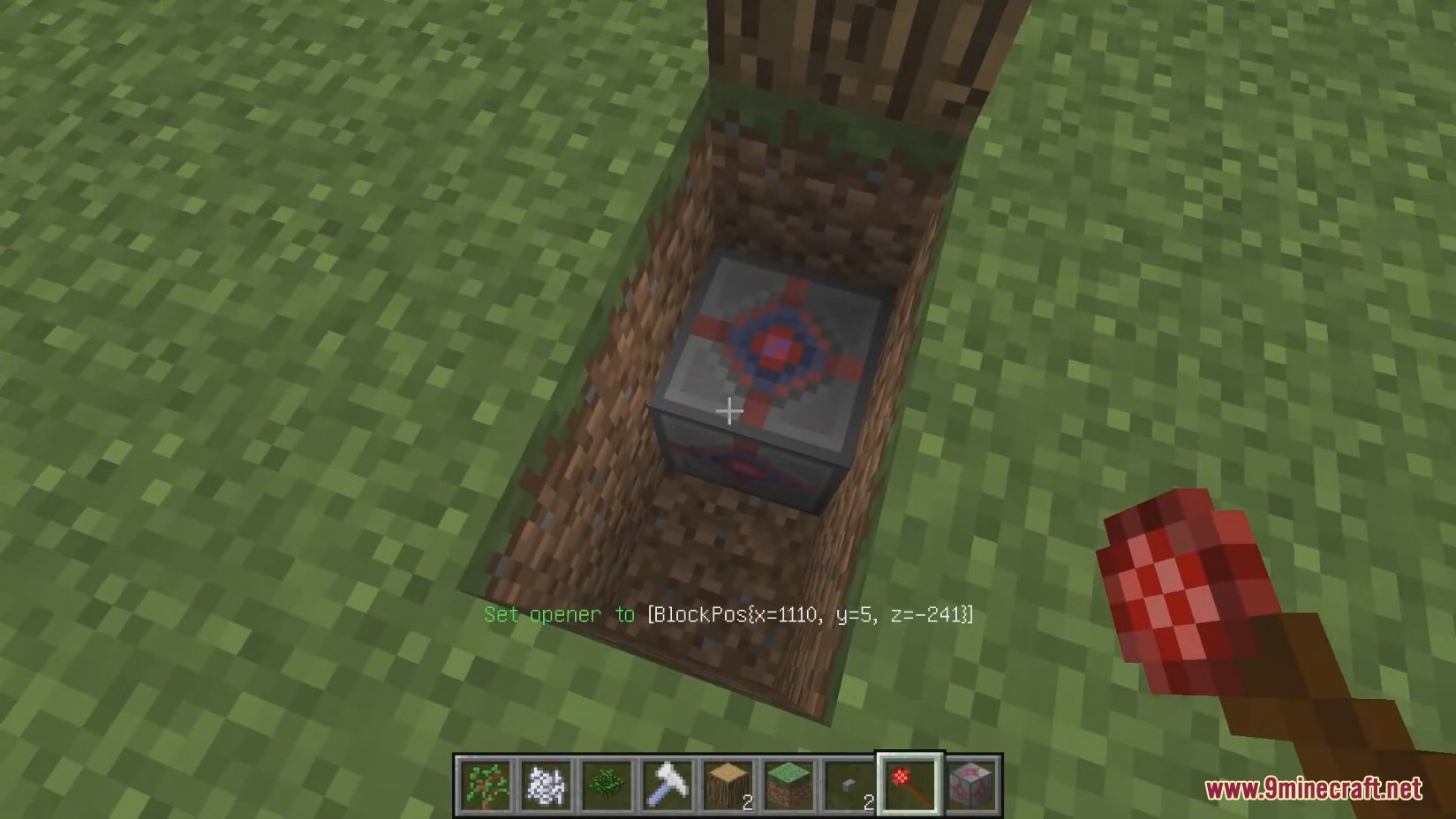
Little Opener Mod adds a specific set of tools to allow Little Tile doors to respond to red stone. All it does is add a block that runs the /lt-open command at coordinates set either manually in the block’s GUI, or transferred in via the Coordinate Setter. You can just shift-click a LittleTile, shift-click a Little Opener and you’re good to go. You can activate it with redstone, and also by right clicking the block. Right clicking the block directly and the max range (default 25 blocks) are configurable. The structures you can make are impressive, but it’s a bit limiting having to right click a door to make it activate. There is a work-around in the mod involving command blocks, but that’s not something you can use in survival.
Screenshots:
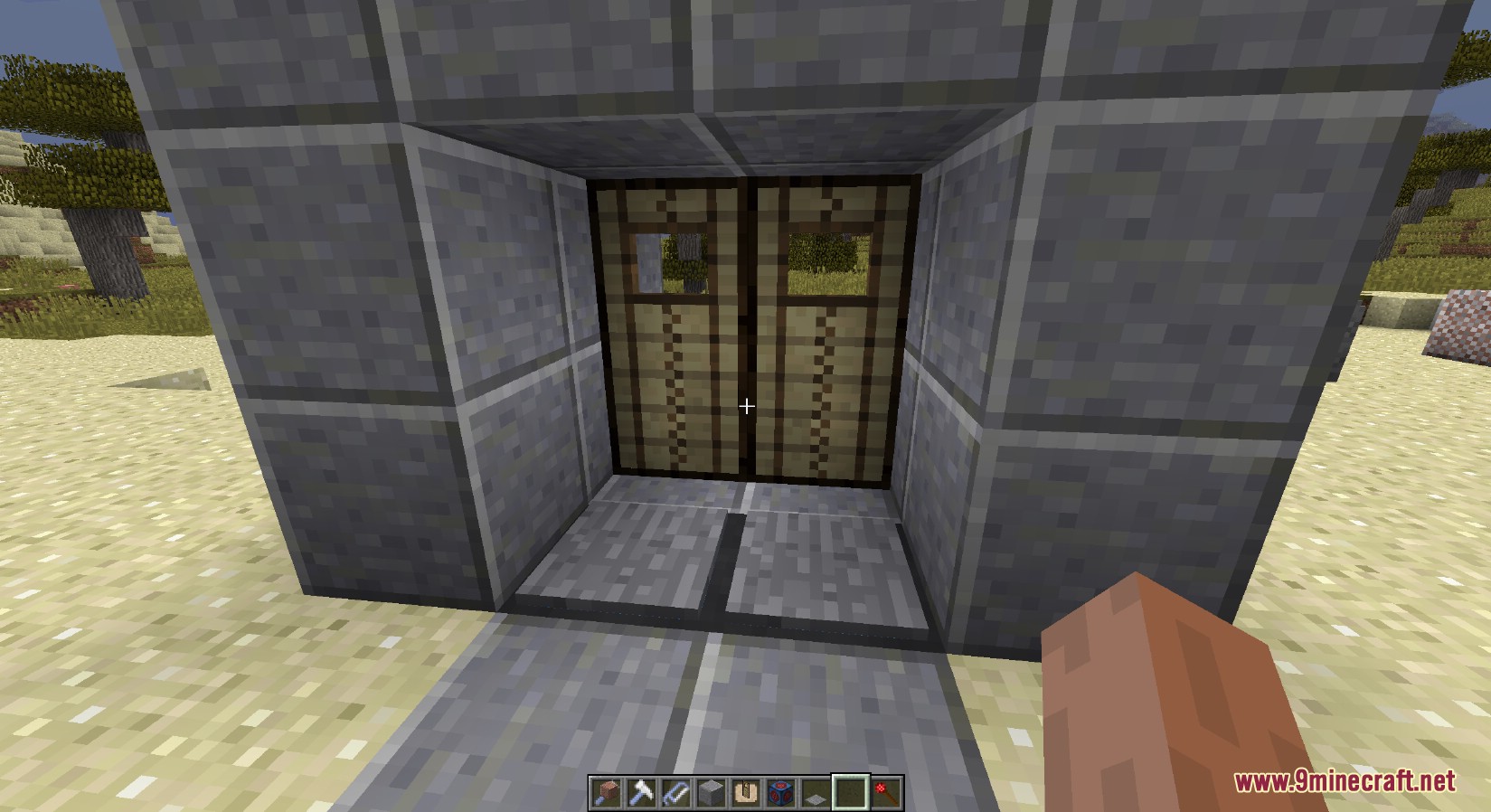
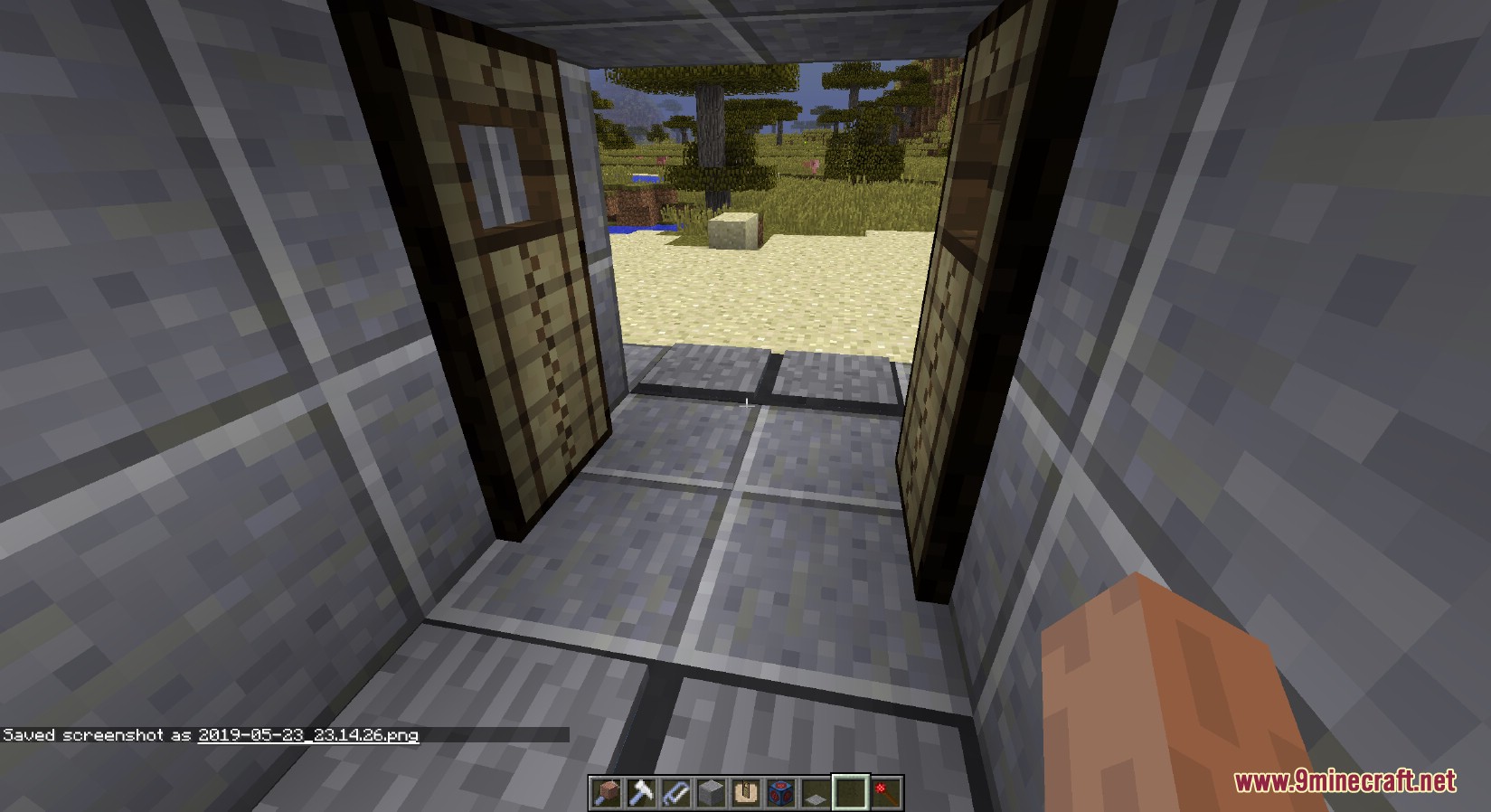
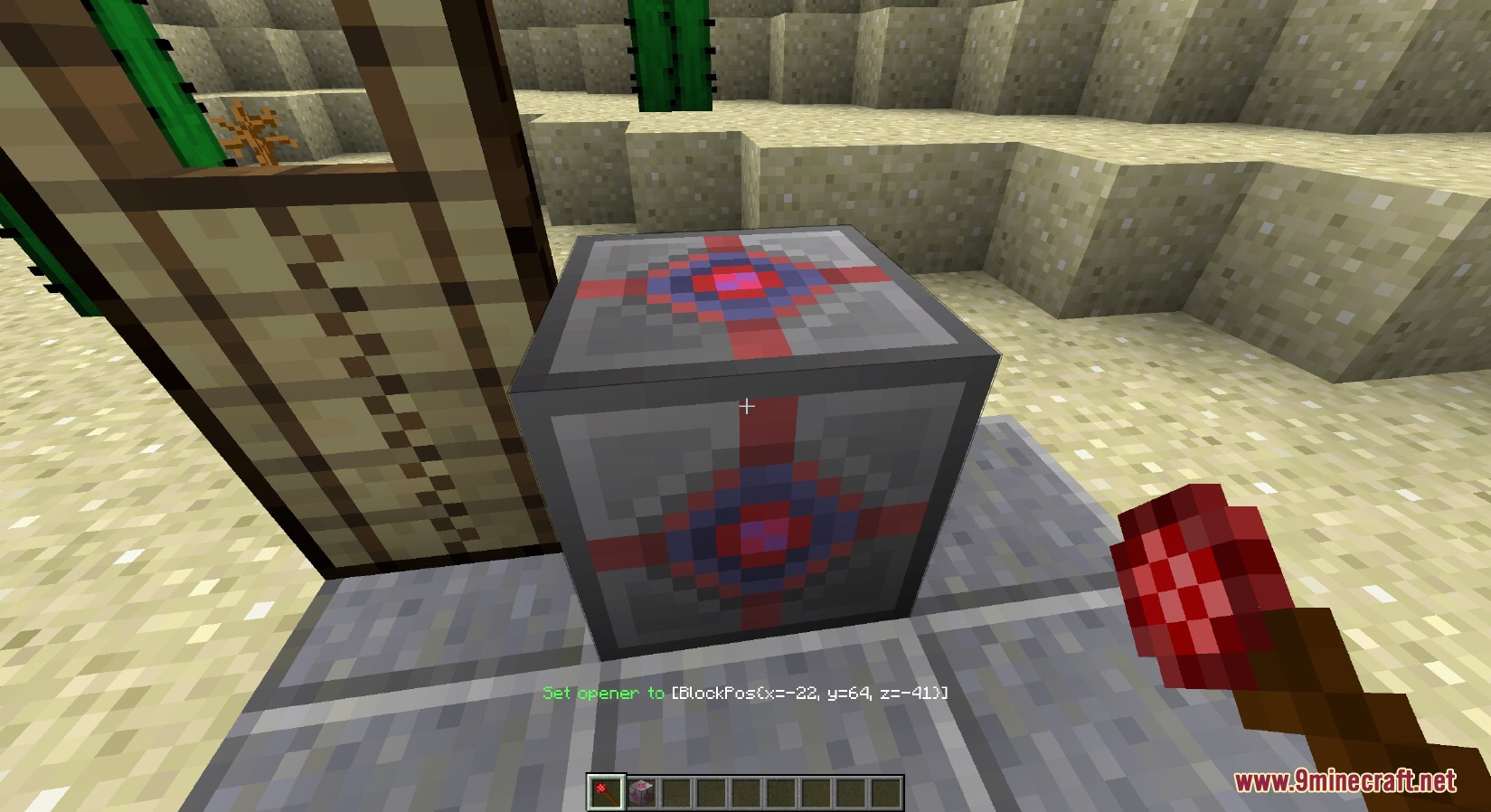
Little Opener Mod Download Links
For Minecraft 1.12.2
Forge version: Download from Server 1 – Download from Server 2
- Edition: Minecraft Java
- File type: .jar
- How to install: Install the matching mod loader (Forge, Fabric or NeoForge) for your Minecraft version. → Download the .jar. → Put it in the .minecraft/mods folder and launch that loader profile.
- Where to get it: In MC Java Mods, or directly above on this page.
Install steps are the general flow for this file type — see the MC Java Mods guides for the full walkthrough.
- Downloads as 200681.mcaddon
- Download size: 57 KB
- Download link checked 29 Jul 2026 — working
- Mirrored on our own servers — the download does not depend on the original host
These come from our own check of the pack file, not from the source page.