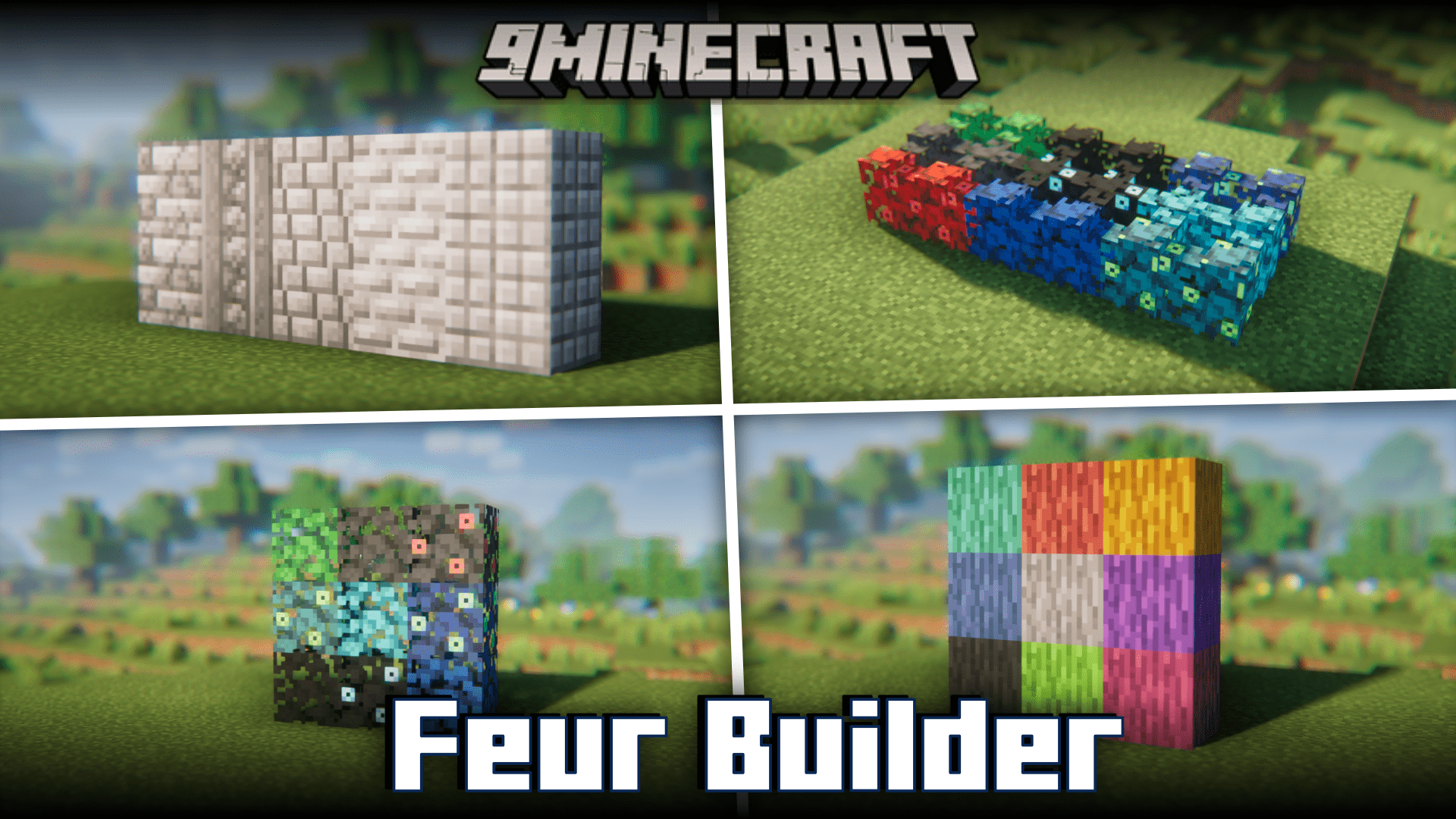
Feur Builder Mod (1.20.1, 1.19.4) – Better Vanilla Blocks!
Java mod listed for Minecraft 1.19–1.20. Downloads from the MC Java Mods app on Android.
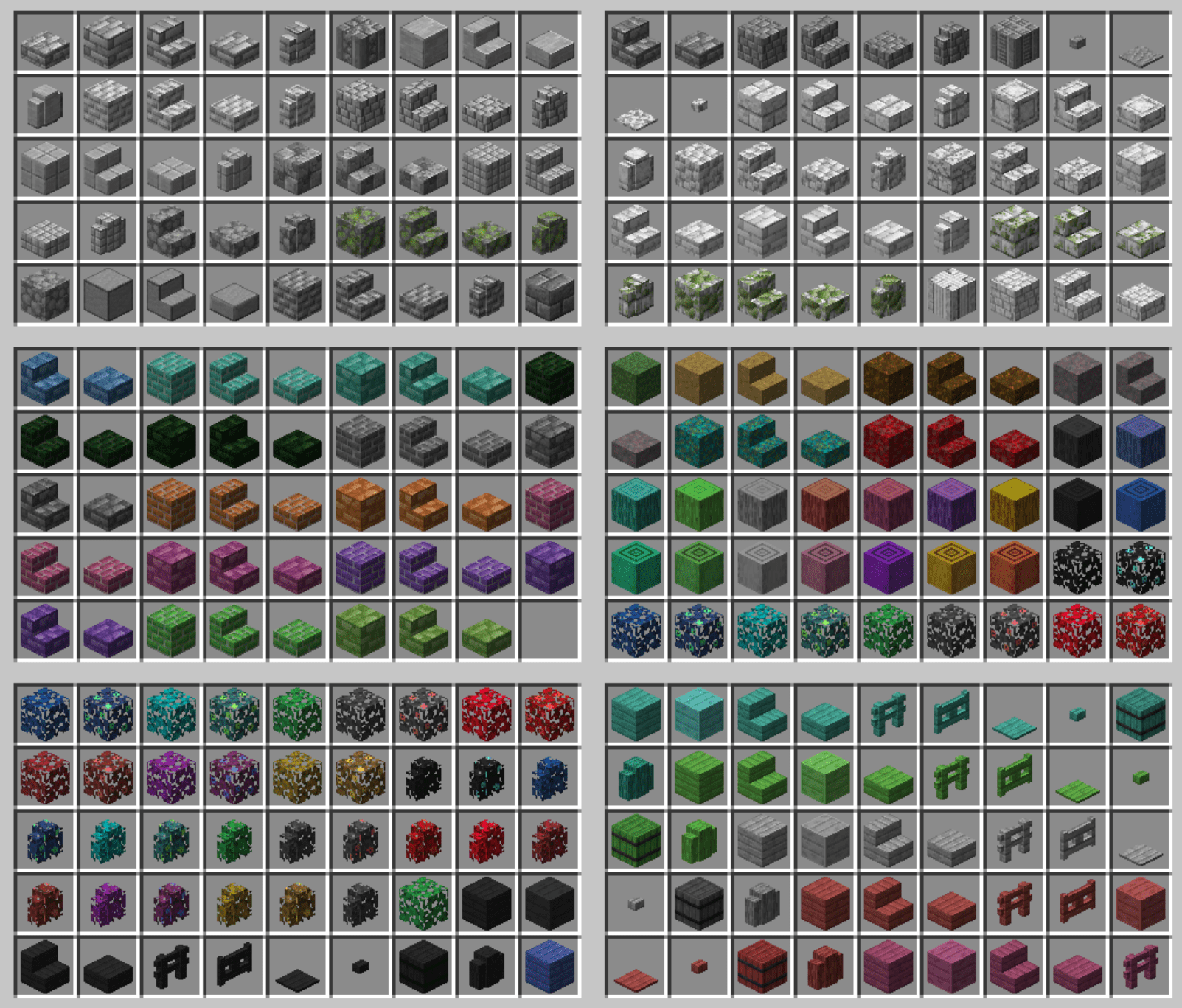
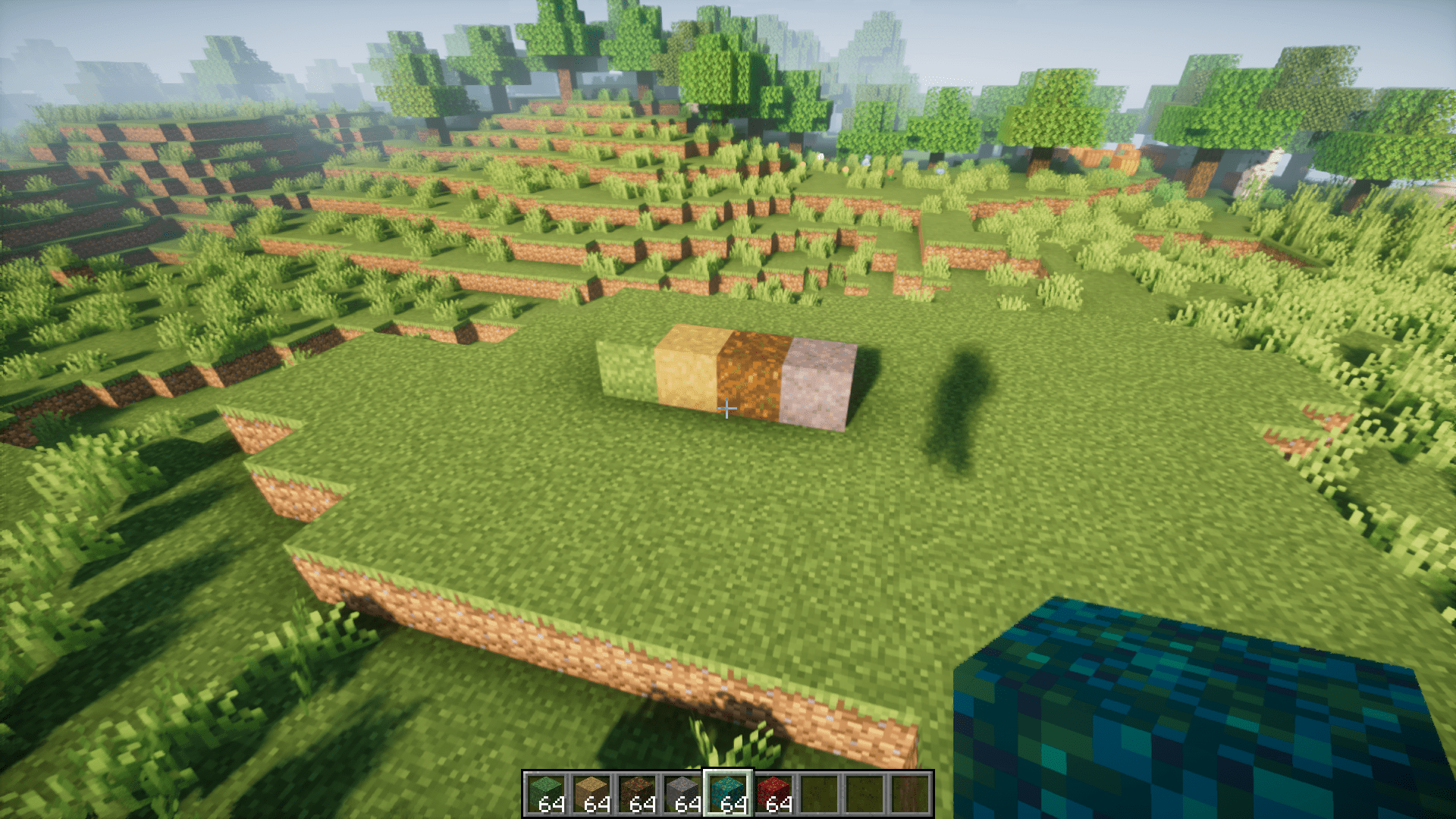
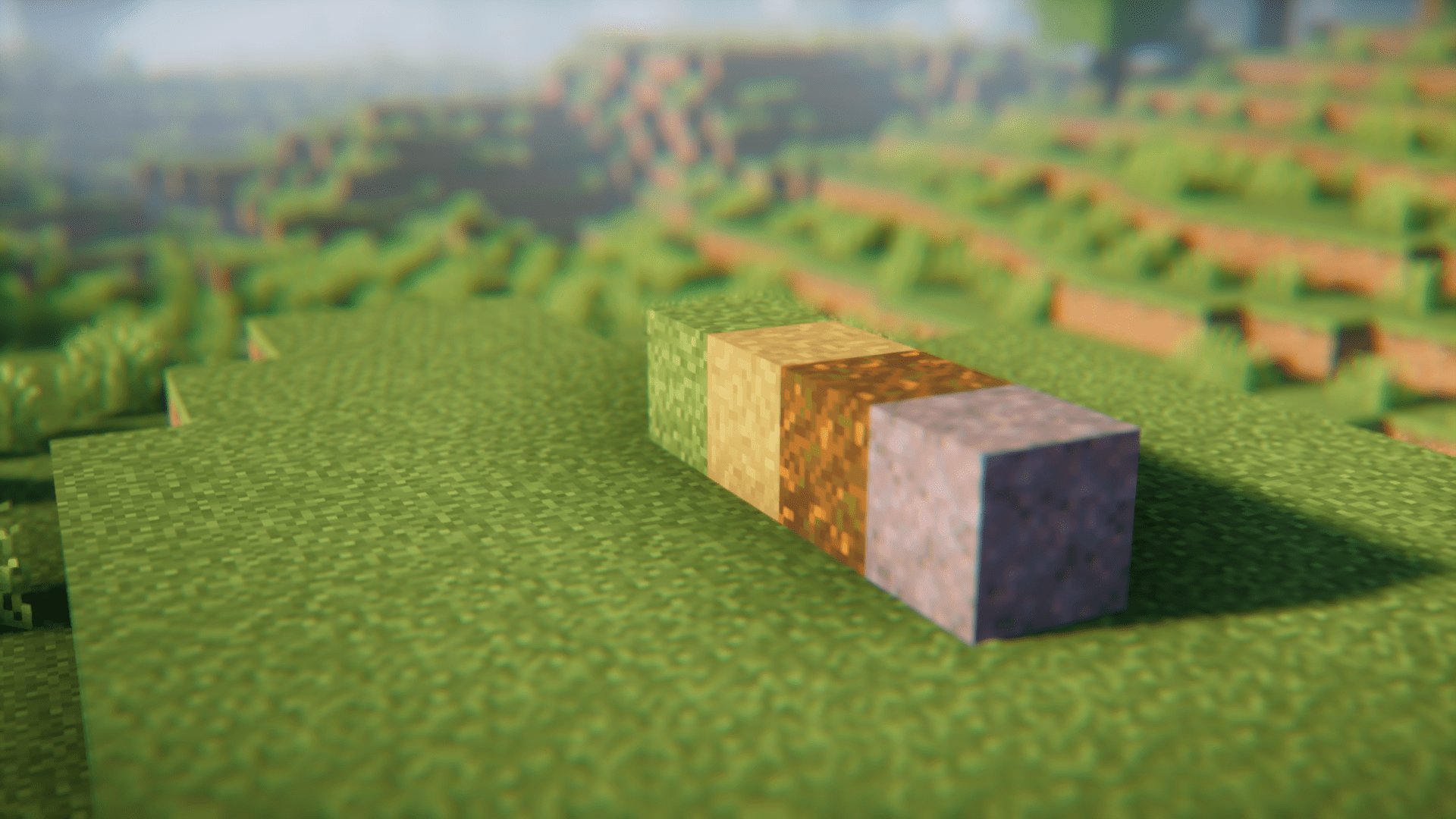
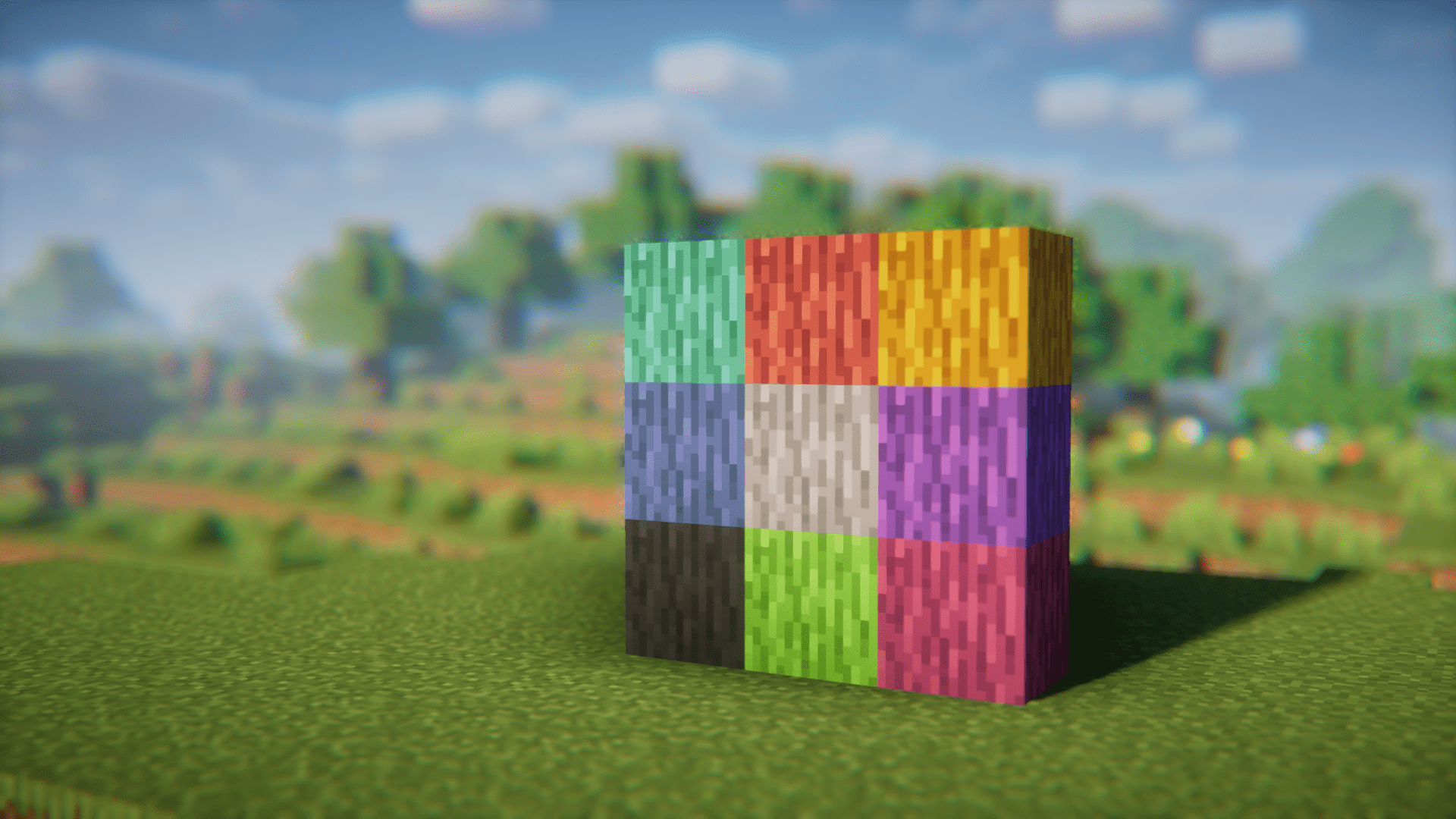
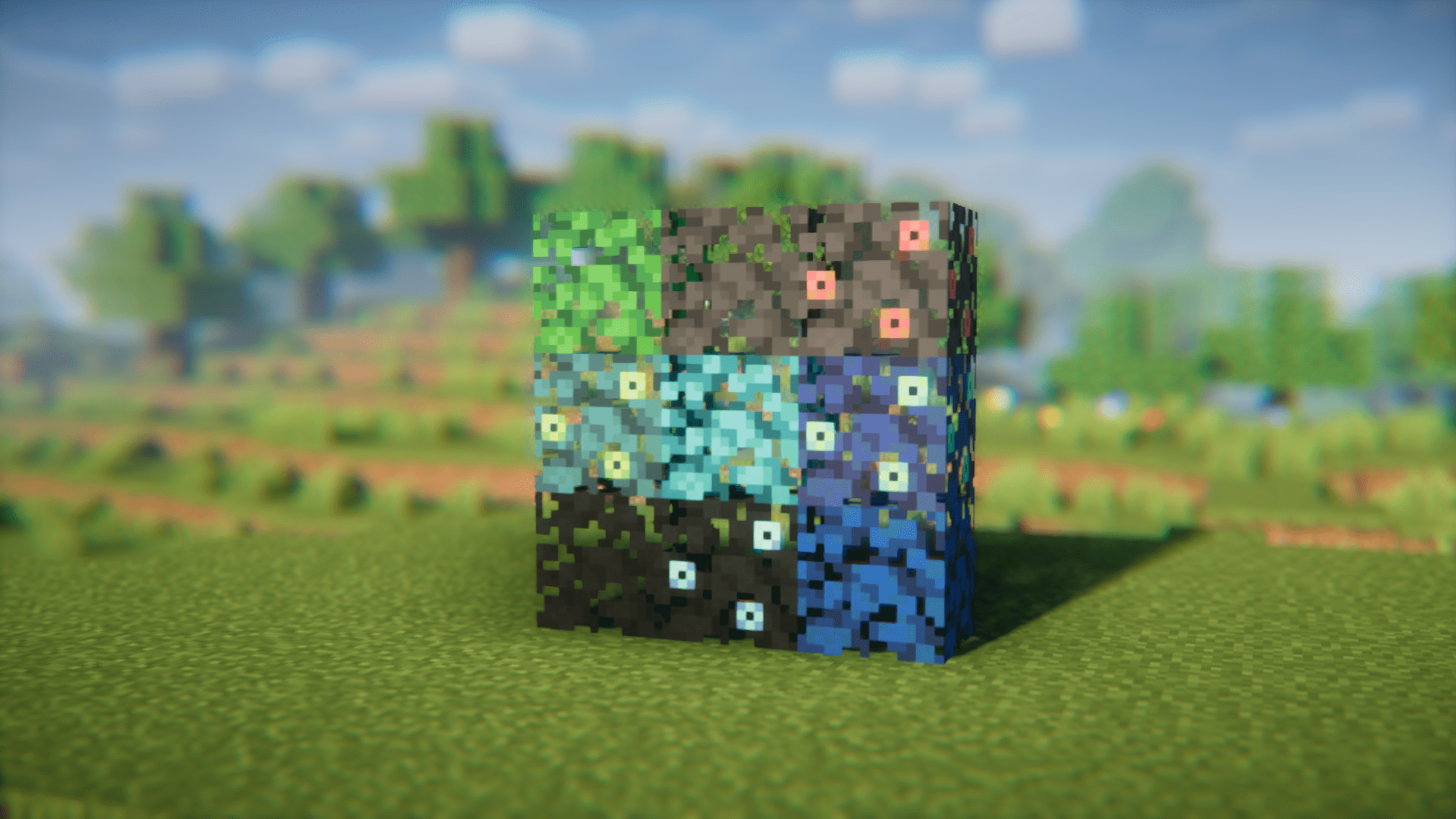
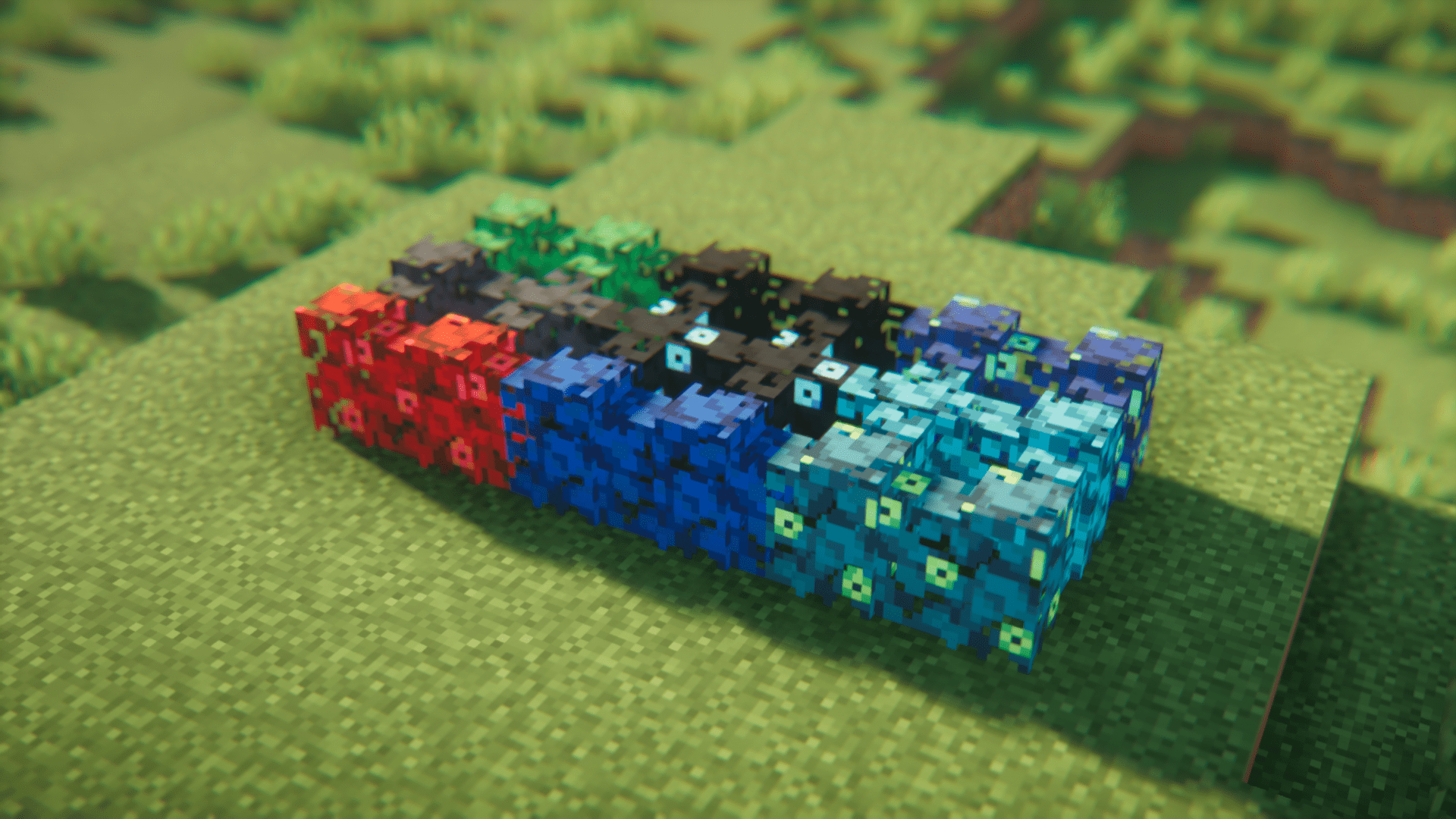
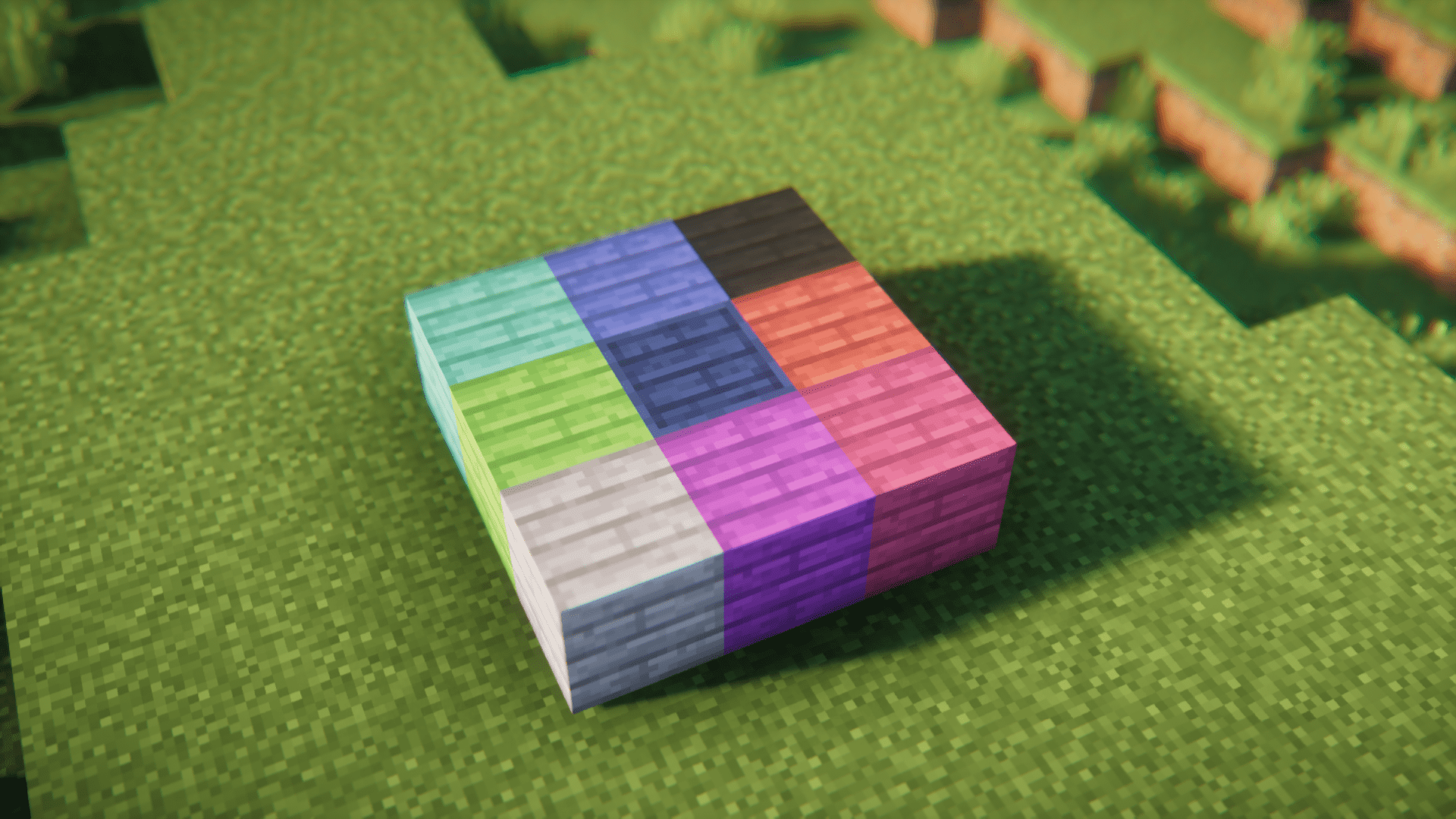
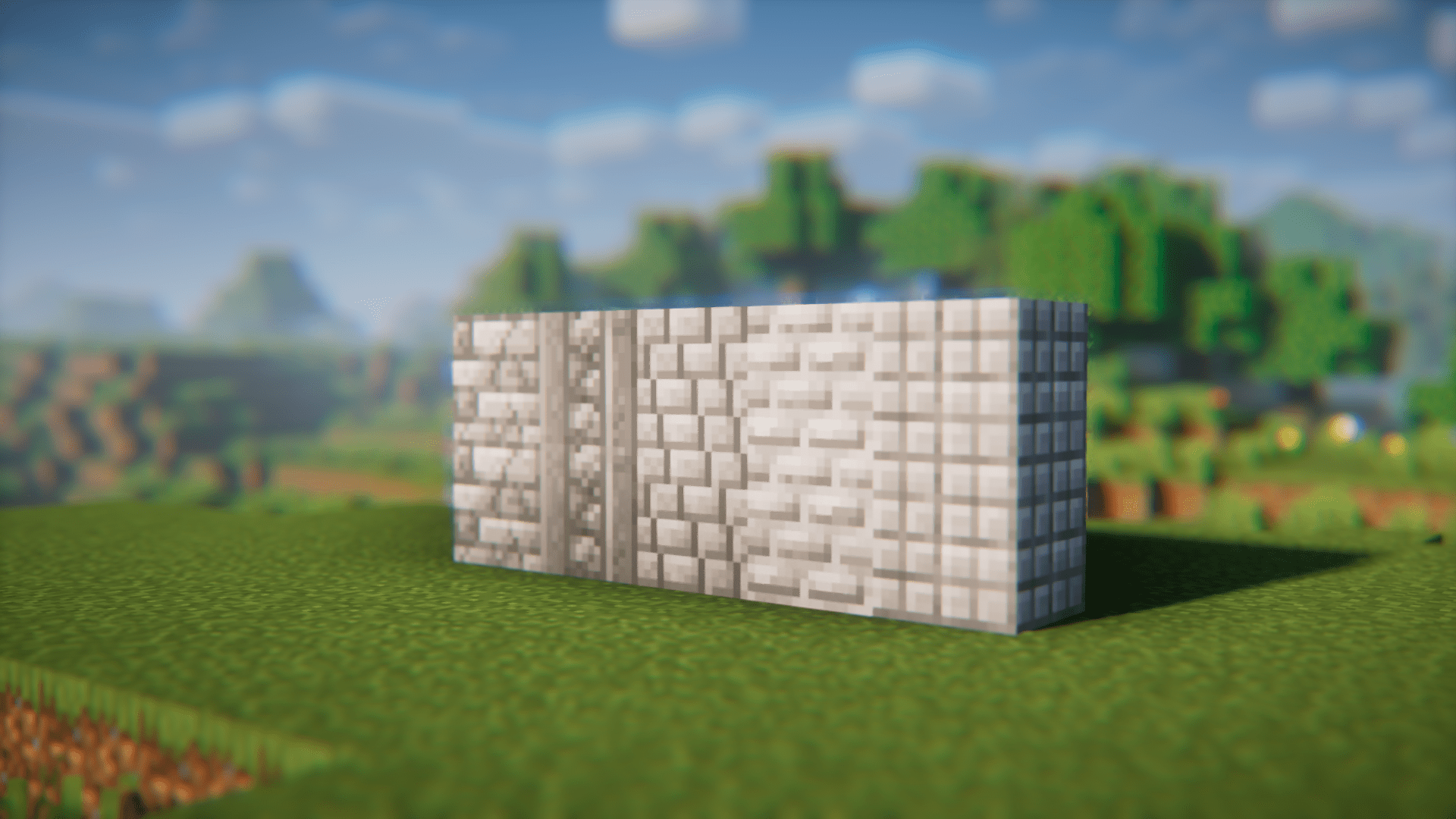
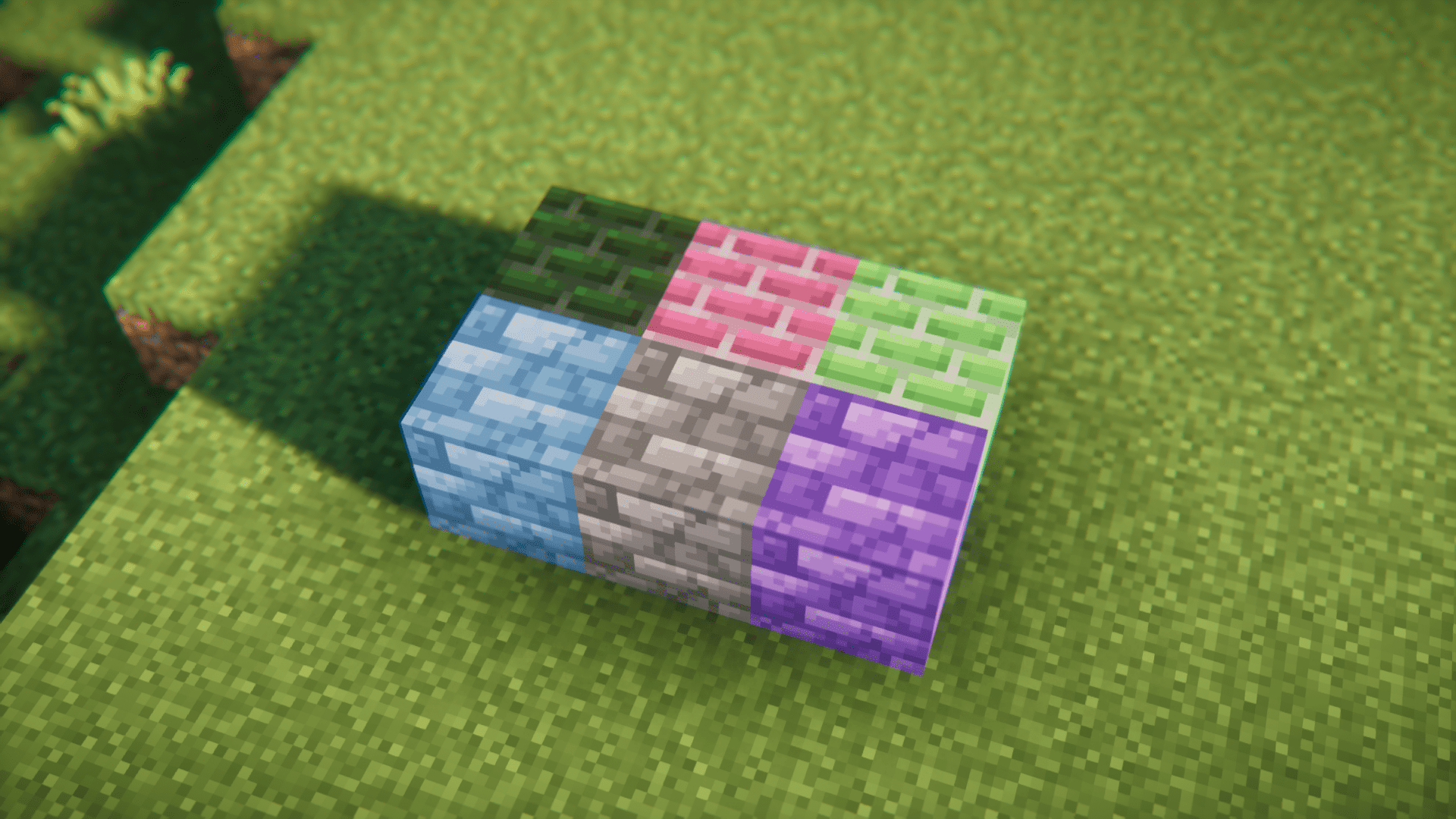
⬇ DownloadVanilla Minecraft offers blocks that were designed using a very basic color palette. Despite this, the building community has managed to come up with mesmerizing builds. Imagine the level of detail that they could accomplish with an array of blocks designed from an expanded color palette. Feur Builder Mod is designed for those who love designing and building in Minecraft. This mod introduces a large variety of blocks that come in different colors and designs, so that there is always a block to meet your specific need.
Features:
- Blocks of various different themes.
- Multiple color variants for blocks.
- Different block designs to meet your build theme requirements.
Screenshots:
Feur Builder Mod Download Links
For Minecraft 1.20.1
Forge version: Download from Server 1 – Download from Server 2
For Minecraft 1.19.4
Forge version: Download from Server 1 – Download from Server 2
For Minecraft 1.19.2
Forge/Fabric version: Download from Server 1 – Download from Server 2
For Minecraft 1.18.2
Forge version: Download from Server 1 – Download from Server 2
- Edition: Minecraft Java
- File type: .jar
- Minecraft versions listed: 1.20.1, 1.19.4
- How to install: Install the matching mod loader (Forge, Fabric or NeoForge) for your Minecraft version. → Download the .jar. → Put it in the .minecraft/mods folder and launch that loader profile.
- Where to get it: In MC Java Mods, or directly above on this page.
Install steps are the general flow for this file type — How to install Minecraft Java mods & modpacks walks through it step by step.
- Downloads as 200705.mcaddon
- Download size: 2.5 MB
- Download link checked 22 Jul 2026 — working
- Mirrored on our own servers — the download does not depend on the original host
These come from our own check of the pack file, not from the source page.