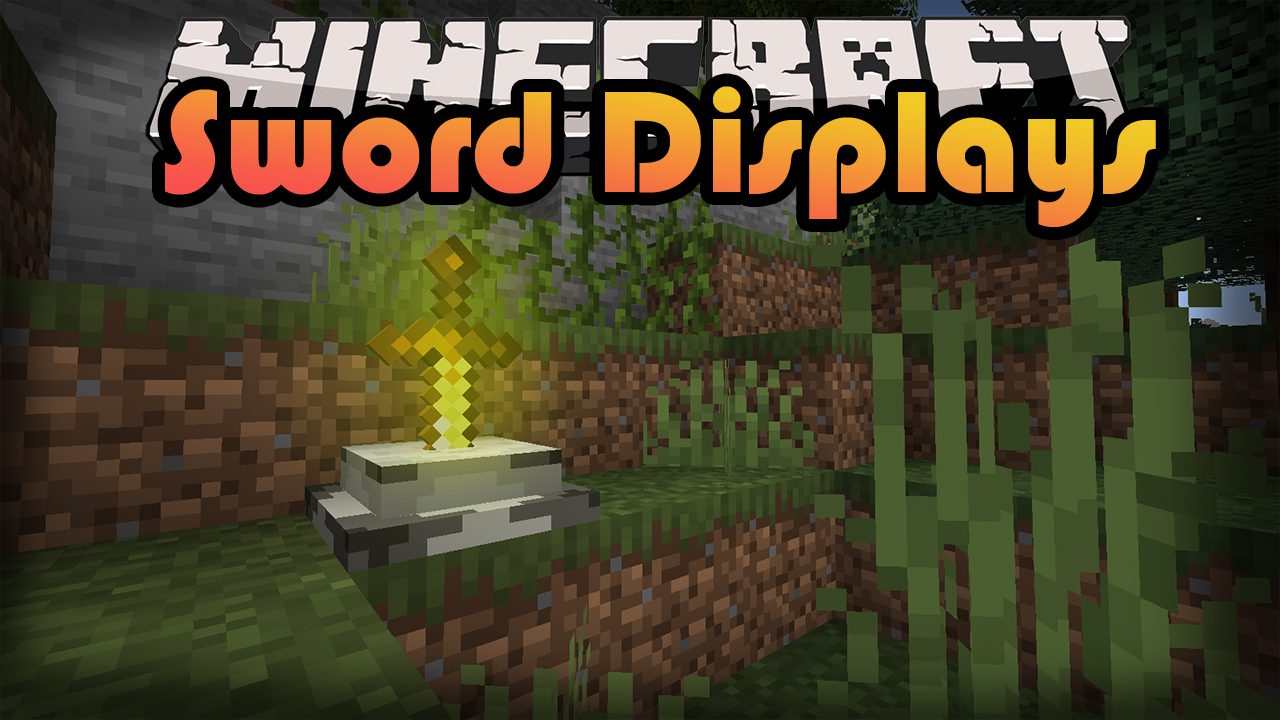
Sword Displays Mod (1.21.1, 1.20.1) – Showing Off Your Swords
Java mod listed for Minecraft 1.20–1.21. Downloads from the MC Java Mods app on Android.
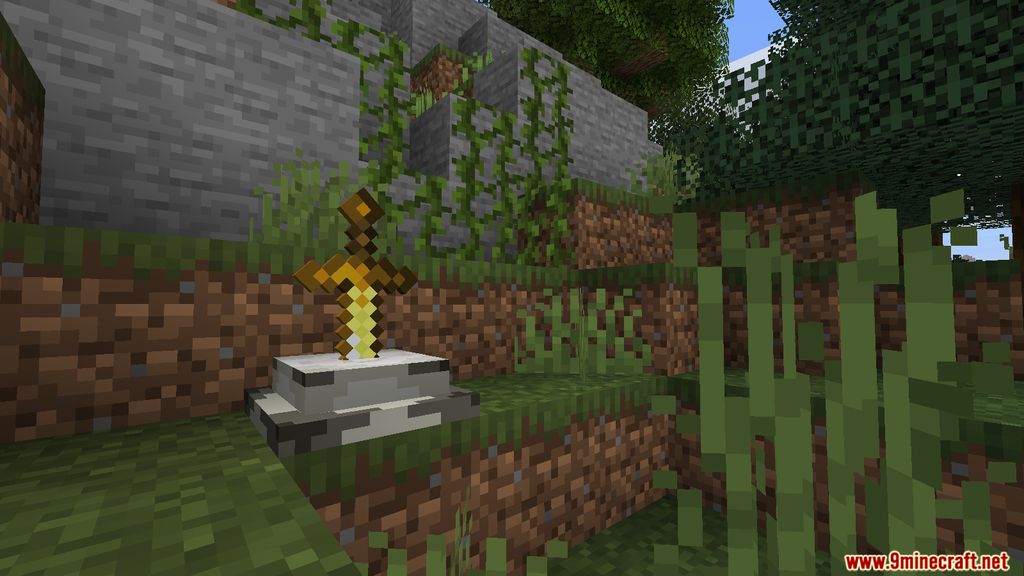
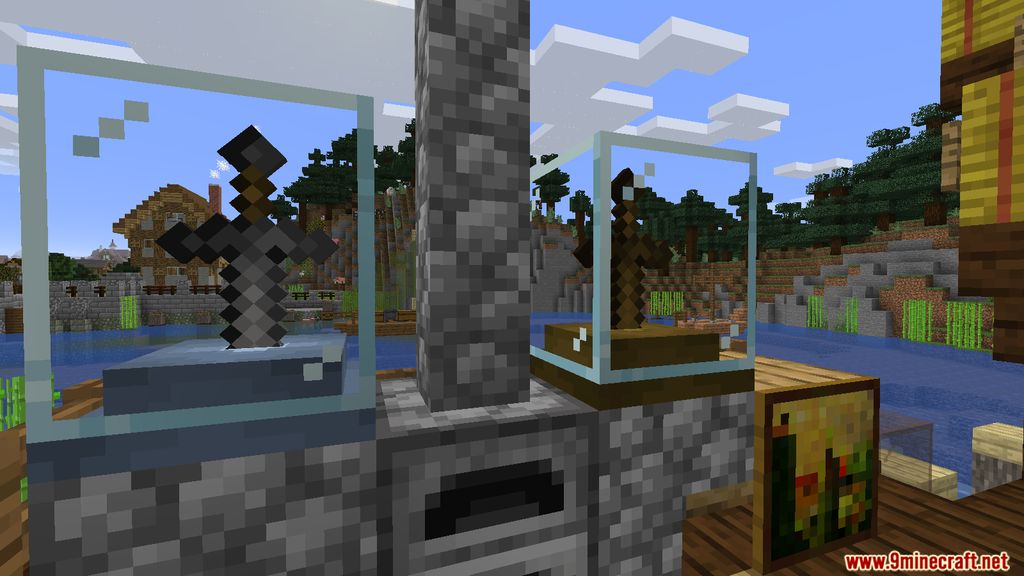
⬇ DownloadSword Displays Mod implements into the game a new way to decorate your base, by showing off your most trusty companion, your “Sword.” Whether the friend that has been fighting alongside you is a Diamond Sword, a mere Wooden Sword or even an enchanted version of the Iron Sword, you can now create a home for them by crafting these beautiful displays for them to stick themselves on (you’ll probably have to do that part). The Mod create a new aesthetic feeling to the Sword placements, you’ll feel like King Arthur pulling the legendary sword out of the stone to battle hostile entities around the world.
Screenshots:
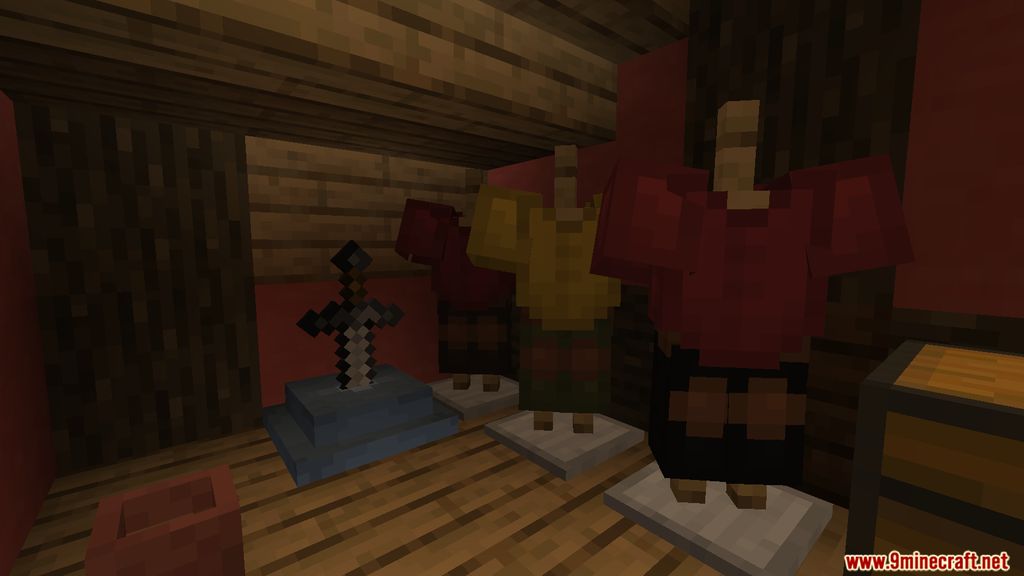
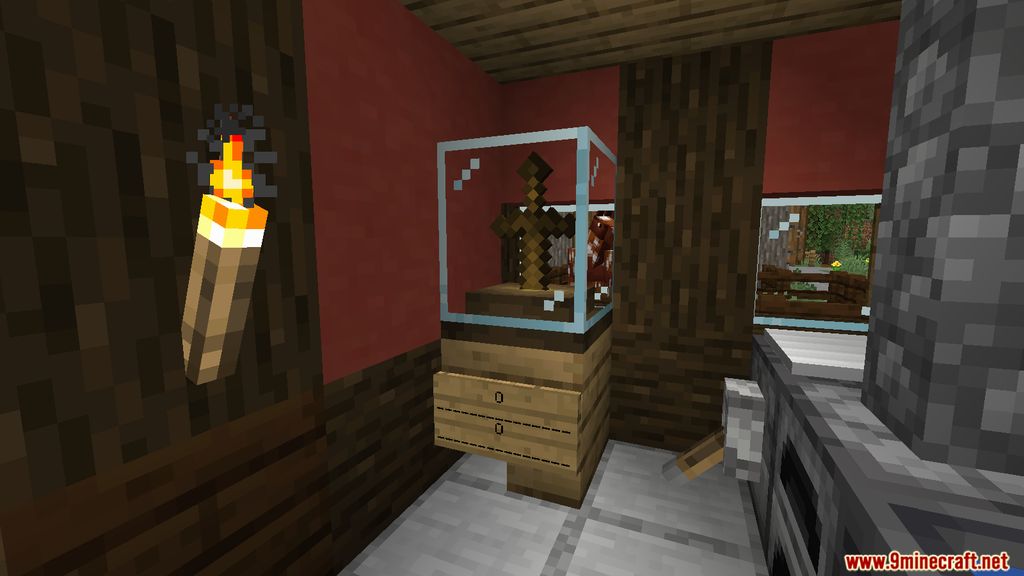
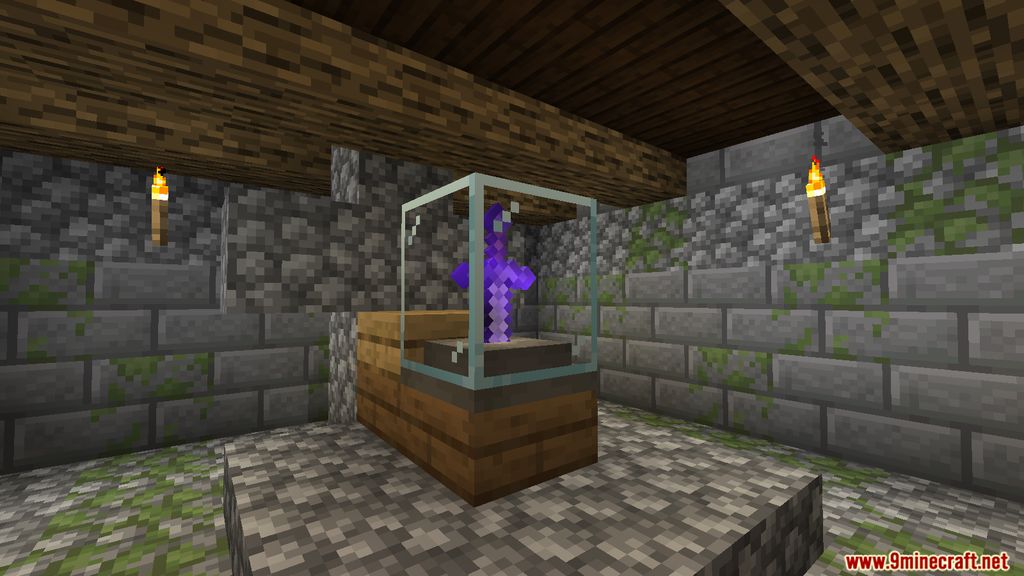
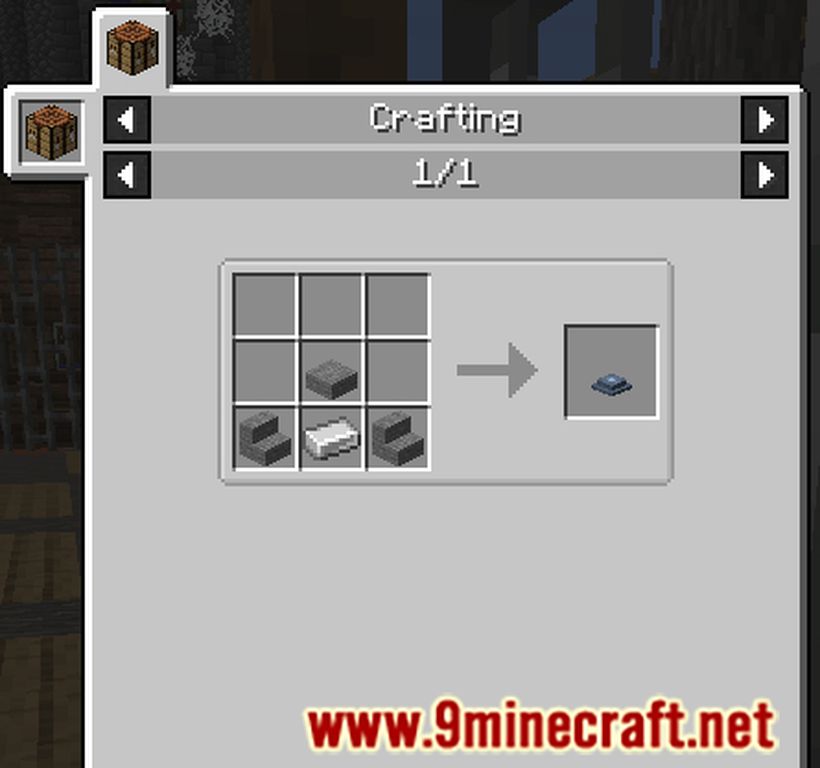
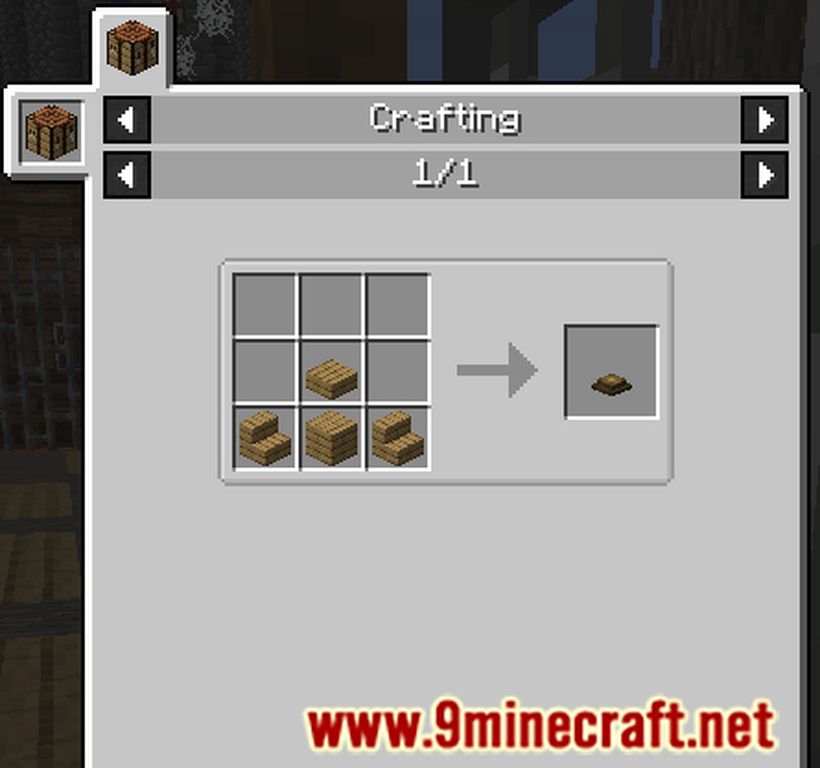
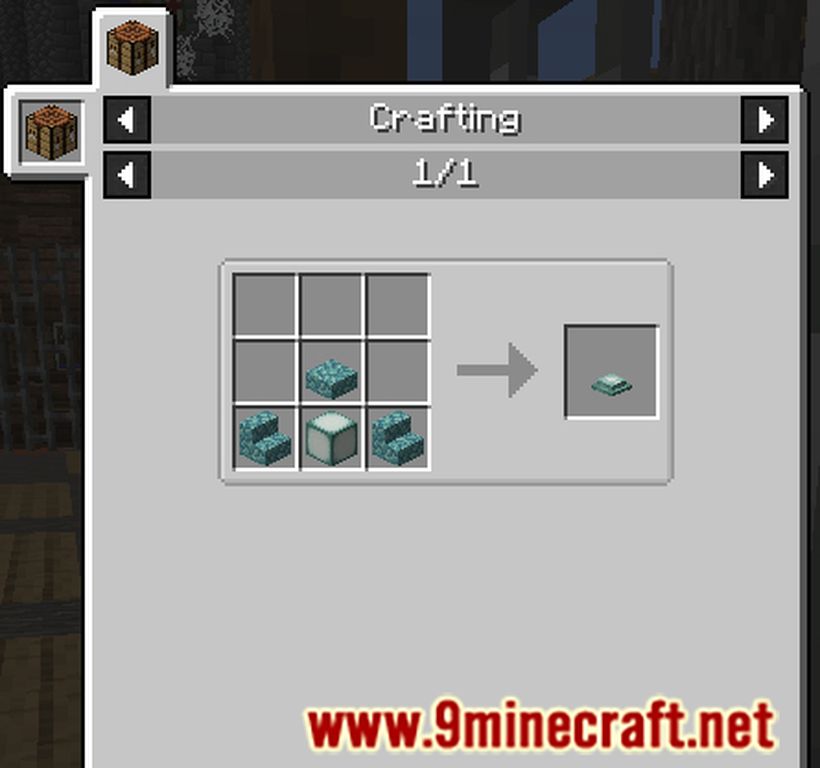
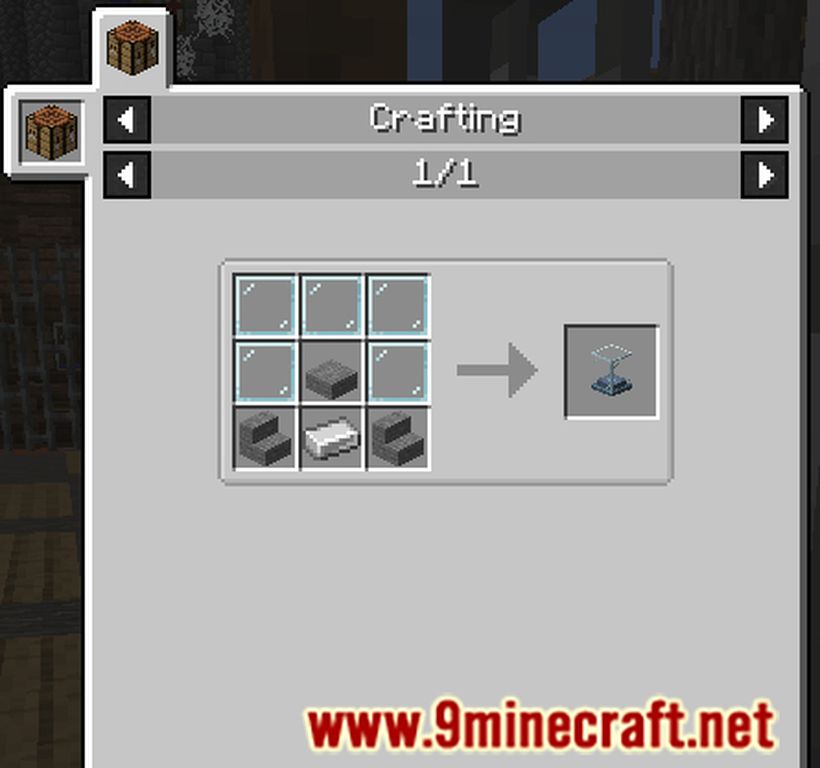
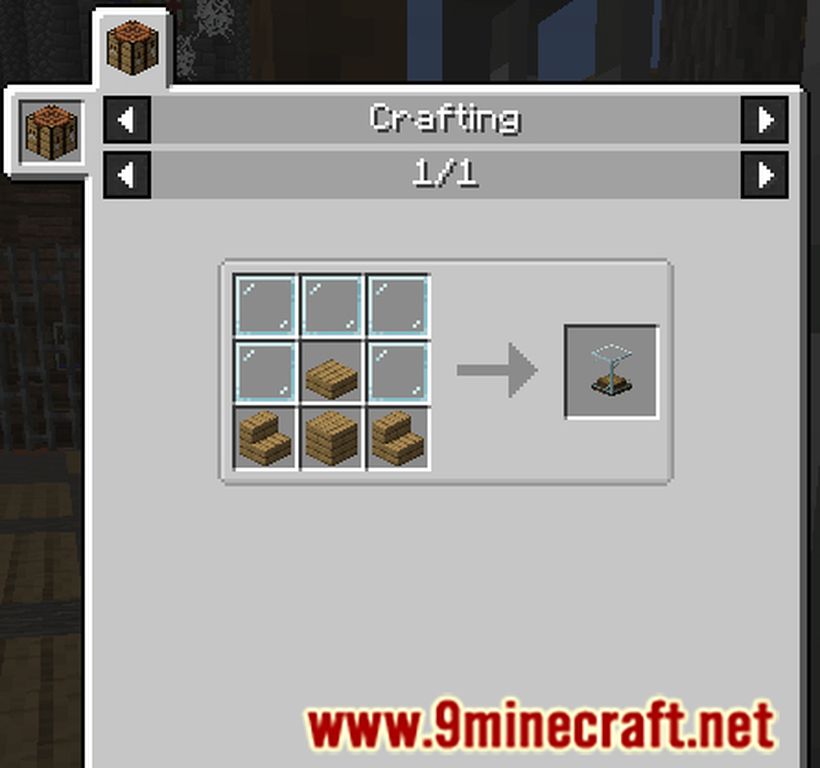
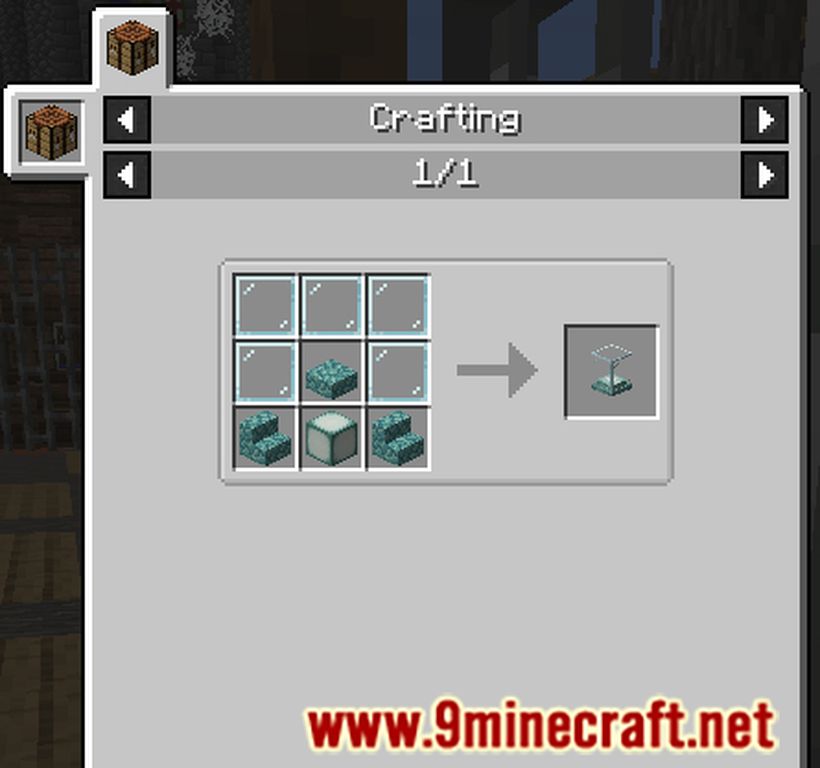
Crafting Recipes:
How to use:
- To Insert an item: Right-Click with a sword (type) item | Note: You can only place one sword at a time.
- To Withdraw the item: Shift + Right-Click
- To Inverse Rotate the item in the display: Right-Click with an empty hand, while the display isn’t empty.
Sword Displays Mod Download Links
For Minecraft 1.21.1, 1.21
NeoForge version: Download from Server 1 – Download from Server 2
For Minecraft 1.20.4, 1.20.3, 1.20.2, 1.20.1
Forge version: Download from Server 1 – Download from Server 2
For Minecraft 1.19.3
Forge version: Download from Server 1
For Minecraft 1.19.2
Forge version: Download from Server 1 – Download from Server 2
For Minecraft 1.18.2
Forge version: Download from Server 1 – Download from Server 2
For Minecraft 1.16.5
Forge version: Download from Server 1 – Download from Server 2
For Minecraft 1.15.2
Forge version: Download from Server 1
For Minecraft 1.14.4
Forge version: Download from Server 1
- Edition: Minecraft Java
- File type: .jar
- Minecraft versions listed: 1.21.1, 1.20.1
- How to install: Install the matching mod loader (Forge, Fabric or NeoForge) for your Minecraft version. → Download the .jar. → Put it in the .minecraft/mods folder and launch that loader profile.
- Where to get it: In MC Java Mods, or directly above on this page.
Install steps are the general flow for this file type — How to install Minecraft Java mods & modpacks walks through it step by step.
- Downloads as 200762.mcaddon
- Download size: 198 KB
- Download link checked 29 Jul 2026 — working
- Mirrored on our own servers — the download does not depend on the original host
These come from our own check of the pack file, not from the source page.