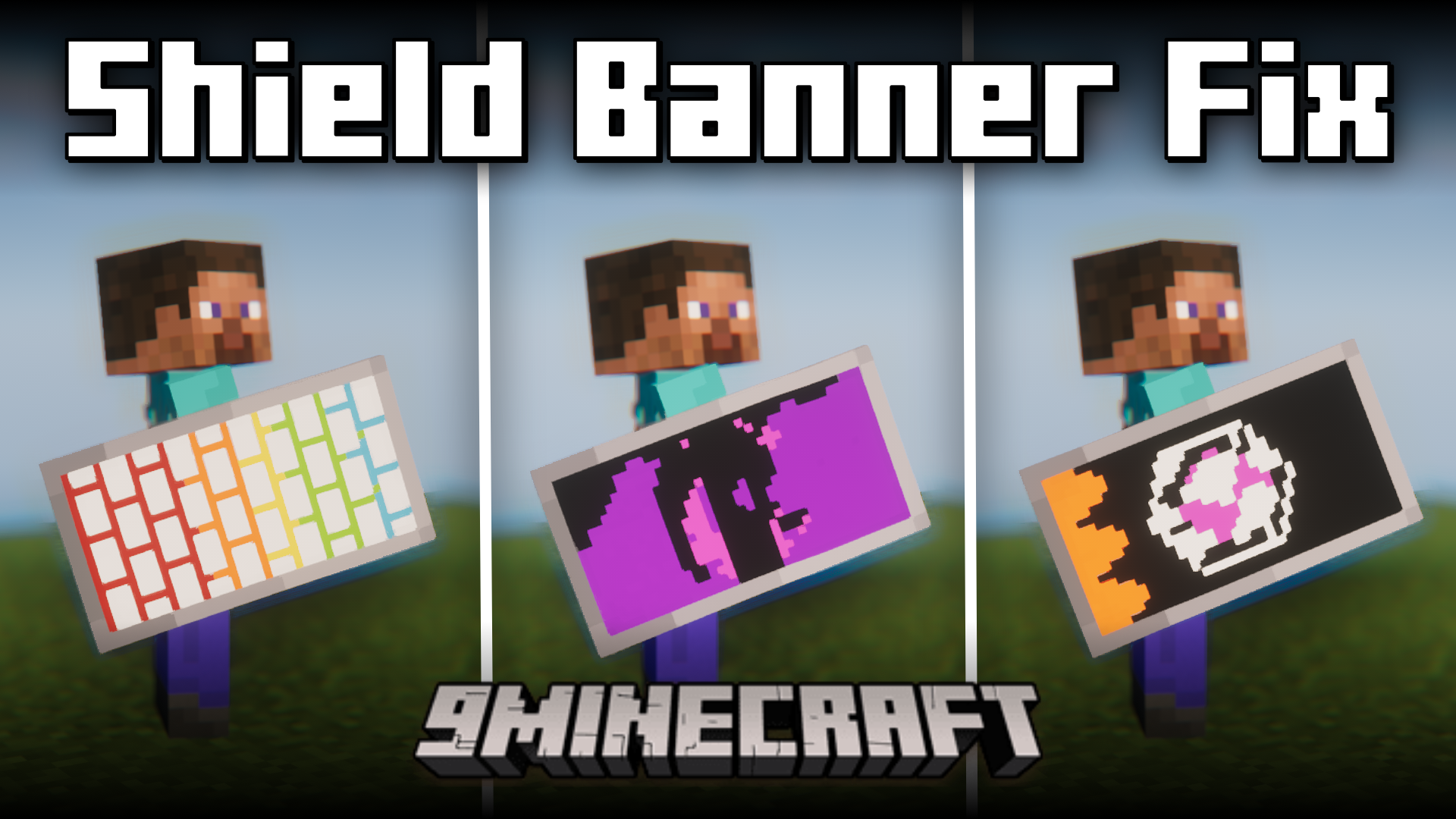
Shield Banner Fix Mod (26.2, 1.20.1) – Fixes Shield Banner Inconsistencies
Java mod listed for Minecraft 1.20. Downloads from the MC Java Mods app on Android.
⬇ Download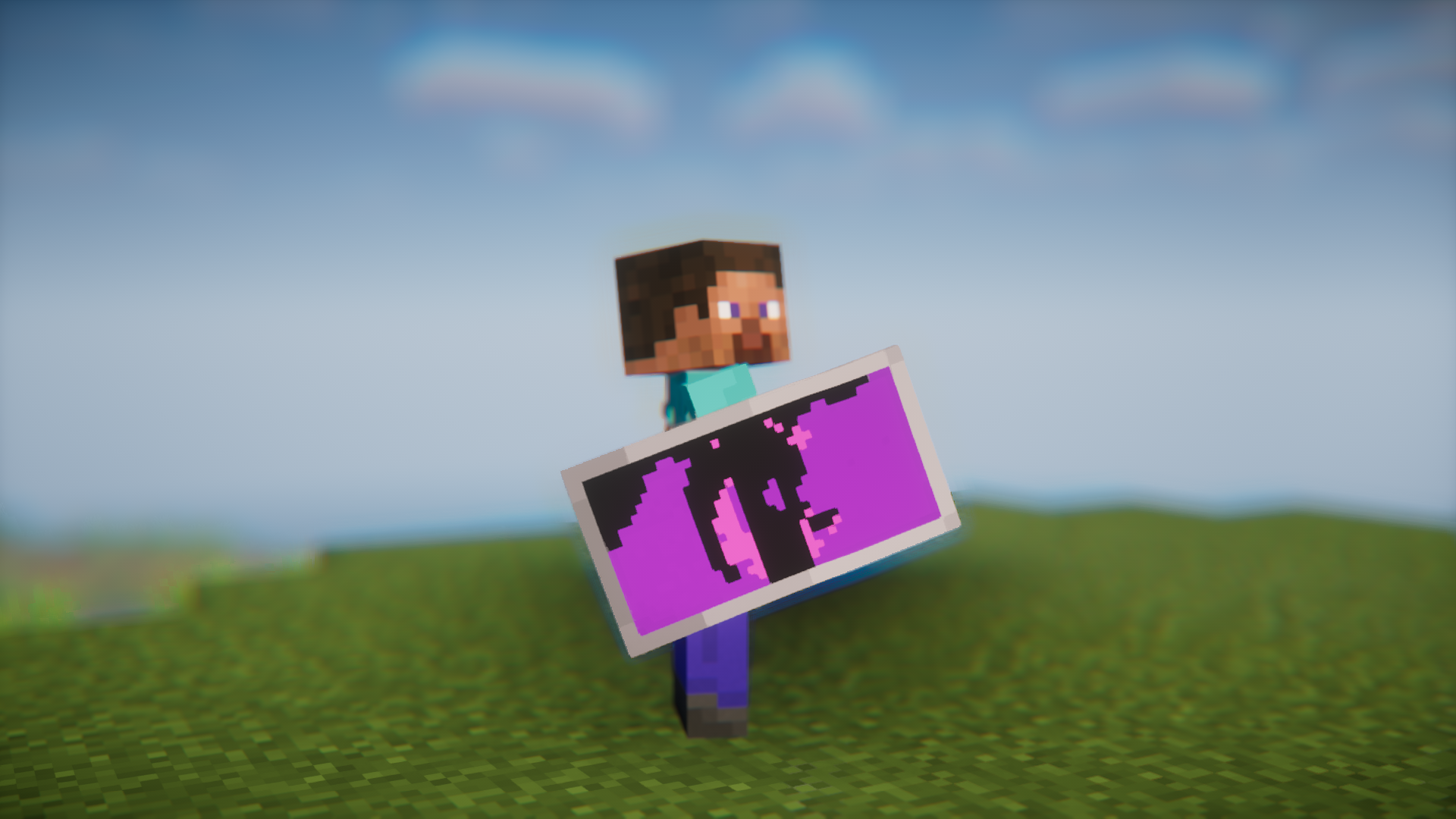
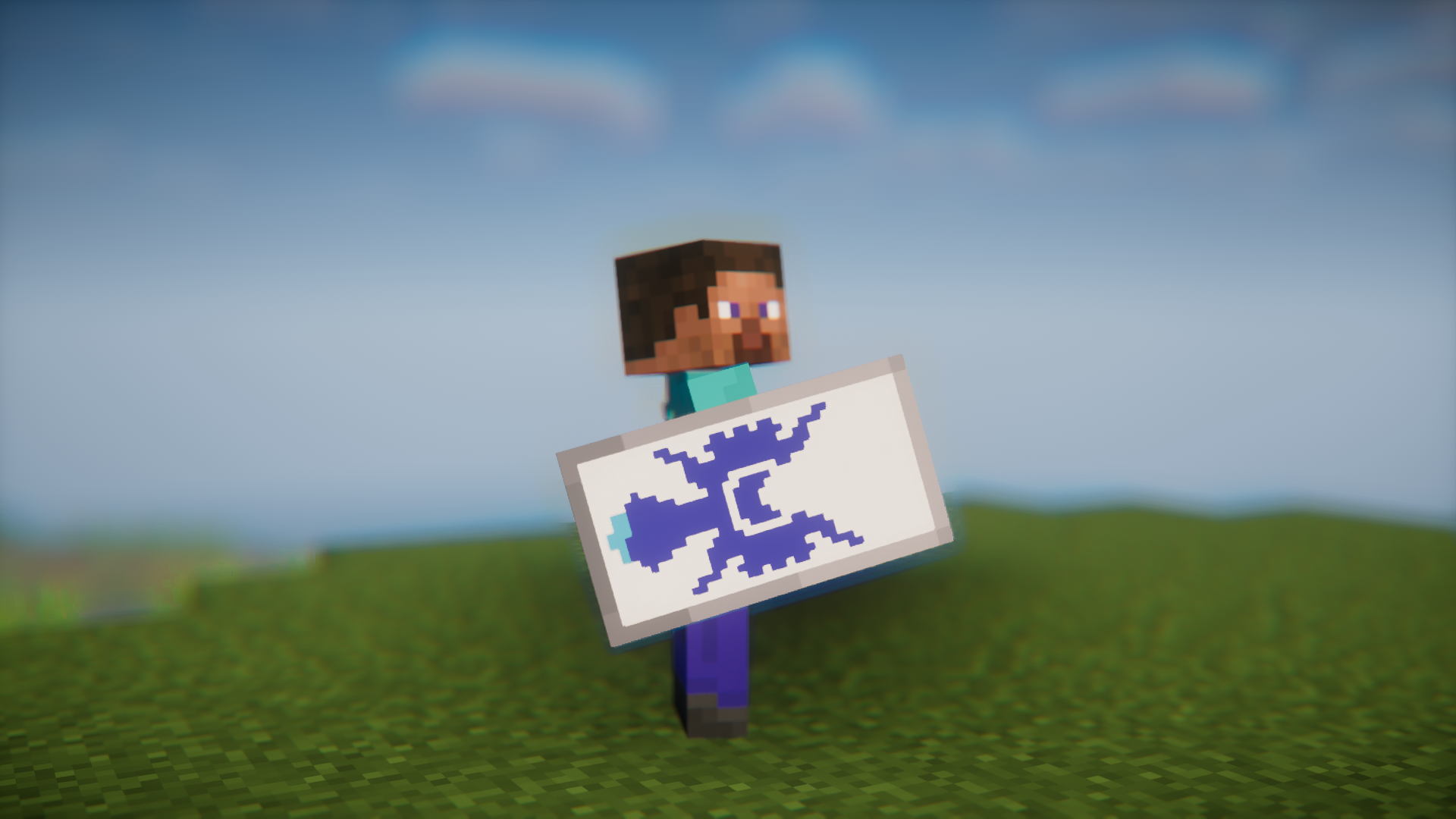
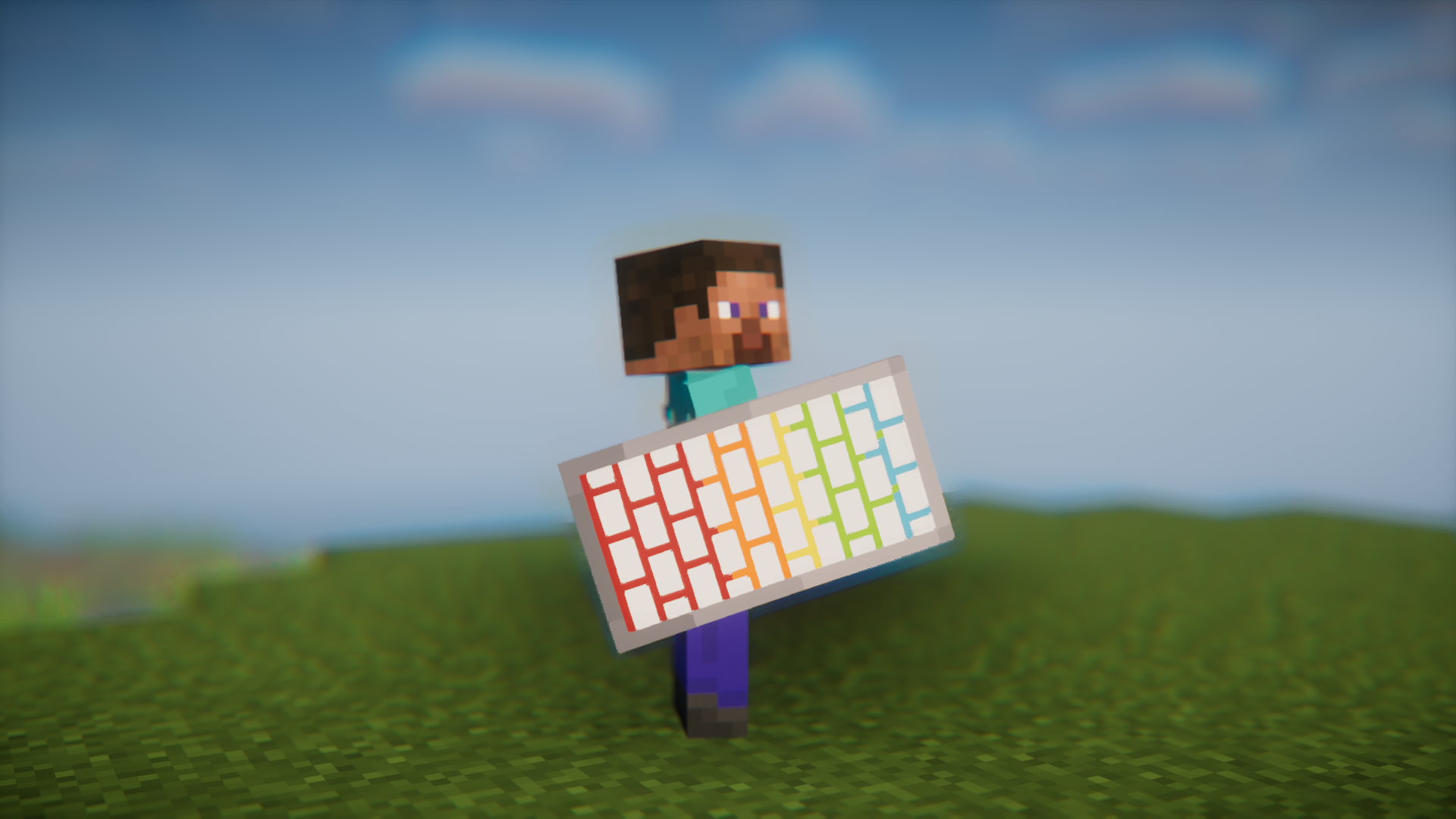
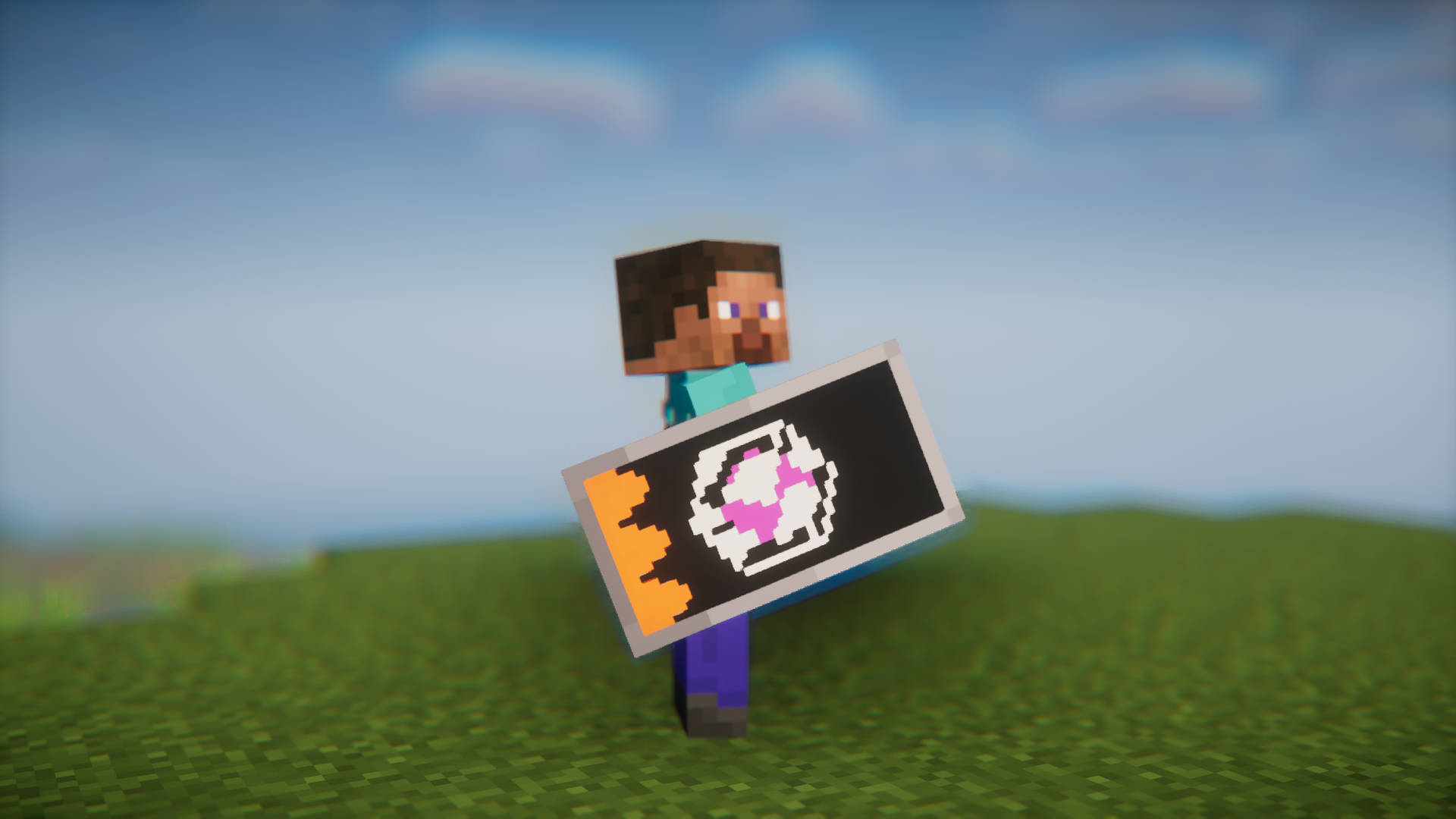
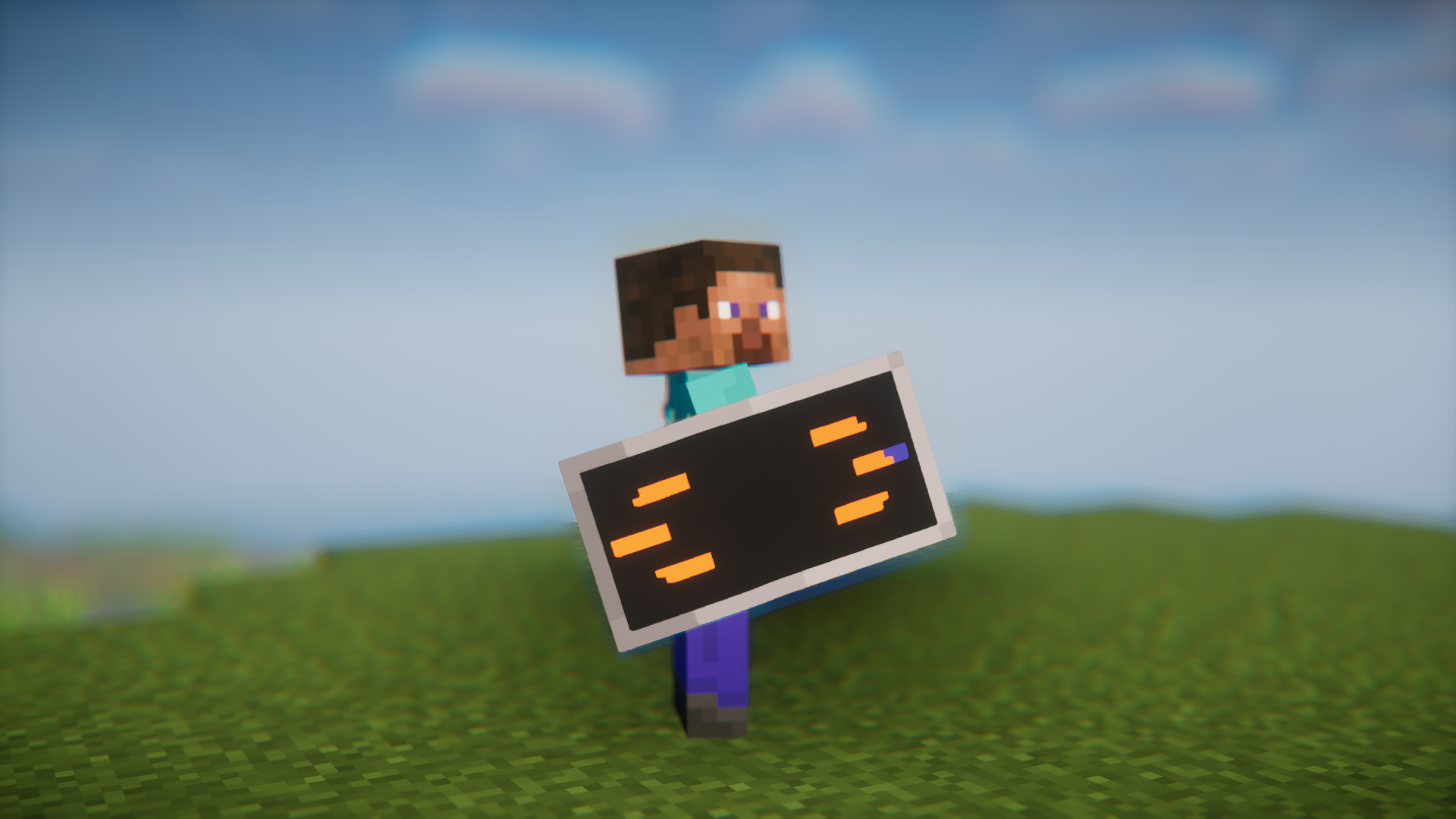
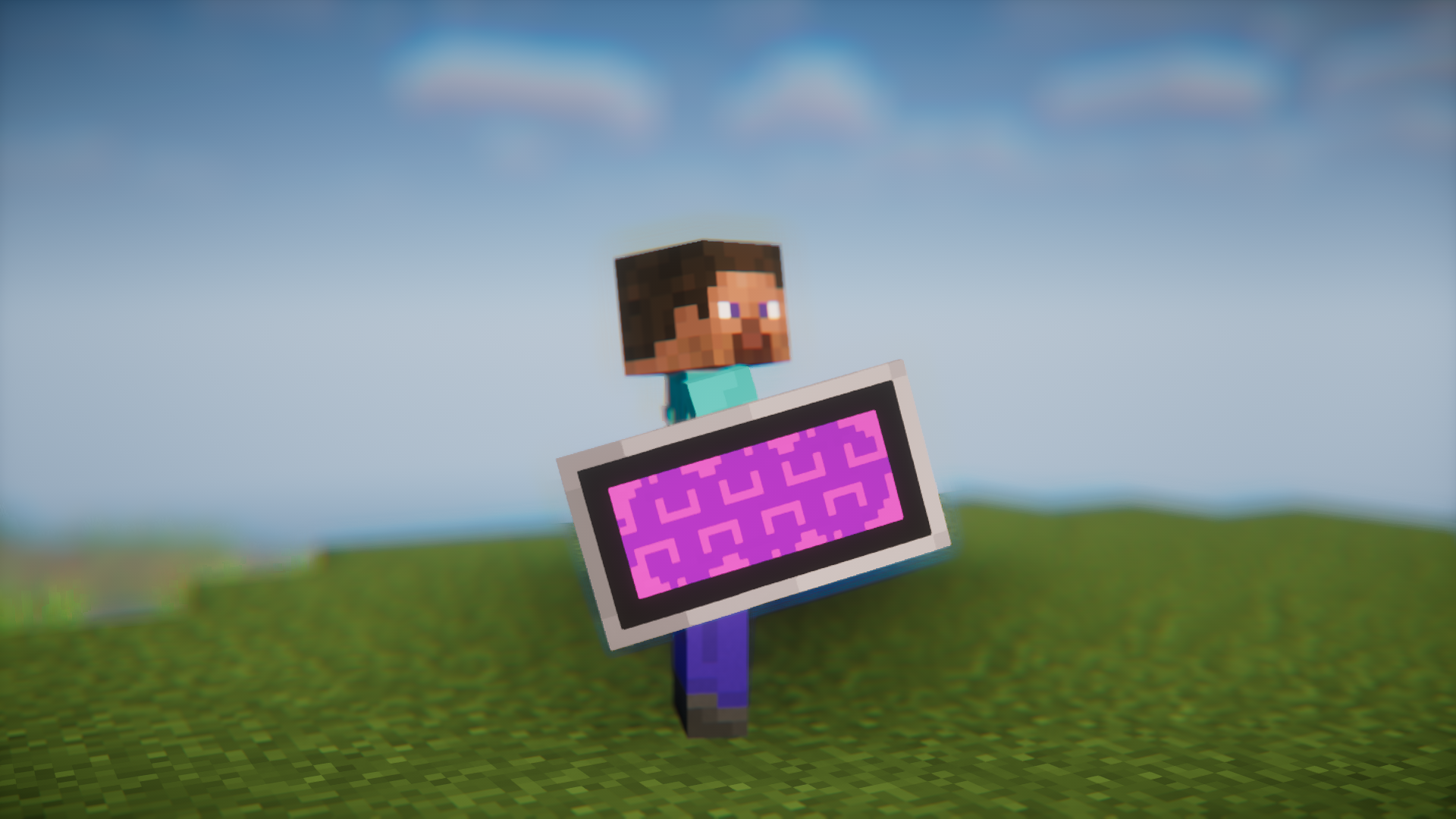
Minecraft allows you to add custom designs to your shields by adding banners onto them. But if you compare the image on a banner to the image that appears once you place the banner onto a shield, you will notice significant differences. The image that appears on the shield will appear uneven and will lose detail due to shields being smaller than banners. Shield Banner Fix Mod fixes this issue. The image that appears on the shield will be the exact same as that on the banner.
Features:
- Fixes a bug where banners placed on shields lose detail.
- Image on the shield will now be an exact replica of the image on the banner.
Screenshots:
Shield Banner Fix Mod Download Links
- Edition: Minecraft Java
- File type: .jar
- Minecraft version listed: 1.20.1
- How to install: Install the matching mod loader (Forge, Fabric or NeoForge) for your Minecraft version. → Download the .jar. → Put it in the .minecraft/mods folder and launch that loader profile.
- Where to get it: In MC Java Mods, or directly above on this page.
Install steps are the general flow for this file type — How to install Minecraft Java mods & modpacks walks through it step by step.
- Downloads as 200788.mcaddon
- Download size: 36 KB
- Download link checked 23 Sept 2026 — working
- Mirrored on our own servers — the download does not depend on the original host
These come from our own check of the pack file, not from the source page.