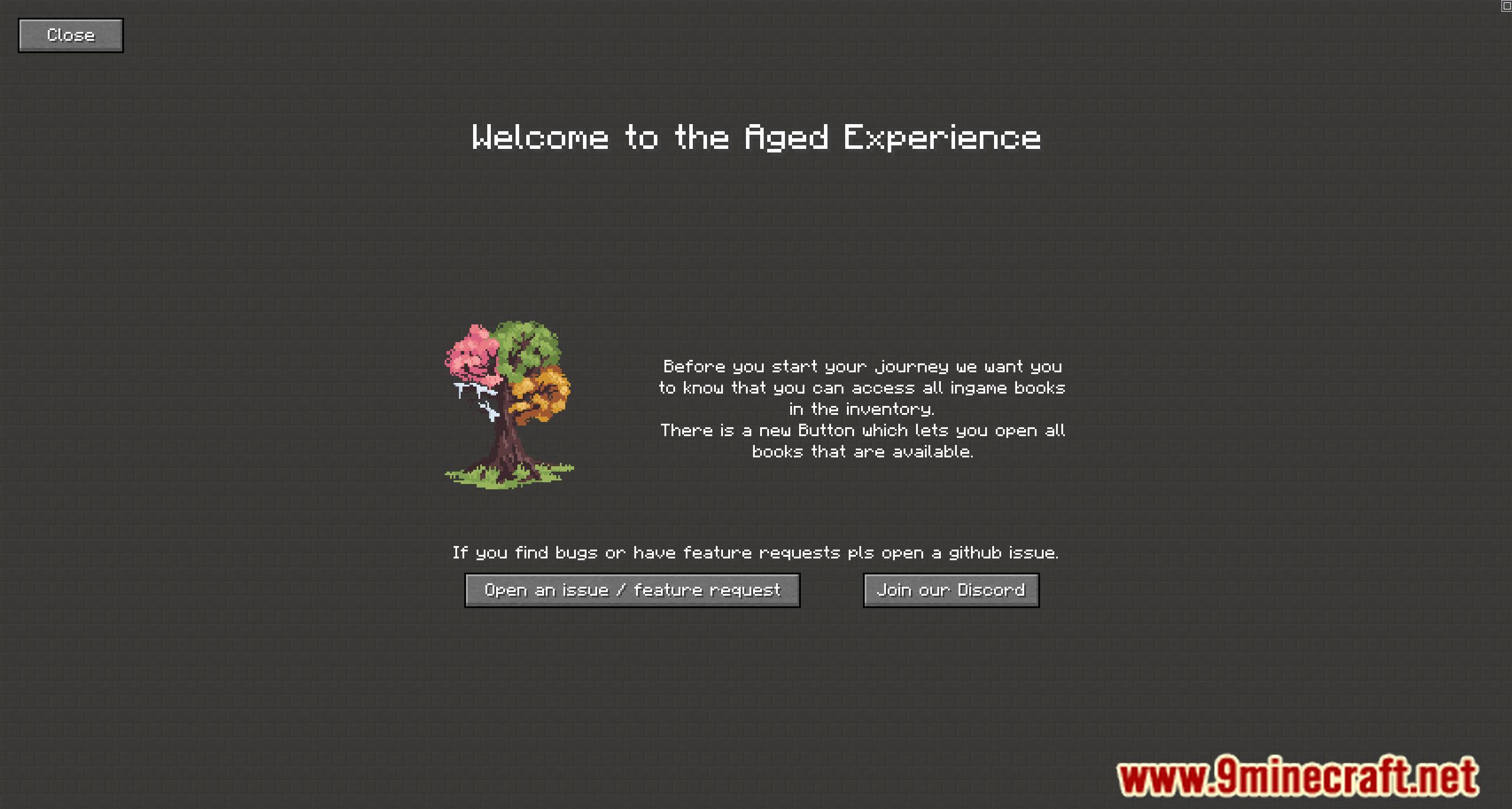
Welcome Screen Mod is designed to provide a customizable welcome screen that displays important information about a server, world, or modpack. This feature can be incredibly useful for server administrators and modpack creators who want to ensure players are well-informed upon their first login.
Features:
- Customizable Welcome Screen: Create and customize a welcome screen to share information with players.
- First Join Trigger: The welcome screen opens automatically when a player joins the world for the first time.
- Datapack and Resourcepack Integration: Build the welcome screen using datapacks and resourcepacks, allowing for extensive customization and the inclusion of various resources.
Screenshots:
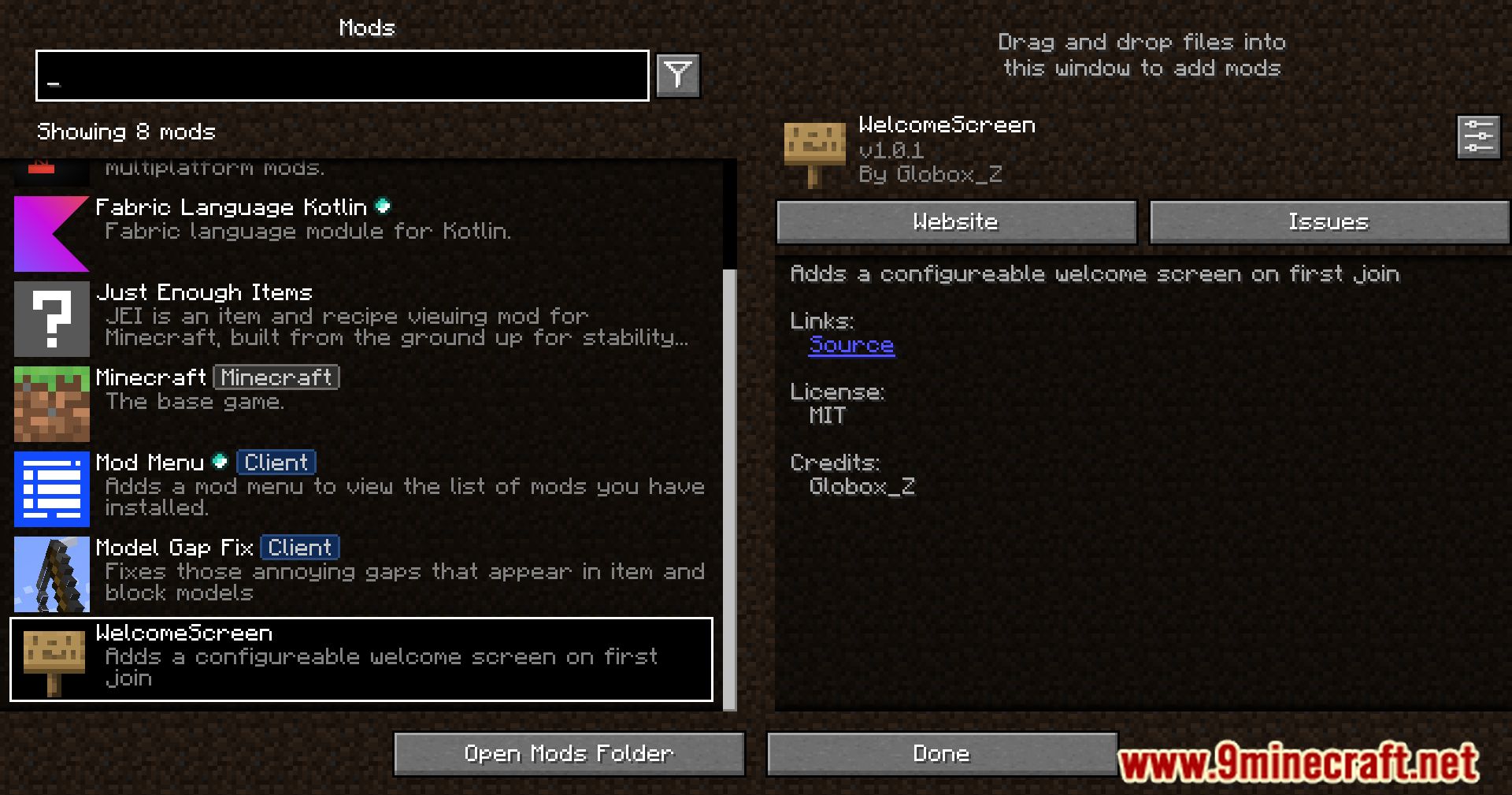
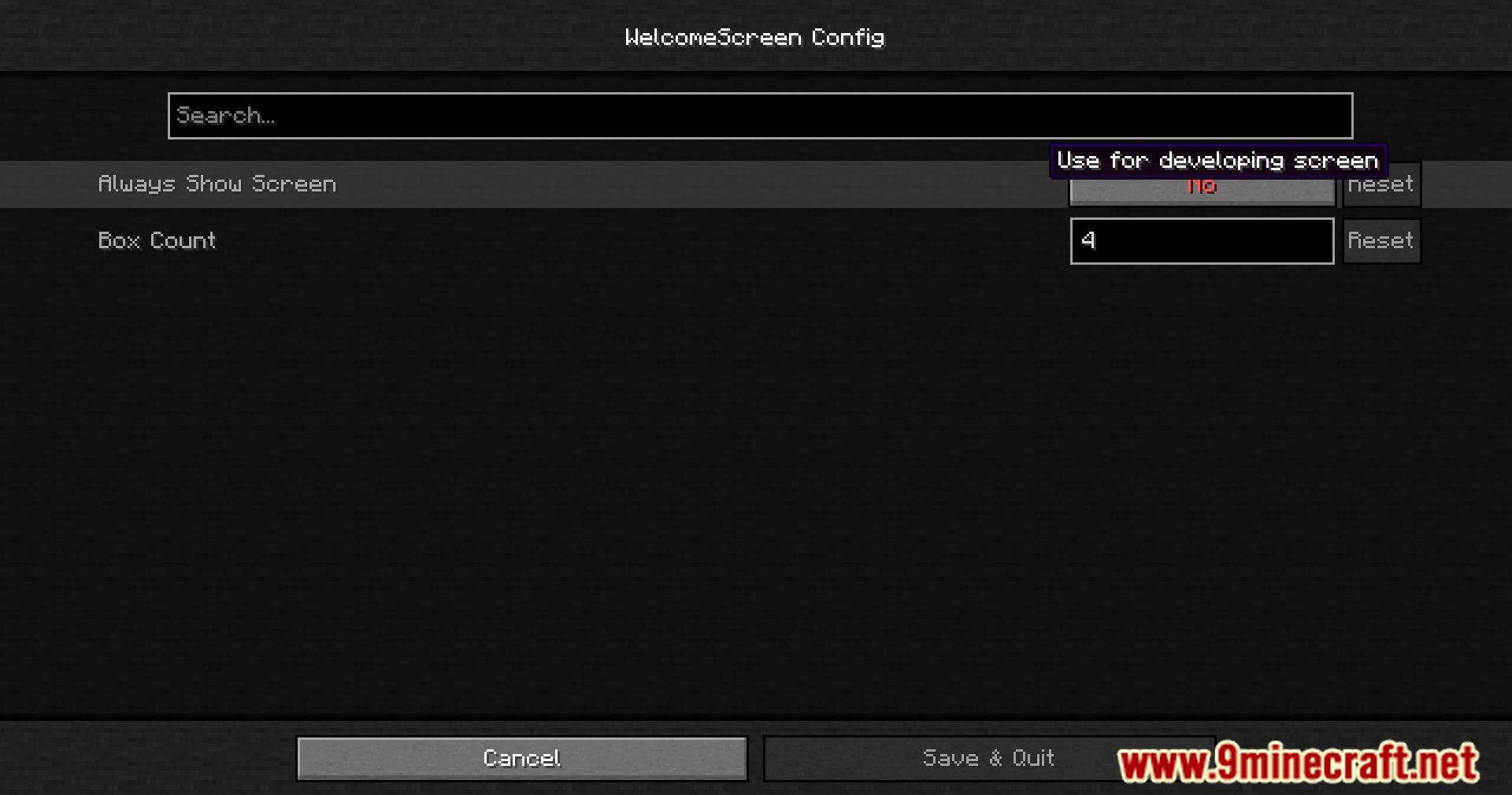
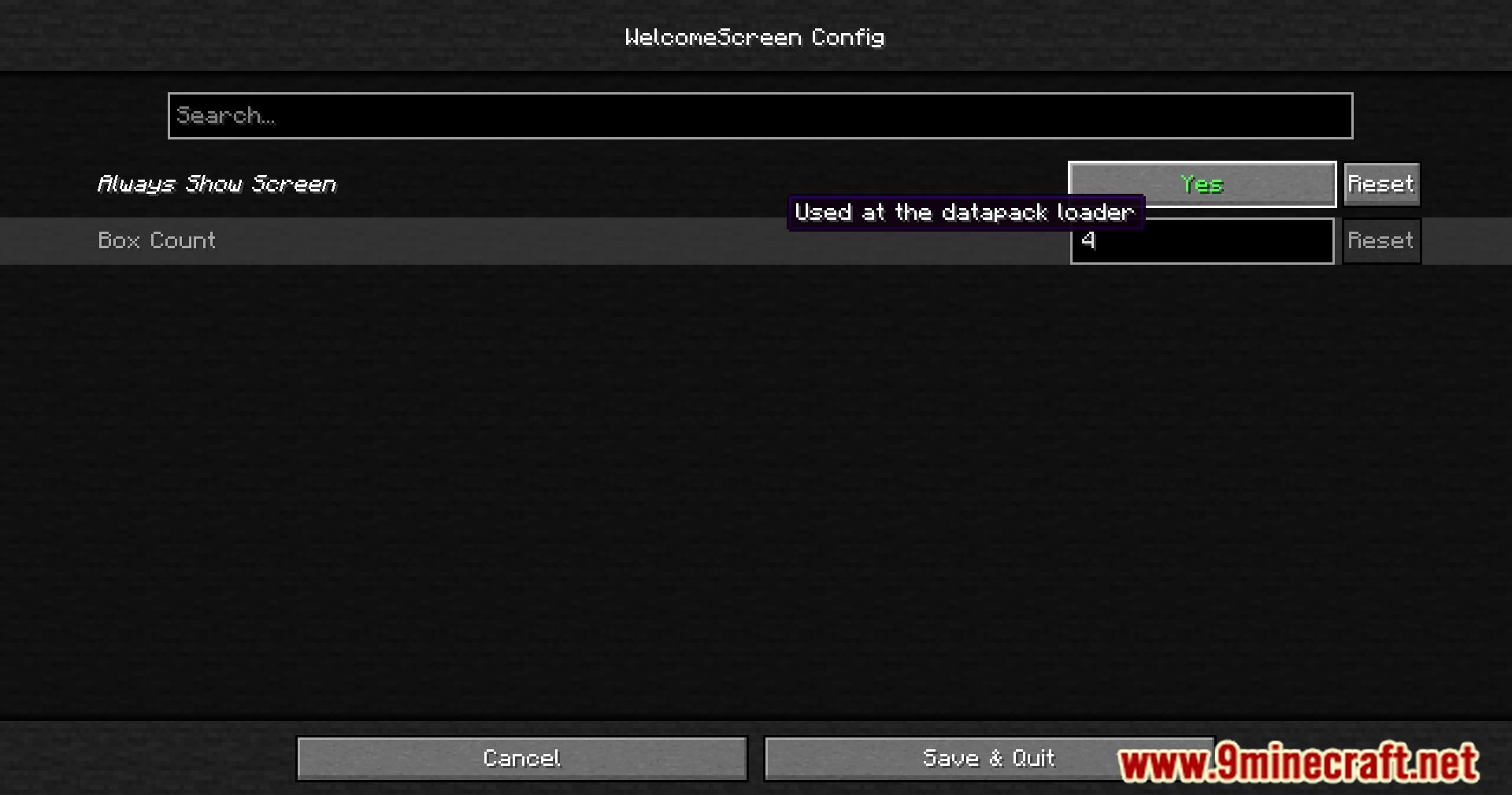
Welcome Screen Mod Download Links
For Minecraft 1.21.1, 1.21
Fabric version: Download from Server 1 – Download from Server 2
For Minecraft 1.20.1
Fabric version: Download from Server 1 – Download from Server 2
Quick facts
- Edition: Minecraft Java
- File type: .jar
- Minecraft versions listed: 1.21.1, 1.20.1
- How to install: Install the matching mod loader (Forge, Fabric or NeoForge) for your Minecraft version. → Download the .jar. → Put it in the .minecraft/mods folder and launch that loader profile.
- Where to get it: In MC Java Mods, or directly above on this page.
Install steps are the general flow for this file type — How to install Minecraft Java mods & modpacks walks through it step by step.
Verified by MCModsHub
- Downloads as 200817.mcaddon
- Download size: 33 KB
- Download link checked 29 Jul 2026 — working
- Mirrored on our own servers — the download does not depend on the original host
These come from our own check of the pack file, not from the source page.