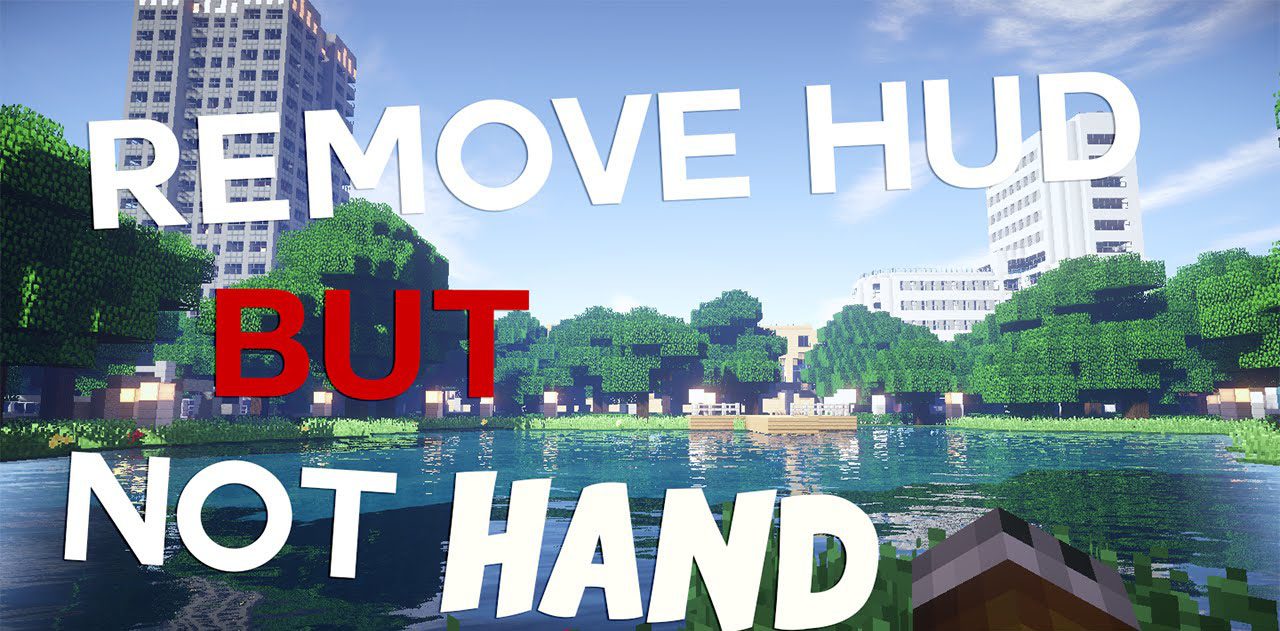
Remove HUD but Not Hand Mod (1.21.1, 1.20.1)
Java mod listed for Minecraft 1.20–1.21. Downloads from the MC Java Mods app on Android.
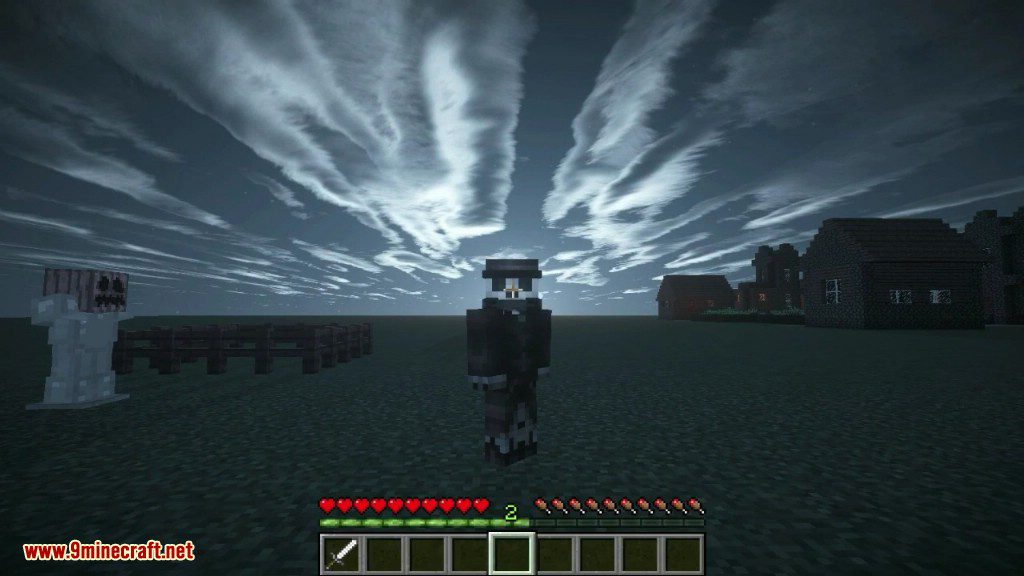
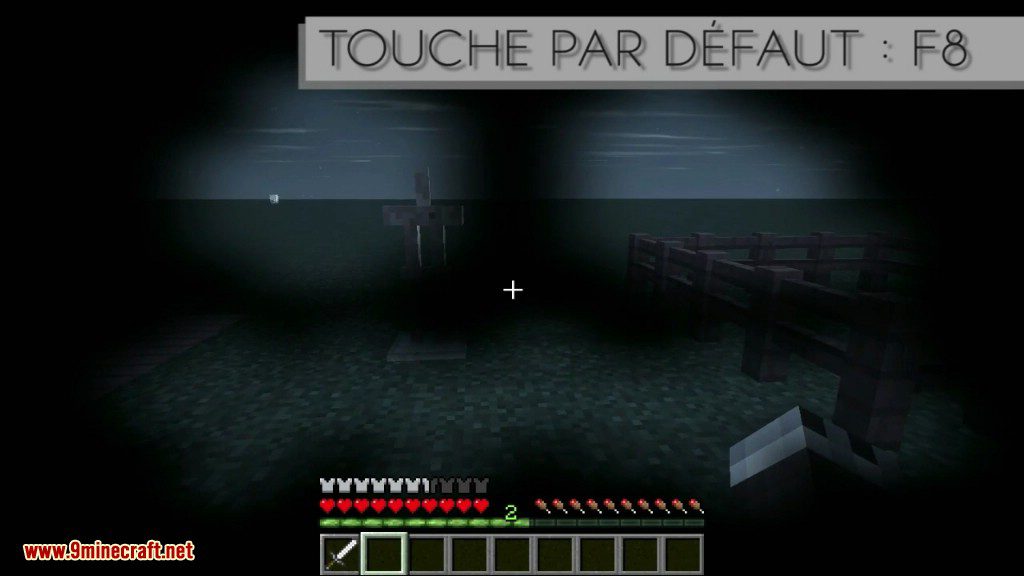
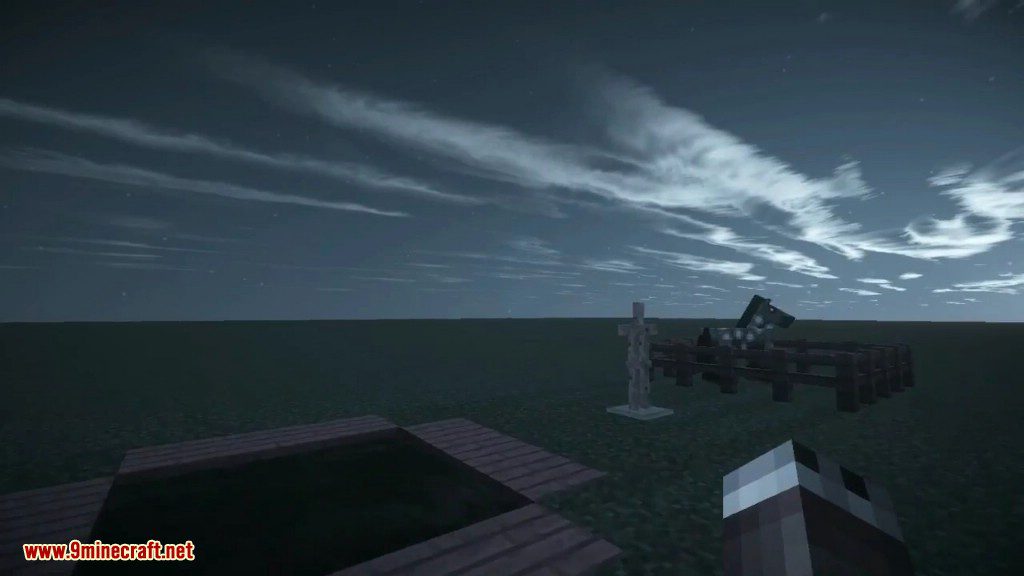
⬇ DownloadRemove HUD but Not Hand Mod allows you to toggle Minecraft HUD visibility (like pressing the F1 key), but without hiding the player’s hand. Very helpful for creating realistics 1st person Cinematics or Screenshots.
Features:
- Hides Player’s Health Bar.
- Hides Player’s Food Bar.
- Hides Player’s Experience Bar.
- Hides Player’s SubWater Air Bar.
- Hides Players’s Armor Bar.
- Hides Player’s Mount Health Bar.
- Hides Player’s Mount Jump Bar.
- Hides Held-Item-Tooltip.
- Hides Player’s Hotbar.
- Hides Player’s ‘Helmet’ layer (like pumpkins).
- Hides Crosshairs.
- Hides In-Game Chat.
- Hides Blocks’ Highlight Box.
- Hides Bosses’ Health Bar.
- Hides Entity Names.
- Hides Potions Icons.
- Hides Subtitles.
- Integrated New-Version-Checker.
- Full customization of what you decide to hide.
Screenshots:
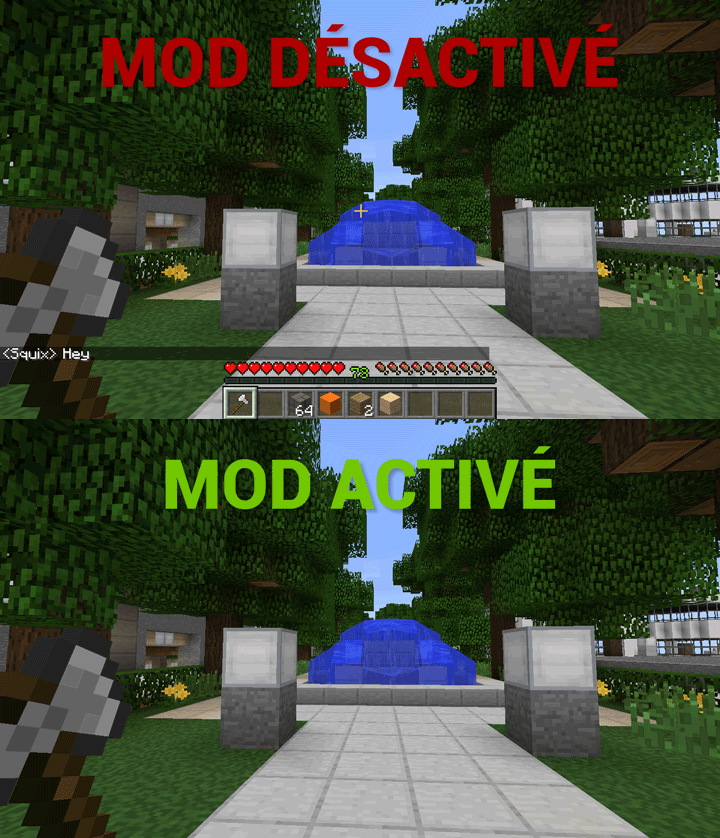
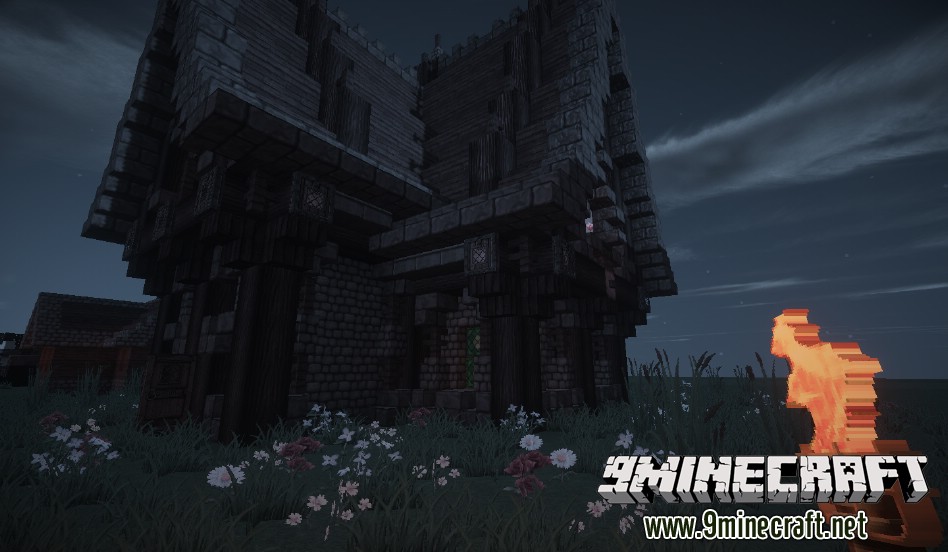
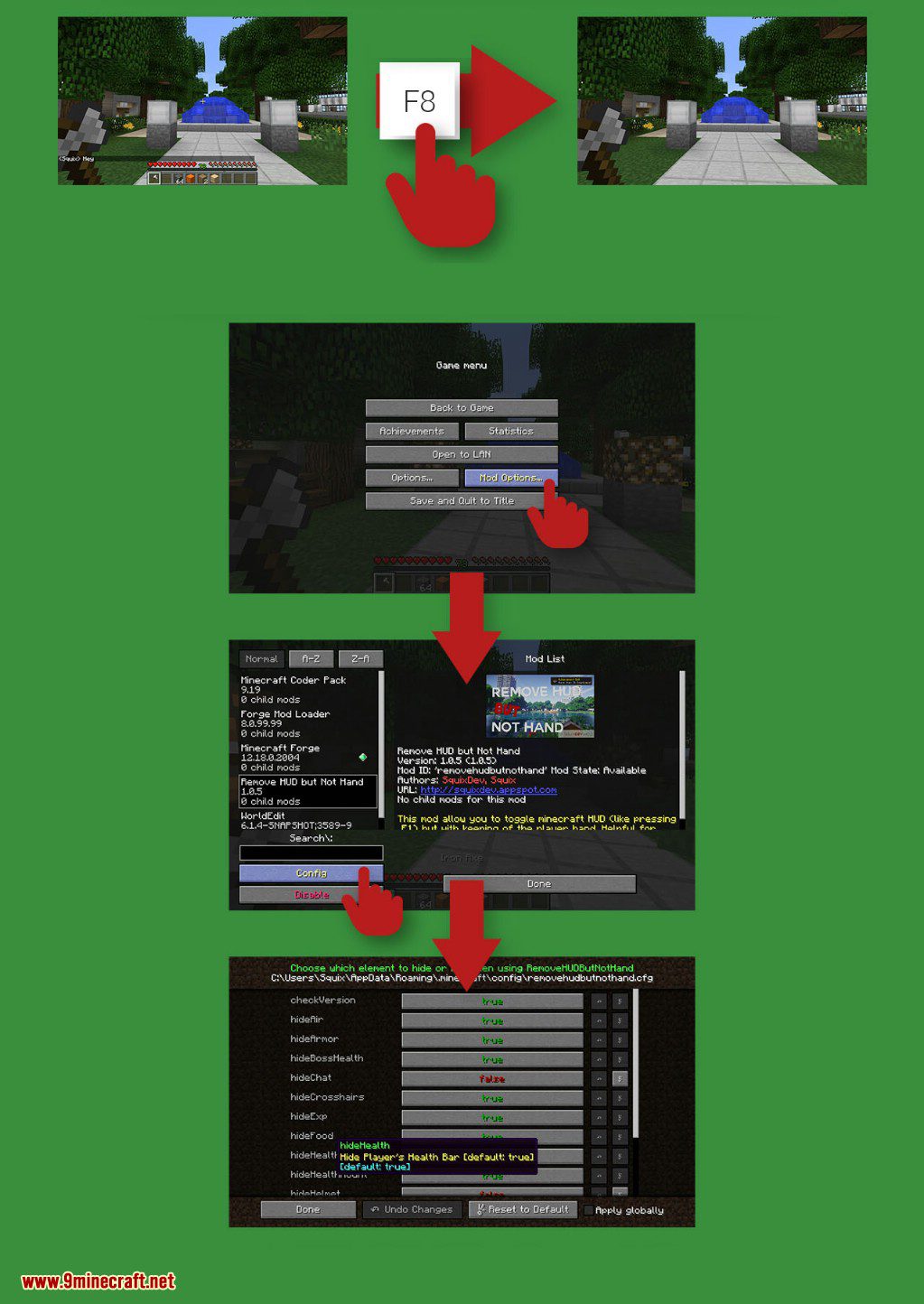
You just need to press one key (Default F8), editable in Minecraft “Controls” Menu. After pressing it, the HUD vanish (like pressing F1), but the player’s hand stay visible ! A new press, and the HUD reappears immediatly.
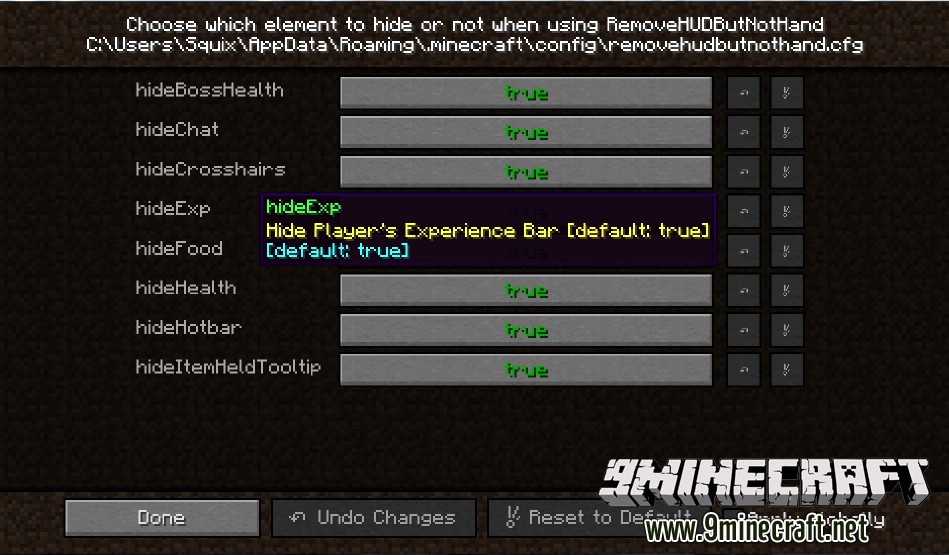
When pressing “Mod_Options” button of the pause menu, you can choose what will be hidden or not when pressing the key.
How to use:
Remove HUD but Not Hand Mod Download Links
For Minecraft 1.7.10
Forge version: Download from Server 1
For Minecraft 1.8.9
Forge version: Download from Server 1
For Minecraft 1.9.4
Forge version: Download from Server 1
For Minecraft 1.10.2
Forge version: Download from Server 1
For Minecraft 1.11.2
Forge version: Download from Server 1
For Minecraft 1.12.2
Forge version: Download from Server 1
For Minecraft 1.16.5
Fabric version: Download from Server 1
For Minecraft 1.17.1
Fabric version: Download from Server 1
For Minecraft 1.18.1
Fabric version: Download from Server 1
For Minecraft 1.18.2
Fabric version: Download from Server 1 – Download from Server 2
For Minecraft 1.19.2
Fabric version: Download from Server 1 – Download from Server 2
For Minecraft 1.19.3
Fabric version: Download from Server 1 – Download from Server 2
For Minecraft 1.19.4
Fabric version: Download from Server 1 – Download from Server 2
For Minecraft 1.20.1
Fabric version: Download from Server 1 – Download from Server 2
For Minecraft 1.20.4
Fabric version: Download from Server 1 – Download from Server 2
For Minecraft 1.21.1, 1.21
Fabric version: Download from Server 1 – Download from Server 2
- Edition: Minecraft Java
- File type: .jar
- Minecraft versions listed: 1.21.1, 1.20.1
- How to install: Install the matching mod loader (Forge, Fabric or NeoForge) for your Minecraft version. → Download the .jar. → Put it in the .minecraft/mods folder and launch that loader profile.
- Where to get it: In MC Java Mods, or directly above on this page.
Install steps are the general flow for this file type — How to install Minecraft Java mods & modpacks walks through it step by step.
- Downloads as 200833.mcaddon
- Download size: 634 KB
- Download link checked 29 Jul 2026 — working
- Mirrored on our own servers — the download does not depend on the original host
These come from our own check of the pack file, not from the source page.