
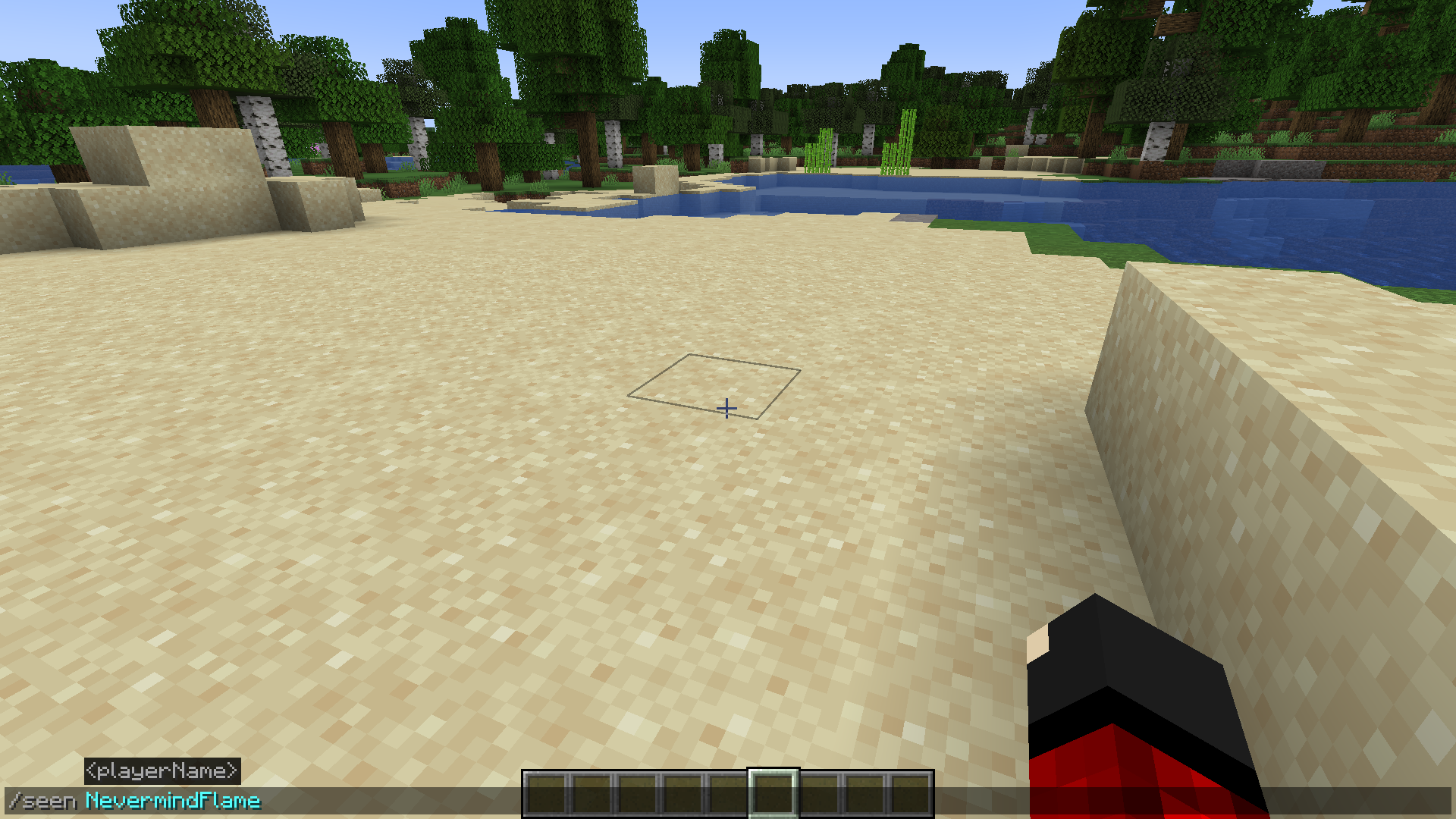
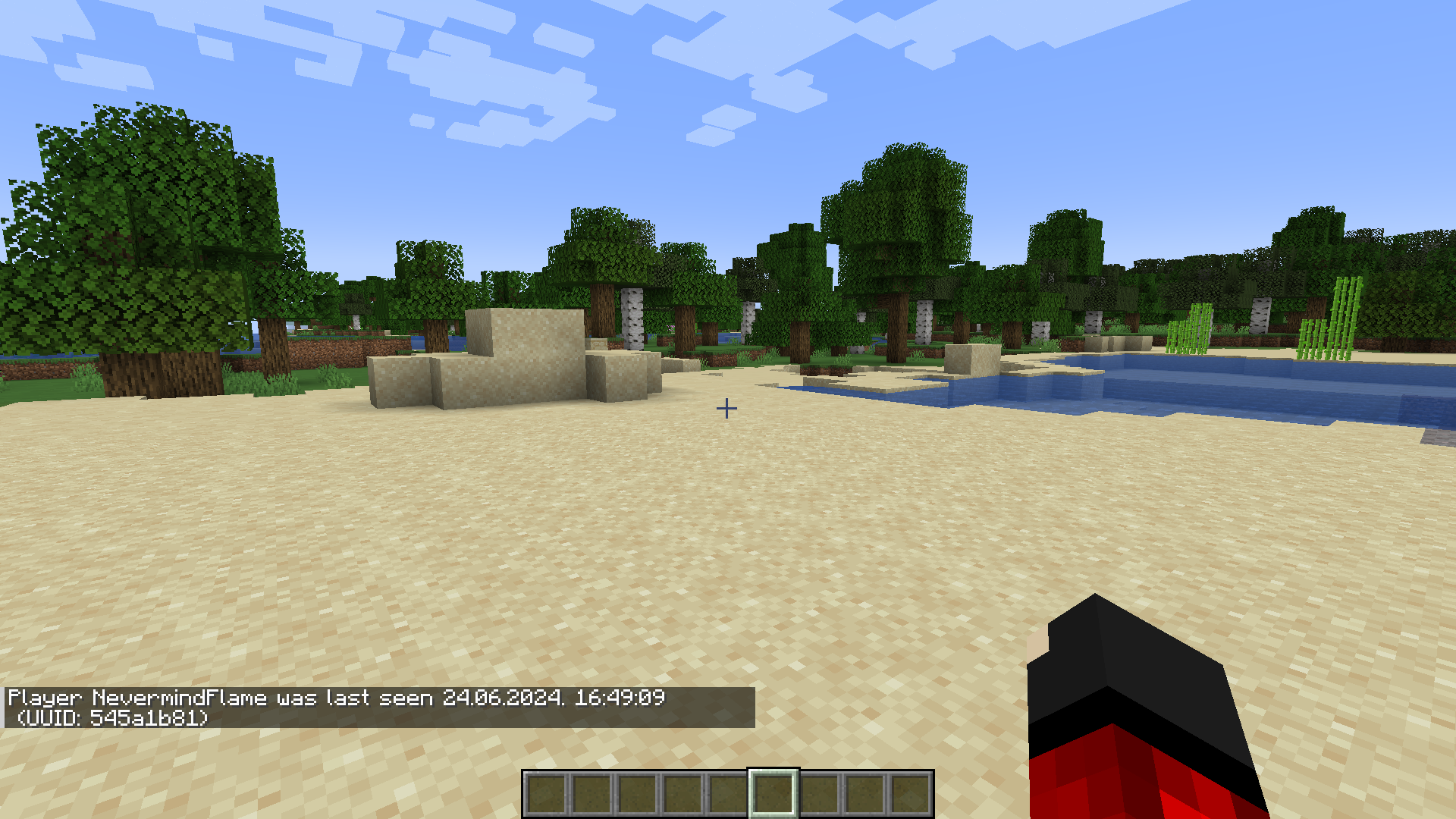
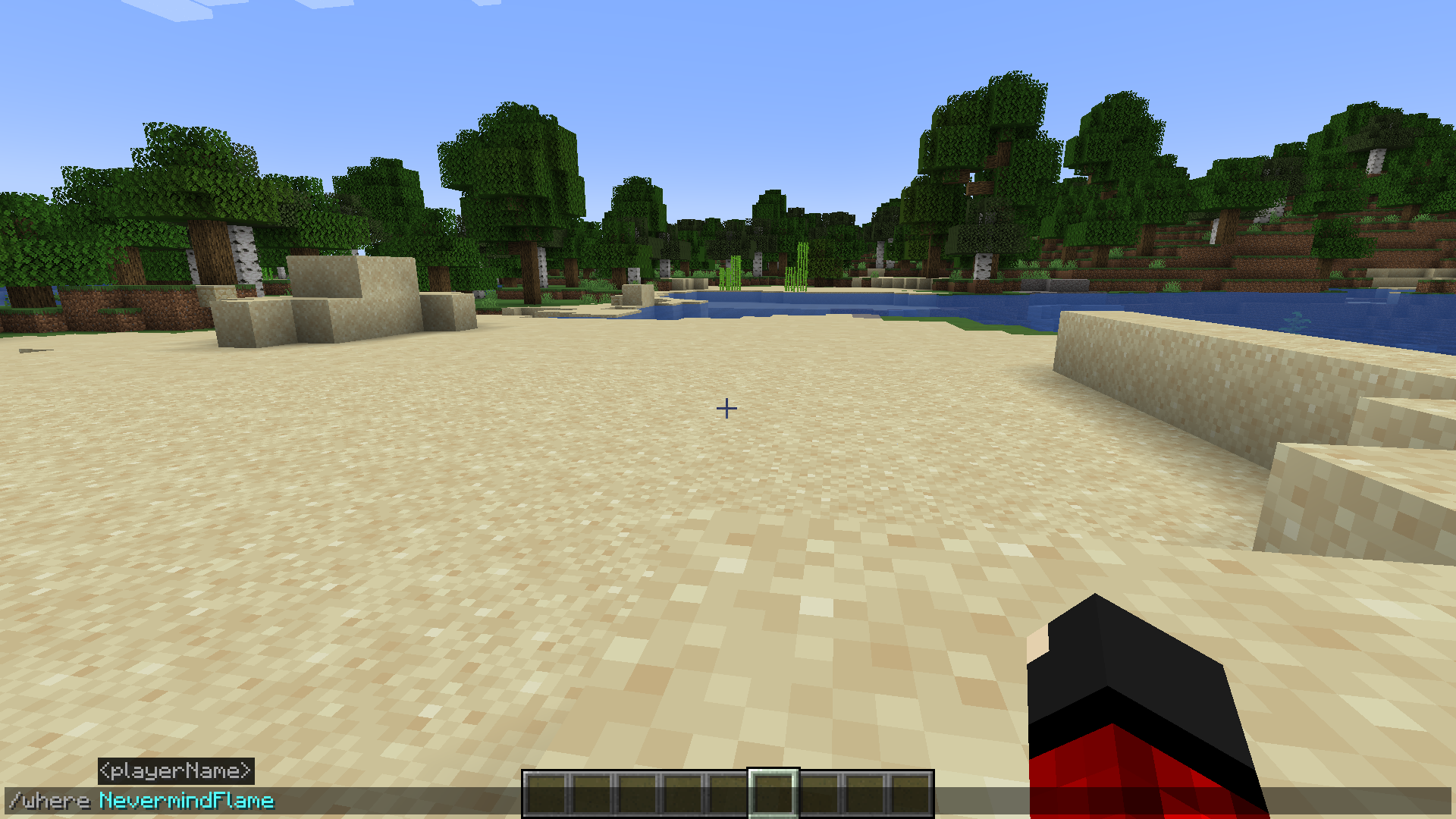
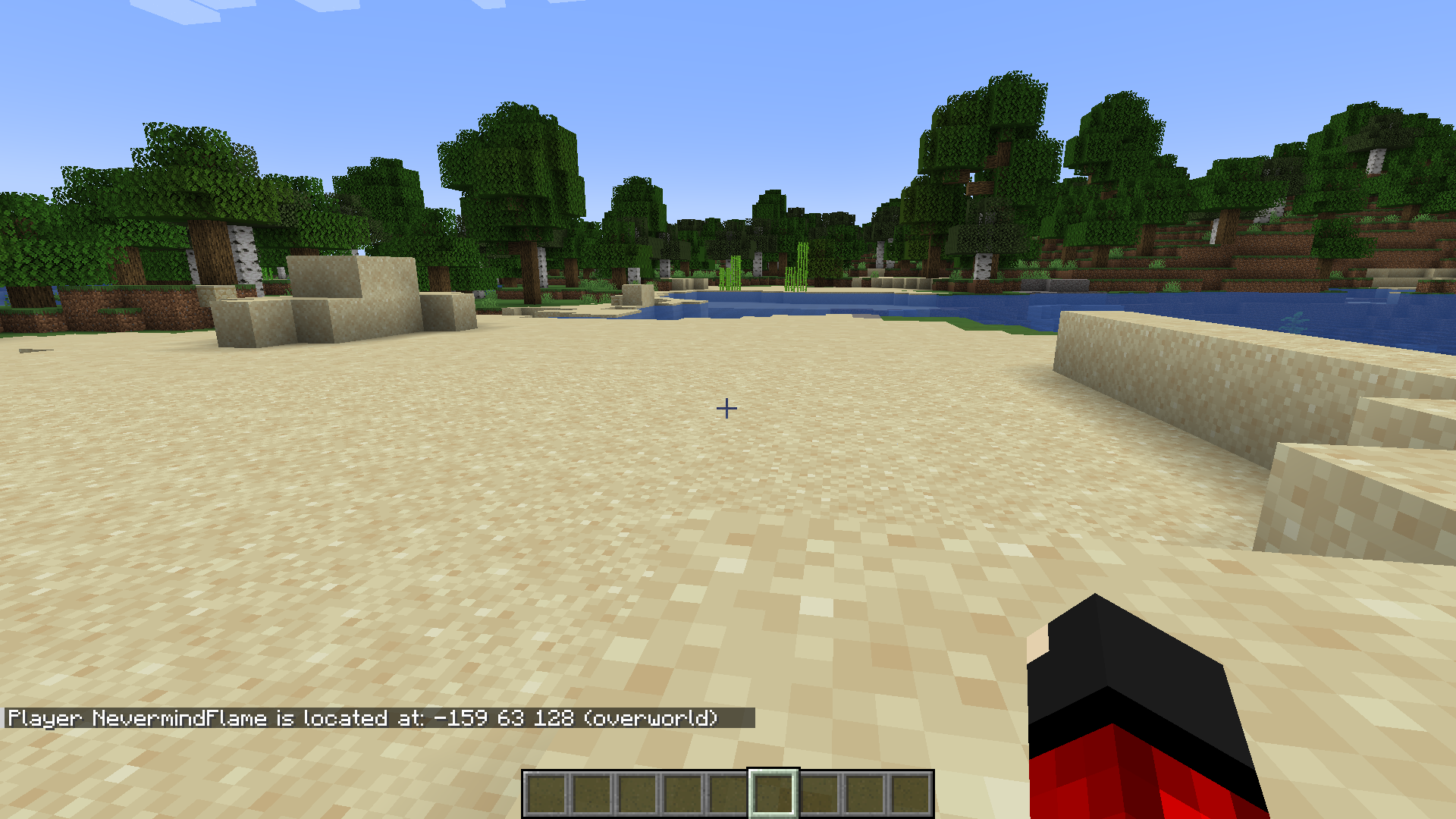
Unique Commands Mod introduces new commands to the game that are very intuitive and easy to remember. The commands added by the mod are specifically made to obtain various player data regarding their in-game location and login times. For example, the /seen [PlayerName] command displays the information on the last time the player was seen on the server. The /where [PlayerName] commands displays the current coordinates of the player on the server. Different commands require different levels of admin access, and all of these can be configured using the config file. A list of commands added by this mod are listed below.
Features:
Commands
- /seen [PlayerName] – Displays information on when was the player last seen on the server (default OP level 3 required).
- /where [PlayerName] – Display current coordinates of player on the server (default OP level 3 required).
- /home set [LocationName] – Saves current coordinates of current player on the server.
- /home return [LocationName] – Returns current player to previously saved coordinates.
- /home remove [LocationName] – Removes previously saved coordinates from the personal list of current players.
- /home list – Displays a list of all saved coordinates in the personal list of current players.
- /home clear – Removes all previously saved coordinates from the personal list of current players.
- /meet – Teleports all other players to the location of the current player. For every teleported player, previous location is saved in /home list (version 0.4.0+, default OP level 4 required).
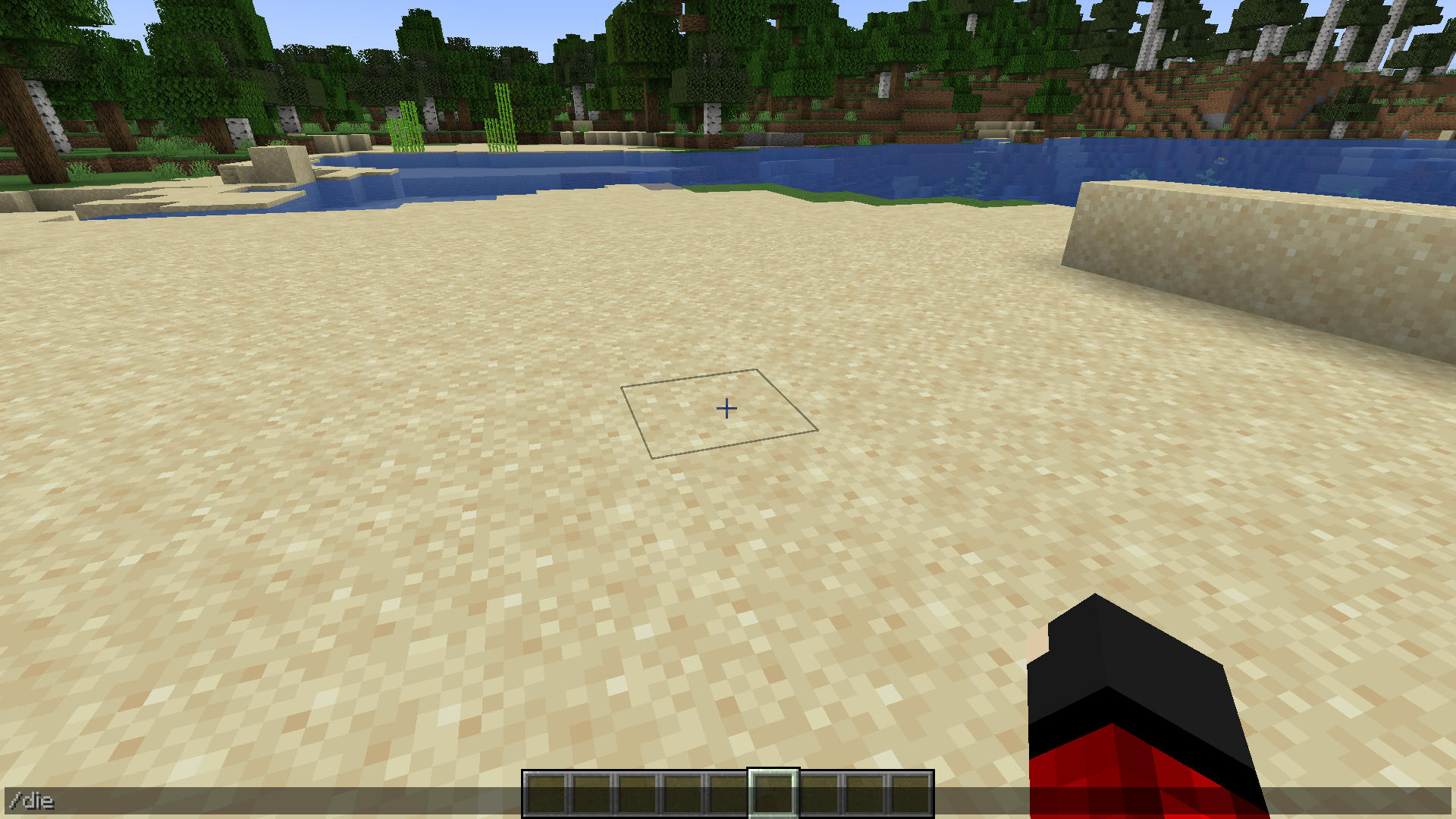
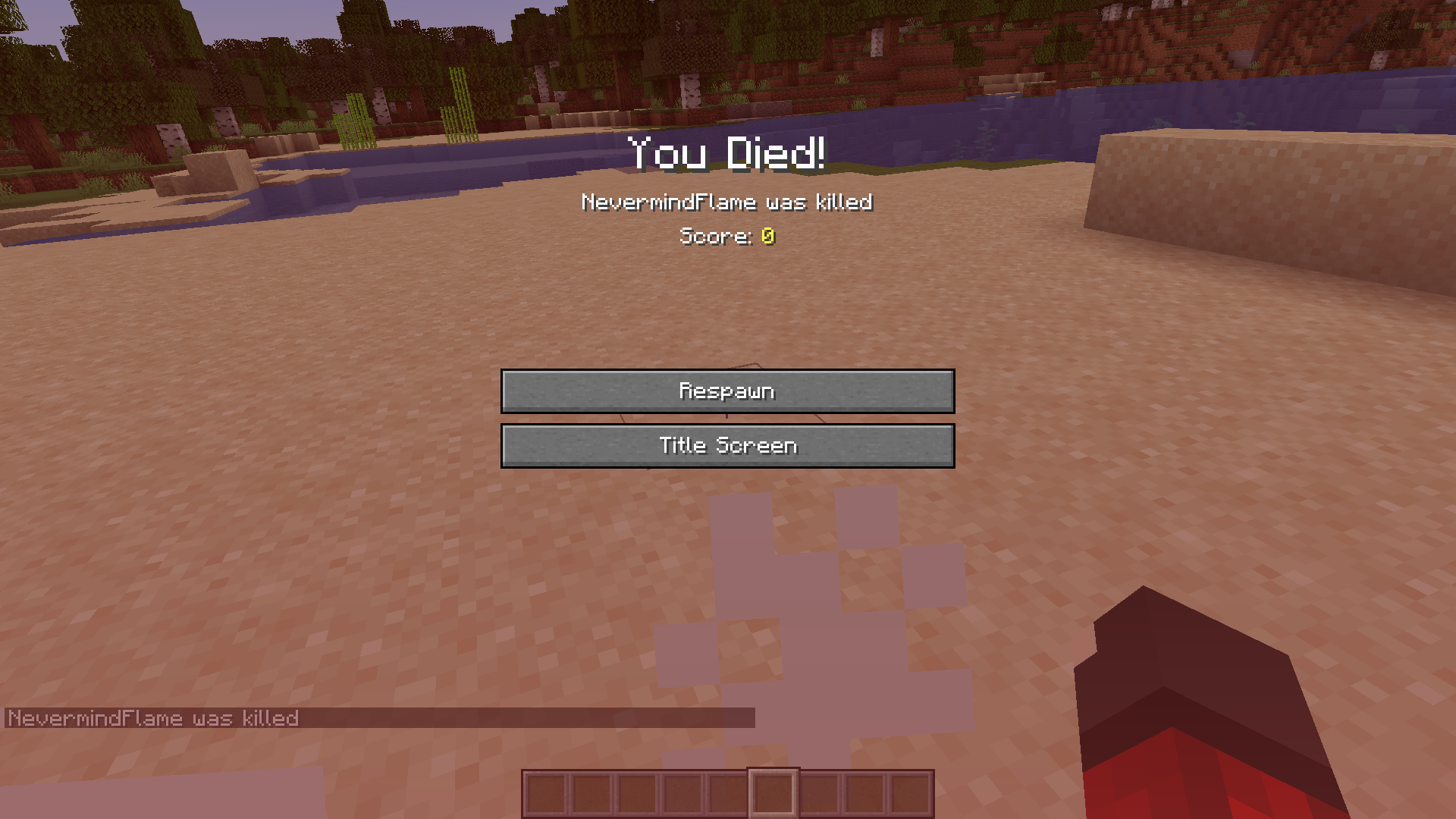
- /die – Instantly kills the current player.
- /graveback – Returns current player to the location of the last death.
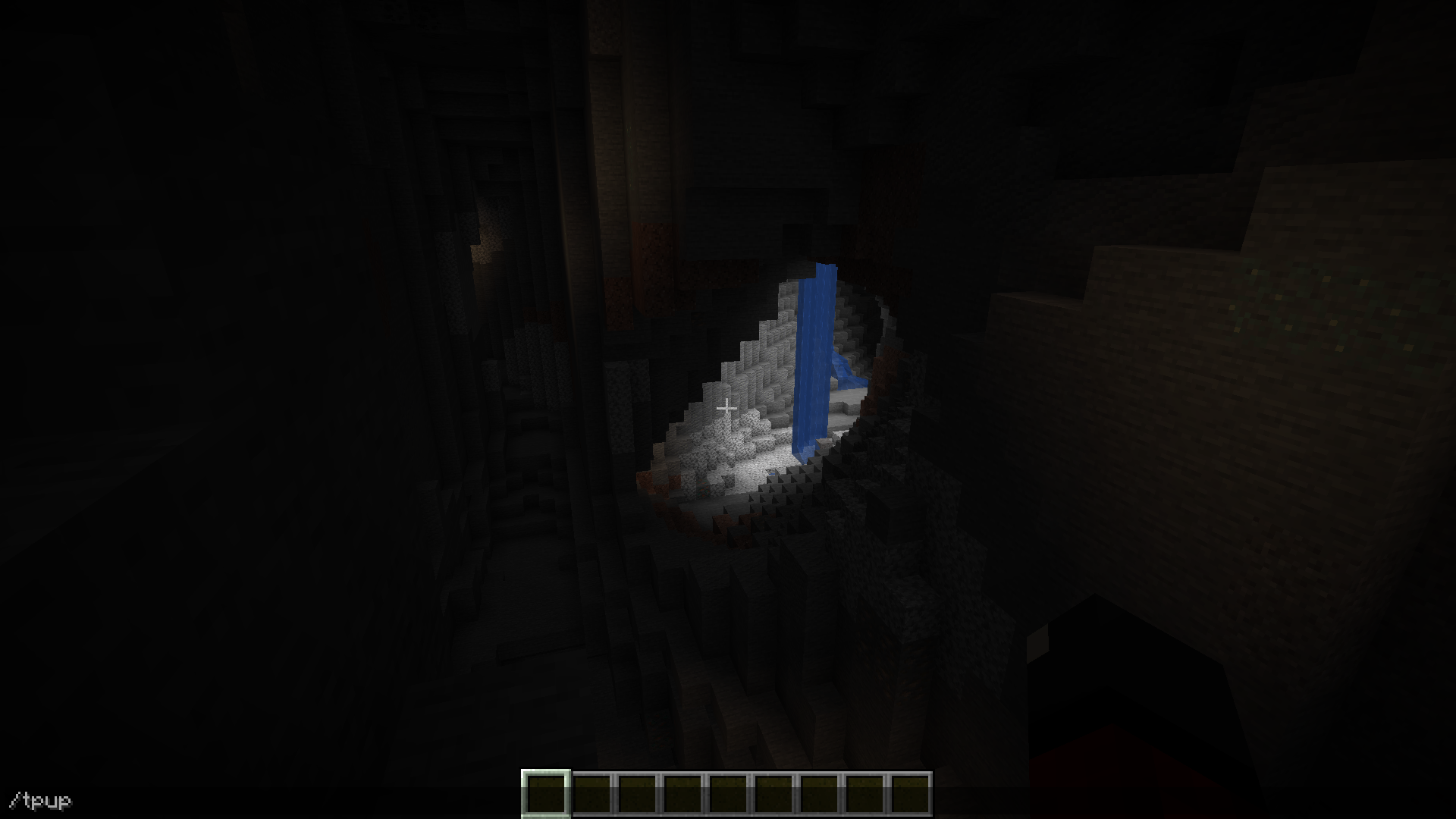
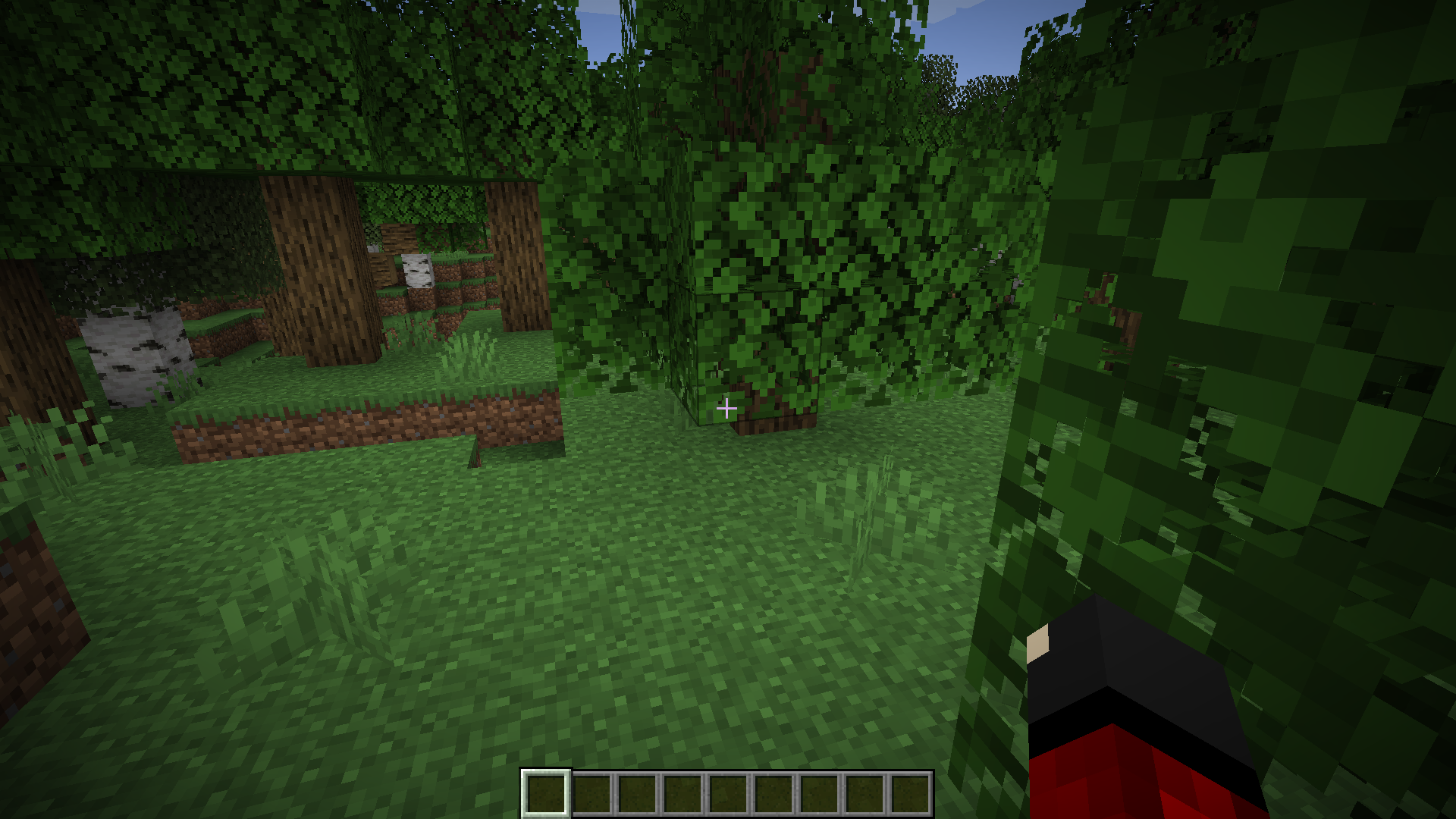
- /tpup – Teleports current player to the next available space above. (version 0.3.0+)
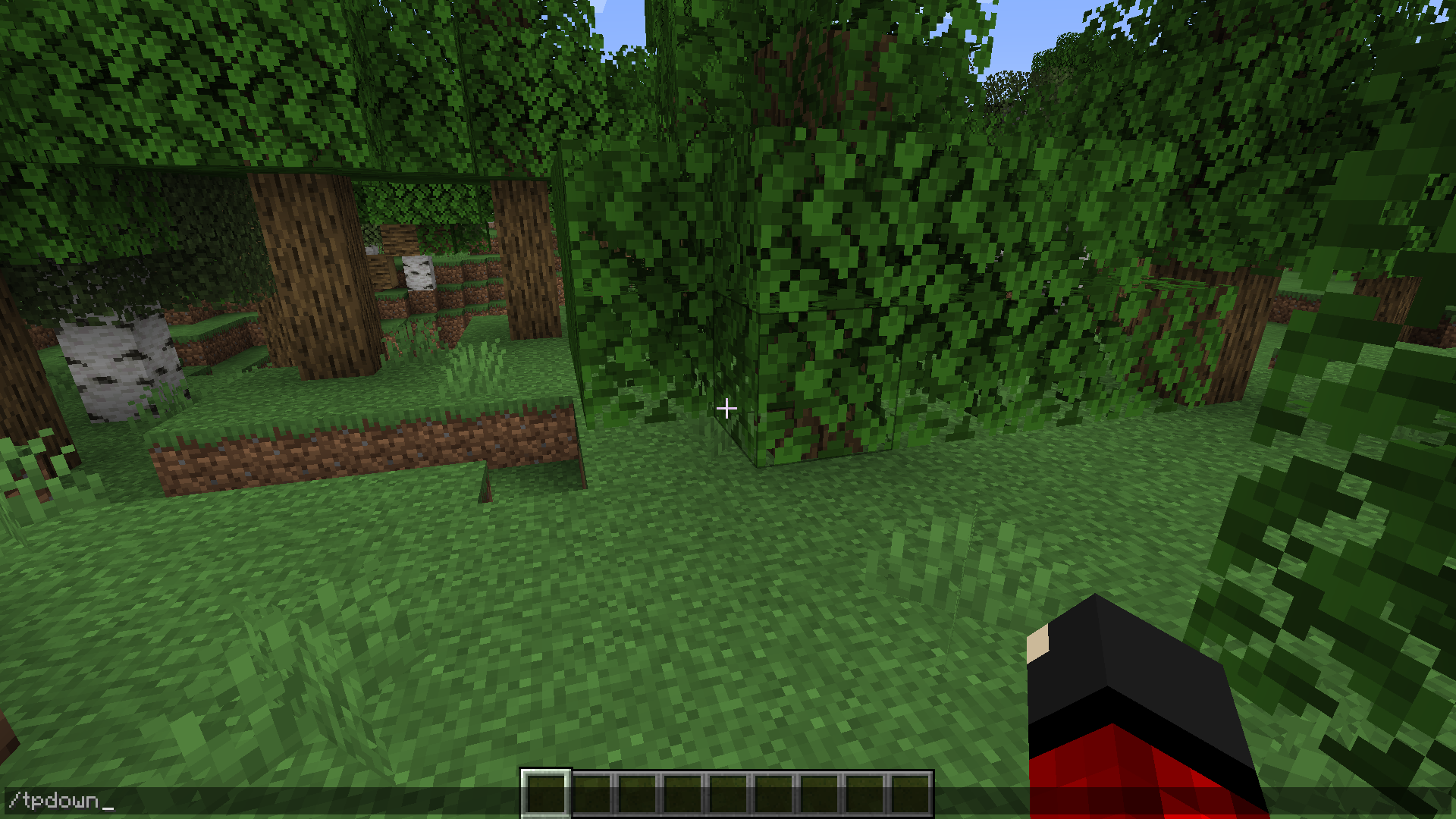
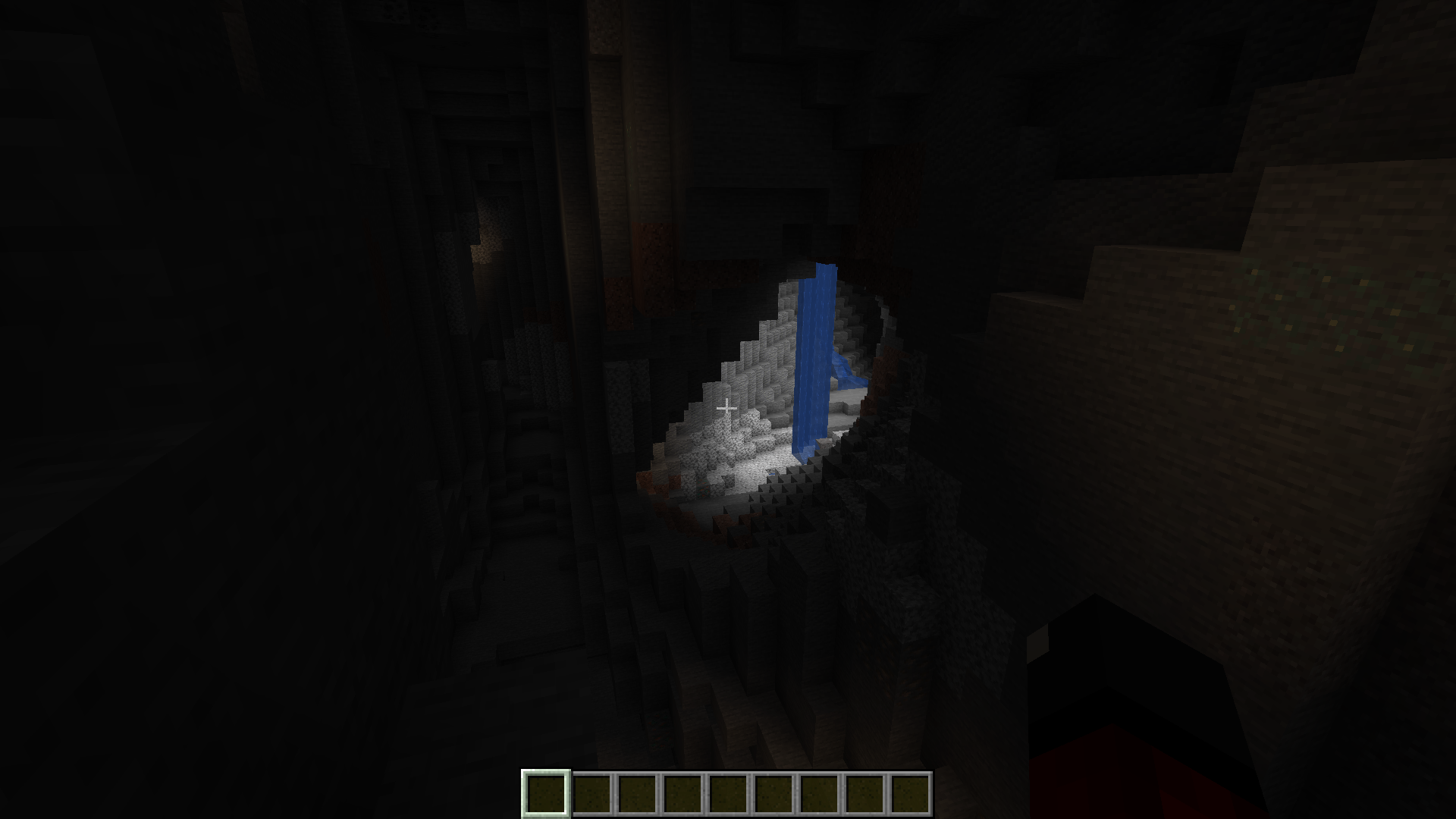
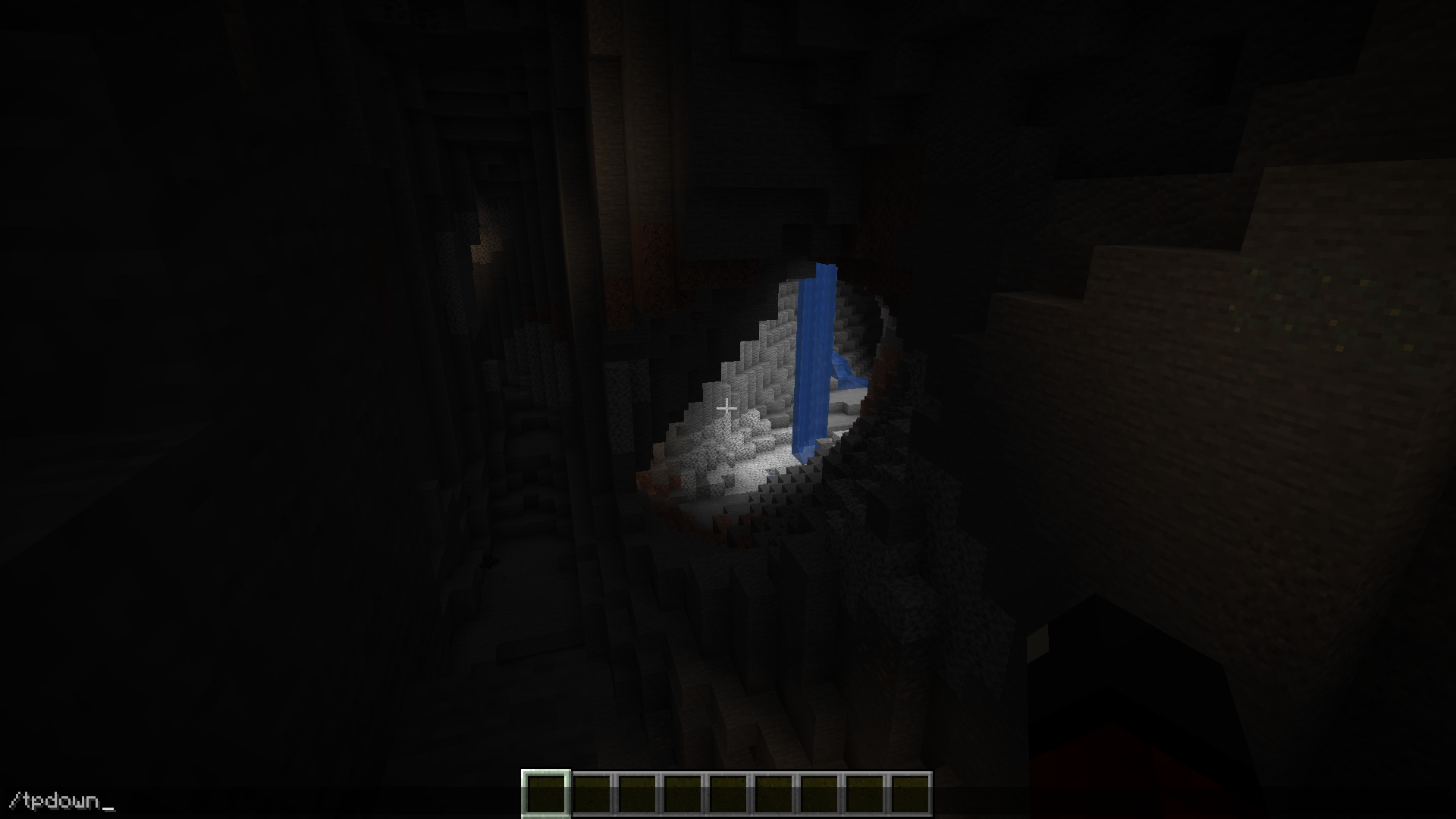
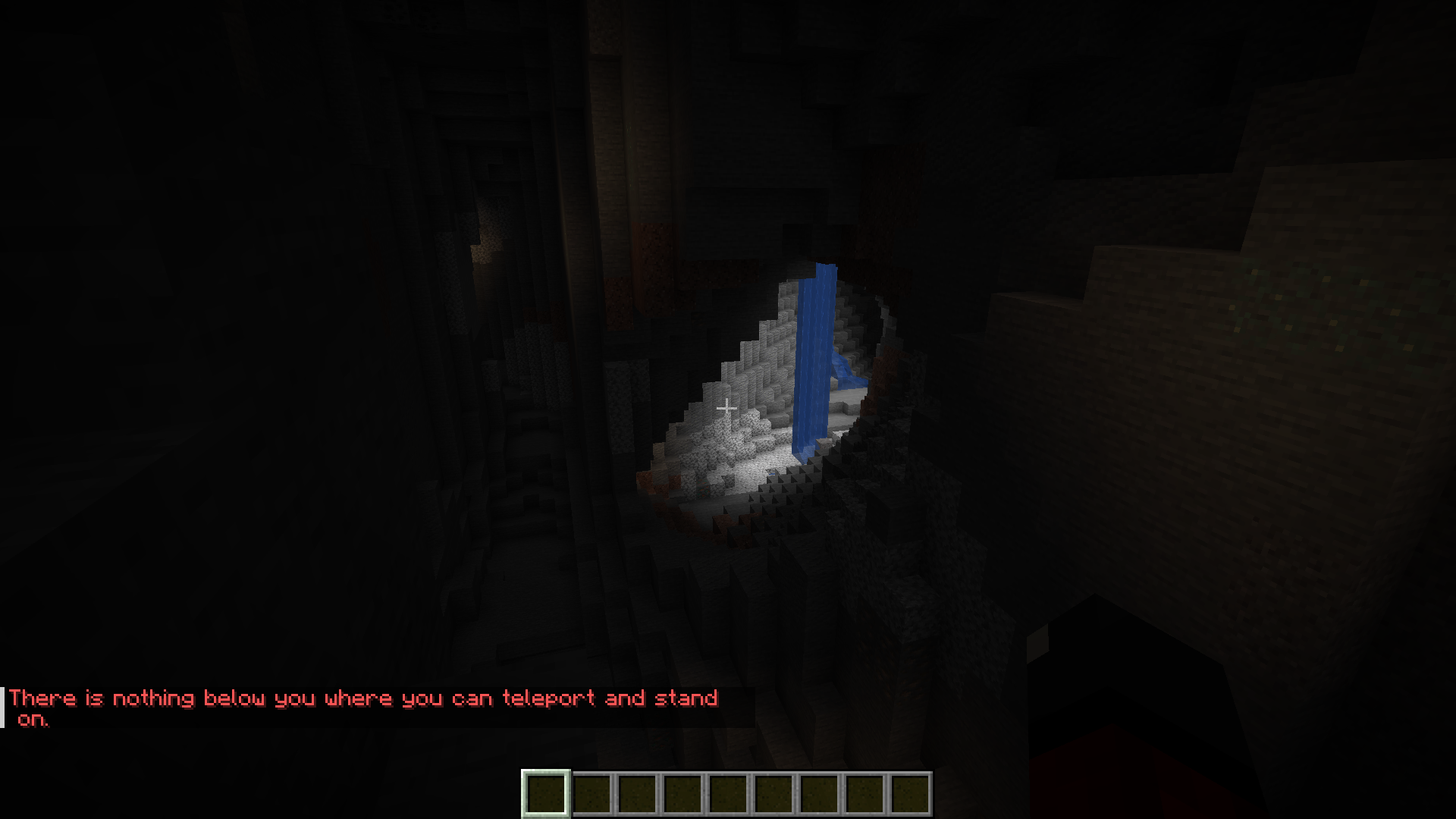
- /tpdown – Teleports current player to next available space below. (version 0.3.0+)
- /tptop – Teleports current player to the highest available space above. (version 0.3.0+)
- /tpbottom – Teleports current player to the lowest available space below. (version 0.3.0+)
- /roll [MaxValue] – makes a roll from 1 to [MaxValue] and displays it in the general chat.
Configuration Options
- Can be disabled entirely
- Required OP/Permission level can be adjusted
Screenshots:
Unique Commands Mod Download Links
For Minecraft 1.21.1, 1.21
Forge version: Download from Server 1 – Download from Server 2
For Minecraft 1.20.6
Forge version: Download from Server 1 – Download from Server 2
For Minecraft 1.20.4
Forge version: Download from Server 1 – Download from Server 2
For Minecraft 1.20.1
Forge version: Download from Server 1 – Download from Server 2
For Minecraft 1.19.2
Forge version: Download from Server 1 – Download from Server 2
- Edition: Minecraft Java
- File type: .jar
- Minecraft versions listed: 1.21.1, 1.20.1
- How to install: Install the matching mod loader (Forge, Fabric or NeoForge) for your Minecraft version. → Download the .jar. → Put it in the .minecraft/mods folder and launch that loader profile.
- Where to get it: In MC Java Mods, or directly above on this page.
Install steps are the general flow for this file type — How to install Minecraft Java mods & modpacks walks through it step by step.
- Downloads as 200849.mcaddon
- Download size: 154 KB
- Download link checked 17 Jul 2026 — working
- Mirrored on our own servers — the download does not depend on the original host
These come from our own check of the pack file, not from the source page.