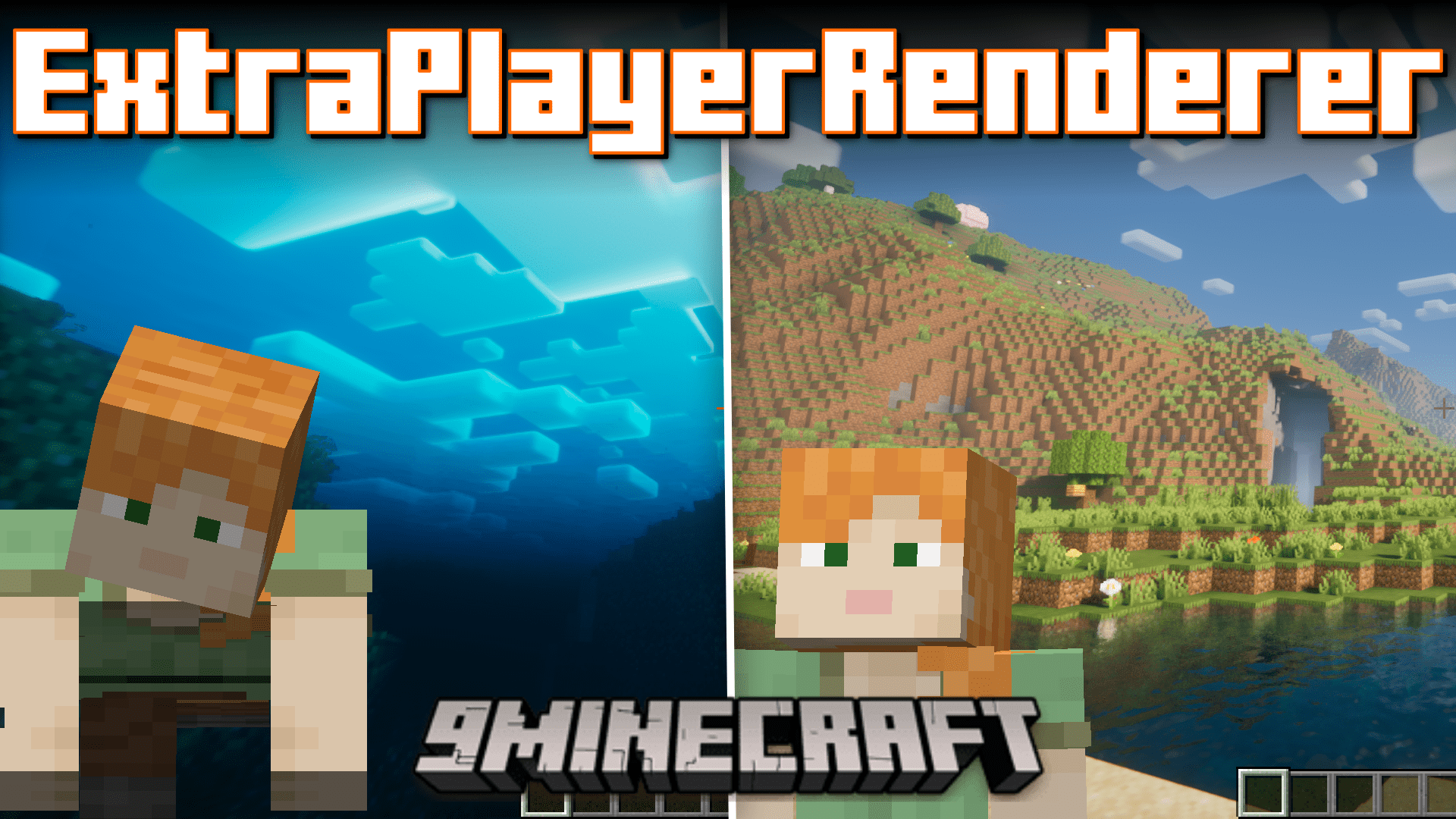
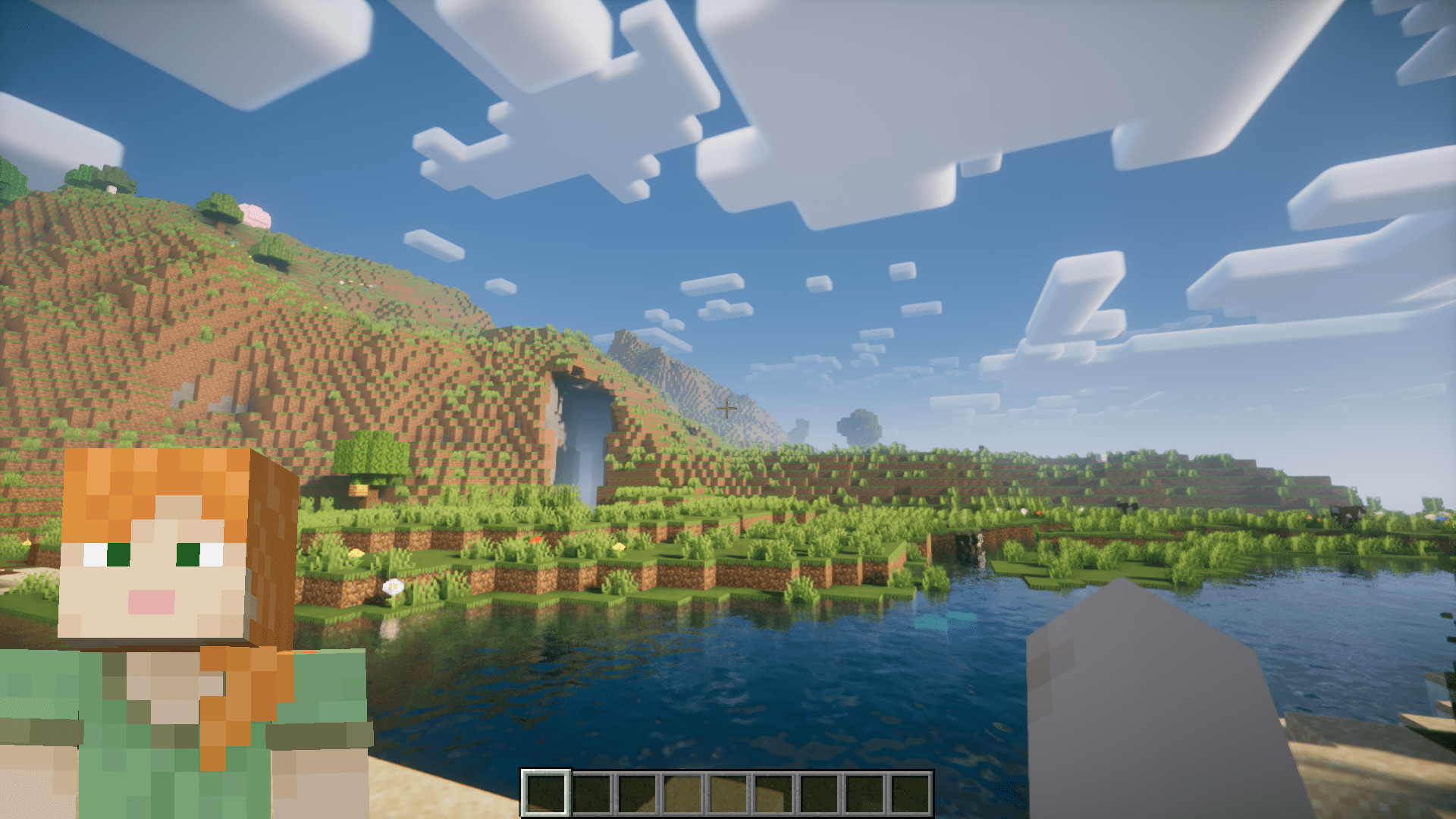
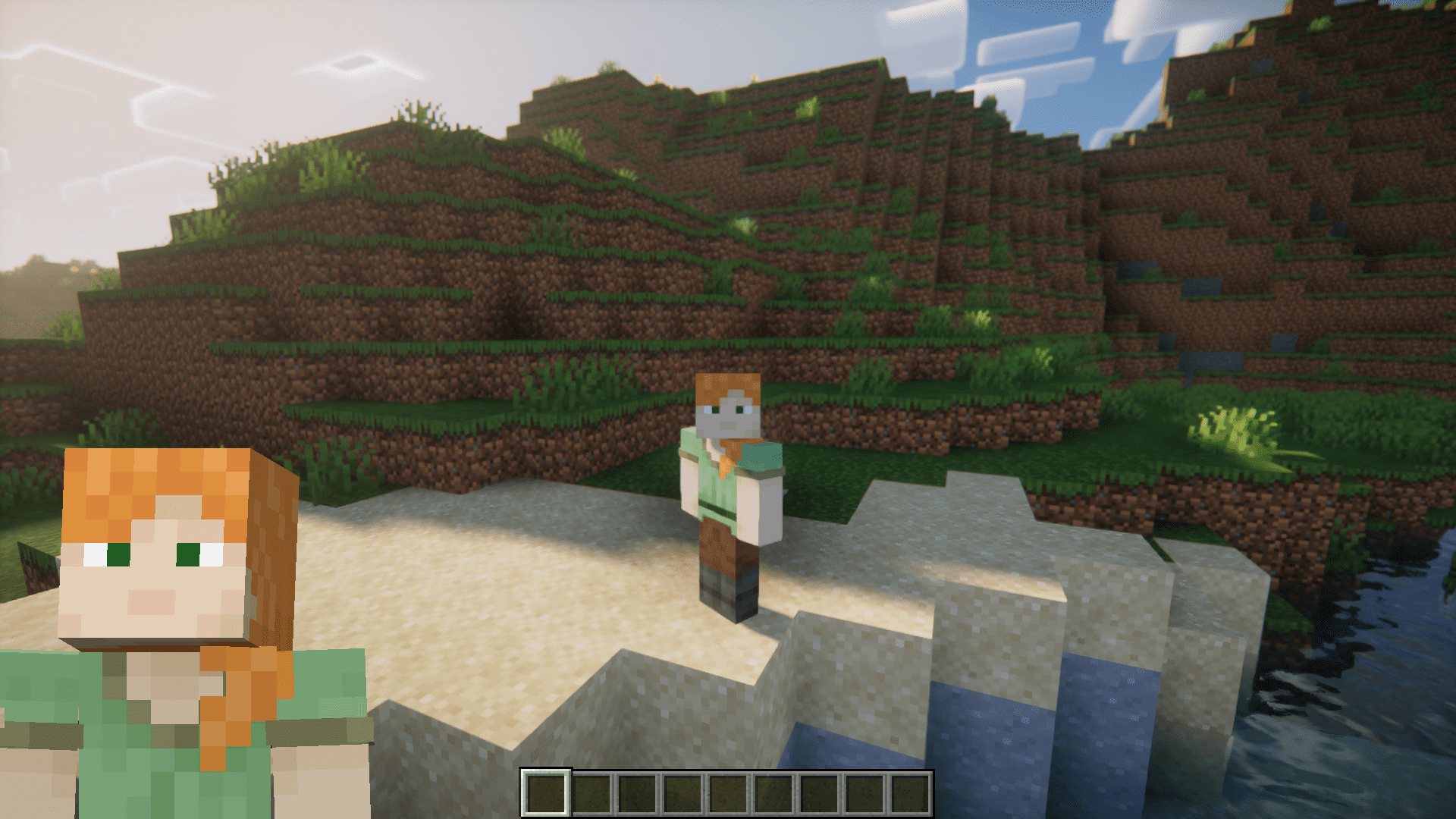
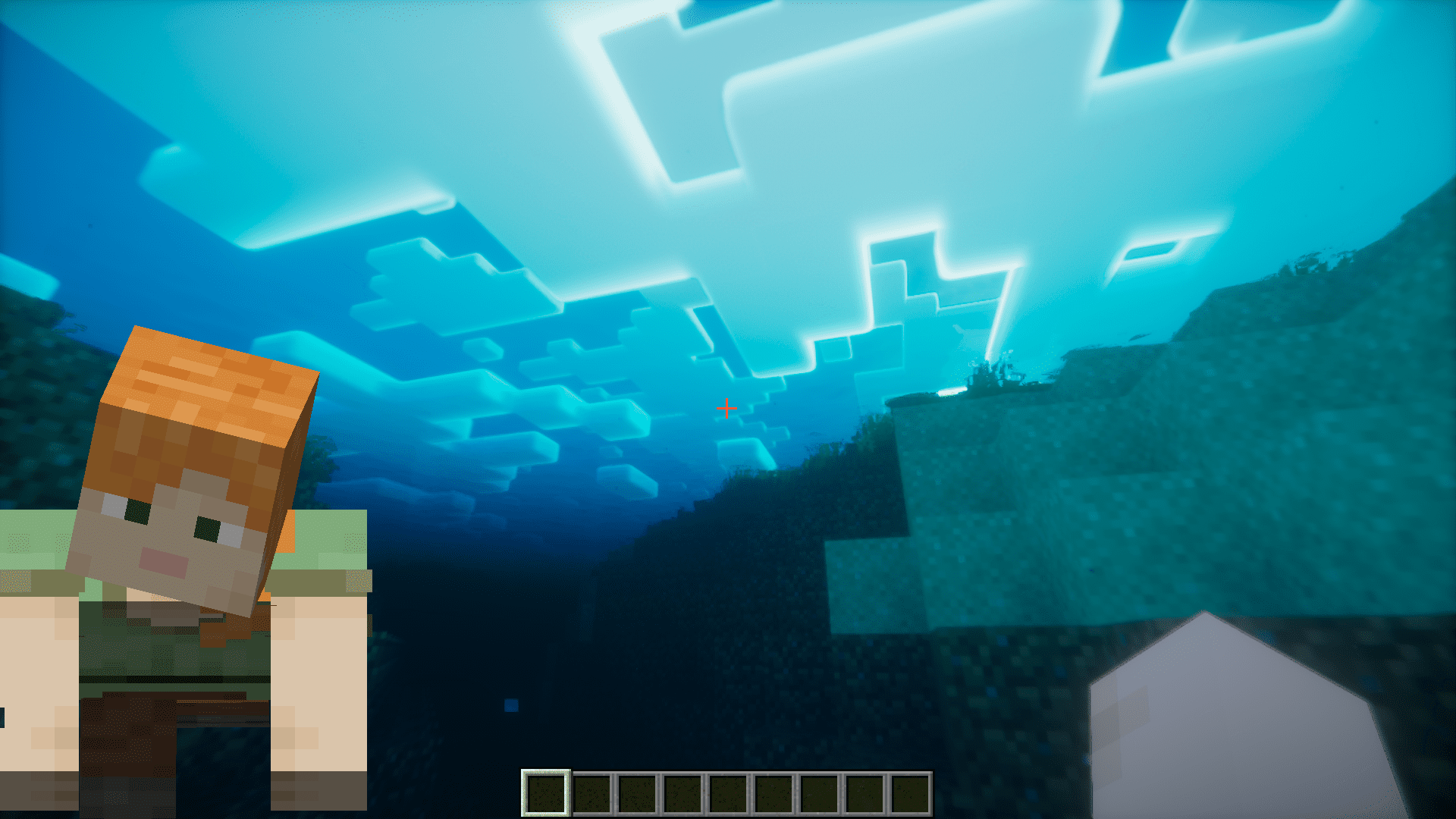
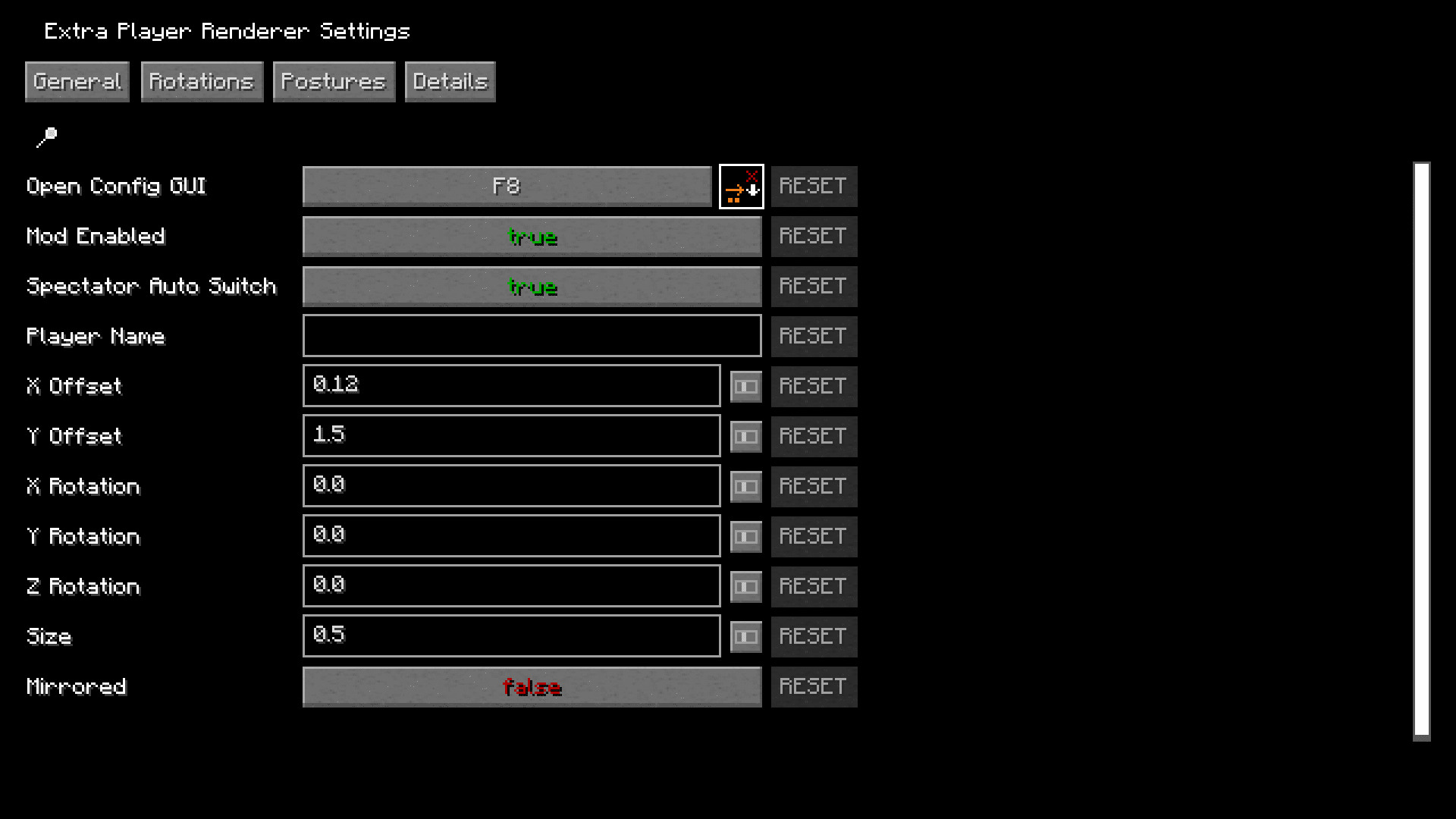
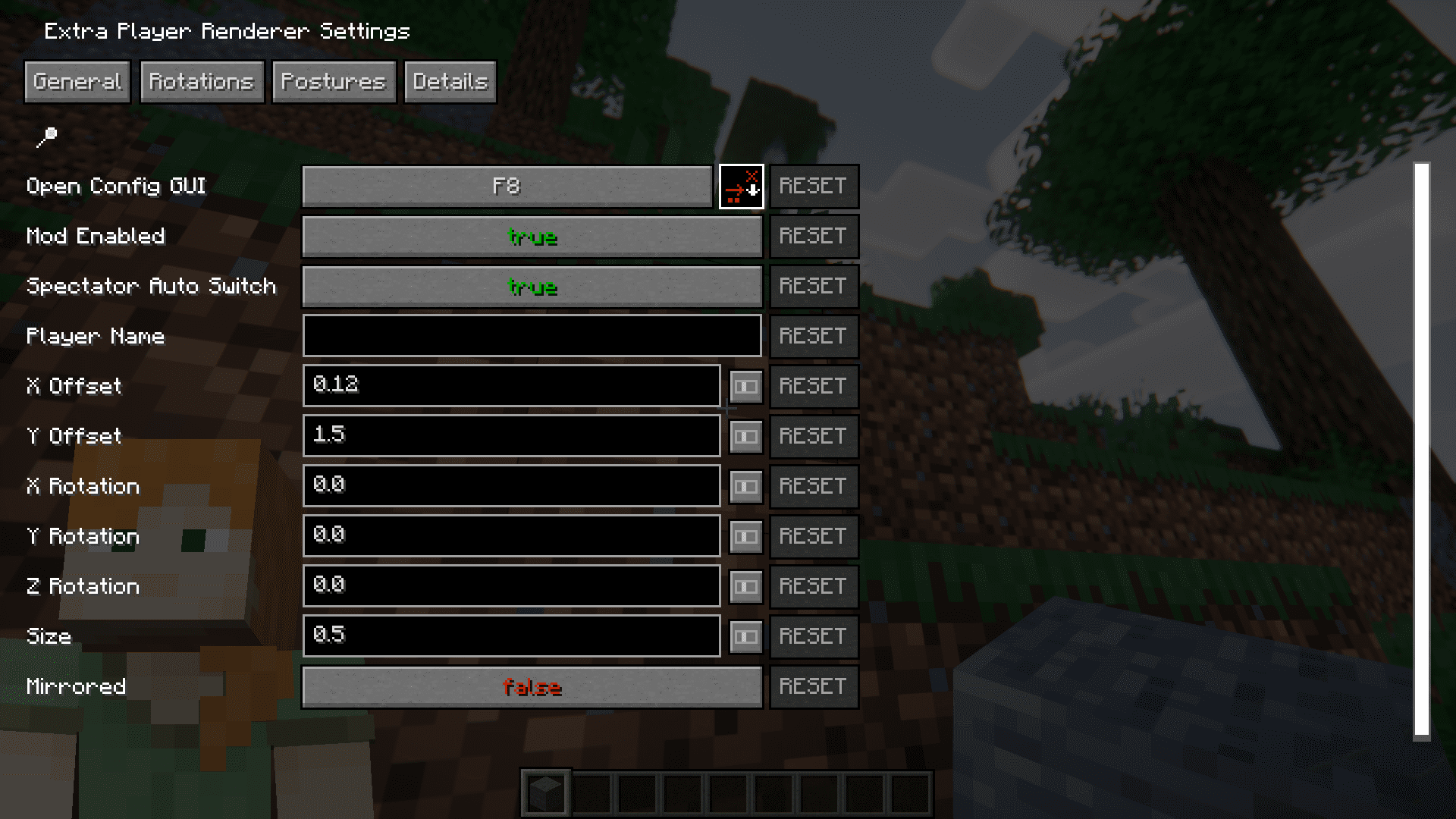
ExtraPlayerRenderer Mod adds a real-time overlay of your in-game character onto your screen. This overlay allows you to see how other players on a server might see you on their screen. The overlay does anything that the player does, including activities like eating, drinking, etc. There are also animations for swimming, jumping, etc. The position of the overlay is highly configurable. And configurations can be made using the menu that pops up when you press the F8 key. This menu has four tabs that will allow you to edit the position, rotation, offset and the angle of light.
Features:
- In spectator mode, the player can attach themselves to a mob to view the game in their perspective. This mod shows a render of the attached mob when you do this.
- The posture of the overlay changes smoothly when the player engages in activities like crouching, swimming, crawling, etc.
- While riding an entity, like a horse, the entire entity is also displayed in the overlay.
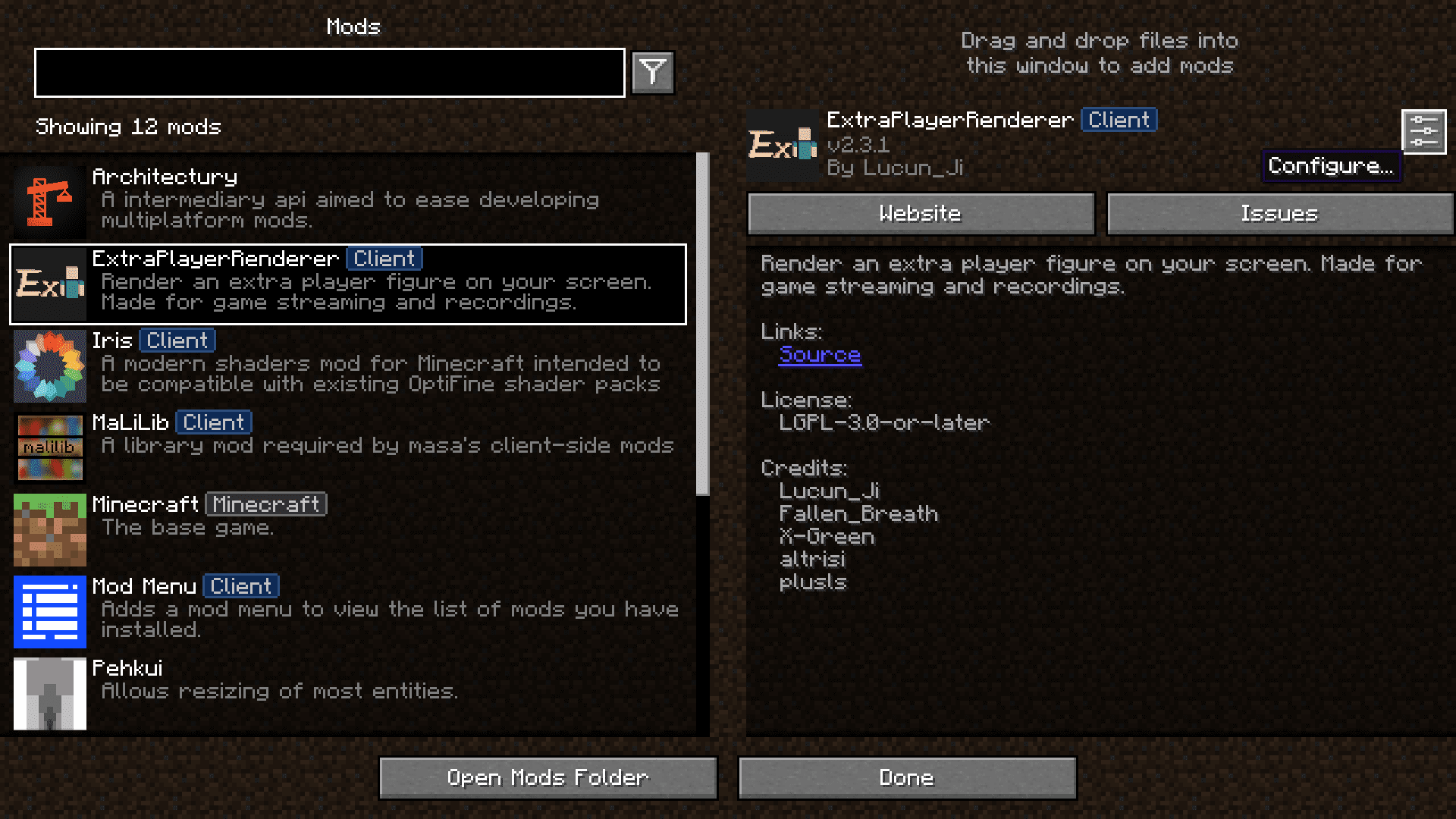
Screenshots:
Requires:
Fabric Modloader
Fabric API
ExtraPlayerRenderer Mod Download Links
For Minecraft 1.21.1, 1.21
Fabric version: Download from Server 1 – Download from Server 2
For Minecraft 1.20.6
Fabric version: Download from Server 1 – Download from Server 2
For Minecraft 1.20.2
Fabric version: Download from Server 1 – Download from Server 2
For Minecraft 1.20.1
Fabric version: Download from Server 1 – Download from Server 2
For Minecraft 1.19.4
Fabric version: Download from Server 1 – Download from Server 2
For Minecraft 1.19.2
Fabric version: Download from Server 1 – Download from Server 2
For Minecraft 1.16.5
Fabric version: Download from Server 1 – Download from Server 2
- Edition: Minecraft Java
- File type: .jar
- Minecraft versions listed: 1.21.1, 1.20.1
- How to install: Install the matching mod loader (Forge, Fabric or NeoForge) for your Minecraft version. → Download the .jar. → Put it in the .minecraft/mods folder and launch that loader profile.
- Where to get it: In MC Java Mods, or directly above on this page.
Install steps are the general flow for this file type — How to install Minecraft Java mods & modpacks walks through it step by step.
- Downloads as 200861.mcaddon
- Download size: 50 KB
- Download link checked 29 Jul 2026 — working
- Mirrored on our own servers — the download does not depend on the original host
These come from our own check of the pack file, not from the source page.