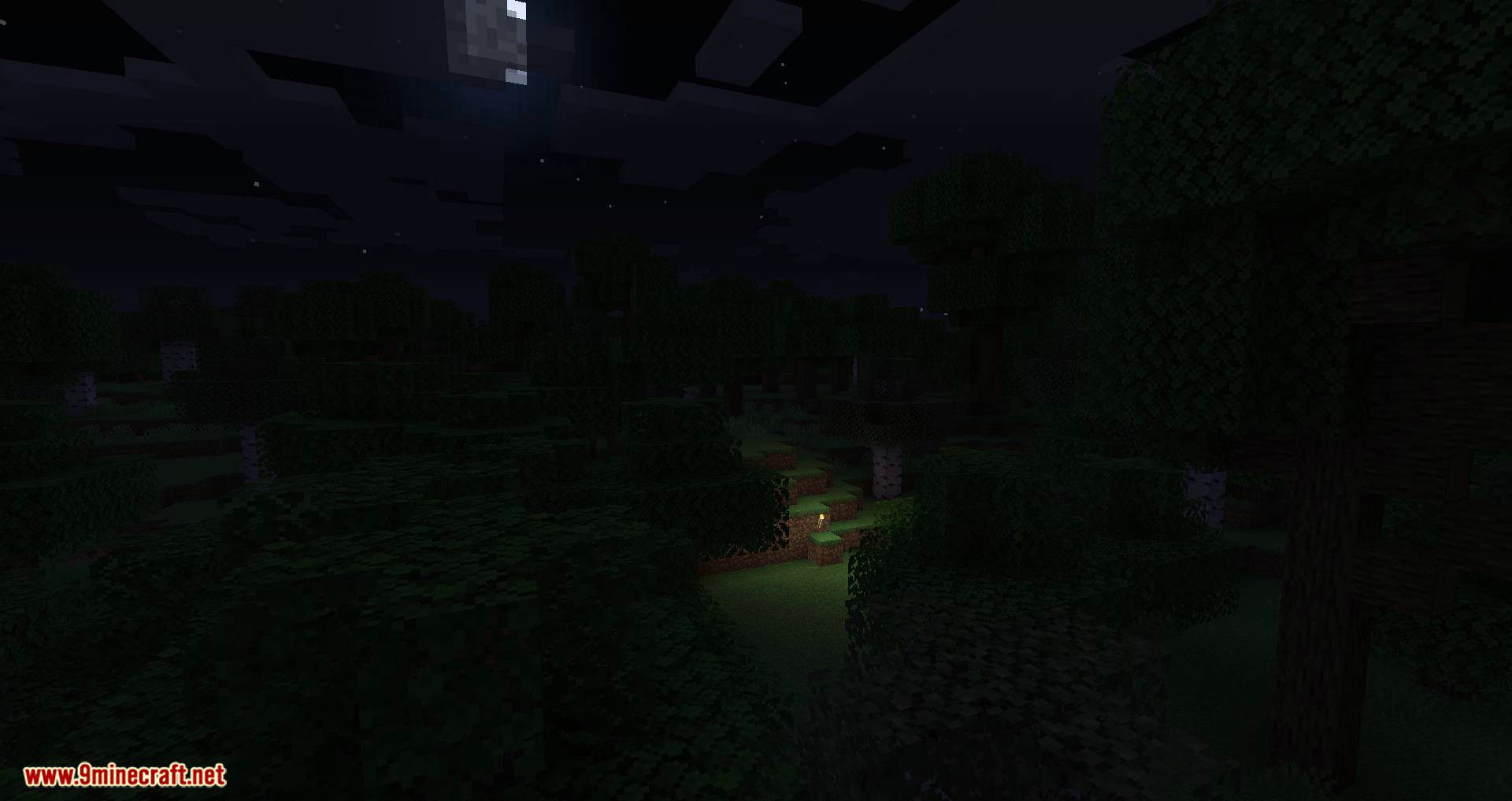
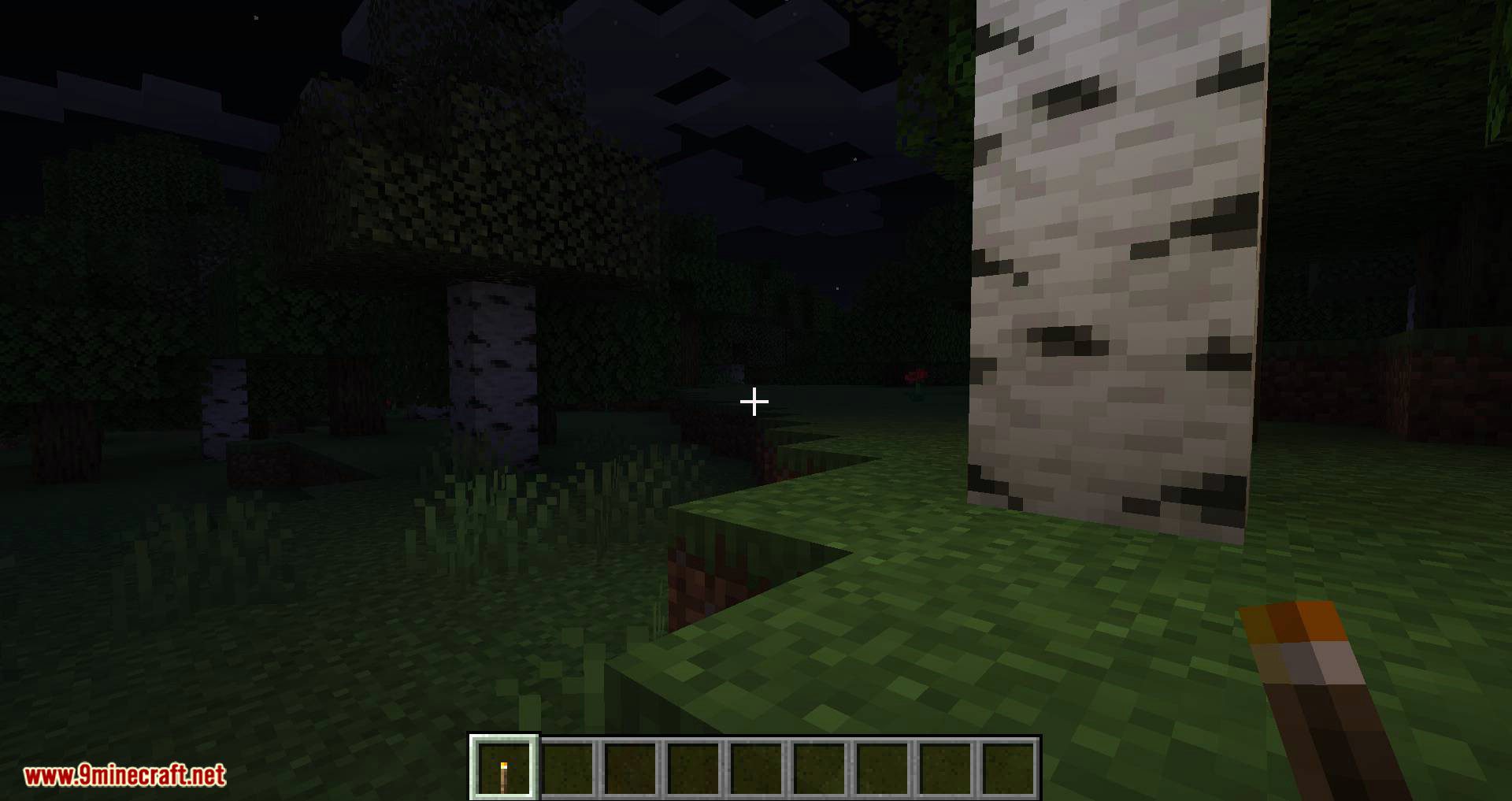
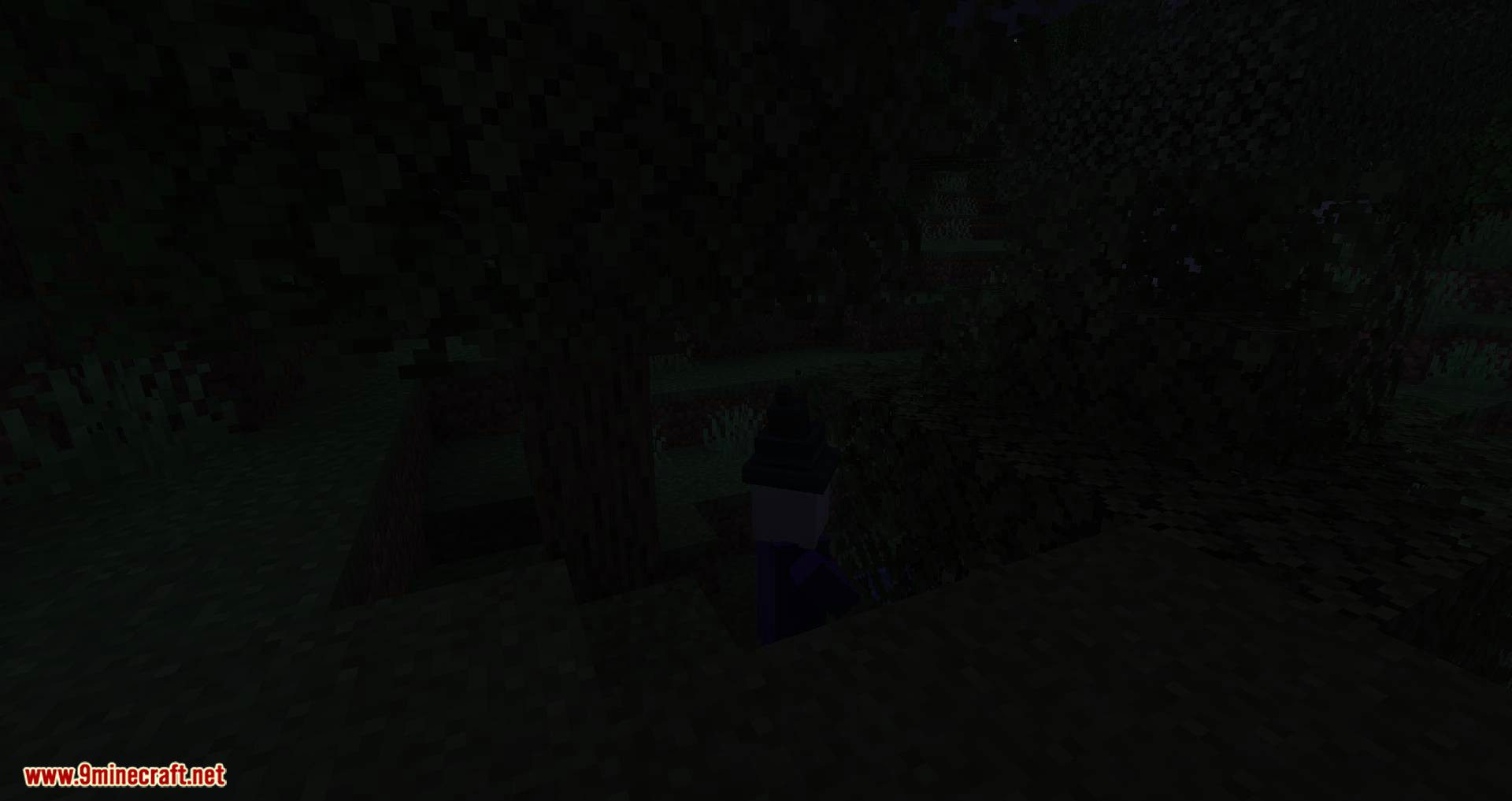
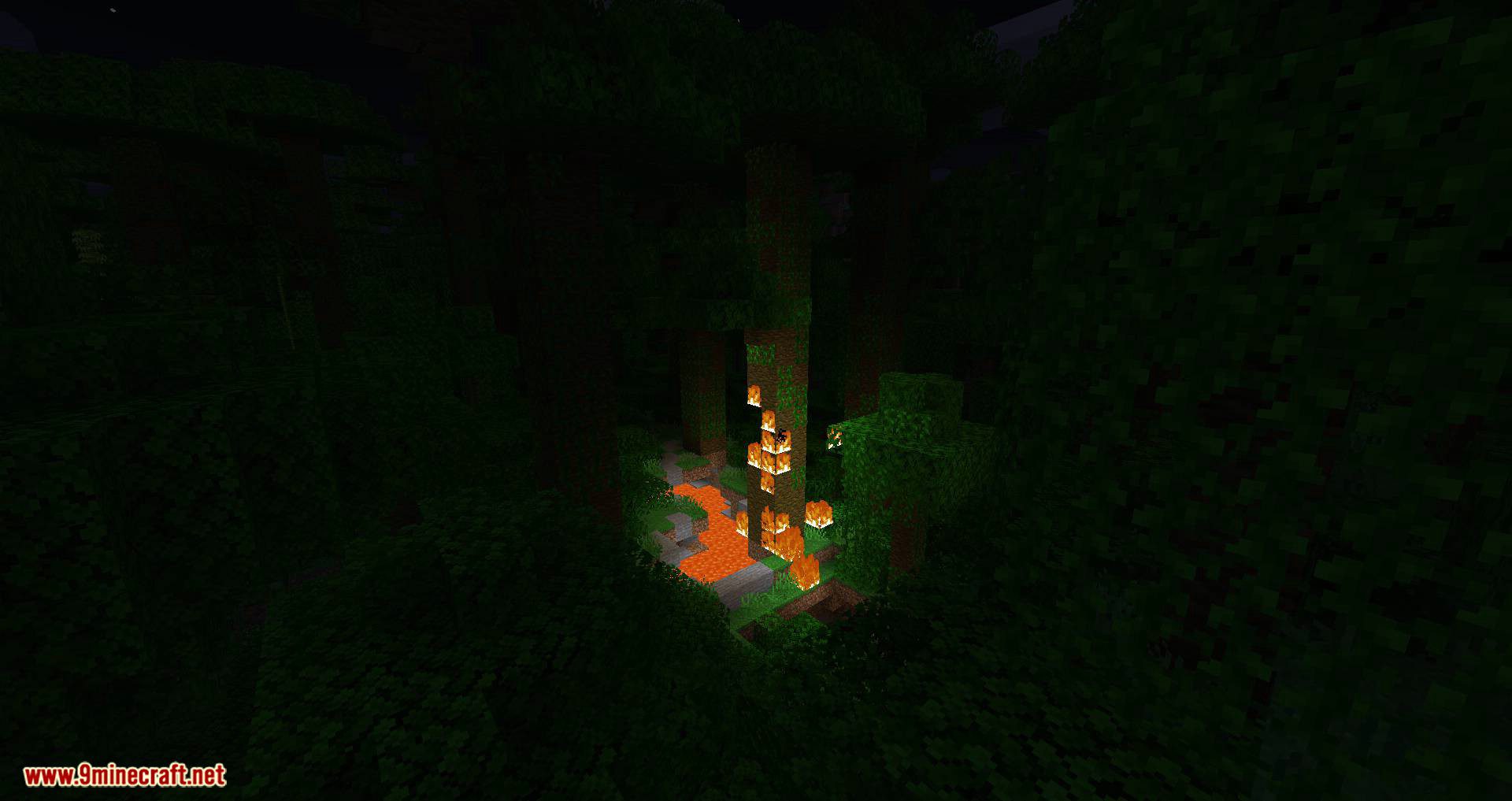
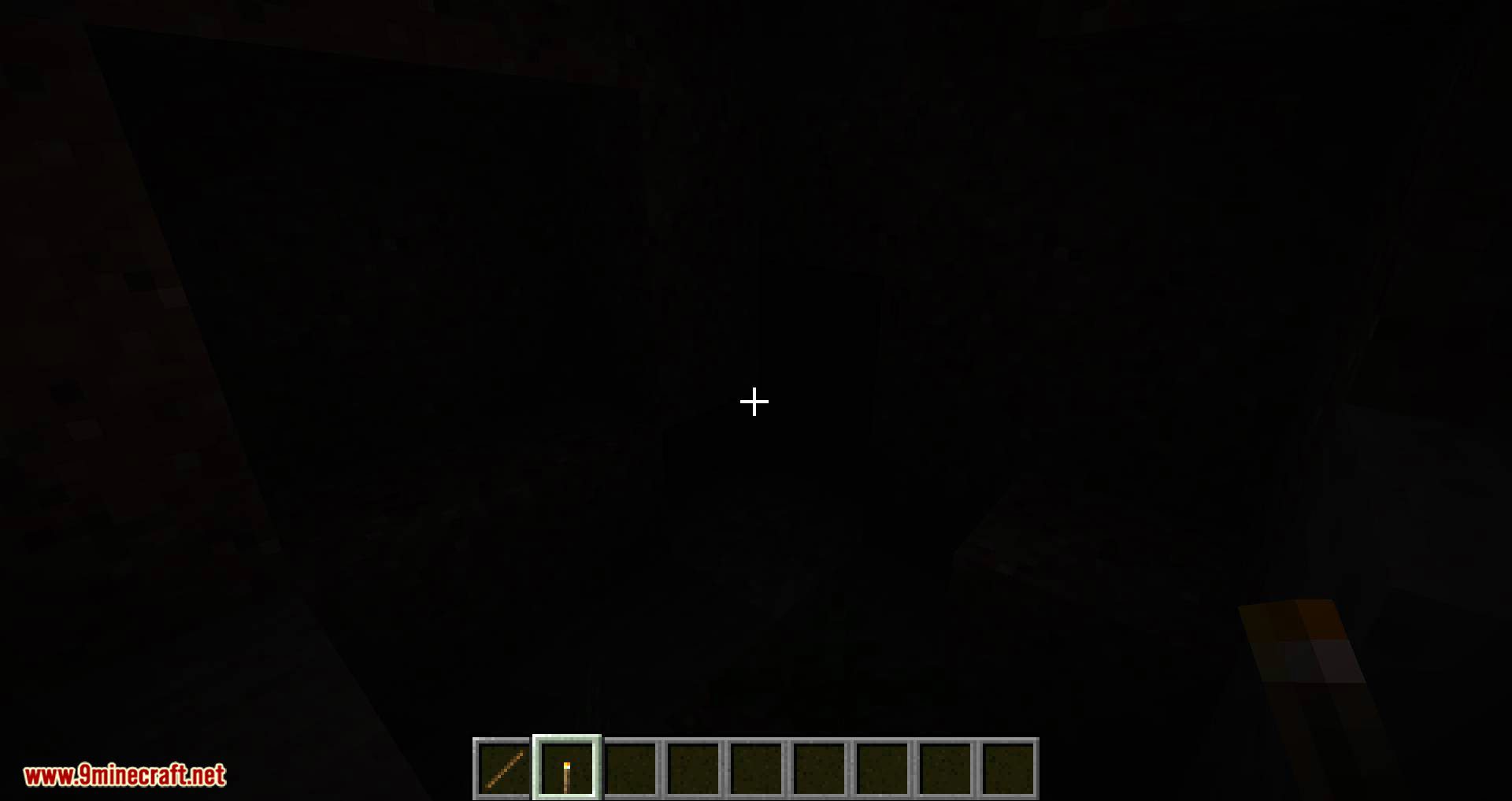
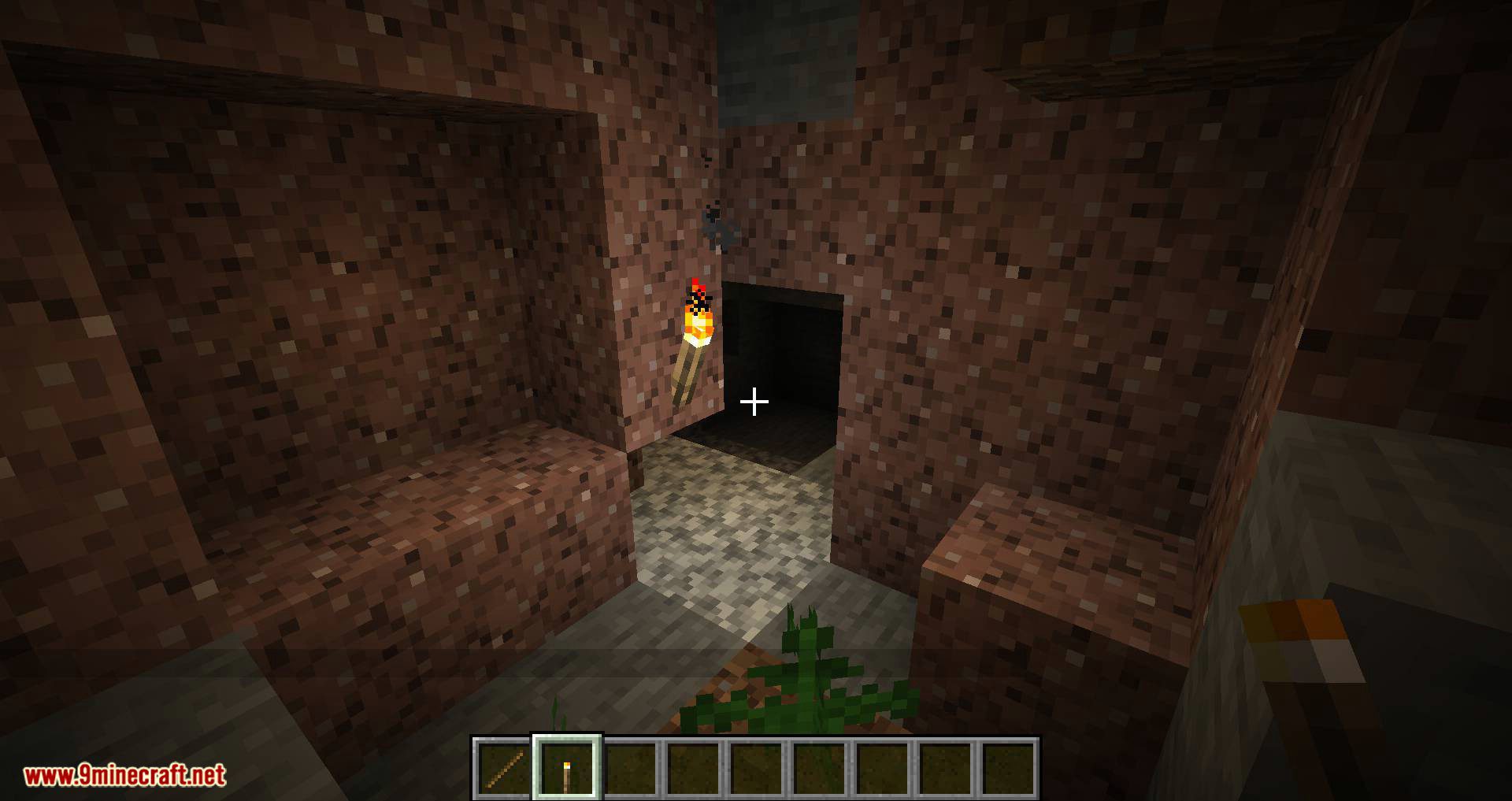
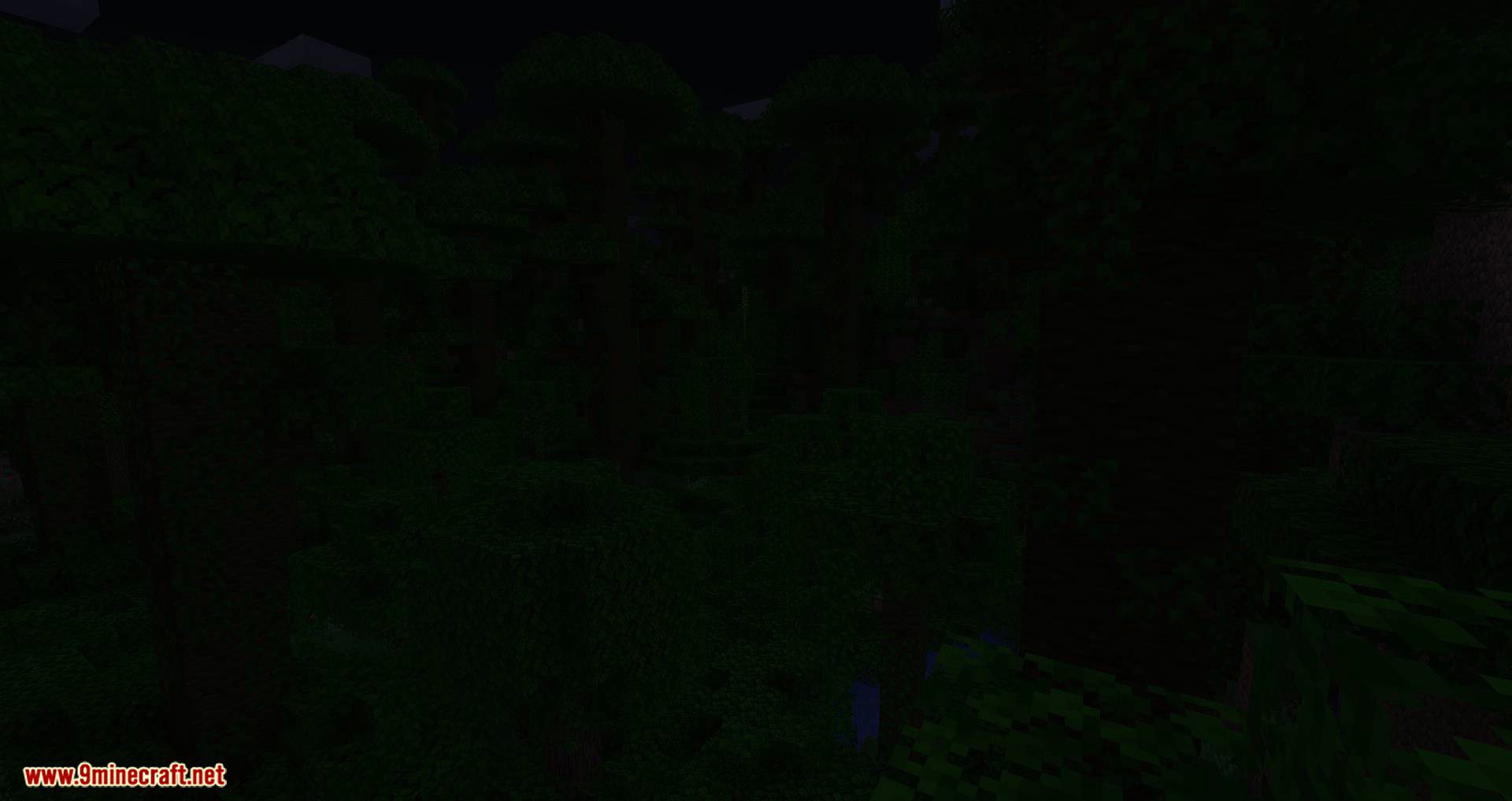
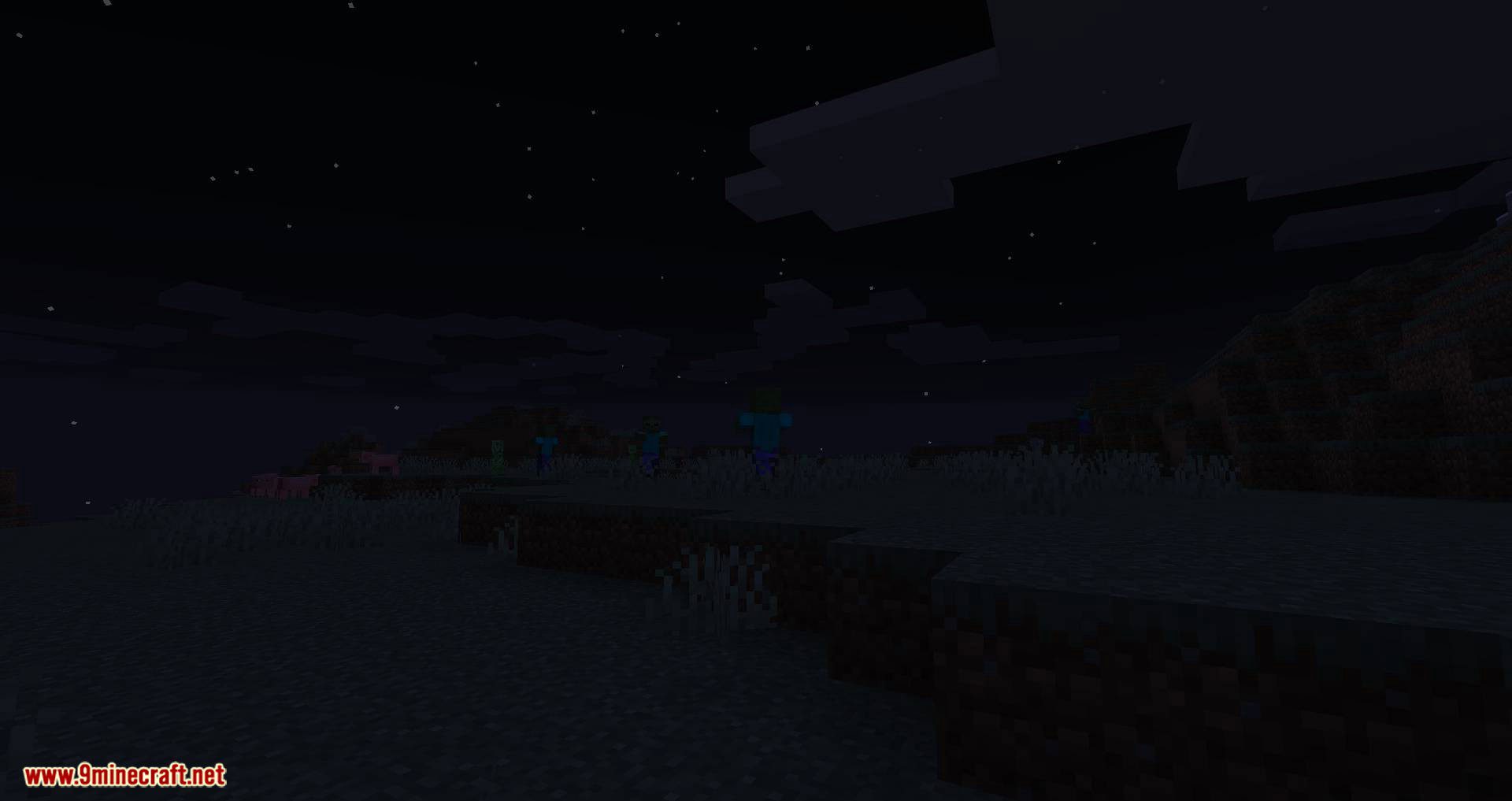
With True Darkness Mod, nighttime darkness will vary based on the moon’s phase. During a new moon, there will be no light at all, and the darkness level will gradually increase as the moon transitions toward full moon.
Features:
Quick Facts:
- Full moon = normal Minecraft brightness
- New moon = no light at all
- No torchlight and no skylight = pure black, irrespective of moon phase
- For Fabric Modloader
- Client-side only
- No dependencies
Configuration:
The configuration is in config/darkness.properties
- dark_overworld: enable in Overworld (default: true)
- dark_default: enable in modded dimensions with a sky, like Overworld (default: true)
- dark_nether: enable in Nether (default: true)
- dark_end: enable in End (default: true)
- dark_skyless: enable in modded dimensions without a sky, like End and Nether (default: true)
- dark_nether_fog: Set to a value between 0.0 and 1.0 (inclusive) to make Nether fog darker (default: 0.5)
- dark_end_fog: Set to a value between 0.0 and 1.0 (inclusive) to make End fog darker (default: 0.0)
Screenshots:
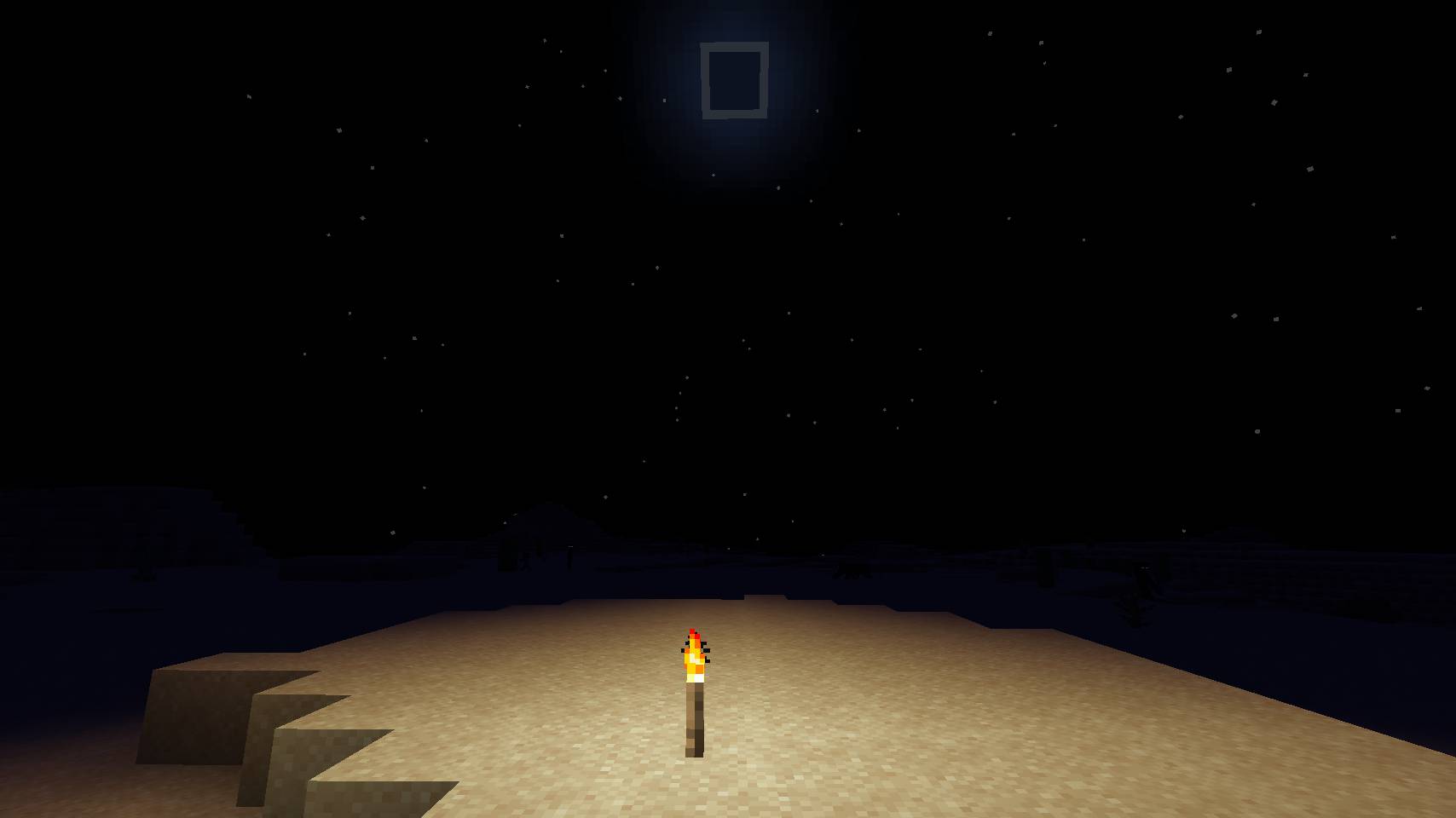
With True Darkness Mod
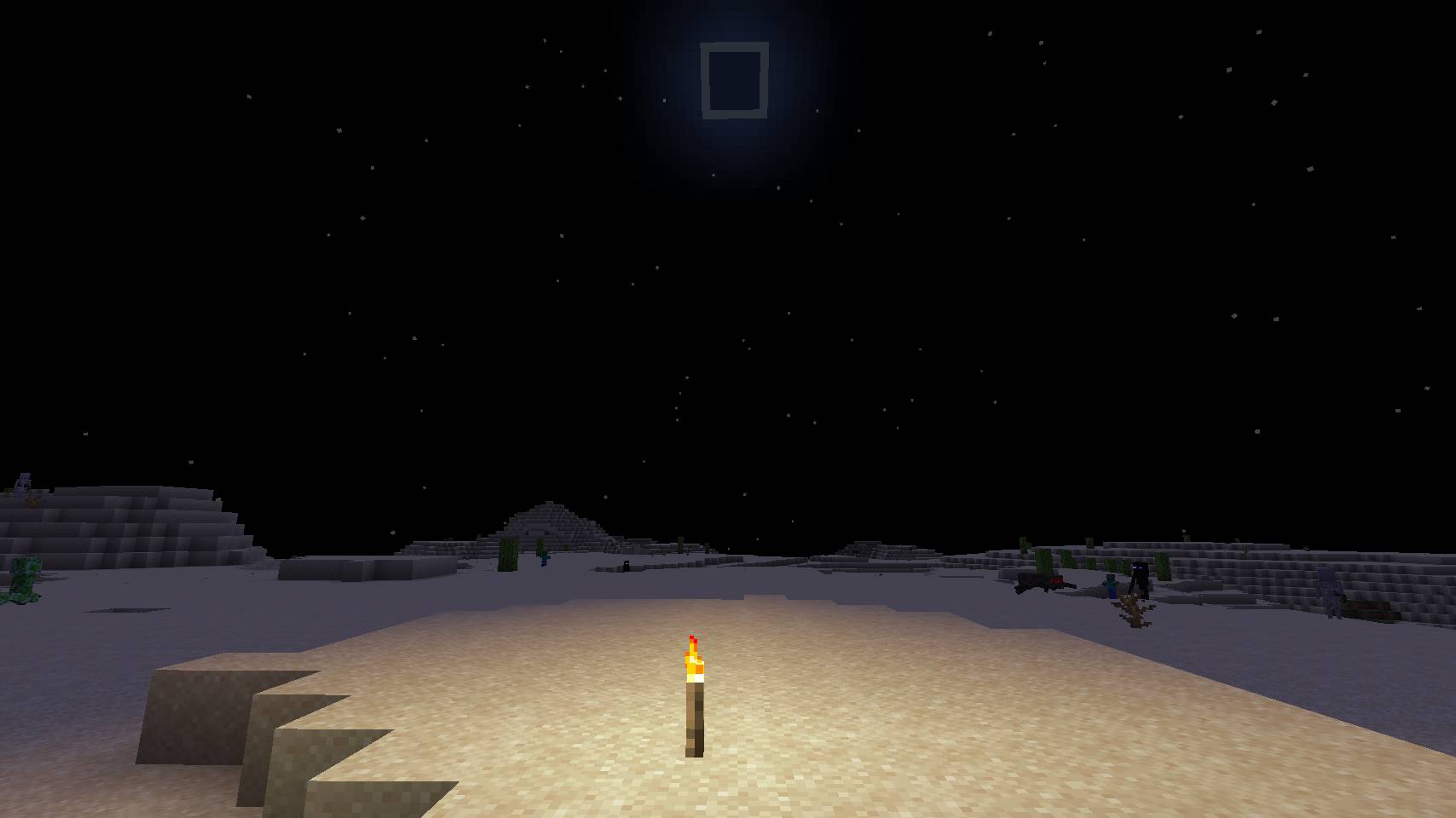
Without True Darkness Mod
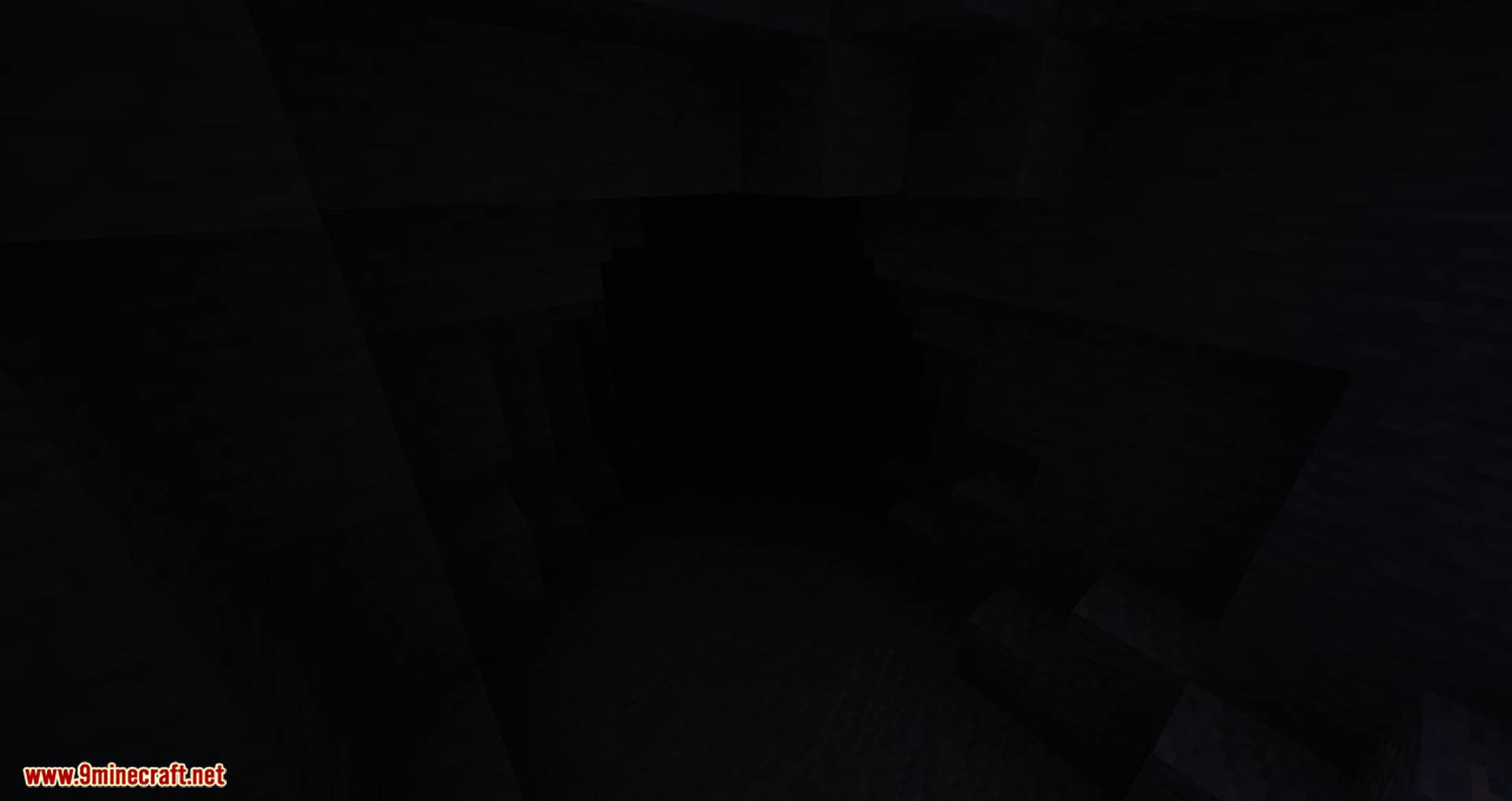
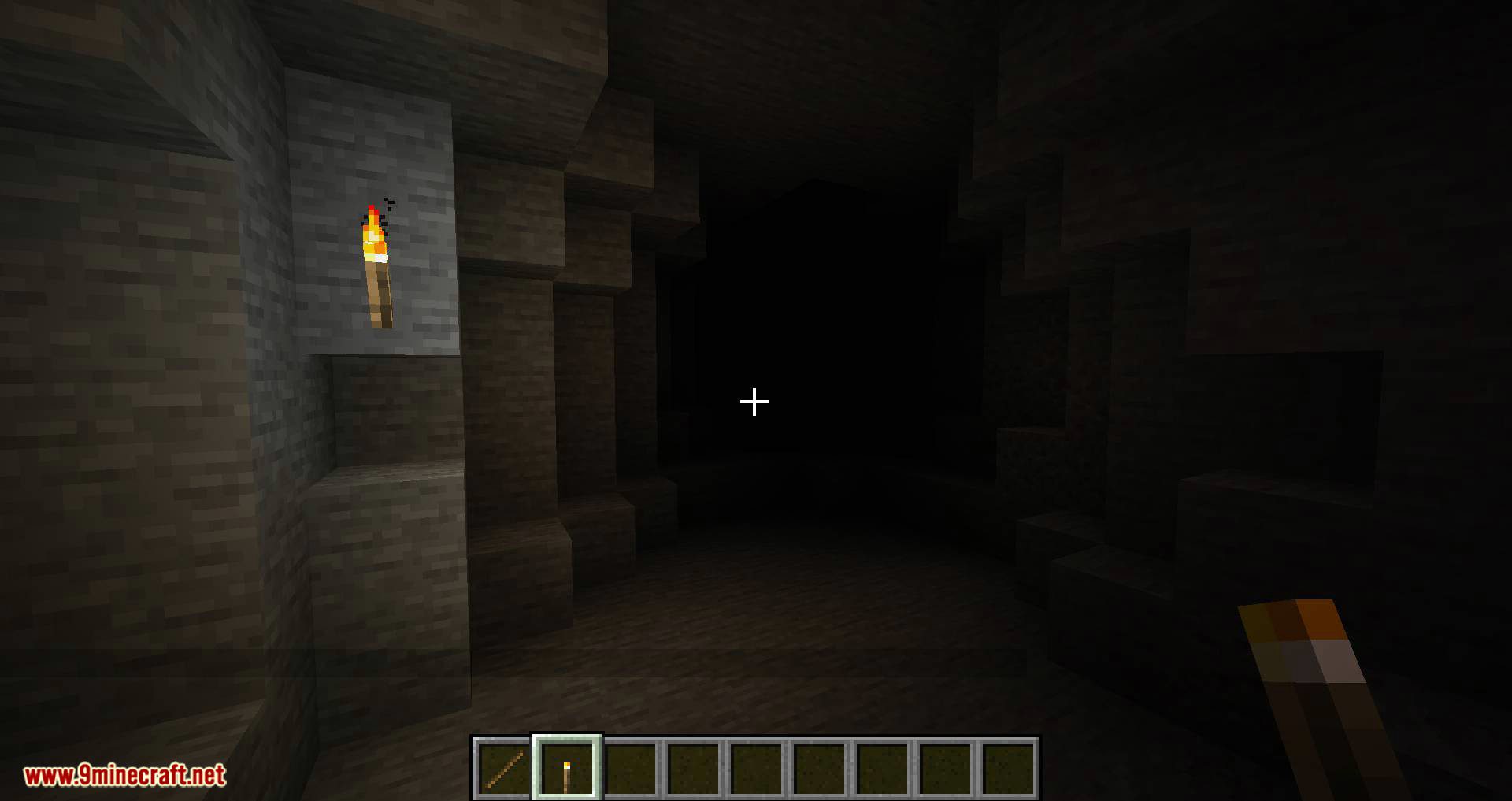
True Darkness Mod Download Links
For Minecraft 1.15.2
Fabric version: Download from Server 1
For Minecraft 1.16.5
Fabric version: Download from Server 1
For Minecraft 1.17.1
Forge version: Download from Server 1
Fabric version: Download from Server 1
For Minecraft 1.18.2
Forge version: Download from Server 1
Fabric version: Download from Server 1
For Minecraft 1.19.2
Forge version: Download from Server 1
Fabric version: Download from Server 1
For Minecraft 1.19.3
Forge version: Download from Server 1 – Download from Server 2
Fabric version: Download from Server 1 – Download from Server 2
For Minecraft 1.19.4
Forge version: Download from Server 1
For Minecraft 1.20.1, 1.20
Forge version: Download from Server 1 – Download from Server 2
Fabric/Quilt version: Download from Server 1 – Download from Server 2
For Minecraft 1.20.2
Forge version: Download from Server 1 – Download from Server 2
Fabric/Quilt version: Download from Server 1 – Download from Server 2
For Minecraft 1.20.4
Forge version: Download from Server 1 – Download from Server 2
Fabric/Quilt version: Download from Server 1 – Download from Server 2
For Minecraft 1.20.6
Fabric/Quilt version: Download from Server 1 – Download from Server 2
For Minecraft 1.21.1, 1.21
Fabric/Quilt version: Download from Server 1 – Download from Server 2
- Edition: Minecraft Java
- File type: .jar
- Minecraft versions listed: 1.21.1, 1.20.1
- How to install: Install the matching mod loader (Forge, Fabric or NeoForge) for your Minecraft version. → Download the .jar. → Put it in the .minecraft/mods folder and launch that loader profile.
- Where to get it: In MC Java Mods, or directly above on this page.
Install steps are the general flow for this file type — How to install Minecraft Java mods & modpacks walks through it step by step.
- Downloads as 200868.mcaddon
- Download size: 19 KB
- Download link checked 29 Jul 2026 — working
- Mirrored on our own servers — the download does not depend on the original host
These come from our own check of the pack file, not from the source page.