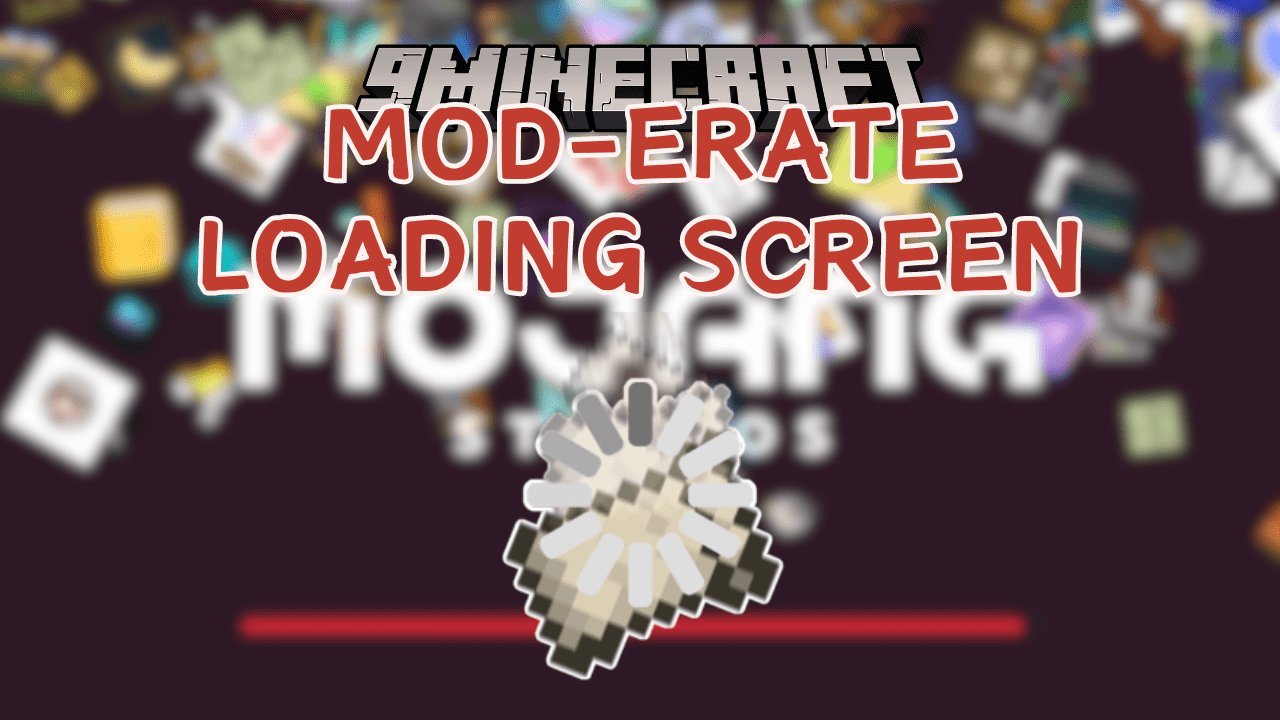
Mod-erate Loading Screen Mod (1.21.1, 1.20.1) – Loading Screen with Falling Mod Icons
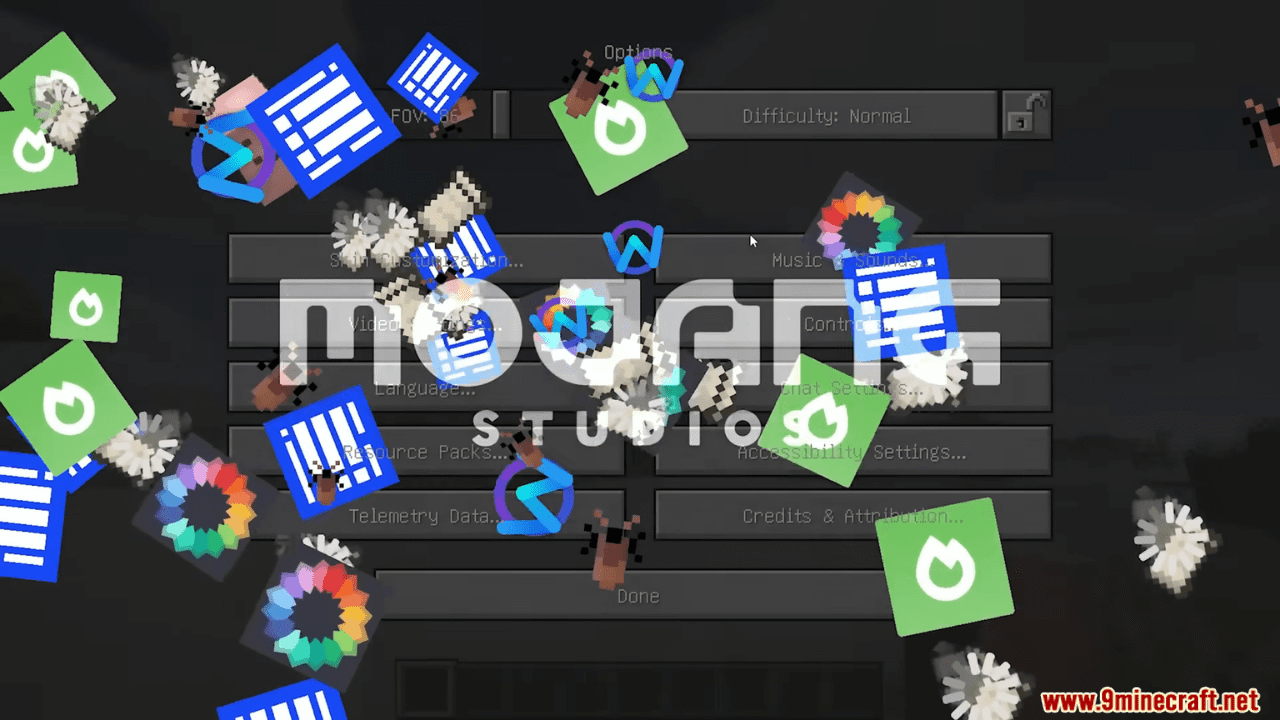
Mod-erate Loading Screen Mod enhances the loading screen by adding falling mod icon animations, where icons of installed mods rain down as the game loads. It’s highly configurable, letting you tweak aspects like animation speed, icon size, or even disable the feature entirely via a config file.
Features:
- Adds a unique twist to the Minecraft loading screen with falling mod icons.
- Customize options such as showing mods only once, hiding libraries, and changing background color.
- Brings whimsy and creativity to the loading experience.
- Offers an alternative to the traditional Mod Menu for mod management.
Screenshots:



Mod-erate Loading Screen Mod Download Links
For Minecraft 1.21.1, 1.21
Fabric Version: Download from Server 1 – Download from Server 2
For Minecraft 1.20.6
Fabric Version: Download from Server 1 – Download from Server 2
For Minecraft 1.20.4, 1.20.3
Fabric Version: Download from Server 1 – Download from Server 2
For Minecraft 1.20.2
Fabric Version: Download from Server 1 – Download from Server 2
For Minecraft 1.20.1
Fabric Version: Download from Server 1 – Download from Server 2
For Minecraft 1.19.4
Fabric Version: Download from Server 1 – Download from Server 2
For All Versions from Minecraft 1.17 to Minecraft 1.18.2
Fabric Version: Download from Server 1 – Download from Server 2
- Edition: Minecraft Java
- File type: .jar
- Minecraft versions listed: 1.21.1, 1.20.1
- How to install: Install the matching mod loader (Forge, Fabric or NeoForge) for your Minecraft version. → Download the .jar. → Put it in the .minecraft/mods folder and launch that loader profile.
- Where to get it: In MC Java Mods, or directly above on this page.
Install steps are the general flow for this file type — How to install Minecraft Java mods & modpacks walks through it step by step.
- Downloads as 200873.mcaddon
- Download size: 109 KB
- Download link checked 29 Jul 2026 — working
- Mirrored on our own servers — the download does not depend on the original host
These come from our own check of the pack file, not from the source page.