Nameplate Mod (1.21.1, 1.20.1) – Show More Creature Information
Java mod listed for Minecraft 1.20–1.21. Downloads from the MC Java Mods app on Android.
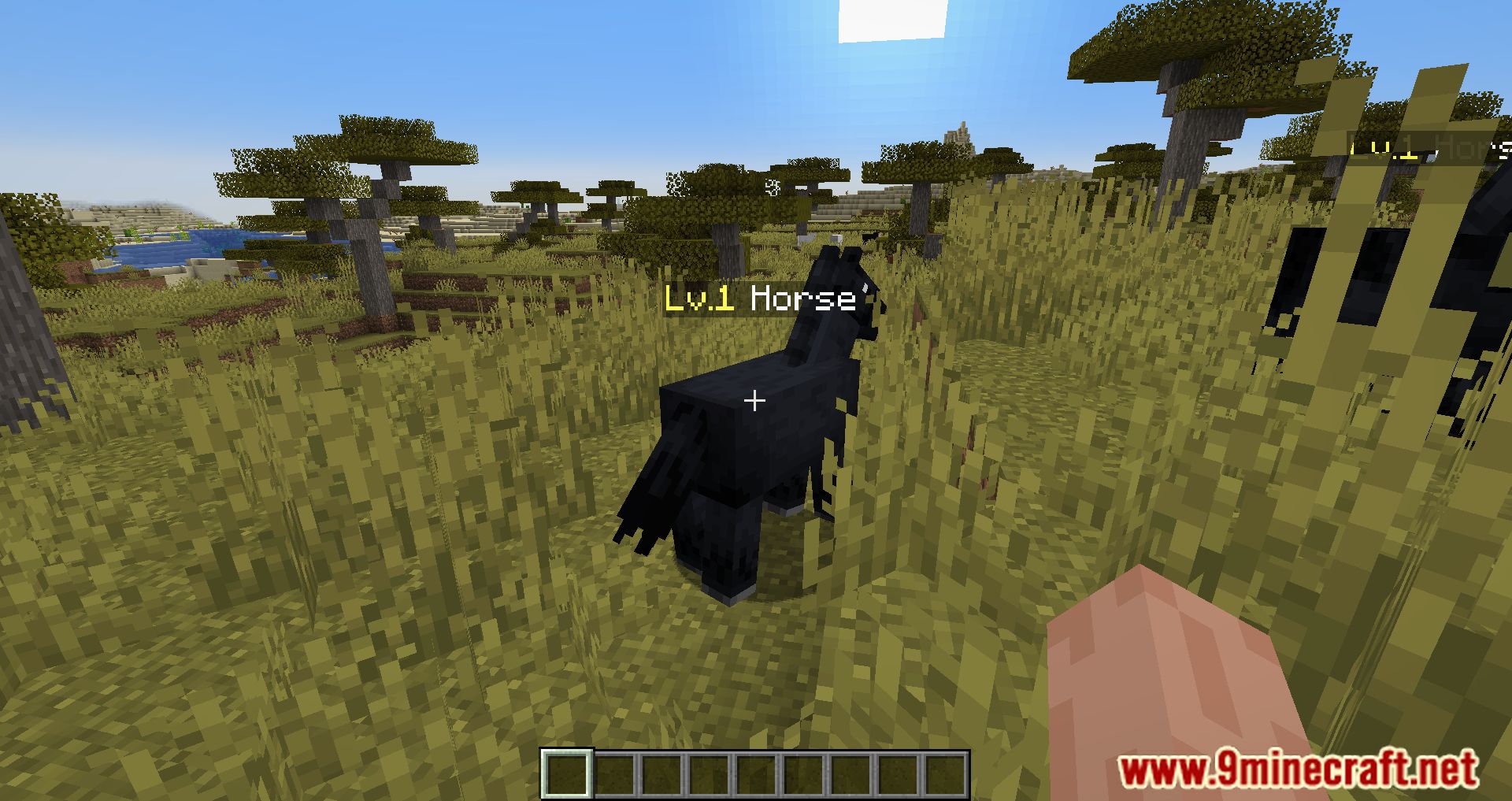
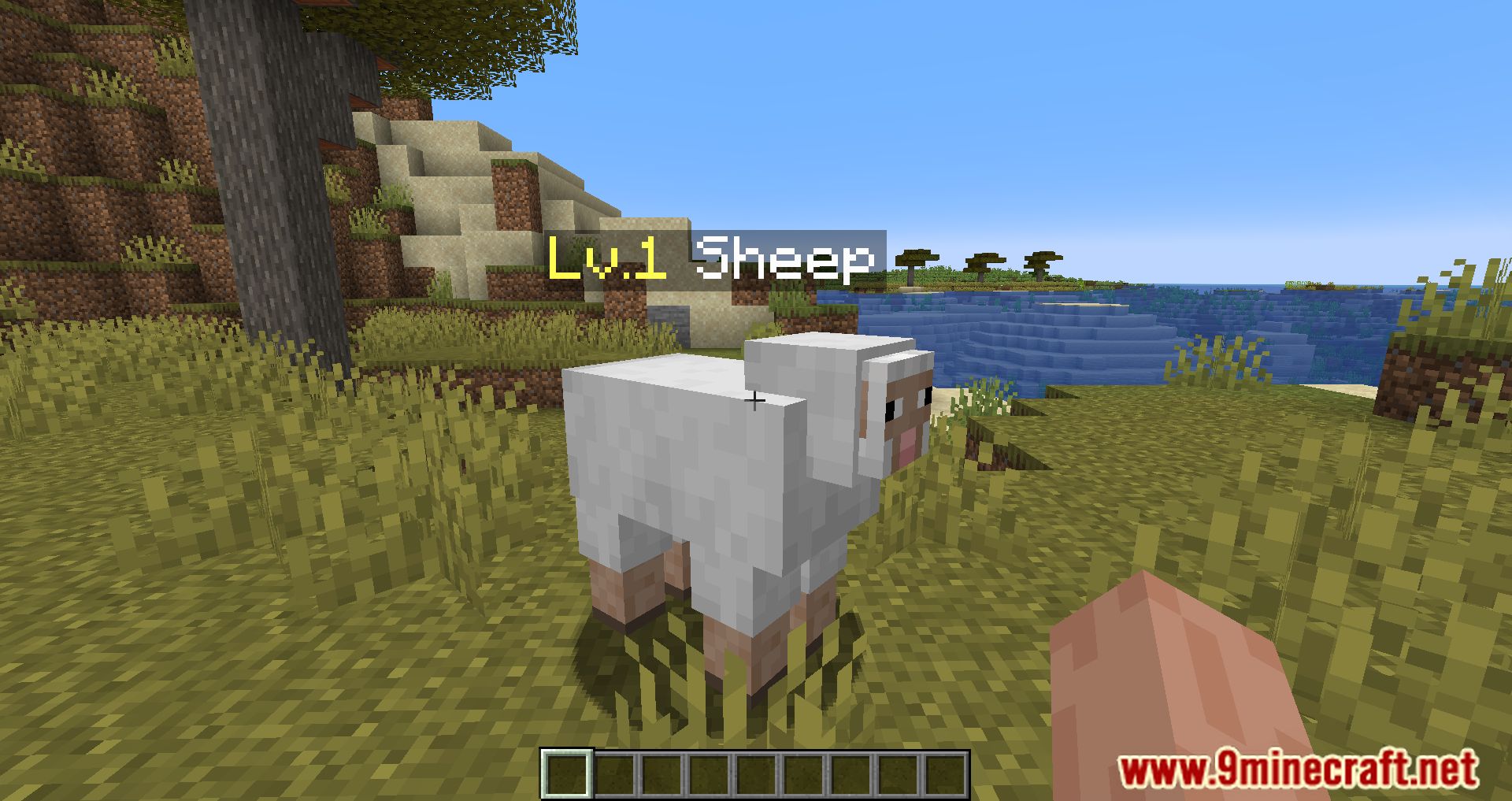
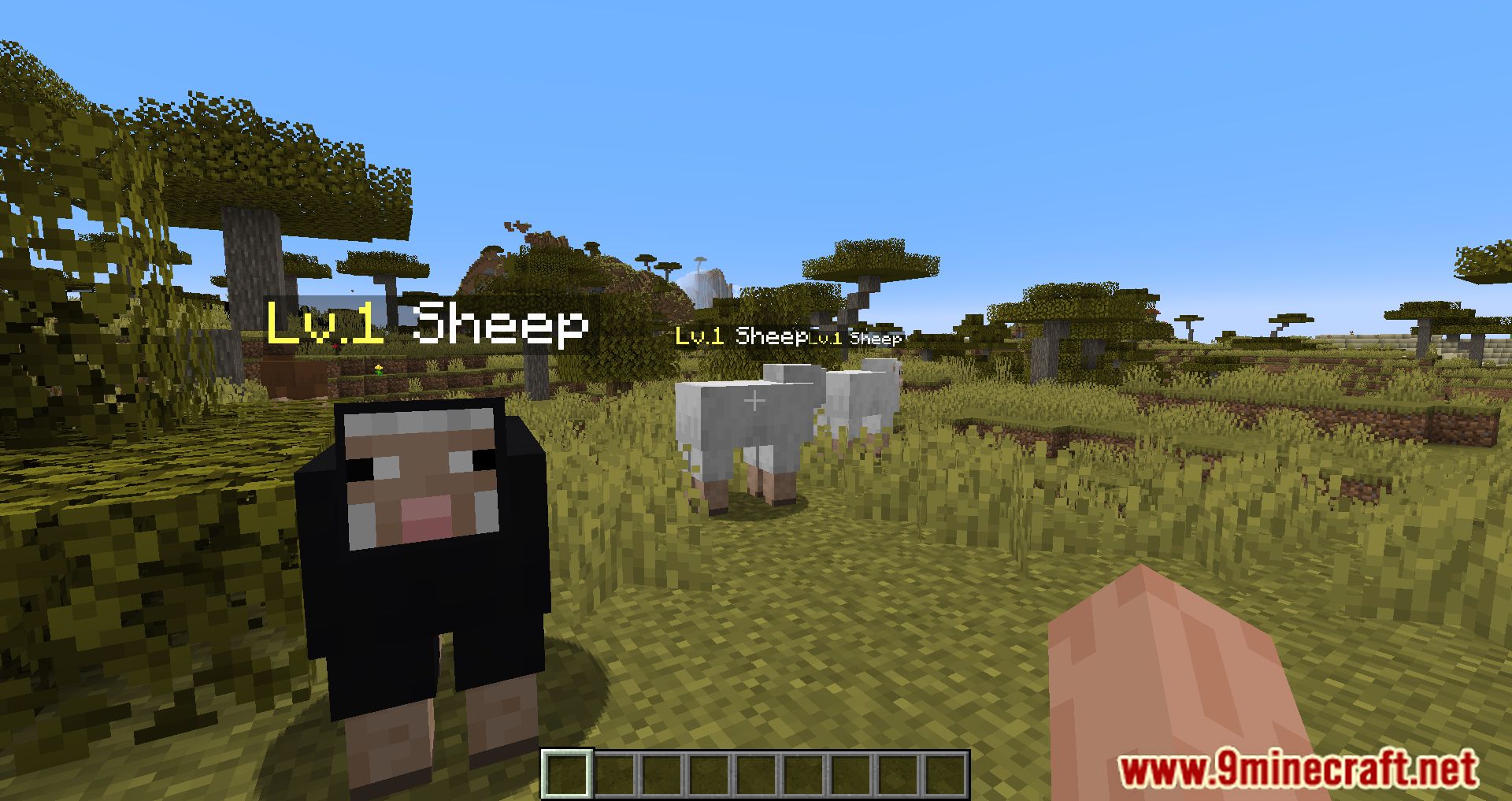
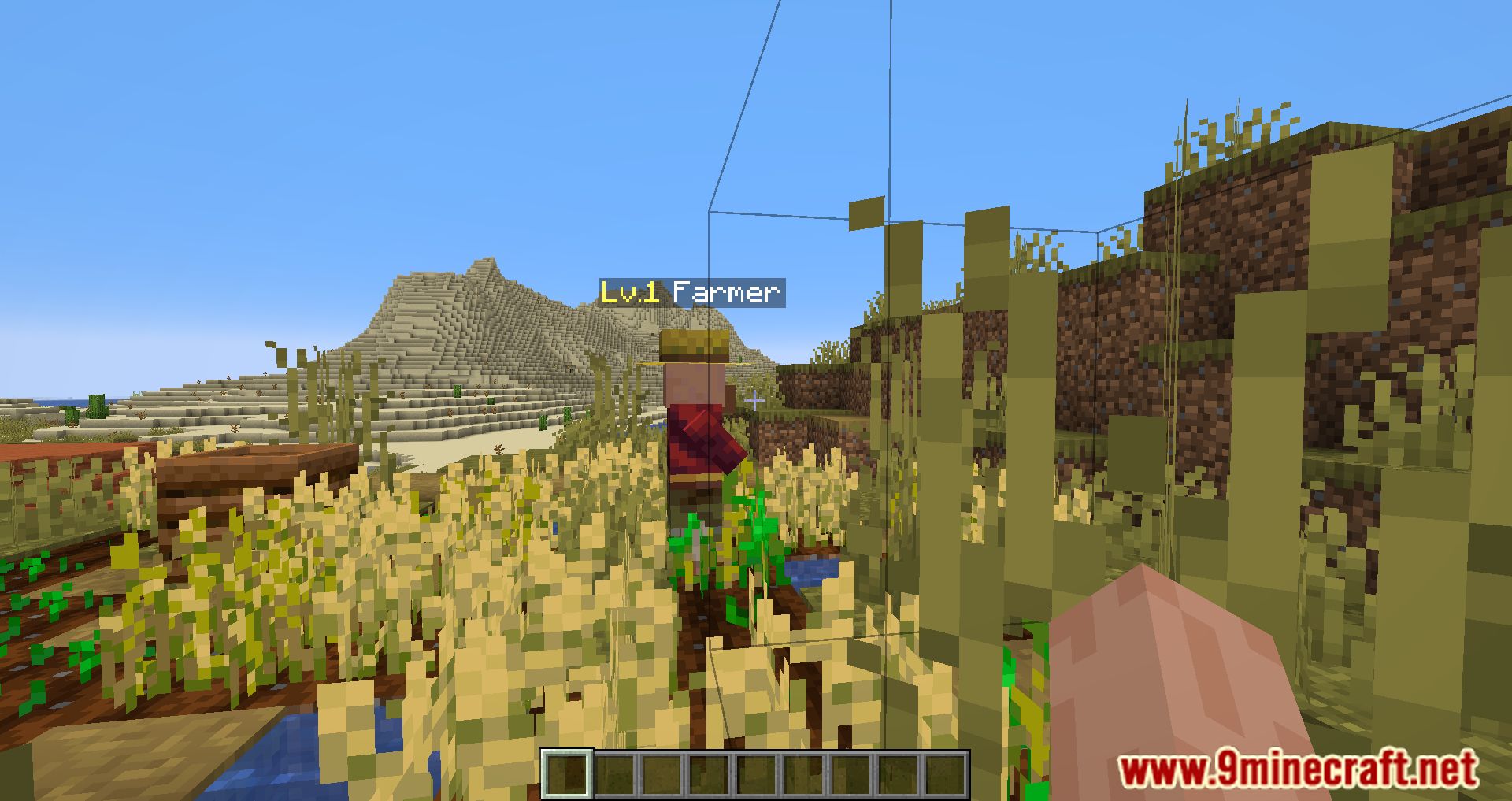
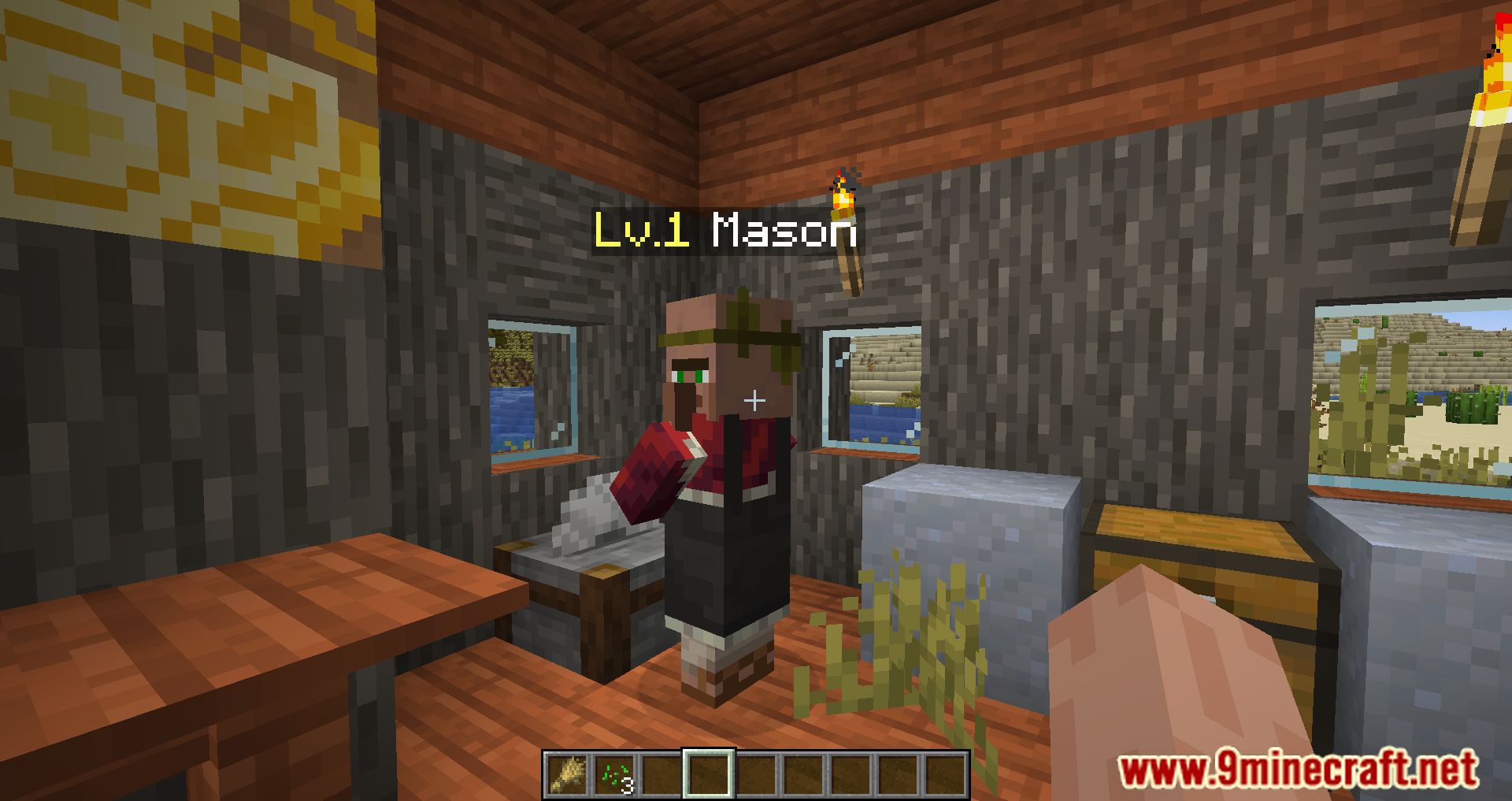
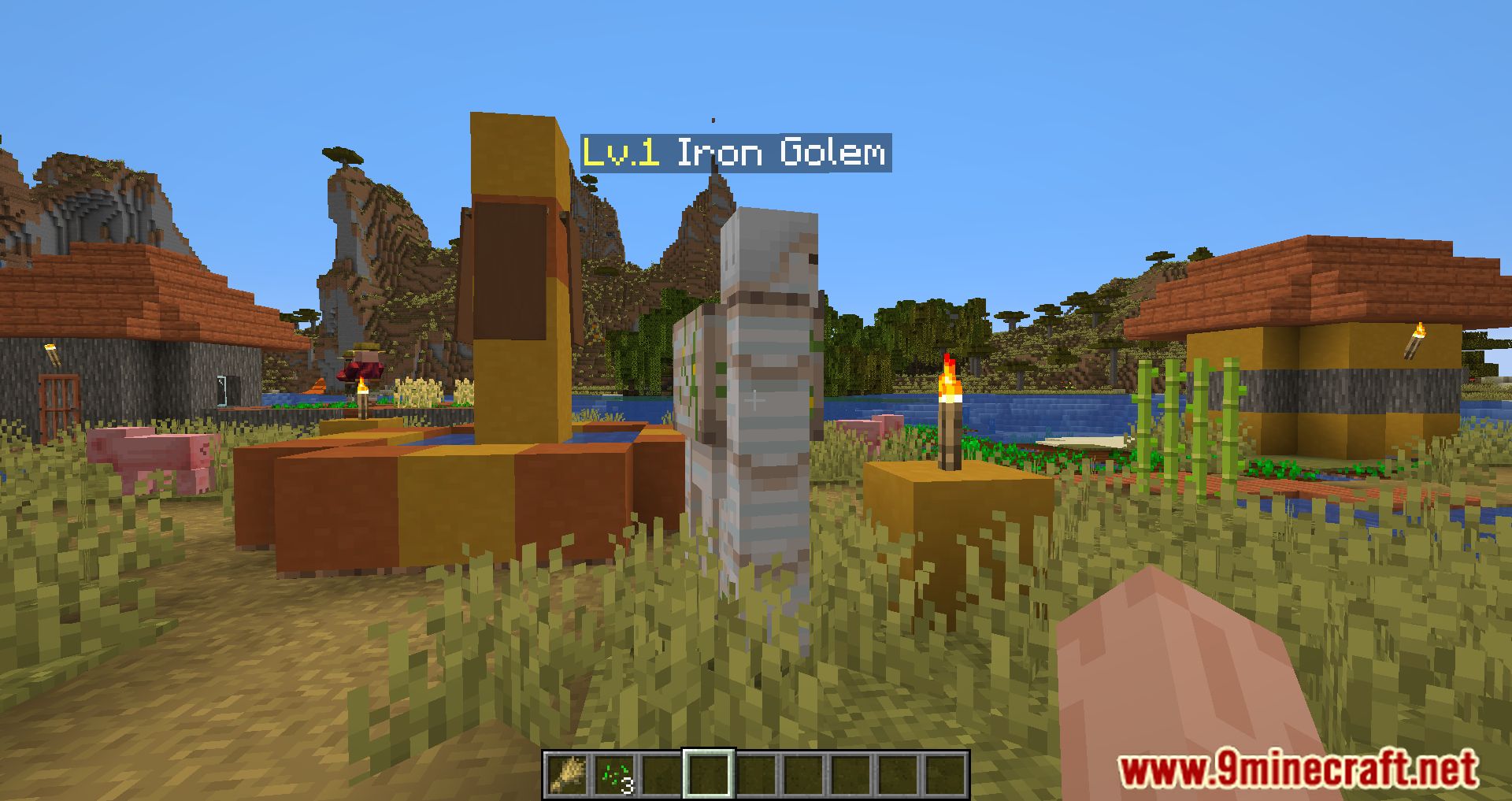
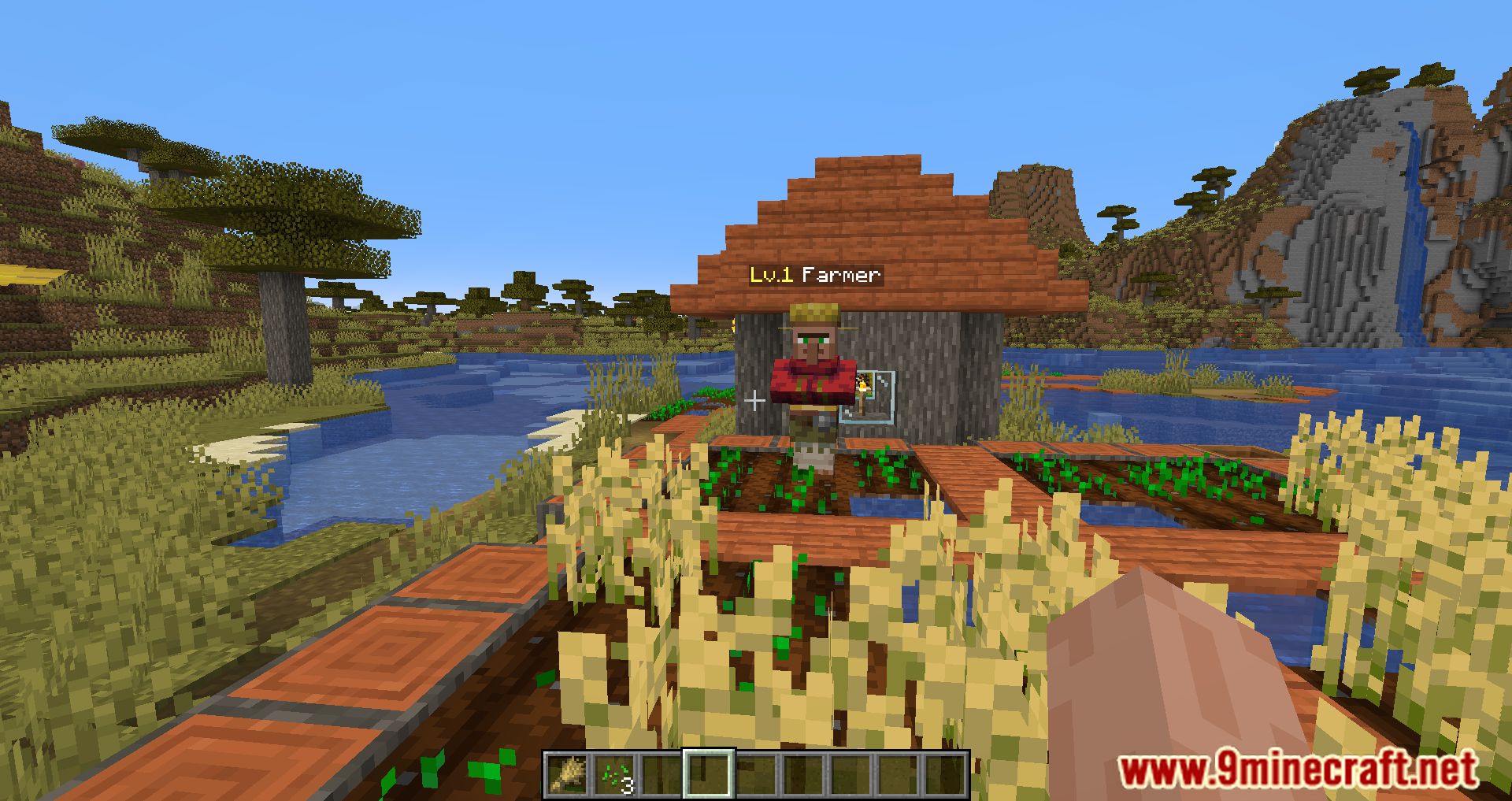
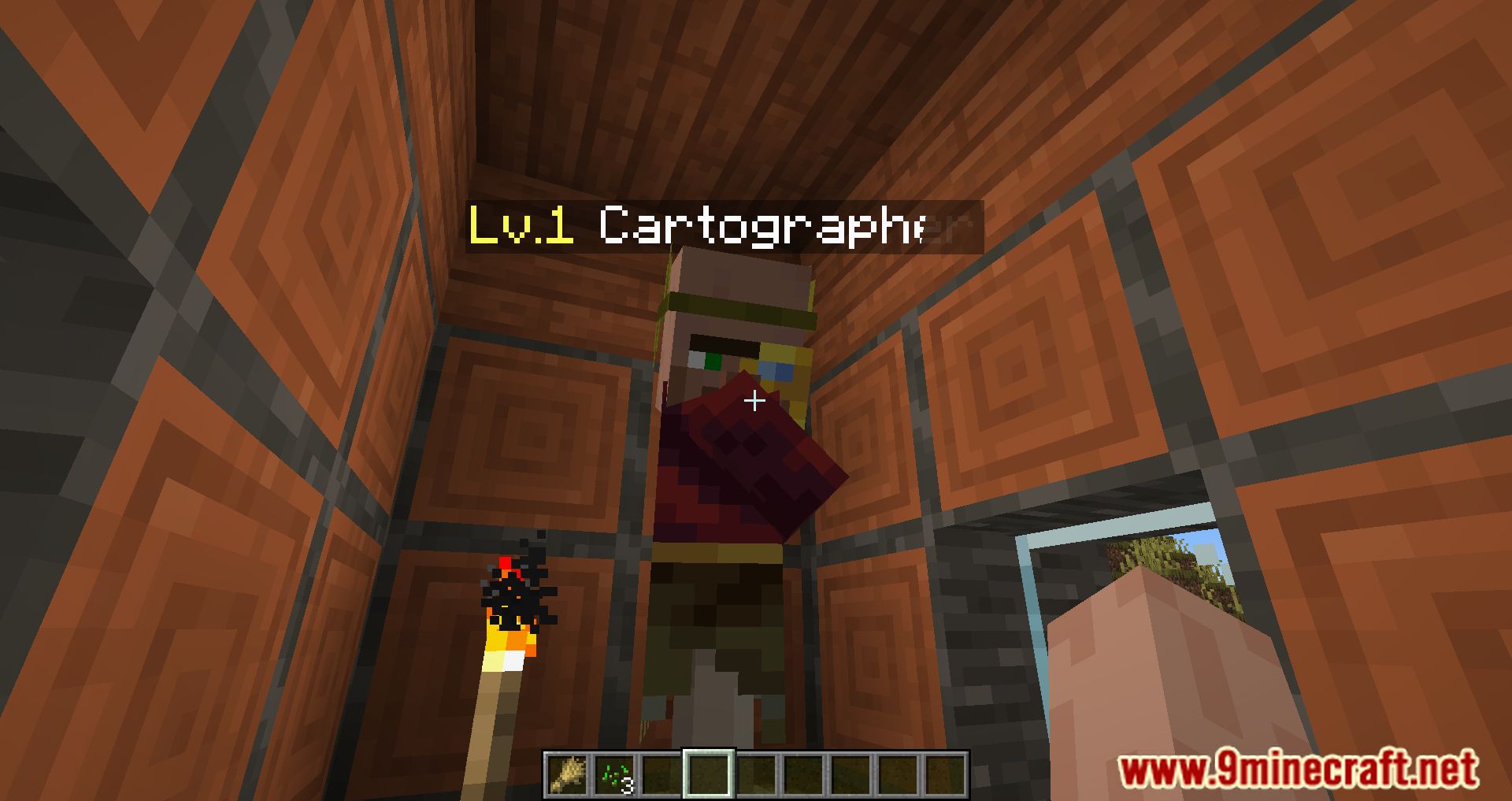
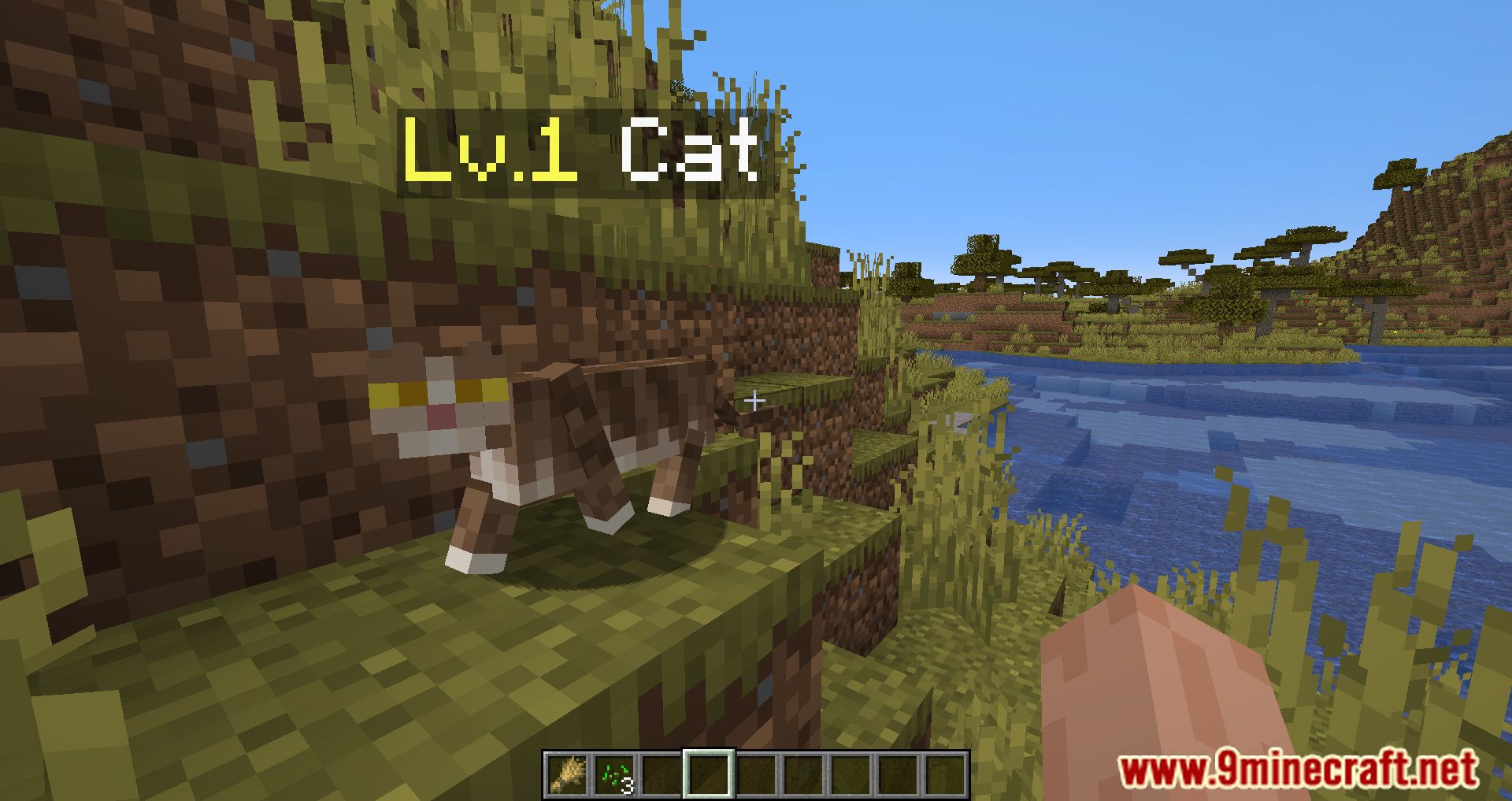
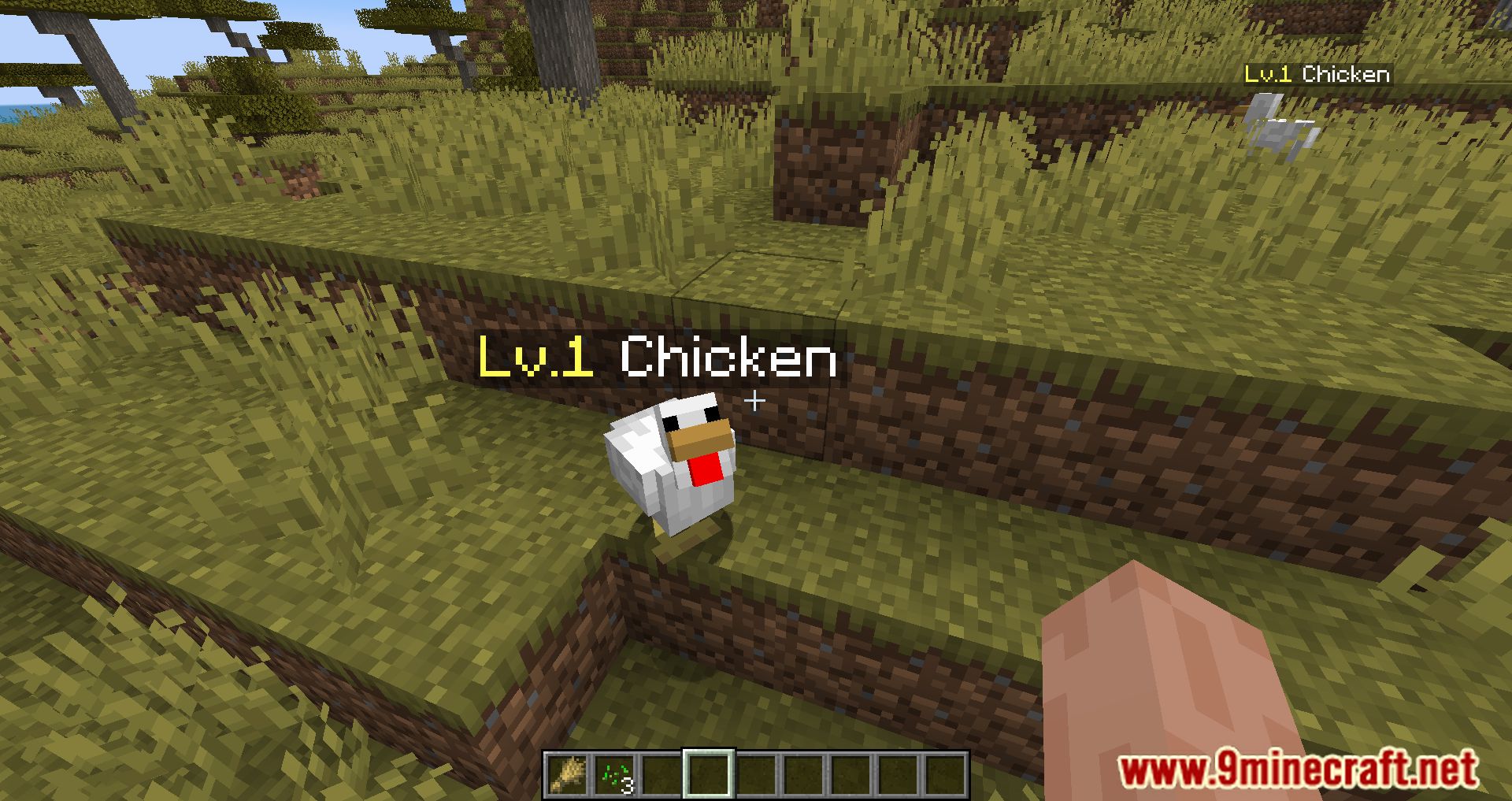
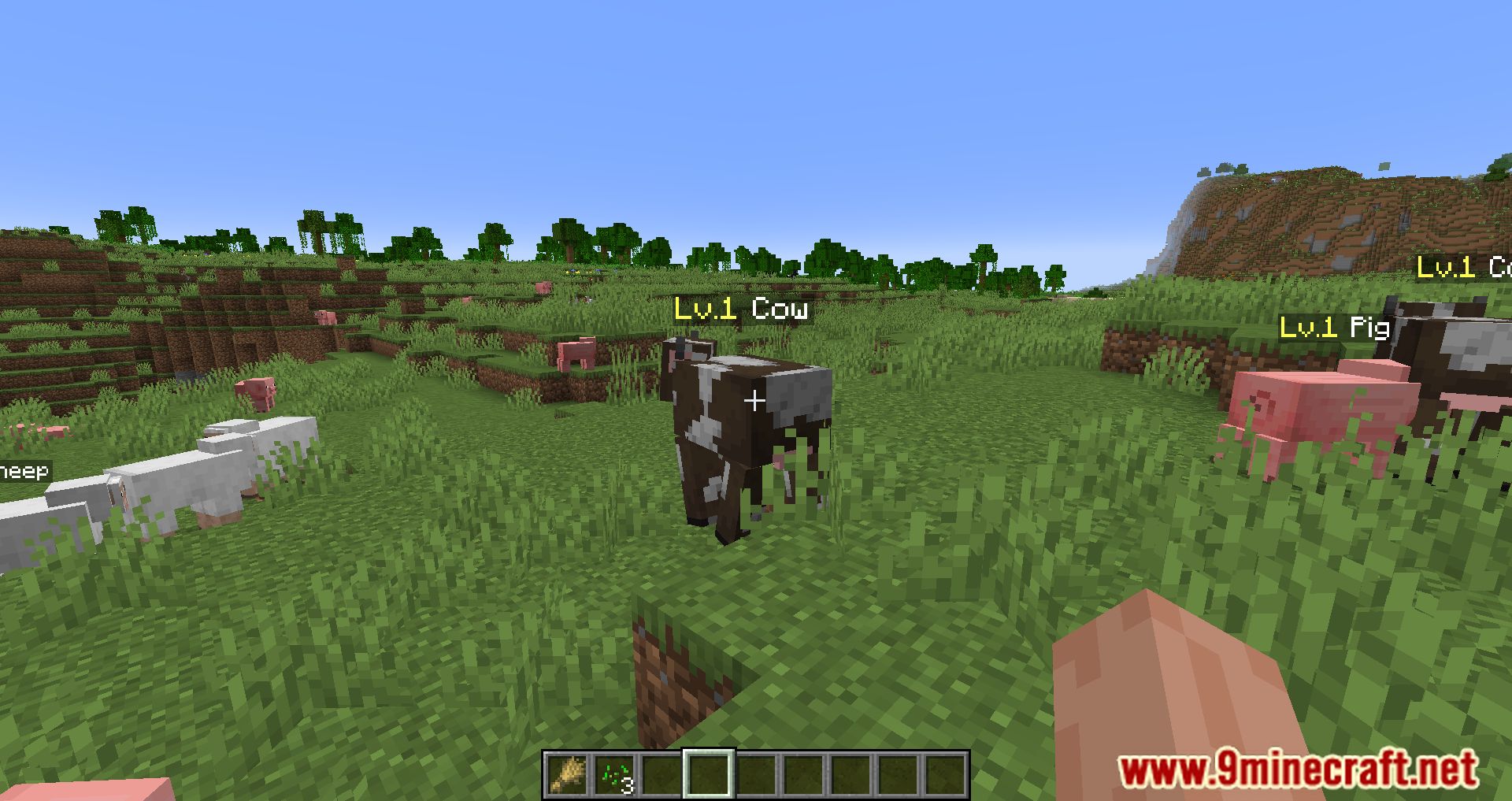
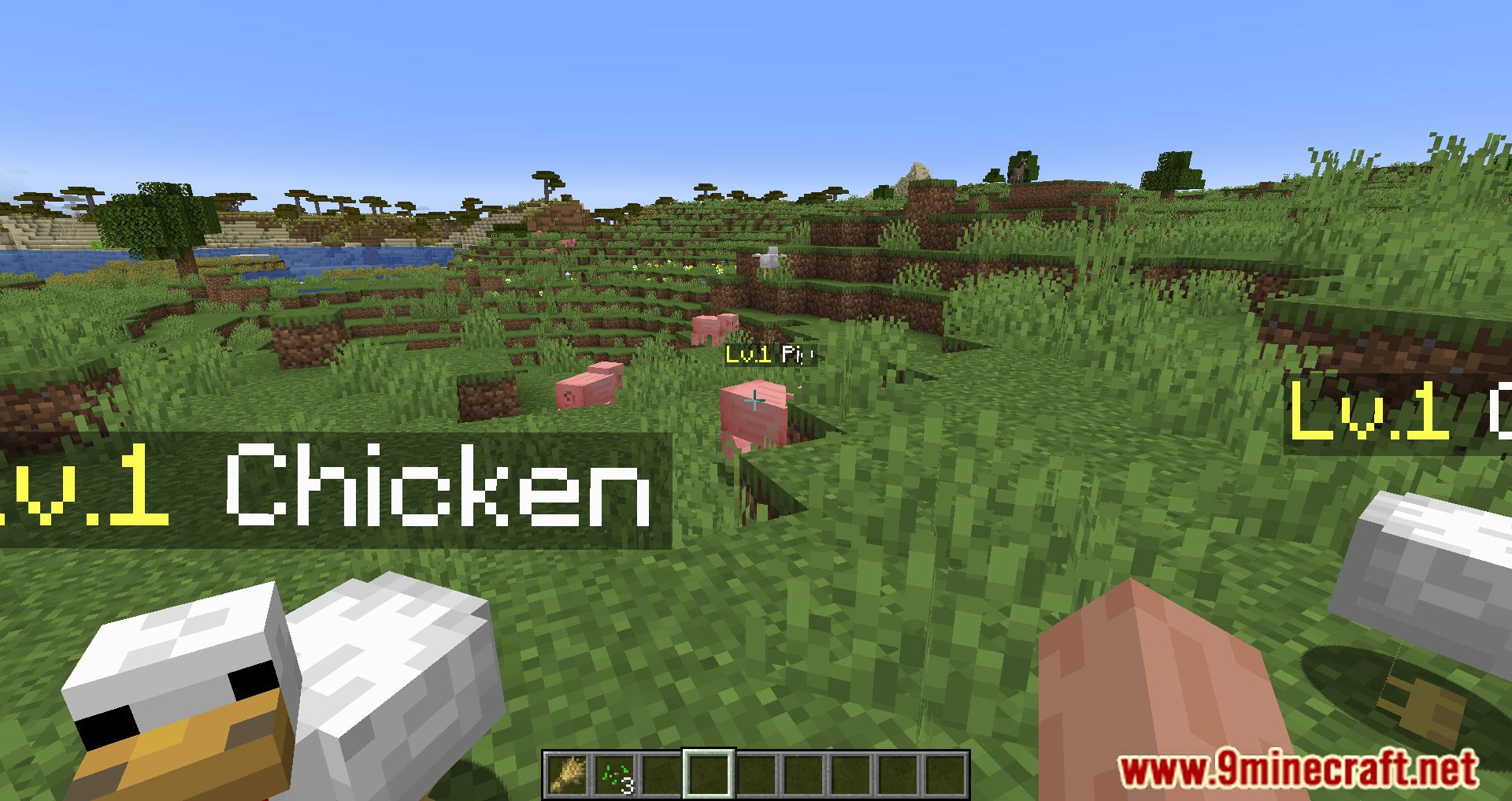
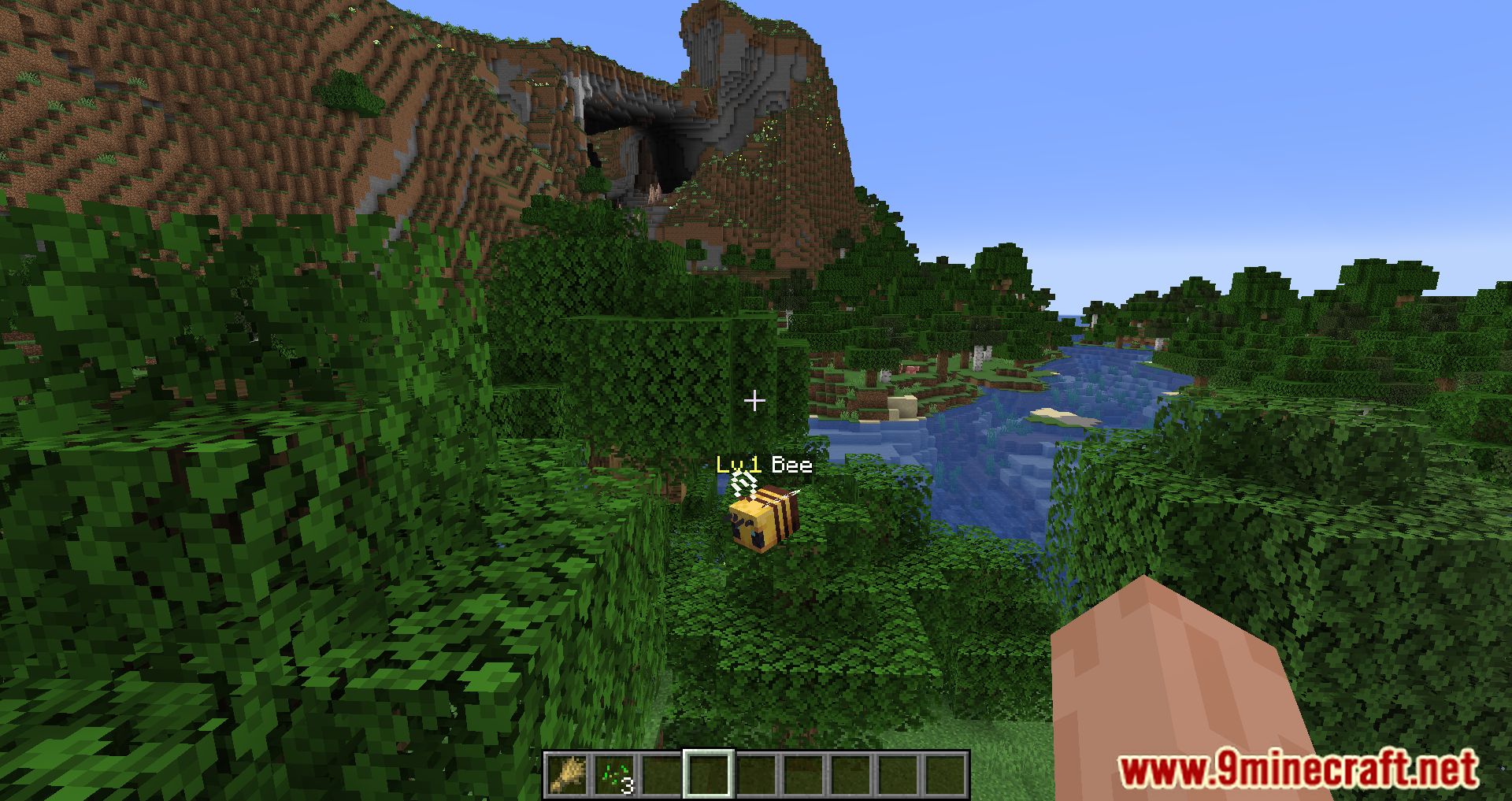
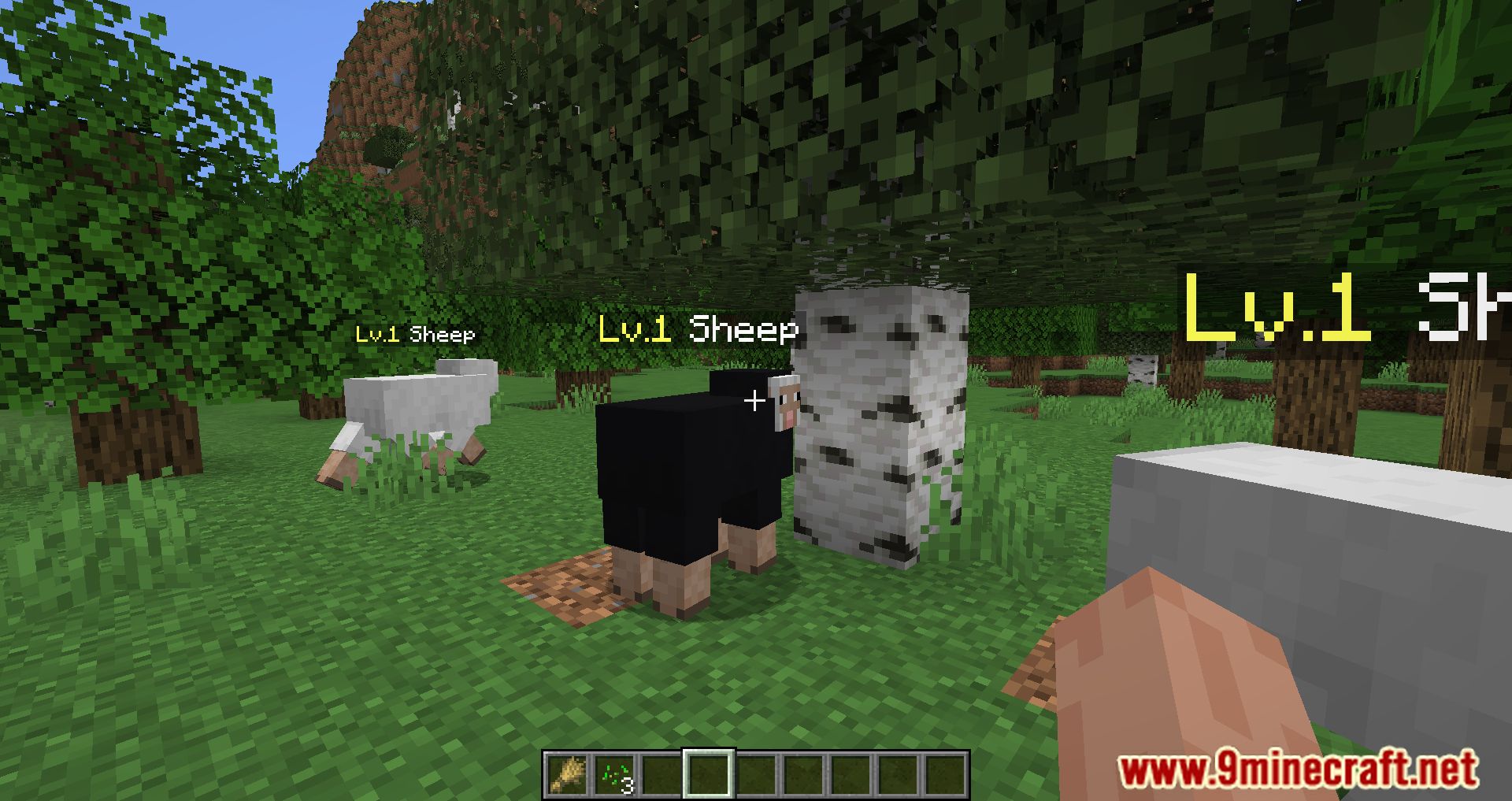
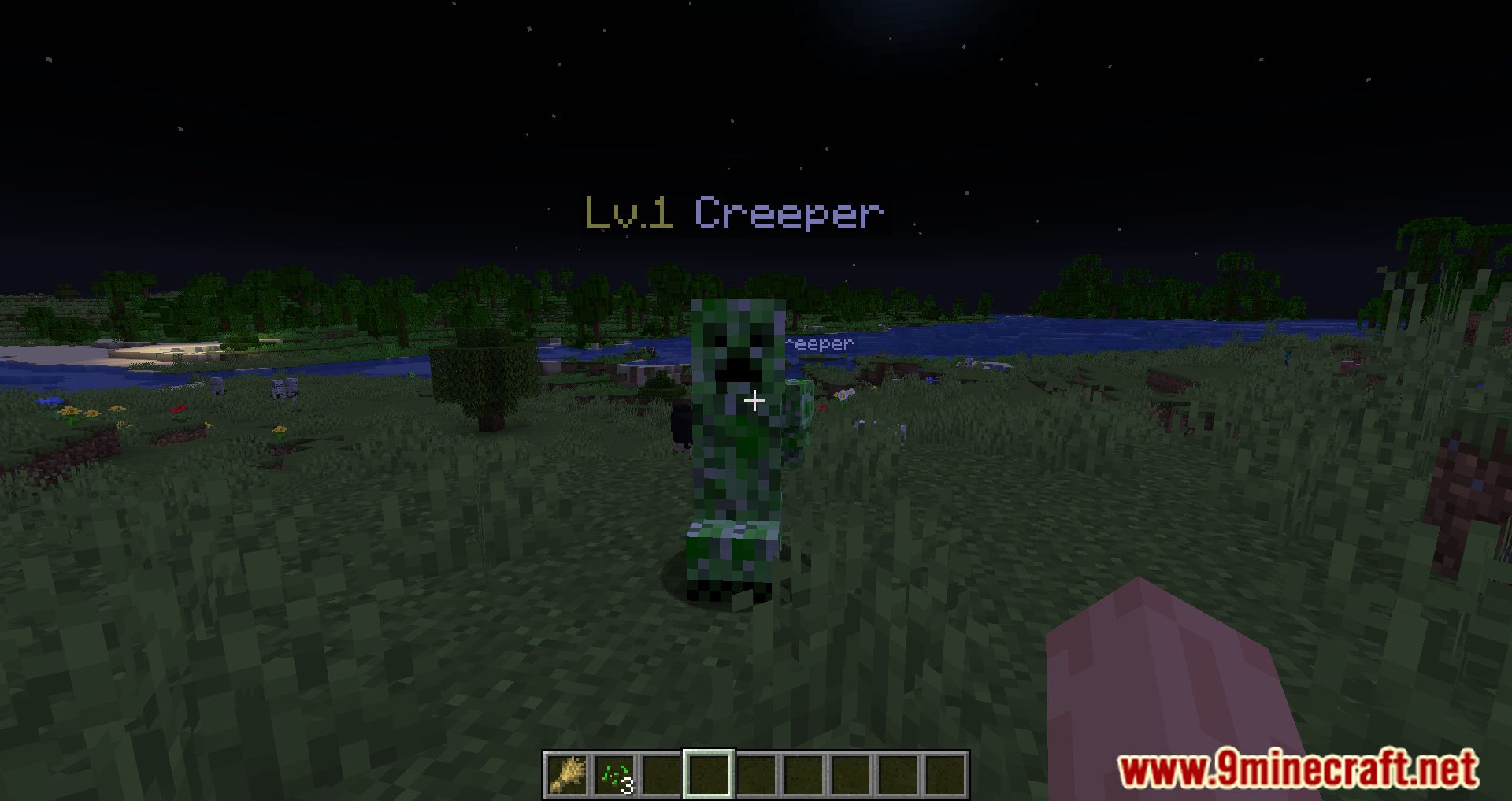
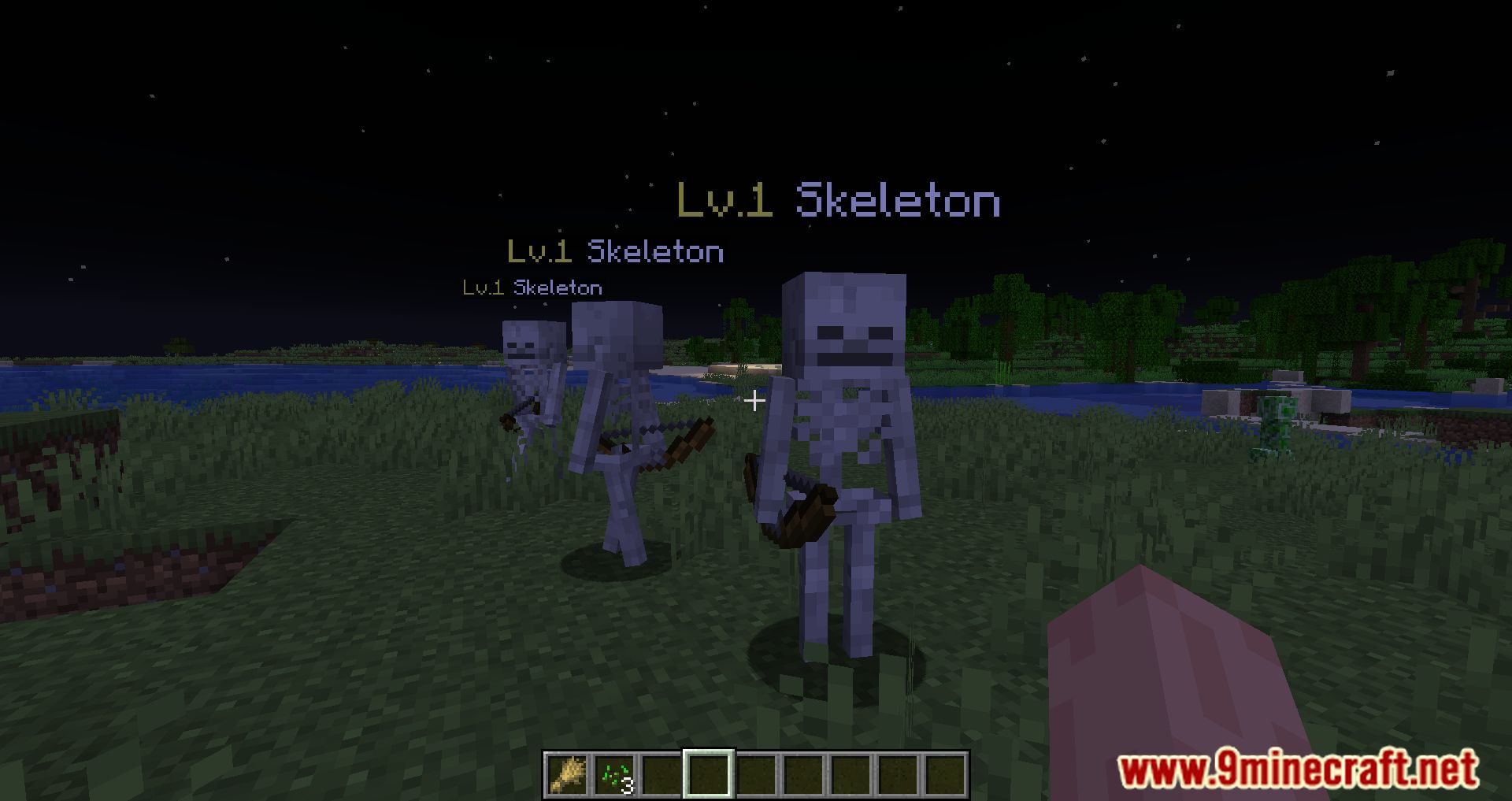
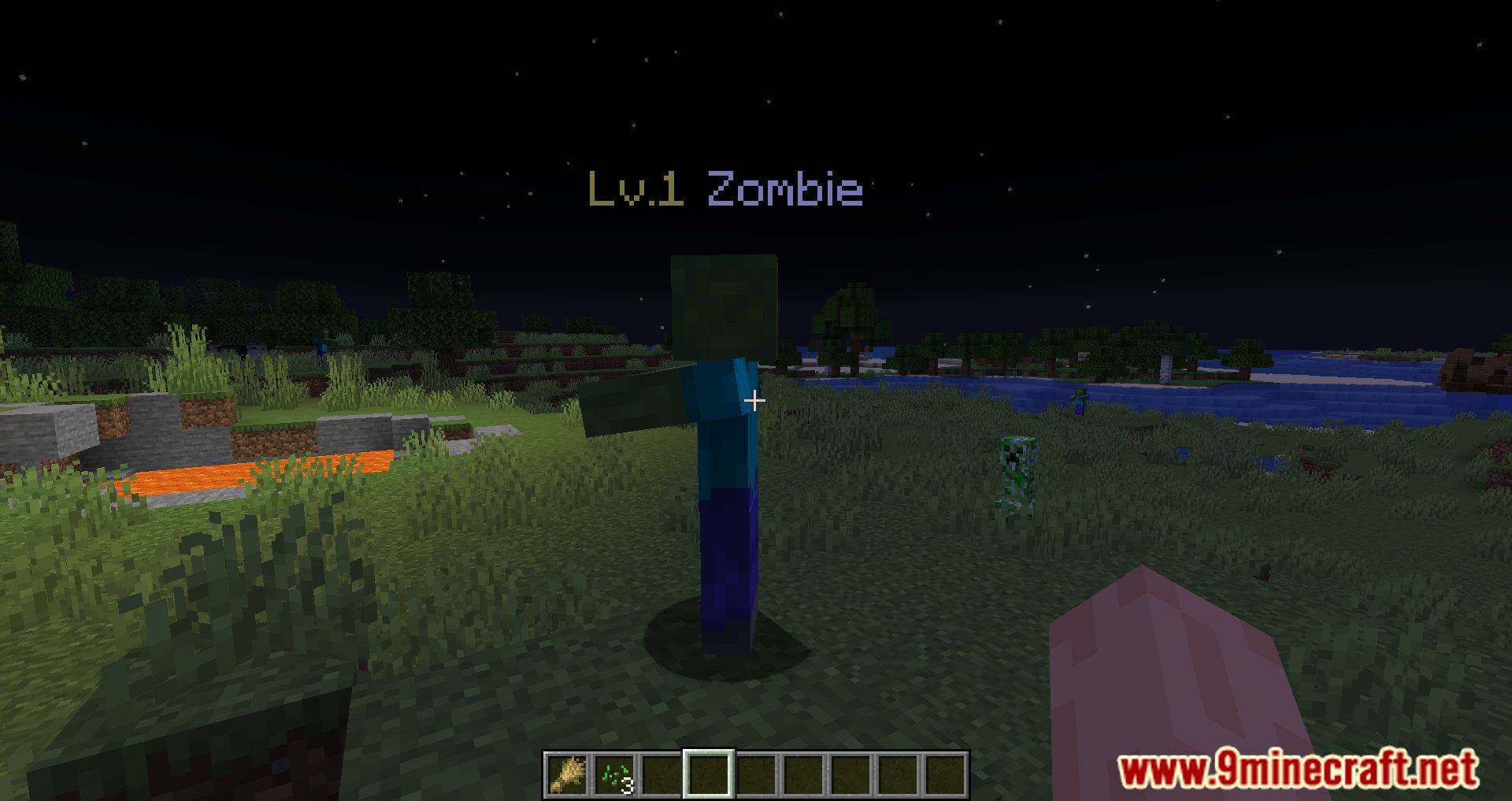
⬇ DownloadNameplate Mod brings a new feature to the game, and you can now see the creature’s name and level at the top of them. If you are cherishing a plan to create an RPG Modpack, then Nameplate Mod will be perfect. Since this is a support mod, it will show the player the creature’s level based on its health; this will help you display the mob’s information. You can also combine it with the RpgDifficulty Mod because the RpgDifficulty Mod can adjust the levels of the creatures making the Nameplate Mod will play to its full potential. You can also combine it with WTHIT Mod, WTHIT Mod is a Mod that will display the tooltips panel of the creature at the top of the screen, and it can also be combined with the Nameplate Mod and display more information in the tooltips. Nameplate Mod can work independently, but it will be better if you use it with the mods we recommend.
Features:
- Display mob levels based on their health.
Screenshots:
Nameplate Mod Download Links
For Minecraft 1.21.1, 1.21
Fabric version: Download from Server 1 – Download from Server 2
For Minecraft 1.20.6
Fabric version: Download from Server 1 – Download from Server 2
For Minecraft 1.20.1, 1.20
Fabric version: Download from Server 1 – Download from Server 2
For Minecraft 1.19.2
Fabric version: Download from Server 1 – Download from Server 2
For Minecraft 1.19
Fabric version: Download from Server 1 – Download from Server 2
For Minecraft 1.18.2
Fabric version: Download from Server 1 – Download from Server 2
For Minecraft 1.18.1
Fabric version: Download from Server 1 – Download from Server 2
- Edition: Minecraft Java
- File type: .jar
- Minecraft versions listed: 1.21.1, 1.20.1
- How to install: Install the matching mod loader (Forge, Fabric or NeoForge) for your Minecraft version. → Download the .jar. → Put it in the .minecraft/mods folder and launch that loader profile.
- Where to get it: In MC Java Mods, or directly above on this page.
Install steps are the general flow for this file type — How to install Minecraft Java mods & modpacks walks through it step by step.
- Downloads as 200920.mcaddon
- Download size: 38 KB
- Download link checked 22 Jul 2026 — working
- Mirrored on our own servers — the download does not depend on the original host
These come from our own check of the pack file, not from the source page.