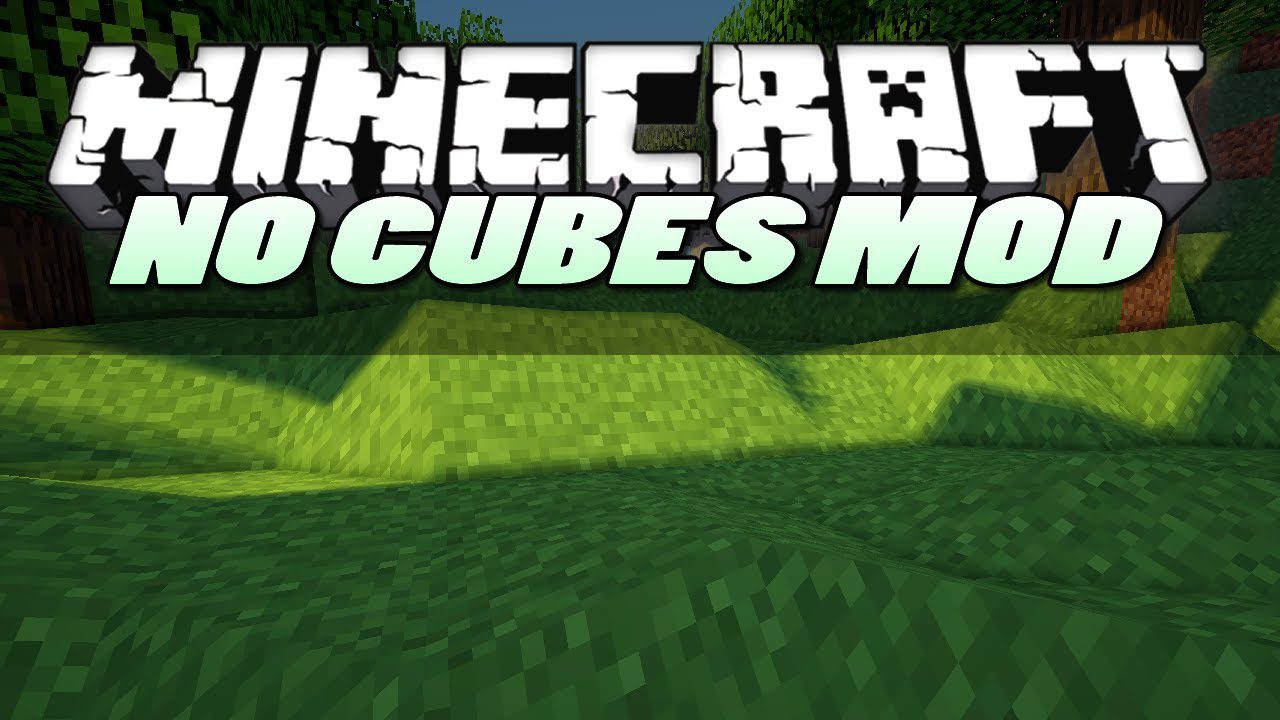
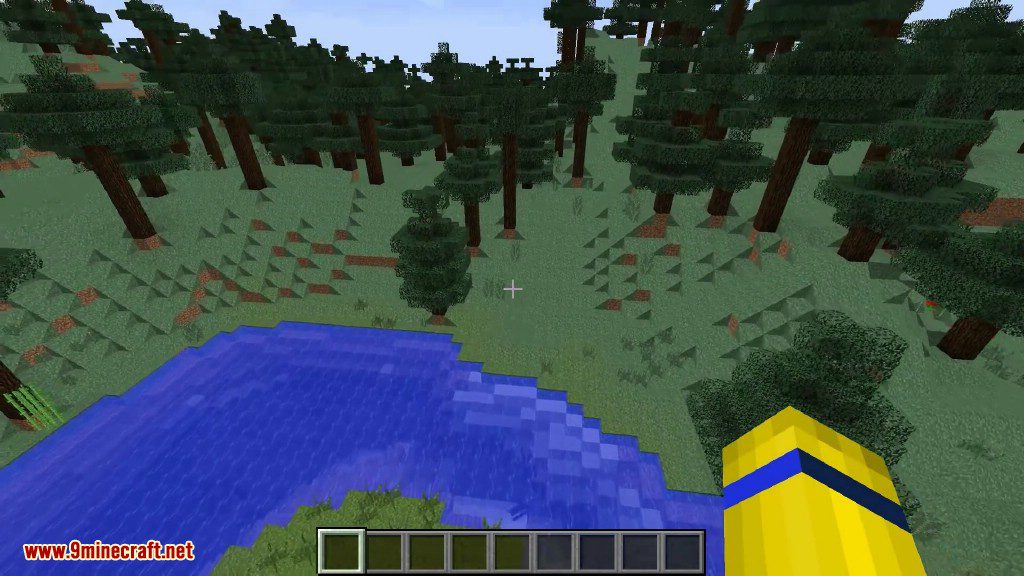
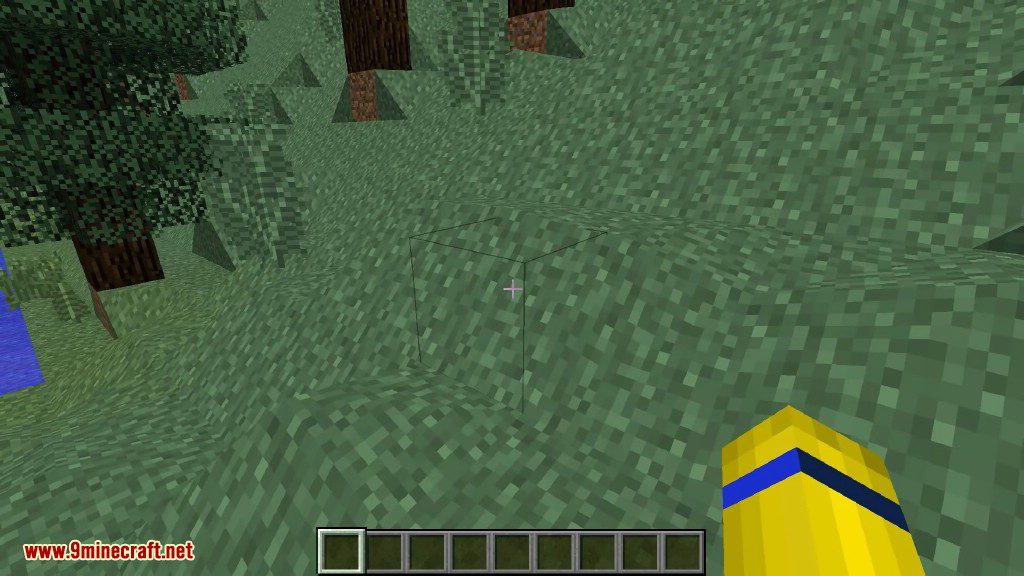
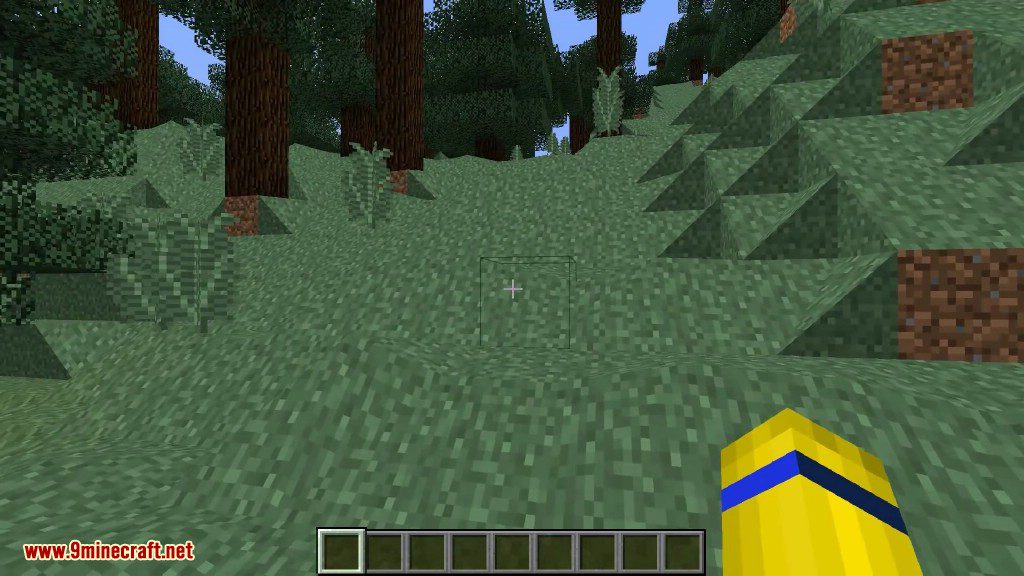
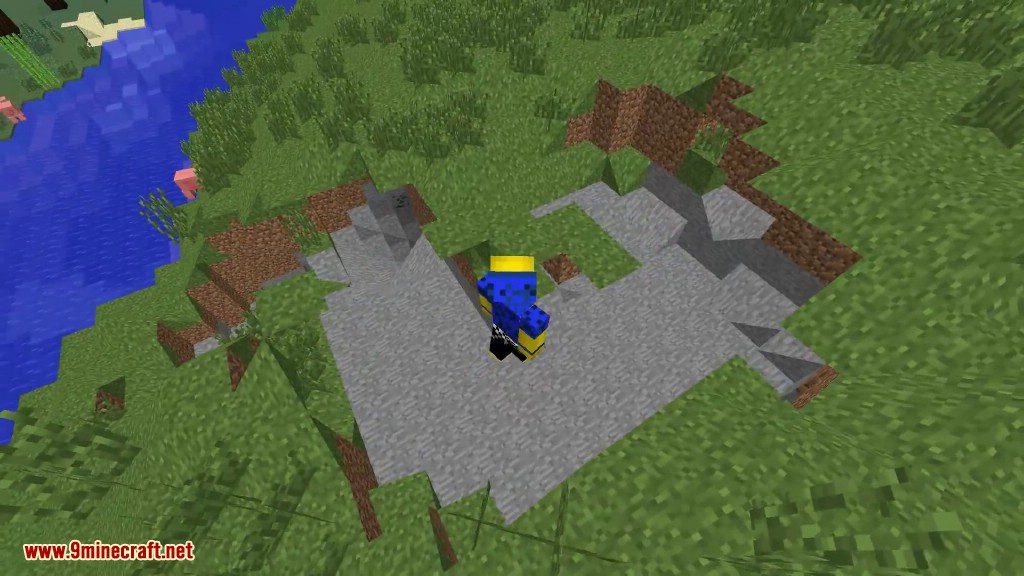
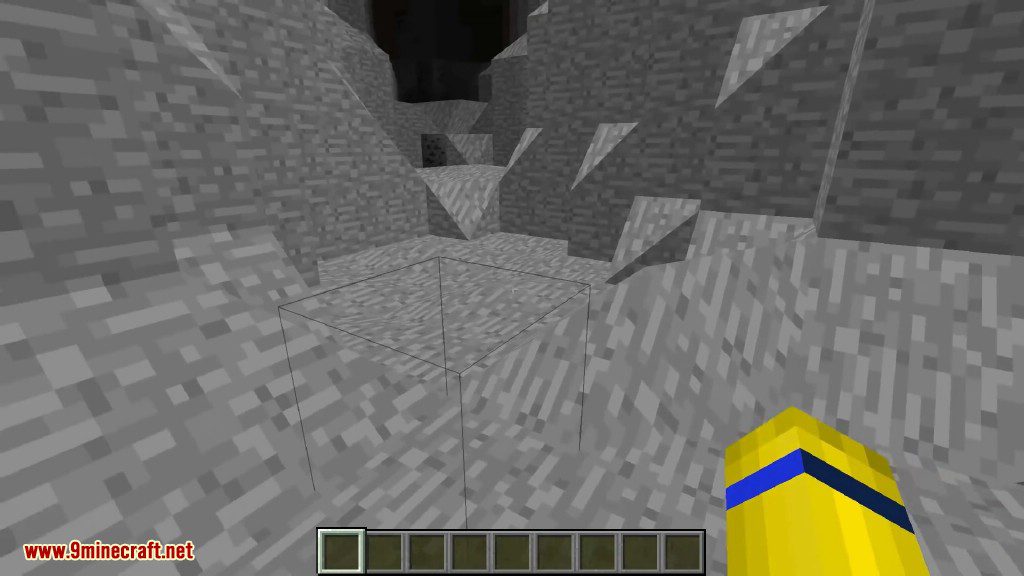
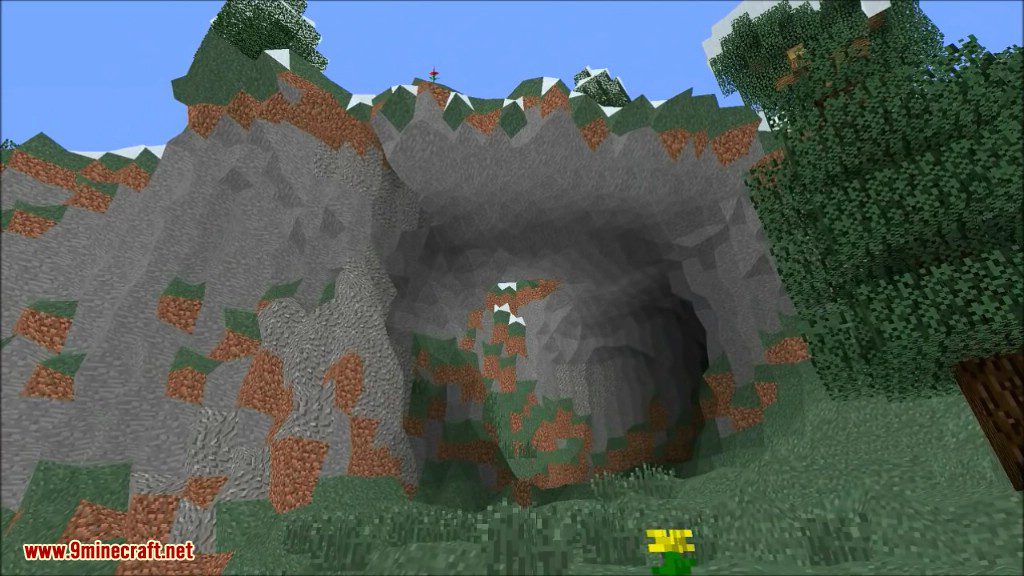
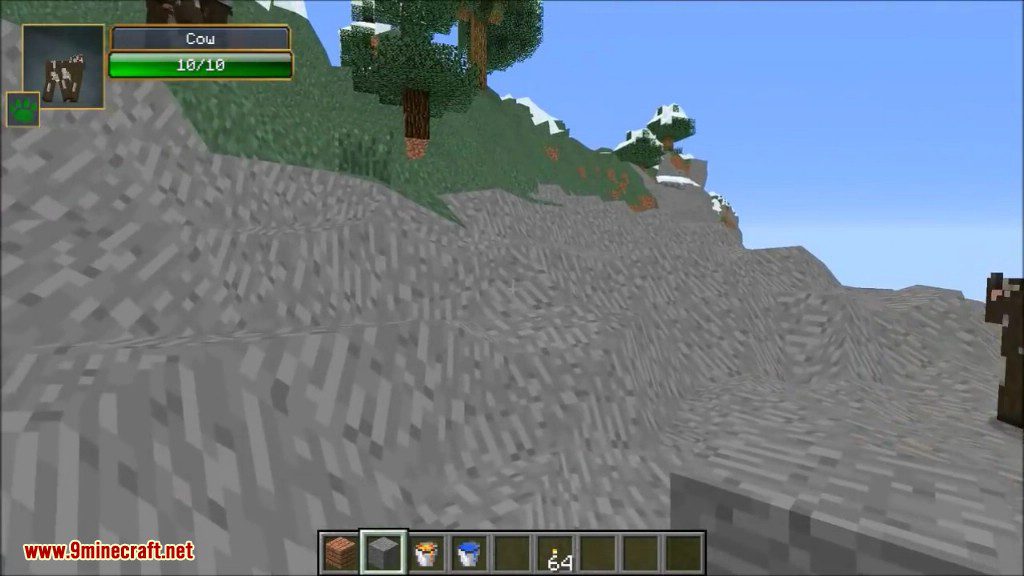
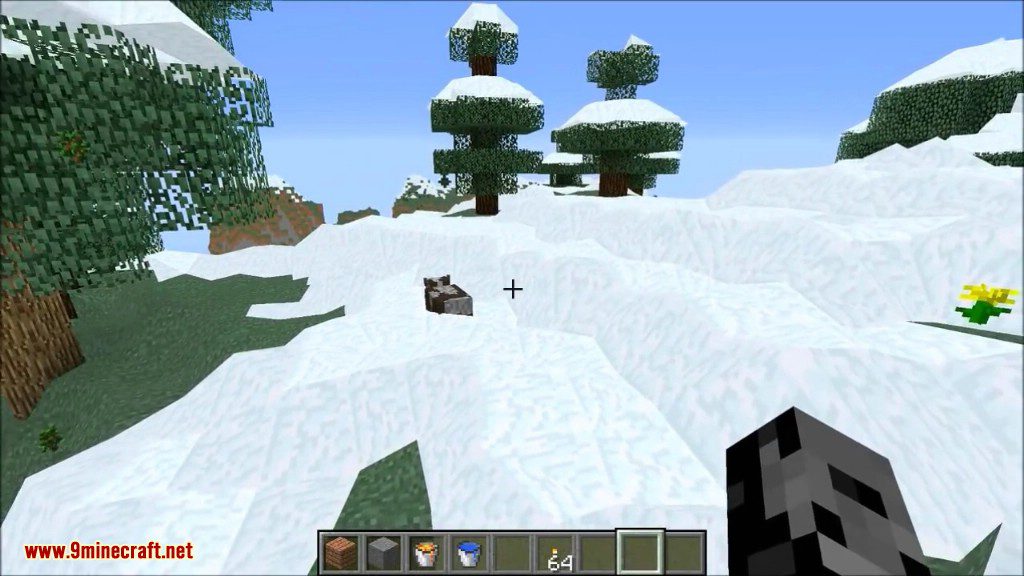
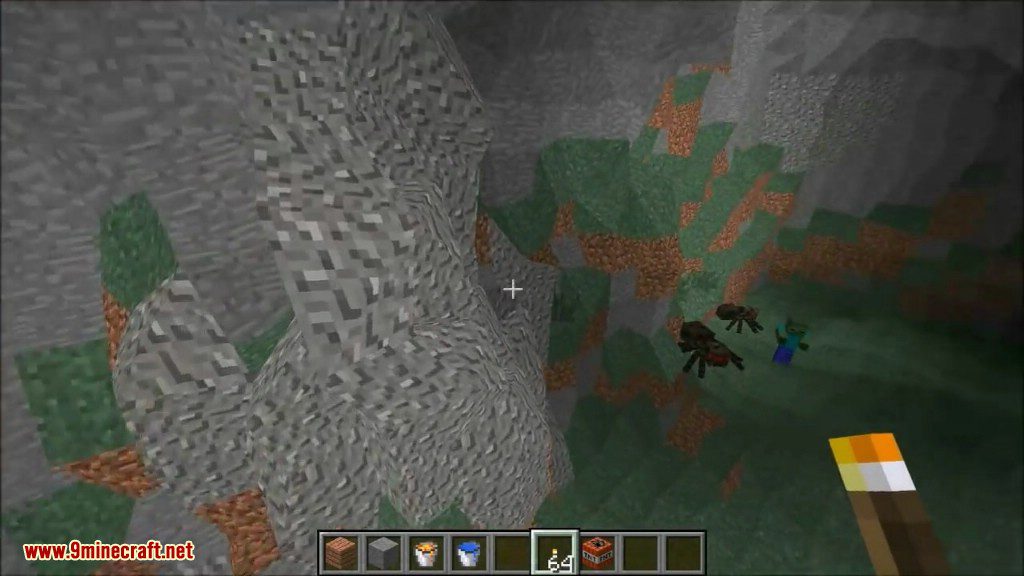
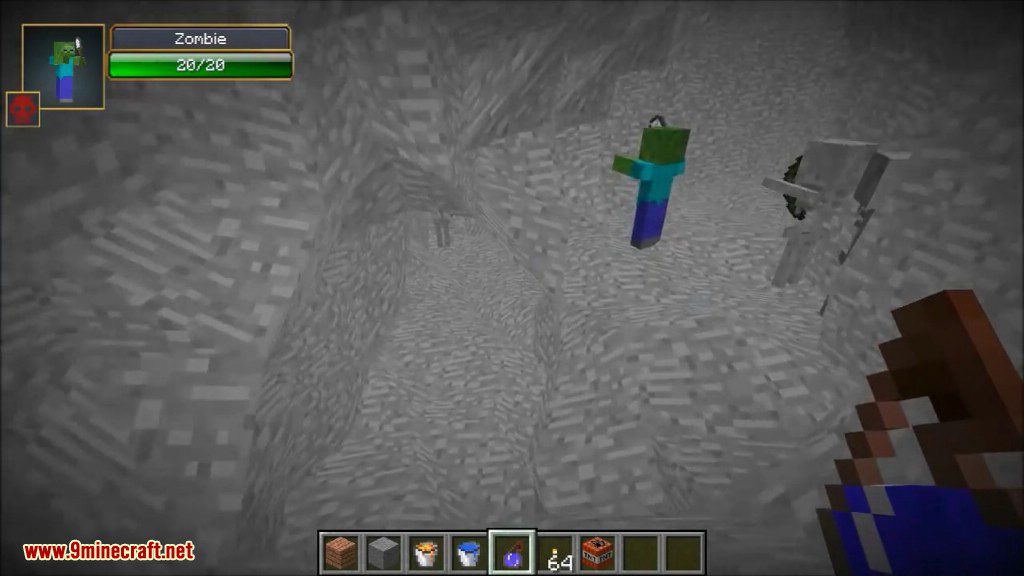
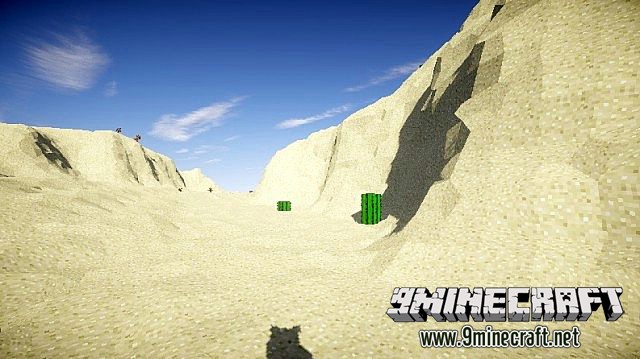
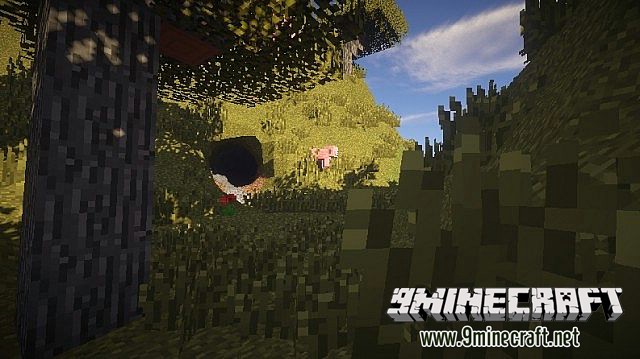
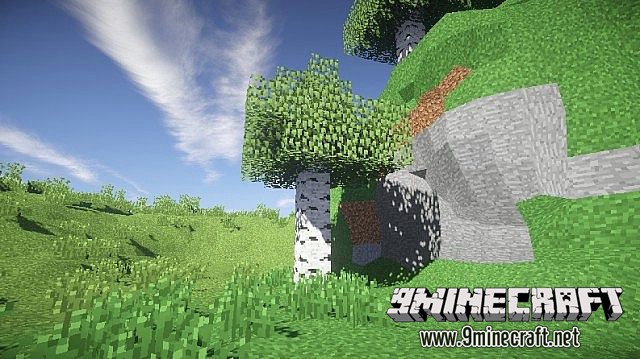
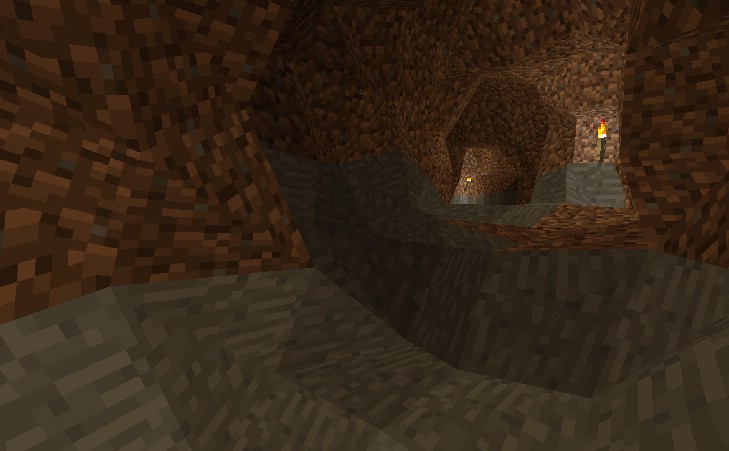
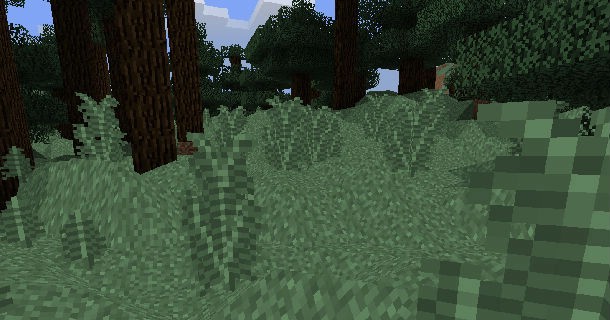
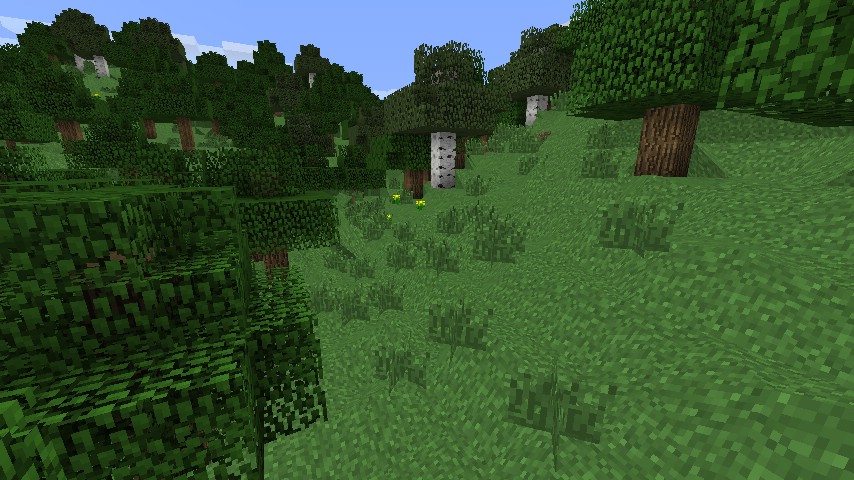
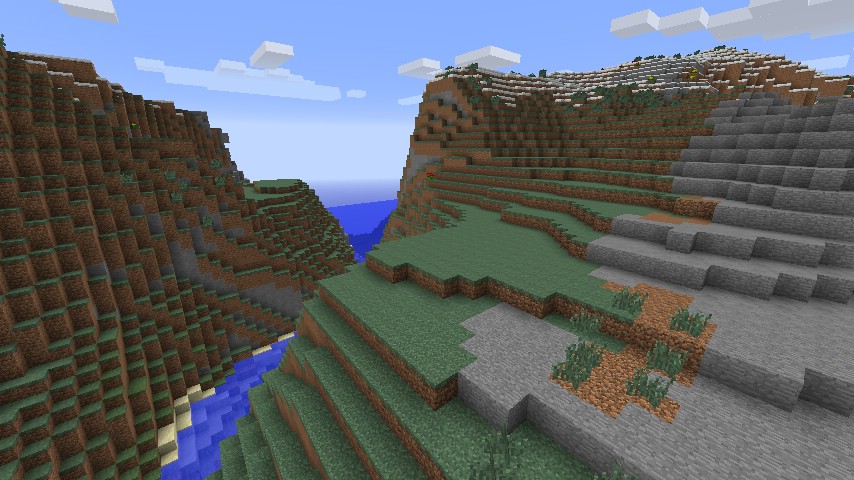
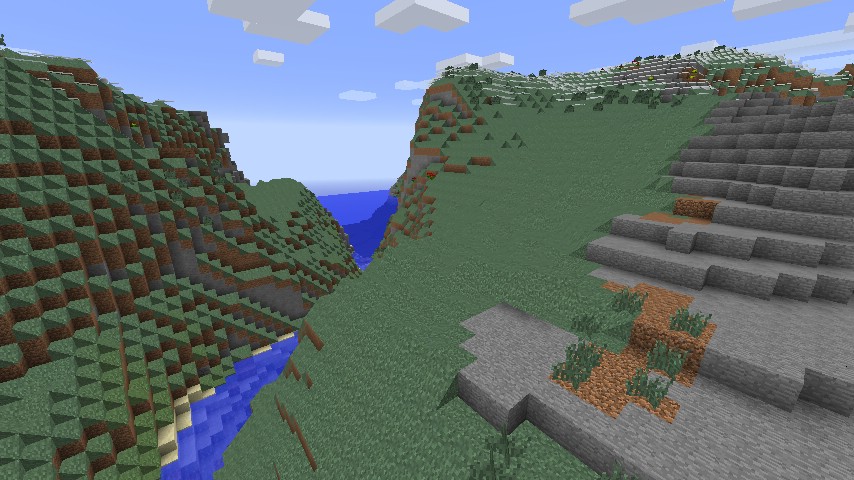
NoCubes Mod transforms the blocky world of Minecraft into a smooth, rounded landscape. It replaces sharp cubes with rolling hills, circular caves, and flowing mountains, giving the game a completely new look. This mod is compatible with multiplayer, so you can explore the new scenery with friends. It also includes many options you can change to get the perfect experience.
Features:
- Replaces blocky terrain with smooth, rolling landscapes.
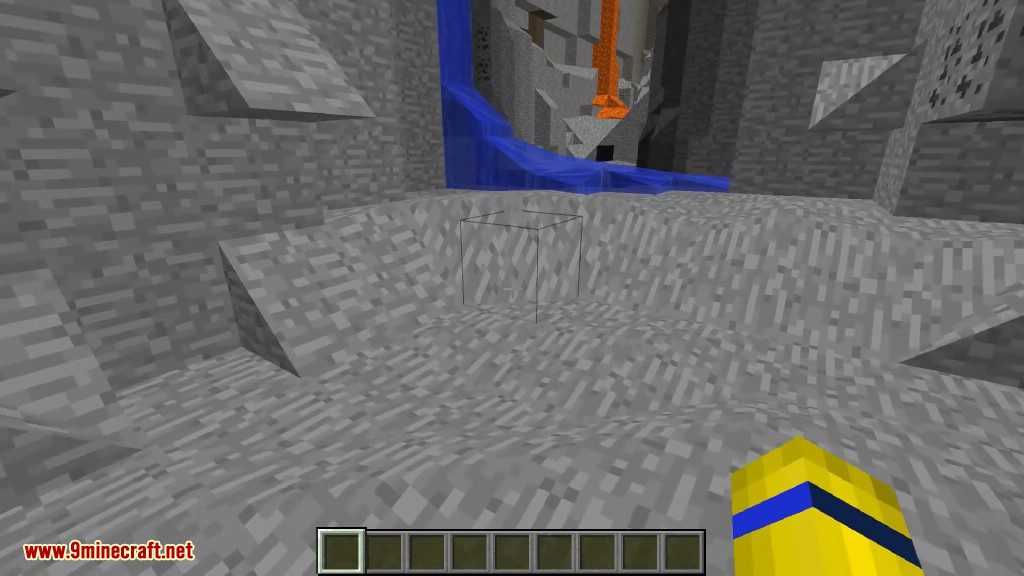
- Generates circular caves and natural-looking mountain ranges.
- Your own buildings and structures are not changed.
- Play with friends in multiplayer worlds.
- Includes many settings to customize the look of the world.
- Optimized for good performance and does not lower your FPS.
- Blocks look smooth but still function like normal square blocks.
- Features accurate collision, so you can walk on slopes properly.
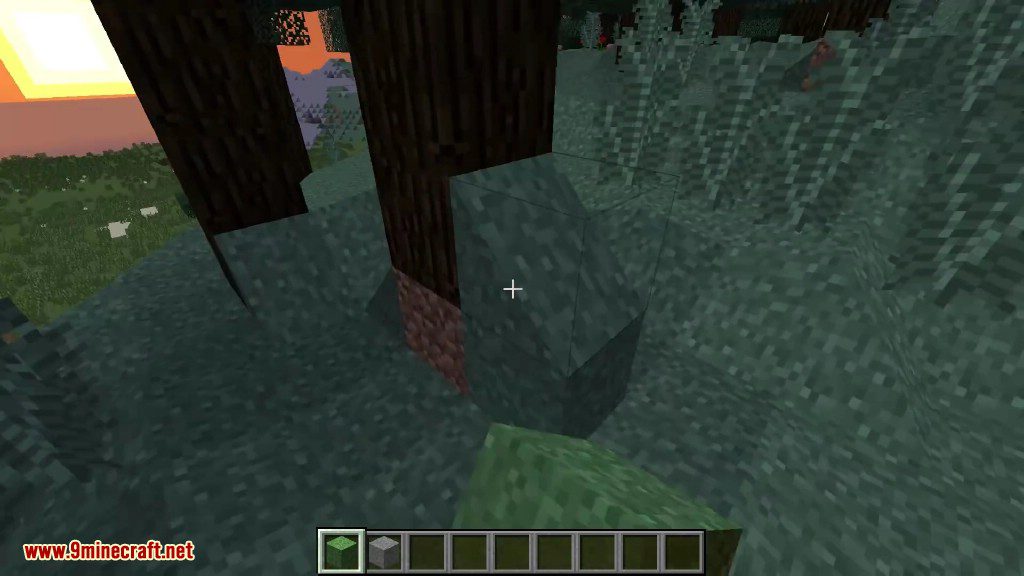
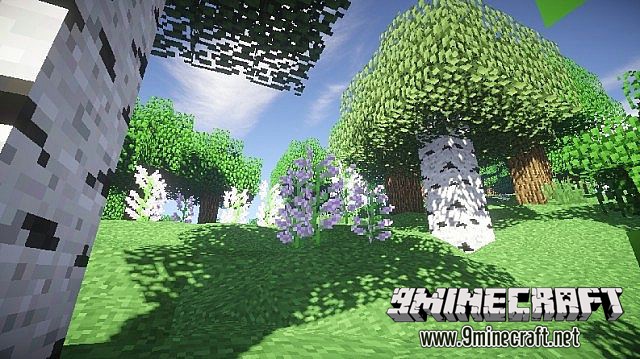
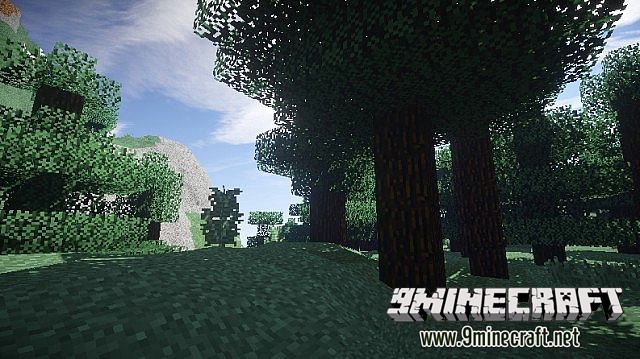
- Makes trees and leaves appear more rounded.
- Improves lighting and makes biome colors blend smoothly.
- Works with other mods like OptiFine, Shaders, and BetterFoliage.
Bonus Fluid Rendering Fixes:
- Adds smooth lighting effects to water and lava.
- Makes fluid colors transition smoothly between different biomes.
- Gives water and lava more natural-looking textures.
- You can enable these fluid fixes separately, even without the smooth terrain.
How to Use:
With the Option GUI you manage No Cubes’ settings. You can open it by pressing “O”. Below are the available options listed:
- No Cubes general: With this option you can toggle whether No Cubes should be enabled or disabled in it’s whole. This option can be useful on servers.
- Auto step (disabled for now): By clicking this you can switch the ability to walk upon hills without jumping.
Screenshots:
NoCubes Mod Download Links
For Minecraft 1.12.2
Forge version: Download from Server 1
For Minecraft 1.16.5
Forge version: Download from Server 1
For Minecraft 1.18.1
Forge version: Download from Server 1
For Minecraft 1.18.2
Forge version: Download from Server 1 – Download from Server 2
For Minecraft 1.19.2
Forge version: Download from Server 1 – Download from Server 2
For Minecraft 1.19.3
Forge version: Download from Server 1 – Download from Server 2
For Minecraft 1.19.4
Forge version: Download from Server 1 – Download from Server 2
For Minecraft 1.20.1, 1.20
Forge version: Download from Server 1 – Download from Server 2
For Minecraft 1.20.4
Forge version: Download from Server 1 – Download from Server 2
For Minecraft 1.21.1, 1.21
Forge version: Download from Server 1 – Download from Server 2
- Edition: Minecraft Java
- File type: .jar
- Minecraft versions listed: 1.21.1, 1.20.1
- How to install: Install the matching mod loader (Forge, Fabric or NeoForge) for your Minecraft version. → Download the .jar. → Put it in the .minecraft/mods folder and launch that loader profile.
- Where to get it: In MC Java Mods, or directly above on this page.
Install steps are the general flow for this file type — How to install Minecraft Java mods & modpacks walks through it step by step.
- Ships as 200923.jar — drop this file into the mods folder
- Download size: 564 KB
- Download link checked 16 Jul 2026 — working
- Mirrored on our own servers — the download does not depend on the original host
These come from our own check of the pack file, not from the source page.