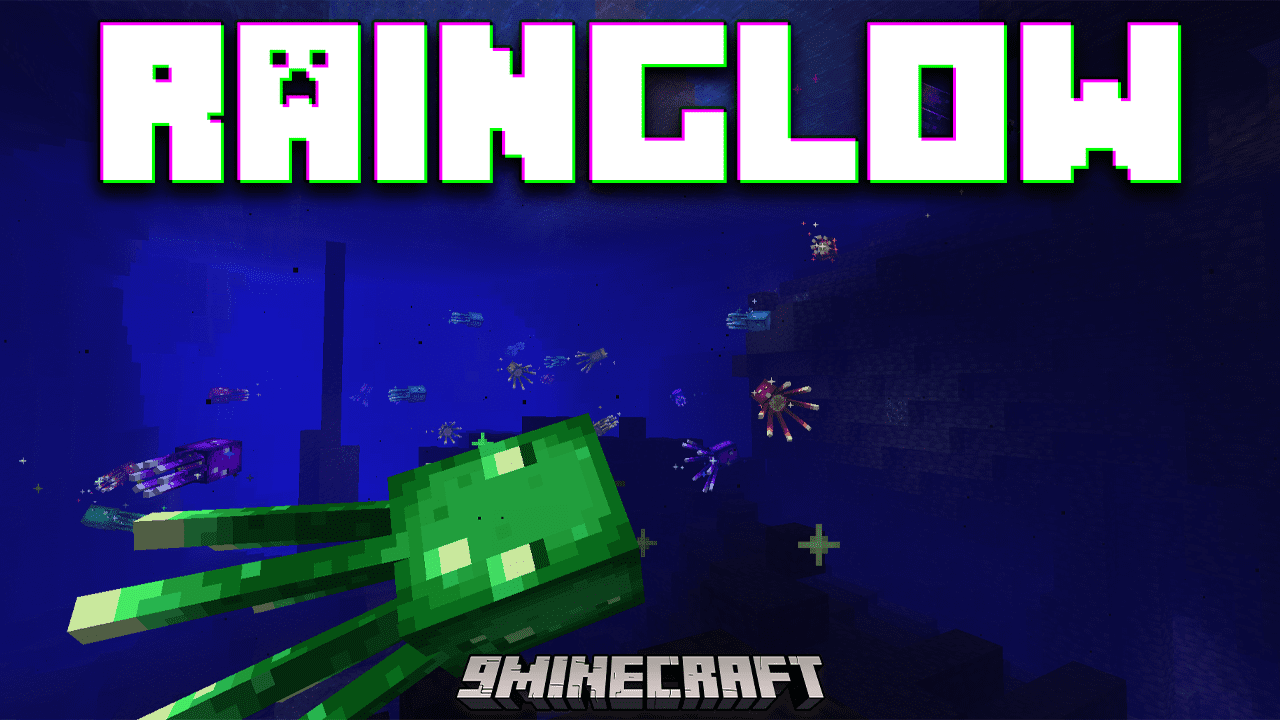
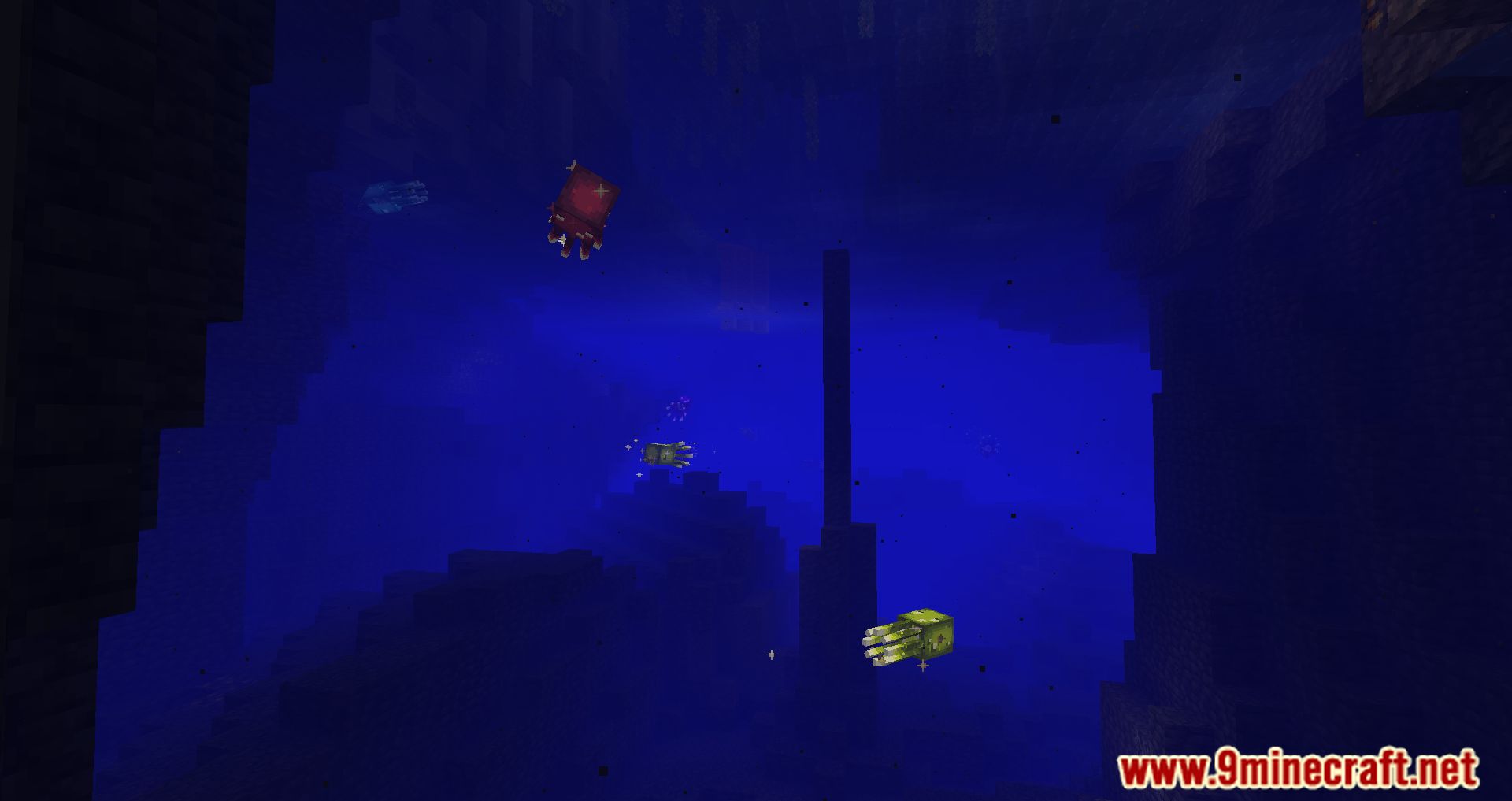
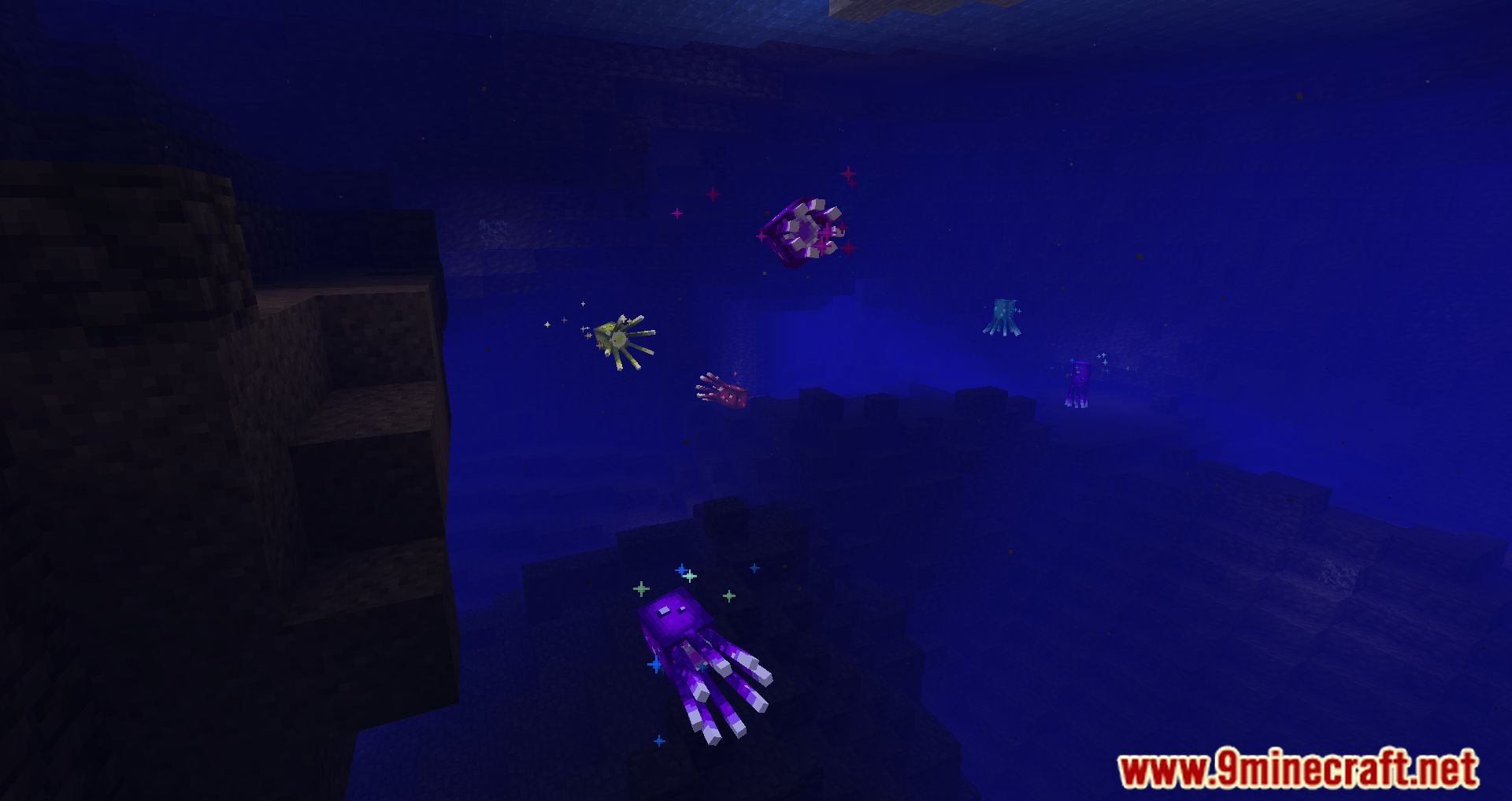
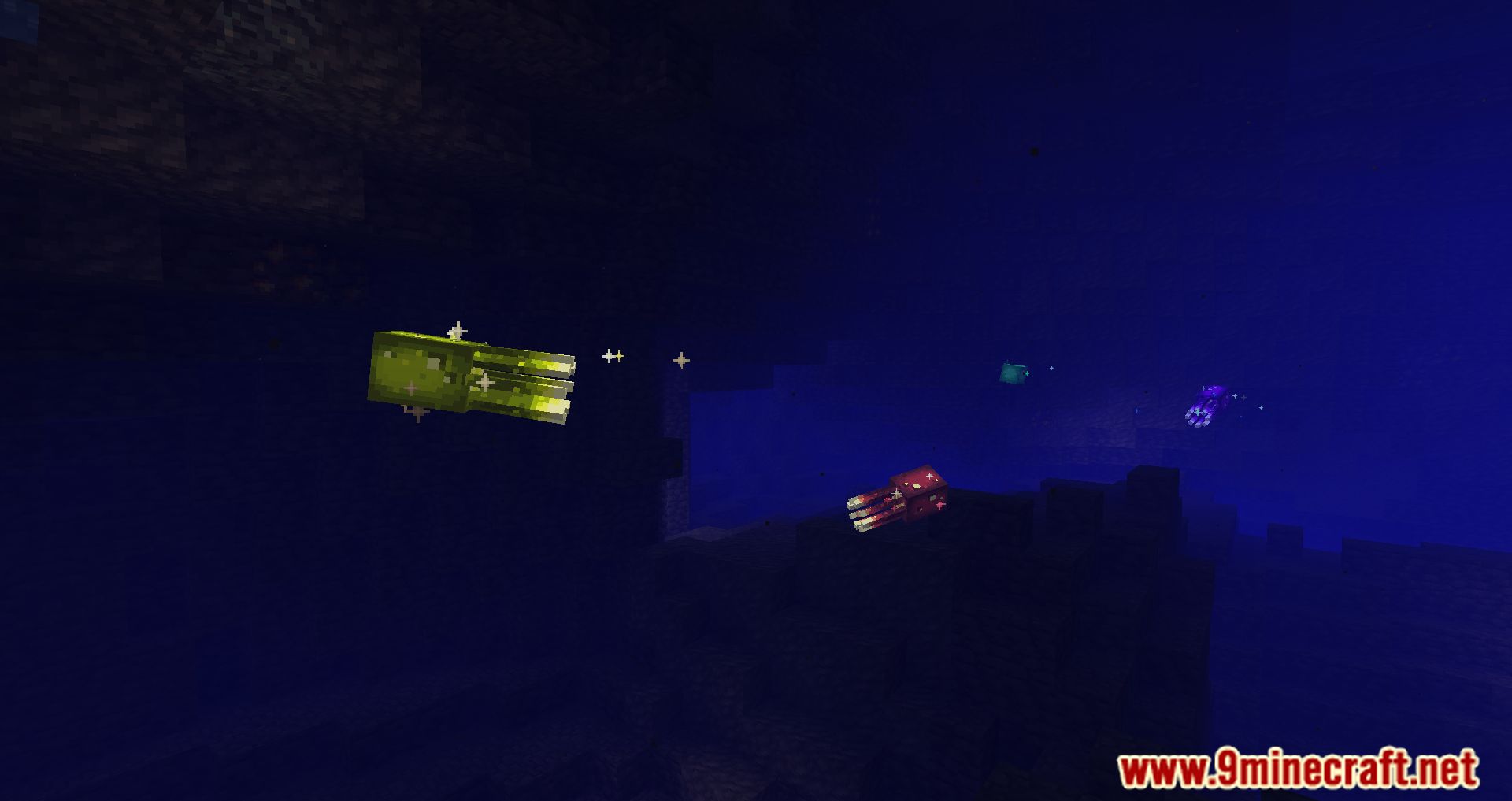
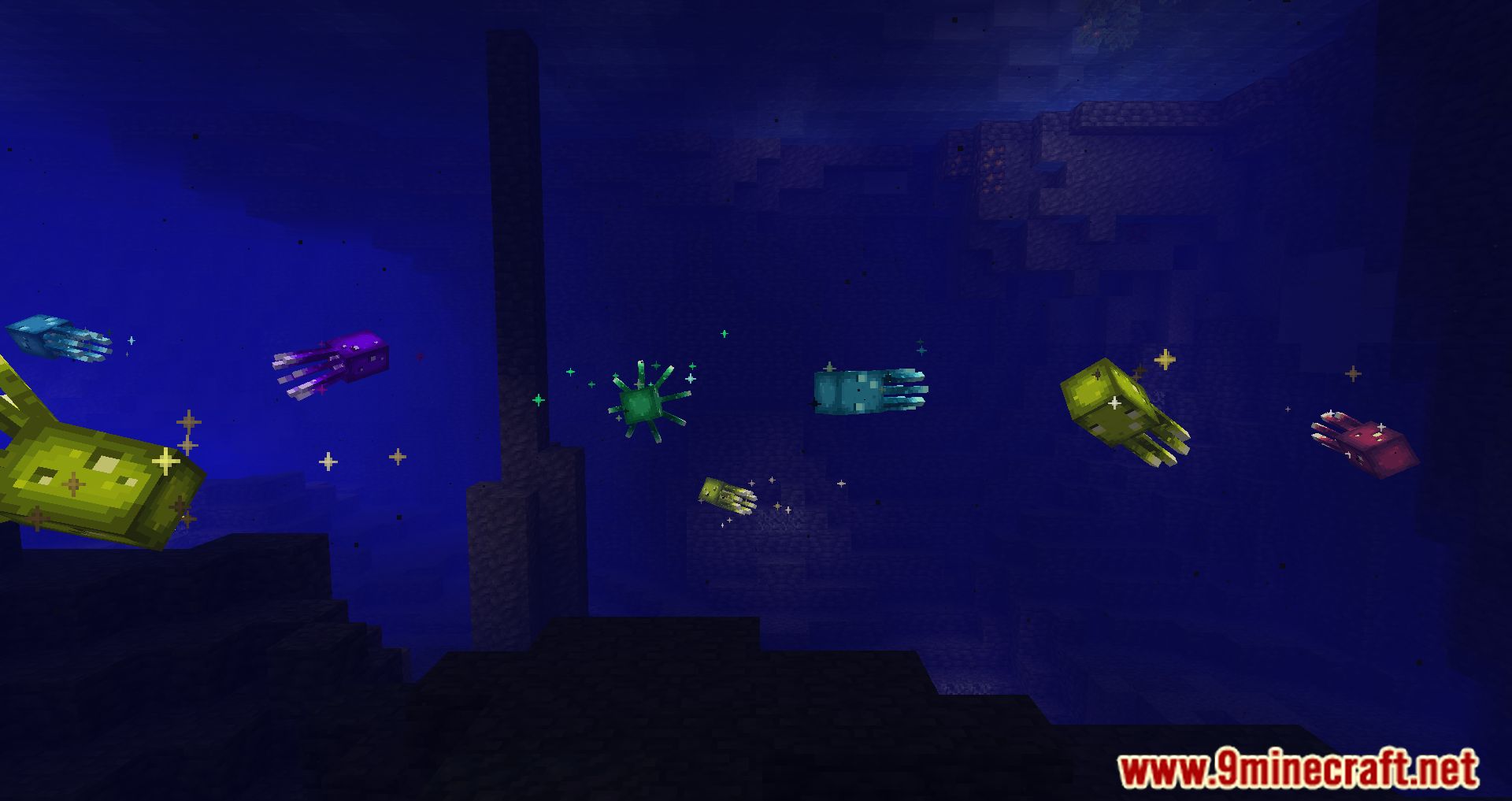
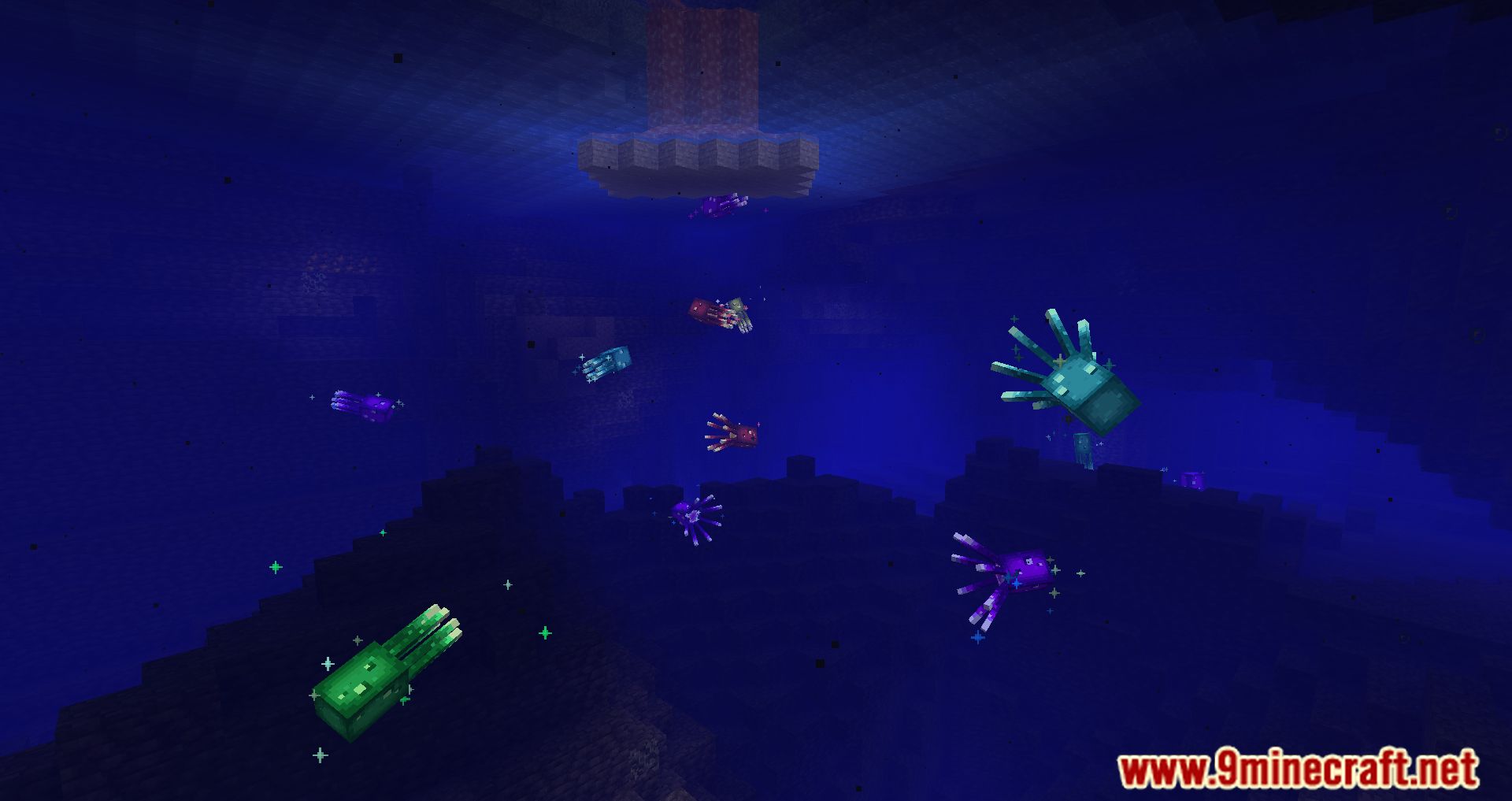
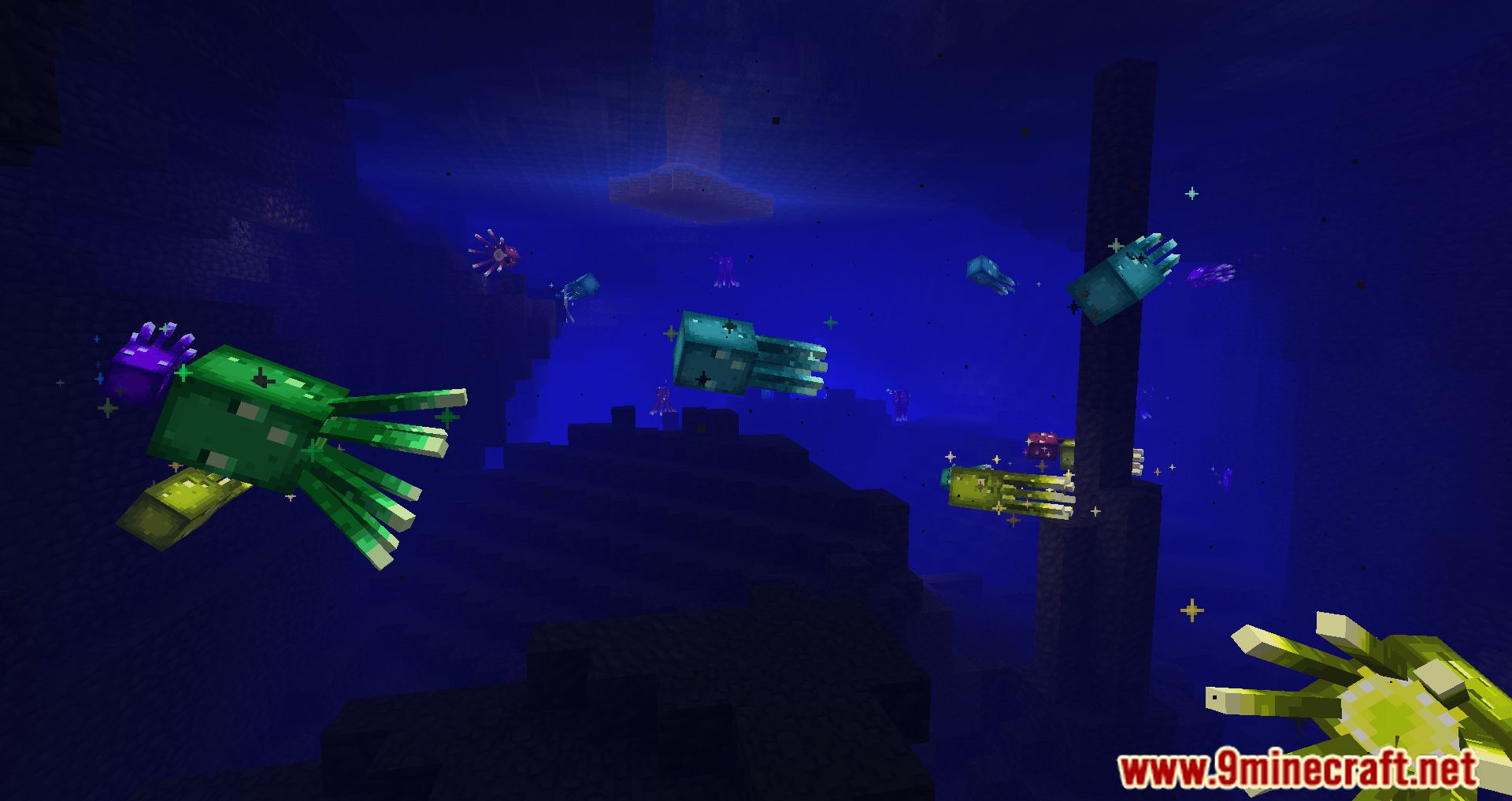
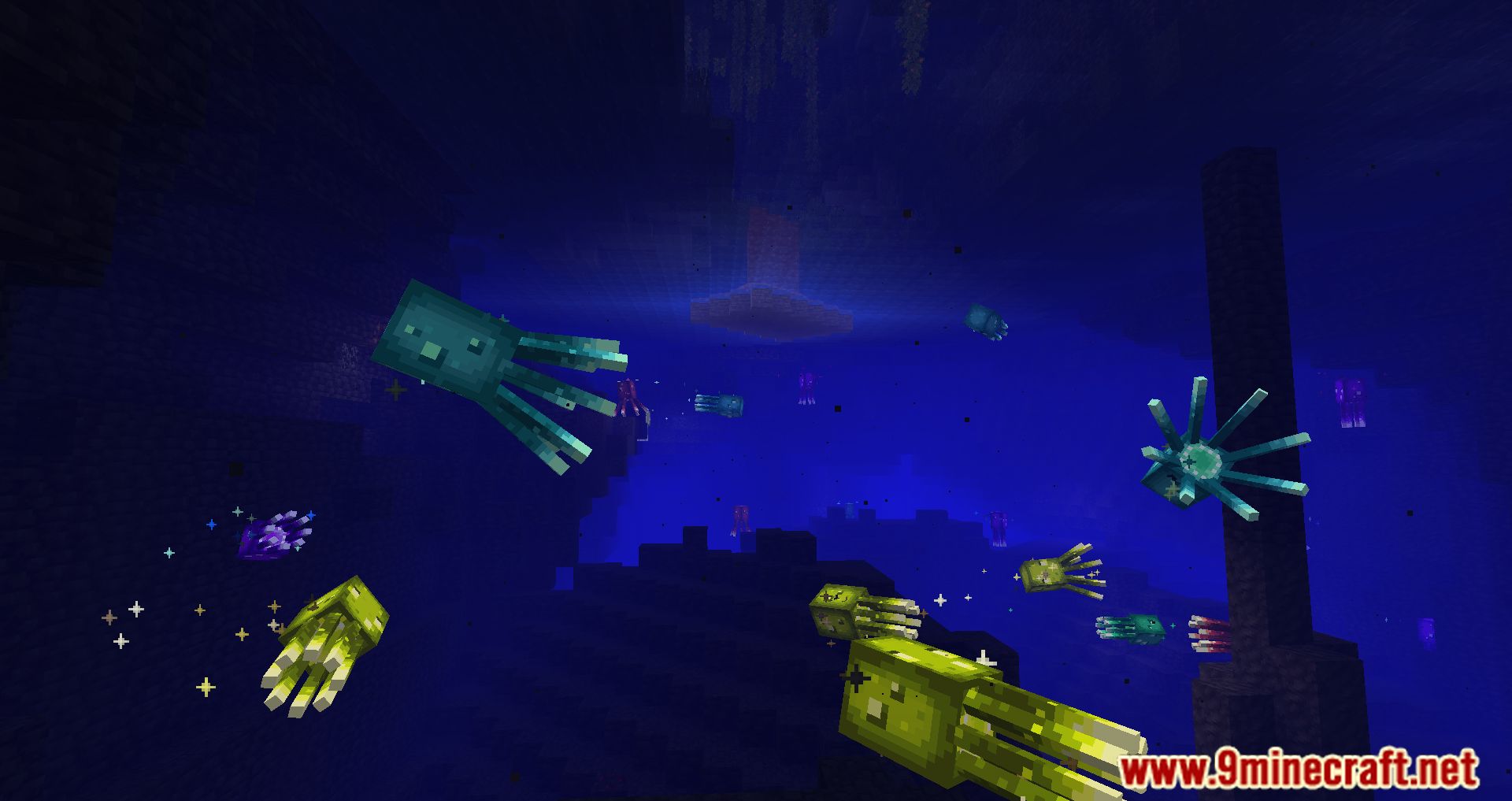
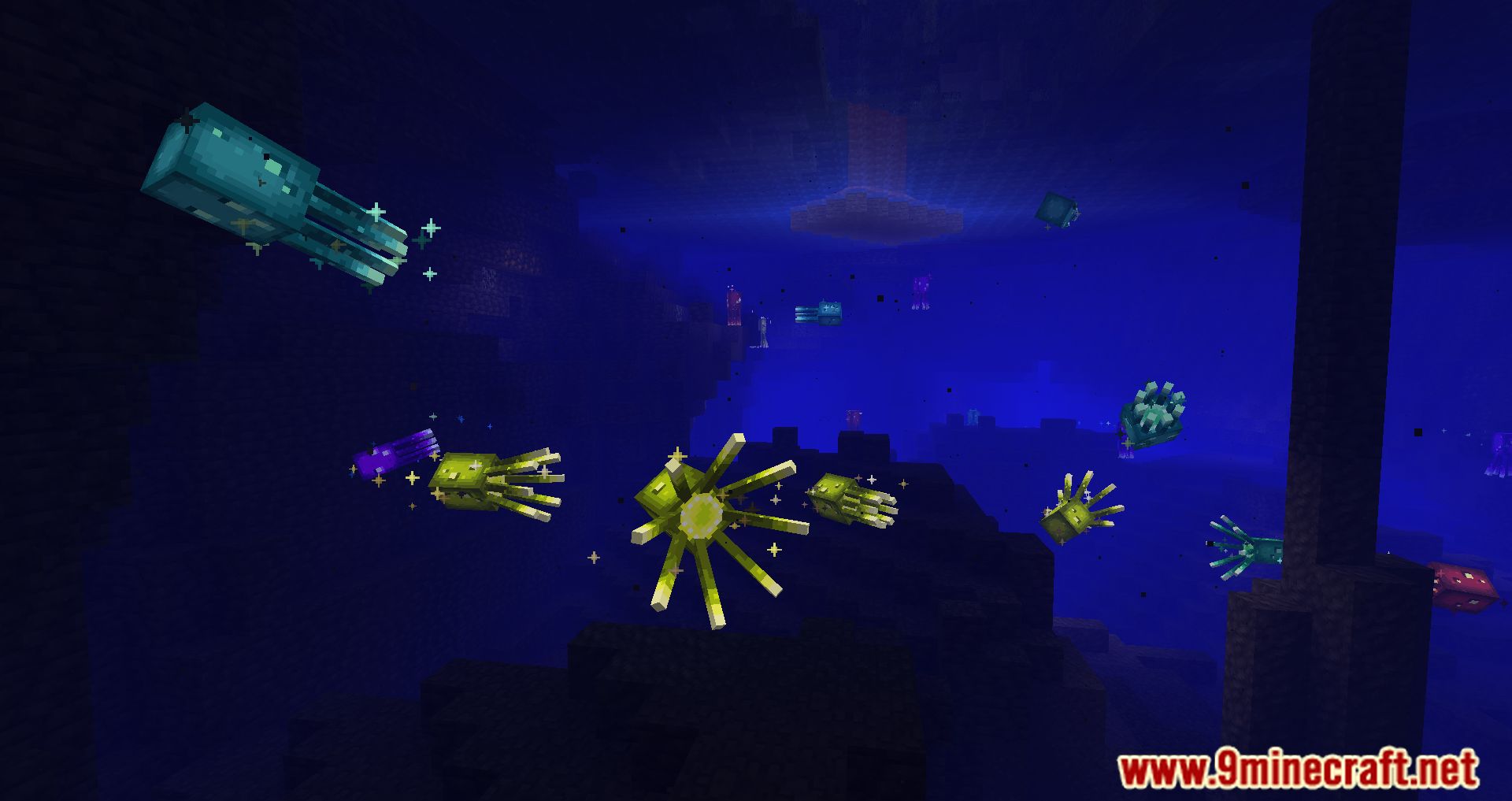
After installing Rainglow Mod, glowing squids will gain new color variations! By default, ten different color options will appear, and in the configuration file, you can enable monochrome and rainbow versions. If you ever get tired of the mod, you can simply disable it, and all colorful squids will revert to their vanilla appearance.
Features:
- Introduces over 15 color options for these entities, including rainbow and monochrome modes.
- Offers pride-themed color modes, such as transgender, bisexual, and nonbinary pride colors.
- Allows players to create and configure their own color modes using a GUI.
- Ensures consistent color settings across multiplayer servers when installed server-side.
- Can be easily removed without affecting your save file, reverting entities to their vanilla colors.
Screenshots:

Rainglow Mod Download Links
For Minecraft 1.21.1, 1.21
Fabric/Quilt version: Download from Server 1 – Download from Server 2
For Minecraft 1.20.6
Fabric/Quilt version: Download from Server 1 – Download from Server 2
For Minecraft 1.20.4
Fabric/Quilt version: Download from Server 1 – Download from Server 2
For Minecraft 1.20.2
Fabric/Quilt version: Download from Server 1 – Download from Server 2
For Minecraft 1.20.1, 1.20
Fabric version: Download from Server 1 – Download from Server 2
For Minecraft 1.19.4
Fabric version: Download from Server 1 – Download from Server 2
For Minecraft 1.19.3
Fabric version: Download from Server 1 – Download from Server 2
For Minecraft 1.19.2, 1.19.1, 1.19
Fabric version: Download from Server 1 – Download from Server 2
For Minecraft 1.18.2
Fabric version: Download from Server 1 – Download from Server 2
For Minecraft 1.17.1
Fabric version: Download from Server 1 – Download from Server 2
- Edition: Minecraft Java
- File type: .jar
- Minecraft versions listed: 1.21.1, 1.20.1
- How to install: Install the matching mod loader (Forge, Fabric or NeoForge) for your Minecraft version. → Download the .jar. → Put it in the .minecraft/mods folder and launch that loader profile.
- Where to get it: In MC Java Mods, or directly above on this page.
Install steps are the general flow for this file type — How to install Minecraft Java mods & modpacks walks through it step by step.
- Downloads as 200929.mcaddon
- Download size: 1.2 MB
- Download link checked 29 Jul 2026 — working
- Mirrored on our own servers — the download does not depend on the original host
These come from our own check of the pack file, not from the source page.