Blur Mod (1.21.1, 1.20.1) – Let the World Fade Away
Java mod listed for Minecraft 1.20–1.21. Downloads from the MC Java Mods app on Android.
⬇ DownloadBlur Mod modifies the background behind Minecraft GUIs to have a blur effect.
Ever thought that the world behind your inventory was just too distracting? Then this is the mod for you. It adds a Gaussian blur shader to the background of all GUIs, which fades into give it a sleek look. It is also highly configurable, so you can tune the look of the mod to your liking.
Features:
- Let the world fade away.
- Get rid of distractions.
- Experience your guis.
Screenshots:
Here is a comparison of each version:
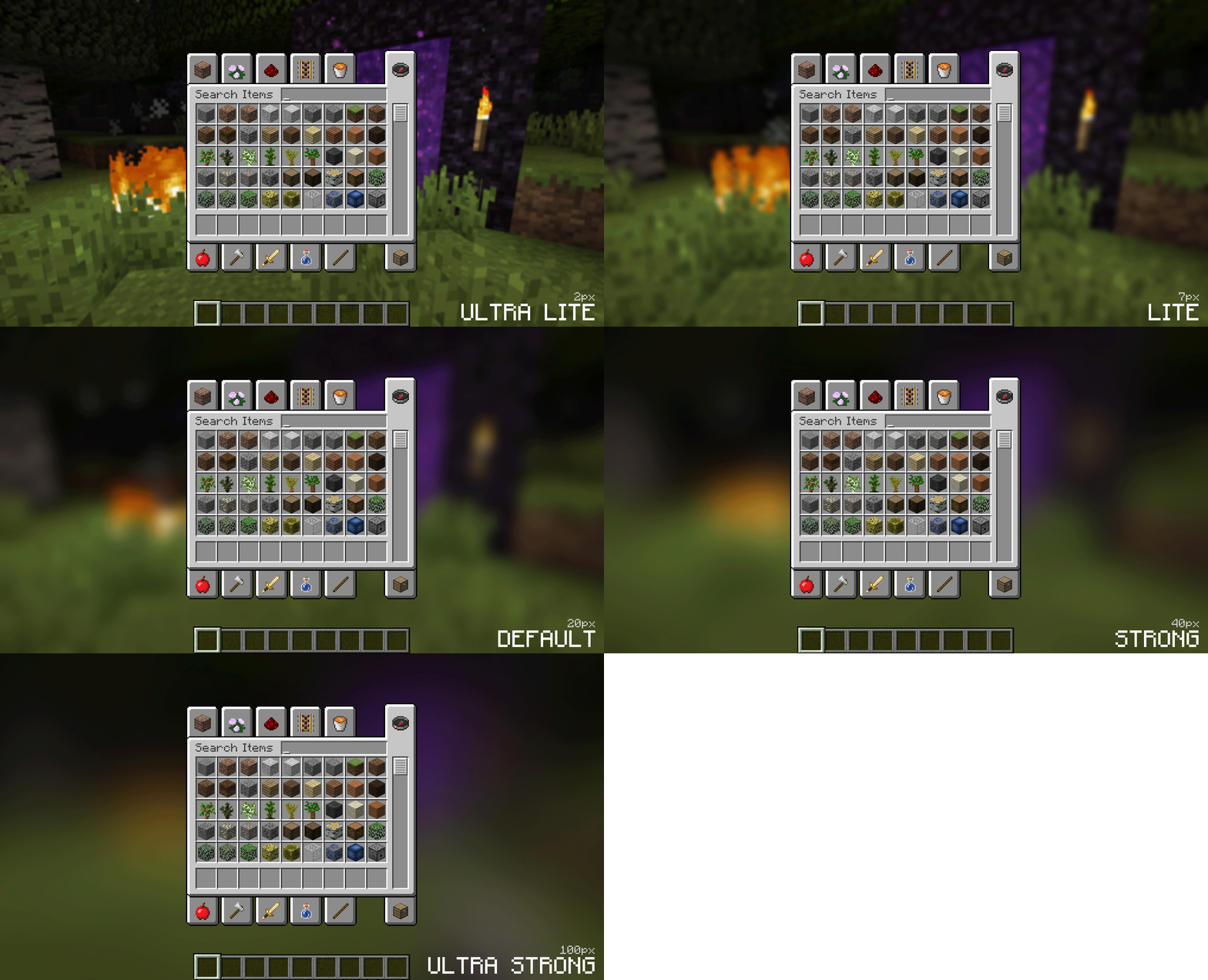
Change the background colors and gradient!
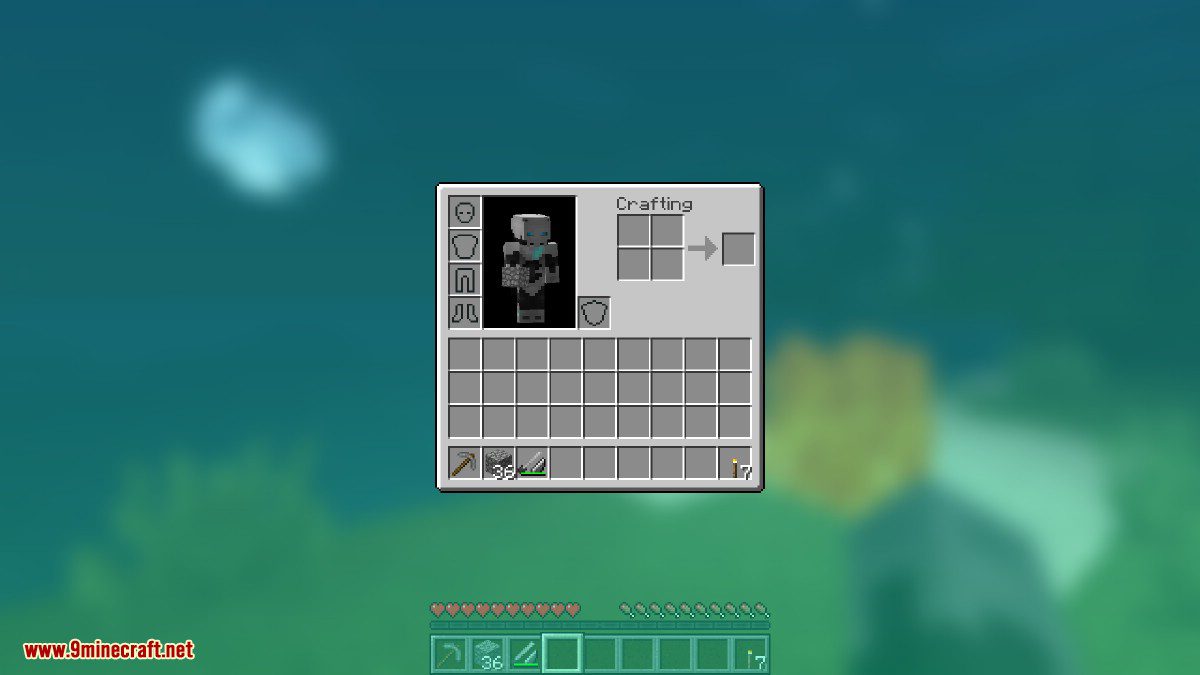
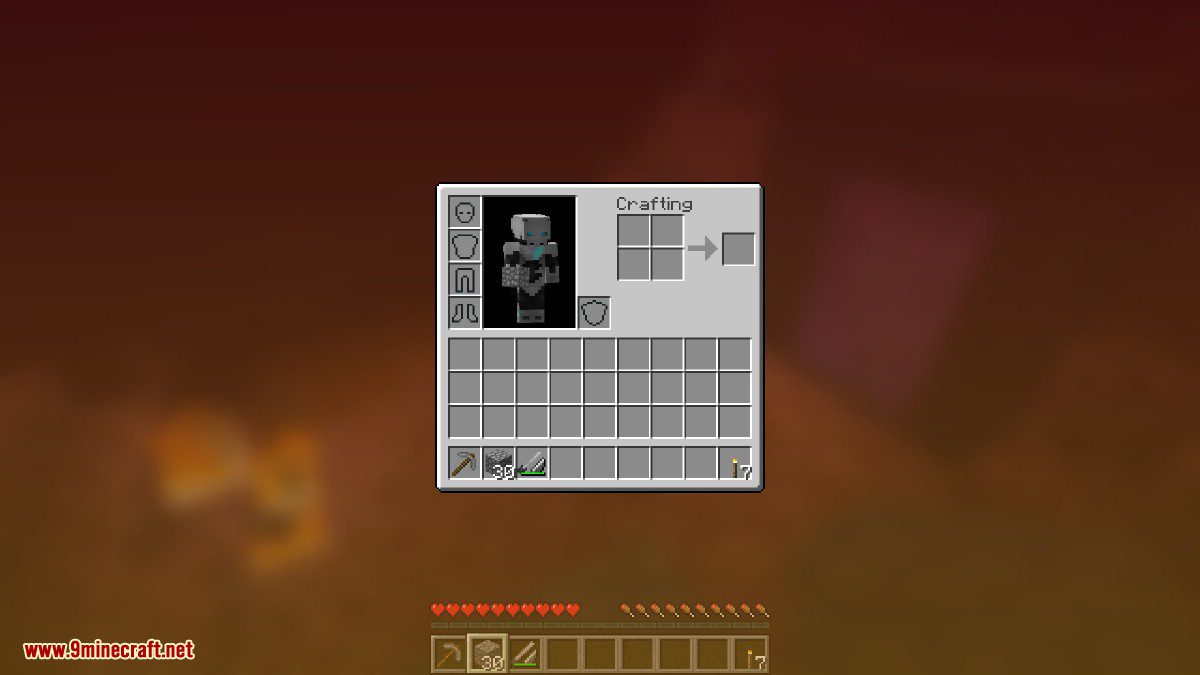
Get lost in your GUIs!
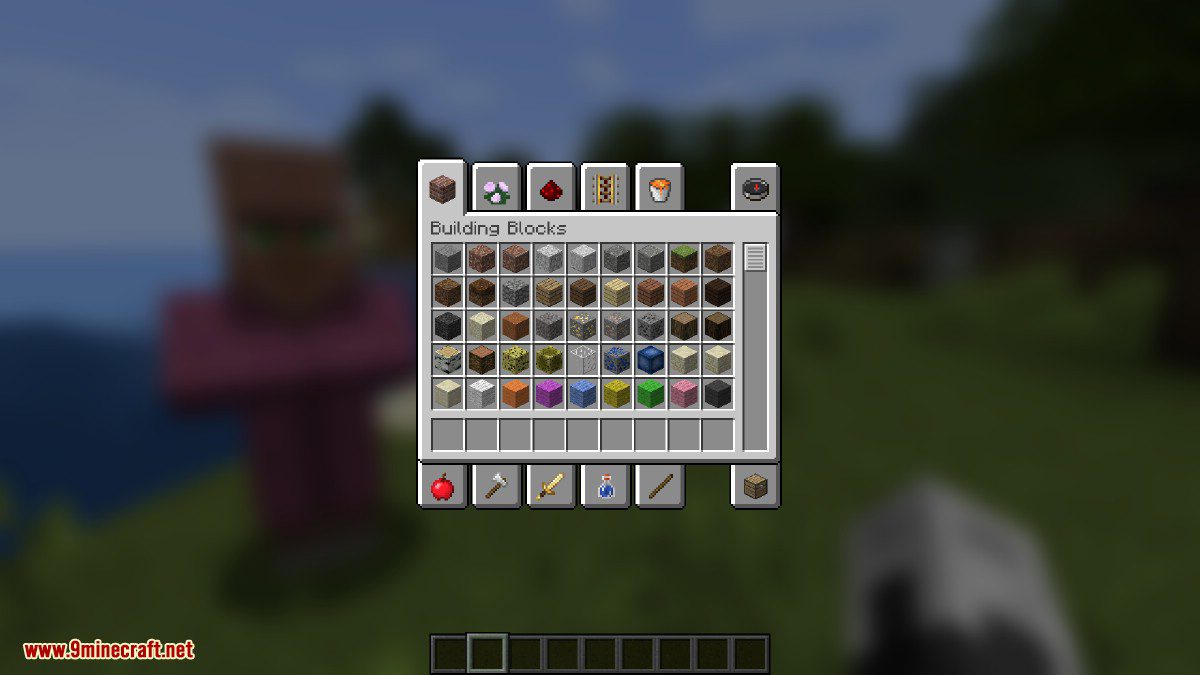
Gorgeous rainy evening with you and your blur:
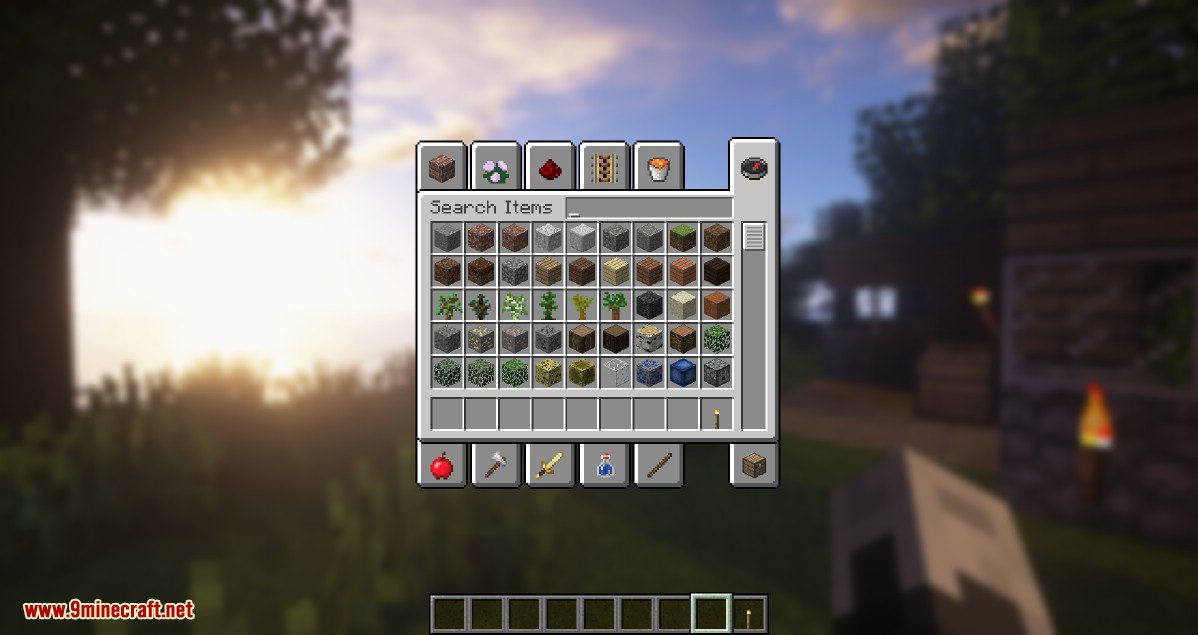
Works with shaders!
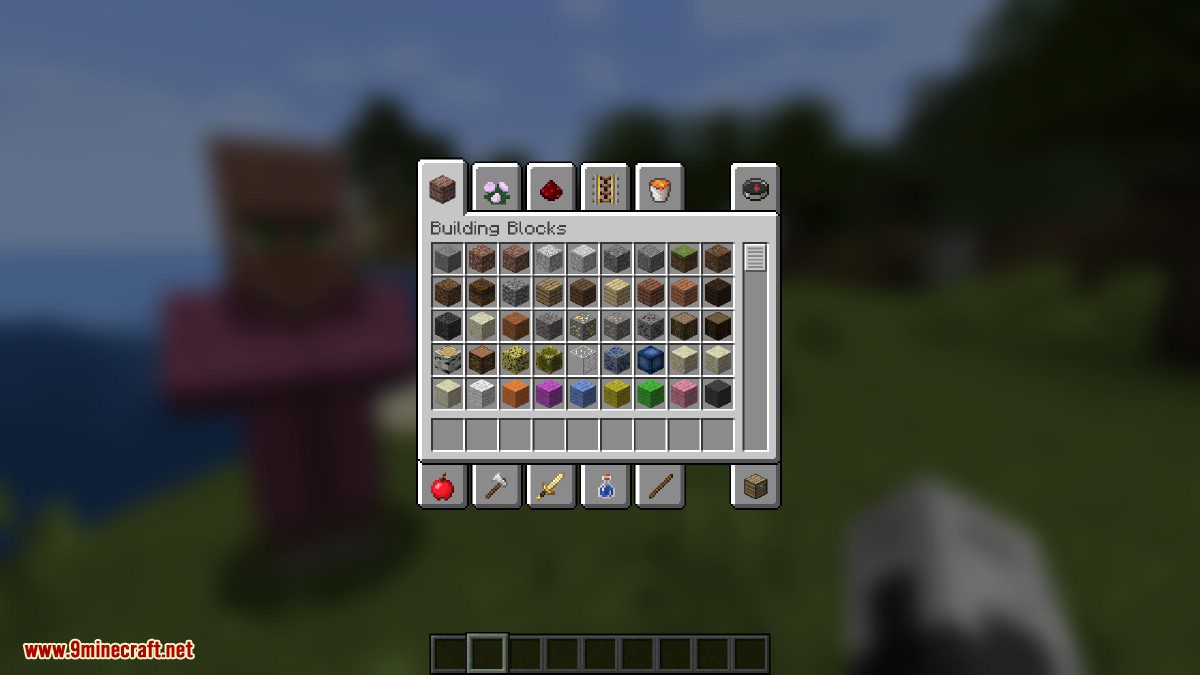
Creative GUI
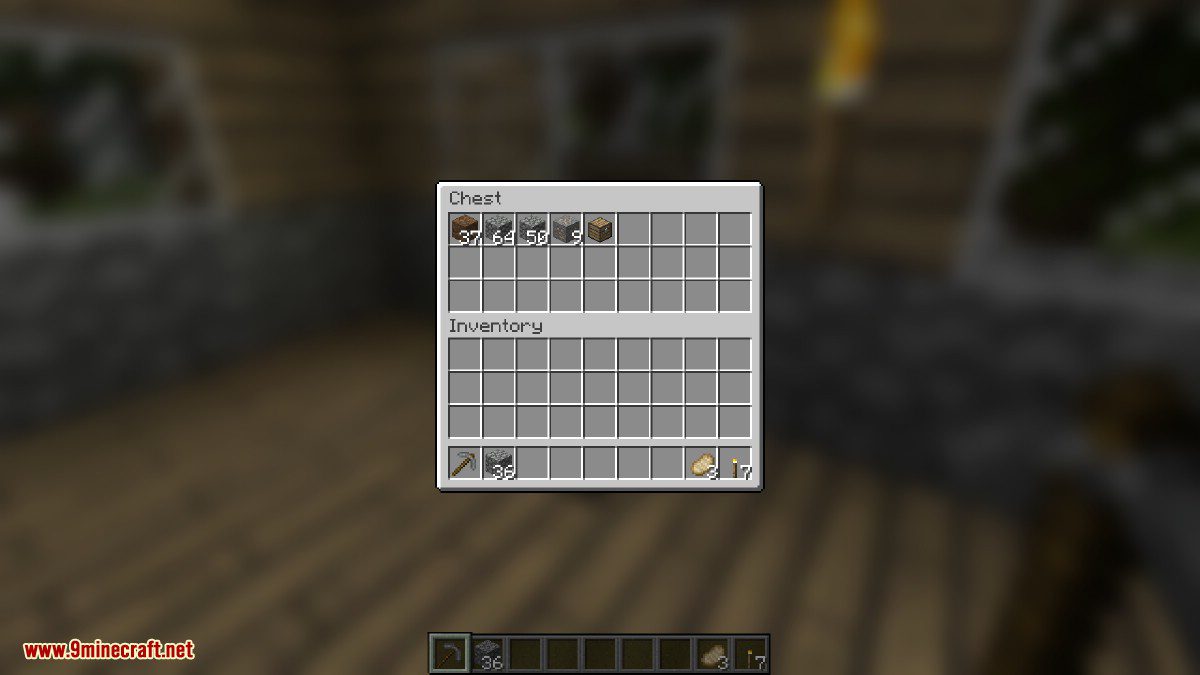
Chests
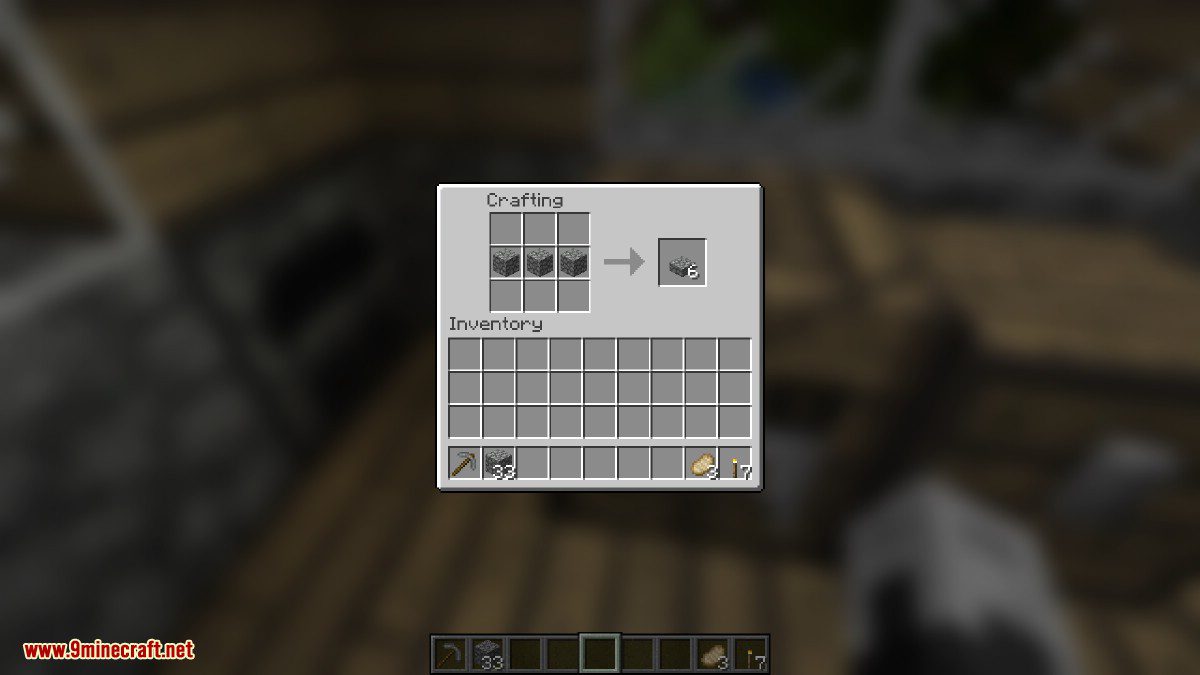
Crafting Table
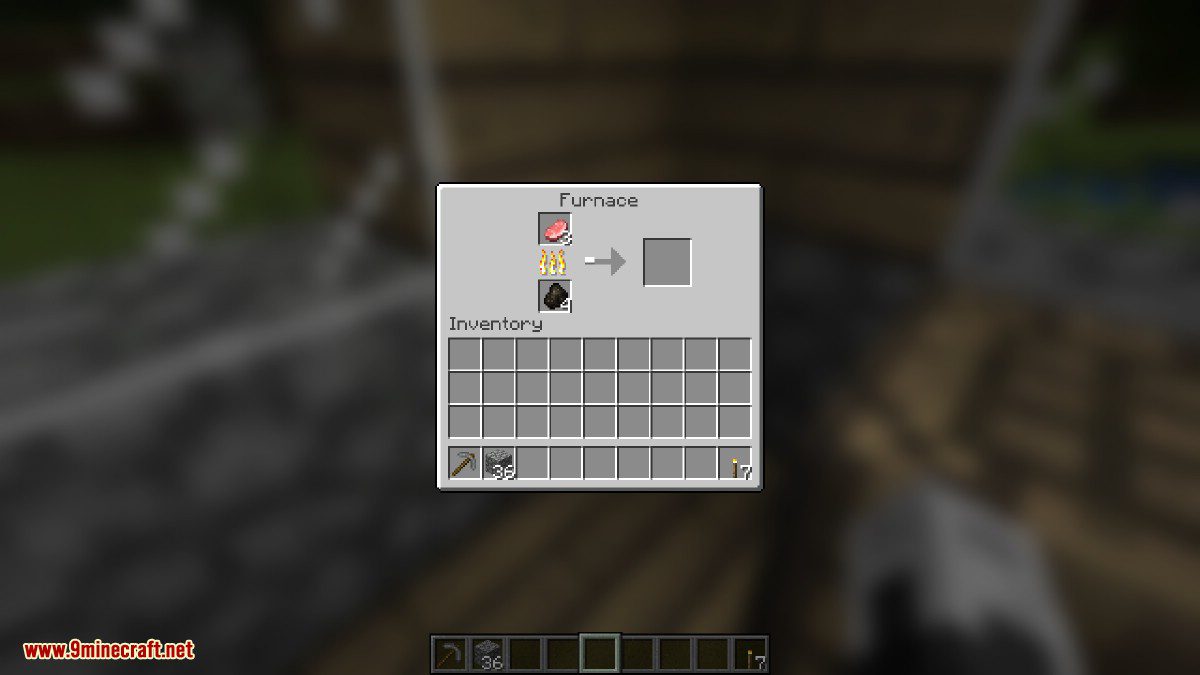
Furnace
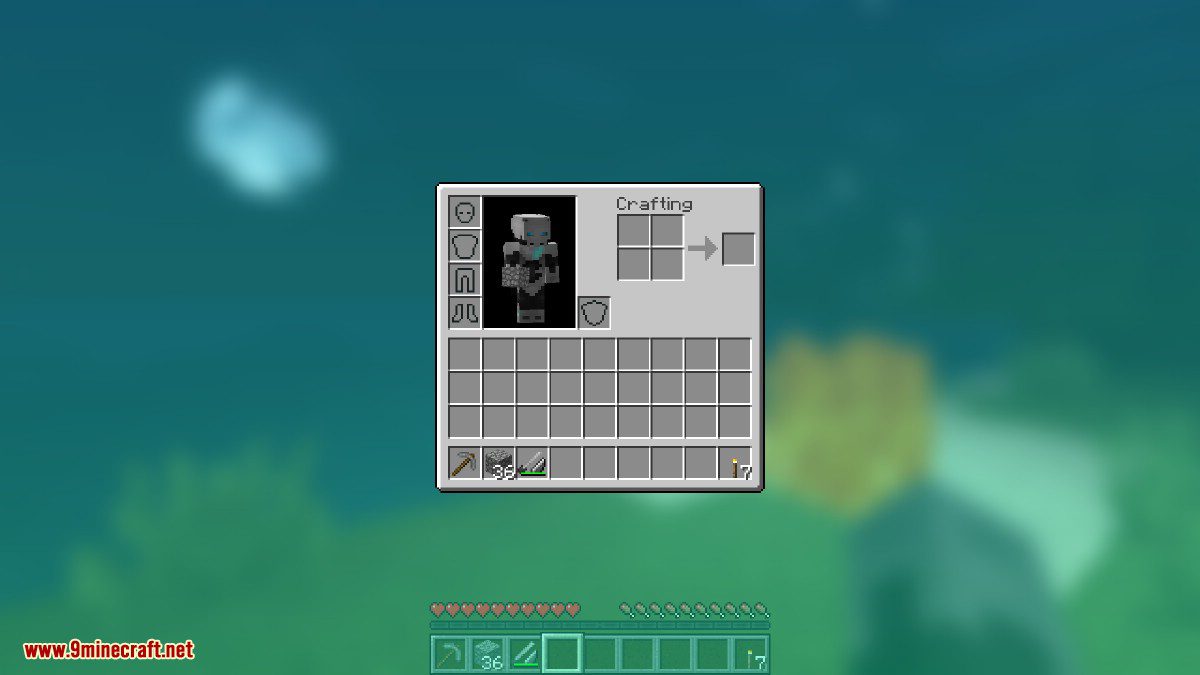
Blue/Teal Color Gradient
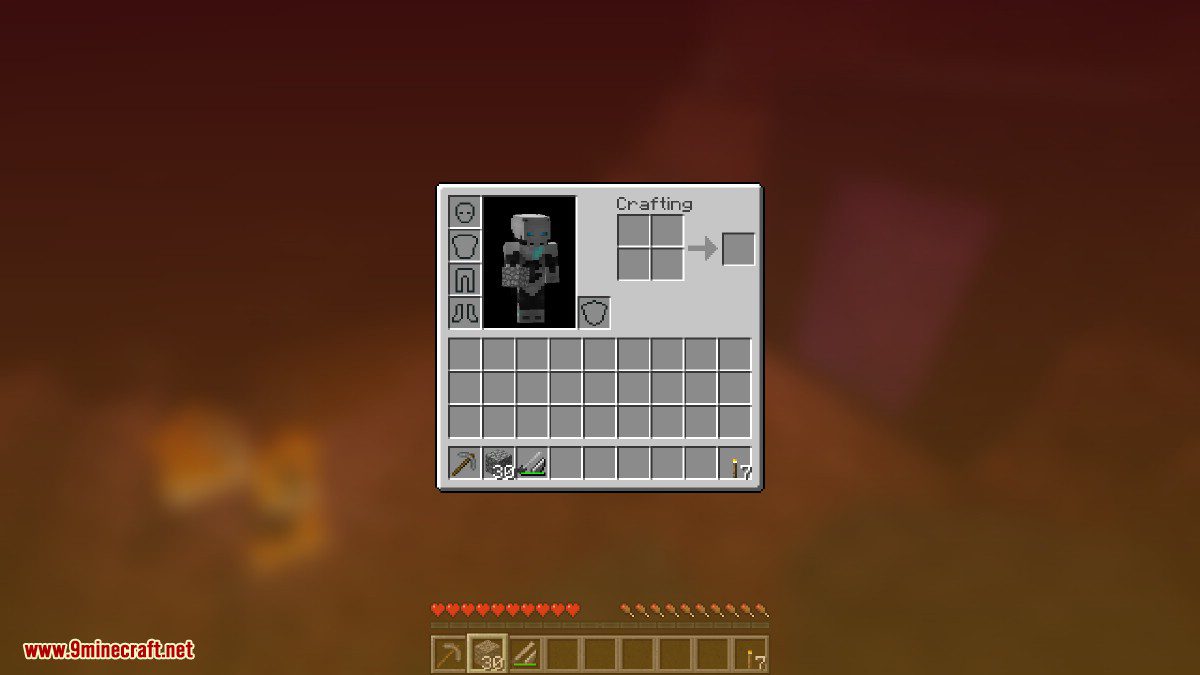
Red/Orange Color Gradient
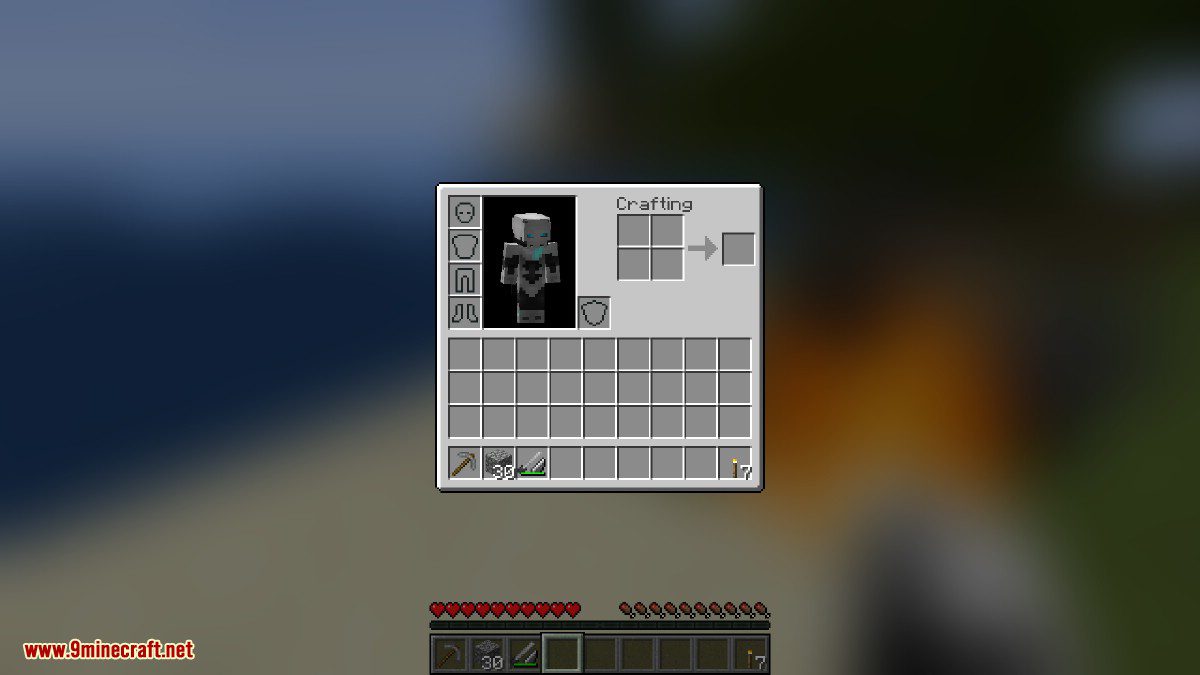
Adjust the blur radius via RP
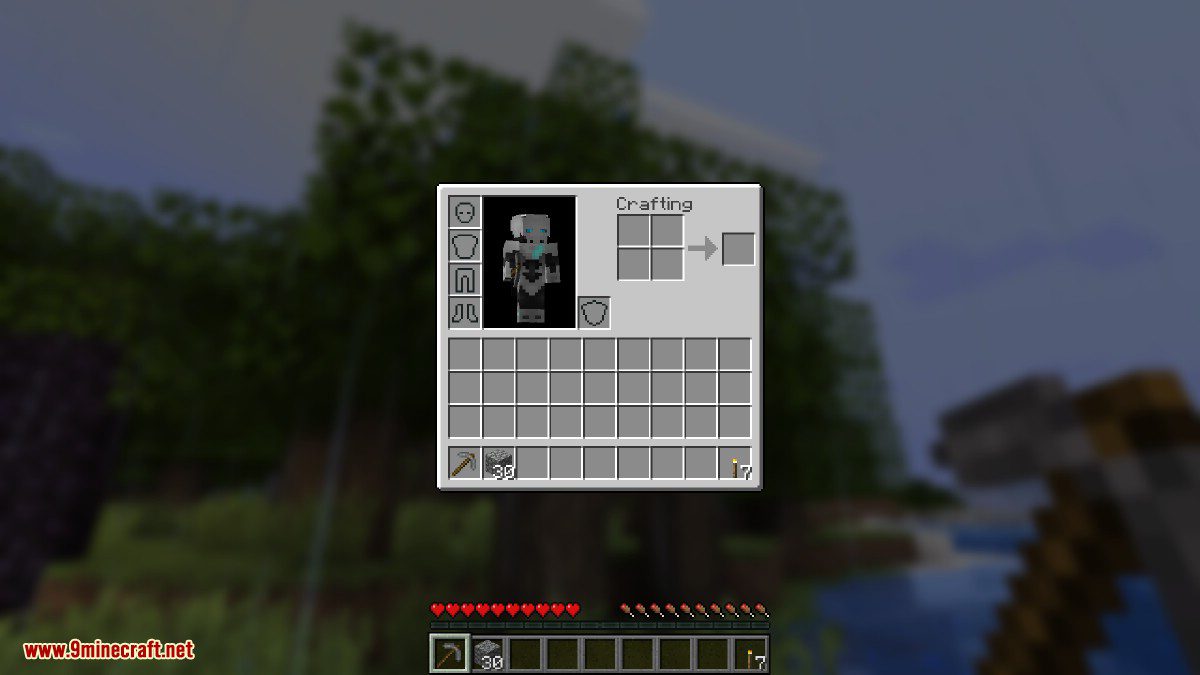
Adjust the opacity of the background!
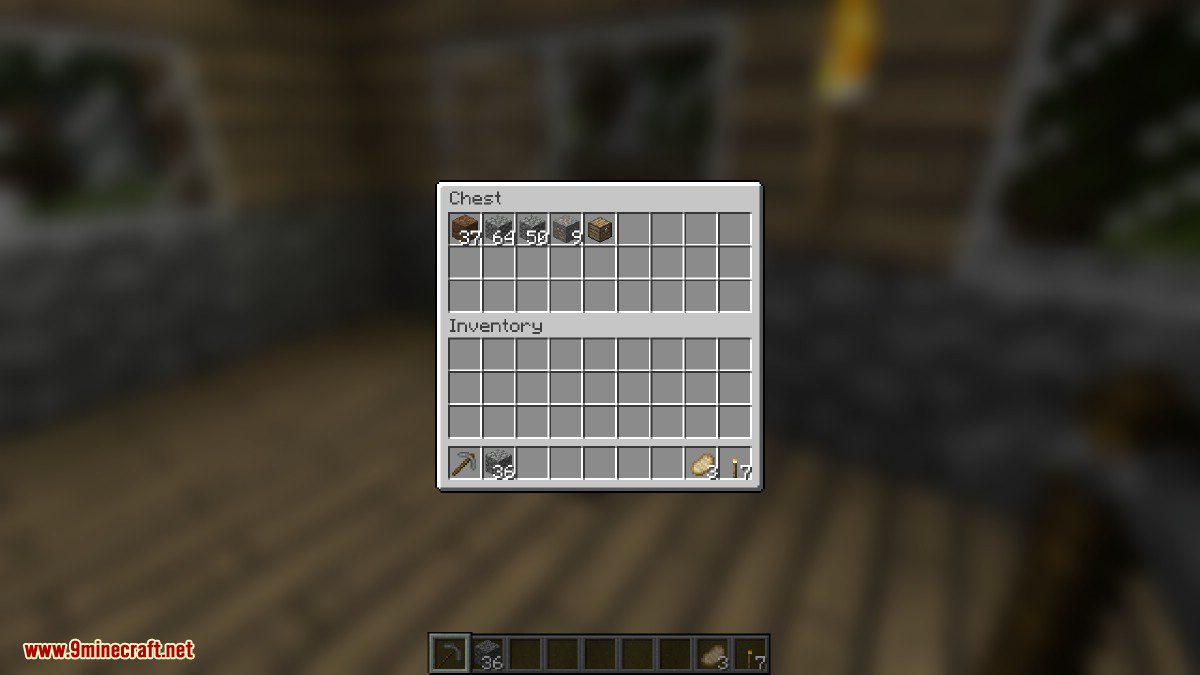
Configs:
- fadeTime
- This is the time it takes for the blur to “fade in”, in milliseconds.
- gradientStart/EndColor
- The colors to use for the overlay on all GUI backgrounds. The value here is a hexadecimal color value, in the format ARGB (alpha first, then rgb). Because the background is a gradient, two colors can be specified. The default is black with a 45% alpha value (75000000).
- guiExclusions
- A list of classes to be excluded from the blur shader. This is to be used for GUIs which do not necessarily cover the screen. It defaults to containing only one GUI, the chat.
Blur Mod Download Links
For Minecraft 1.7.10
Forge version: Download from Server 1
For Minecraft 1.8.9
Forge version: Download from Server 1
For Minecraft 1.12.2, 1.12.1, 1.12, 1.11.2, 1.10.2, 1.9.4
Forge version: Download from Server 1
For Minecraft 1.15.2
Forge version: Download from Server 2
Fabric version: Download from Server 2
For Minecraft 1.16.5
Forge version: Download from Server 2
Fabric version: Download from Server 2
For Minecraft 1.17.1
Fabric version: Download from Server 2
For Minecraft 1.18.1
Fabric version: Download from Server 2
For Minecraft 1.18.2
Fabric version: Download from Server 2
For Minecraft 1.19.2, 1.19.1, 1.19
Fabric/Quilt version: Download from Server 1 – Download from Server 2
For Minecraft 1.19.3
Forge version: Download from Server 1 – Download from Server 2
Fabric/Quilt version: Download from Server 1 – Download from Server 2
For Minecraft 1.19.4
Forge version: Download from Server 1 – Download from Server 2
Fabric/Quilt version: Download from Server 1 – Download from Server 2
For Minecraft 1.20.1, 1.20
Forge version: Download from Server 1 – Download from Server 2
Fabric/Quilt version: Download from Server 1 – Download from Server 2
For Minecraft 1.20.2
Fabric/Quilt version: Download from Server 1 – Download from Server 2
For Minecraft 1.20.4
Fabric/Quilt version: Download from Server 1 – Download from Server 2
For Minecraft 1.20.6
Fabric/Quilt version: Download from Server 1 – Download from Server 2
For Minecraft 1.21.1, 1.21
Fabric/Quilt version: Download from Server 1 – Download from Server 2
- Edition: Minecraft Java
- File type: .jar
- Minecraft versions listed: 1.21.1, 1.20.1
- How to install: Install the matching mod loader (Forge, Fabric or NeoForge) for your Minecraft version. → Download the .jar. → Put it in the .minecraft/mods folder and launch that loader profile.
- Where to get it: In MC Java Mods, or directly above on this page.
Install steps are the general flow for this file type — How to install Minecraft Java mods & modpacks walks through it step by step.
- Downloads as 200983.mcaddon
- Download size: 16 KB
- Download link checked 29 Jul 2026 — working
- Mirrored on our own servers — the download does not depend on the original host
These come from our own check of the pack file, not from the source page.