
Held Item Tooltips
Java mod listed for Minecraft 1.19–1.21. Downloads from the MC Java Mods app on Android.
⬇ Download on CurseForge








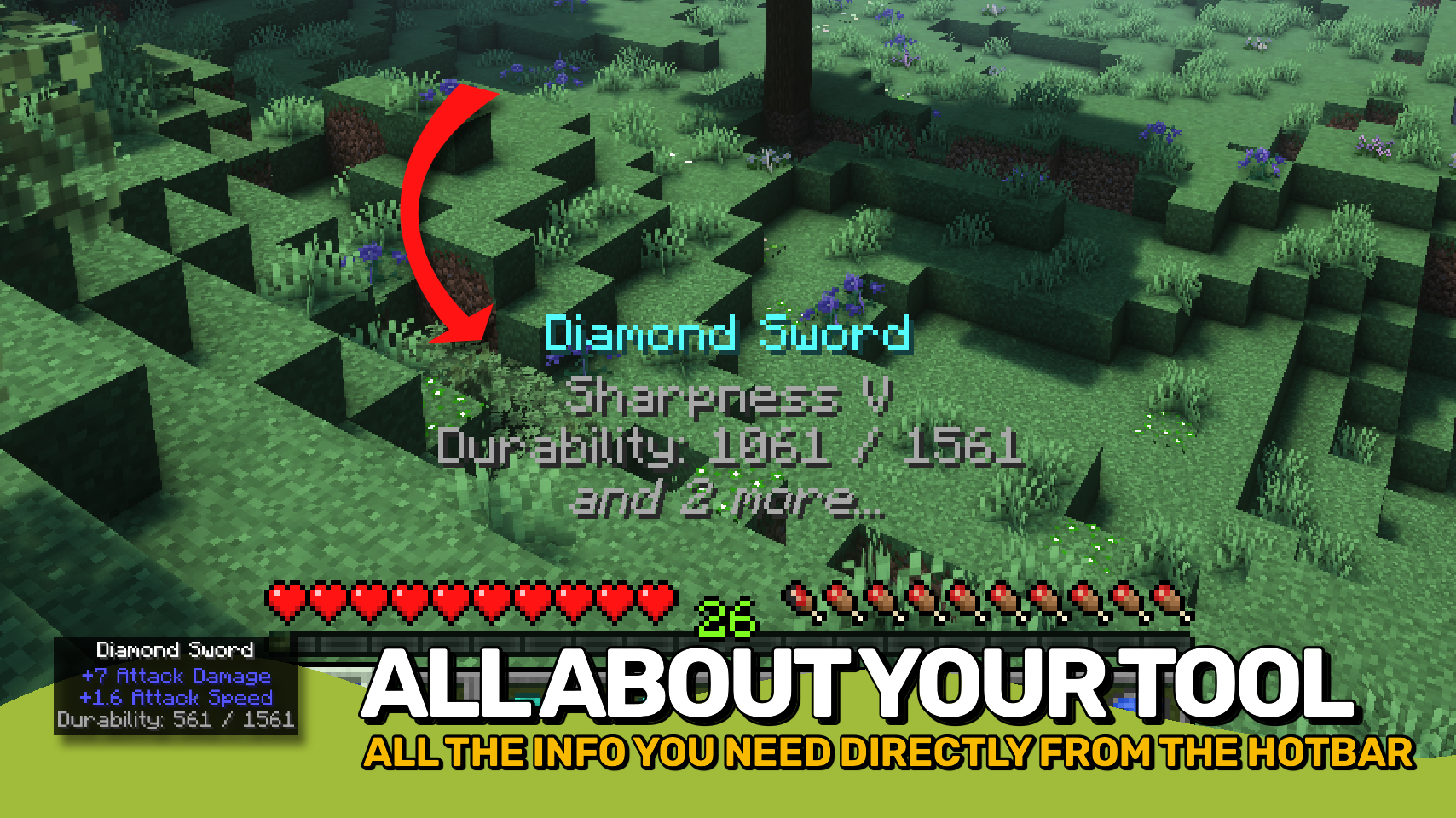
Held Item Tooltips enhances the tooltip shown above your hotbar when switching items, giving you far more information at a glance. ✨
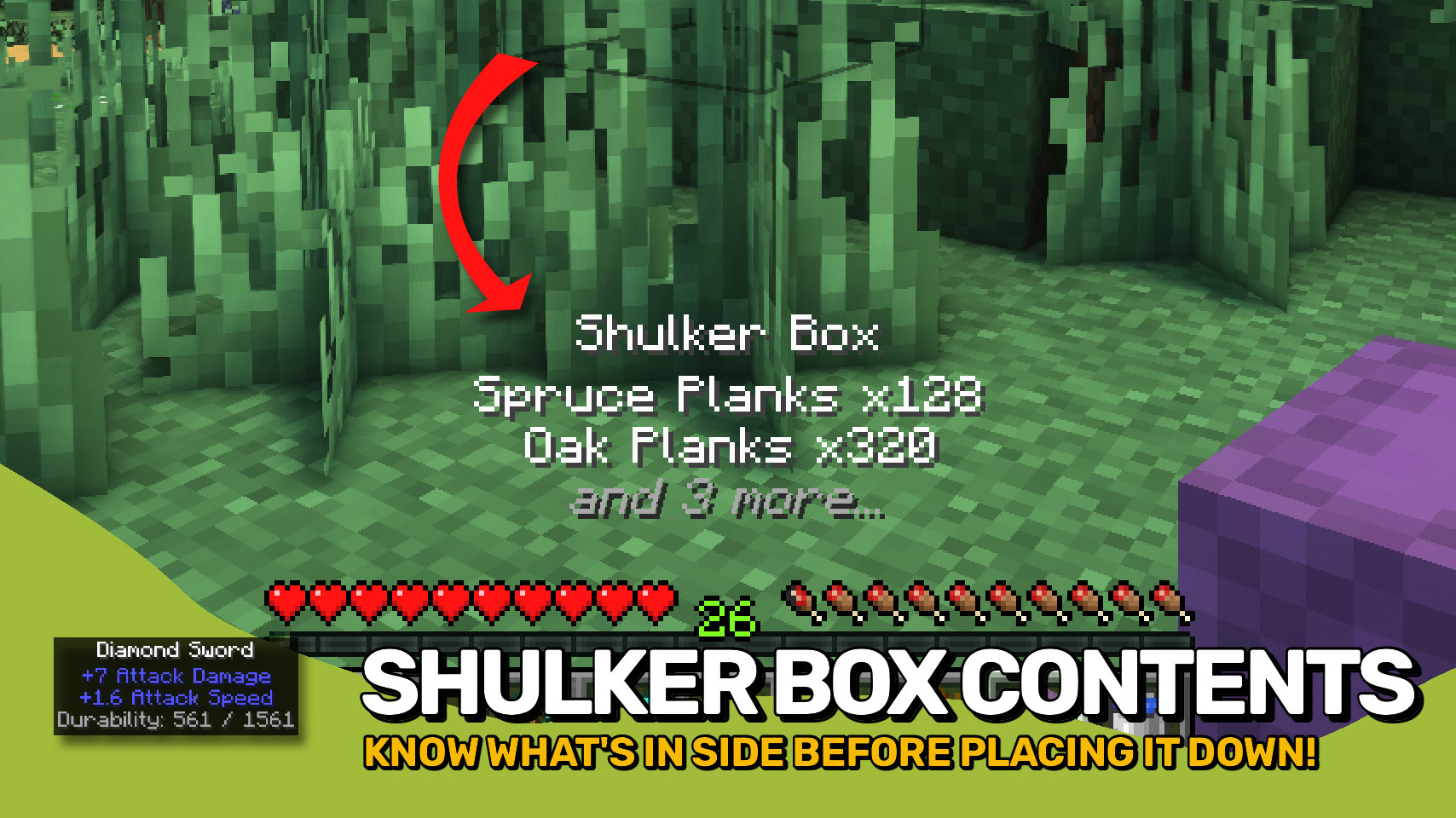
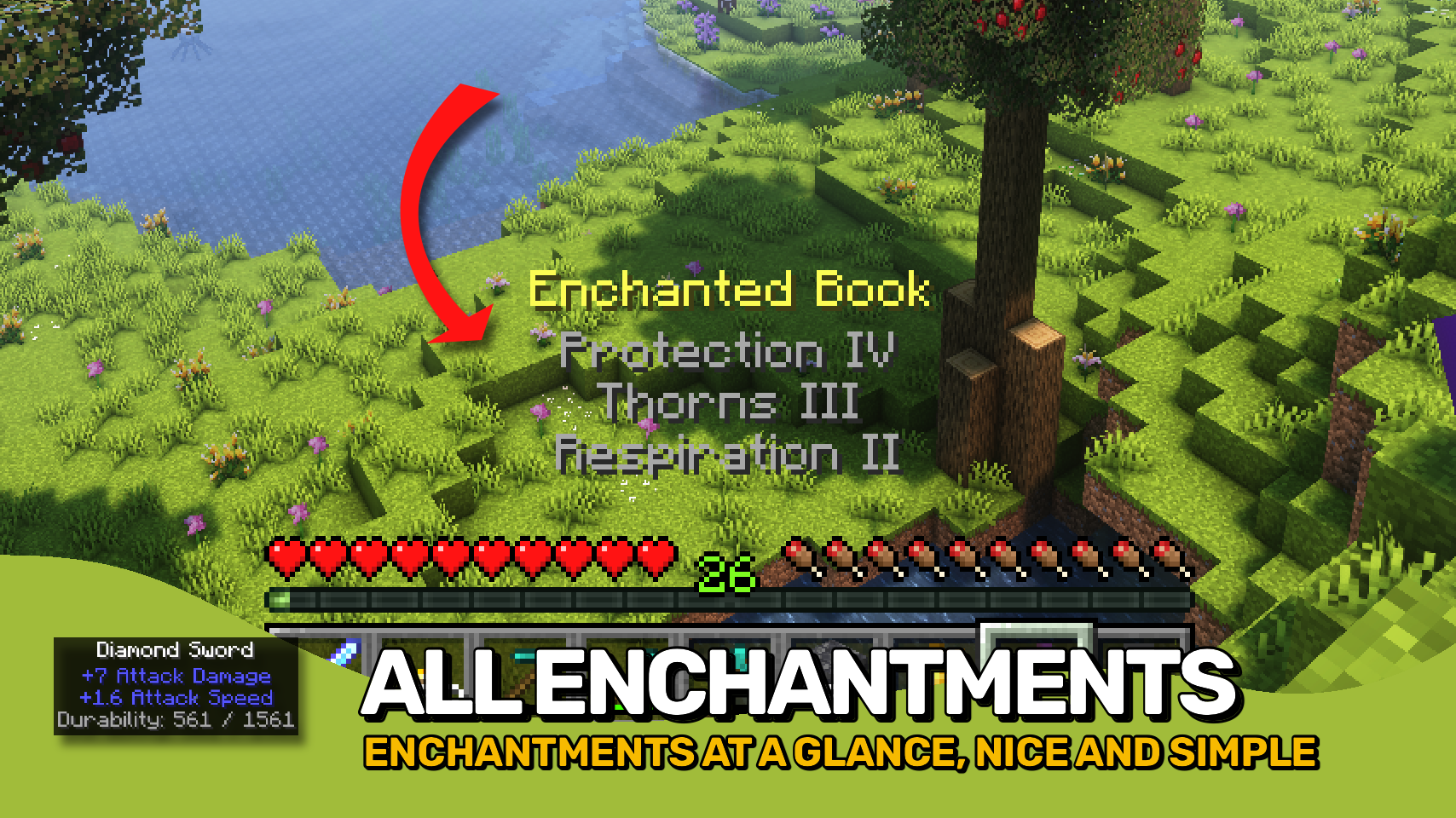
See enchantments, durability, potion effects, shulker box contents, firework details, map IDs, item attributes, and much more without opening additional screens. Whether you're organizing storage, checking equipment, or browsing your inventory, the information you need is always right in front of you. 🔍
Everything is fully customizable. Adjust the appearance, choose which information should be displayed, control the order of tooltip sections, and tailor the experience to fit your needs. ⚙️

- 🏷️ Enhanced Held Item Tooltips: Displays detailed information directly above your hotbar when switching items.
- ✨ Rich Item Details: View enchantments, durability, potion effects, attributes, container contents, and more at a glance.
- 📦 Container Previews: Quickly inspect the contents of shulker boxes and other supported storage items.
- 🧪 Useful Item Information: Shows details for potions, fireworks, maps, banners, books, paintings, and many other special items.
- 📏 Smart Line Priorities: Important information is shown first when space is limited.
- 🎨 Custom Appearance: Configure colors, text formatting, background style, size, position, and display duration.
- 🔧 Per-Component Control: Enable, disable, reorder, and customize individual tooltip sections independently.
- 🧩 Mod Friendly: Supports additional tooltip information provided by other mods.


⏩ INSTALLATION REQUIRED ON CLIENT
⏩ REQUIRES PUZZLES LIB TO BE INSTALLED (FABRIC & NEOFORGE)
⏩ REQUIRES FABRIC API TO BE INSTALLED (FABRIC)
⏩ REQUIRES FORGE CONFIG API PORT TO BE INSTALLED (FABRIC)

If available for a mod, configuration is possible directly from in-game using the mod menu (requires Mod Menu by Prospector to be installed on Fabric).
For manual configuration using an external text editor all files are found at .minecraft/config, named as MOD_ID-client.toml, MOD_ID-common.toml, or MOD_ID-server.toml, depending on the type of config. Not all types might exist for a mod, if any at all.
 |
 |
|
 |
 |
|
 |
 |
|
 |
 |
|
 |
 |
|

- Edition: Minecraft Java
- File type: .jar
- Minecraft versions listed: 1.21.11, 1.21.10, 1.21.9
- How to install: Install the matching mod loader (Forge, Fabric or NeoForge) for your Minecraft version. → Download the .jar. → Put it in the .minecraft/mods folder and launch that loader profile.
- Where to get it: Opens on CurseForge — not every file is mirrored on our own servers.
Install steps are the general flow for this file type — How to install Minecraft Java mods & modpacks walks through it step by step.
Held Item Tooltips is a free Minecraft Java mod. Compatible with Minecraft 1.21.11, 1.21.10, 1.21.9, 1.21.8 and newer. Downloaded 1,292,411 times (via CurseForge). Download it and open it directly in the game.