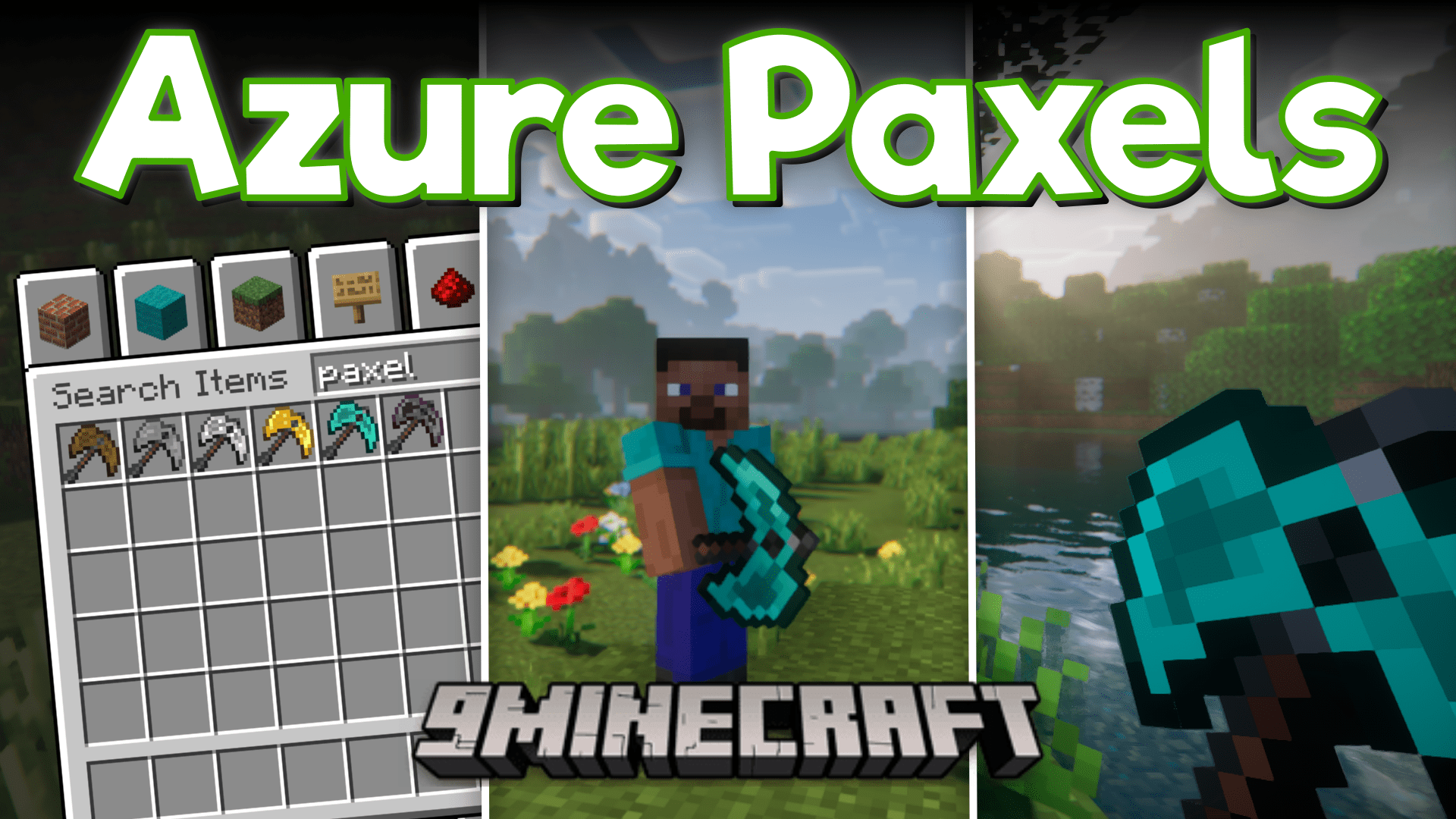
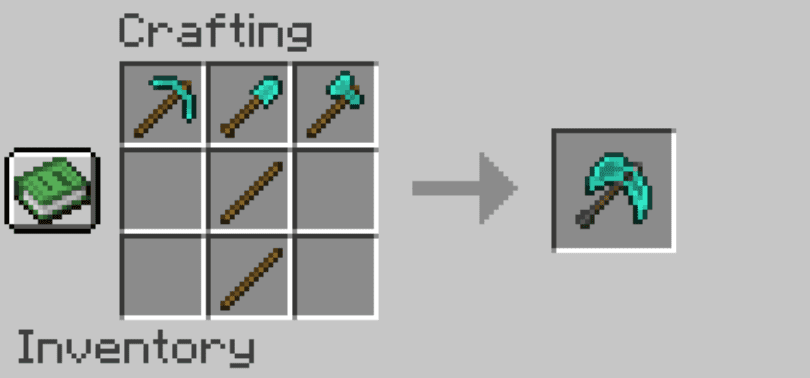
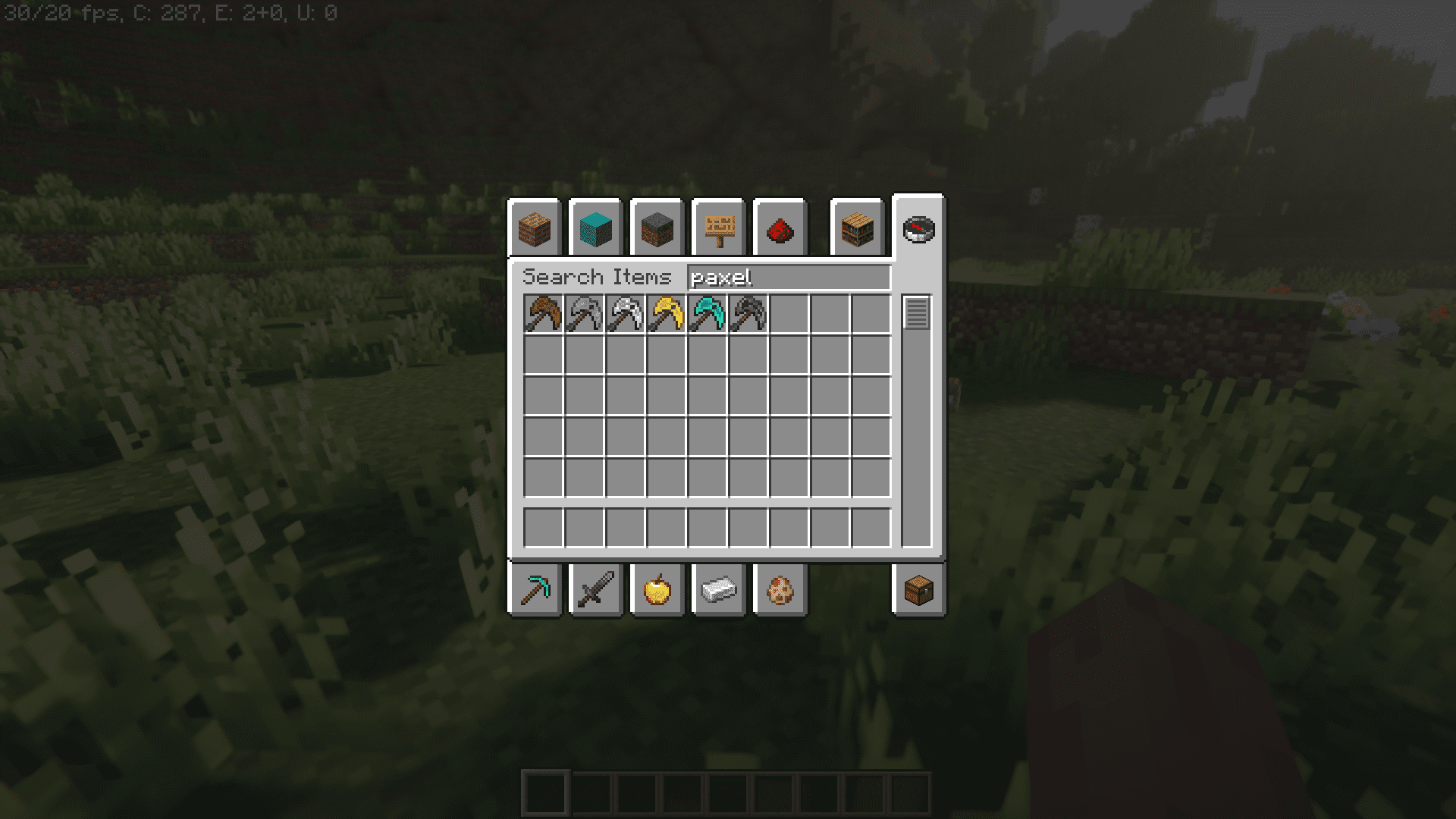
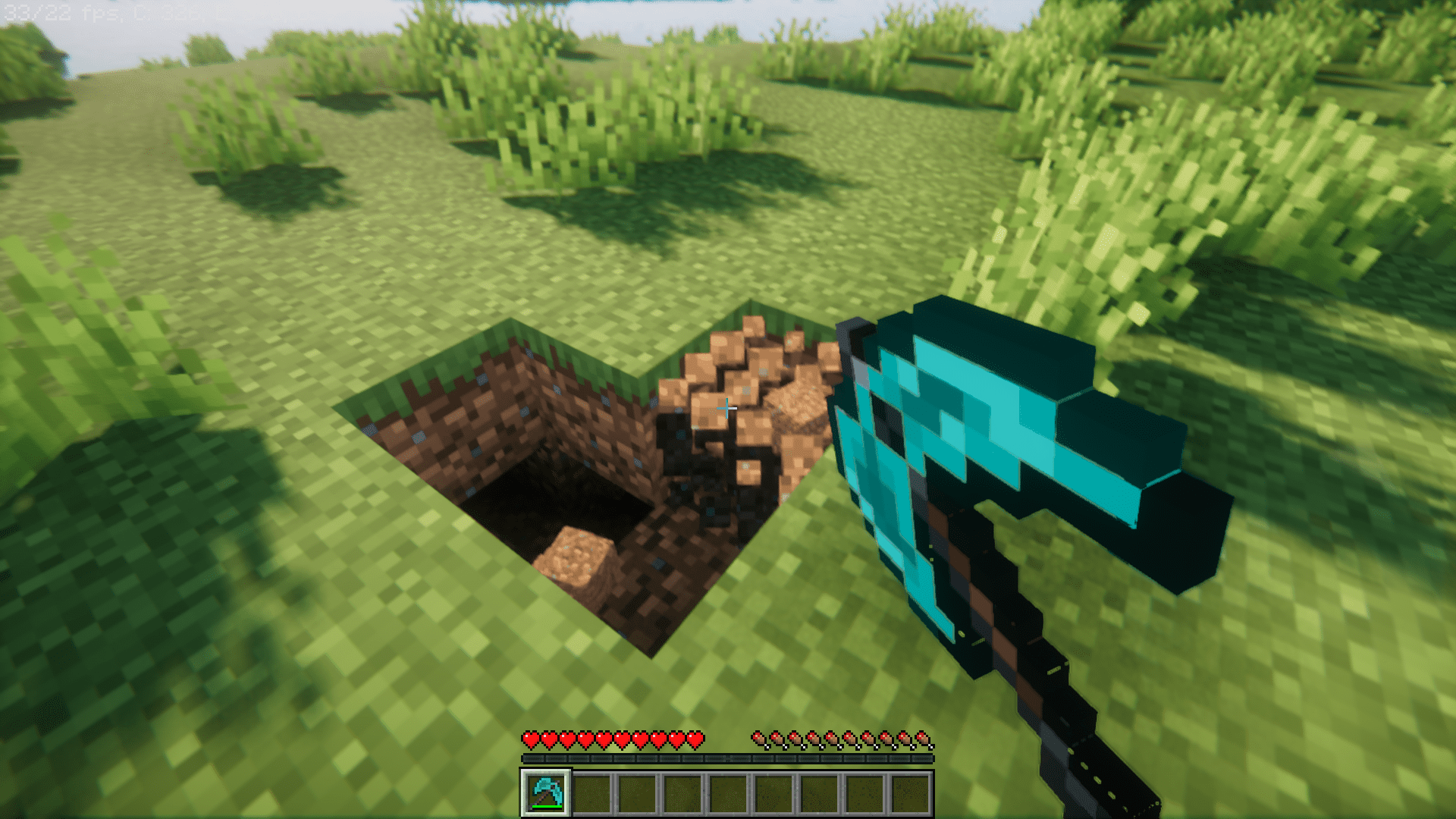
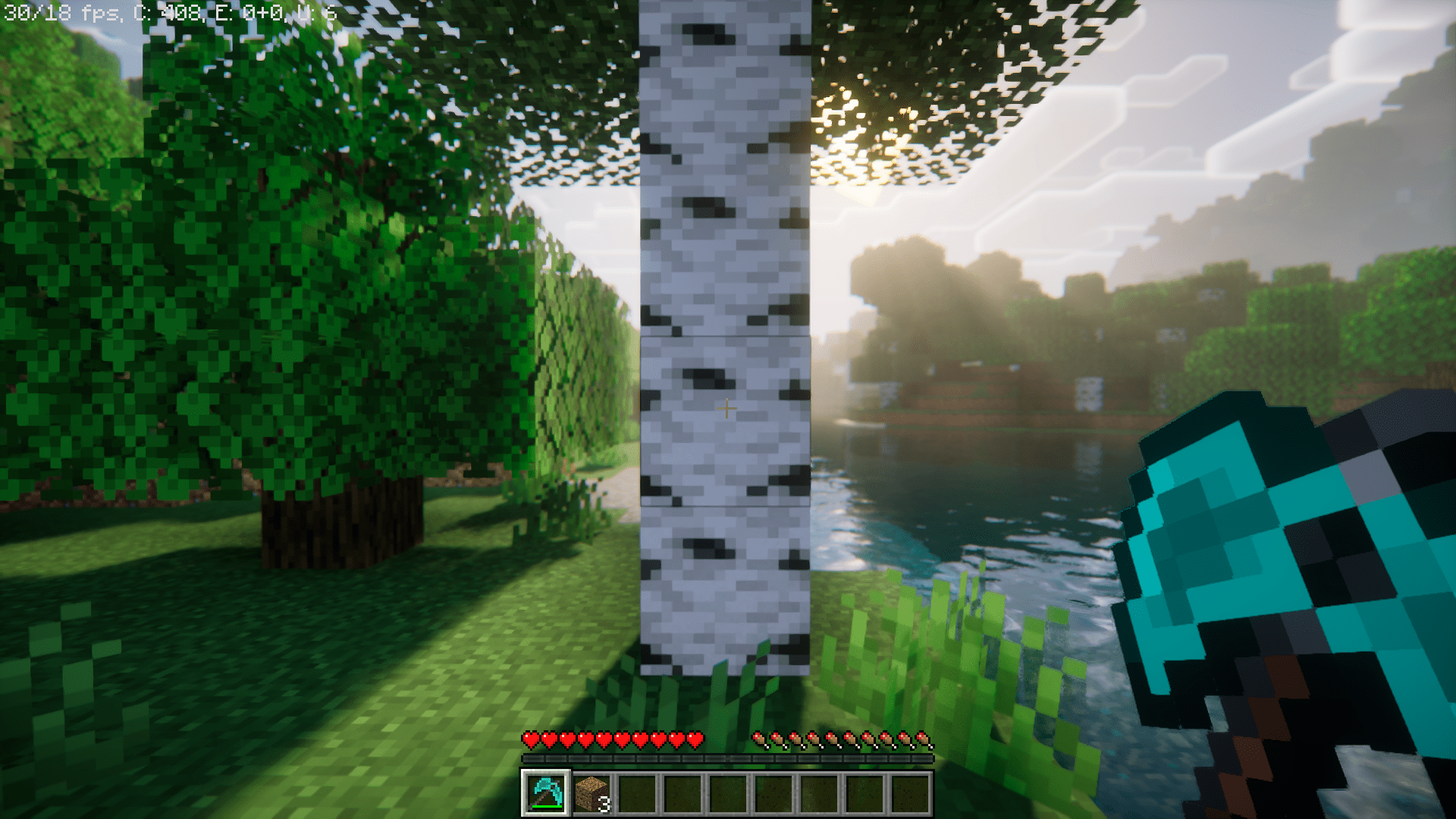
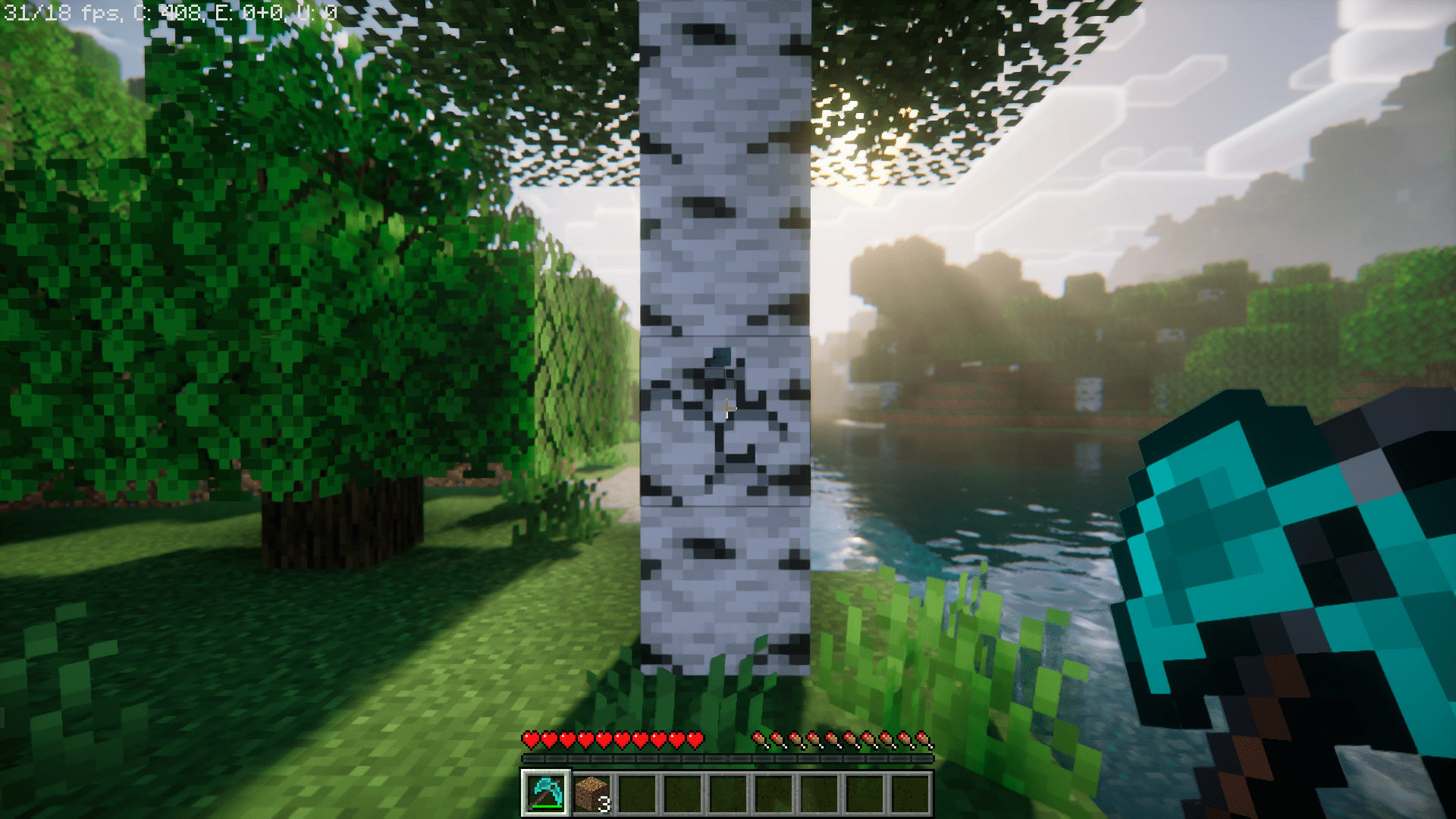
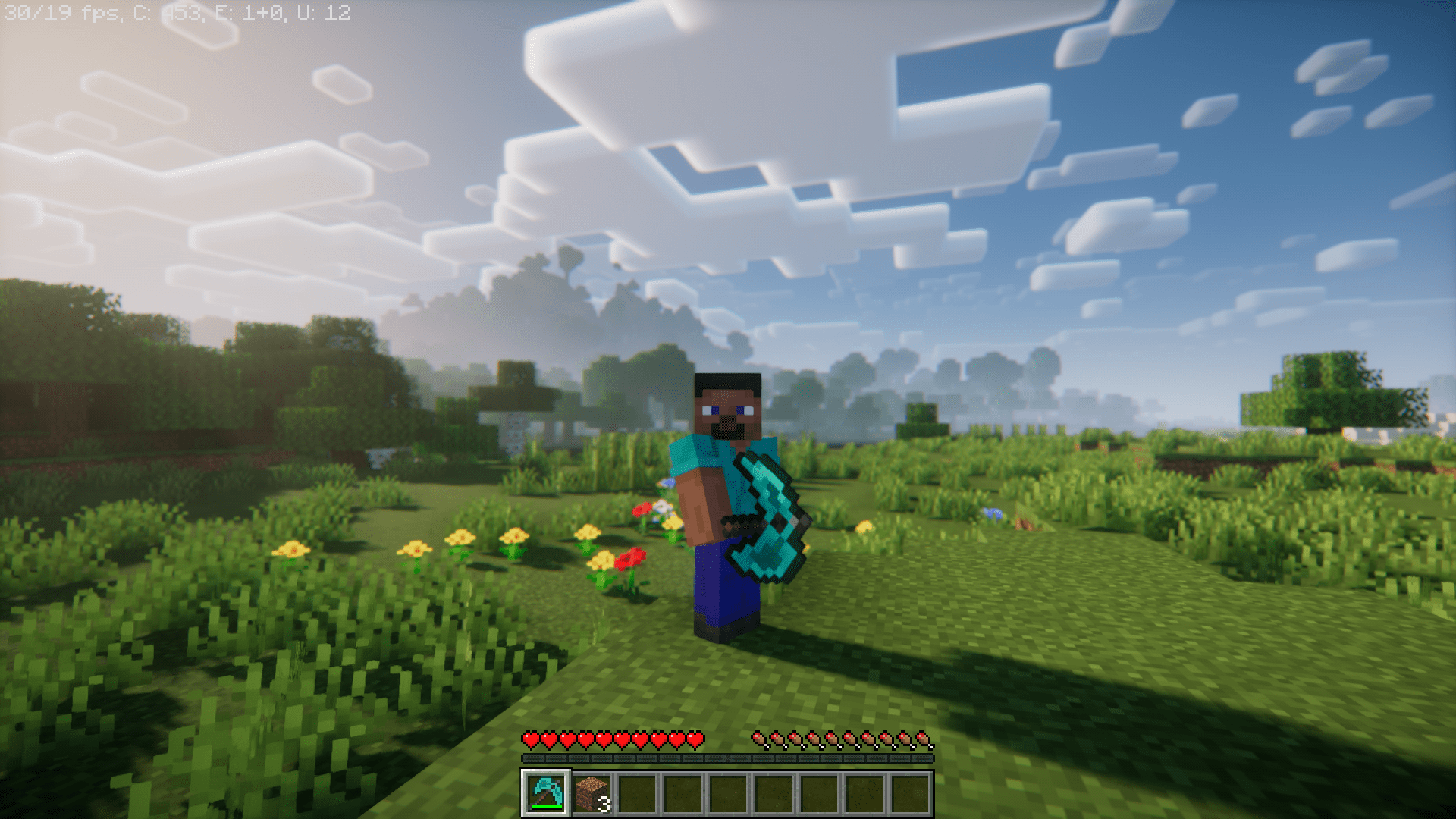
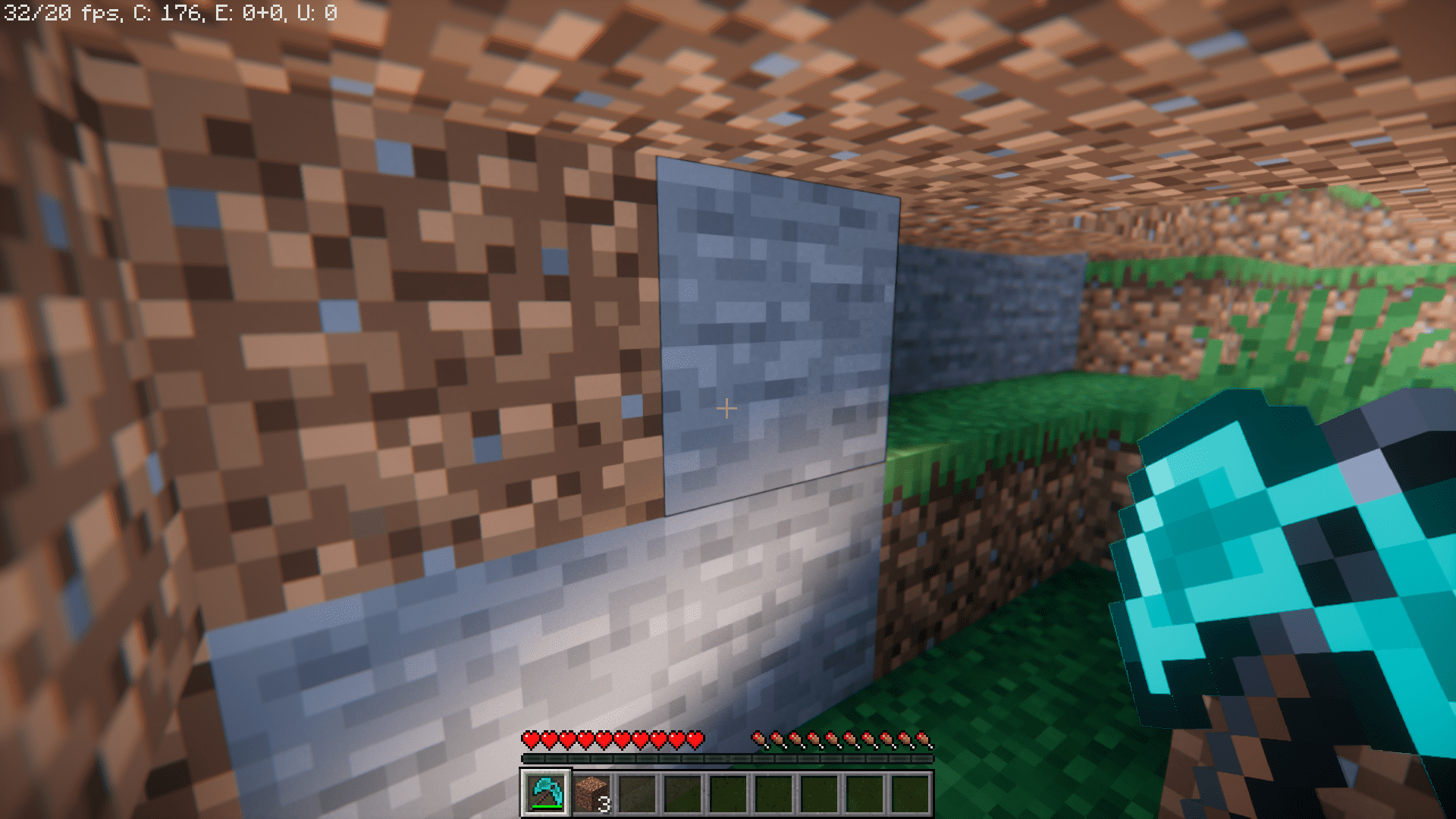
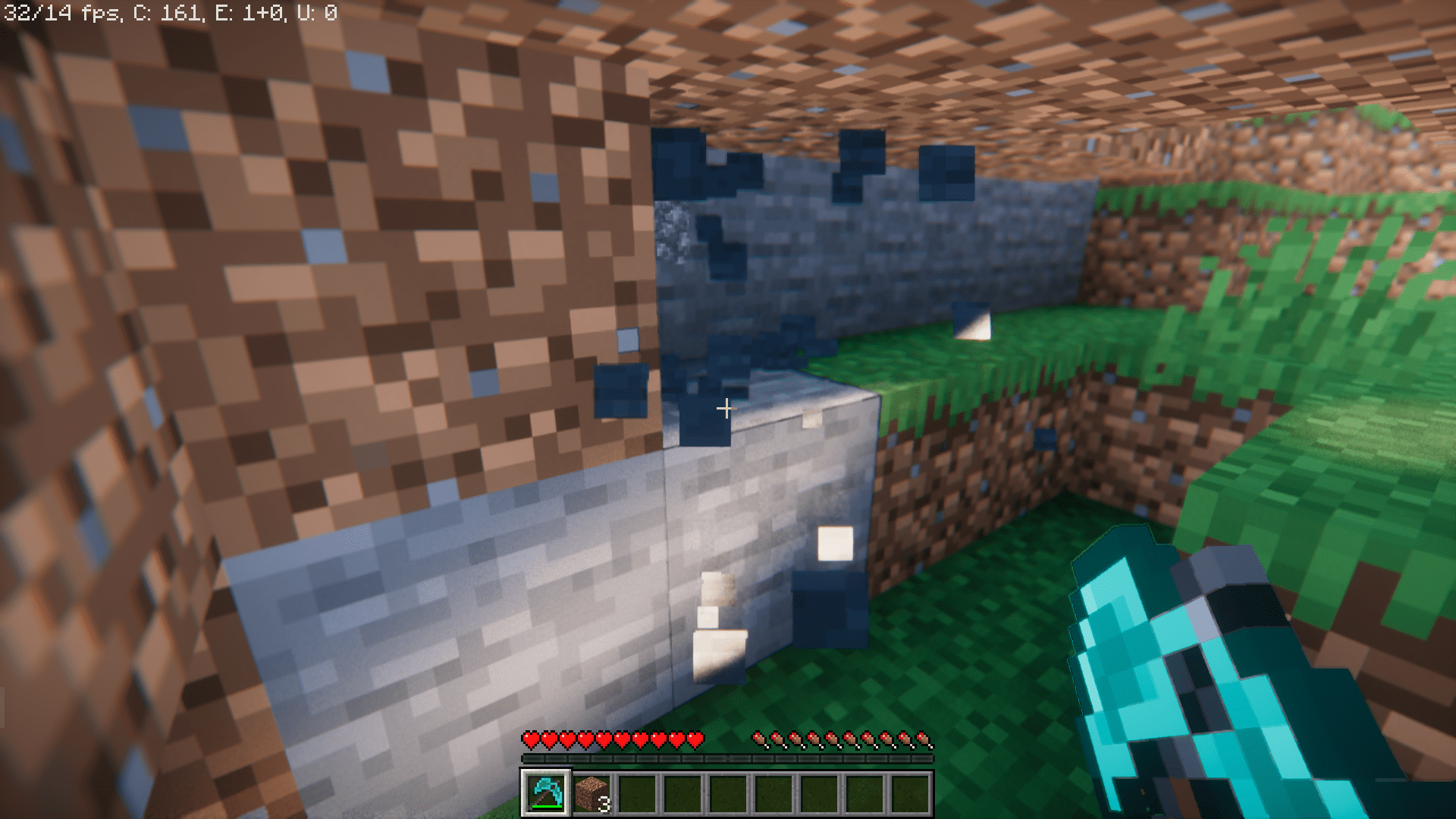
Four inventory slots out of nine – that is what an average Minecraft player dedicates to placing tools in their hotbar. While the idea of having an axe, pickaxe and a shovel in your hotbar for immediate access is a good thing, you still have to sacrifice 3 hotbar slots for these tools alone. But what if all these could be placed into a single slot, leaving the rest of the slots free for other essential items? That is what Azure Paxels Mod does for you. With this mod installed, you will be able to combine an axe, pickaxe and a shovel into a singular tool called a “paxel”. This new tool can be crafted using the special crafting recipe given below. There are paxels for every tool tier in the game, namely wood, stone, iron, gold, diamond and netherite. You no longer have to dedicate multiple slots for tools, nor do you have to scroll between these slots to pick the right tool.
Crafting Recipes:
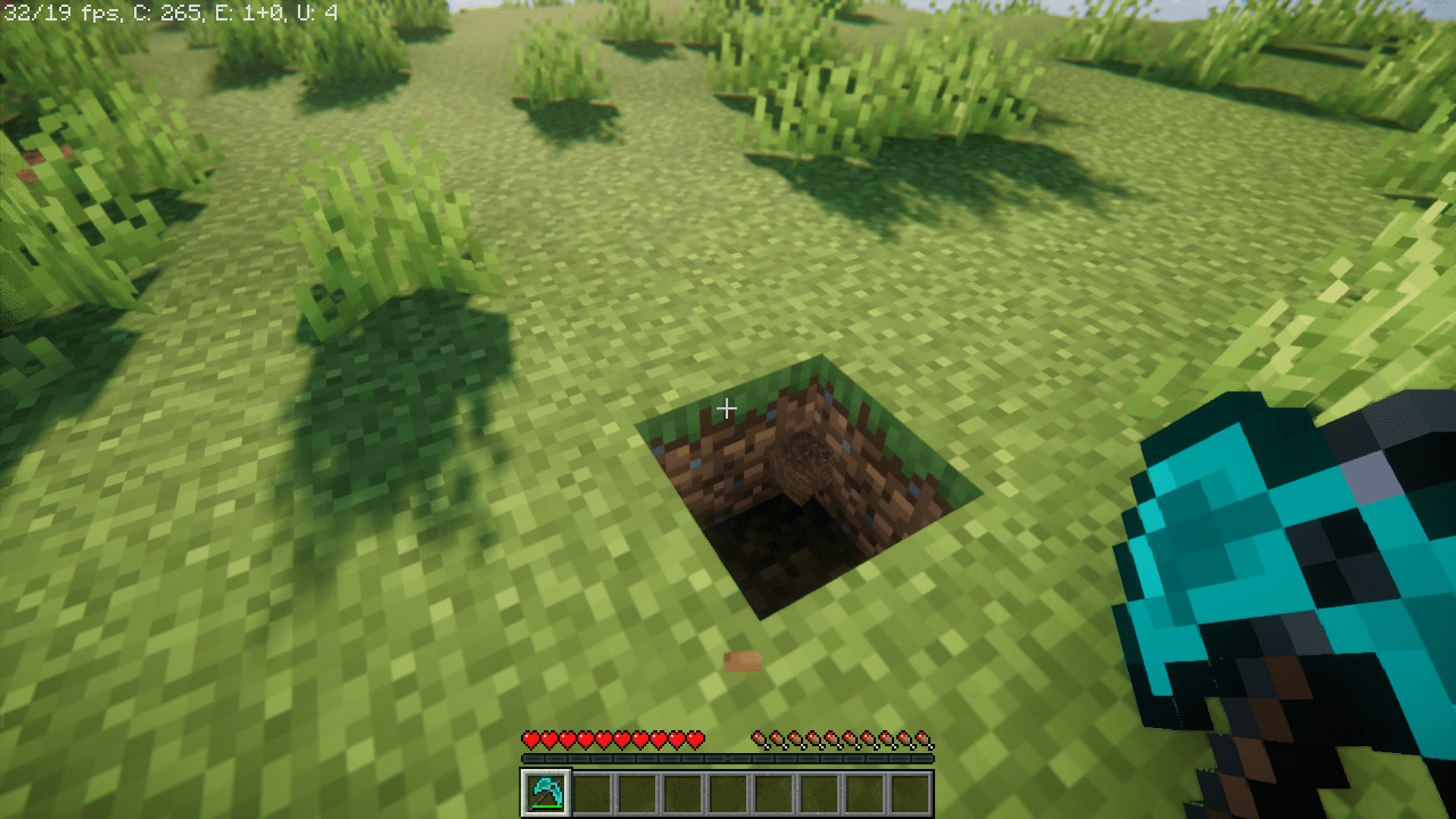
Screenshots:
Azure Paxels Mod Download Links
For Minecraft 1.21.1, 1.21
Neoforge version: Download from Server 1 – Download from Server 2
Fabric version: Download from Server 1 – Download from Server 2
For Minecraft 1.20.6
Neoforge version: Download from Server 1 – Download from Server 2
Fabric version: Download from Server 1 – Download from Server 2
For Minecraft 1.20.4
Neoforge version: Download from Server 1 – Download from Server 2
Fabric version: Download from Server 1 – Download from Server 2
For Minecraft 1.20.2
Fabric version: Download from Server 1 – Download from Server 2
For Minecraft 1.20.1
Forge/Neoforge version: Download from Server 1 – Download from Server 2
Fabric version: Download from Server 1 – Download from Server 2
For Minecraft 1.19.4
Fabric/Quilt version: Download from Server 1 – Download from Server 2
- Edition: Minecraft Java
- File type: .jar
- Minecraft versions listed: 1.21.1, 1.20.1
- How to install: Install the matching mod loader (Forge, Fabric or NeoForge) for your Minecraft version. → Download the .jar. → Put it in the .minecraft/mods folder and launch that loader profile.
- Where to get it: In MC Java Mods, or directly above on this page.
Install steps are the general flow for this file type — How to install Minecraft Java mods & modpacks walks through it step by step.
- Downloads as 201008.mcaddon
- Download size: 20 KB
- Download link checked 29 Jul 2026 — working
- Mirrored on our own servers — the download does not depend on the original host
These come from our own check of the pack file, not from the source page.