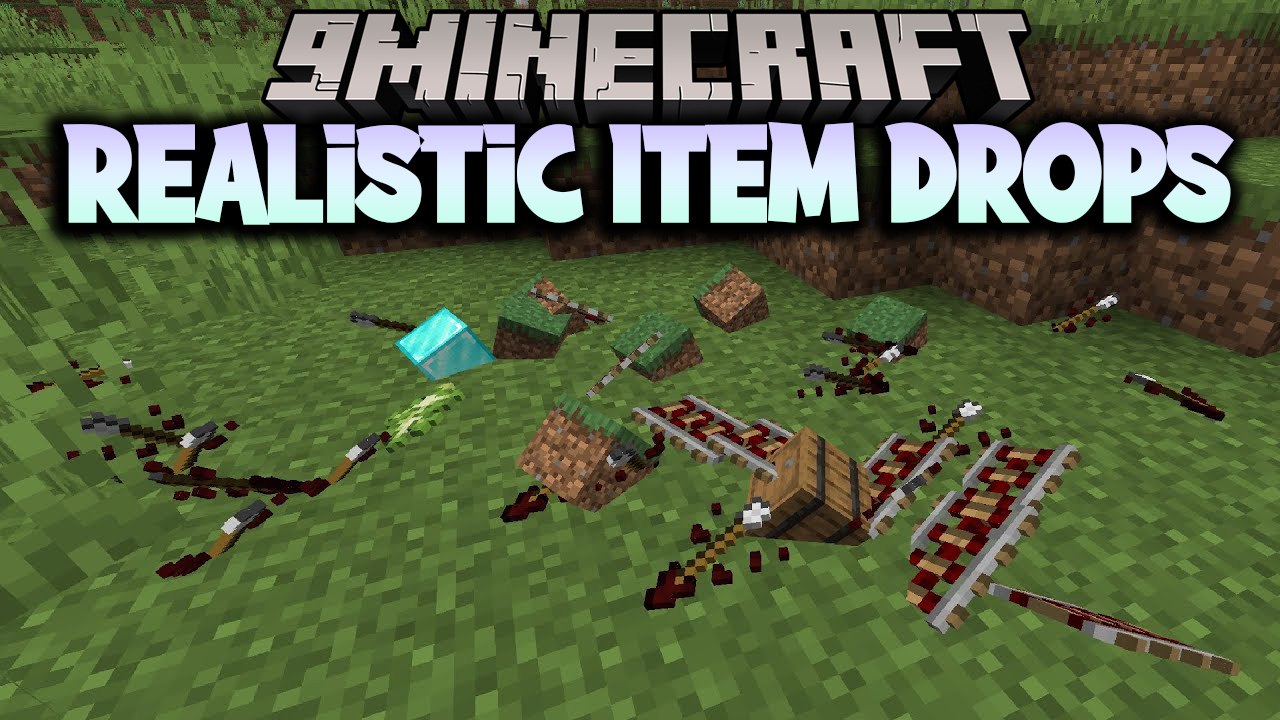
Realistic Item Drops Mod (1.21.1, 1.20.1) – Manually Pick Up Your Loot
Java mod listed for Minecraft 1.20–1.21. Downloads from the MC Java Mods app on Android.
⬇ DownloadRealistic Item Drops Mod changes how items look and feel when you drop them in Minecraft. Instead of floating in the air, items will now lie flat on the ground. This mod also disables automatic pickup, so you have to right-click to collect items. You can even throw items farther by sprinting, making it easier to share with friends from a distance.
Features:
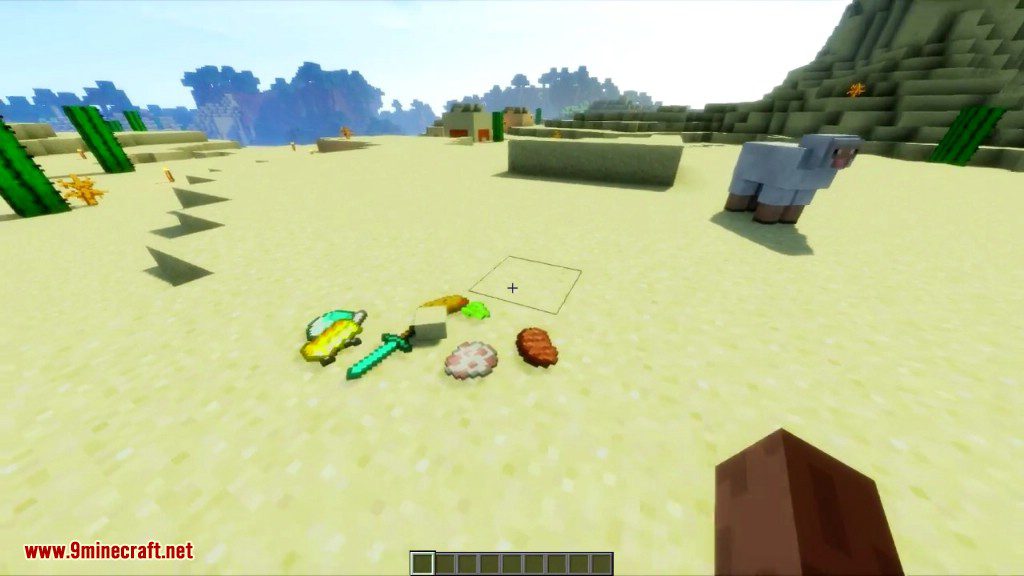
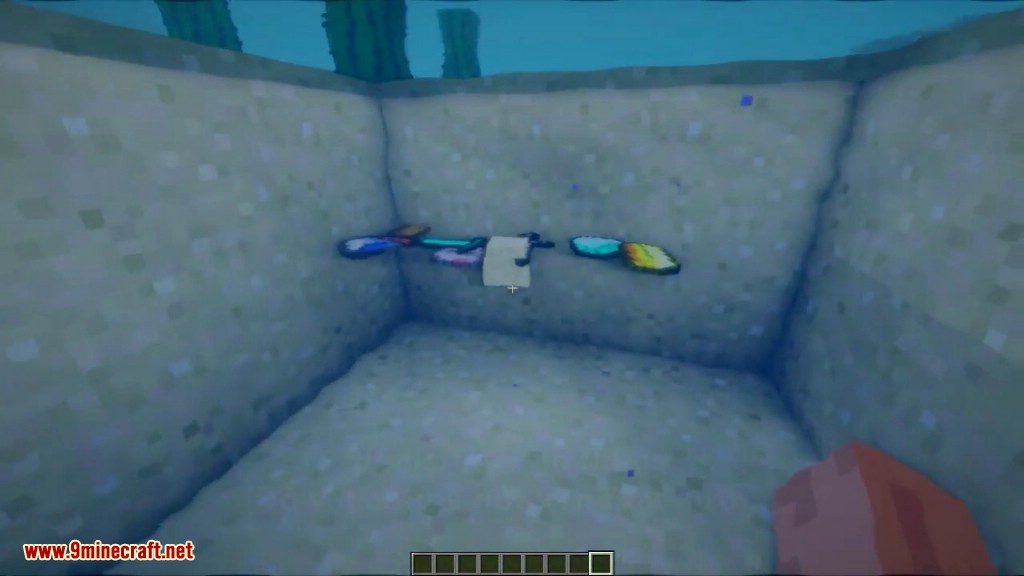
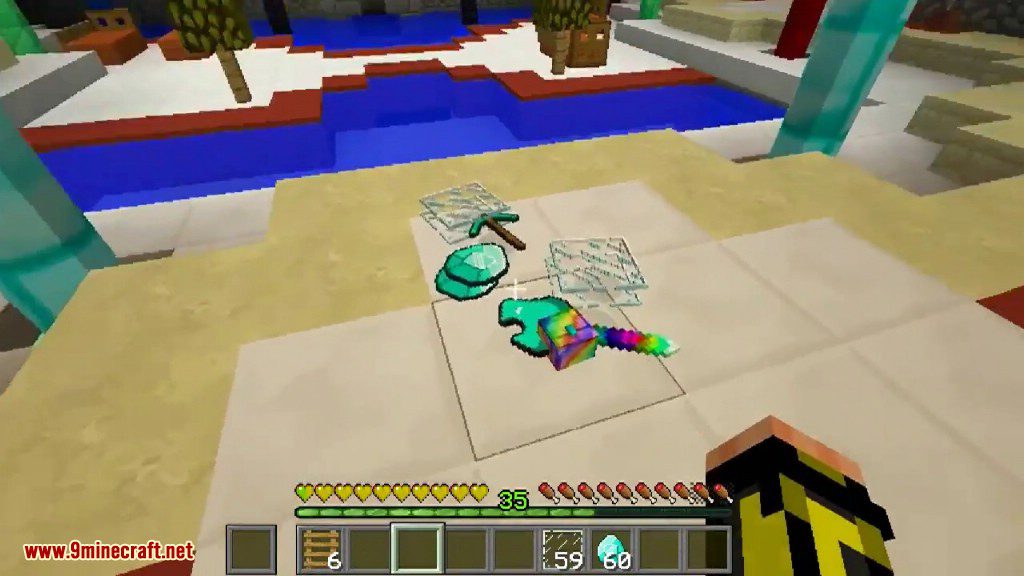
- Makes dropped items lie flat on the ground instead of hovering.
- You must manually pick up items by right-clicking them.
- Throw items a longer distance when you are sprinting.
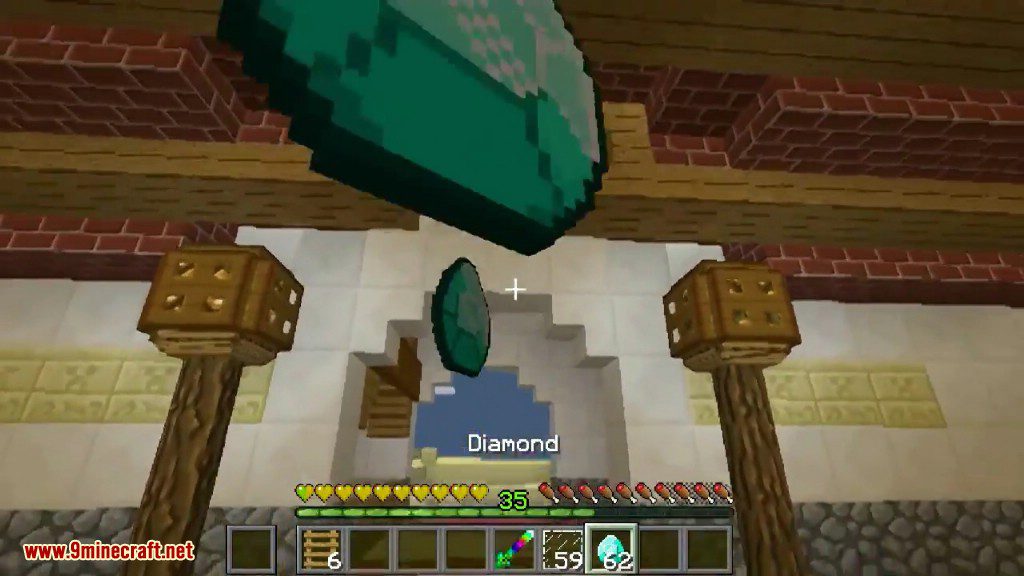
- Catch items that are thrown to you in mid-air.
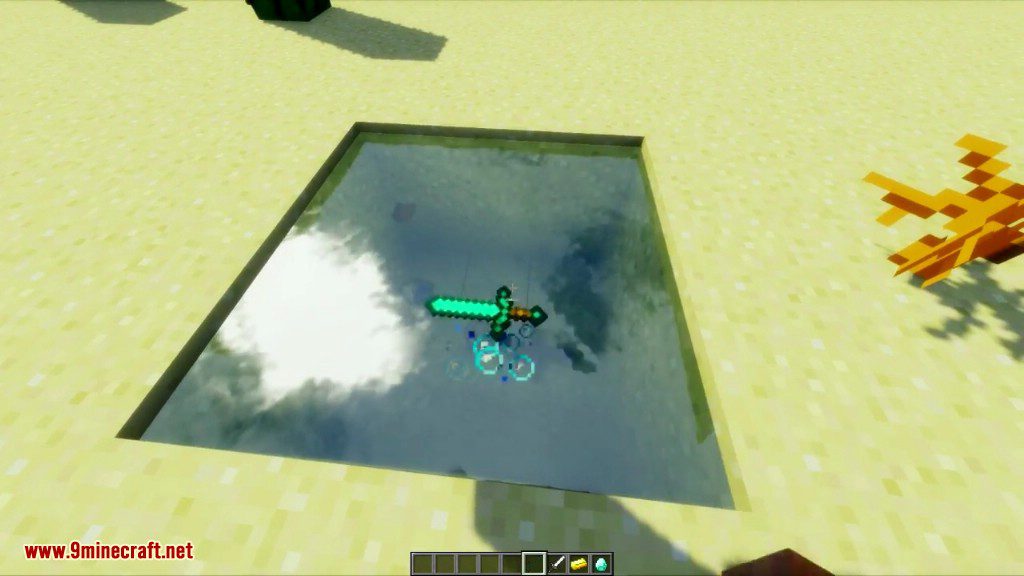
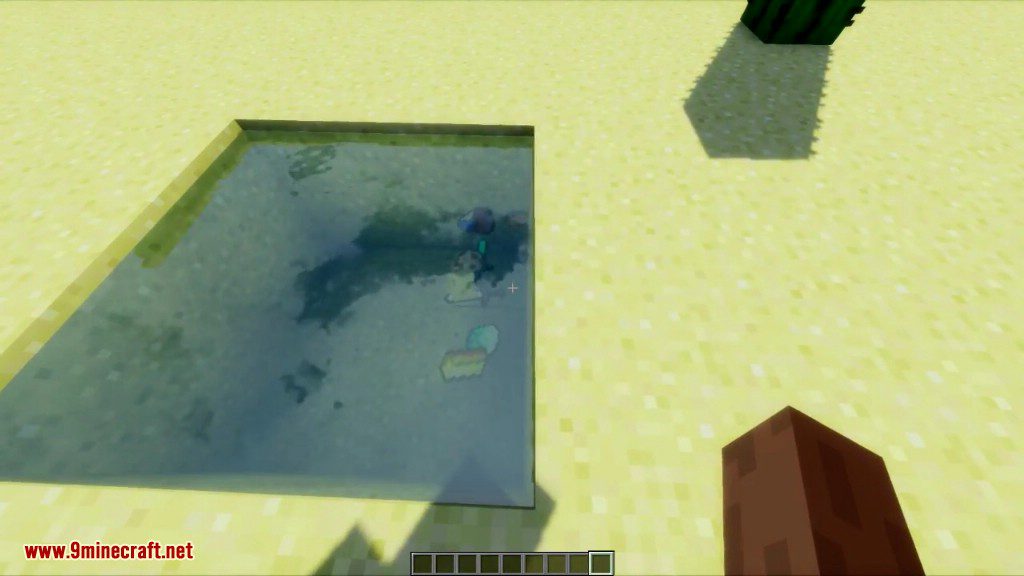
- Dropped items will float on the surface of water and other fluids.
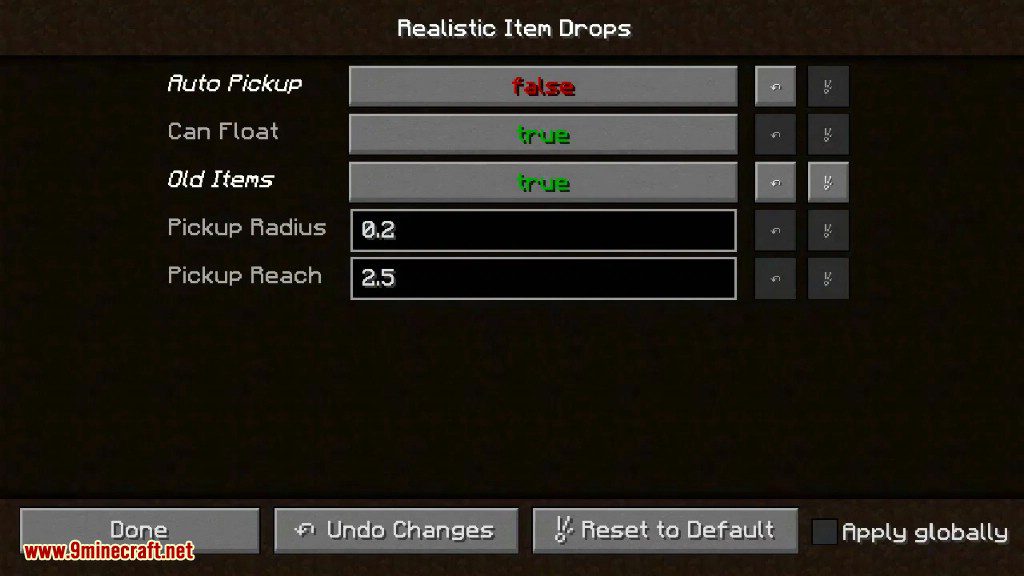
- Includes a configuration menu to adjust all these settings.
How to Use:
- To pick up an item from the ground, aim your crosshair at it and Right-click.
- To throw an item a longer distance, hold it, start sprinting, and press your drop key (Q by default).
Screenshots:

Realistic Item Drops Mod Download Links
For Minecraft 1.21.1, 1.21
Forge/Fabric/Quilt version: Download from Server 1 – Download from Server 2
For Minecraft 1.20.6
Forge/Fabric/Quilt version: Download from Server 1 – Download from Server 2
For Minecraft 1.20.4, 1.20.2, 1.20.1, 1.20
Forge/Fabric/Quilt version: Download from Server 1 – Download from Server 2
For All Versions from Minecraft 1.16.5 to Minecraft 1.19.3
Forge/Fabric/Quilt version: Download from Server 1 – Download from Server 2
For Minecraft 1.12.2
Forge version: Download from Server 1
- Edition: Minecraft Java
- File type: .jar
- Minecraft versions listed: 1.21.1, 1.20.1
- How to install: Install the matching mod loader (Forge, Fabric or NeoForge) for your Minecraft version. → Download the .jar. → Put it in the .minecraft/mods folder and launch that loader profile.
- Where to get it: In MC Java Mods, or directly above on this page.
Install steps are the general flow for this file type — How to install Minecraft Java mods & modpacks walks through it step by step.
- Downloads as 201014.mcaddon
- Download size: 75 KB
- Download link checked 29 Jul 2026 — working
- Mirrored on our own servers — the download does not depend on the original host
These come from our own check of the pack file, not from the source page.