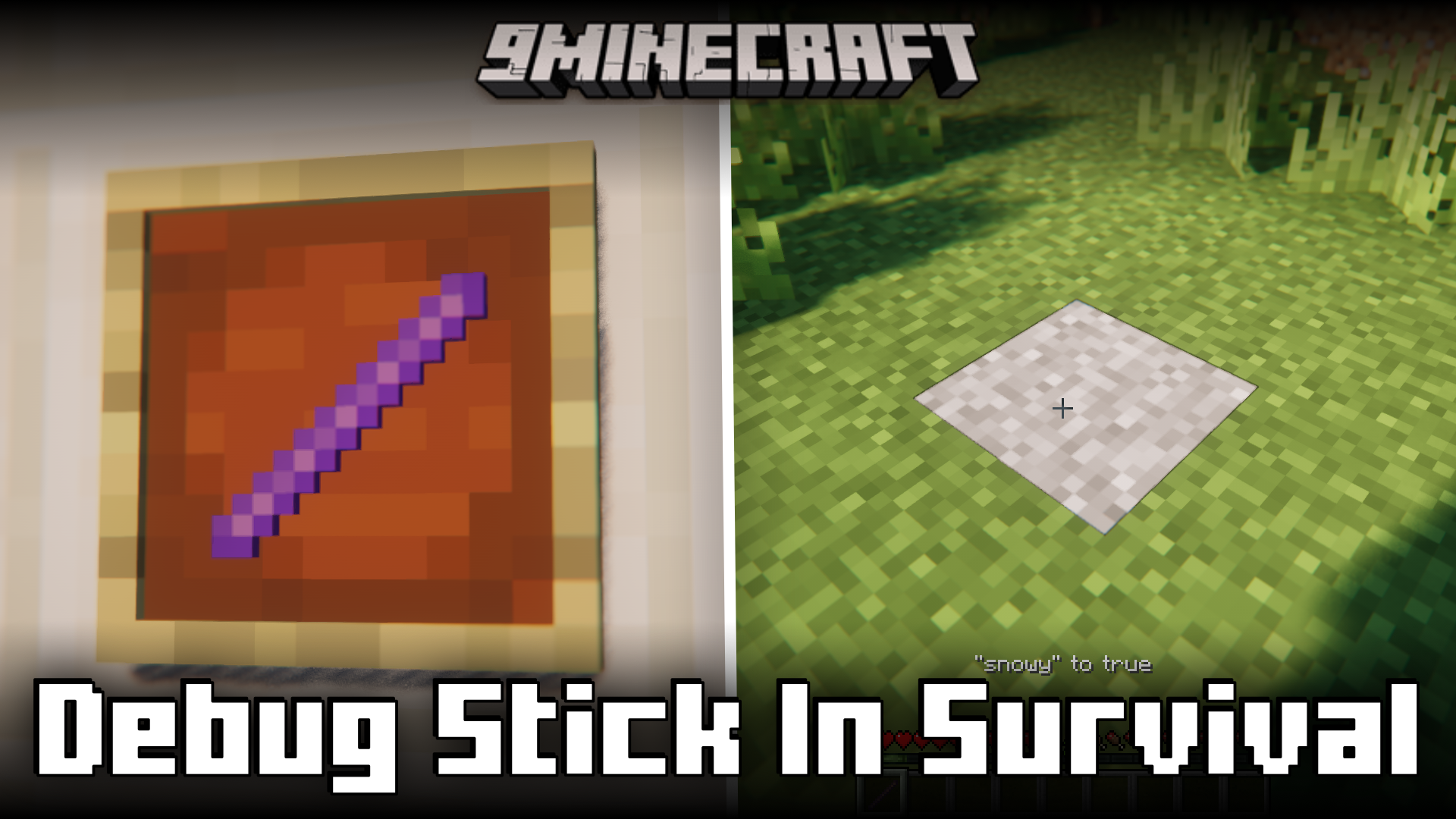
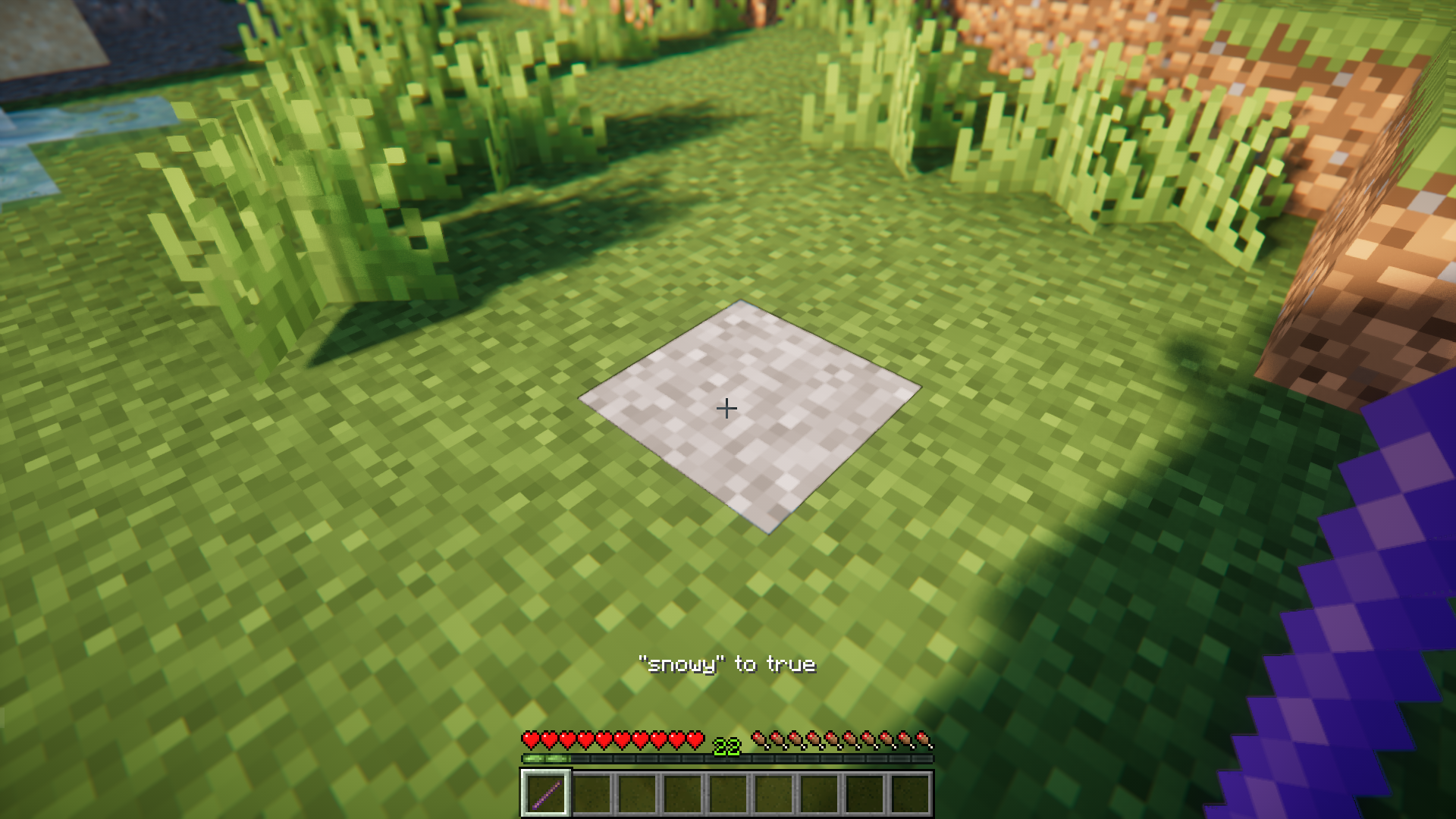
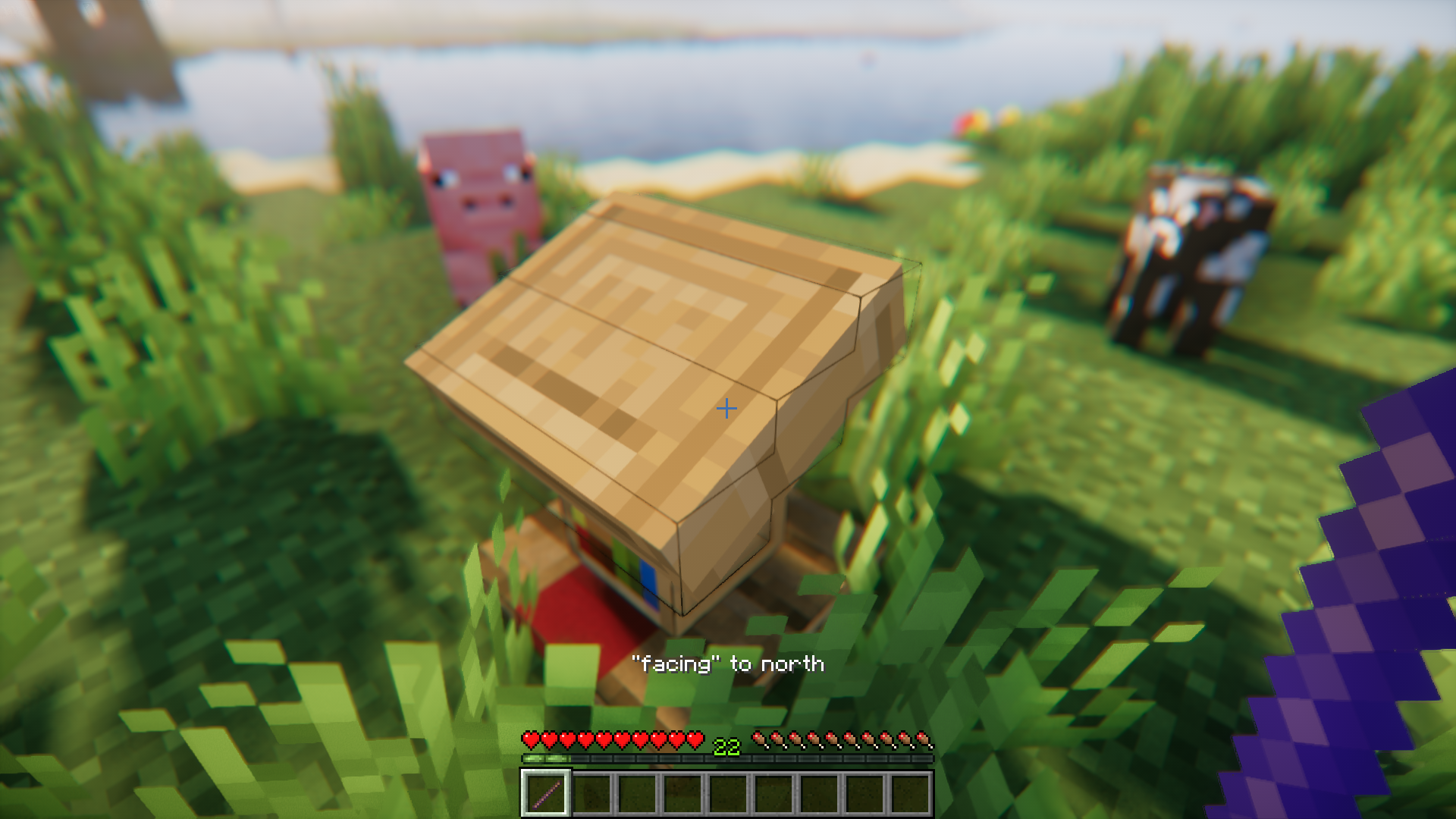
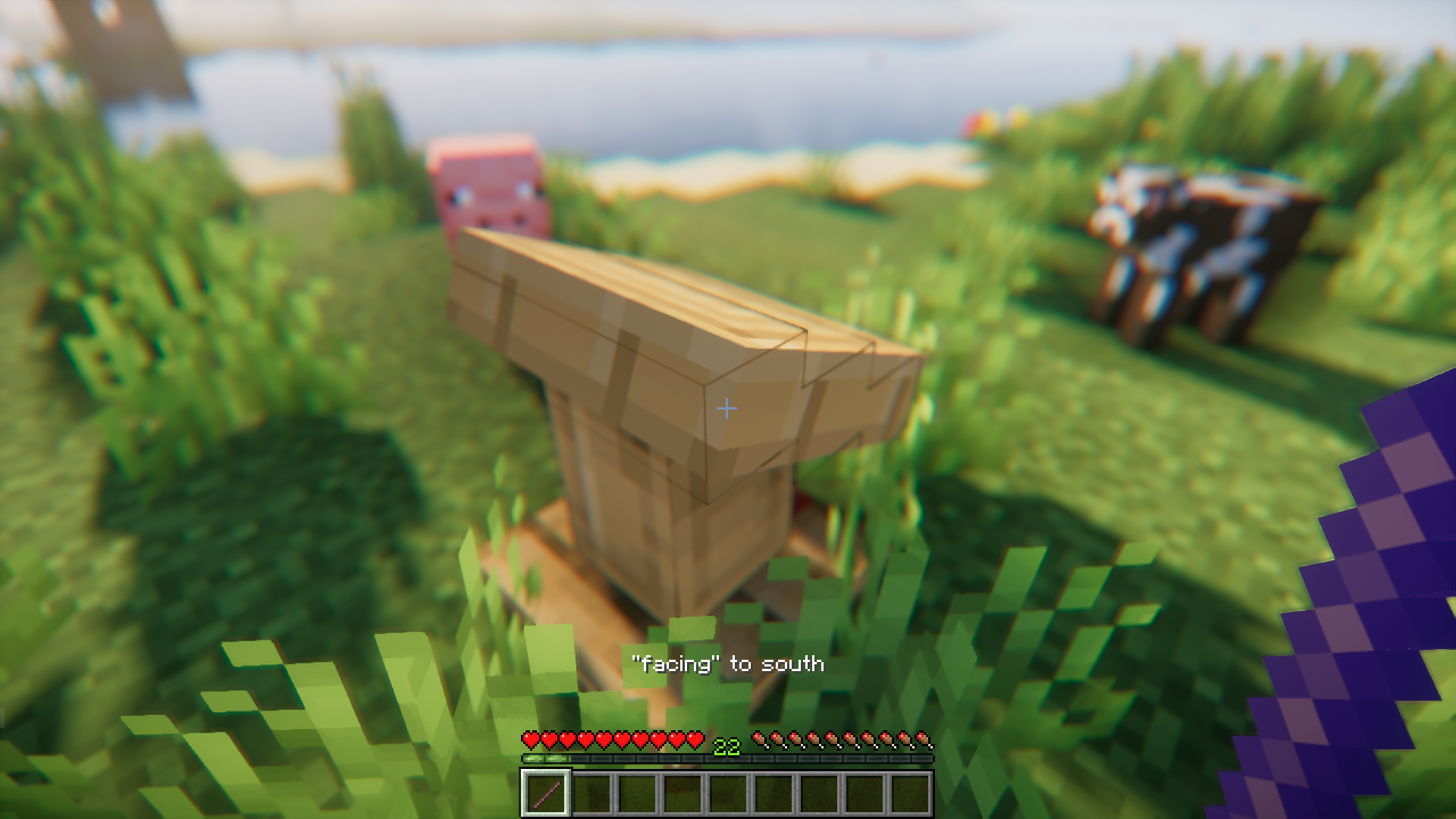
The debug stick is a powerful item that can be used to change the state of any block by clicking on it. “State” refers to the various different physical aspects of a particular block, like facing direction, water loggability, etc. And the debug stick can be used to switch between these states simply by right clicking with it. In the vanilla game, this stick can only be obtained by using commands. But not anymore! Debug Stick In Survival Mod is here to make the debug stick accessible in your survival game. The mod achieves this goal by adding a survival-friendly crafting recipe for the debug stick.
Features:
- Makes the debug stick accessible in survival mode.
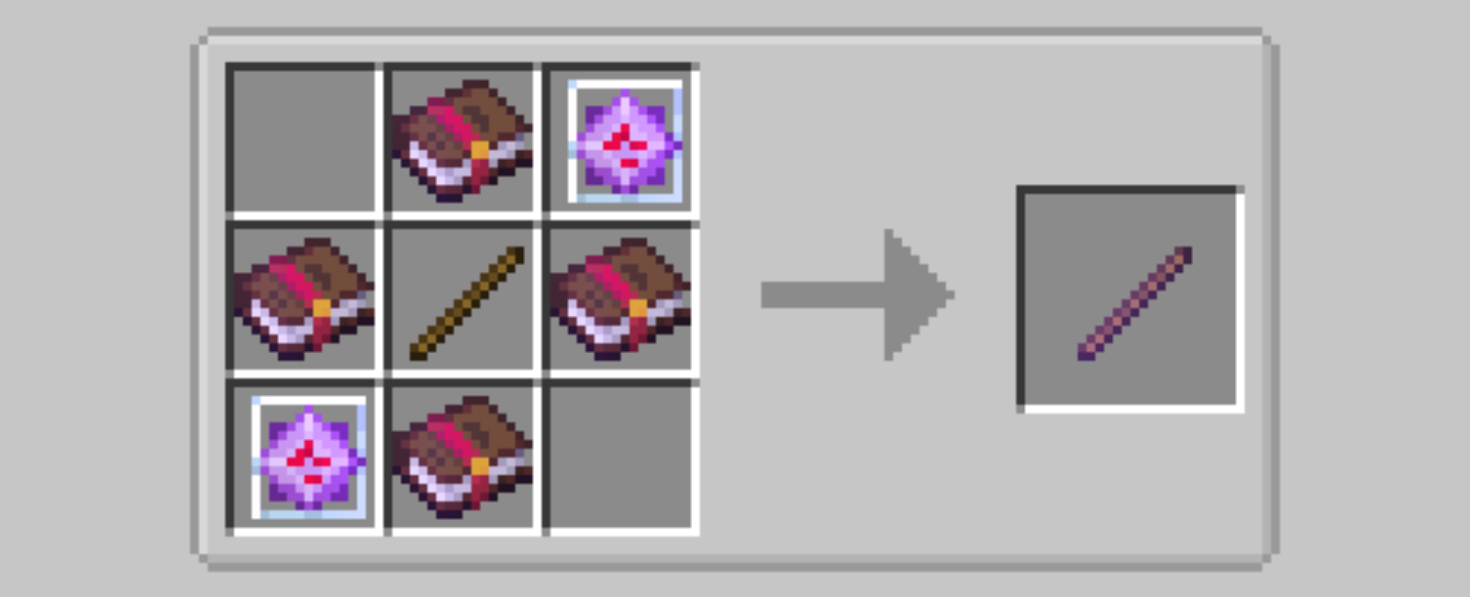
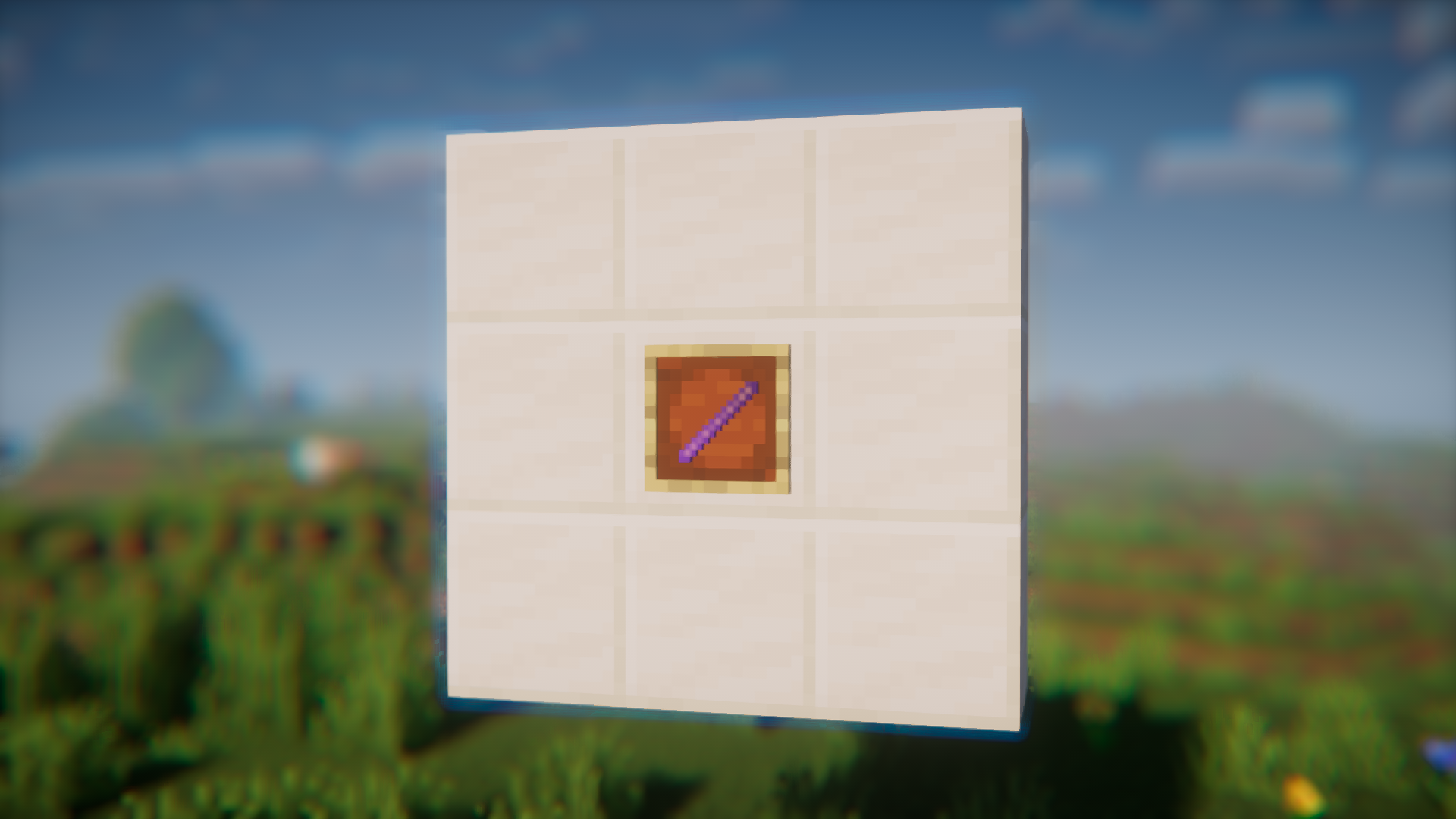
- Adds a survival friendly crafting recipe.
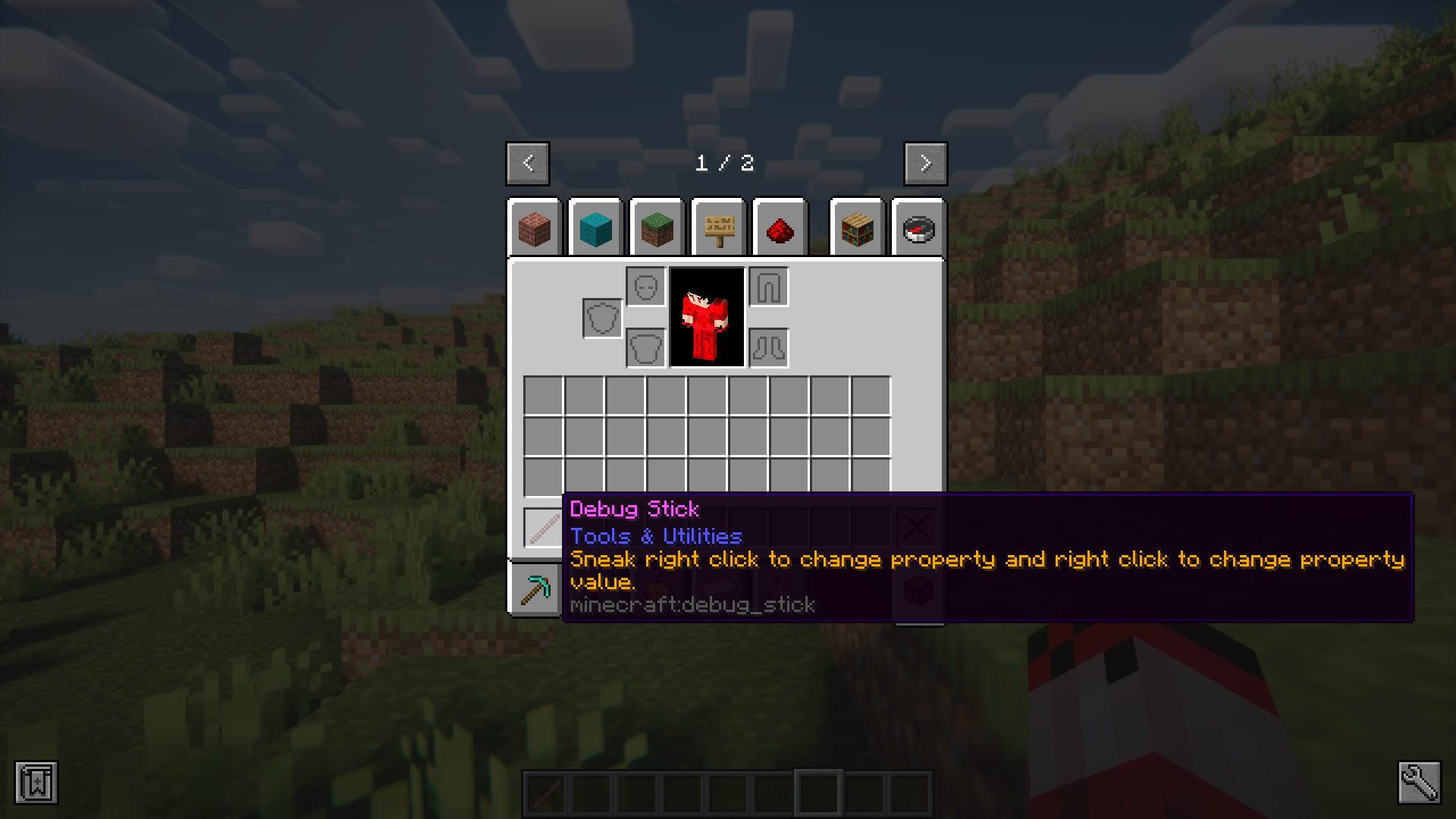
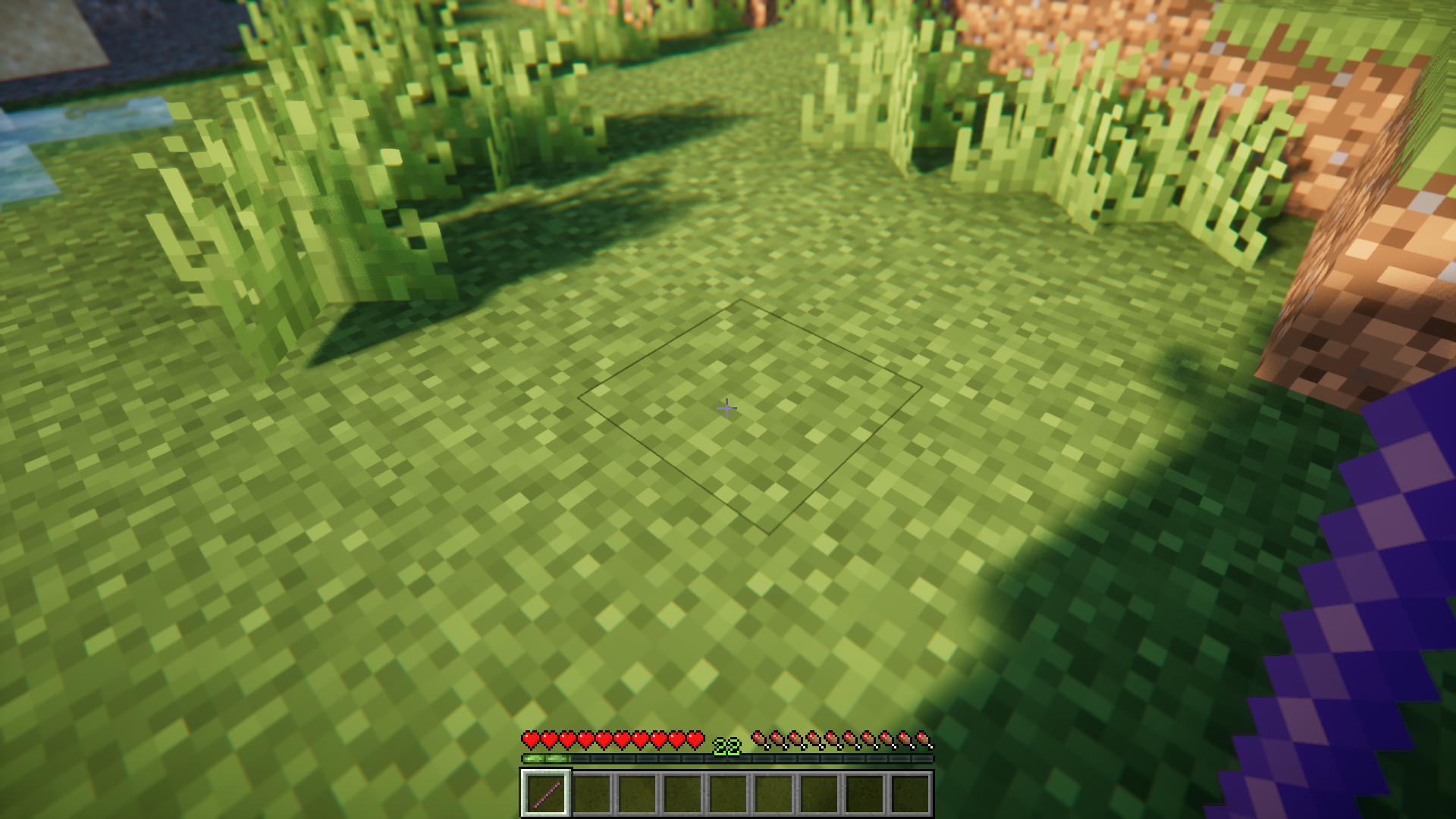
- Use the stick to switch between different states of a block.
Crafting Recipes:
Screenshots:
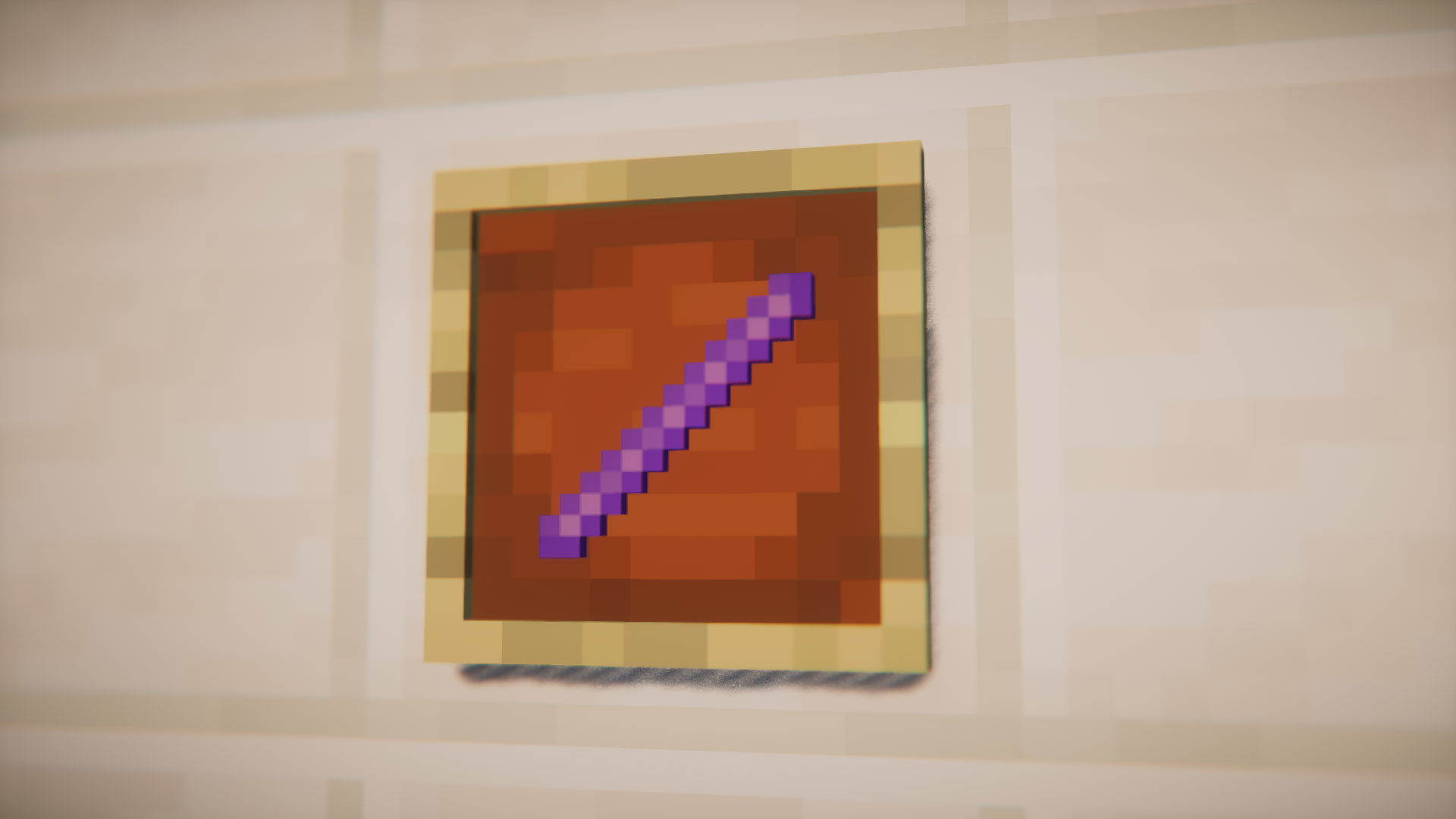
Debug Stick In Survival Mod Download Links
For Minecraft 1.20.1
Forge/NeoForge version: Download from Server 1 – Download from Server 2
- Edition: Minecraft Java
- File type: .jar
- Minecraft version listed: 1.20.1
- How to install: Install the matching mod loader (Forge, Fabric or NeoForge) for your Minecraft version. → Download the .jar. → Put it in the .minecraft/mods folder and launch that loader profile.
- Where to get it: In MC Java Mods, or directly above on this page.
Install steps are the general flow for this file type — How to install Minecraft Java mods & modpacks walks through it step by step.
- Downloads as 201044.mcaddon
- Download size: 12 KB
- Download link checked 29 Jul 2026 — working
- Mirrored on our own servers — the download does not depend on the original host
These come from our own check of the pack file, not from the source page.