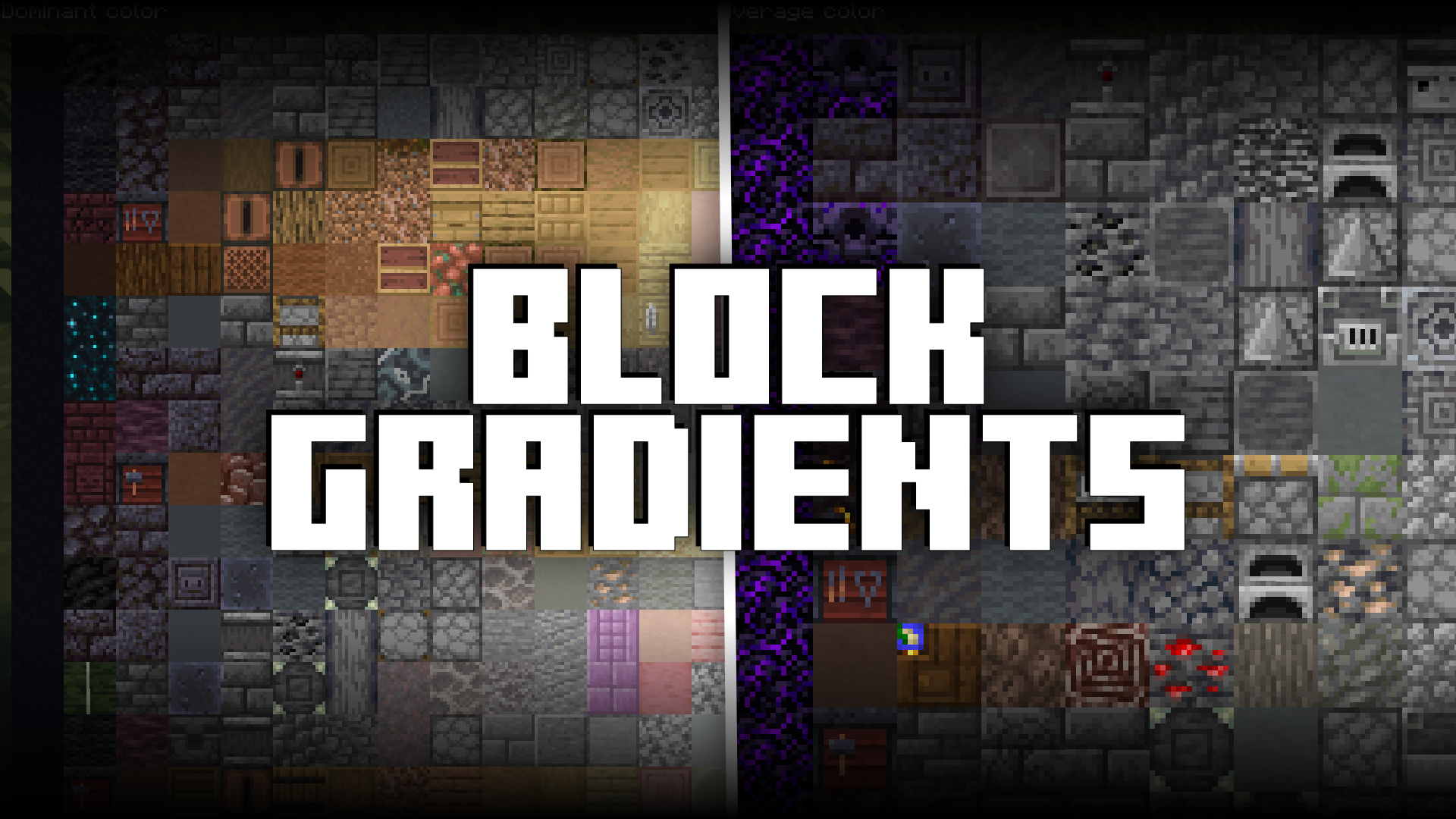
Block Gradients Mod (1.20.4, 1.20.1) – In-Game Block Palette Viewer
Java mod listed for Minecraft 1.20. Downloads from the MC Java Mods app on Android.
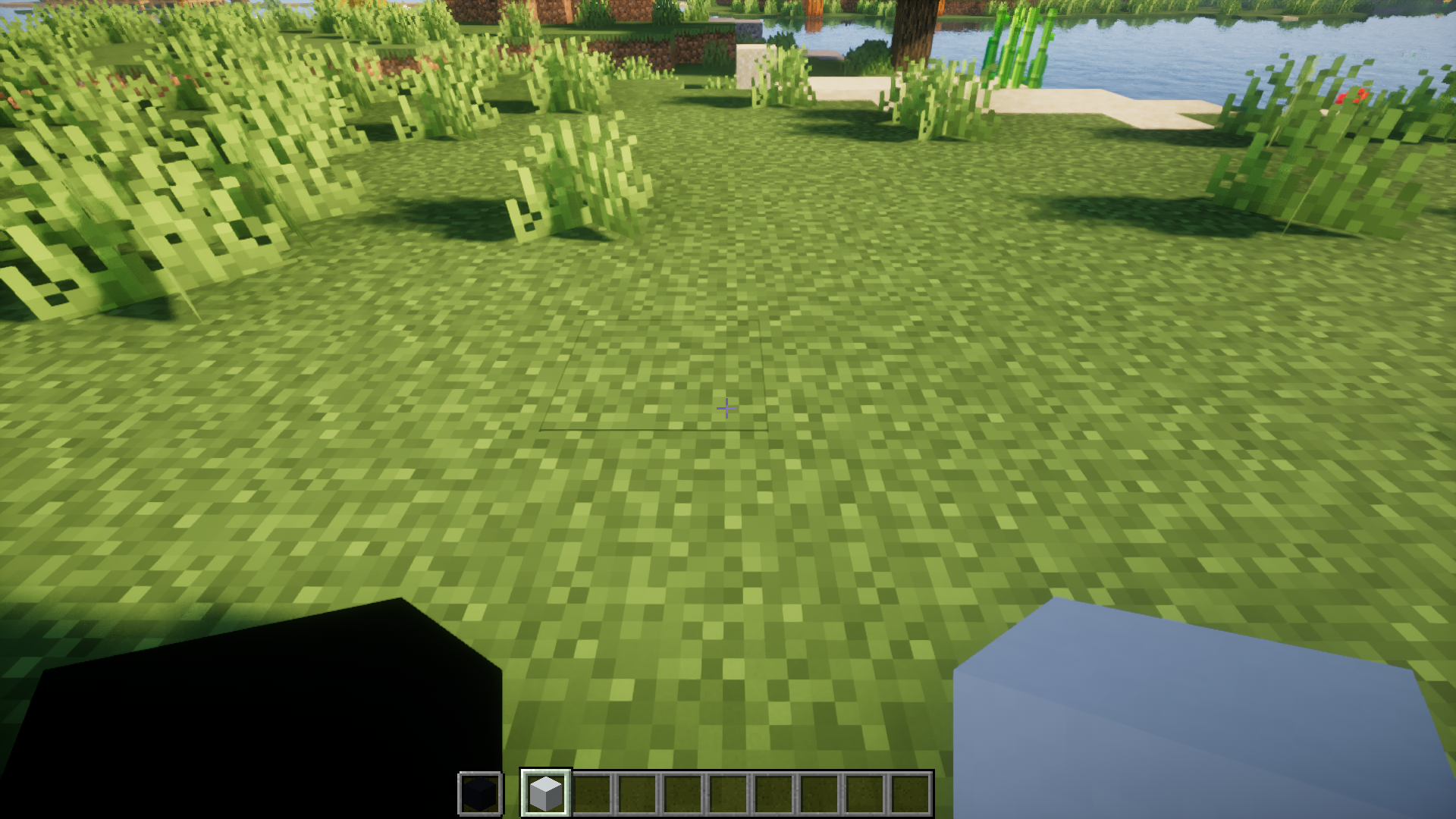
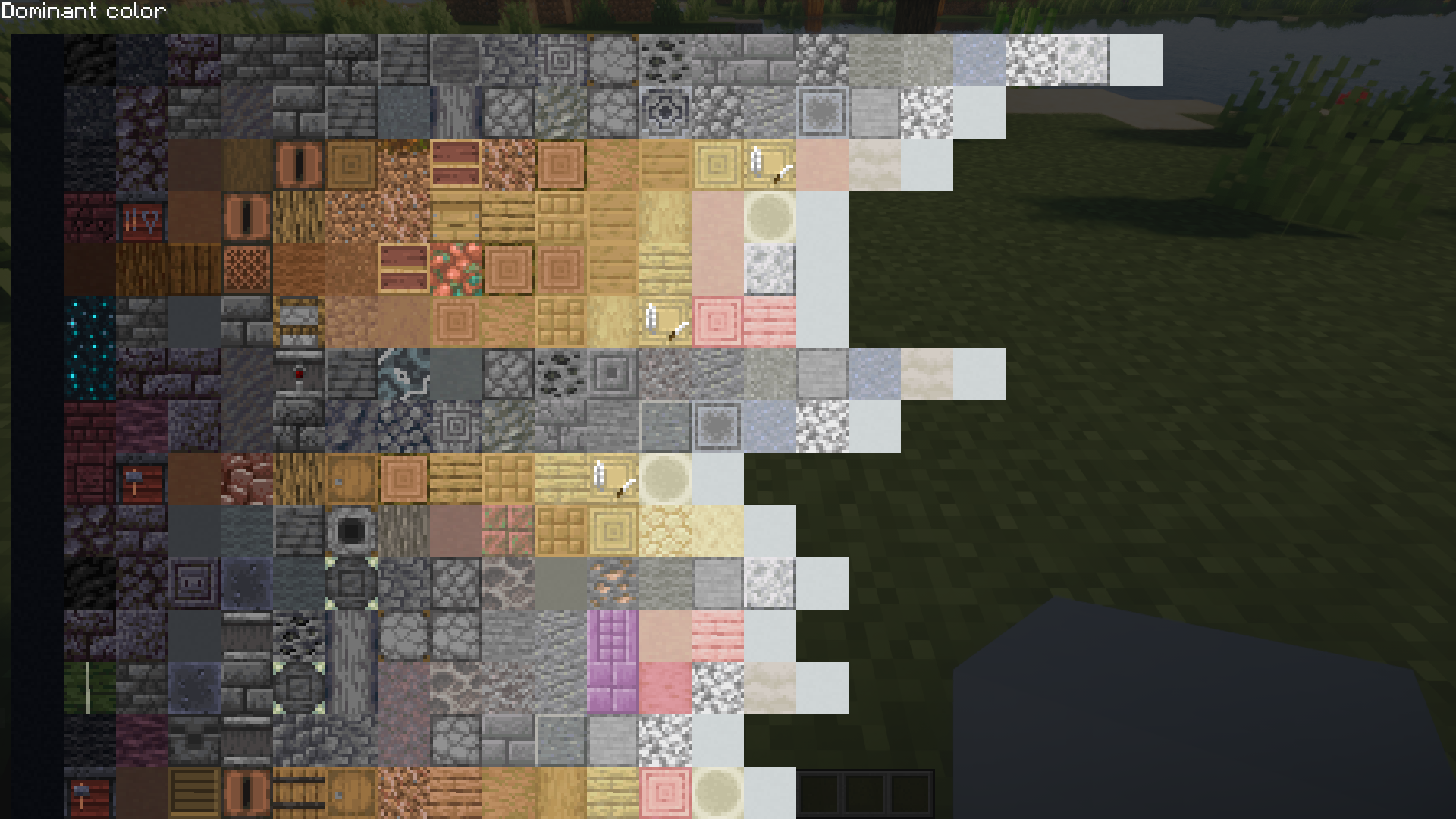
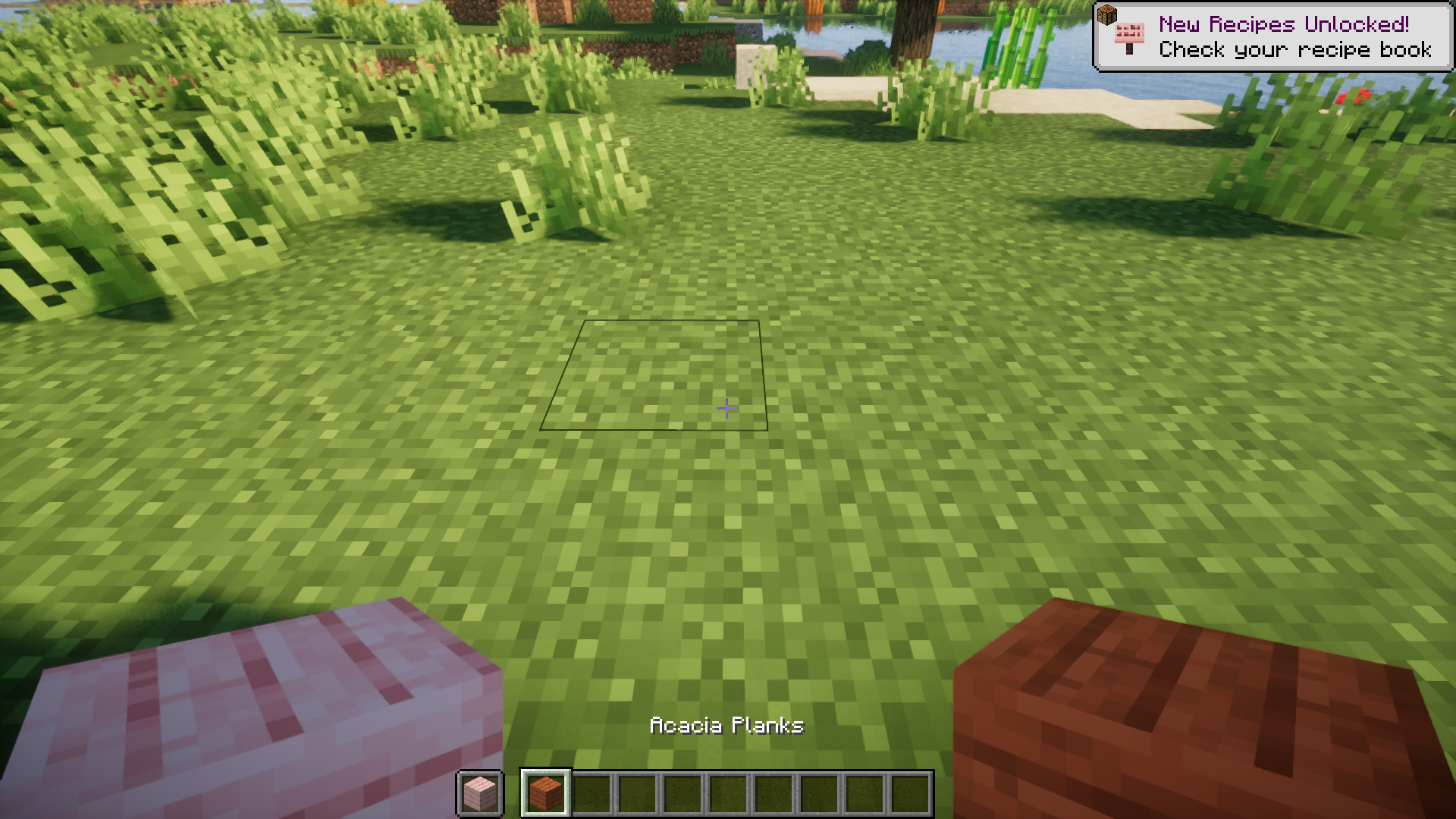
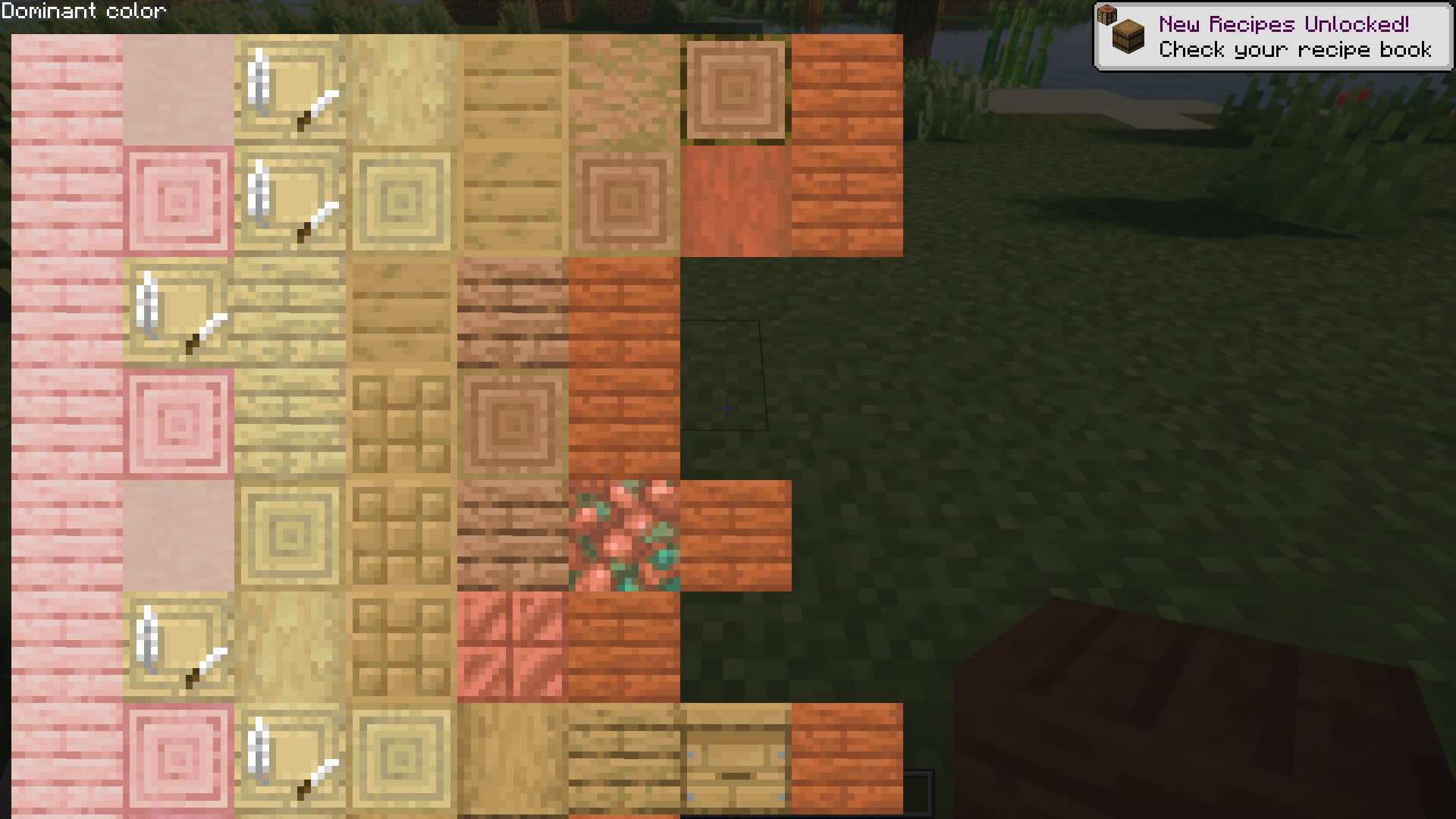
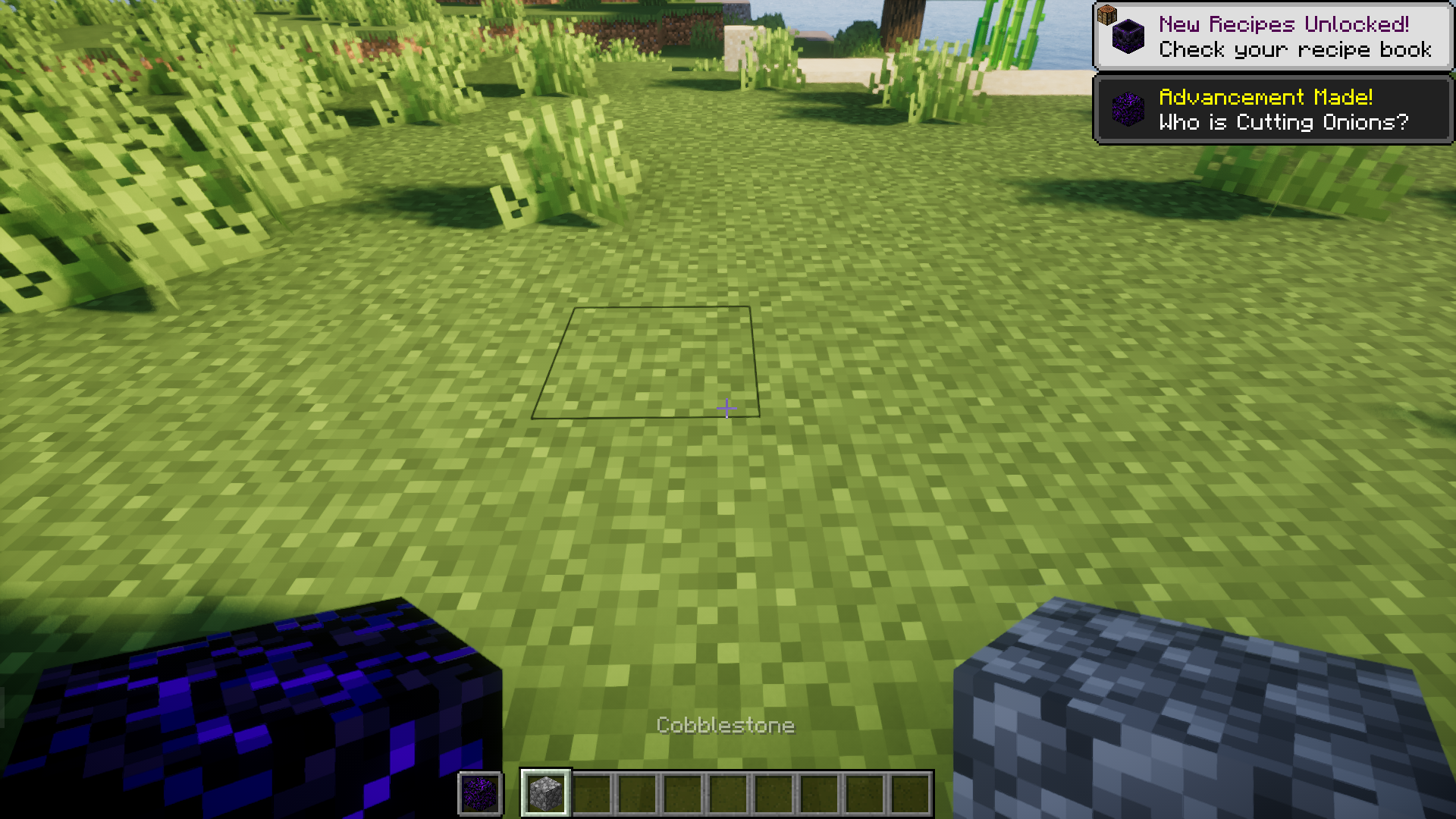
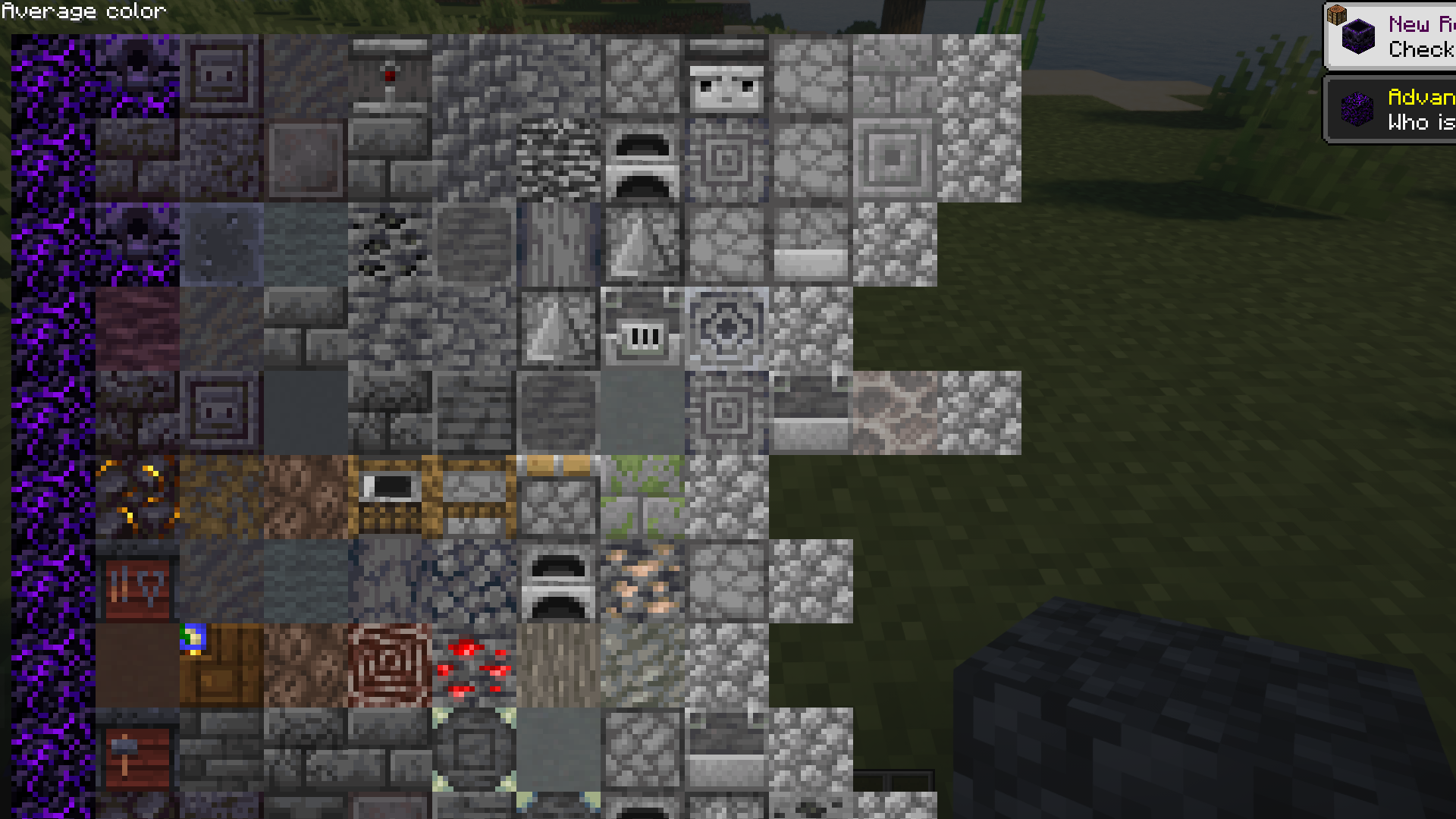
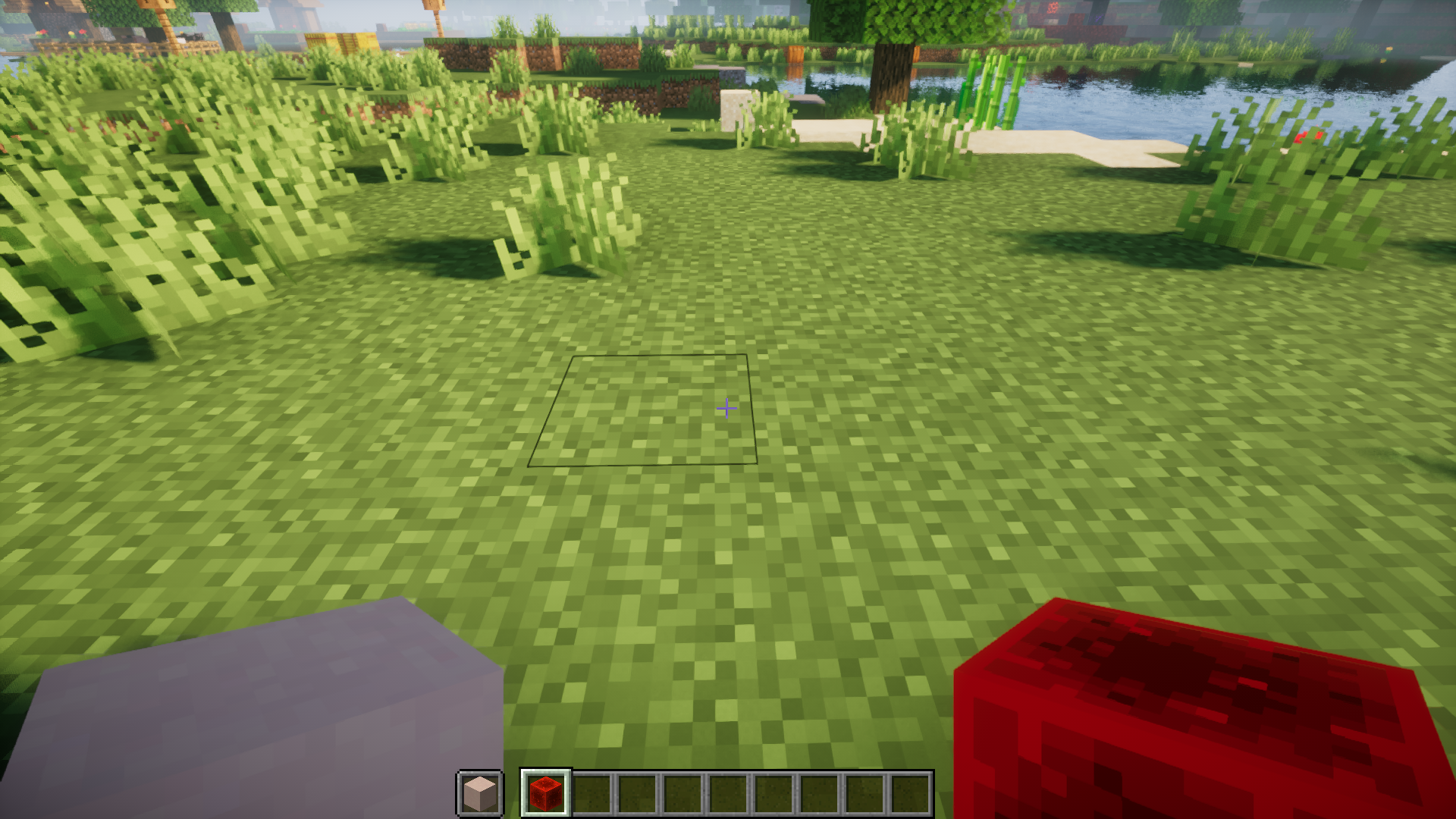
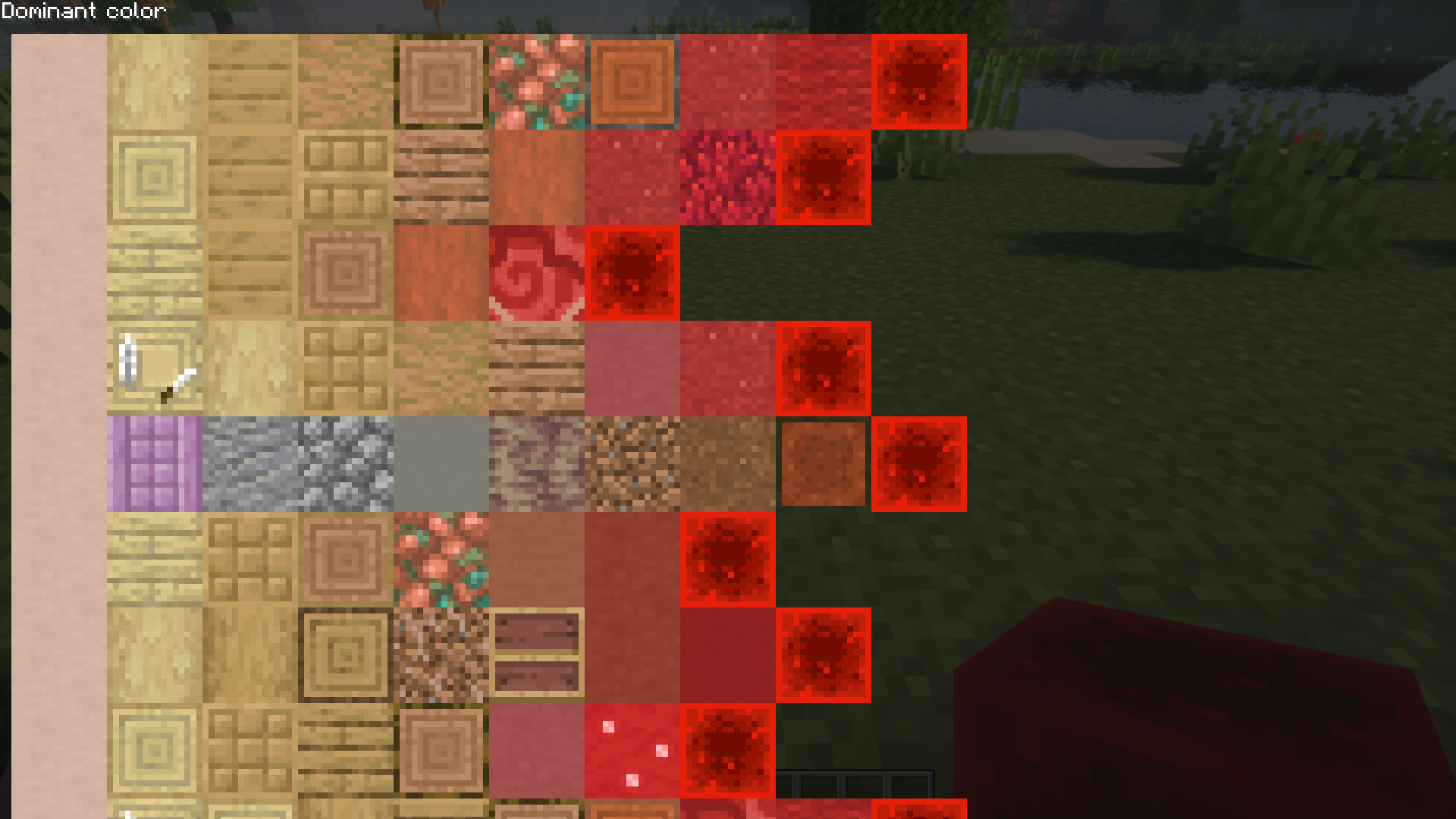
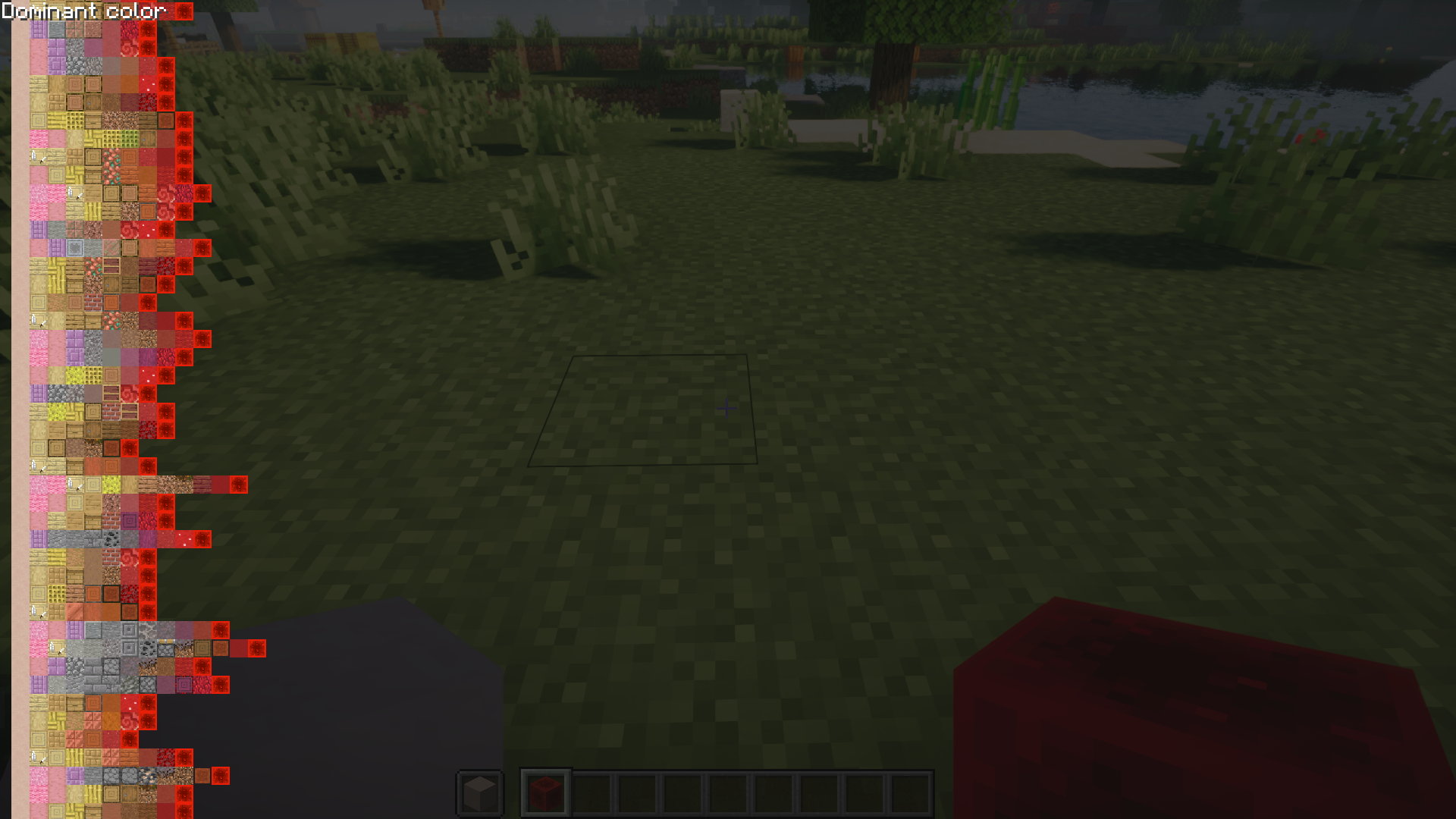
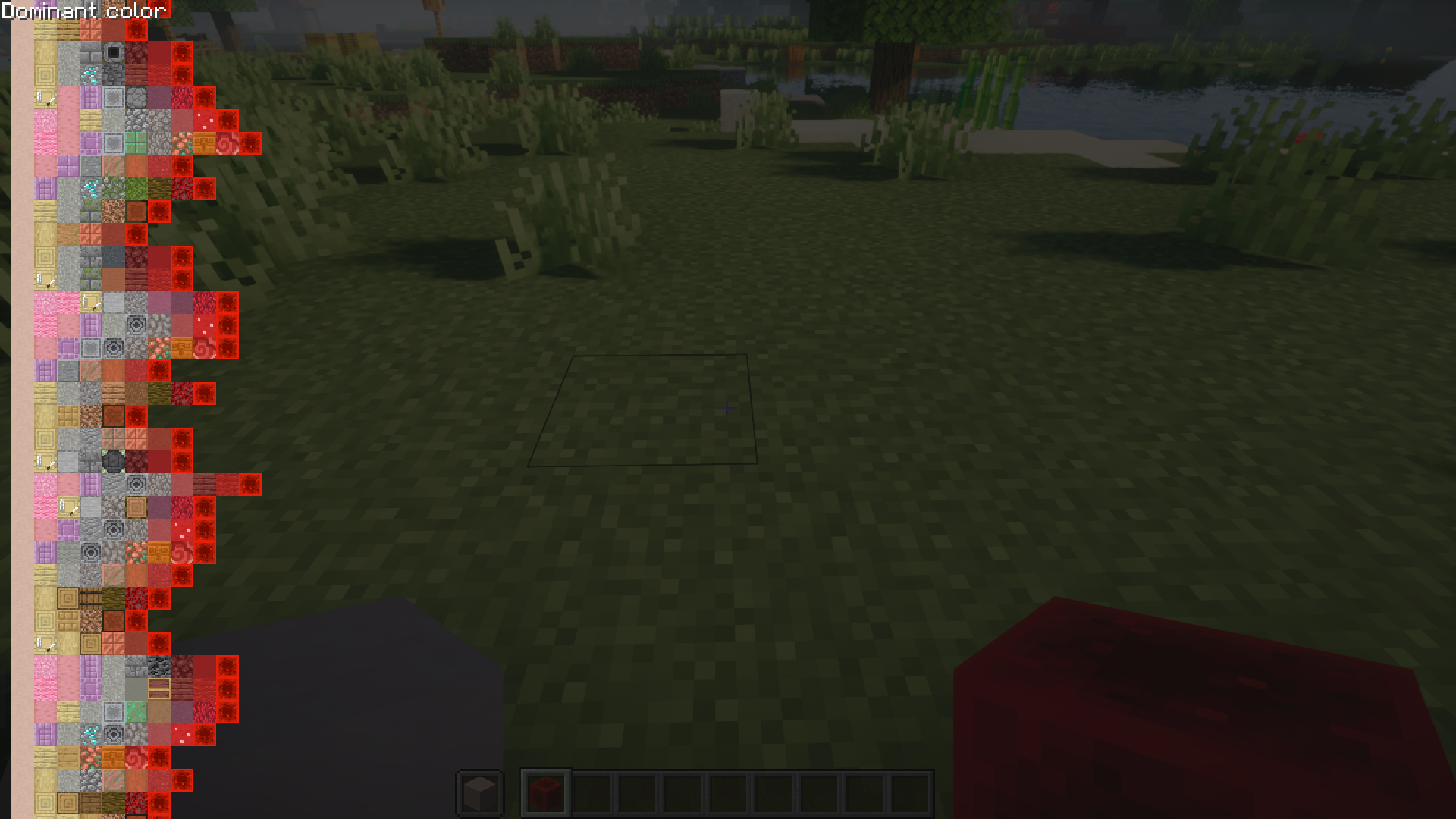
⬇ DownloadBuilding in Minecraft is an art that requires patience and practice. The building community has presented some well detailed and very impressive builds that they have built using just cubes. Block Gradients Mod makes a builder’s work a lot easier by introducing a new feature into the game. Using this mod, players will be able to find the perfect gradient of blocks that can be used to seamlessly transition from one block to another. To do this, a player has to hold two blocks, one in his off-hand and the other in his main hand. Then the player can press a keybind (B by default) to open a screen that shows the various combinations of blocks that can be used for a seamless transition between these blocks. The block held by the player in his off-hand will be the dominant block, and will appear on the left-most side of the chart. The chart provides a lot of options, with the topmost one being the one with the least deviation. Use the scroll wheel of the mouse to zoom in/out and navigate the entirety of the chart.
Features:
- View a chart of block gradients in-game.
- Hold two blocks, one in off-hand and one in main hand and press the B key.
- Deviation from base blocks increases from top to bottom.
- Use the mouse to zoom and navigate.
- Translucent/transparent blocks are not supported.
- Support for modded blocks.
Screenshots:
Requires:
Minecraft Forge
Fabric Loader
Fabric API
Block Gradients Mod Download Links
For Minecraft 1.20.4
Fabric version: Download from Server 1 – Download from Server 2
For Minecraft 1.20.1
Forge version: Download from Server 1 – Download from Server 2
Fabric version: Download from Server 1 – Download from Server 2
- Edition: Minecraft Java
- File type: .jar
- Minecraft versions listed: 1.20.4, 1.20.1
- How to install: Install the matching mod loader (Forge, Fabric or NeoForge) for your Minecraft version. → Download the .jar. → Put it in the .minecraft/mods folder and launch that loader profile.
- Where to get it: In MC Java Mods, or directly above on this page.
Install steps are the general flow for this file type — How to install Minecraft Java mods & modpacks walks through it step by step.
- Downloads as 201057.mcaddon
- Download size: 43 KB
- Download link checked 29 Jul 2026 — working
- Mirrored on our own servers — the download does not depend on the original host
These come from our own check of the pack file, not from the source page.