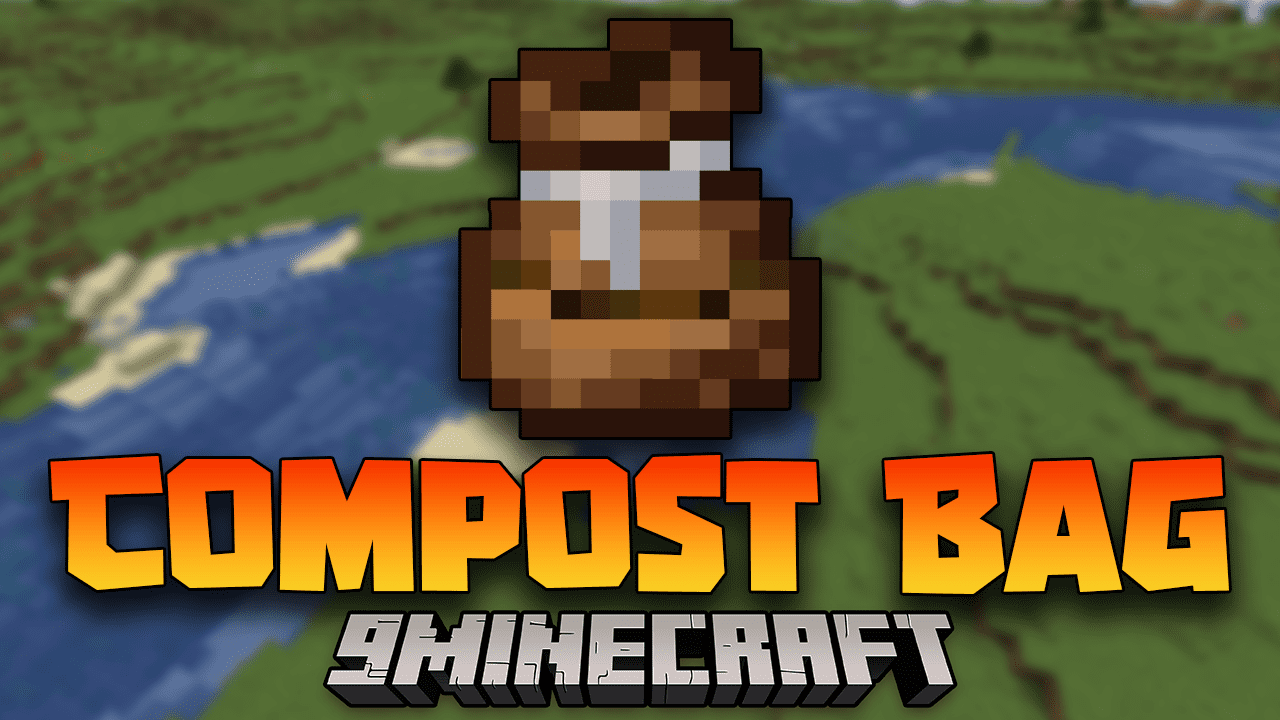
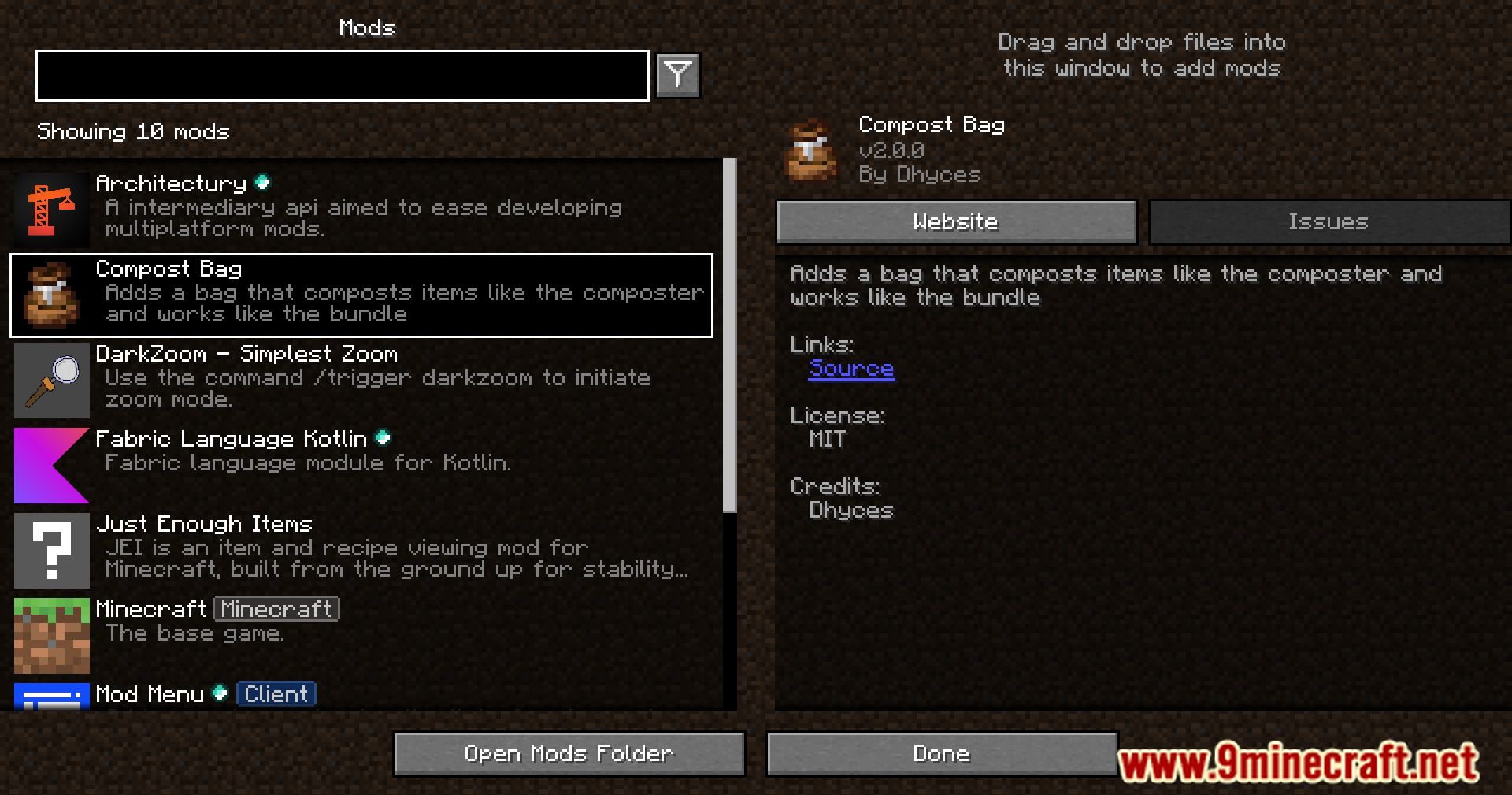
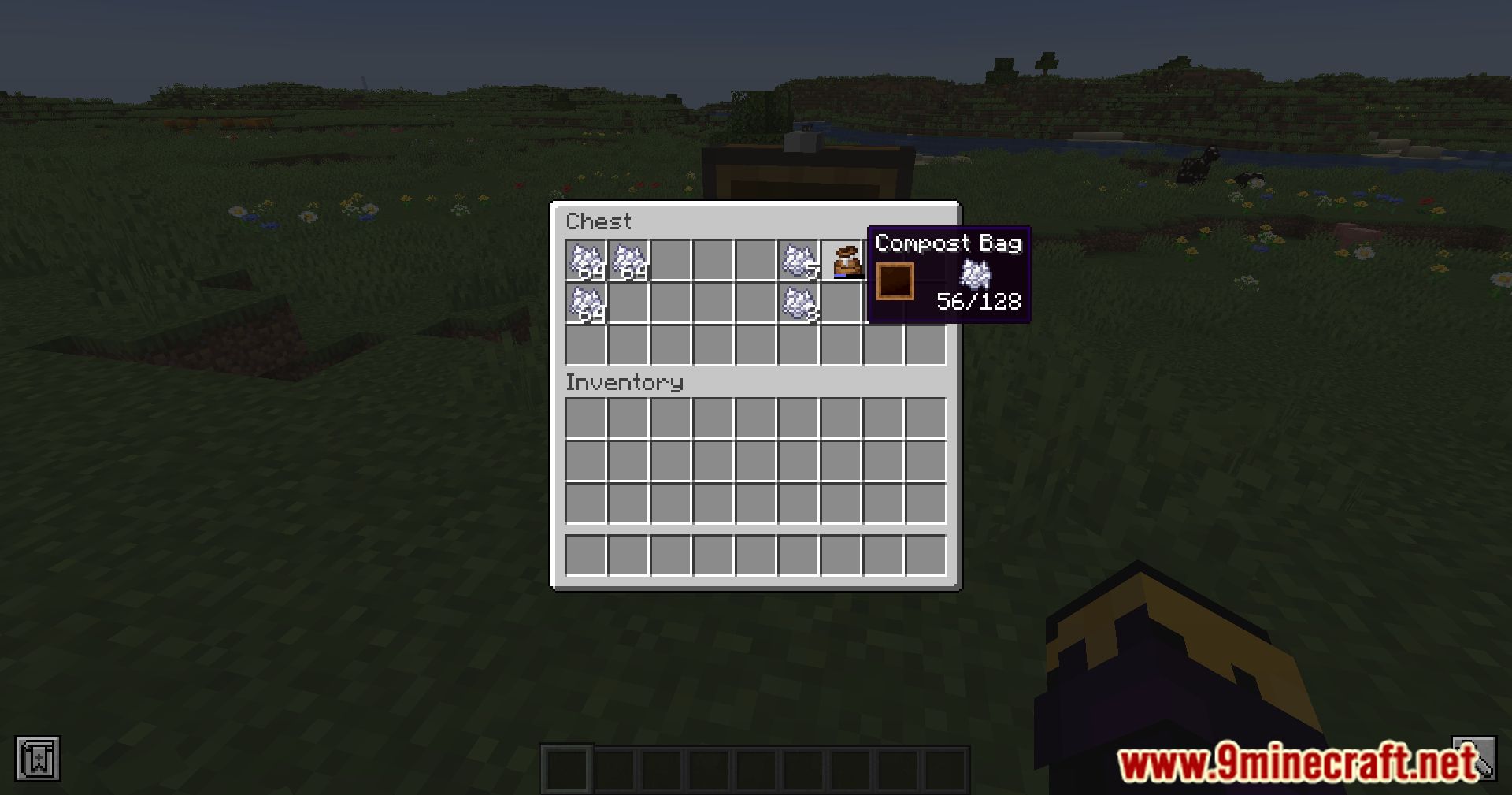
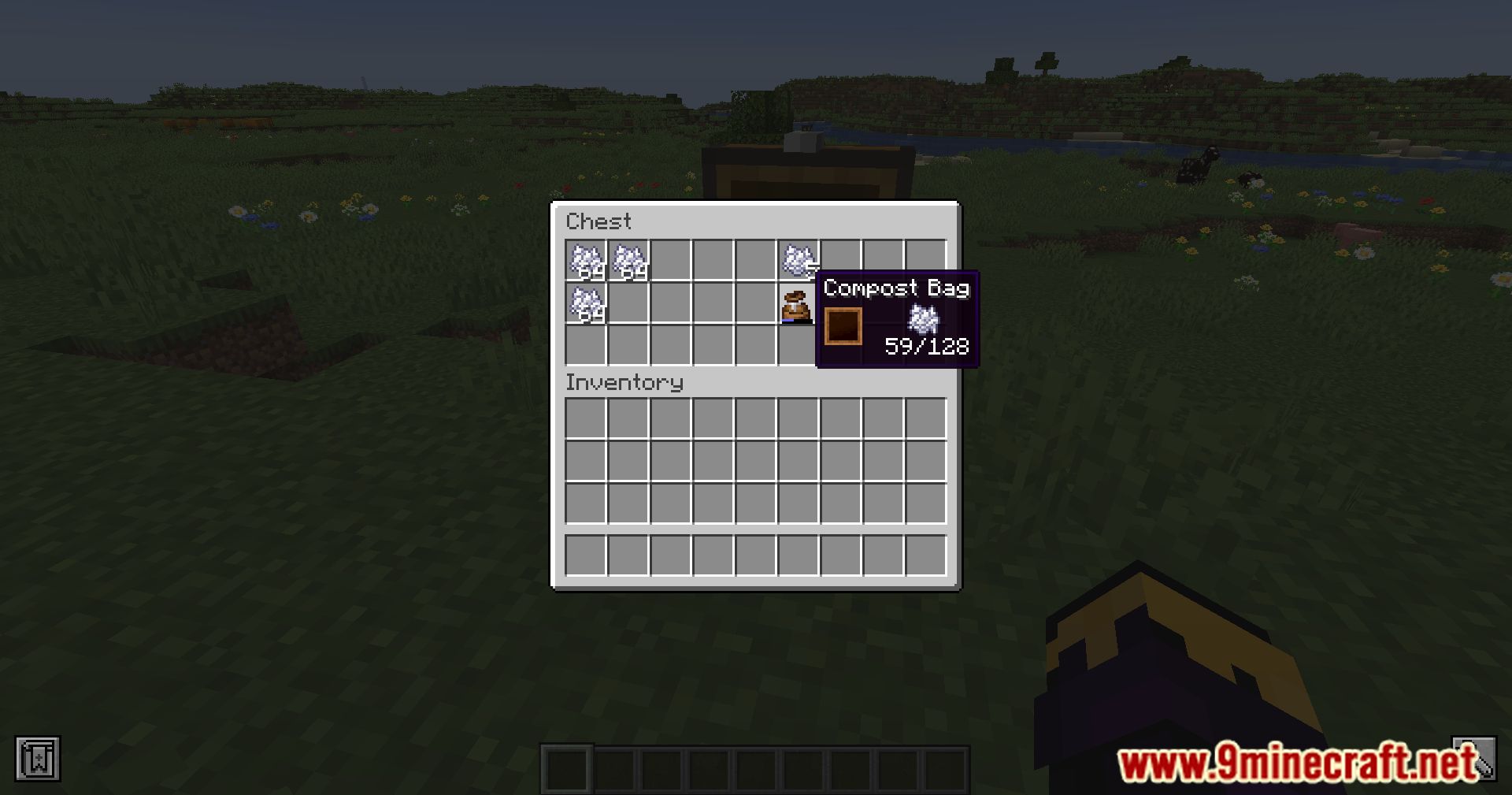
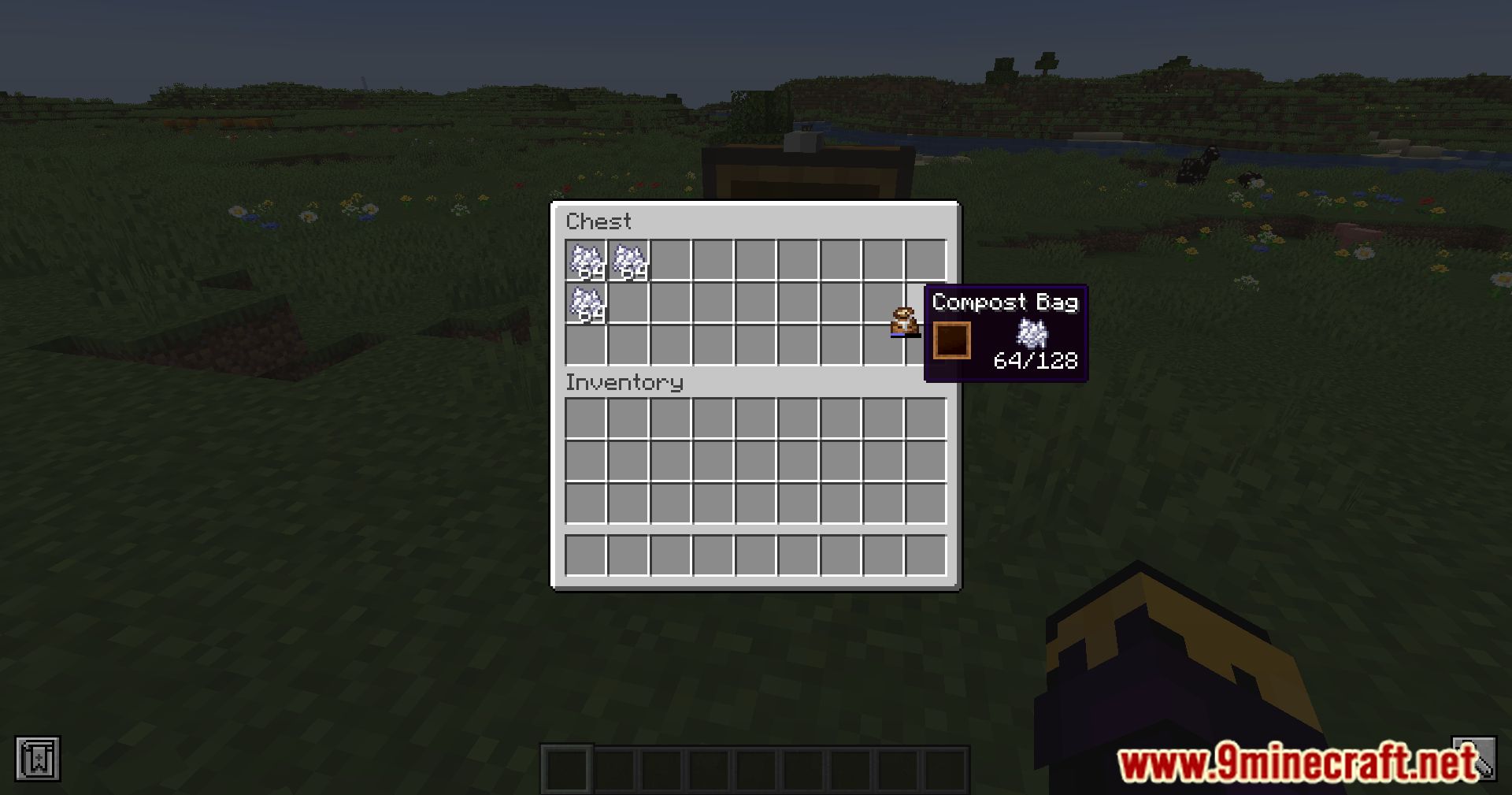
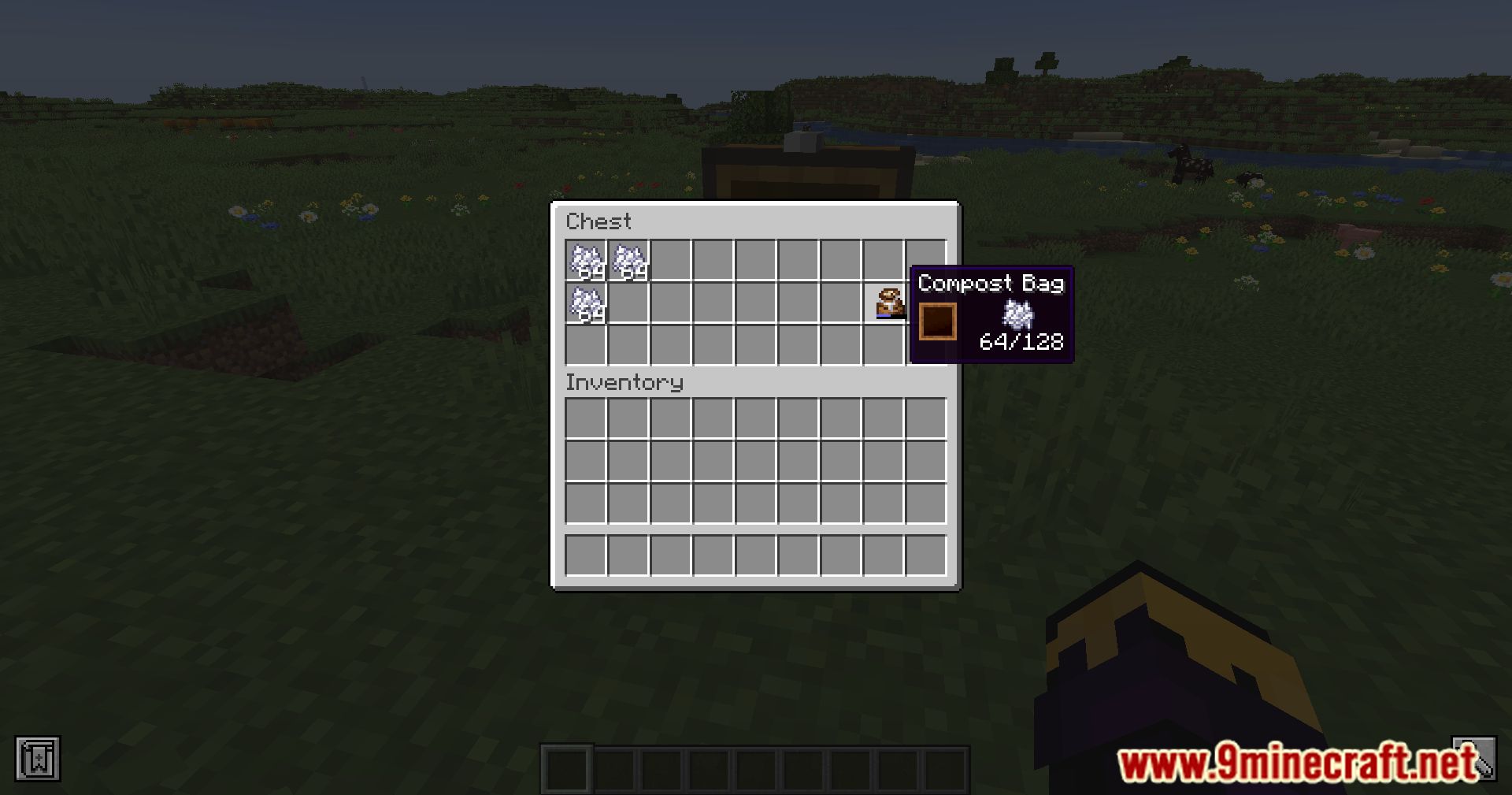
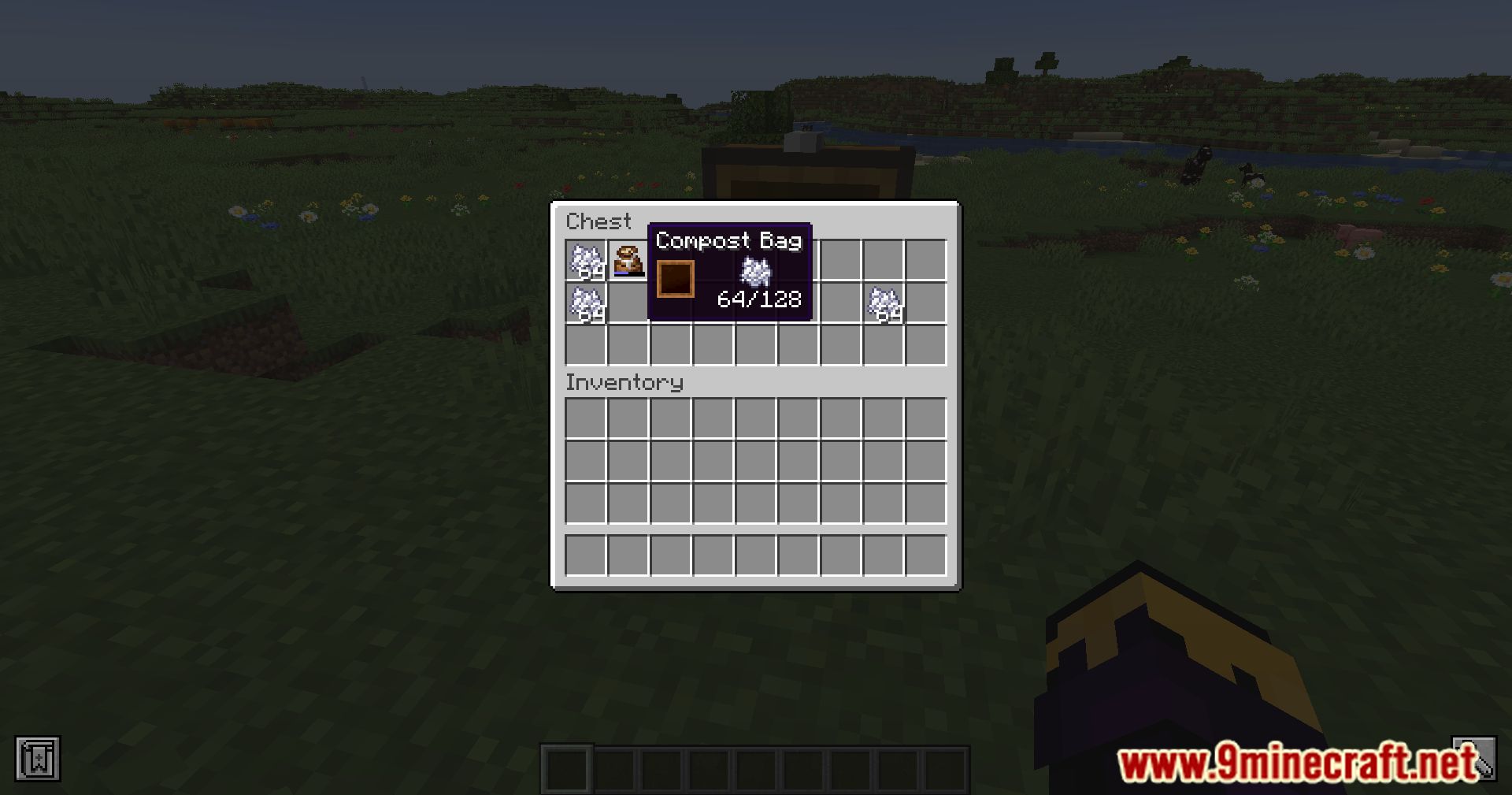
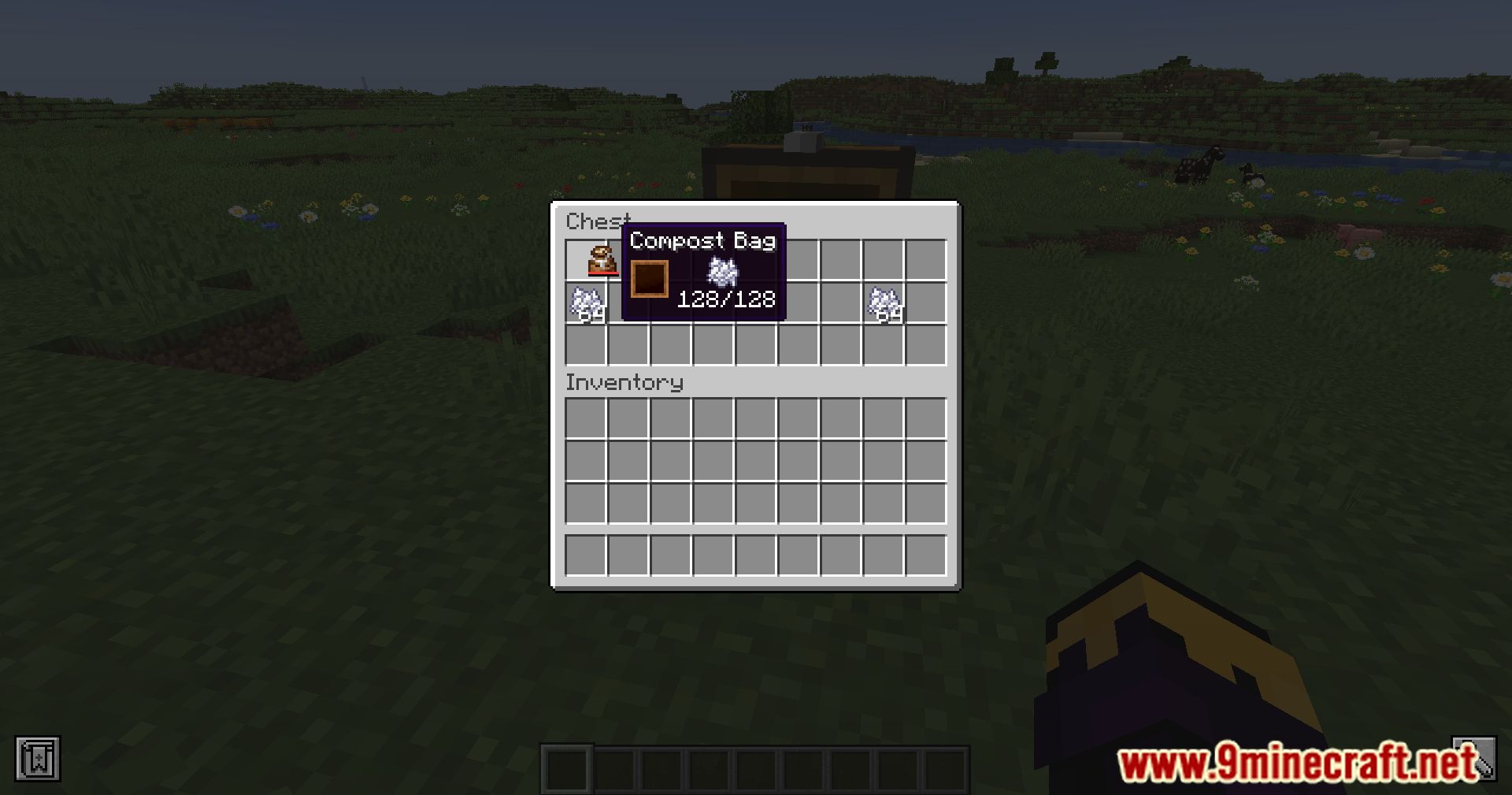
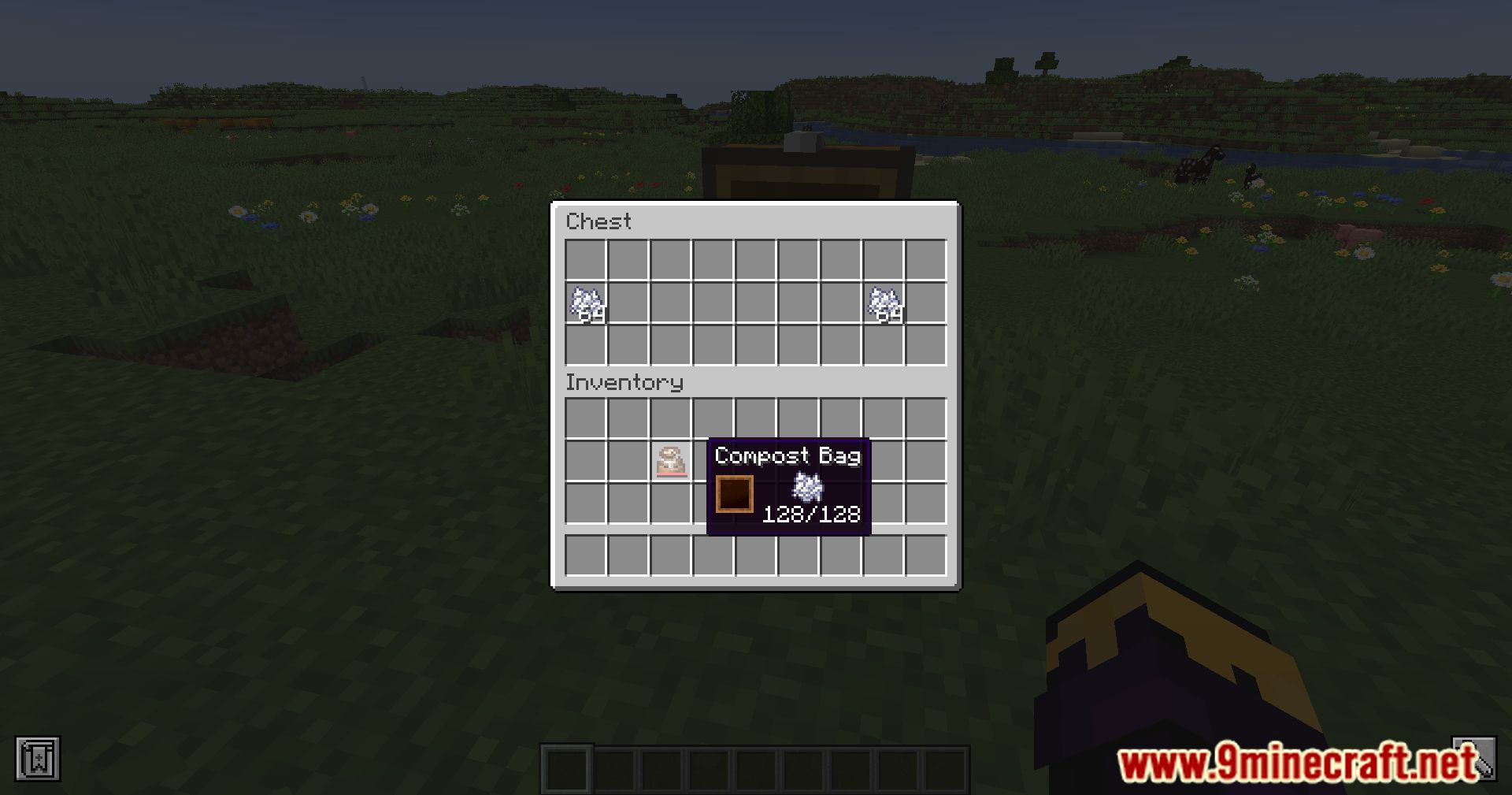
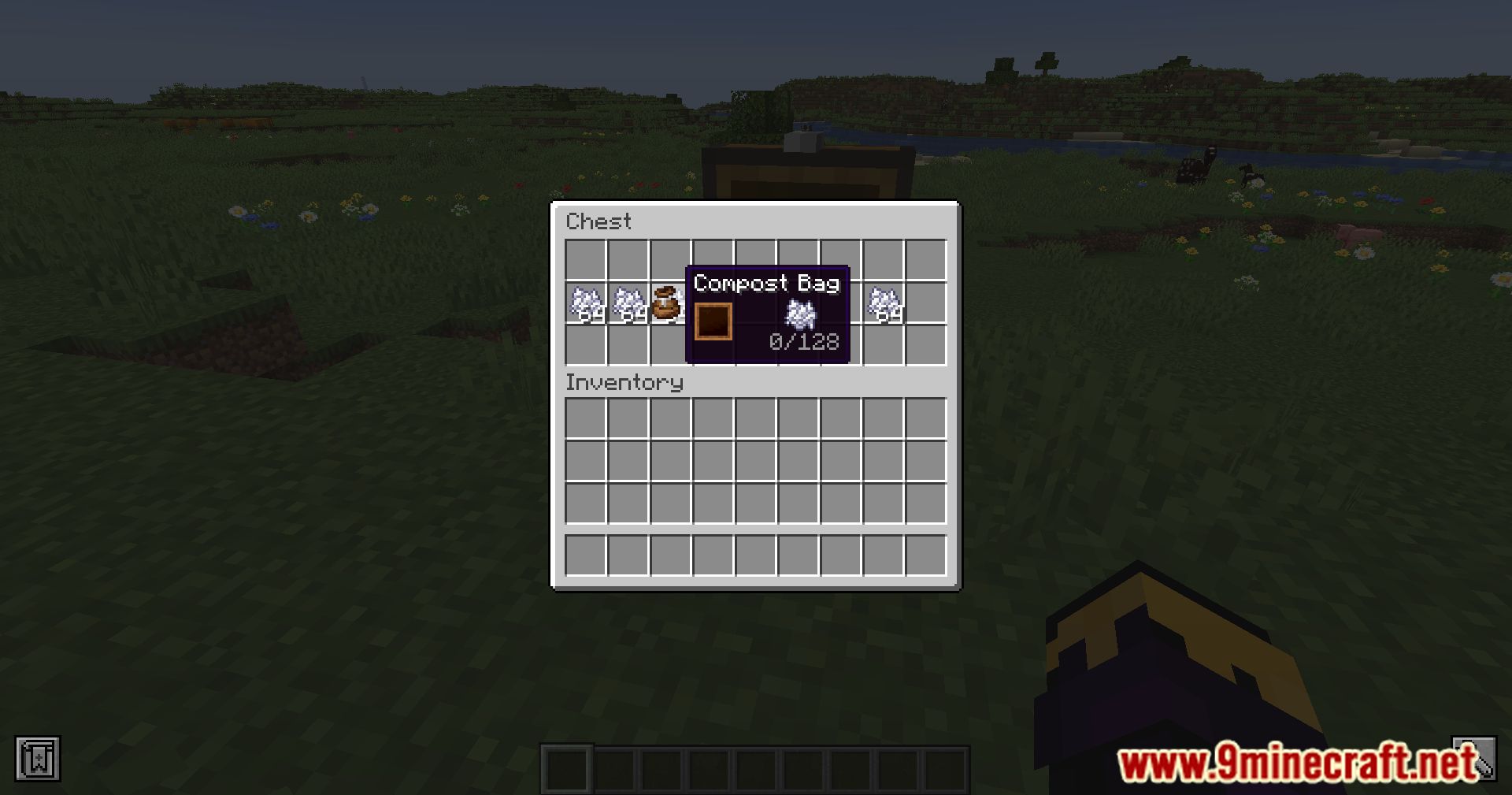
Looking for some hilariously convenient composting in Minecraft? Look no further than the Compost Bag Mod This nifty little utility item lets you turn your unwanted items into nutrient-rich compost on the fly, without the hassle of setting up compost bins. It’s like magic but with rotting vegetables! With the Compost Bag, all you have to do is open up the GUI, right-click on the item you want to compost, and voila! You’re one step closer to greener pastures. Need some extra oomph? Hold down that right-click button to turbocharge the composting process. And if you’re feeling especially lazy and efficient, drag your mouse across those slots to compost a whole bunch of items at once. It’s multitasking at its finest. So if you’re tired of dealing with clunky compost bins and want to compost on the go like a true Minecraft pro, grab yourself this mod and start turning trash into treasure today!
Features:
- Right-click to compost, add bonemeal, or remove bonemeal
- Speed up composting process by holding down right-click
- Multitask by composting multiple items at once
Screenshots:
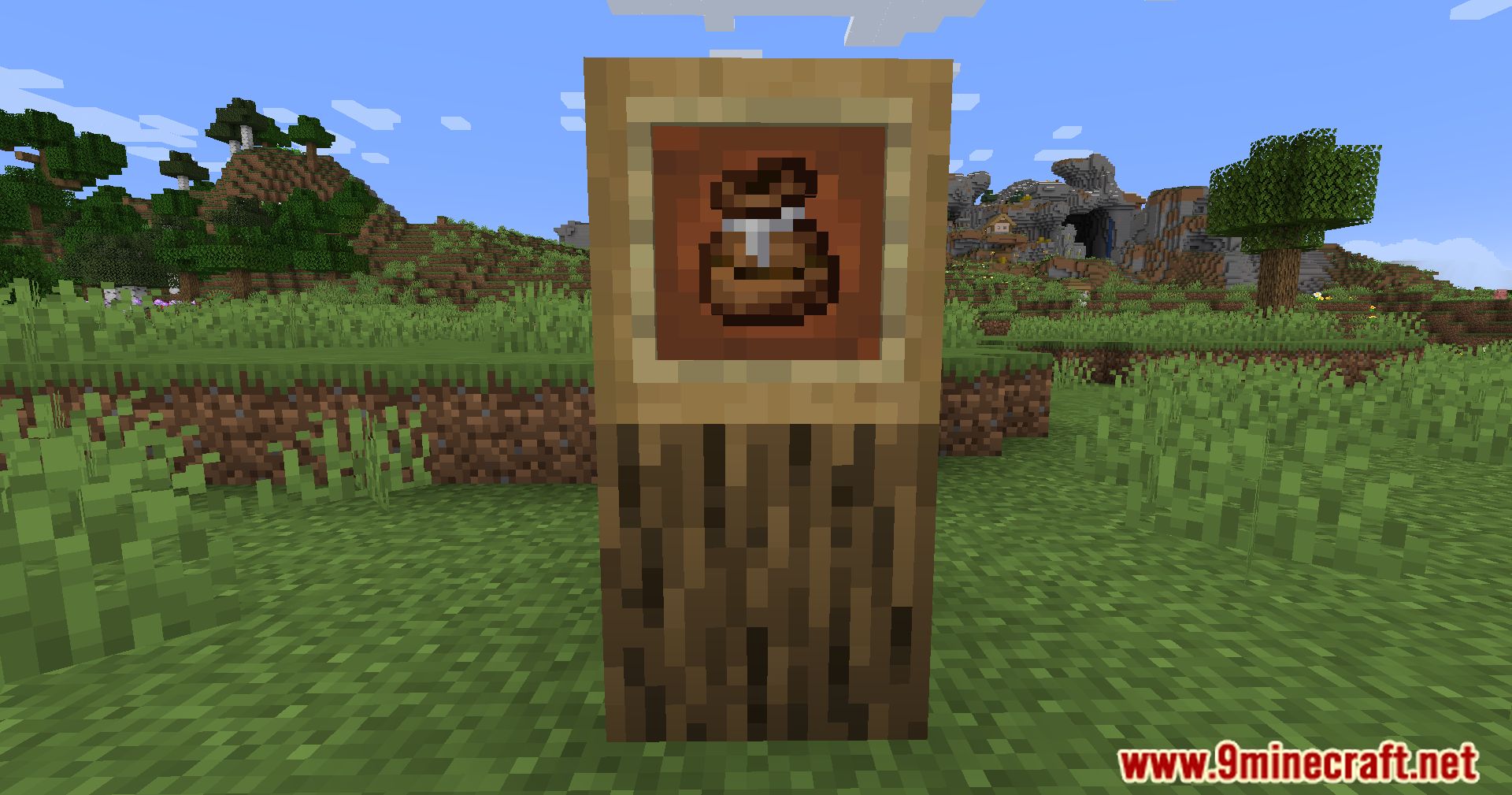
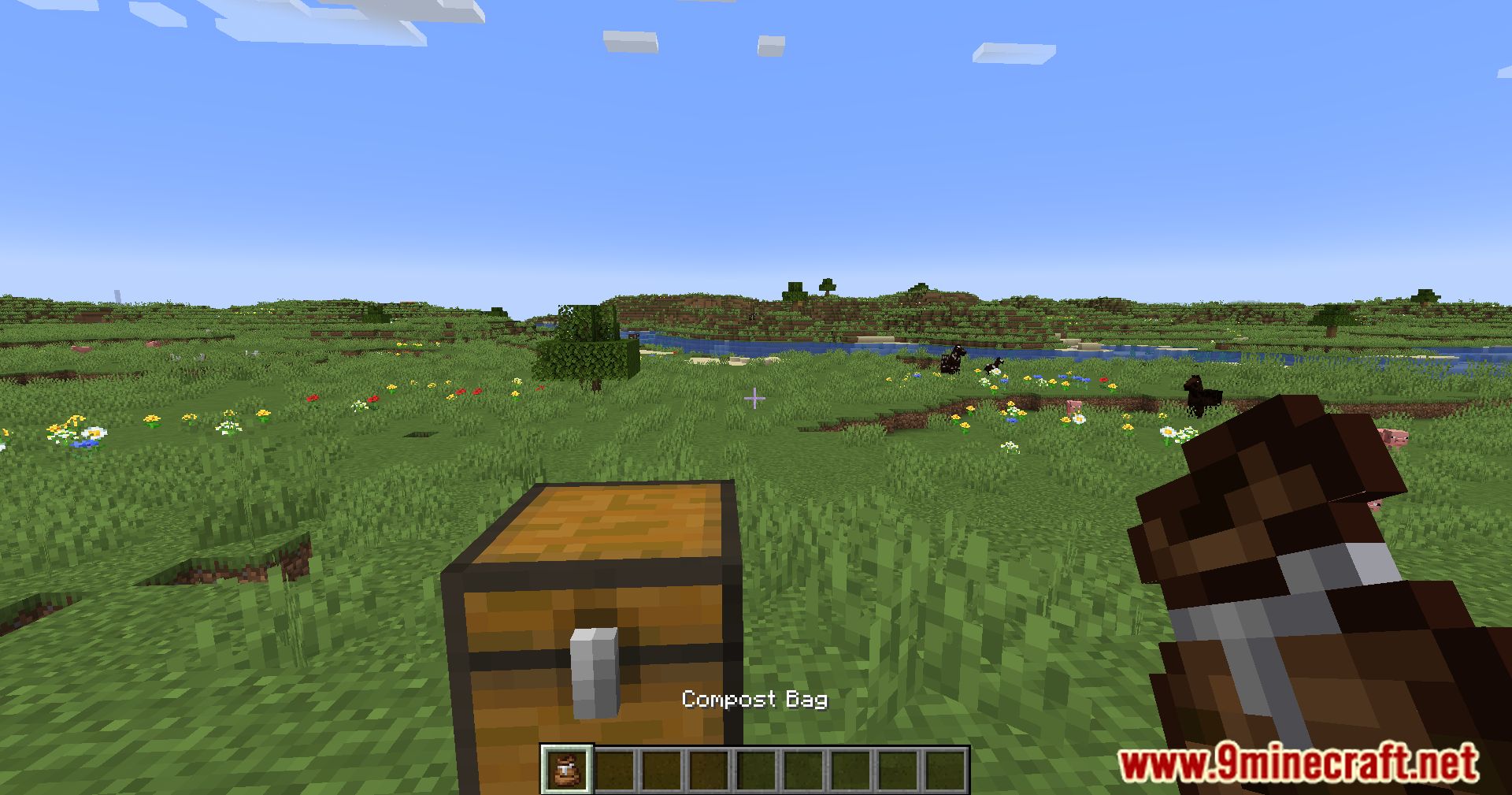
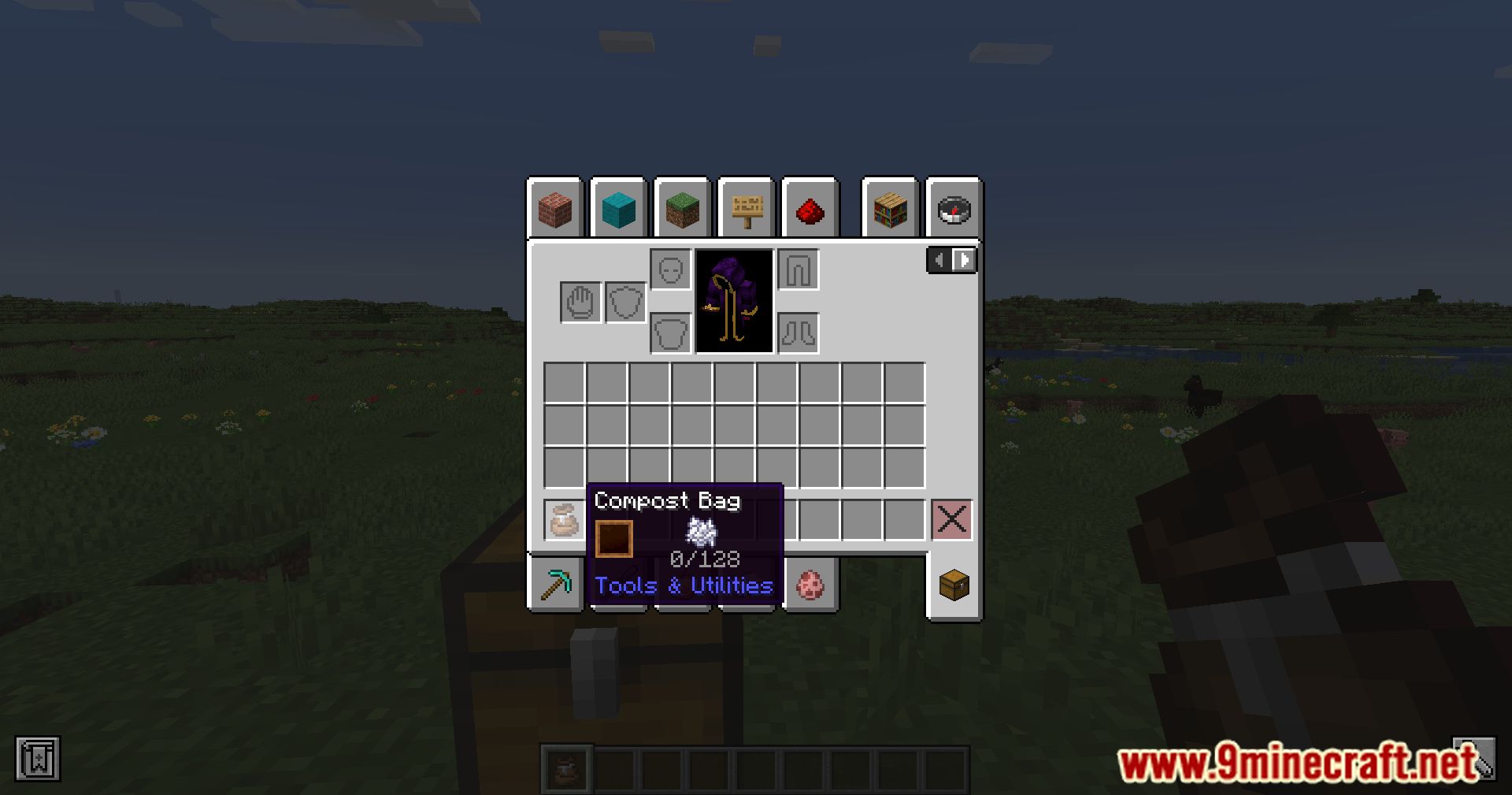
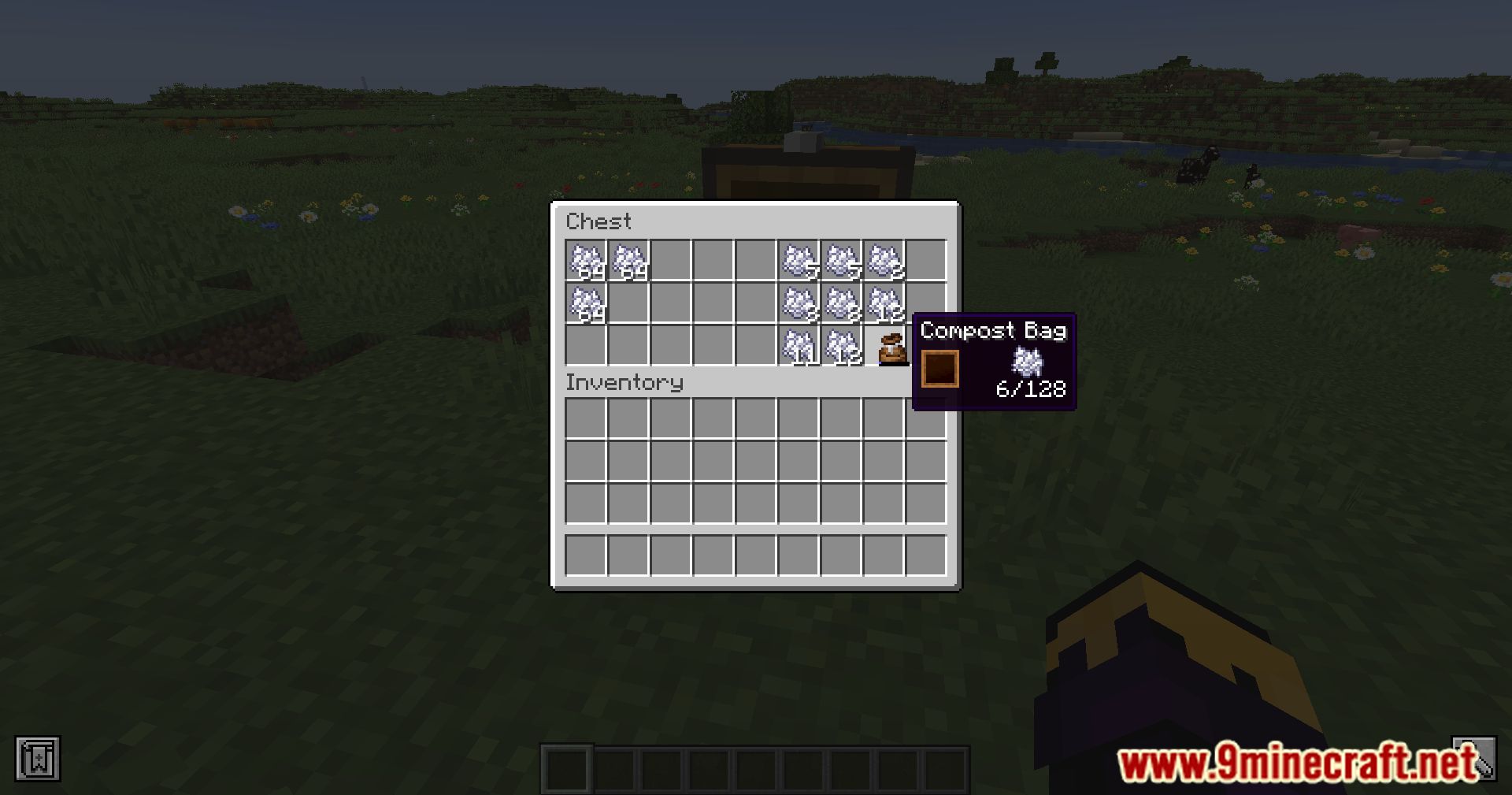
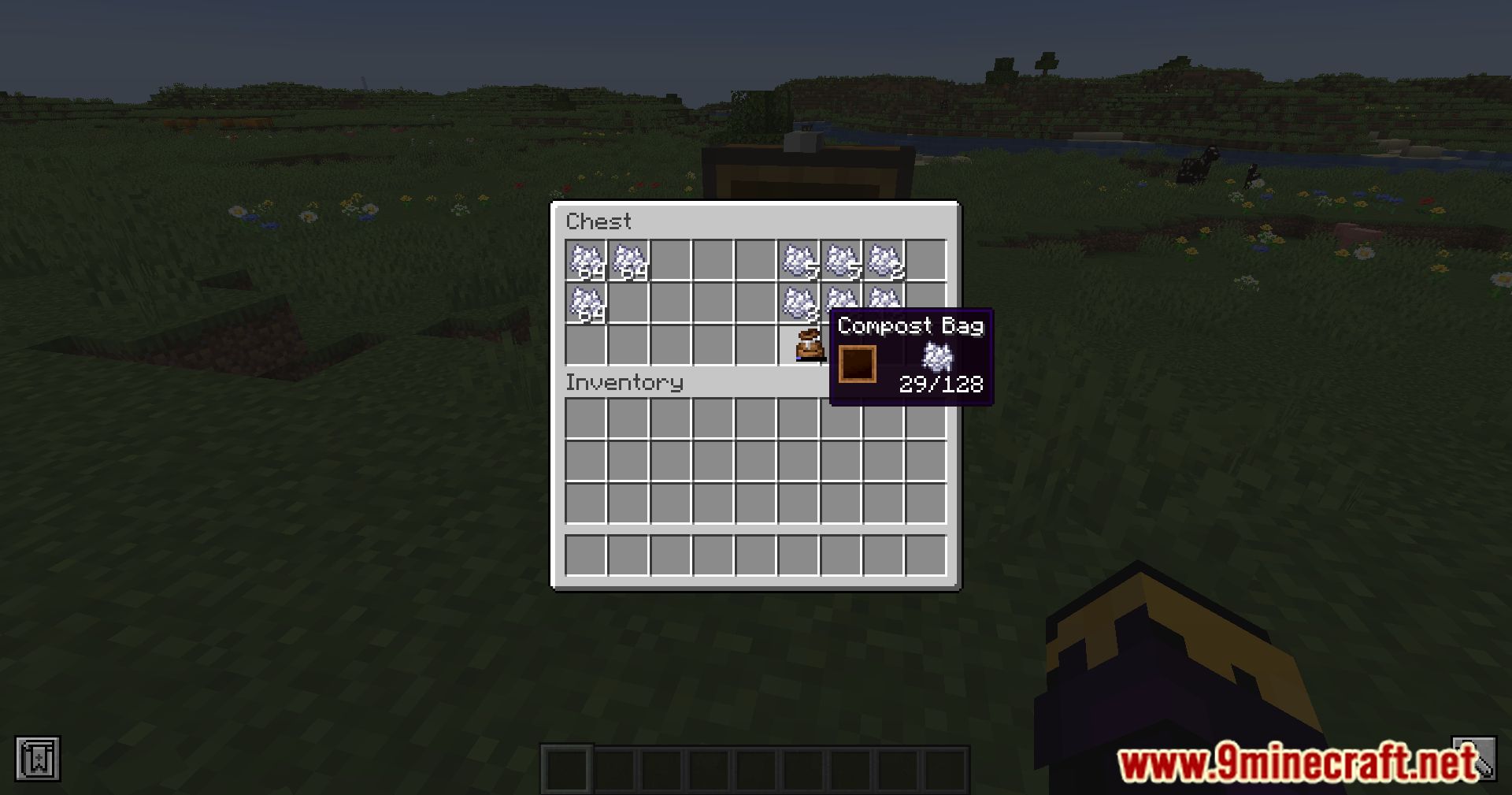
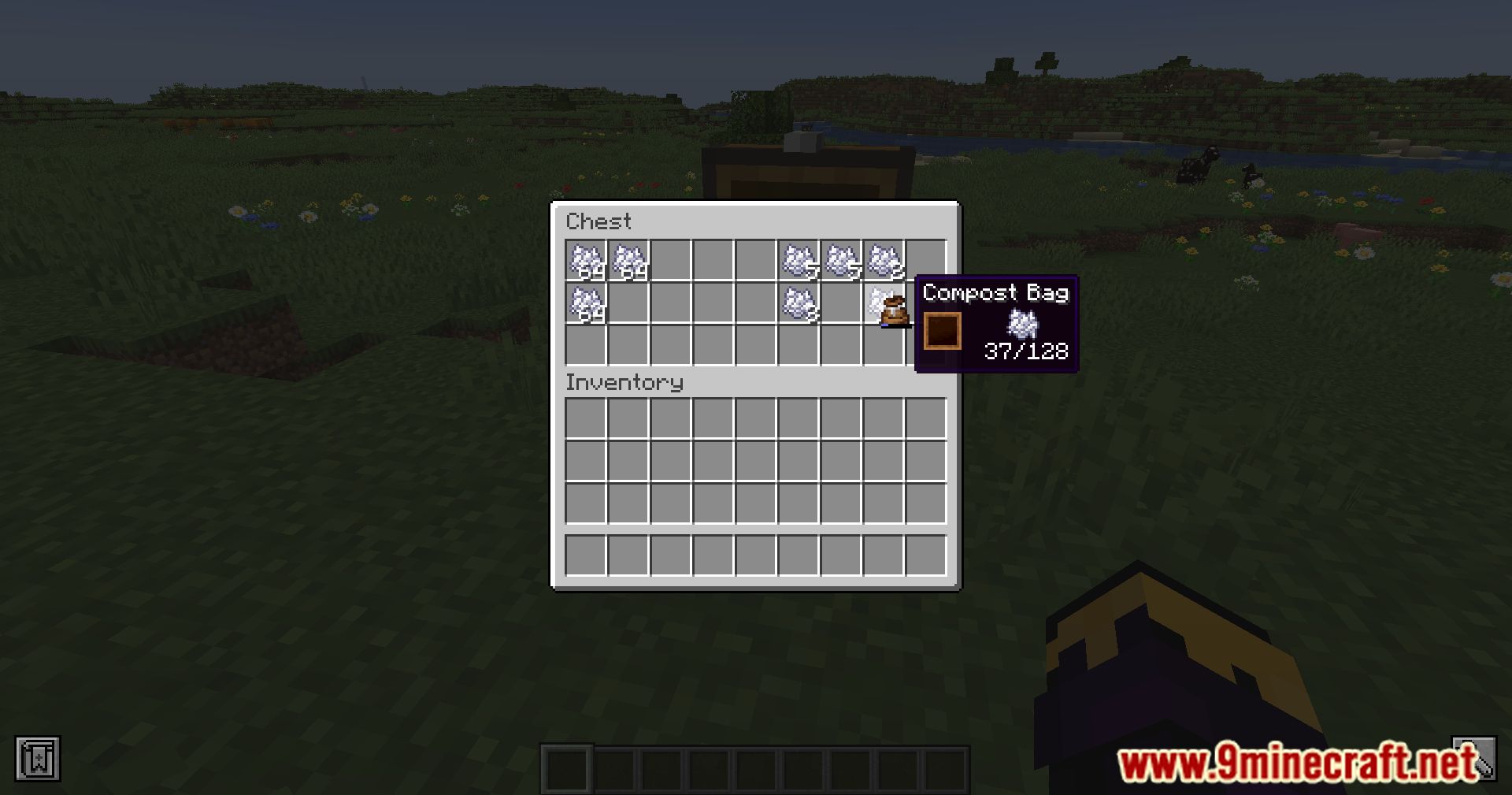
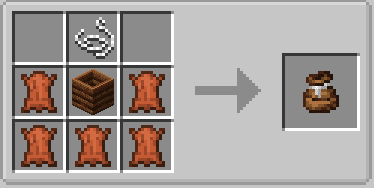
Crafting Recipes:
Compost Bag Mod Download Links
For Minecraft 1.18.2
Forge Version: Download from Server 1 – Download from Server 2
Fabric Version: Download from Server 1 – Download from Server 2
For Minecraft 1.19.1, 1.19
Forge Version: Download from Server 1 – Download from Server 2
Fabric Version: Download from Server 1 – Download from Server 2
For Minecraft 1.19.3
Forge Version: Download from Server 1 – Download from Server 2
Fabric Version: Download from Server 1 – Download from Server 2
For Minecraft 1.19.4
Forge Version: Download from Server 1 – Download from Server 2
Fabric Version: Download from Server 1 – Download from Server 2
For Minecraft 1.20.2, 1.20.1, 1.20
Forge/NeoForge Version: Download from Server 1 – Download from Server 2
Fabric/Quilt Version: Download from Server 1 – Download from Server 2
For Minecraft 1.20.3
Fabric/Quilt Version: Download from Server 1 – Download from Server 2
NeoForge Version: Download from Server 1 – Download from Server 2
For Minecraft 1.20.5
Fabric/Quilt Version: Download from Server 1 – Download from Server 2
NeoForge Version: Download from Server 1 – Download from Server 2
For Minecraft 1.20.6
Fabric/Quilt Version: Download from Server 1 – Download from Server 2
NeoForge Version: Download from Server 1 – Download from Server 2
For Minecraft 1.21.1, 1.21
Fabric/Quilt Version: Download from Server 1 – Download from Server 2
NeoForge Version: Download from Server 1 – Download from Server 2
- Edition: Minecraft Java
- File type: .jar
- Minecraft versions listed: 1.21.1, 1.20.1
- How to install: Install the matching mod loader (Forge, Fabric or NeoForge) for your Minecraft version. → Download the .jar. → Put it in the .minecraft/mods folder and launch that loader profile.
- Where to get it: In MC Java Mods, or directly above on this page.
Install steps are the general flow for this file type — How to install Minecraft Java mods & modpacks walks through it step by step.
- Downloads as 201060.mcaddon
- Download size: 34 KB
- Download link checked 22 Jul 2026 — working
- Mirrored on our own servers — the download does not depend on the original host
These come from our own check of the pack file, not from the source page.