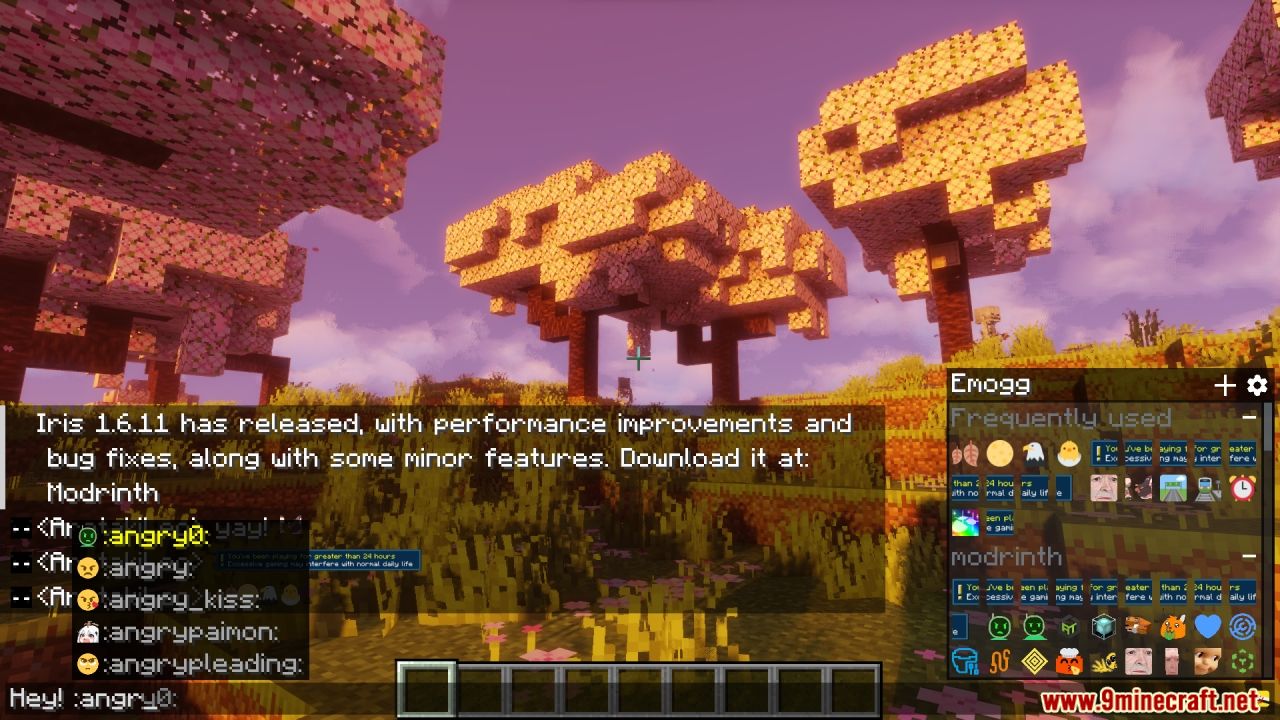
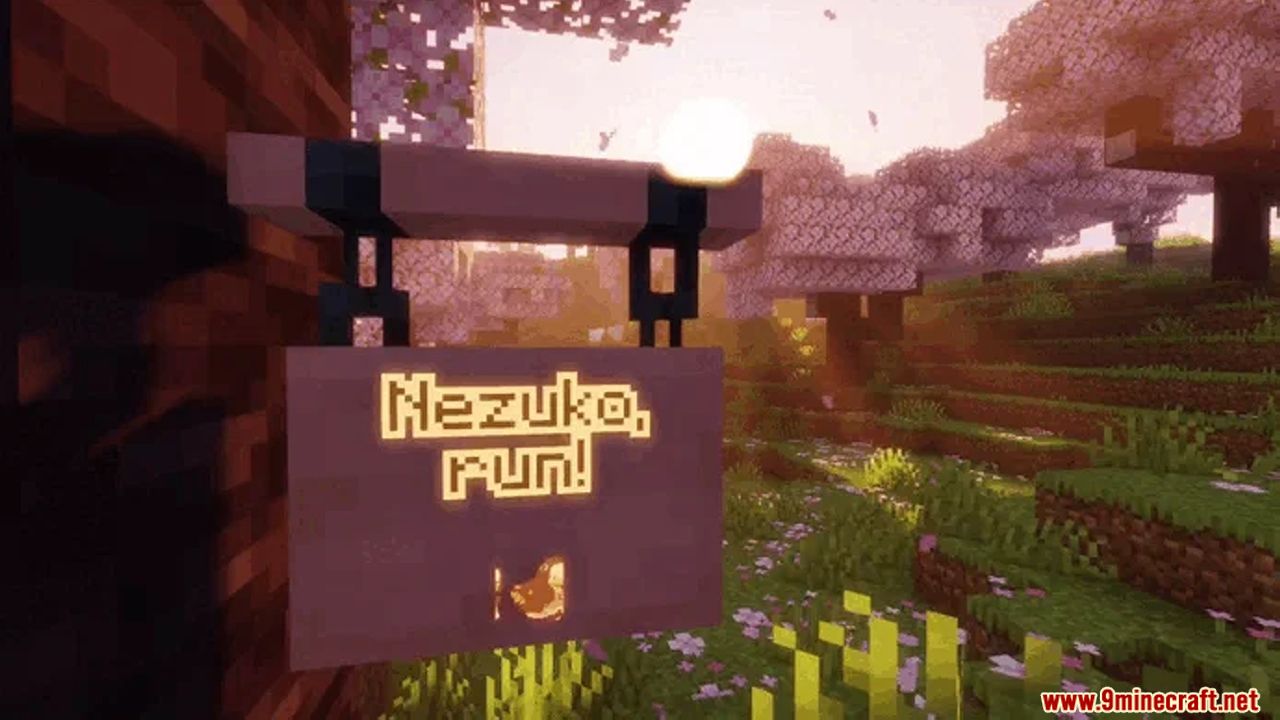
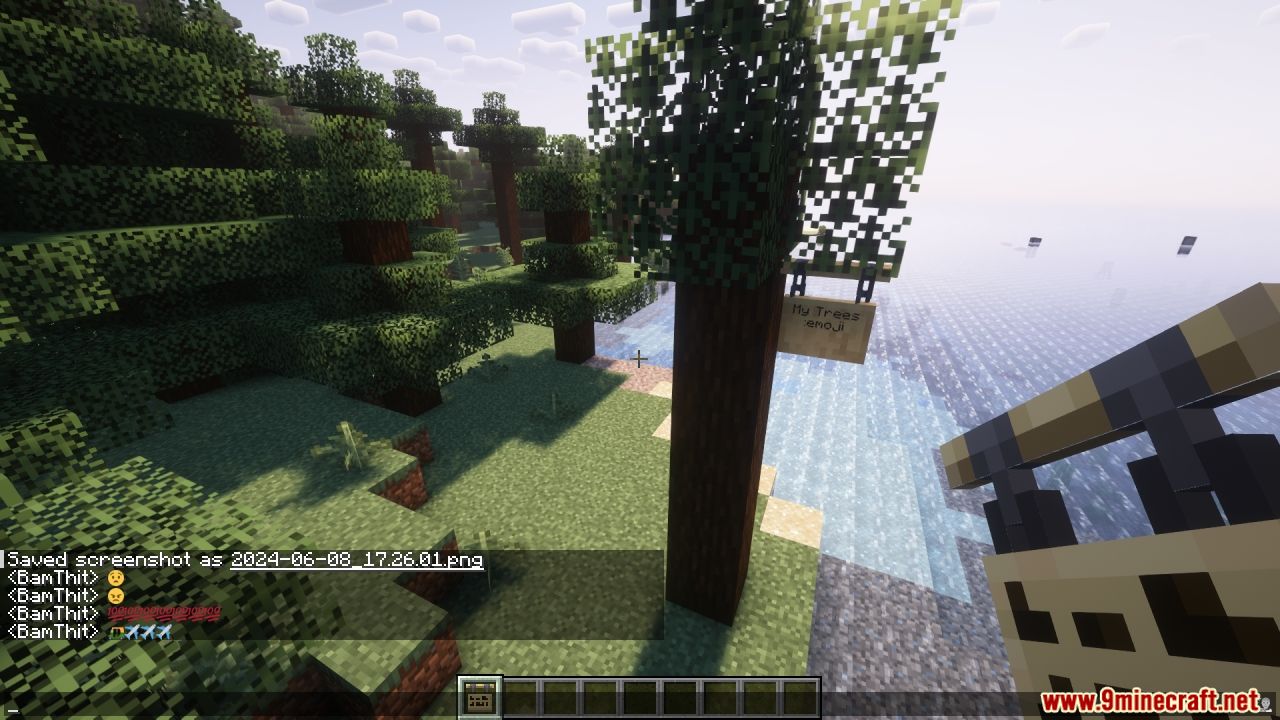
Emogg Mod brings fun and expressive emojis to Minecraft, allowing the use of emotes in chat and various parts of the game interface. You can easily add new static and animated emojis through resource packs, or even generate them from Discord server emojis using a special website. Emojis will appear in chat, on signs, item names, entity name tags, and container names. The mod includes helpful features like emoji suggestions, an emoji completion system, and a selection menu for chat, making it easy to find and use your favorite emojis. Plus, Emogg comes with two built-in emoji packs to get you started.
Features:
- Emoji Support: Use static and animated emojis in chat and throughout the game interface.
- Custom Emojis: Add your own emojis via resource packs or generate them from Discord server emojis.
- Wide Display: Emojis appear in chat, on signs, item names, entity name tags, and container names.
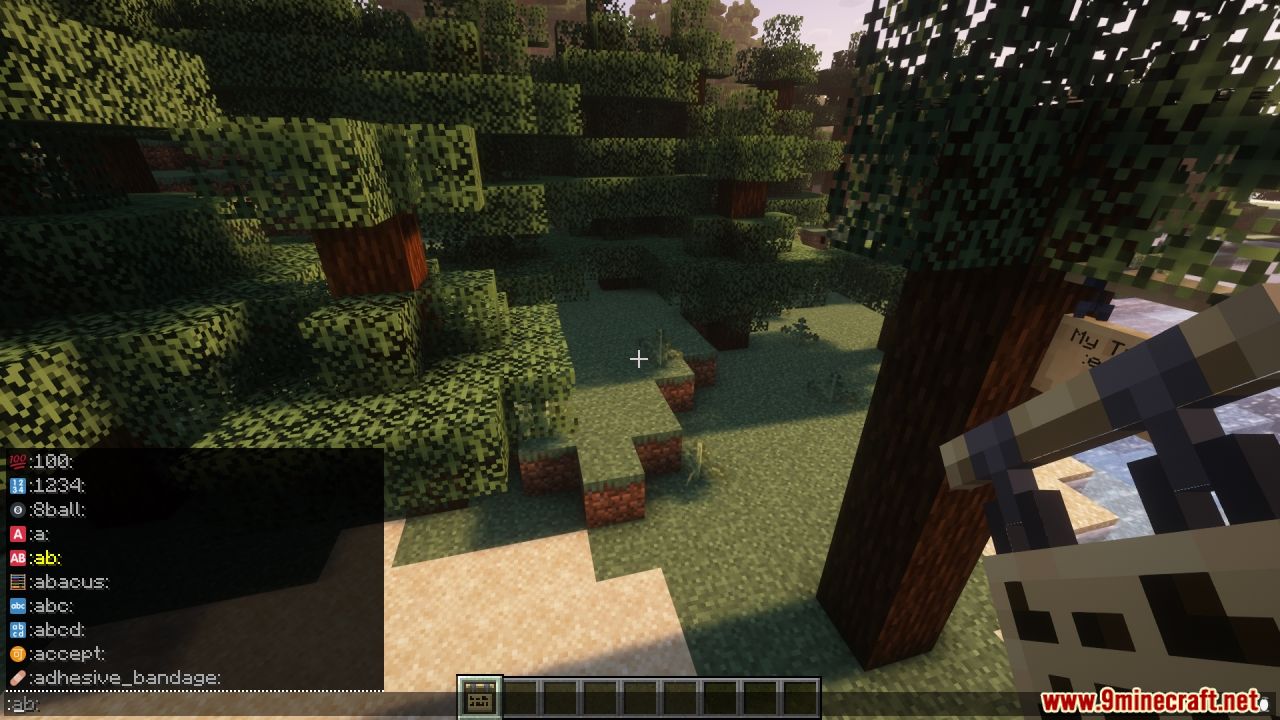
- Emoji Suggestions: Get autocomplete suggestions when typing emoji names in chat.
- Selection Menu: Access an emoji selection menu in chat for easy browsing.
- Built-in Packs: Includes two built-in emoji packs to use right away.
Screenshots:
Emogg Mod Download Links
For Minecraft 1.20.4, 1.20.3
Fabric/Quilt Version: Download from Server 1 – Download from Server 2
For Minecraft 1.20.2
Fabric/Quilt Version: Download from Server 1 – Download from Server 2
For Minecraft 1.20.1, 1.20
Forge/NeoForge Version: Download from Server 1 – Download from Server 2
Fabric/Quilt Version: Download from Server 1 – Download from Server 2
For Minecraft 1.19.4
Fabric/Quilt Version: Download from Server 1 – Download from Server 2
For Minecraft 1.19.2
Fabric/Quilt Version: Download from Server 1 – Download from Server 2
For All Versions from Minecraft 1.17 to Minecraft 1.18.2
Fabric/Quilt Version: Download from Server 1 – Download from Server 2
- Edition: Minecraft Java
- File type: .jar
- Minecraft versions listed: 1.20.4, 1.20.1
- How to install: Install the matching mod loader (Forge, Fabric or NeoForge) for your Minecraft version. → Download the .jar. → Put it in the .minecraft/mods folder and launch that loader profile.
- Where to get it: In MC Java Mods, or directly above on this page.
Install steps are the general flow for this file type — How to install Minecraft Java mods & modpacks walks through it step by step.
- Downloads as 201151.mcaddon
- Download size: 8.8 MB
- Download link checked 29 Jul 2026 — working
- Mirrored on our own servers — the download does not depend on the original host
These come from our own check of the pack file, not from the source page.