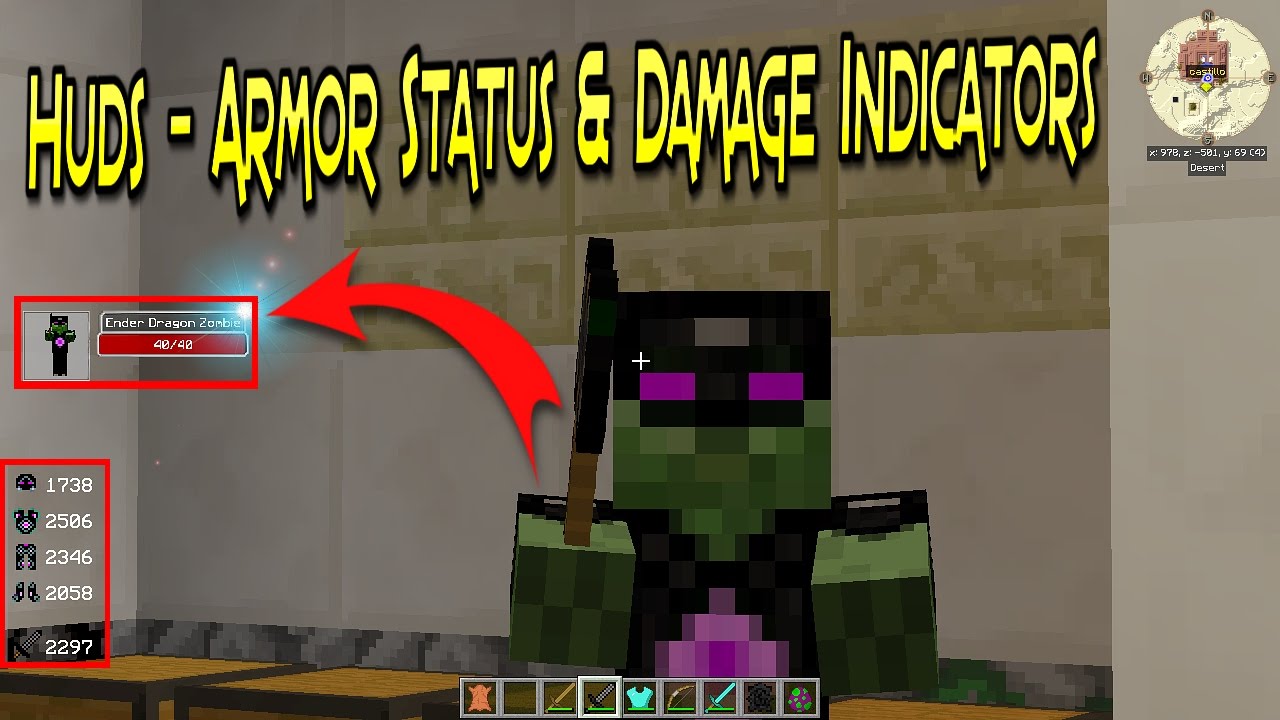
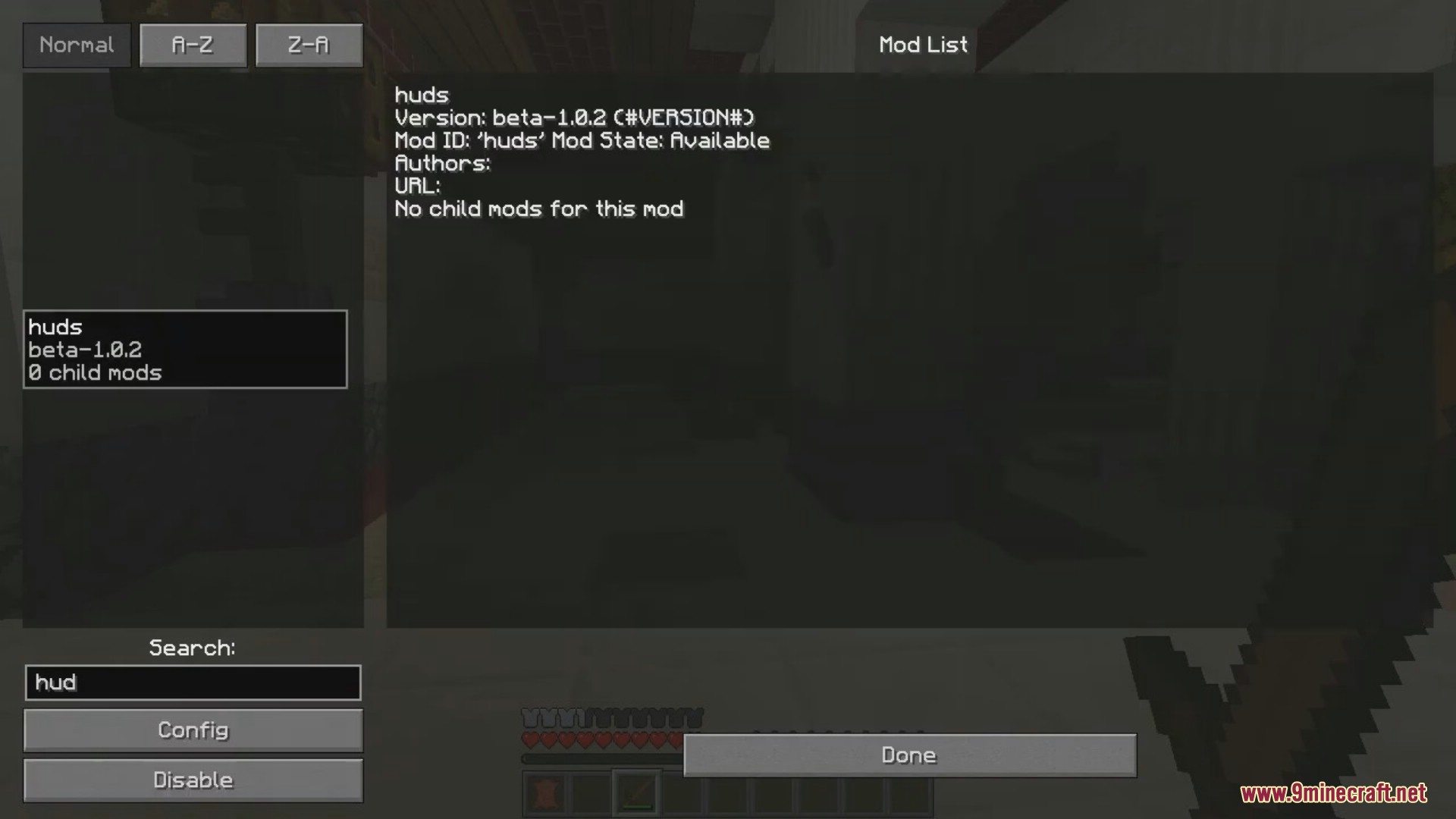
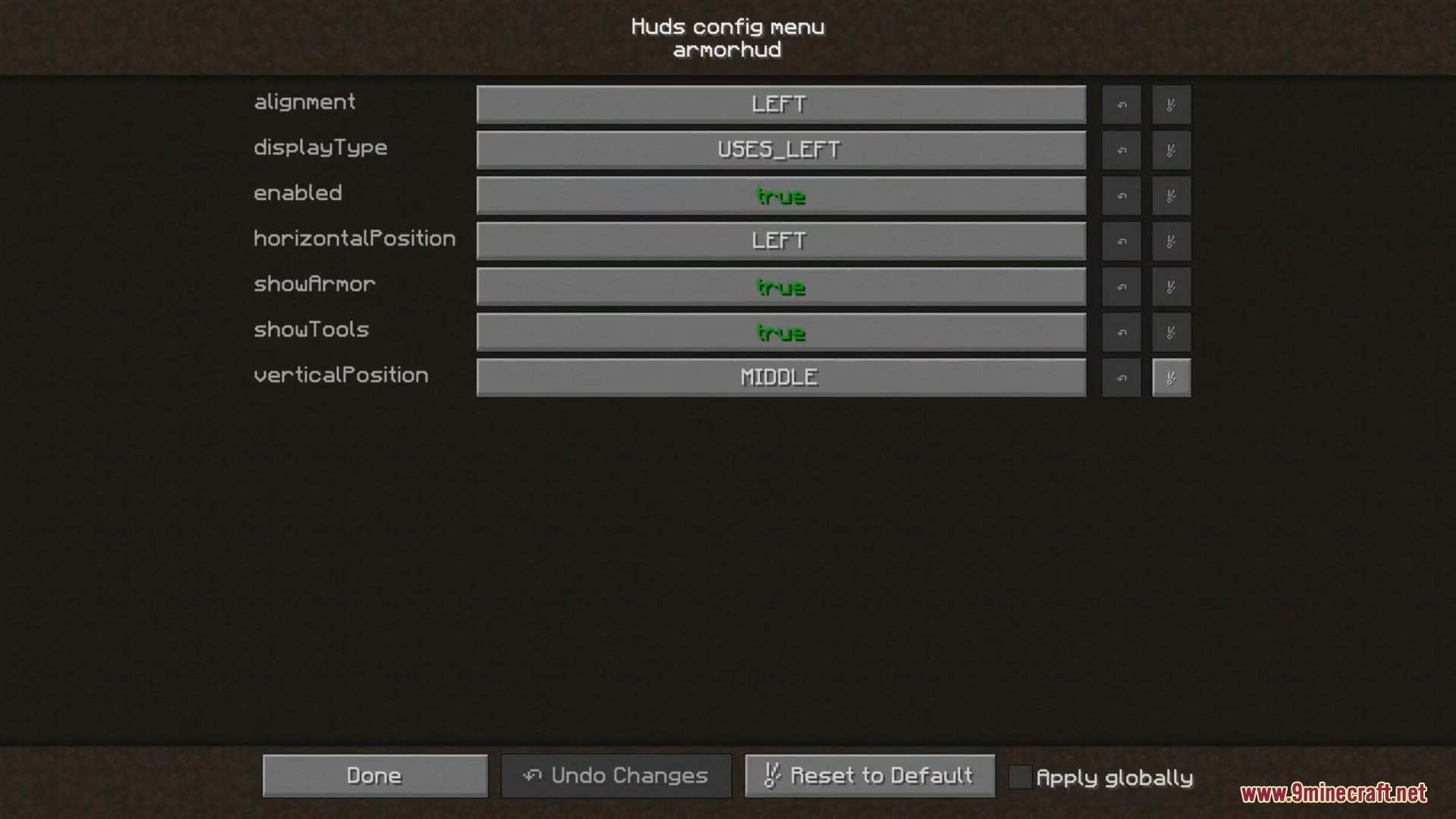
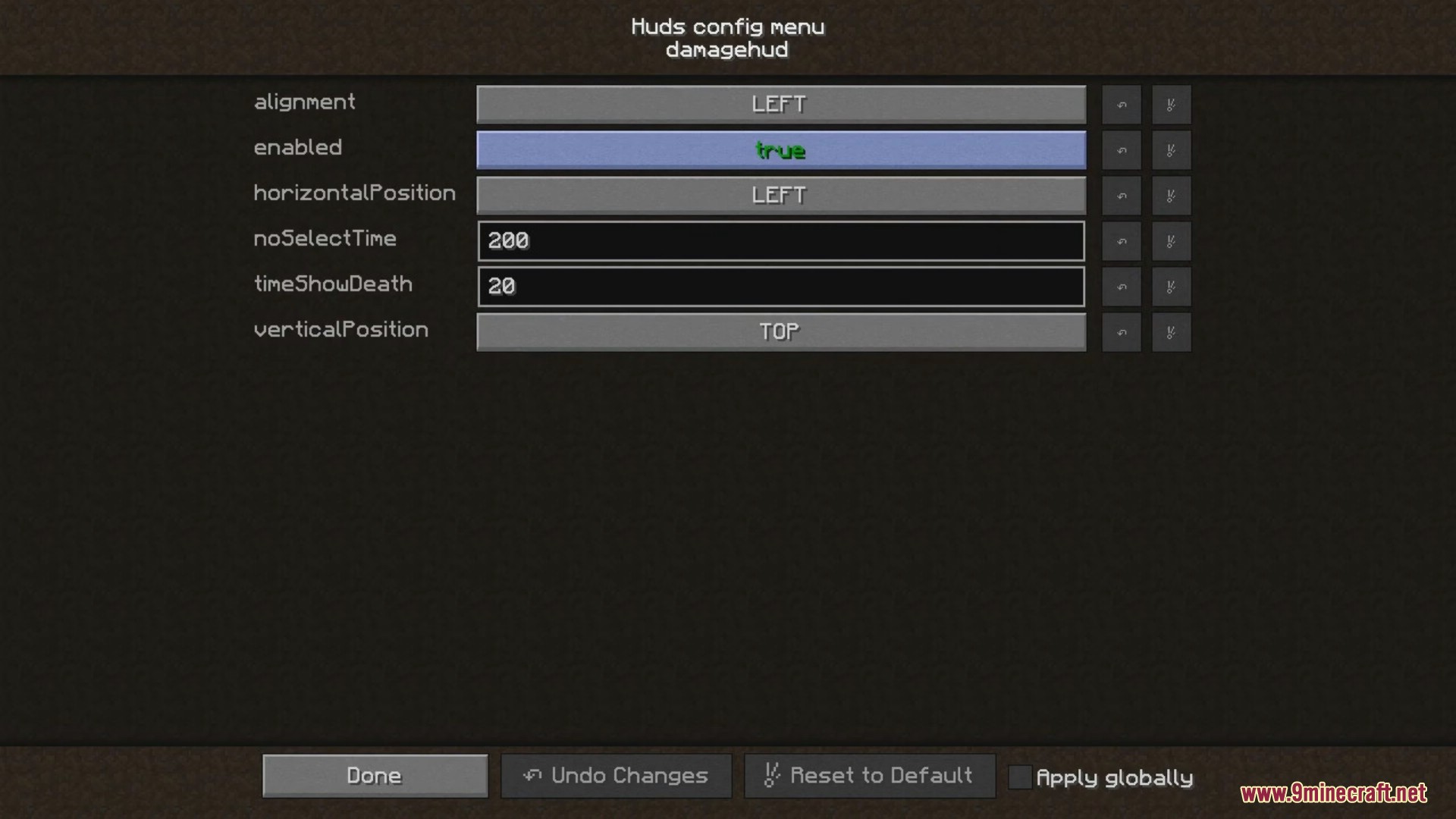
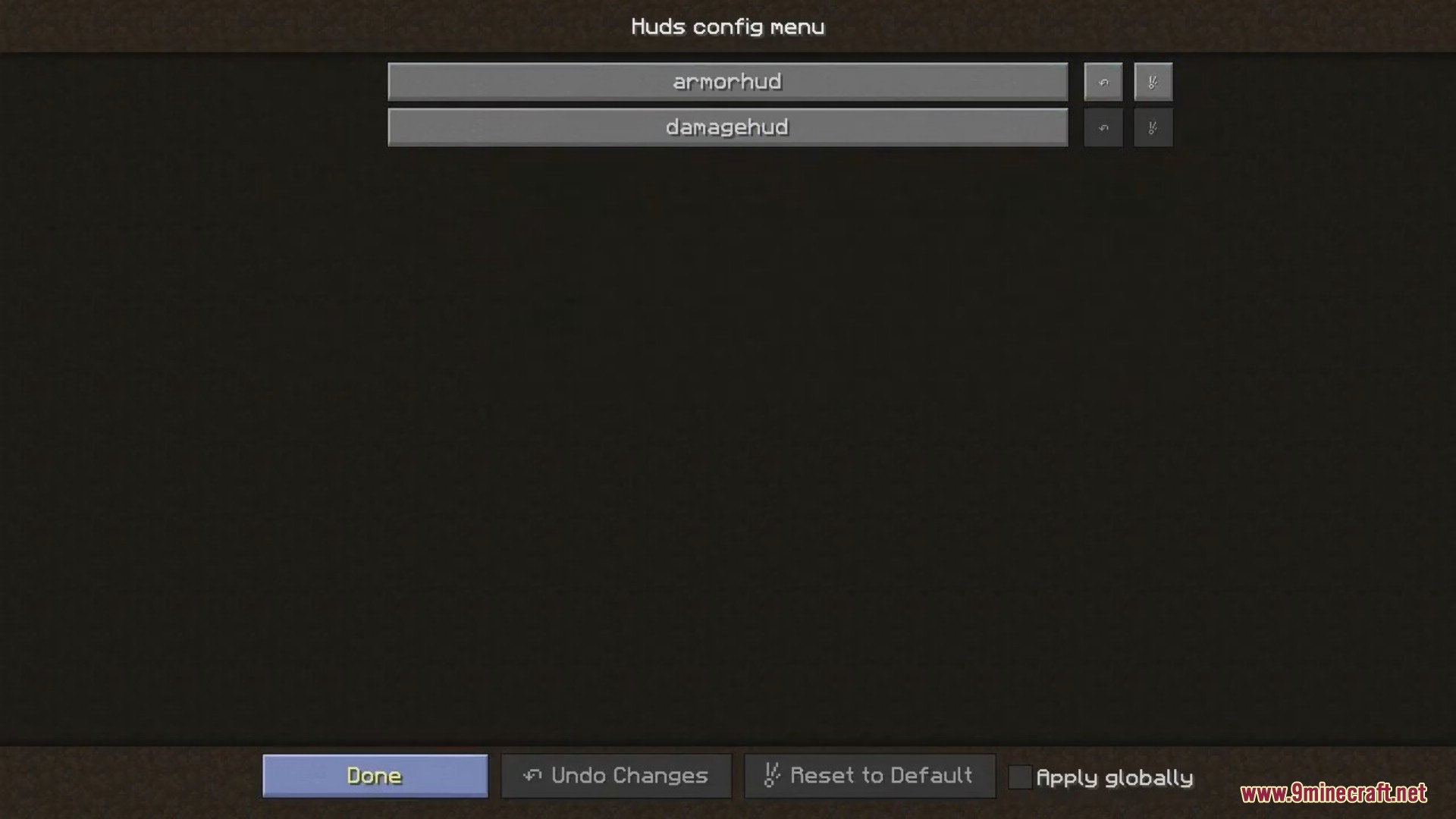
Huds Armor Status Damage Indicators Mod is a client side only mod that contains multiple, fully configurable HUD’s. All HUD’s can be enabled/disabled and configured in a config file, or with the in-game config, which can be accessed with: /hudconfig show. If you changed the config file manually, you can use /hudconfig reload to reload the config file.
Features:
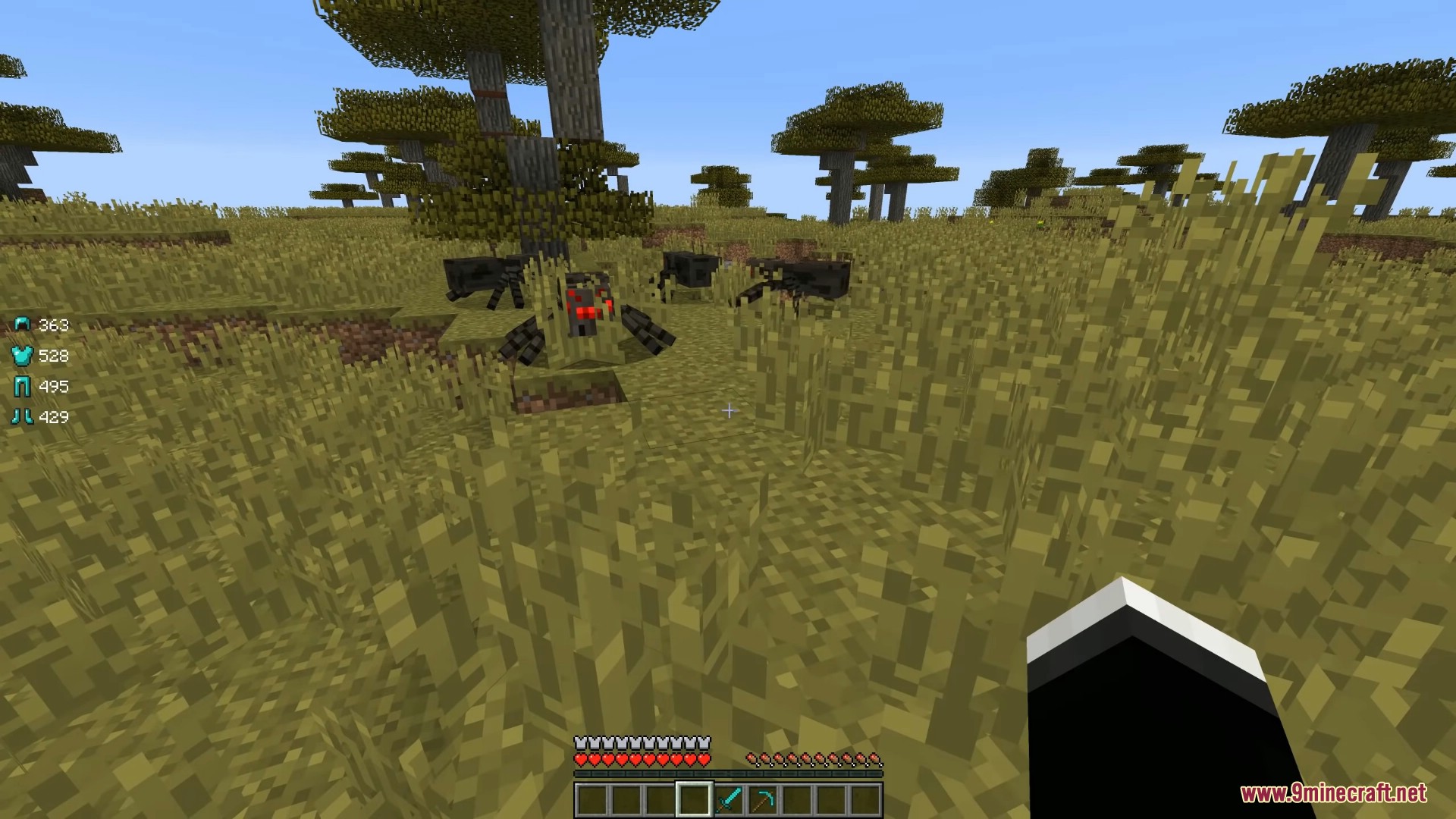
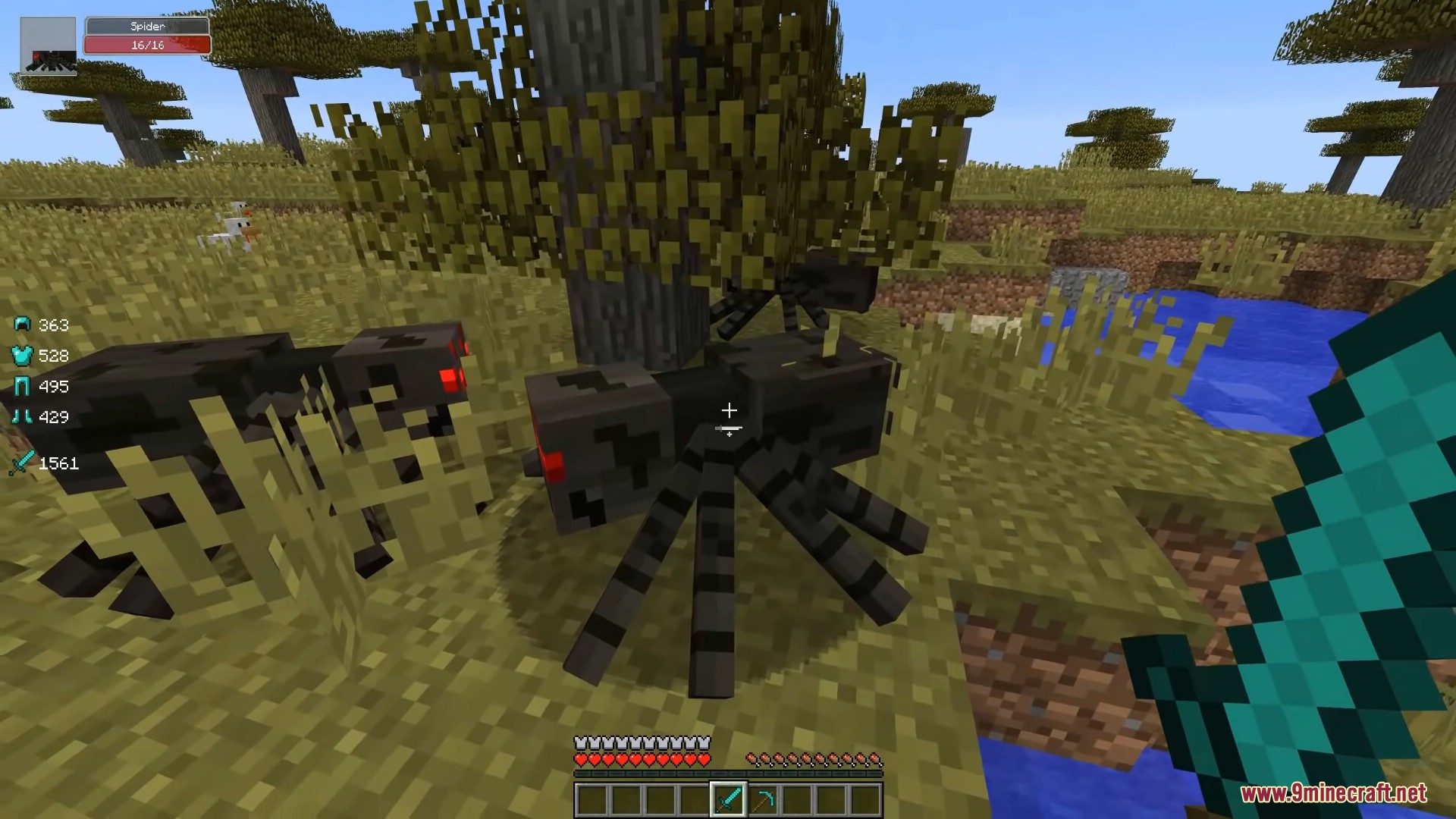
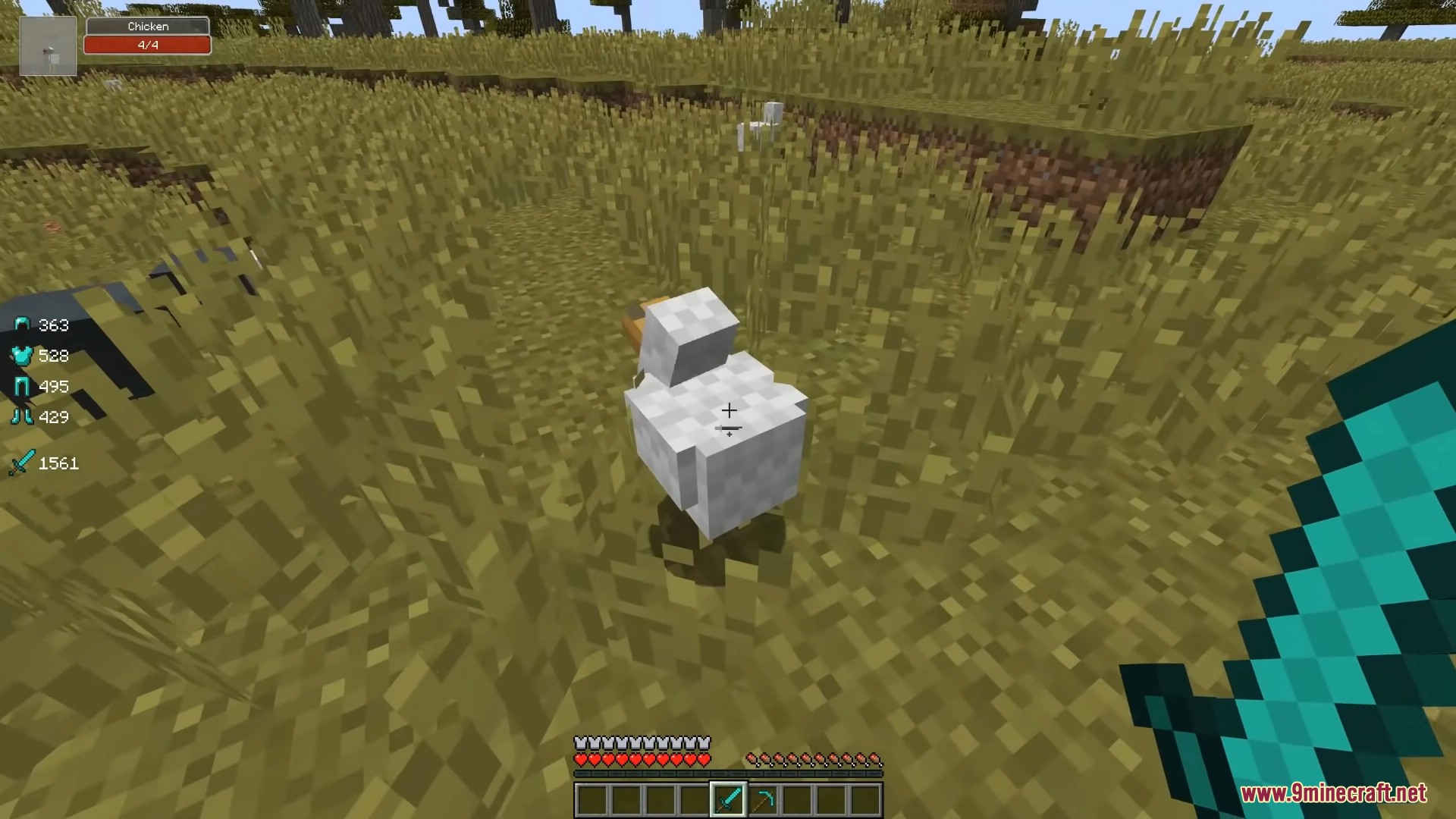
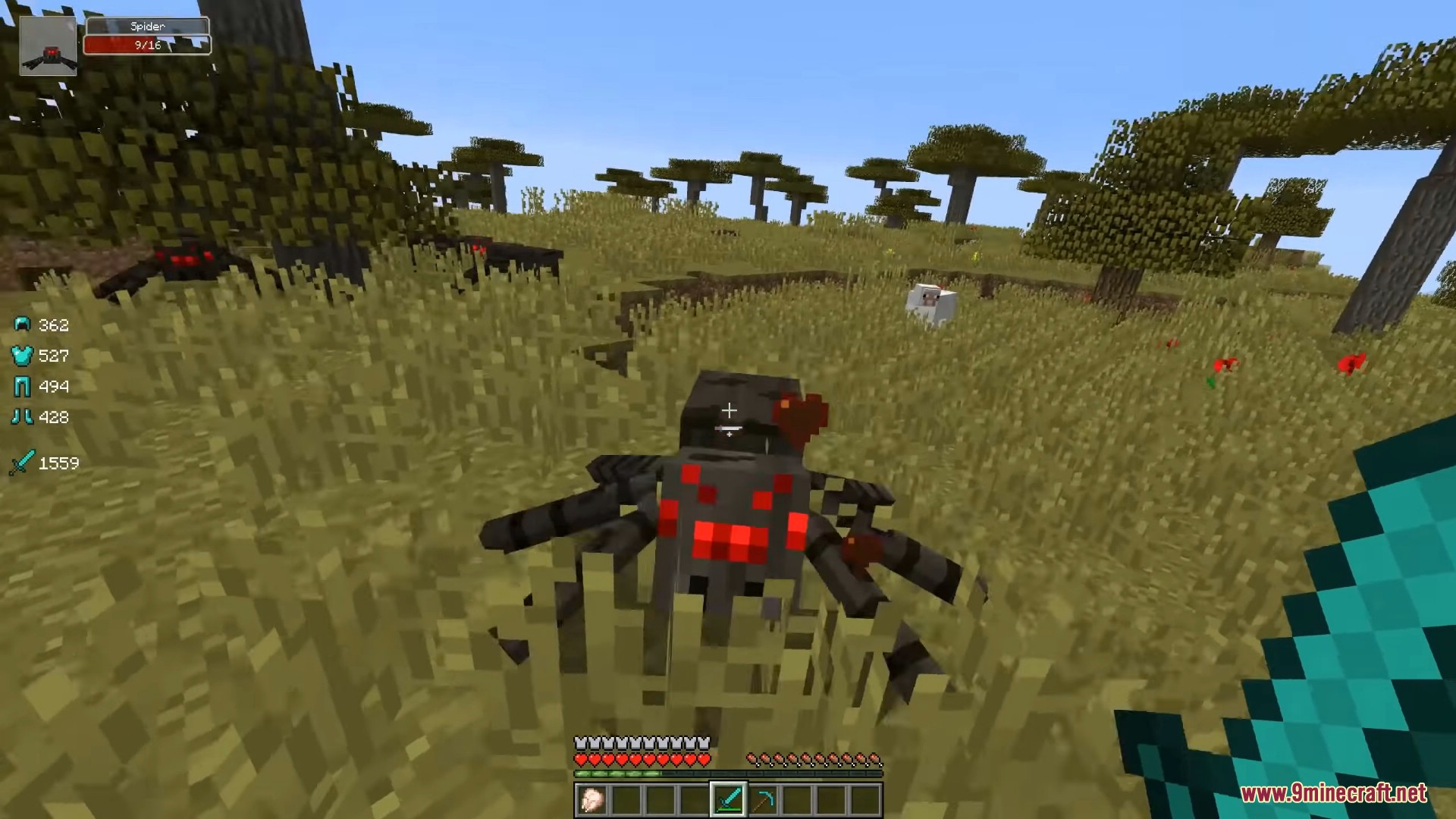
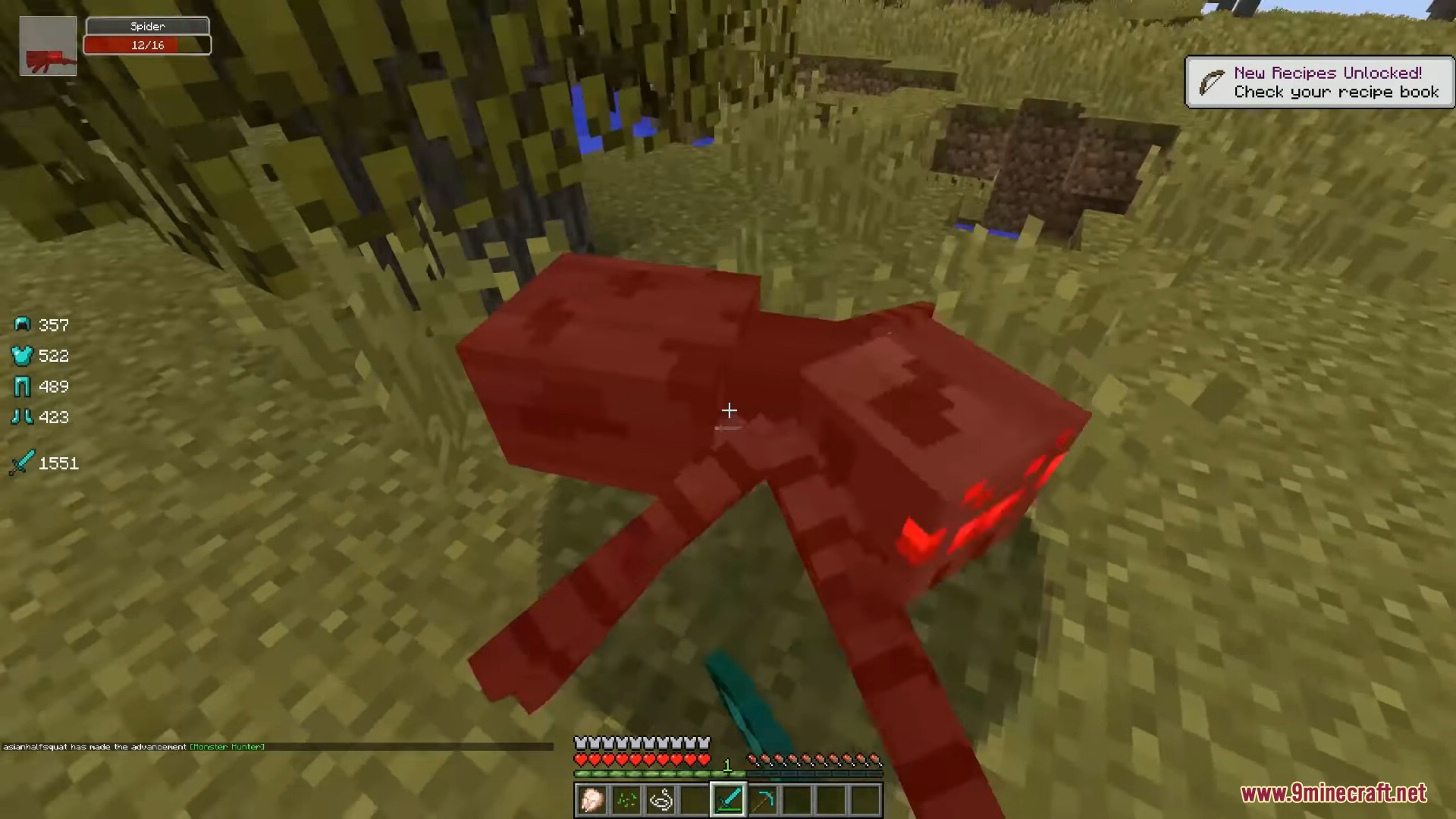
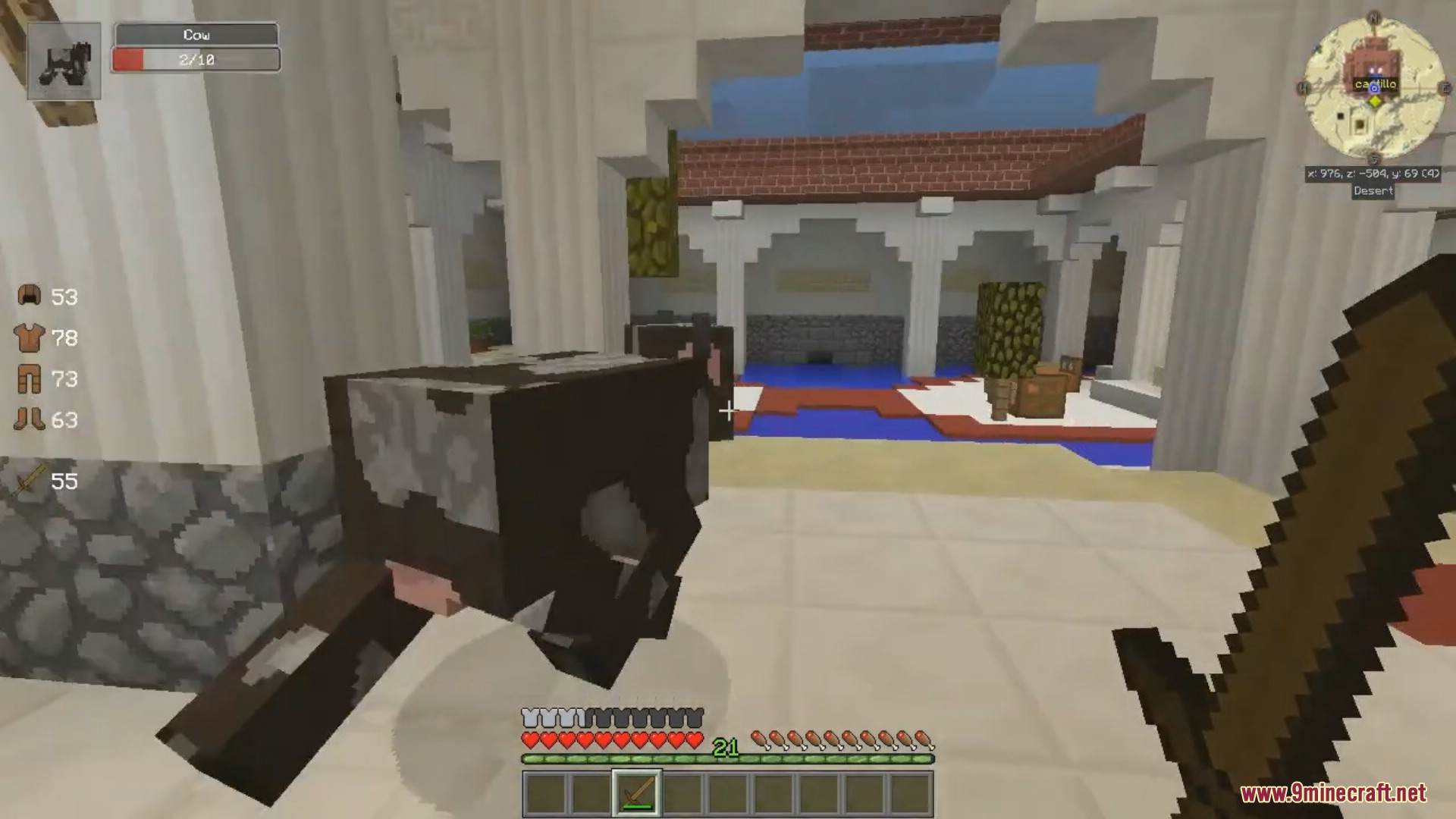
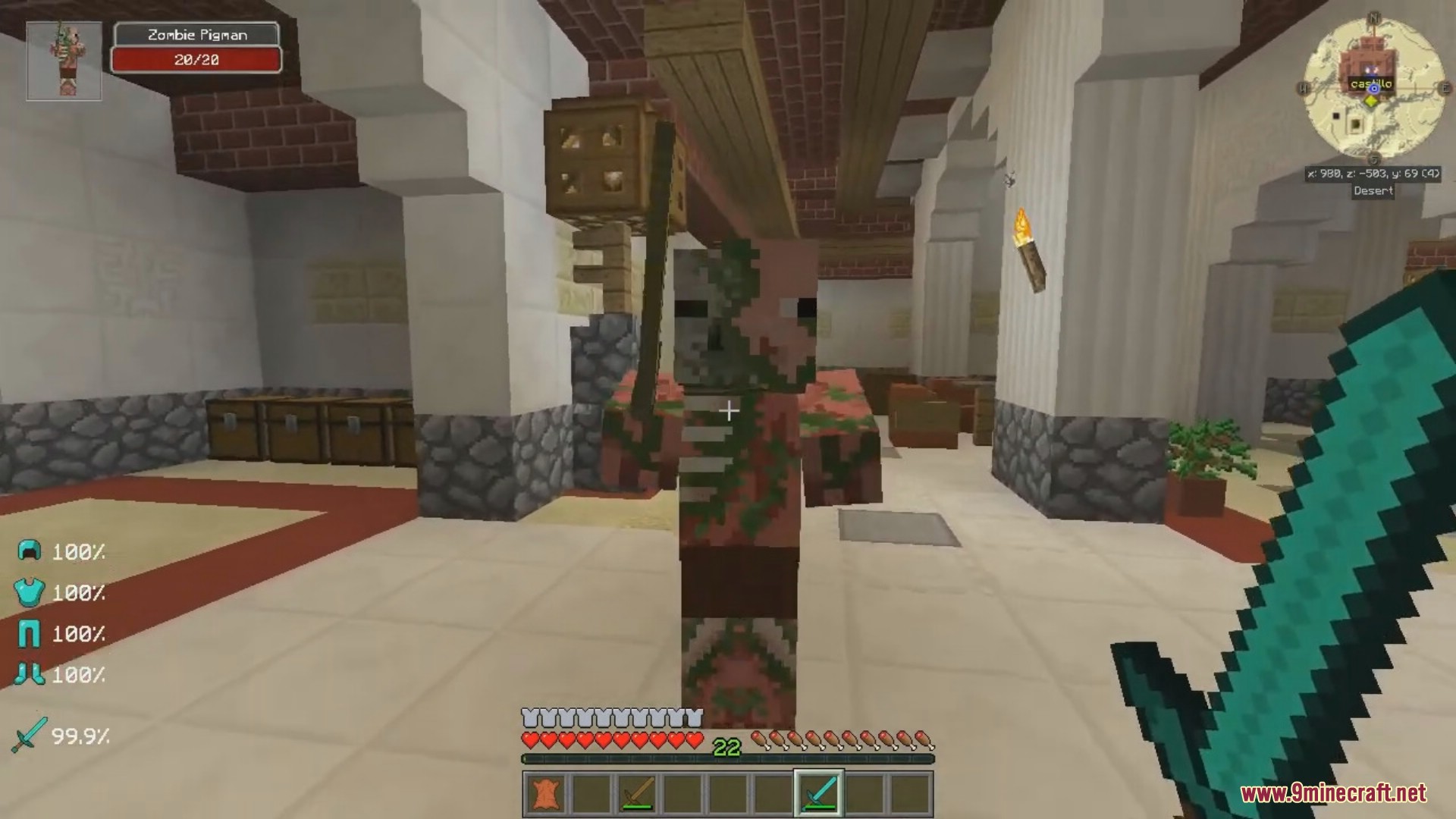
- Armor HUD: displays your currently equipped armor and its damage status.
- Tool HUD: displays your currently equipped held items (on- an offhand) along with its durability status.
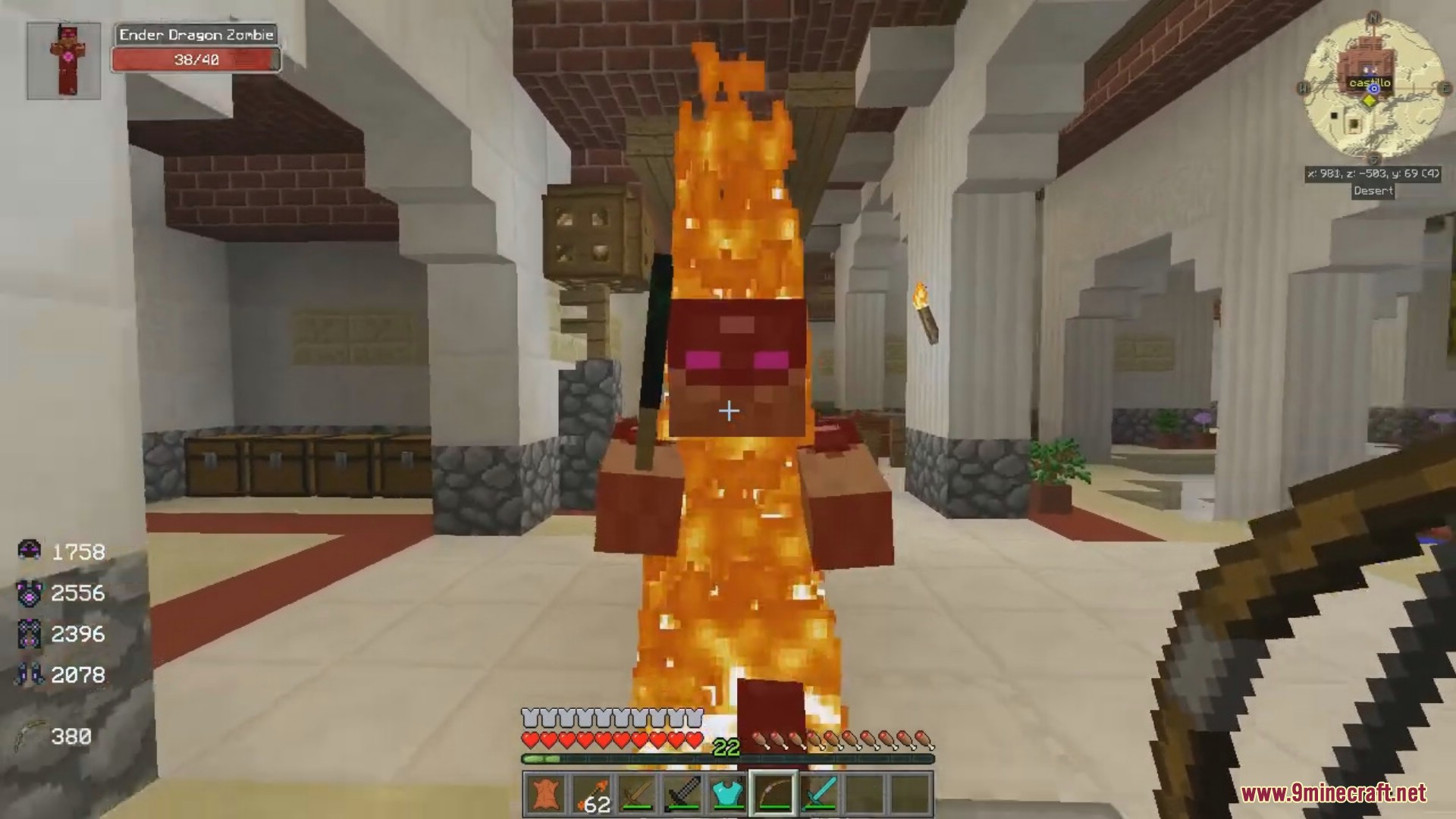
- Damage Indicator: when you mouse over a mob, its 3D model and health is displayed in a HUD on your screen.
Screenshots:
Requires:
Minecraft Forge
ElecCore
Huds Armor Status Damage Indicators Mod Download Links
For Minecraft 1.14.4
Forge version: Download from Server 1
For Minecraft 1.12.2
Forge version: Download from Server 1 – Download from Server 2
For Minecraft 1.11.2
Forge version: Download from Server 1
Quick facts
- Edition: Minecraft Java
- File type: .jar
- How to install: Install the matching mod loader (Forge, Fabric or NeoForge) for your Minecraft version. → Download the .jar. → Put it in the .minecraft/mods folder and launch that loader profile.
- Where to get it: In MC Java Mods, or directly above on this page.
Install steps are the general flow for this file type — How to install Minecraft Java mods & modpacks walks through it step by step.
Verified by MCModsHub
- Downloads as 201155.mcaddon
- Download size: 30 KB
- Download link checked 29 Jul 2026 — working
- Mirrored on our own servers — the download does not depend on the original host
These come from our own check of the pack file, not from the source page.