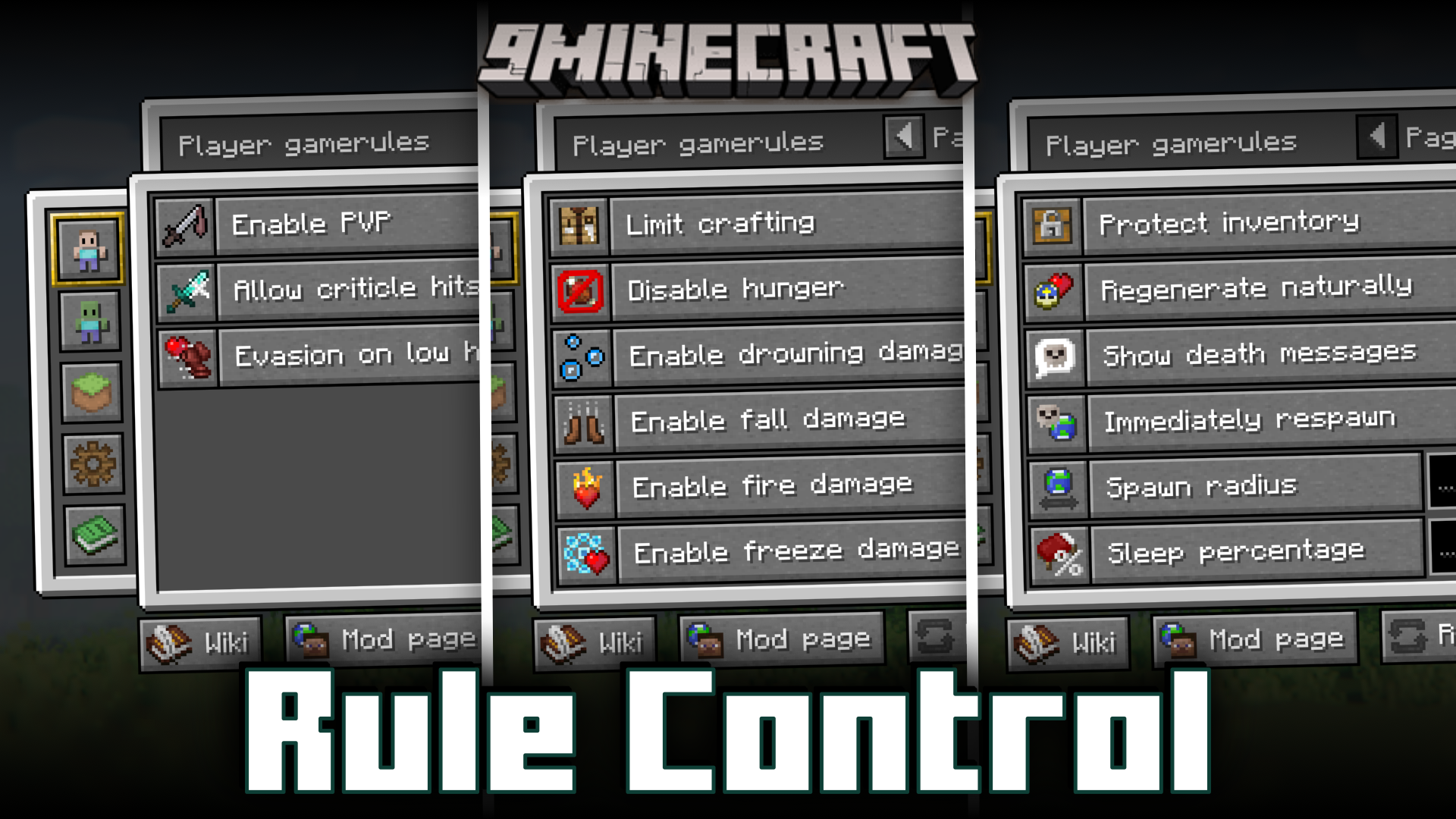
Rule Control Mod (1.20.4, 1.20.1) – GUI To Control Gamerules
Java mod listed for Minecraft 1.20. Downloads from the MC Java Mods app on Android.
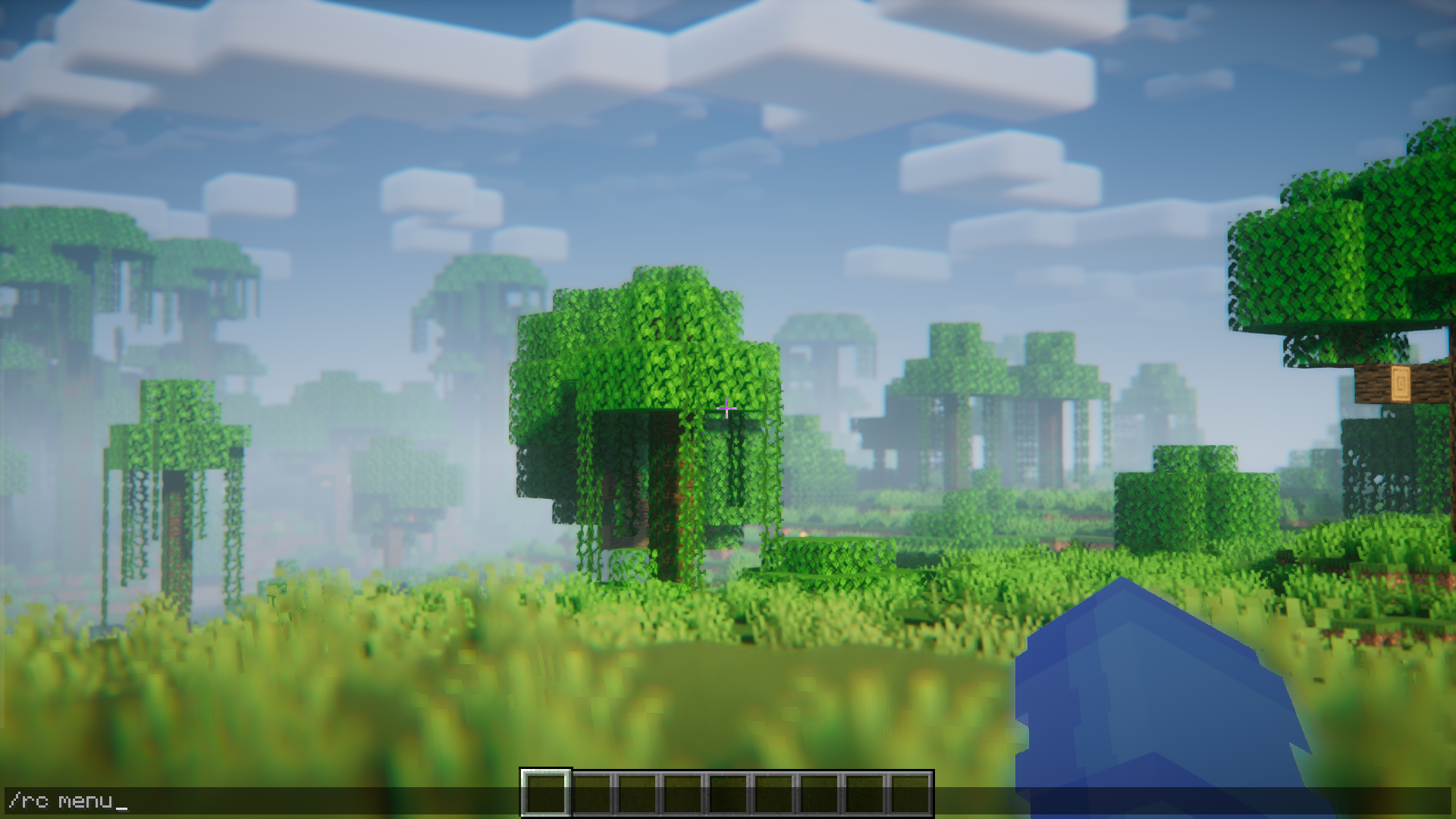
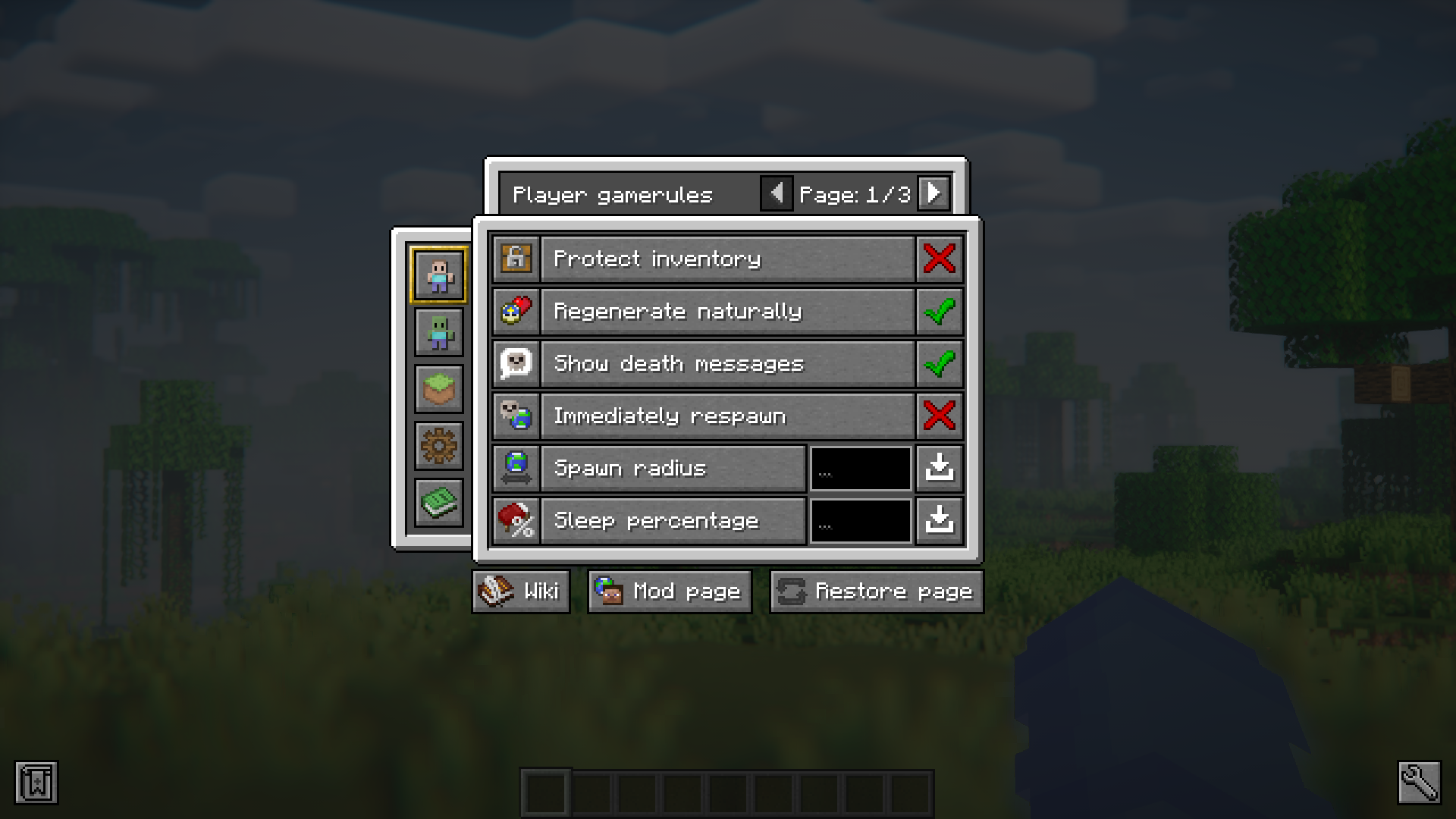
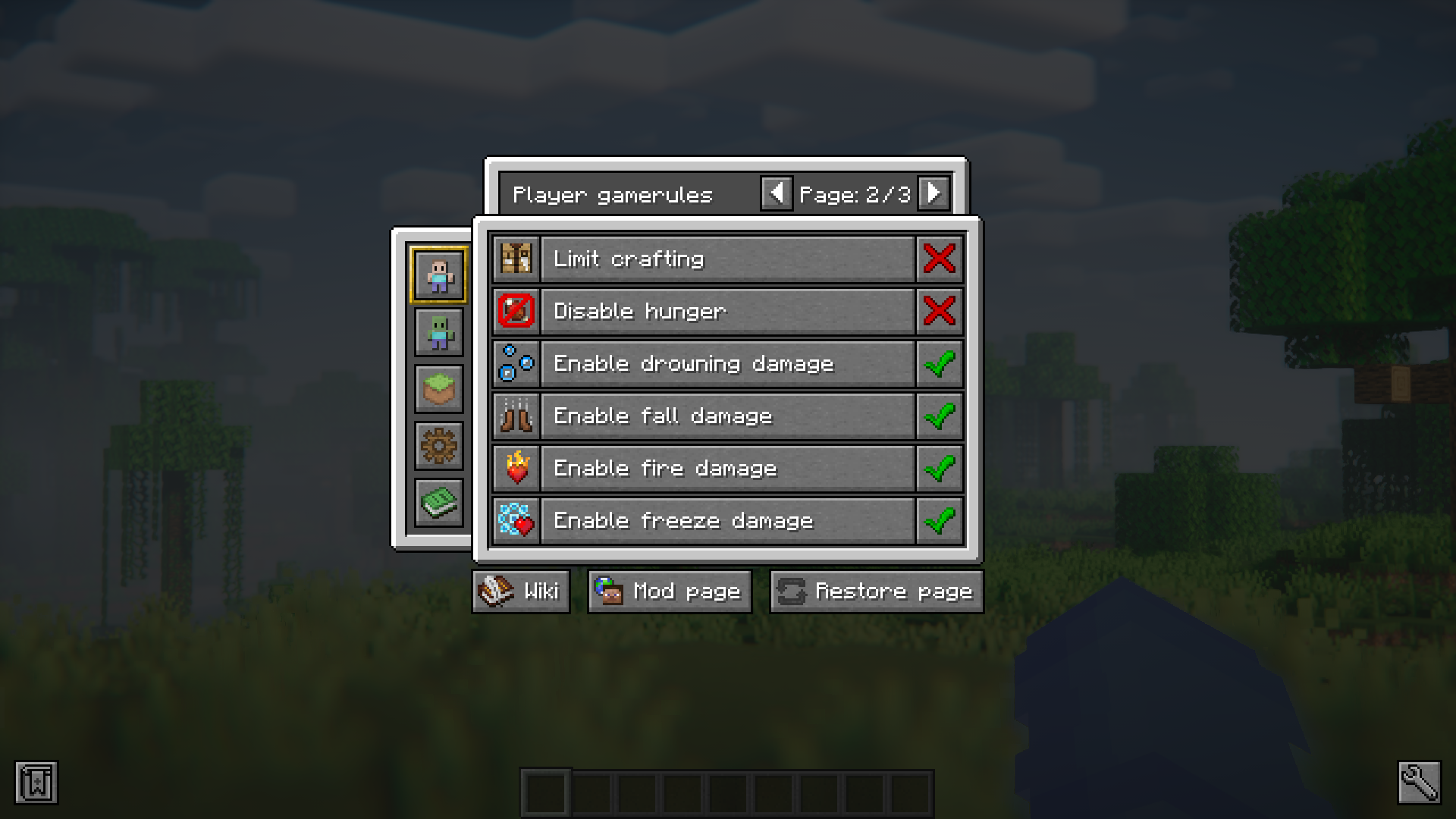
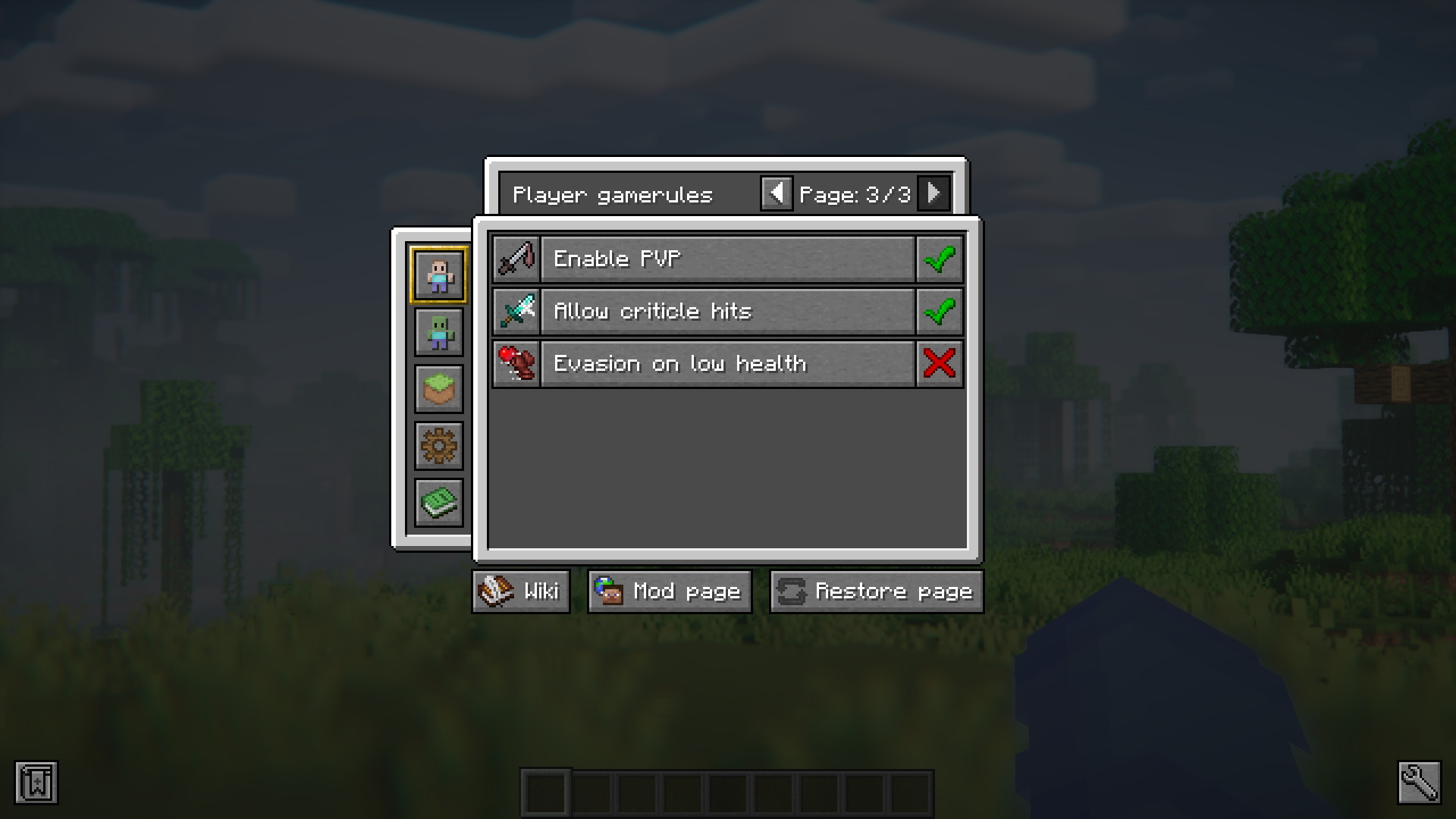
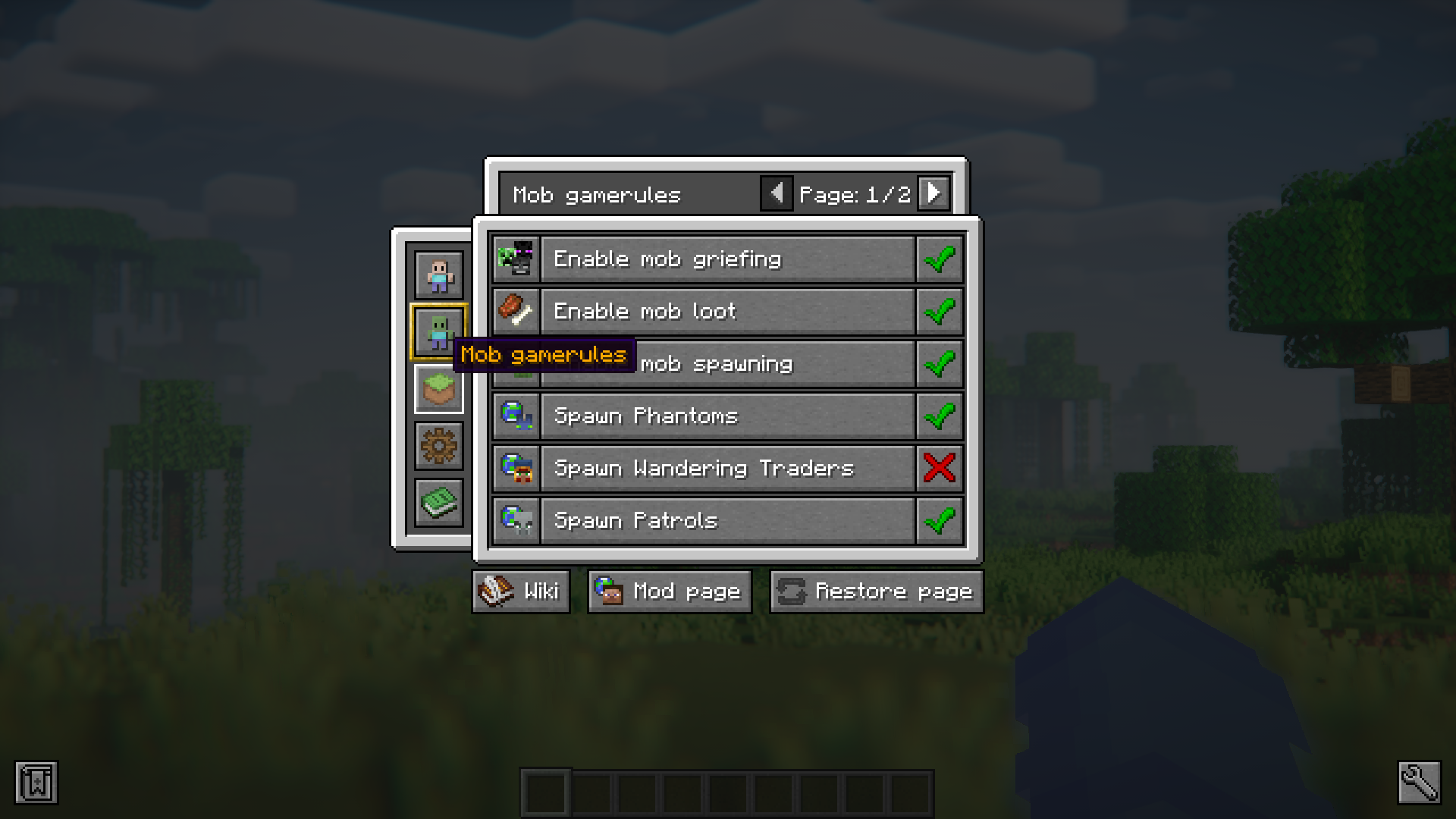
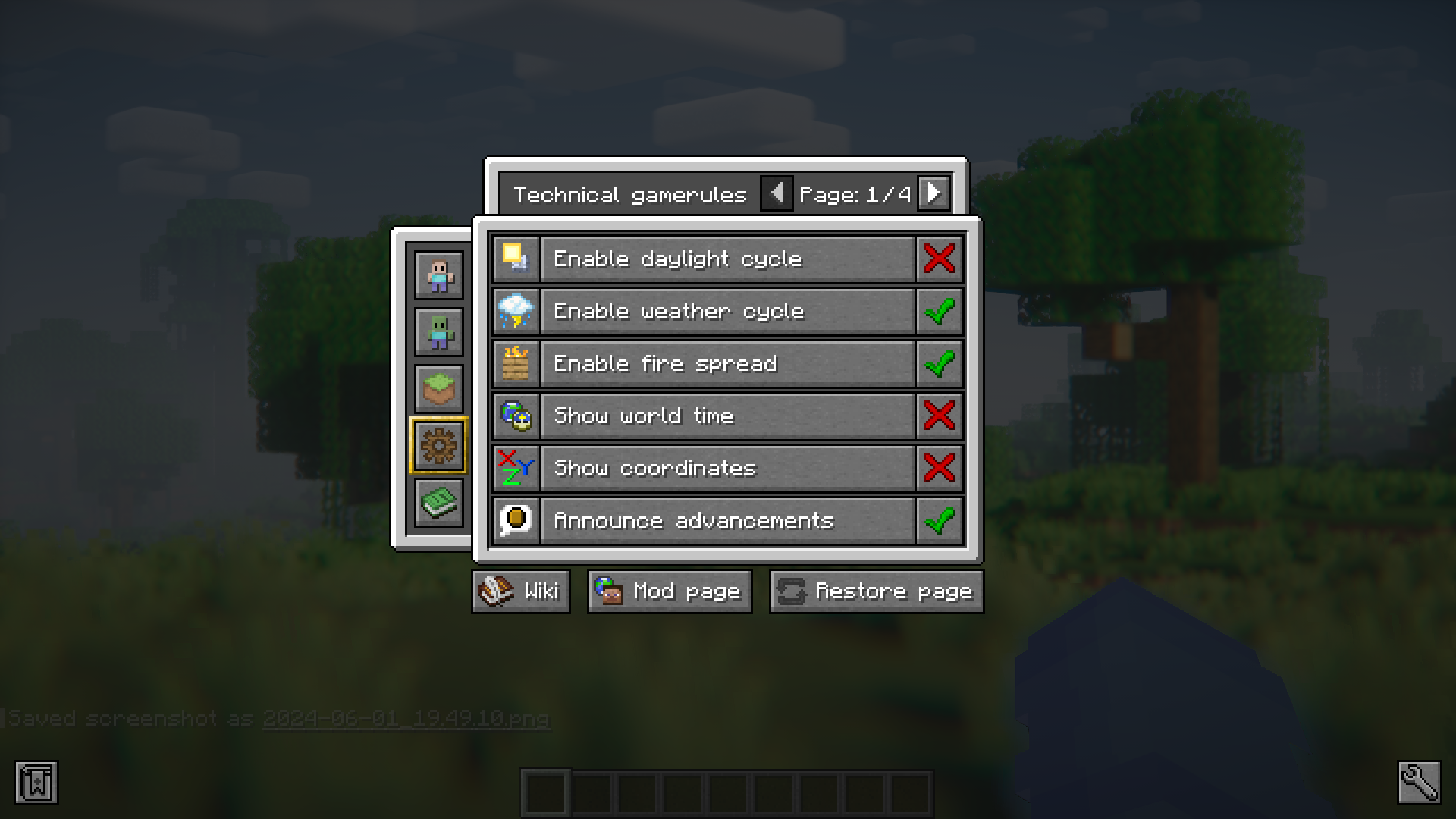
⬇ DownloadMinecraft has a collection of gamerules that dictate how the entire game world functions. Don’t want it to rain or snow? Set the DoWeatherCycle gamerule to false and the weather will remain clear at all times. Want no mobs spawning in your world? Set the DoMobSpawning gamerule to false. Hate night time? Set the DoDaylightCycle gamerule to false to freeze time. There are more gamerules that you can toggle to control how the game works. But remembering the names of the gamerules and their possible values is not easy since there are a large number of them. Rule Control Mod is here to ease up the process. This mod adds a GUI that allows you to use buttons to turn certain game rules true or false. The GUI can be opened using the commands /rulecontrol menu or simply /rc menu. There are also text columns provided where you can enter values for rules like spawn radius and sleep percentage. The GUI also categorizes the gamerules into different tabs.
Features:
Commands:
Use the following commands to access the general GUI:
- /rulecontrol menu
- /rc menu
Restore all of the gamerule by using one of the following commands:
- /rc restore
- /rulecontrol restore
To change any predefined settings, use one of the following command:
- /rc settings
- /rulecontrol settings
More:
- Use the config (named ‘rule_control_config.toml’) located in the game directory to set as password that will allow access to the GUI.
- Access the GUI using a keybind that can be set using the keybind settings.
Screenshots:
Requires:
Minecraft Forge
NeoForge
Rule Control Mod Download Links
For Minecraft 1.20.4
NeoForge version: Download from Server 1 – Download from Server 2
For Minecraft 1.20.1
Forge version: Download from Server 1 – Download from Server 2
For Minecraft 1.19.4
Forge version: Download from Server 1 – Download from Server 2
For Minecraft 1.19.2
Forge version: Download from Server 1 – Download from Server 2
For Minecraft 1.18.2
Forge version: Download from Server 1 – Download from Server 2
For Minecraft 1.17.1
Forge version: Download from Server 1 – Download from Server 2
For Minecraft 1.16.5
Forge version: Download from Server 1 – Download from Server 2
For Minecraft 1.15.2
Forge version: Download from Server 1 – Download from Server 2
- Edition: Minecraft Java
- File type: .jar
- Minecraft versions listed: 1.20.4, 1.20.1
- How to install: Install the matching mod loader (Forge, Fabric or NeoForge) for your Minecraft version. → Download the .jar. → Put it in the .minecraft/mods folder and launch that loader profile.
- Where to get it: In MC Java Mods, or directly above on this page.
Install steps are the general flow for this file type — How to install Minecraft Java mods & modpacks walks through it step by step.
- Downloads as 201225.mcaddon
- Download size: 2.0 MB
- Download link checked 29 Jul 2026 — working
- Mirrored on our own servers — the download does not depend on the original host
These come from our own check of the pack file, not from the source page.