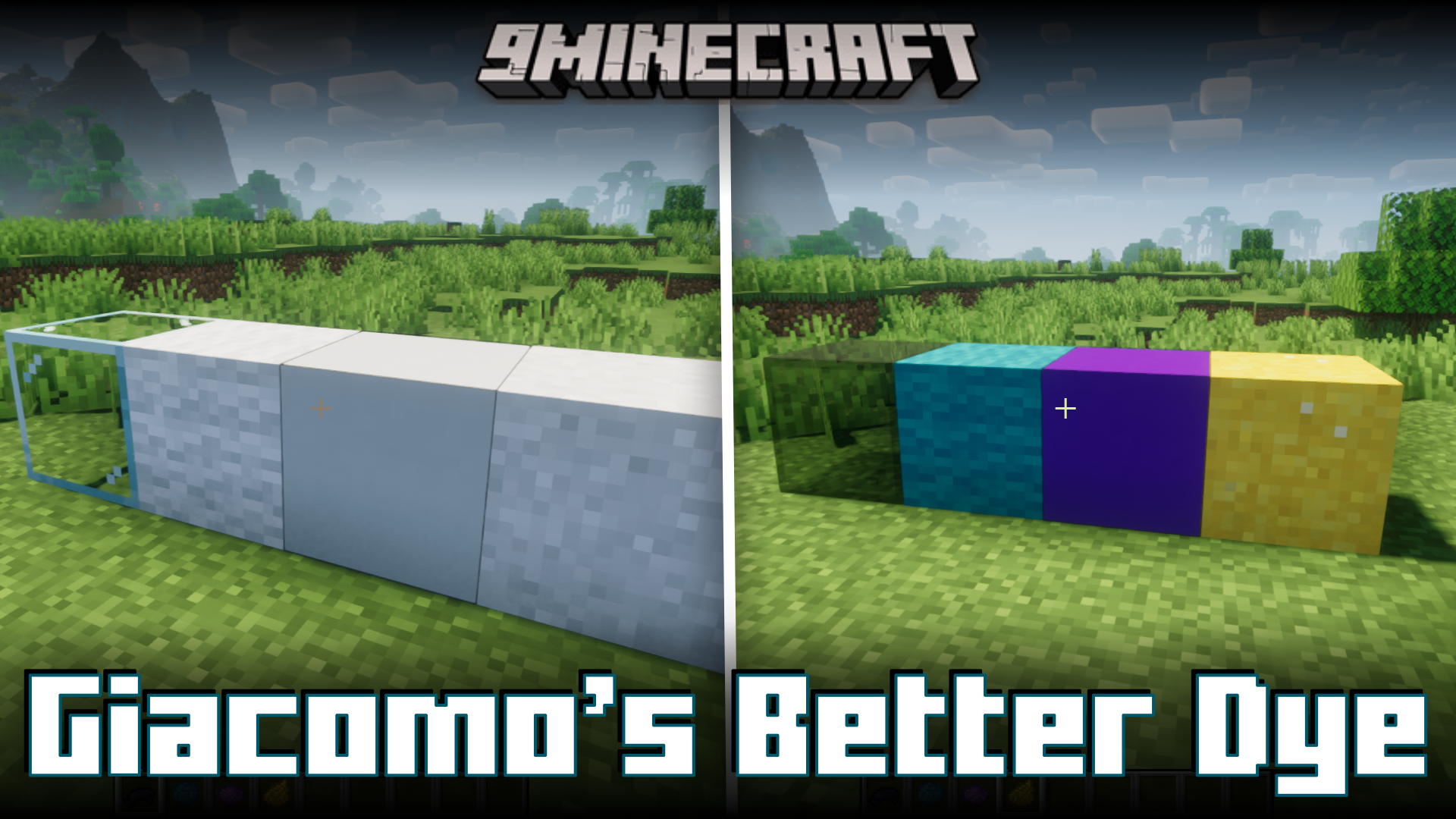
Giacomo's Better Dye Mod (26.2, 1.20.1) – Color Blocks By Tapping Them
Java mod listed for Minecraft 1.20–26.x. Downloads from the MC Java Mods app on Android.
Giacomo's Better Dye Mod adds a very useful feature that will allow you color blocks simply by tapping on them with dyes. This works with almost all…
⬇ Download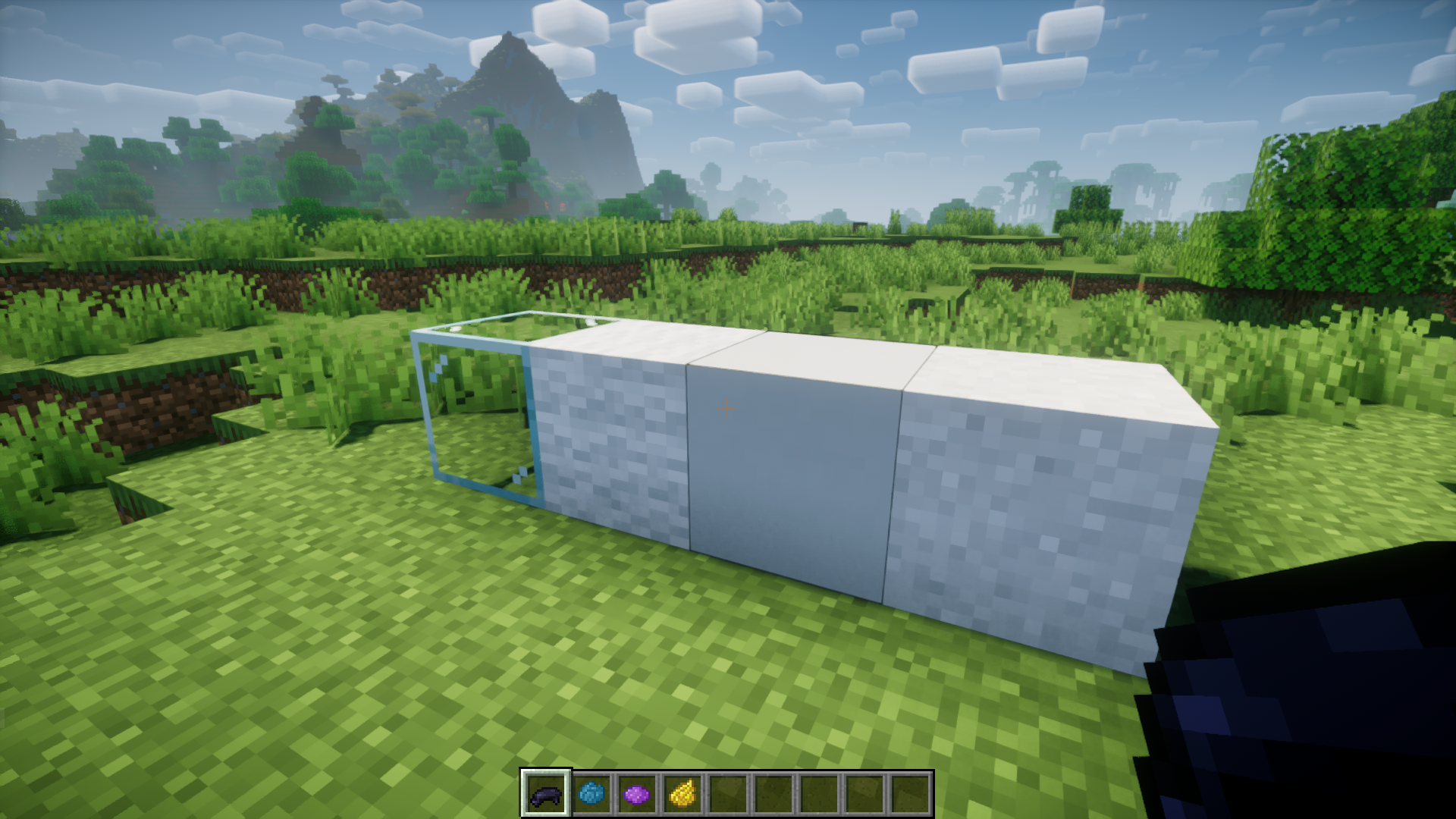
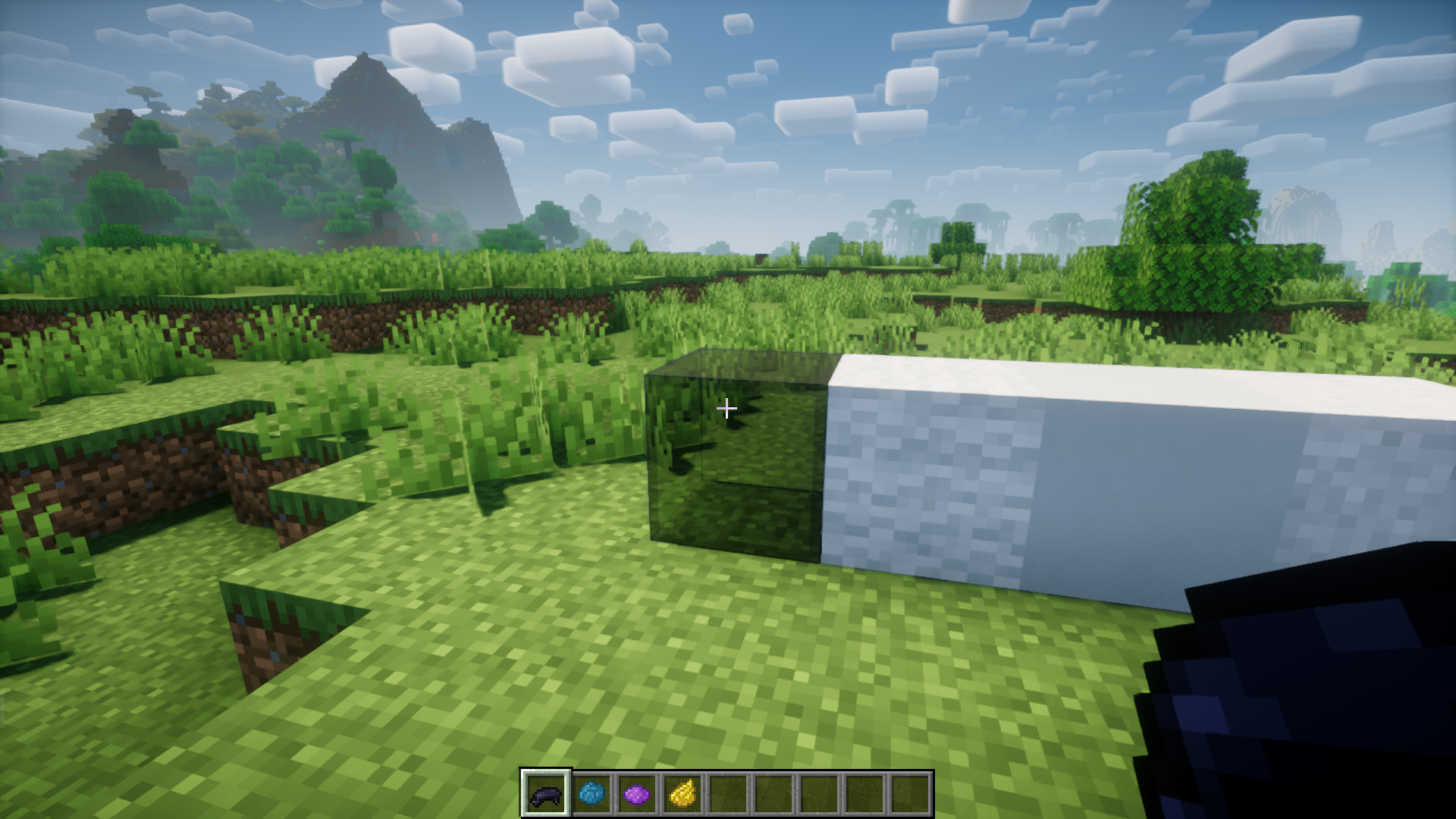
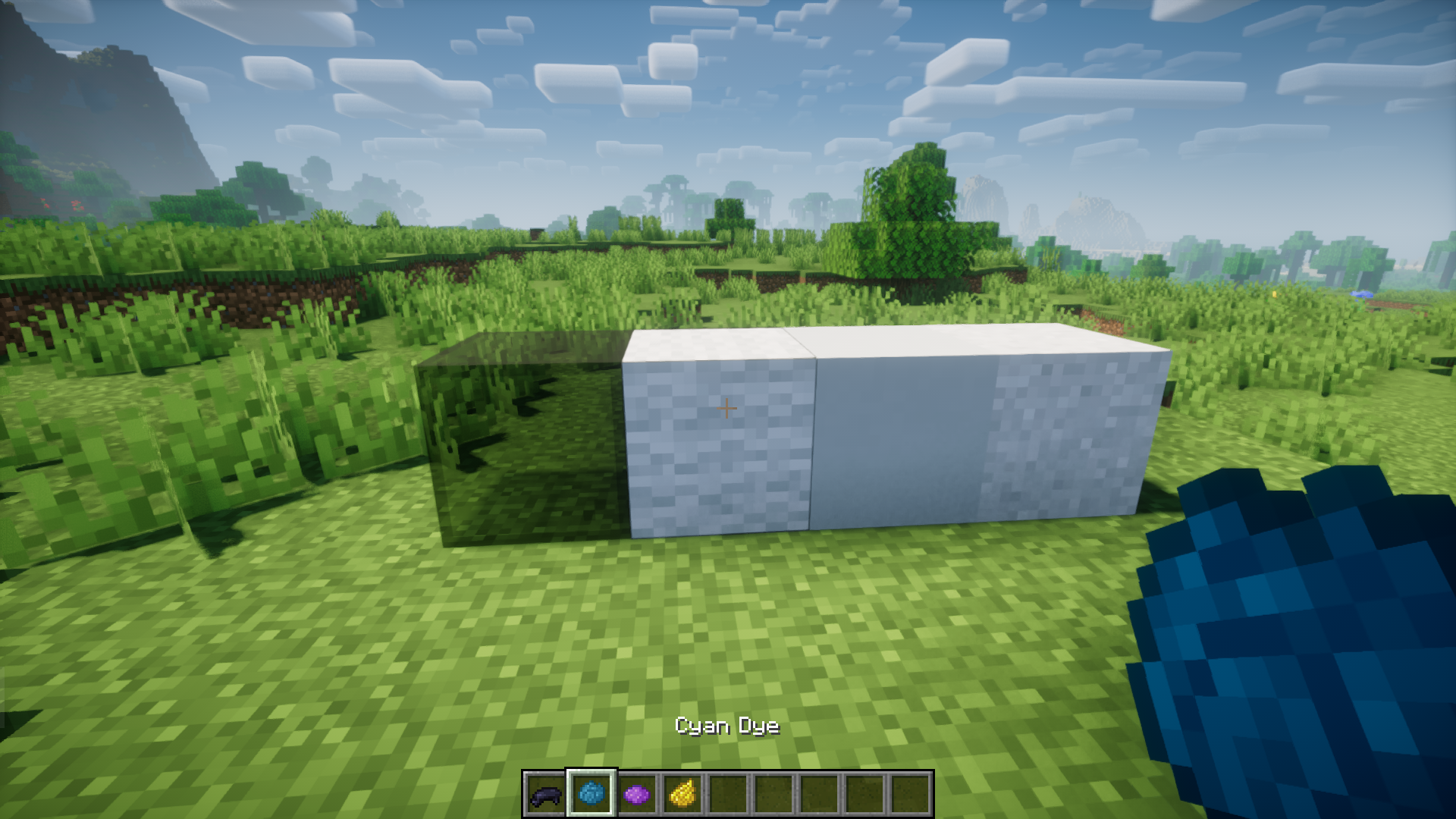
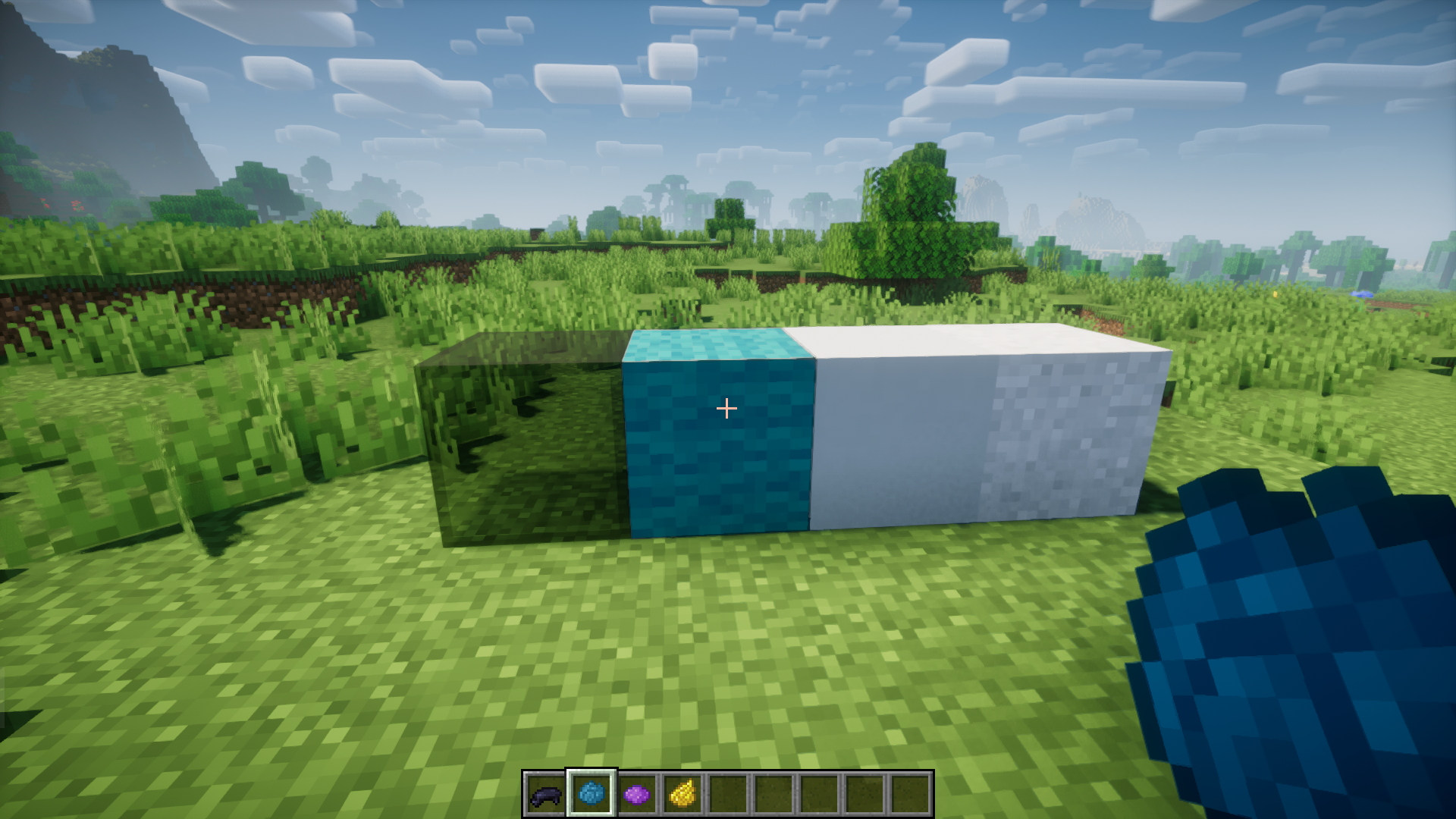
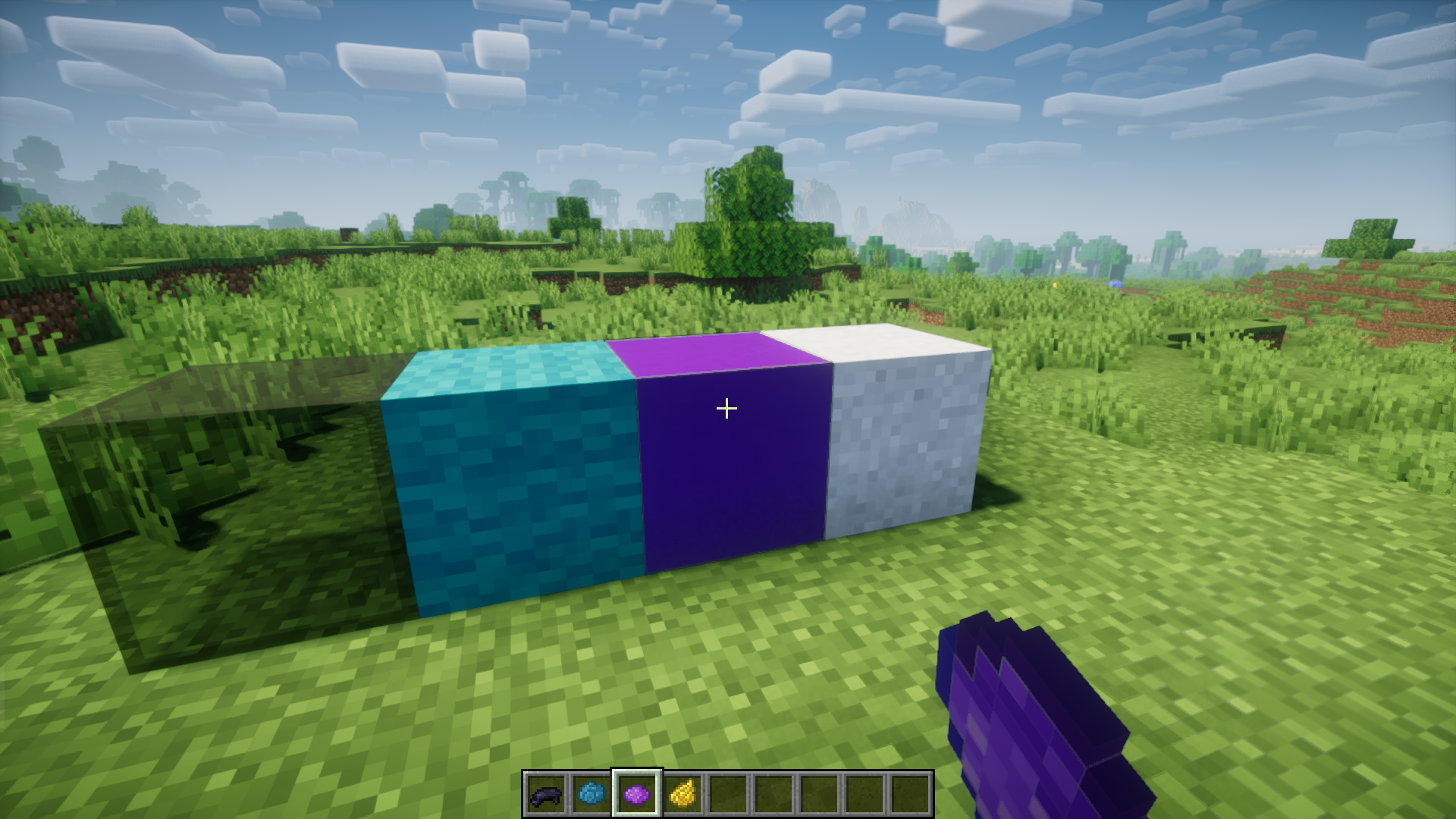
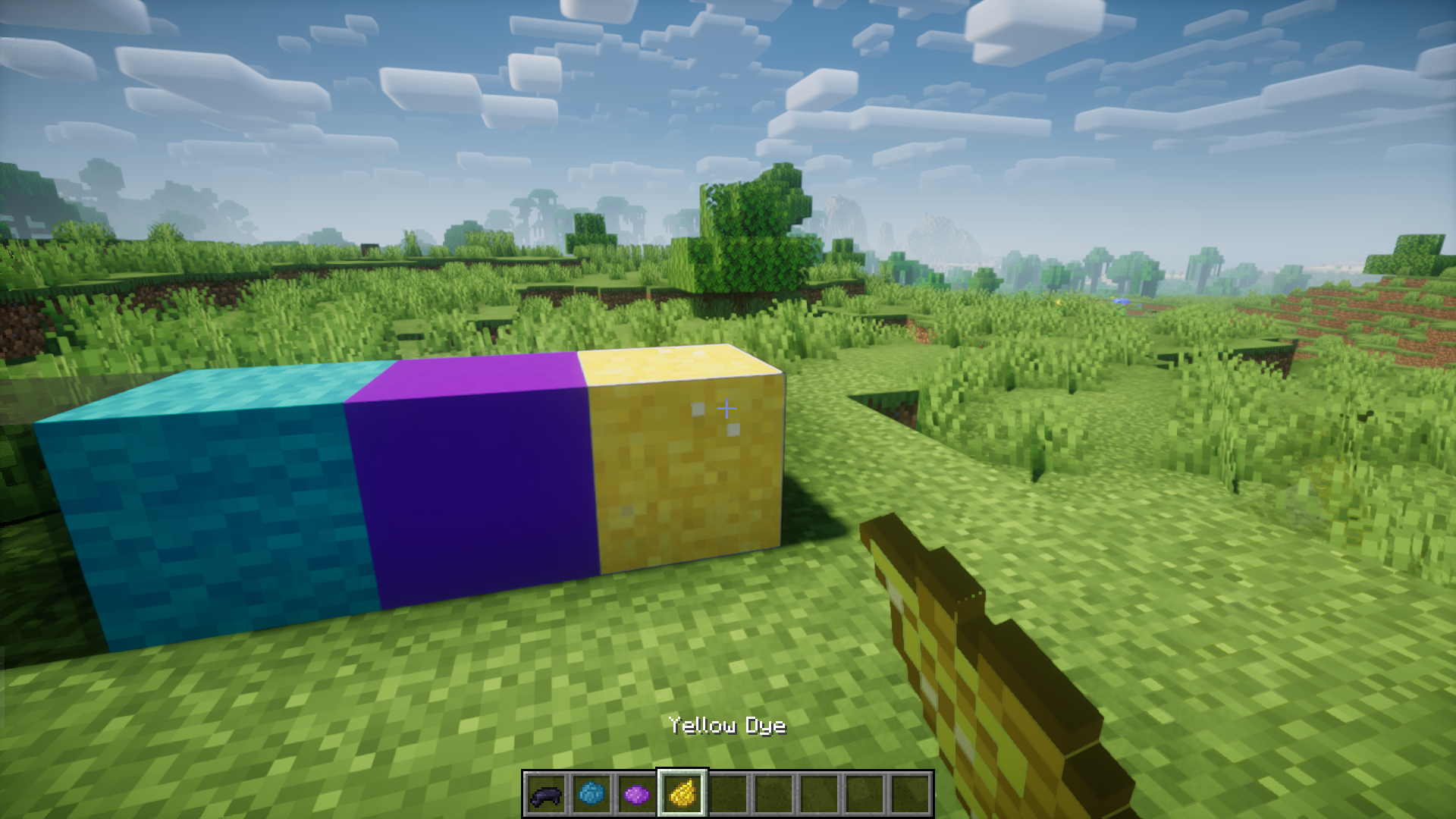
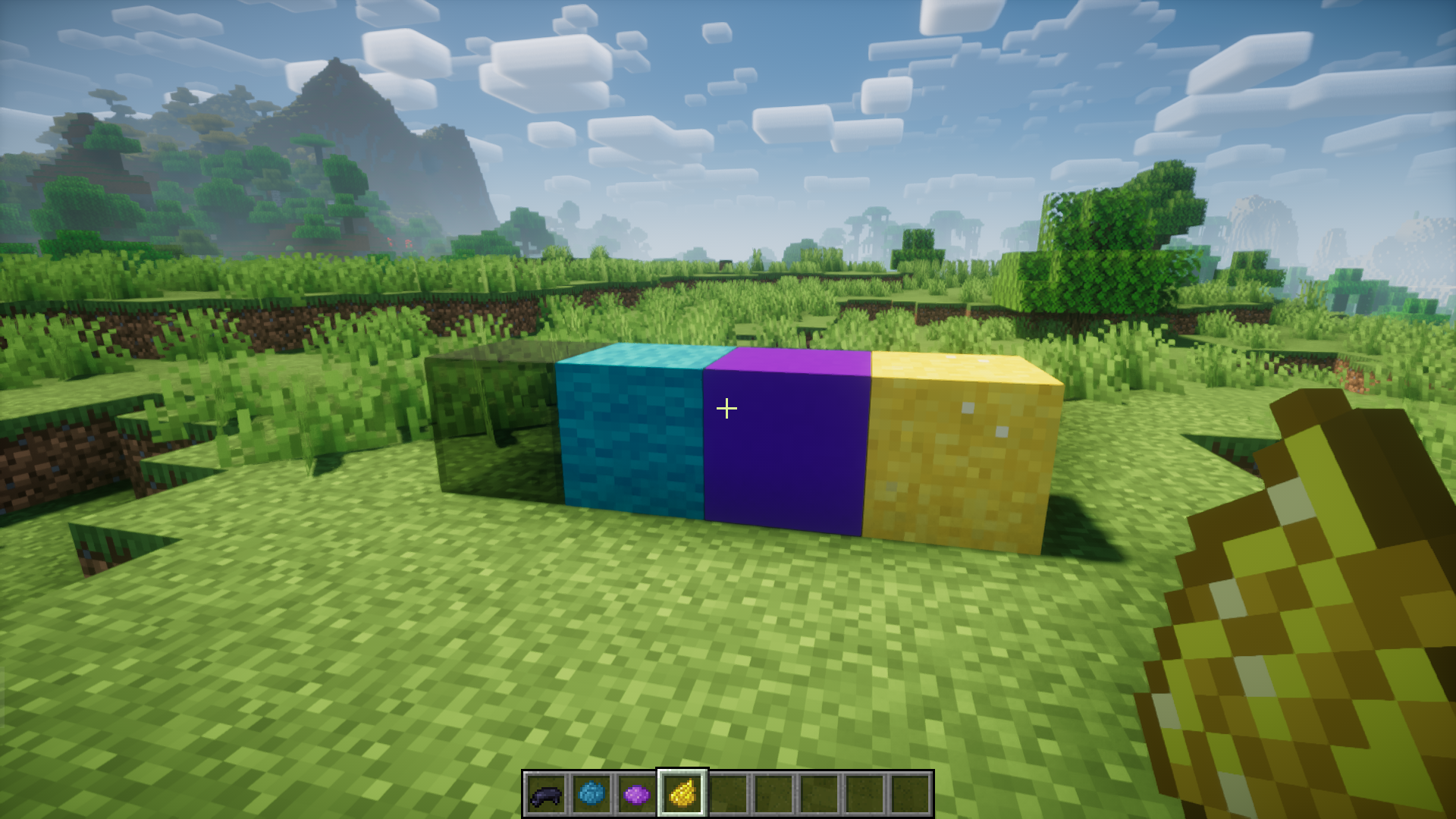
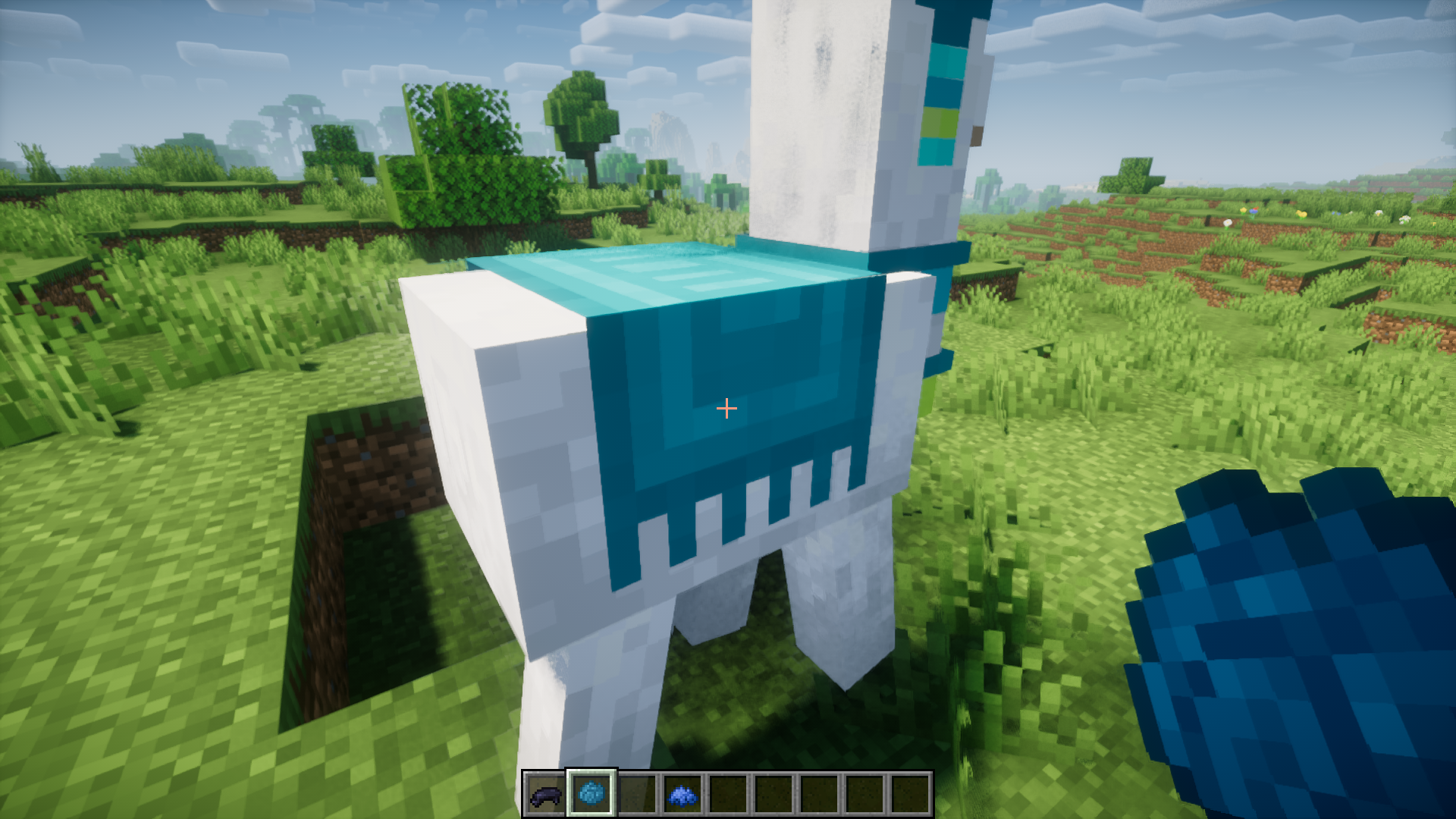
Giacomo’s Better Dye Mod adds a very useful feature that will allow you color blocks simply by tapping on them with dyes. This works with almost all blocks from the Colored Blocks tab of the creative inventory. This includes glass, wool, concrete, cement, terracotta, etc. Builders will find this mod useful as it helps them easily change the color of certain blocks without having to break and replace them. By sneak right-clicking, you can apply dyes to llama or horse carpets. In the case of horses wearing leather armors, an additional functionality has been implemented: a regular right-click sets the armor color, while a shift right-click blends the armor color with the dye color, creating an endless variety of shades.
Features:
- Paint blocks simply by right clicking a dye onto them.
- Works will all blocks in the Colored Blocks tag in the creative inventory.
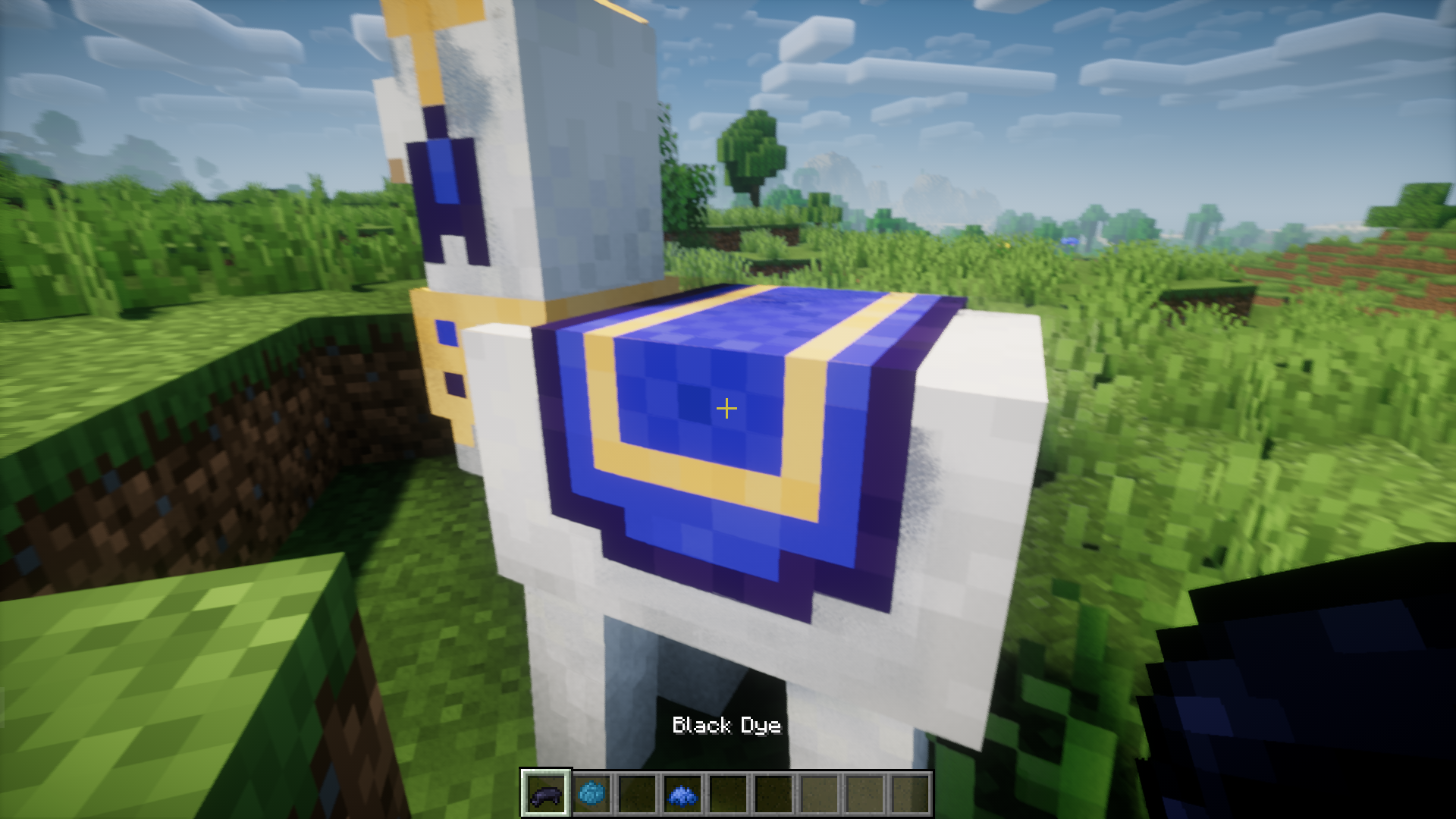
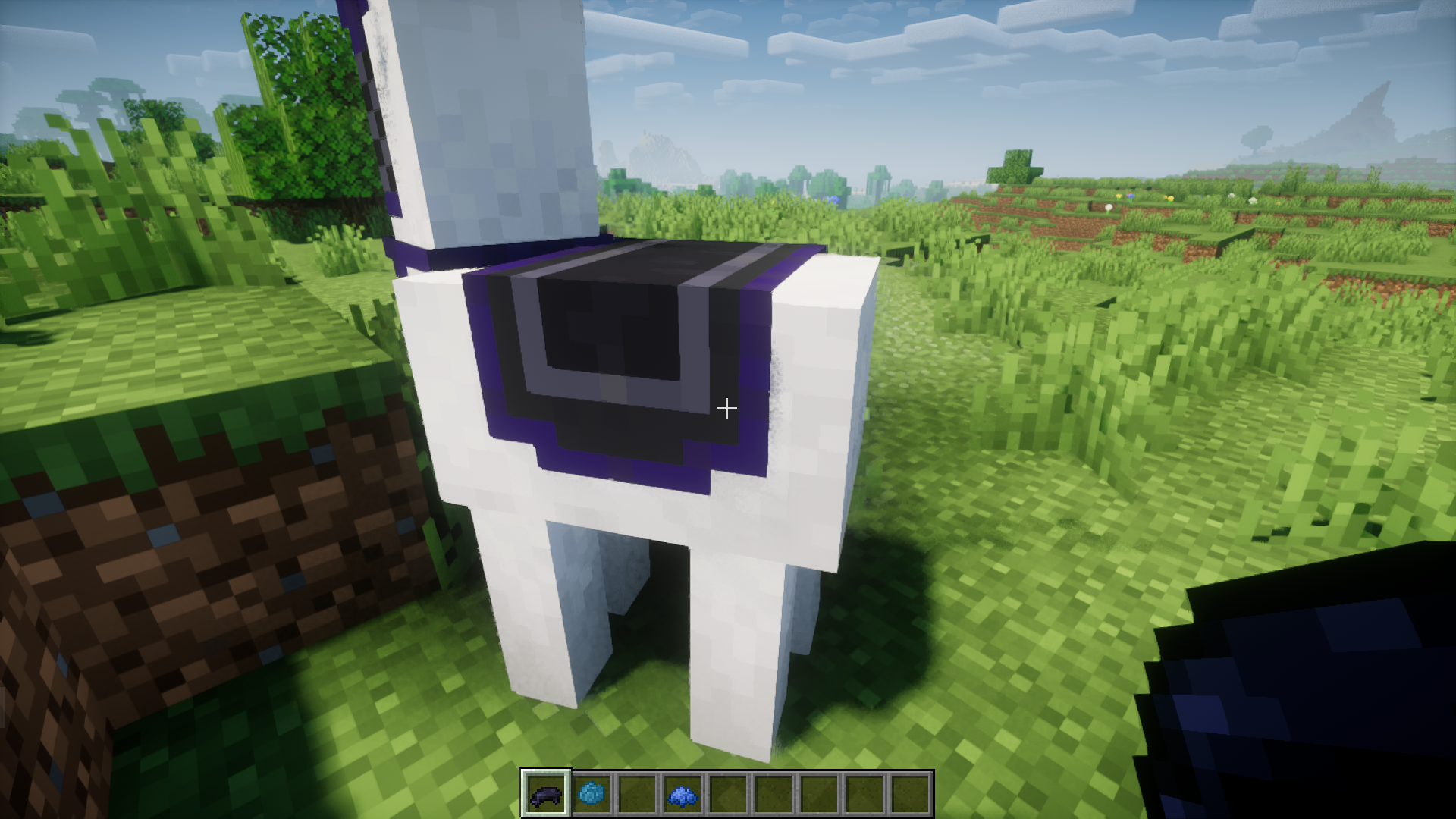
- Sneak right-click dyes to color llama and horse carpets.
- Mix and match colors to obtain endless shades on leather horse armor.
Screenshots:
Giacomo’s Better Dye Mod Download Links
- Edition: Minecraft Java
- File type: .jar
- Minecraft versions listed: 26.2, 1.20.1
- How to install: Install the matching mod loader (Forge, Fabric or NeoForge) for your Minecraft version. → Download the .jar. → Put it in the .minecraft/mods folder and launch that loader profile.
- Where to get it: In MC Java Mods, or directly above on this page.
Install steps are the general flow for this file type — How to install Minecraft Java mods & modpacks walks through it step by step.
Giacomo's Better Dye Mod (26.2, 1.20.1) – Color Blocks By Tapping Them is a free Minecraft Java mod. Compatible with Minecraft 26.2, 1.20.1. Download it and open it directly in the game.