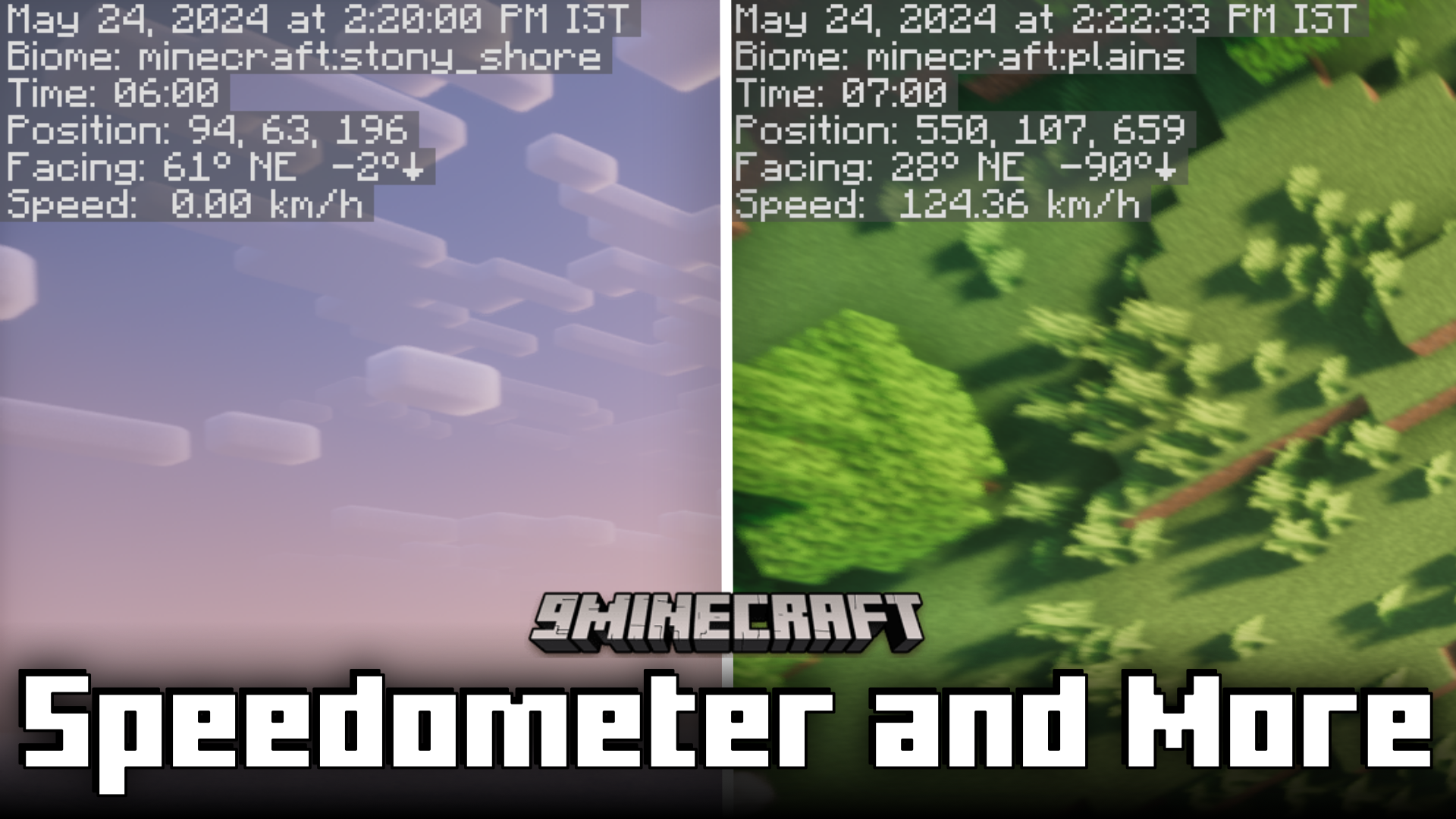
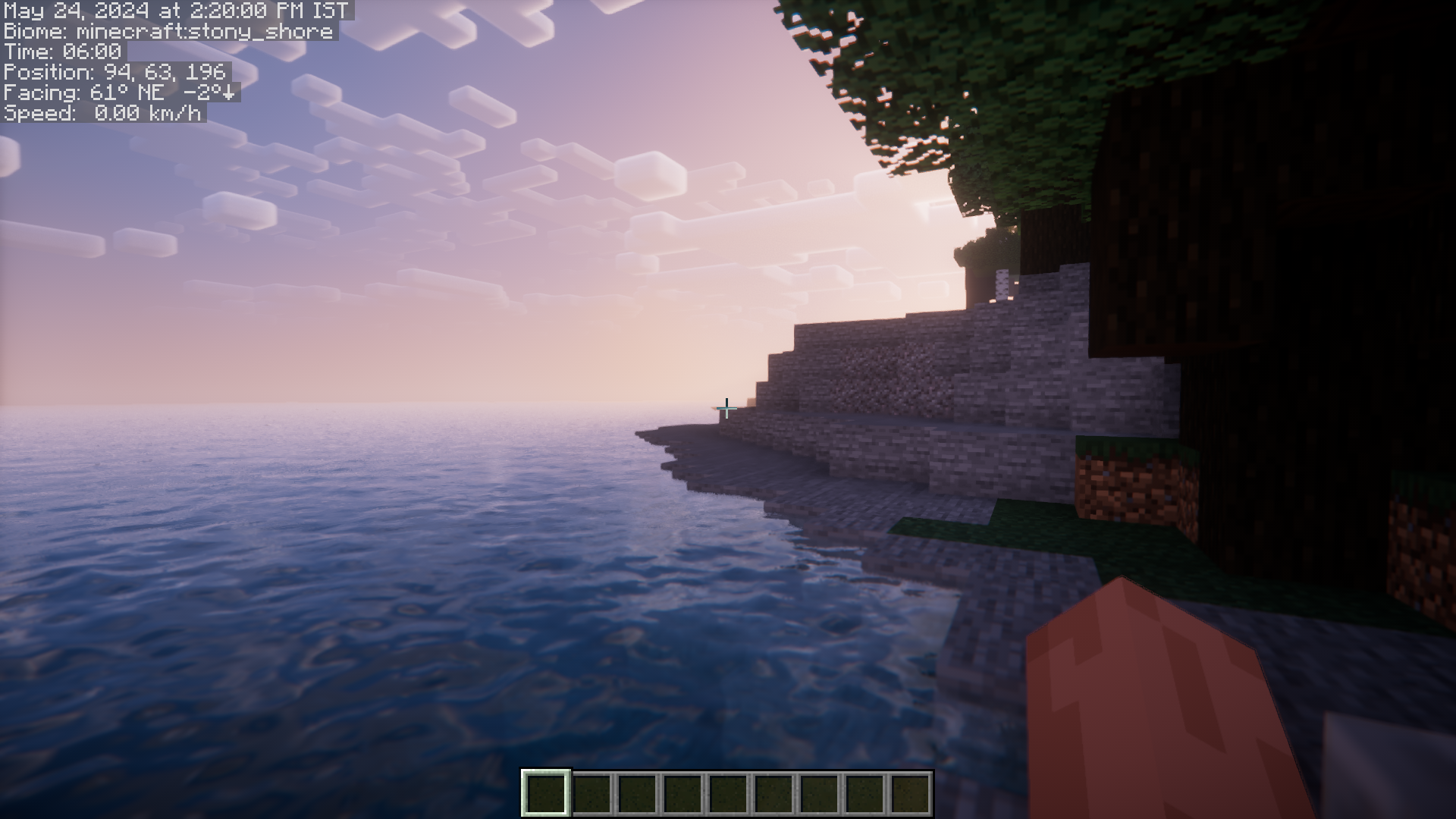
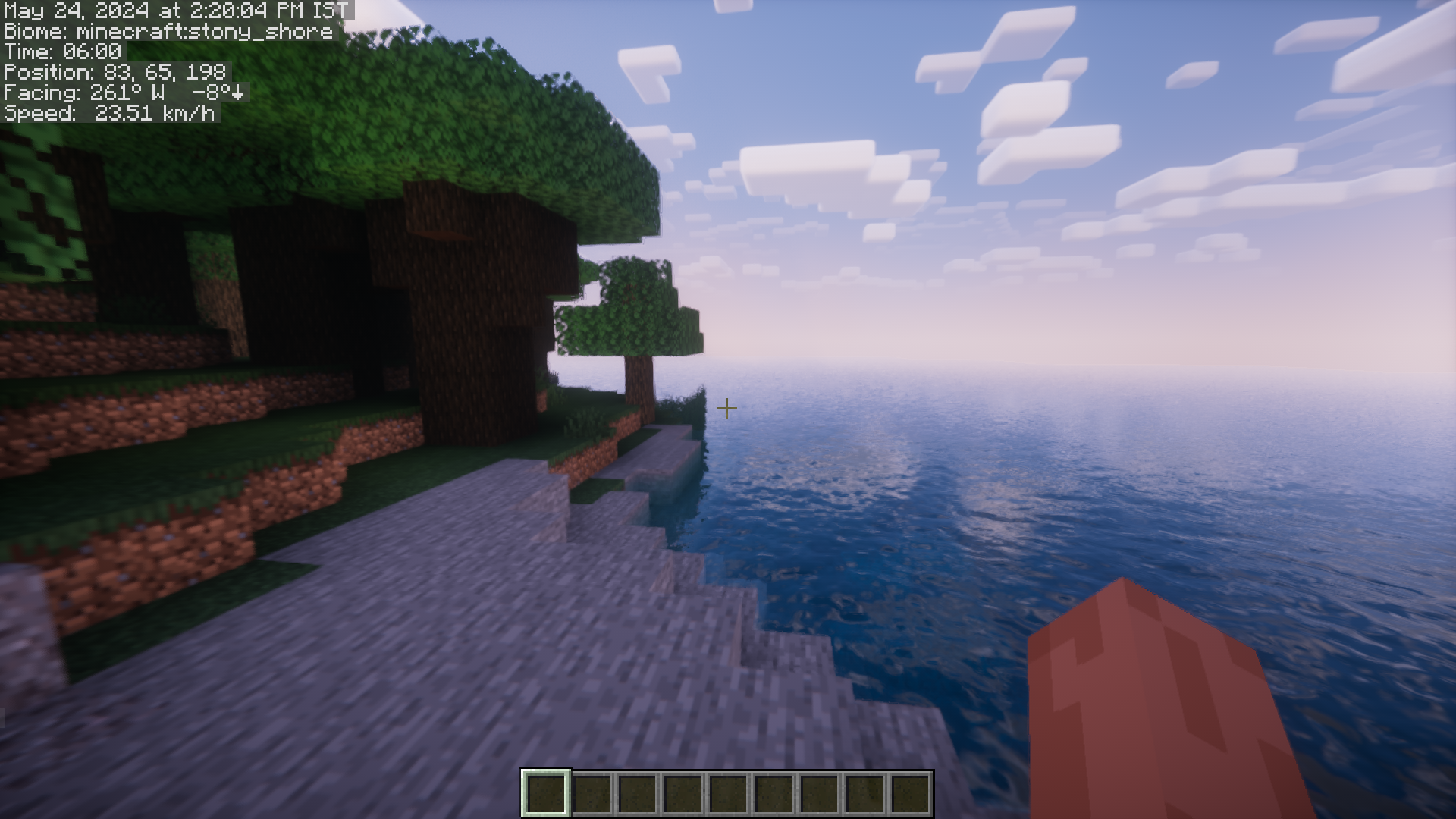
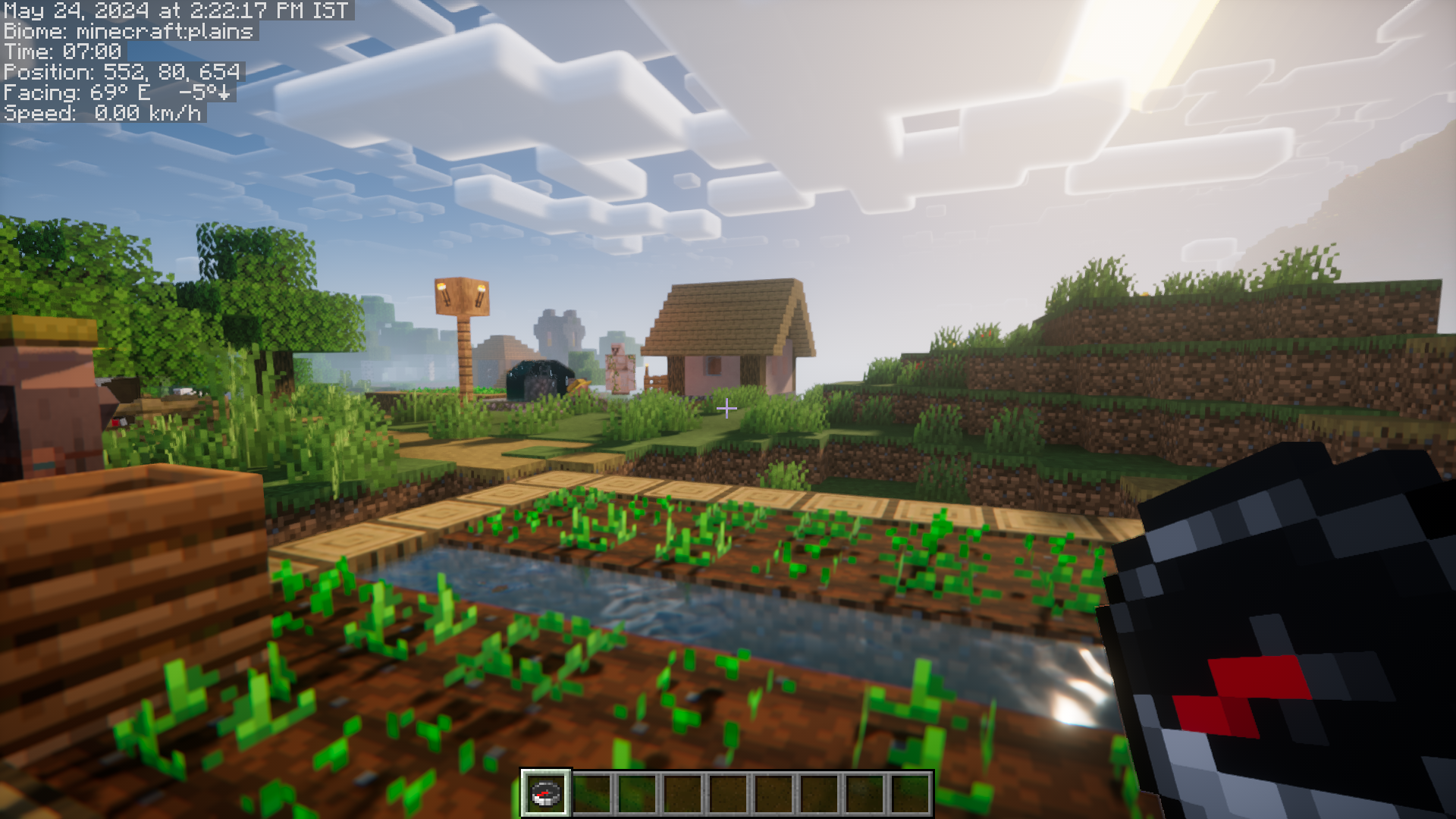
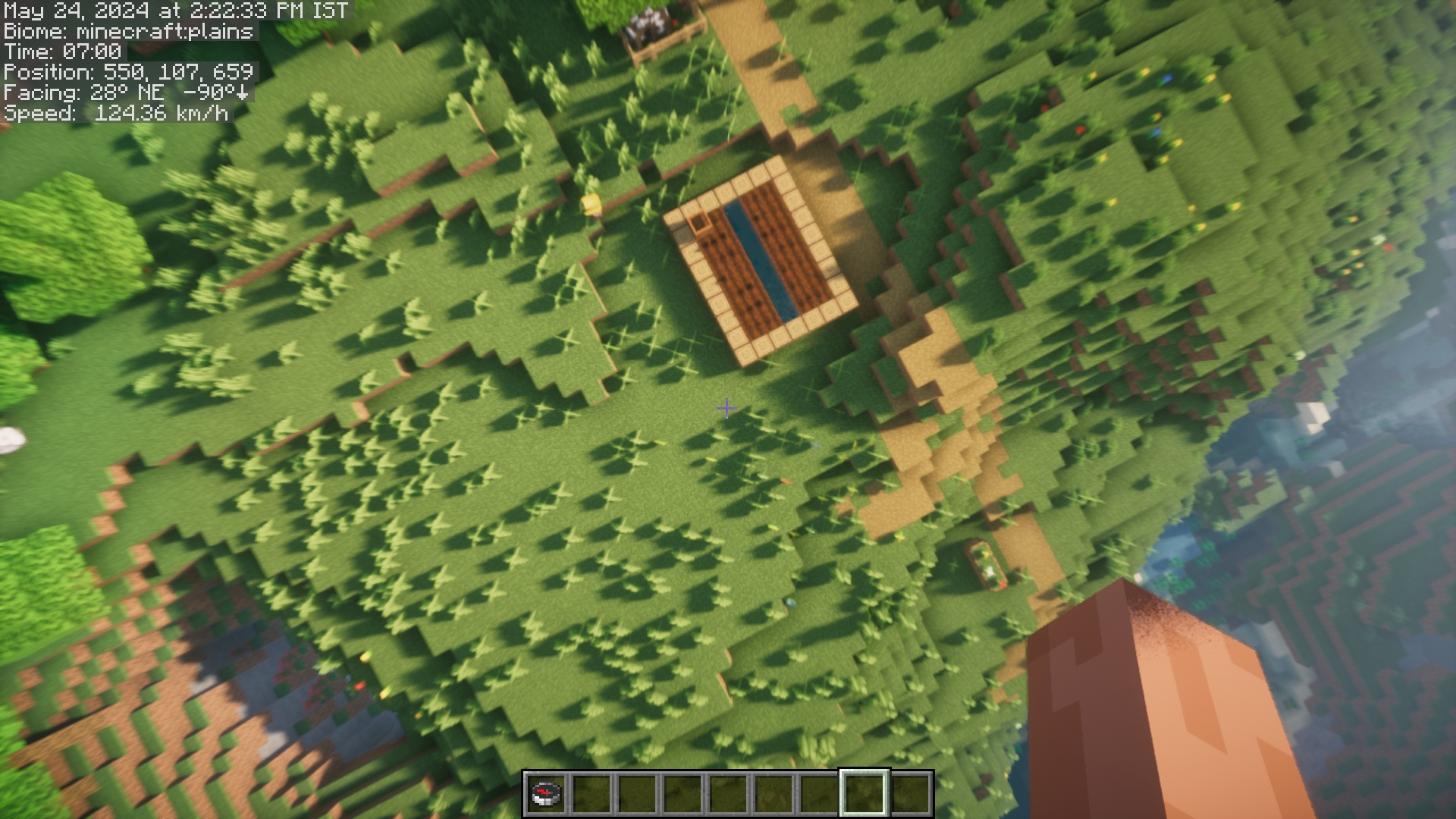
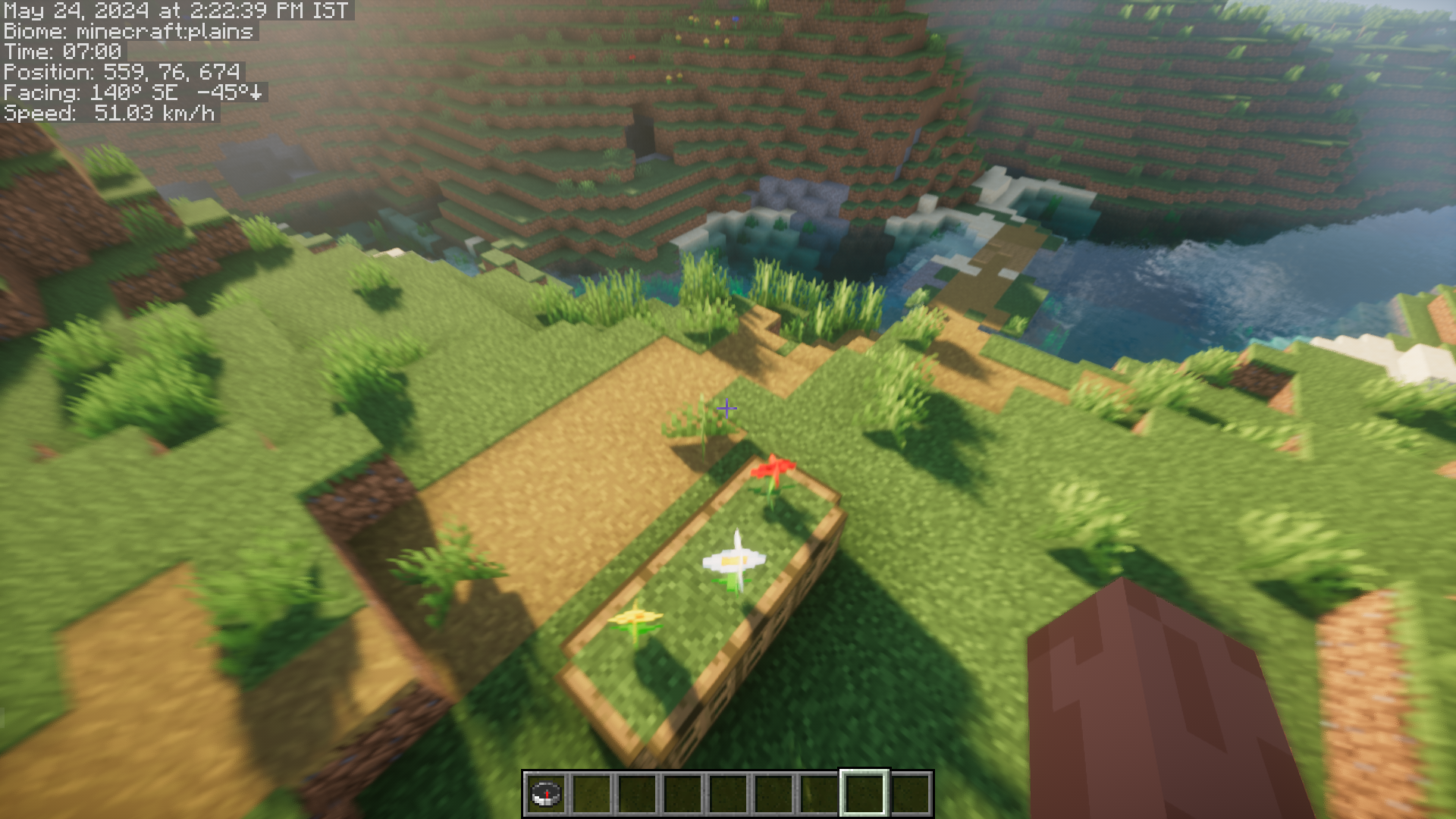
Certain in-game details like player coordinates are useful when they are displayed on the screen at all times. The vanilla game allows you to view details like this using the F3 screen. But the F3 screen has a lot of information that is not useful for most players, and this information takes up a major portion of the screen, making the F3 screen unusable at all times. Speedometer And More Mod is here with the solution. This mod adds a simple information overlay that displays only certain useful information like the current speed of the player, coordinates, biome, date and time, etc. There is a config file named giacomos_overlay-client.toml in your config directory where you can specify fields to show, units of measurement, and time format. The parameter slot_index specifies the slot in the player’s inventory where to search for maps or compasses to display information in the overlay HUD. If set to -1, the first player inventory slot containing a decorated map or a compass is chosen. There are also parameters for colors and position on the screen.
Features:
- Minimal information overlay screen.
- Shows only the useful data, unlike the F3 screen.
- Attributes like the data shown, units, overlay color and position can be configured.
Screenshots:
Speedometer And More Mod Download Links
For Minecraft 1.20.2
Forge version: Download from Server 1 – Download from Server 2
For Minecraft 1.20.1
Forge/NeoForge version: Download from Server 1 – Download from Server 2
For Minecraft 1.19.4
Forge version: Download from Server 1 – Download from Server 2
- Edition: Minecraft Java
- File type: .jar
- Minecraft versions listed: 1.20.2, 1.20.1
- How to install: Install the matching mod loader (Forge, Fabric or NeoForge) for your Minecraft version. → Download the .jar. → Put it in the .minecraft/mods folder and launch that loader profile.
- Where to get it: In MC Java Mods, or directly above on this page.
Install steps are the general flow for this file type — How to install Minecraft Java mods & modpacks walks through it step by step.
- Downloads as 201265.mcaddon
- Download size: 21 KB
- Download link checked 29 Jul 2026 — working
- Mirrored on our own servers — the download does not depend on the original host
These come from our own check of the pack file, not from the source page.