TerraForged Mod (1.18.2, 1.16.5) – Immersive, Realistic Worldgen
Java mod listed for Minecraft 1.16–1.18. Downloads from the MC Java Mods app on Android.
⬇ DownloadTerraForged Mod is an ambitious new terrain generator mod for Minecraft (Java Edition) attempting to create more immersive, inspiring worlds to explore and build in. Featuring an overhaul of the vanilla generation system, custom terrain shapes, simulated erosion, better rivers, custom decorations, tonnes of configuration options, and more!
Features:
- Varied and immersive terrain
- Erosion and improved rivers
- Custom features and decoration
- Extensive configuration options & in-game GUI
Screenshots:
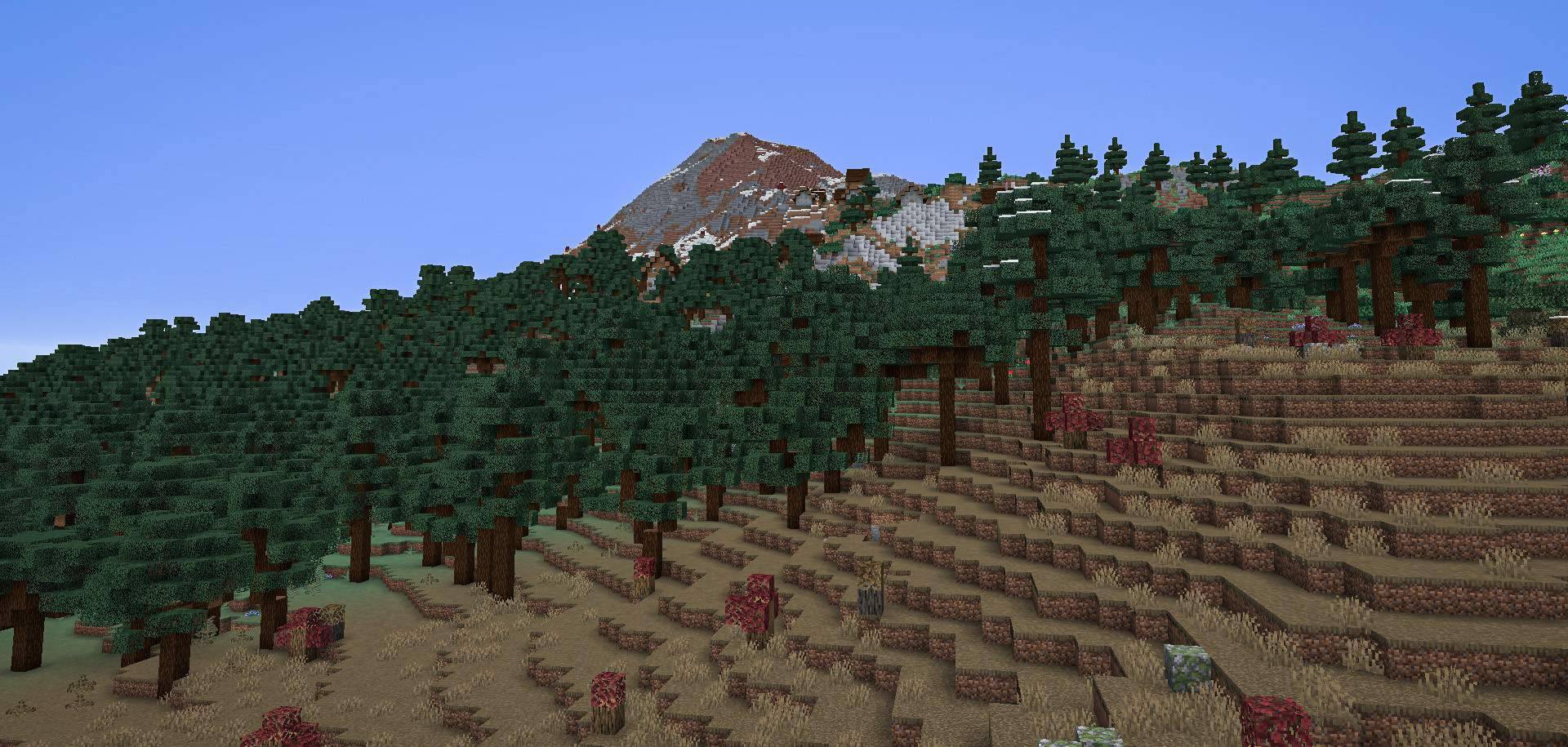
Mountain Village: Showing TerraForged’s terrain, taiga biome & custom taiga trees. Biomes o Plenty can be seen in the foreground biome
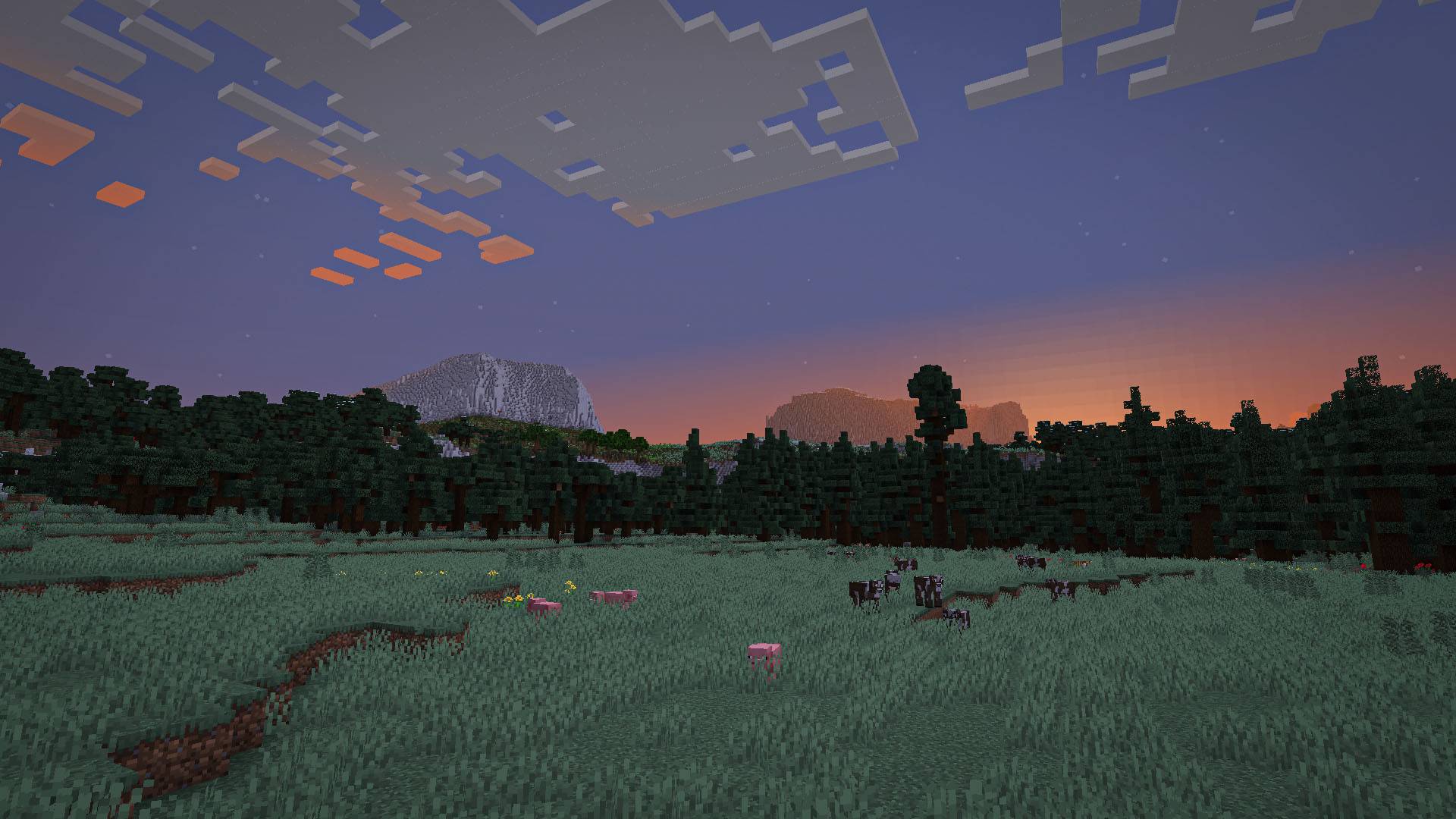
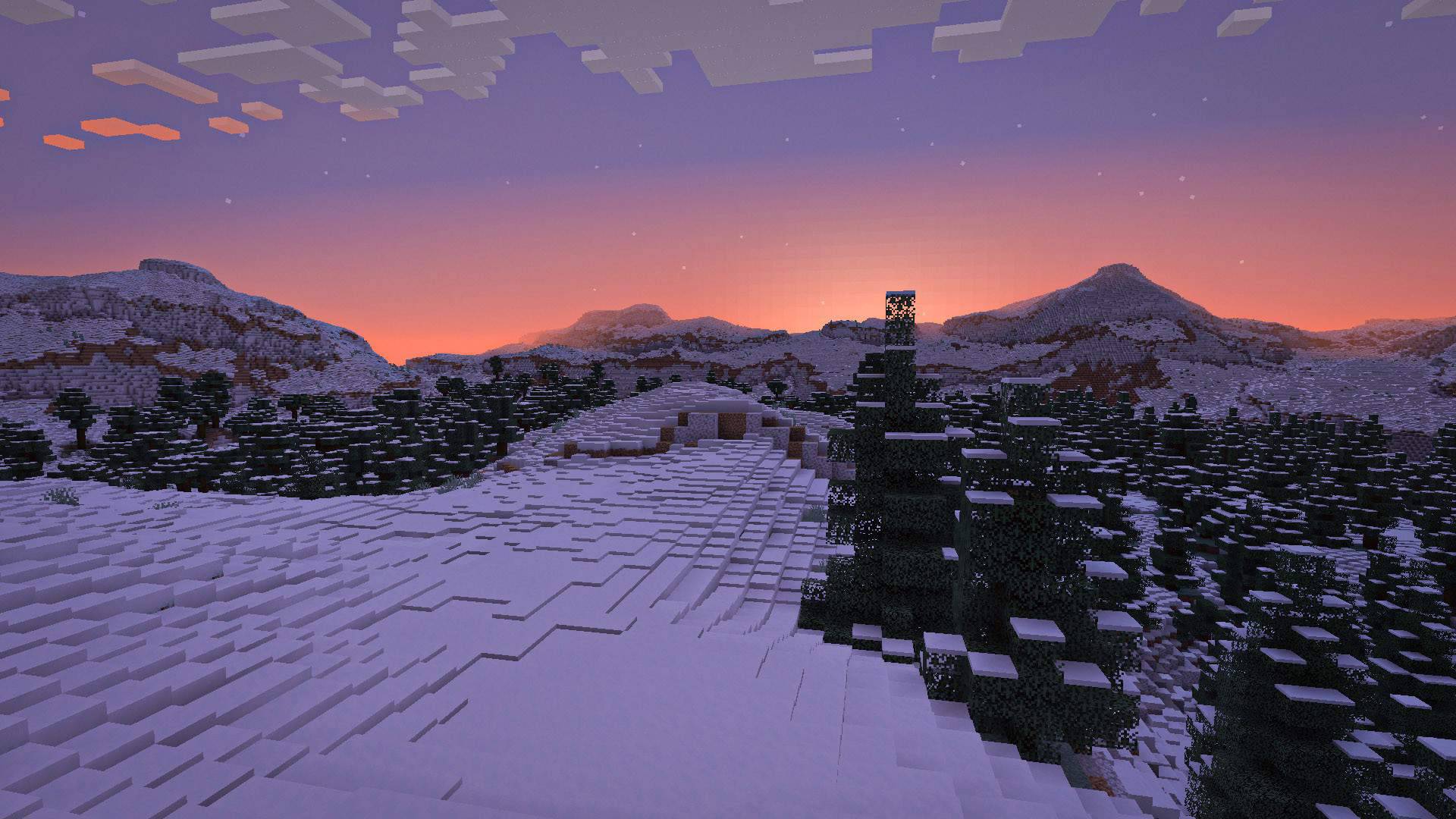
Taiga Sunset: Showing just TerraForged and vanilla biomes (with TF’s custom biome features such as trees)
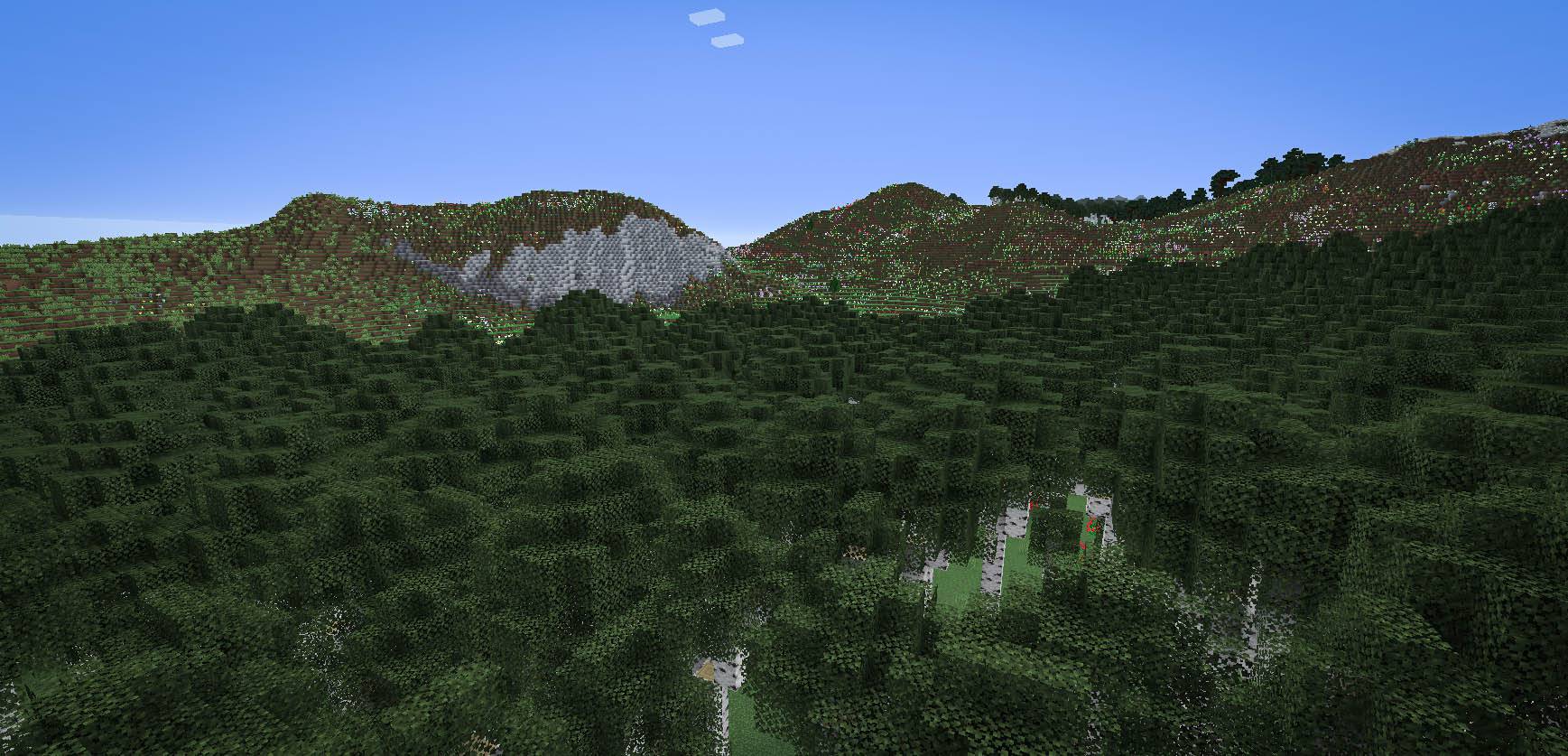
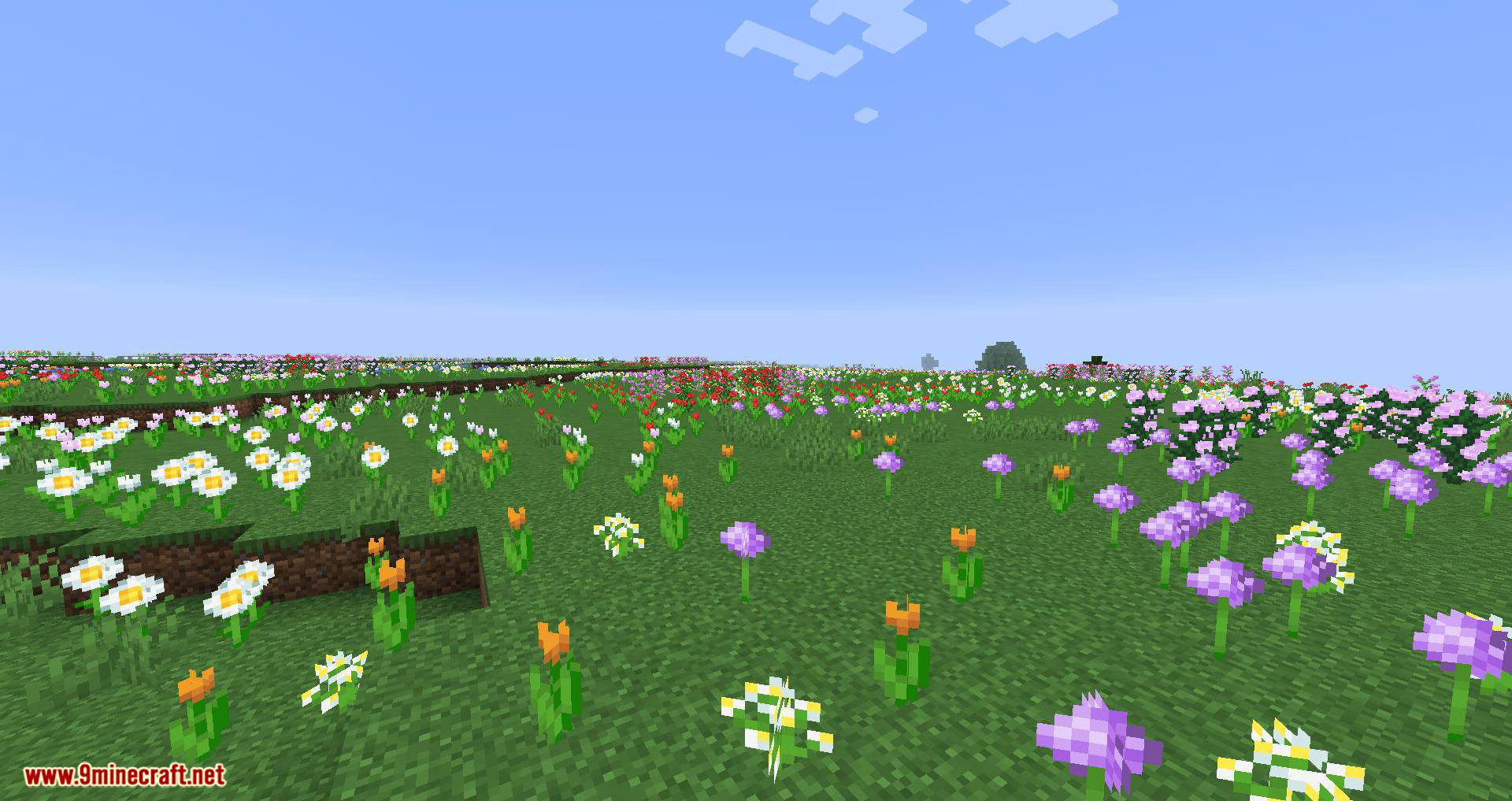
Flower Hills: Showing TerraForged + vanilla only
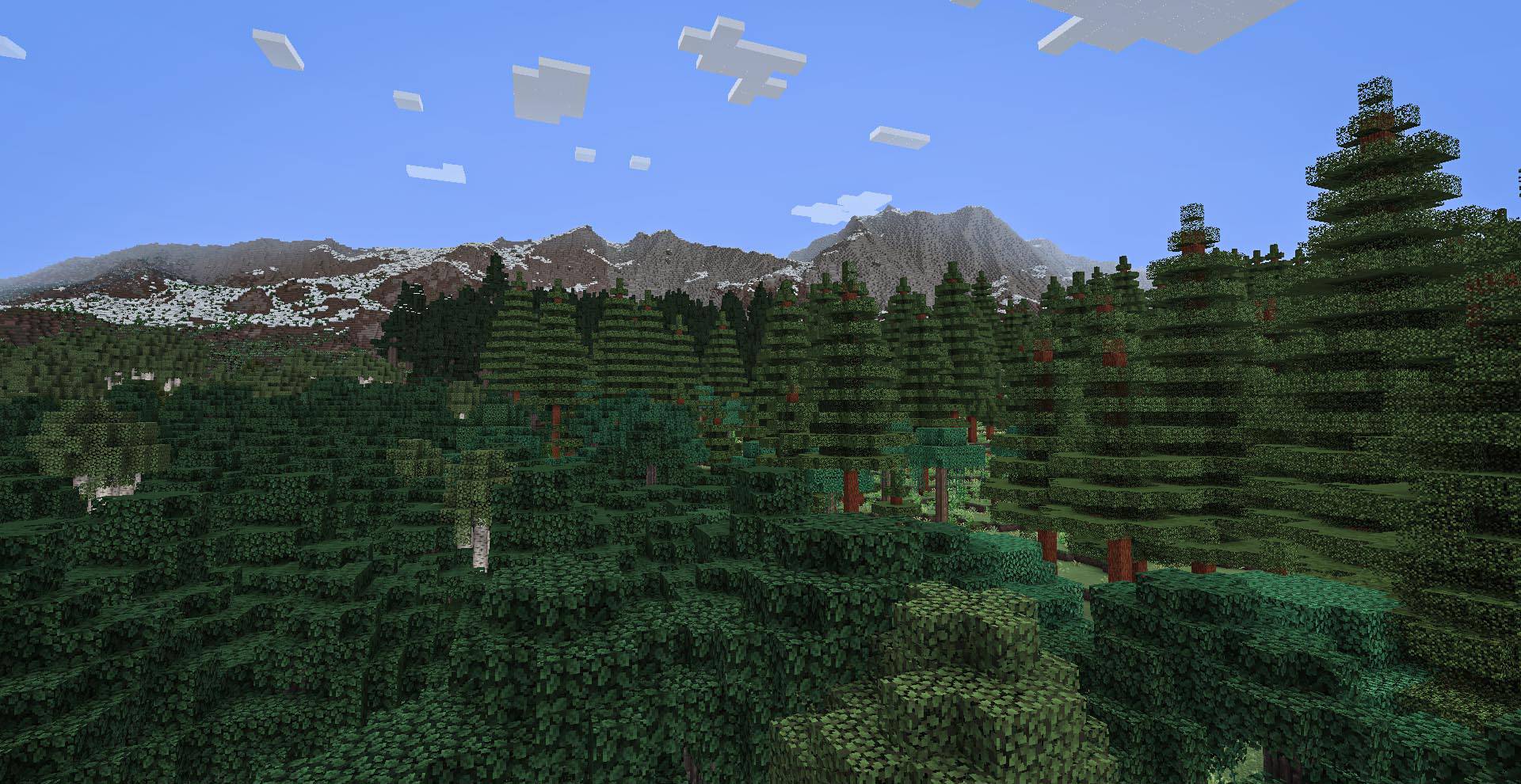
Mountain Backdrop: Demonstrating TerraForged’s terrain running alongside Biomes o Plenty
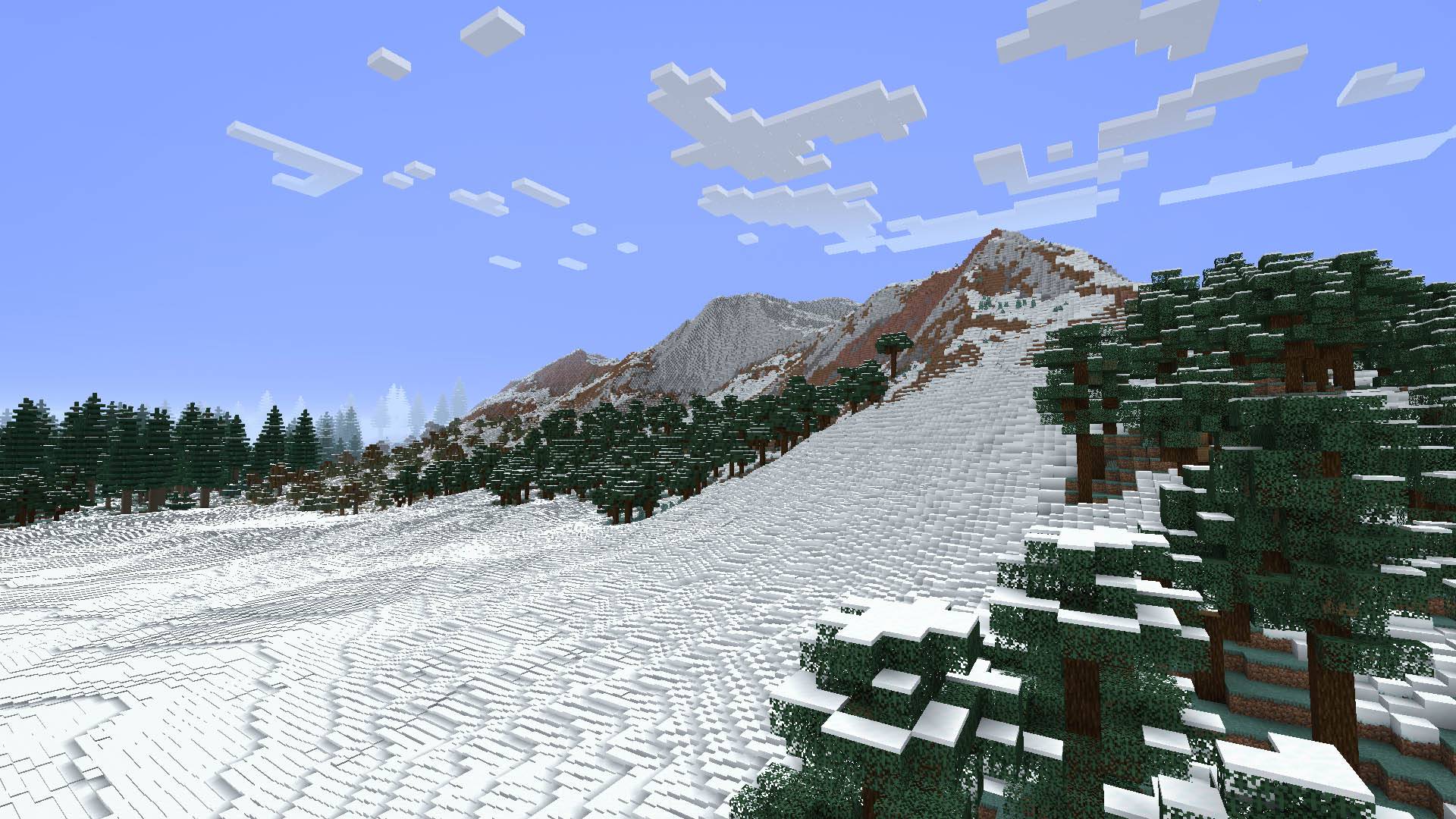
Tundra: Showing TerraForged’s terrain, custom trees, smooth-snow option. A Biomes o Plenty biome can be seen to the back left
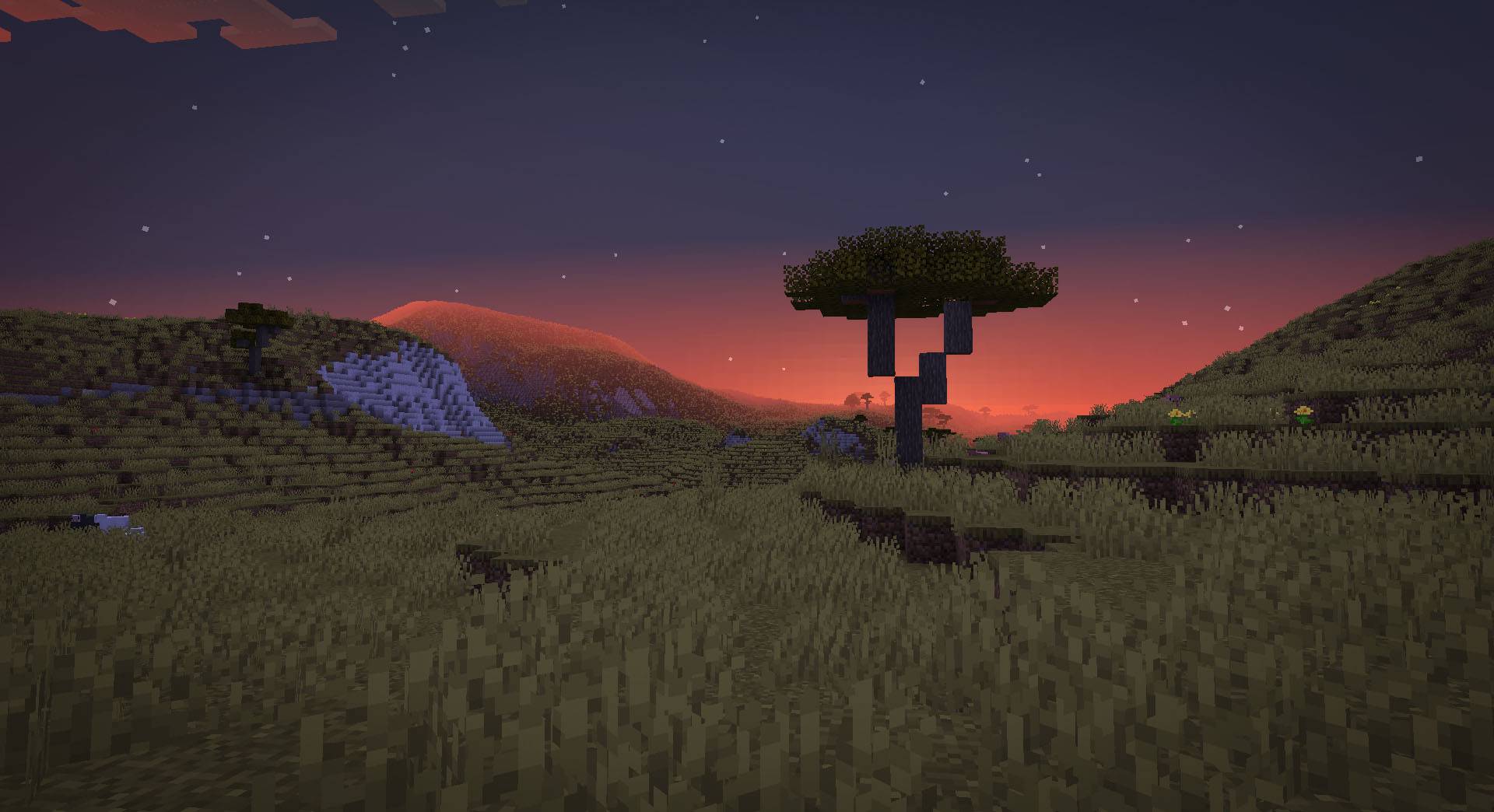
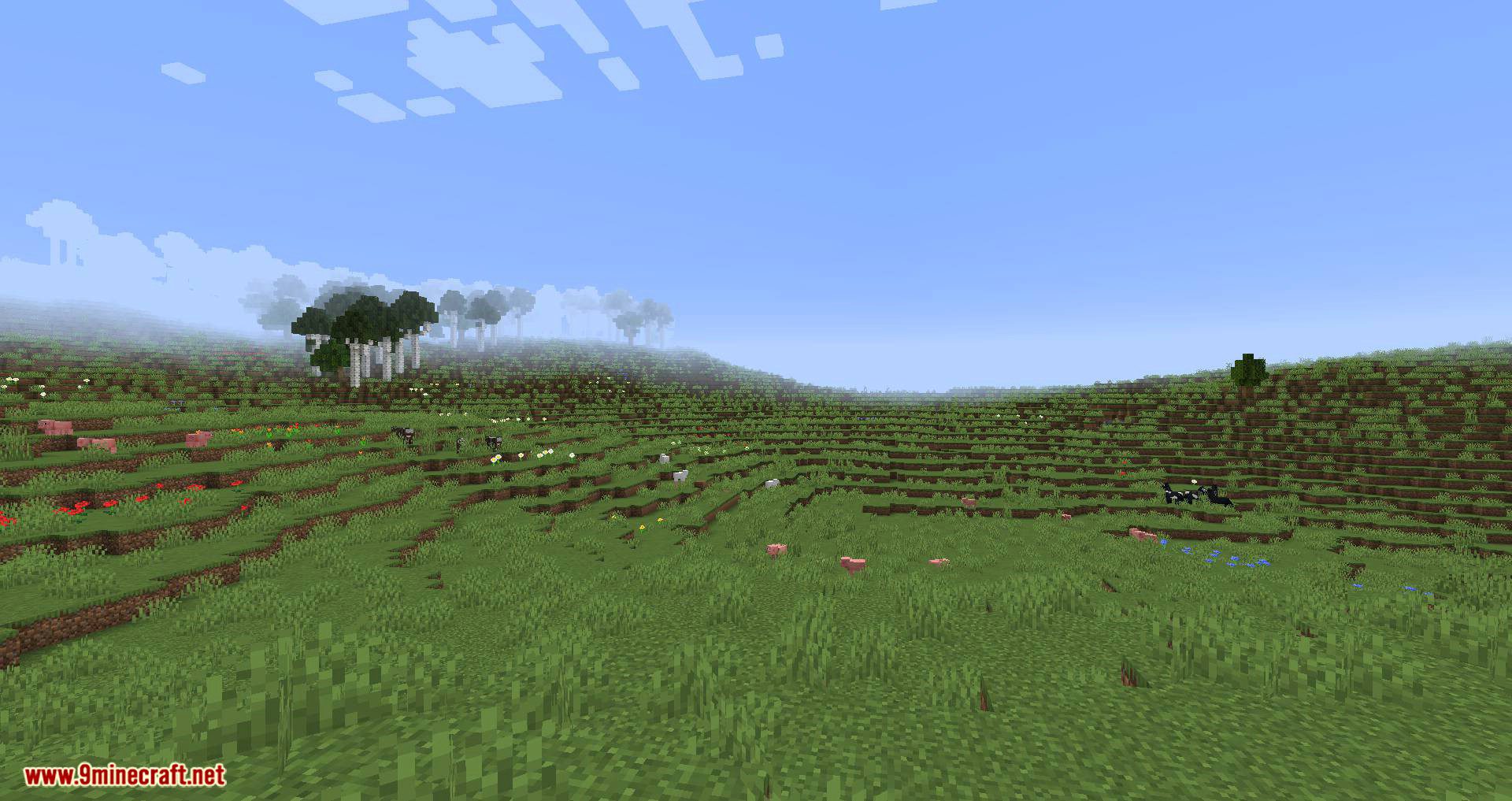
Savanna: Showing TerraForged & vanilla biomes only. (Custom trees included in TF)
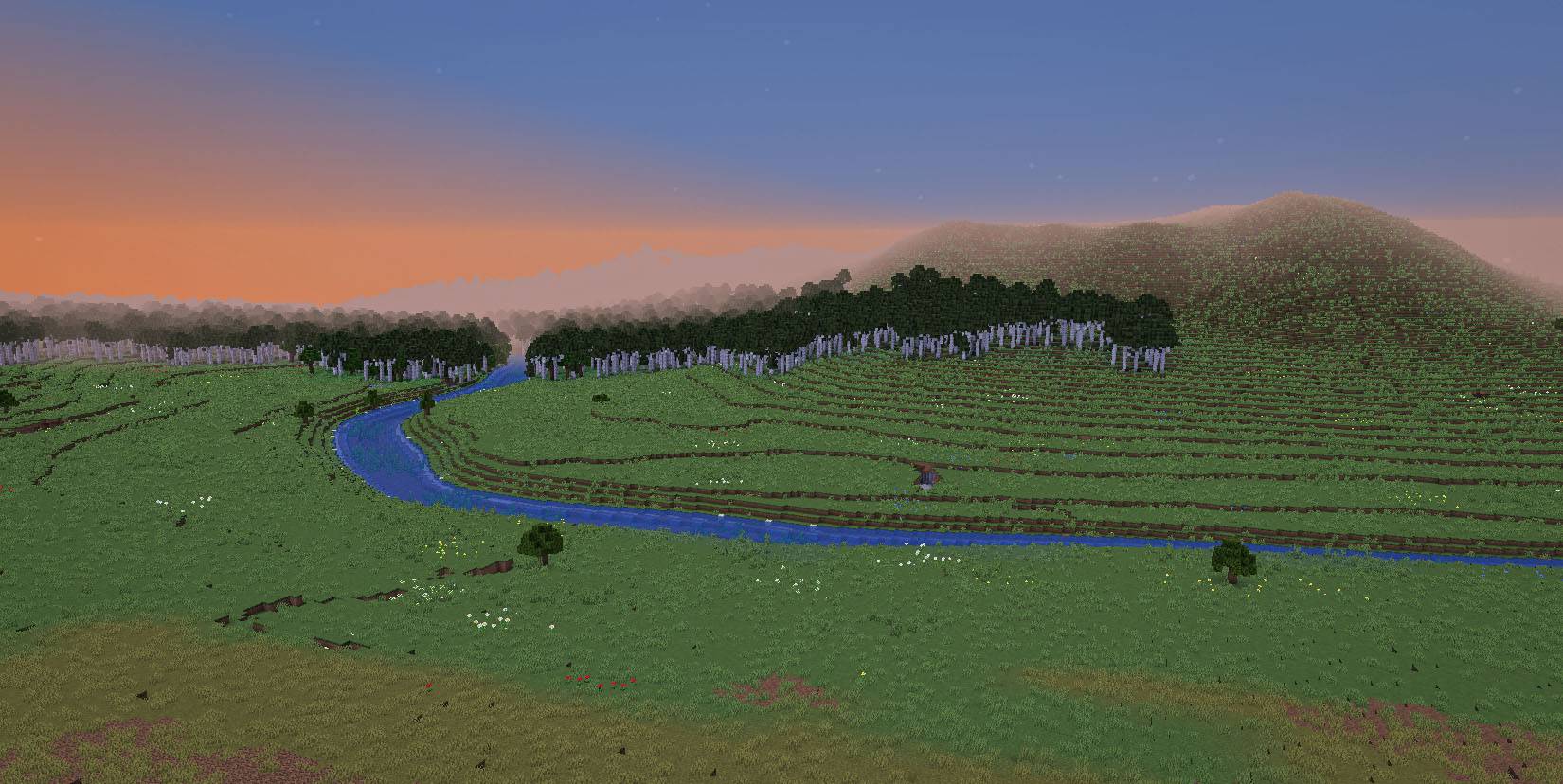
Meandering River: Showing one of TerraForged’s river types running through a birch forest biome (custom trees included in TF)
Terraced Mountains: Showing another TerraForged hill/mountain type, custom trees and smooth snow option
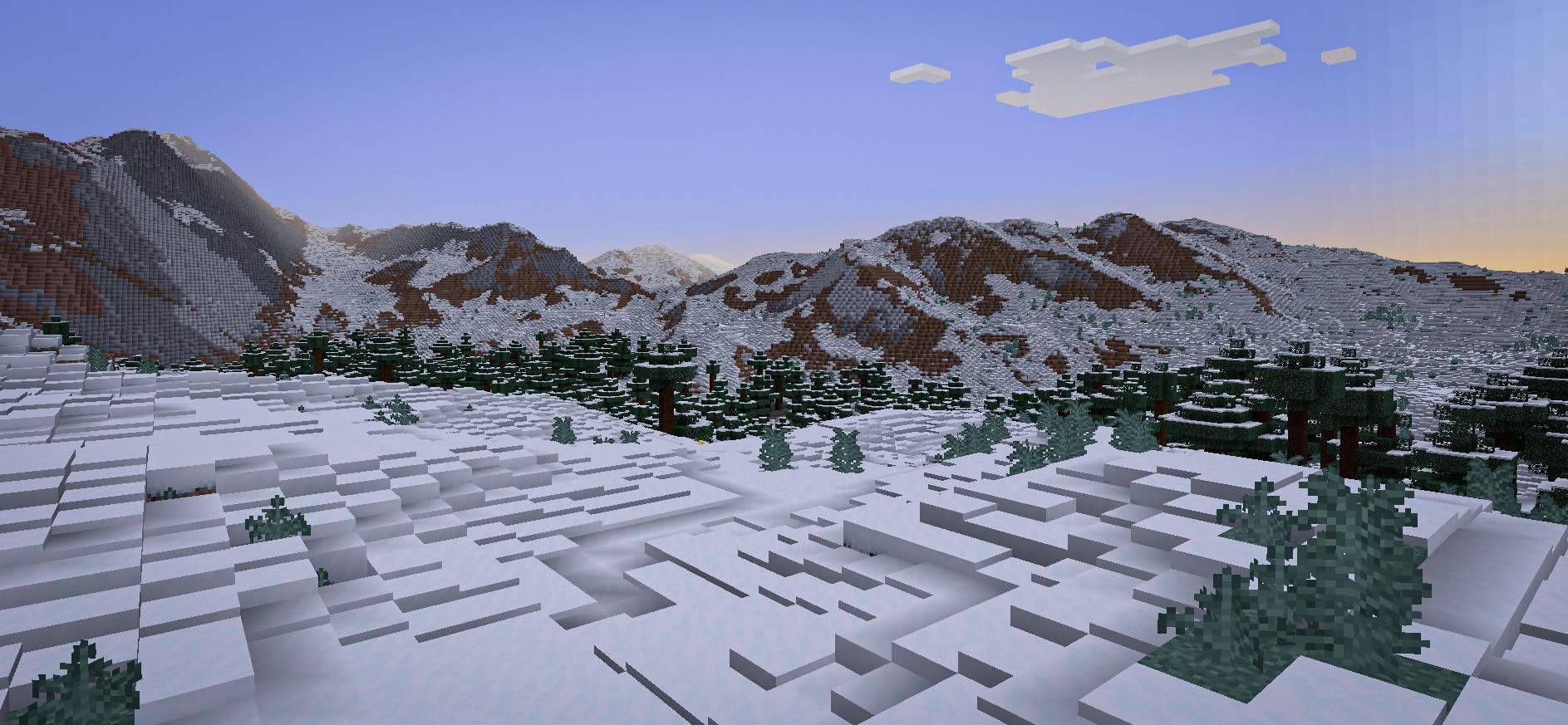
Mountain Range: Showing a TerraForged mountain range. (This was taken before custom trees were added to the mod, so those are vanilla)
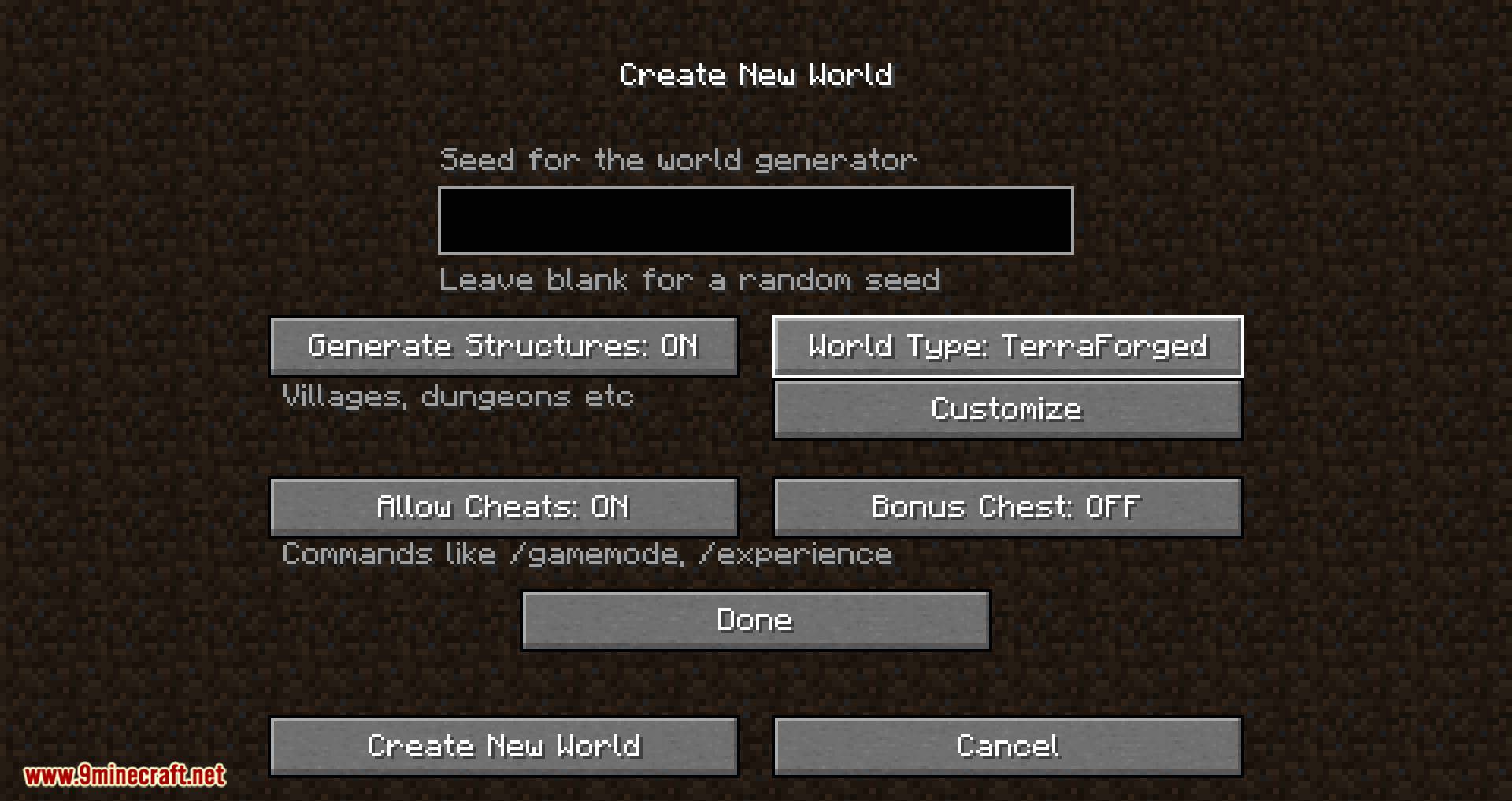
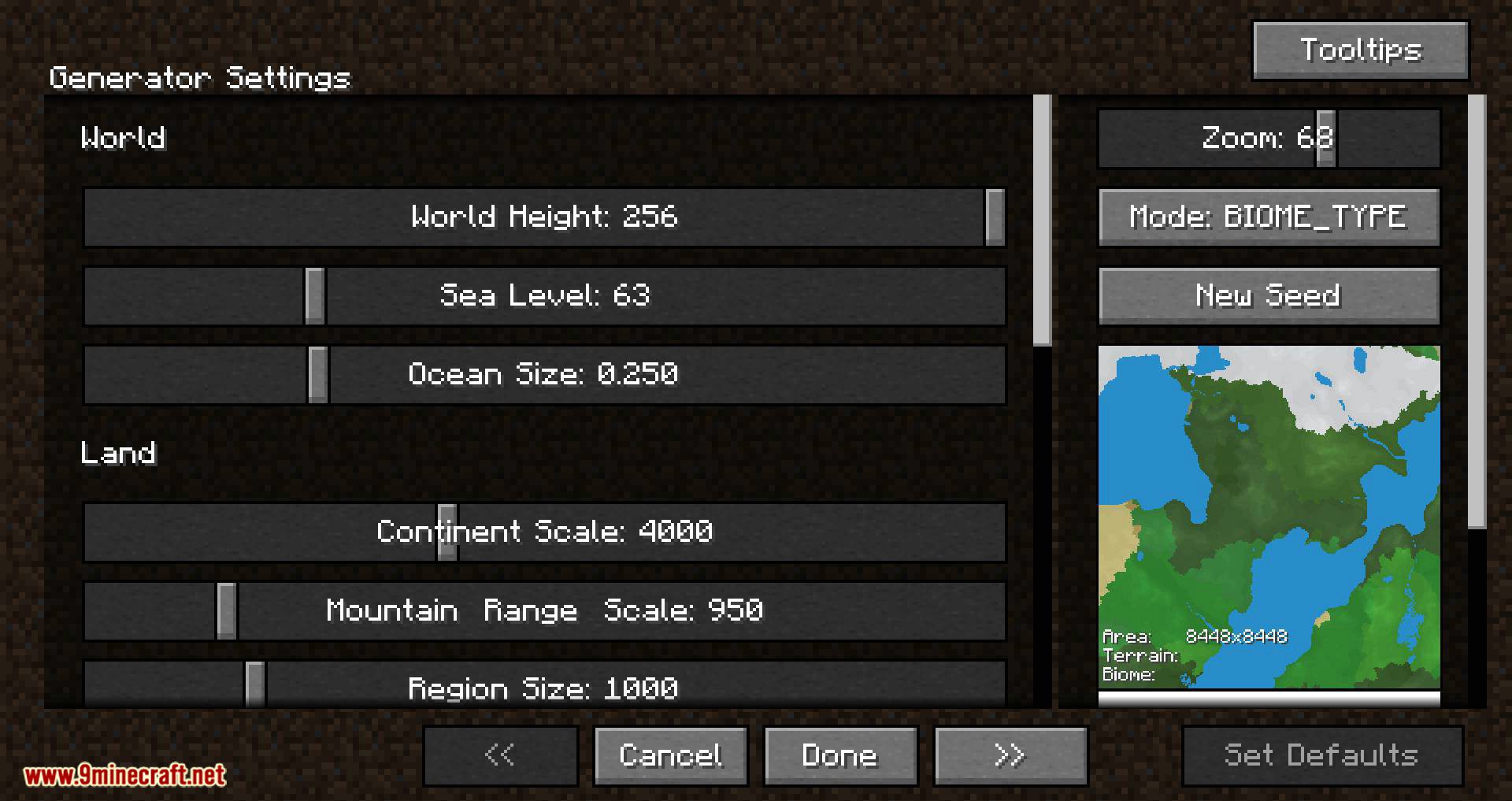
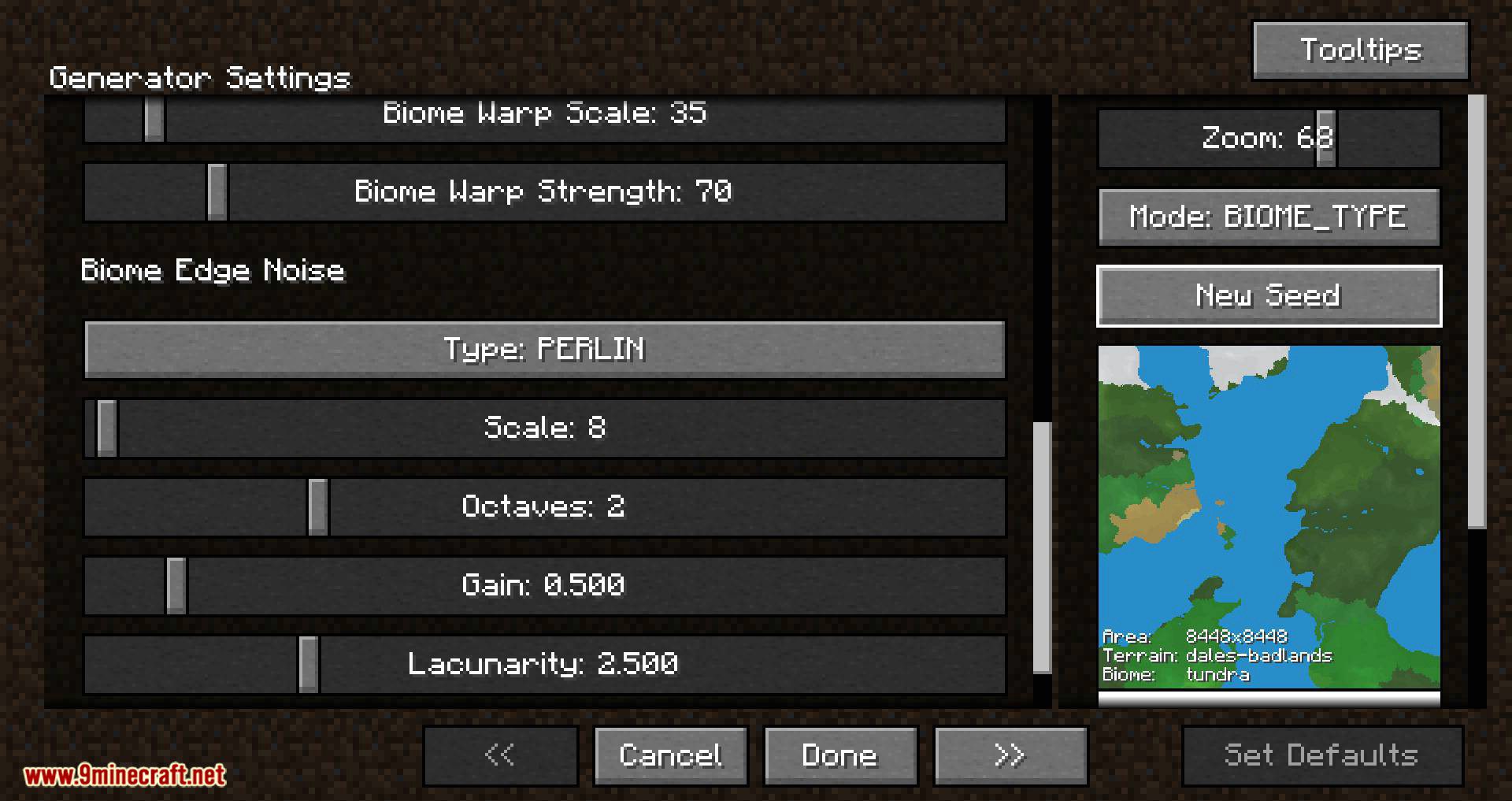
Configuration
More screenshots:
Show More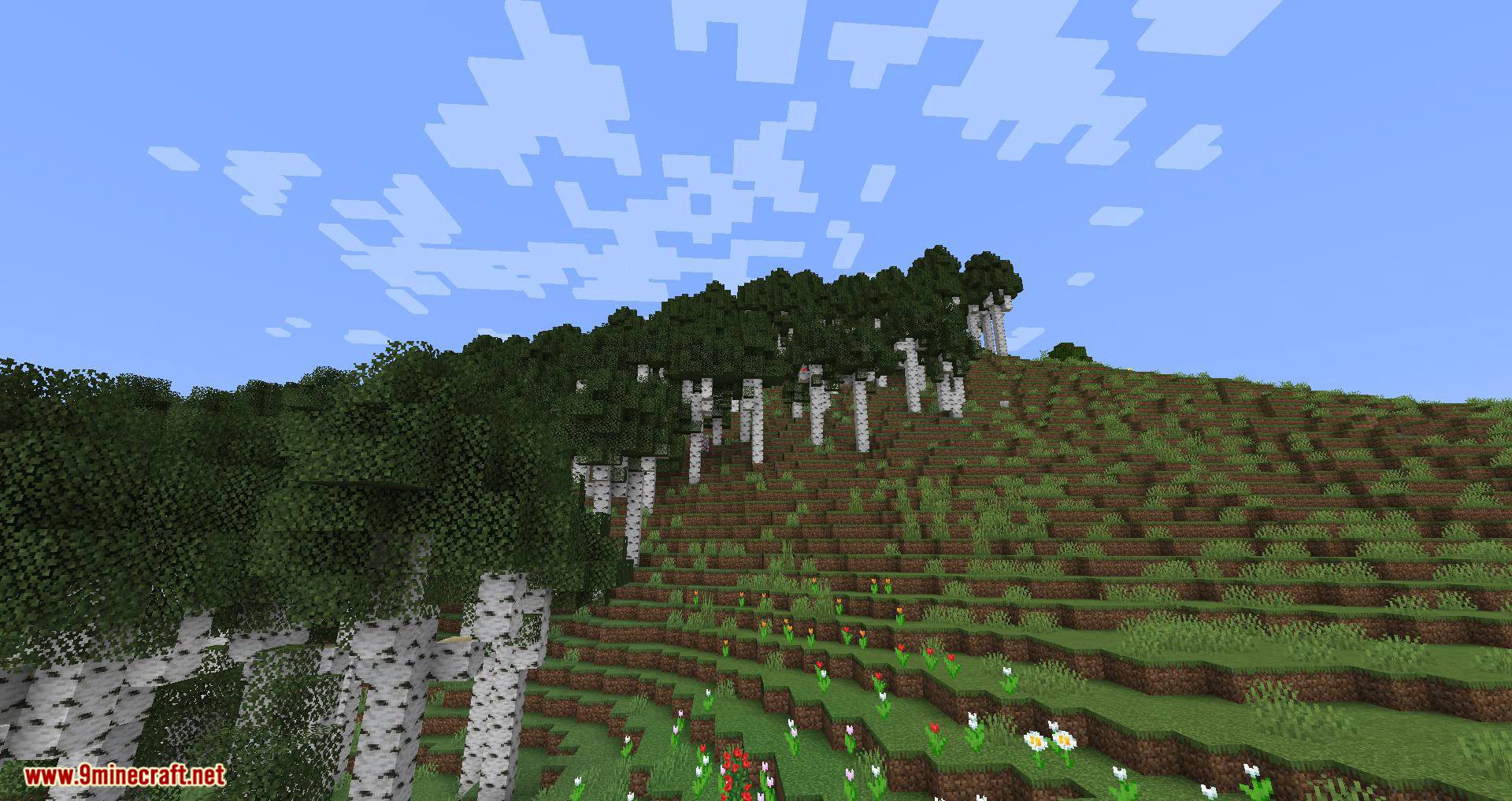
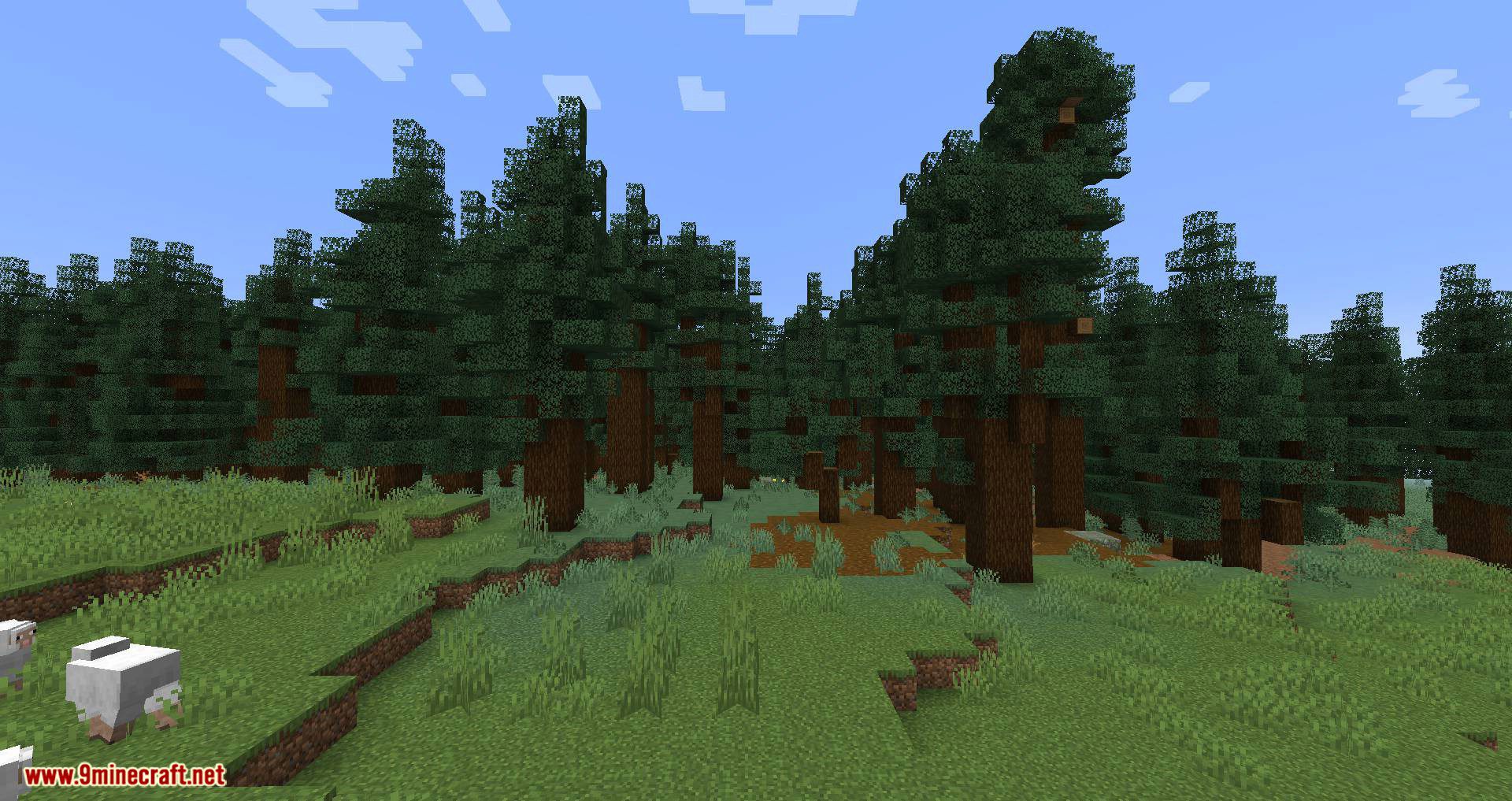
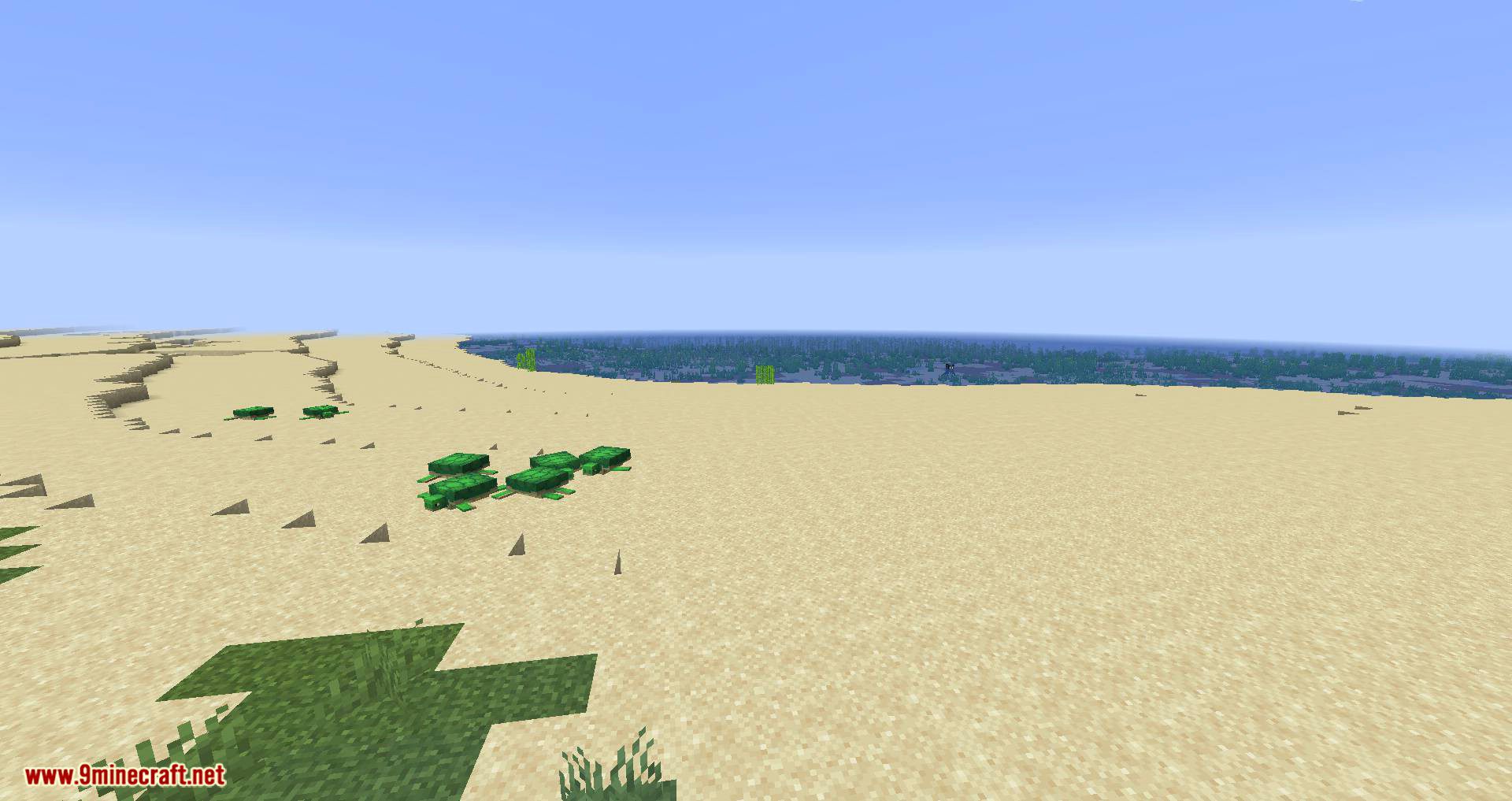
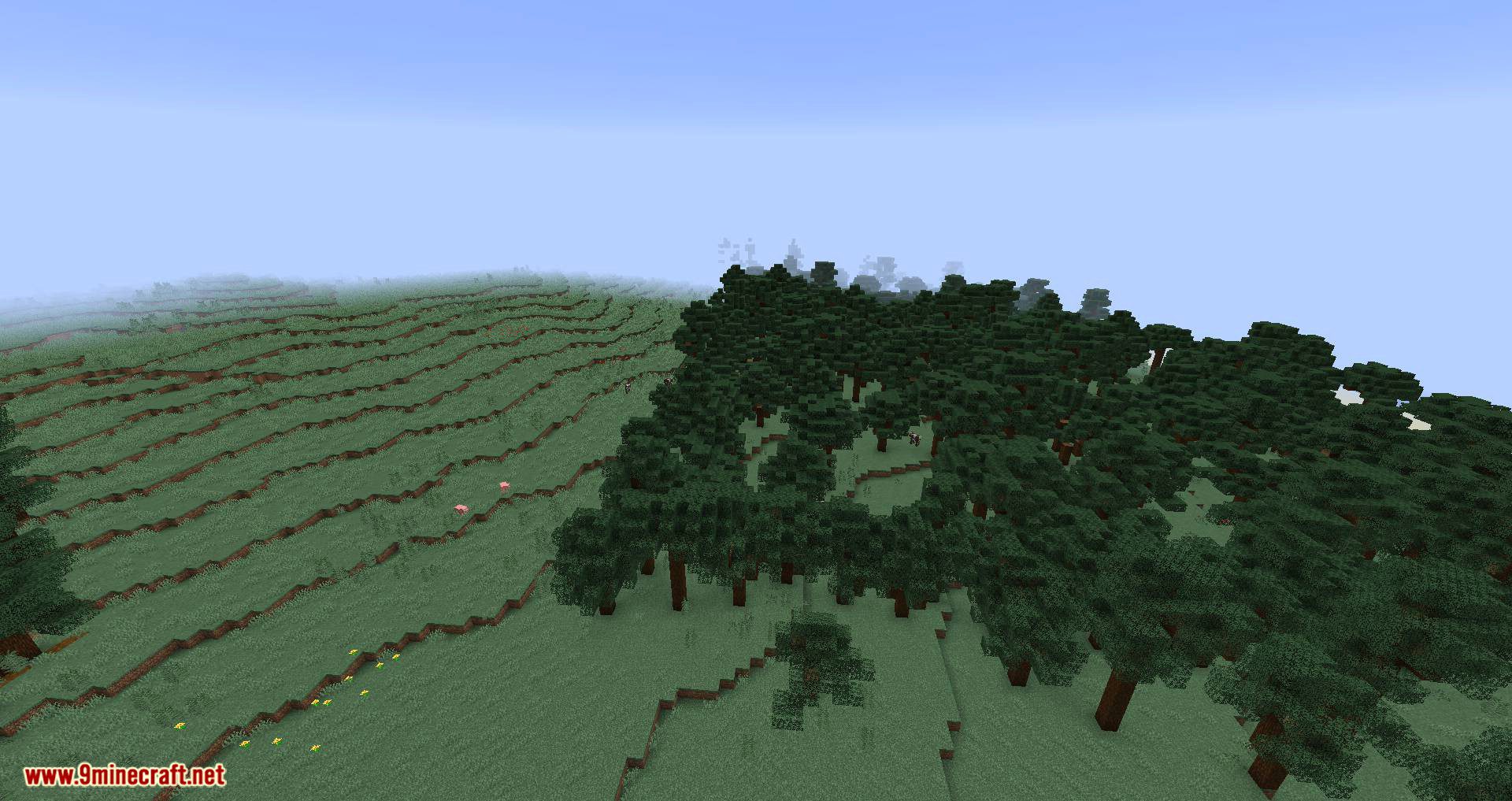
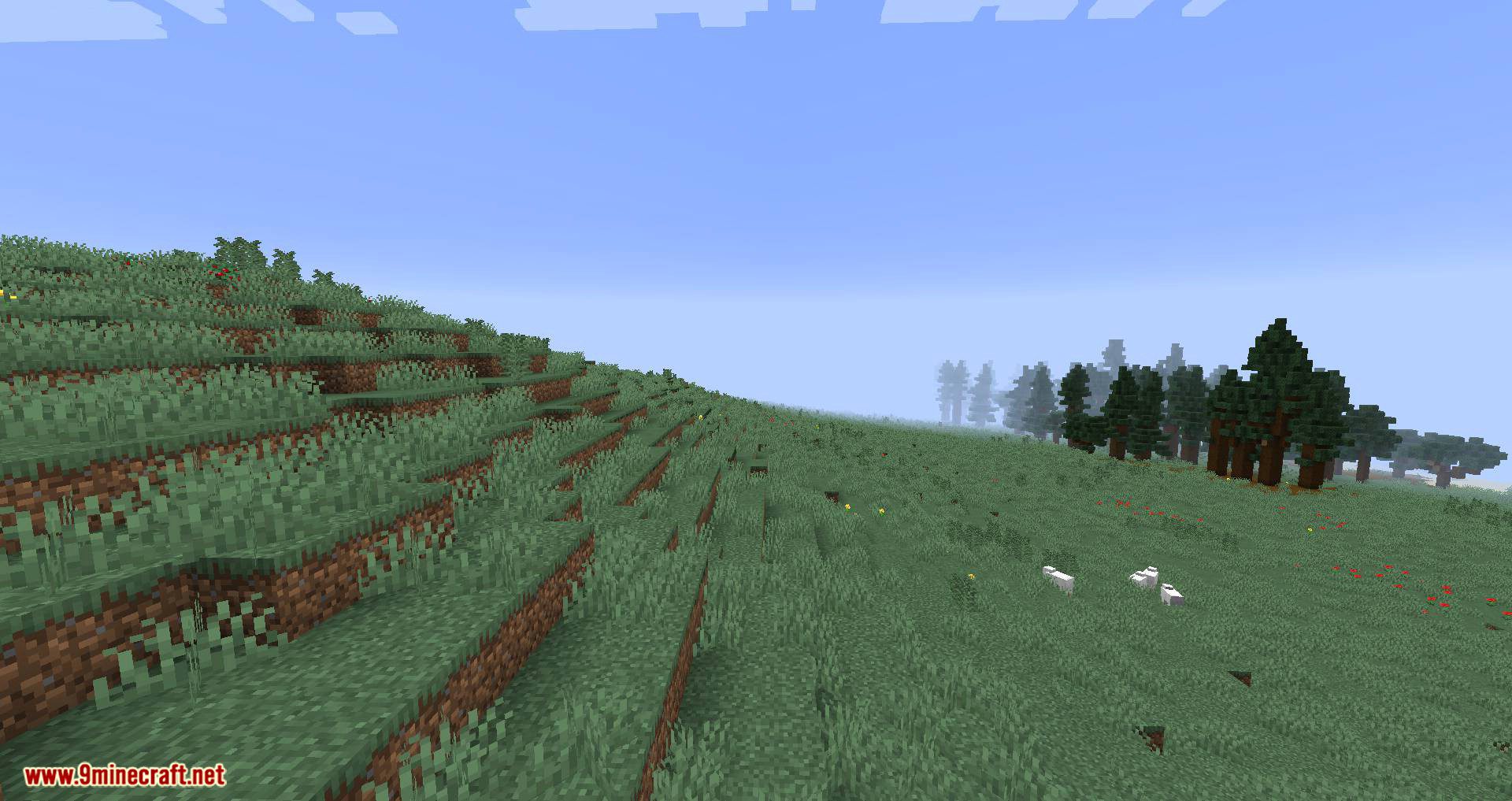
TerraForged Mod Download Links
For Minecraft 1.15.2
Forge version: Download from Server 1
For Minecraft 1.16.5
Forge version: Download from Server 1
For Minecraft 1.18.1
Forge version: Download from Server 1
For Minecraft 1.18.2
Forge version: Download from Server 1
- Edition: Minecraft Java
- File type: .jar
- Minecraft versions listed: 1.18.2, 1.16.5
- How to install: Install the matching mod loader (Forge, Fabric or NeoForge) for your Minecraft version. → Download the .jar. → Put it in the .minecraft/mods folder and launch that loader profile.
- Where to get it: In MC Java Mods, or directly above on this page.
Install steps are the general flow for this file type — How to install Minecraft Java mods & modpacks walks through it step by step.
- Downloads as 201304.mcaddon
- Download size: 933 KB
- Download link checked 29 Jul 2026 — working
- Mirrored on our own servers — the download does not depend on the original host
These come from our own check of the pack file, not from the source page.