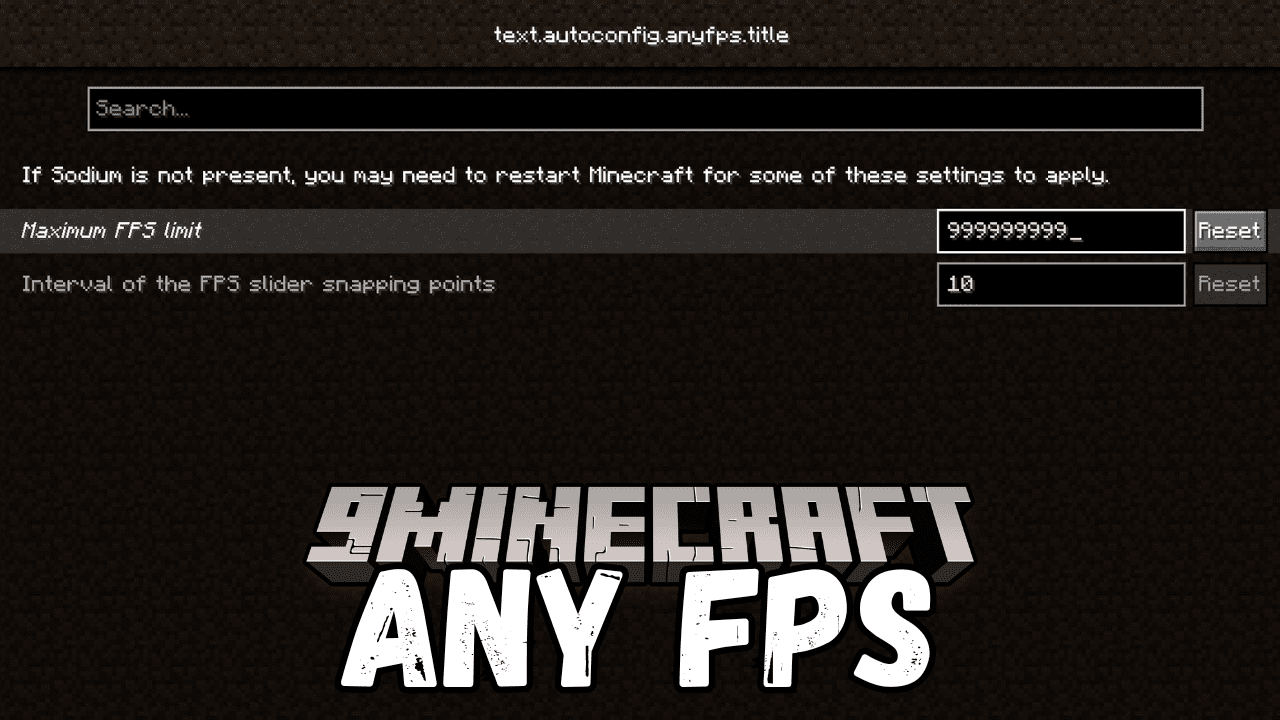
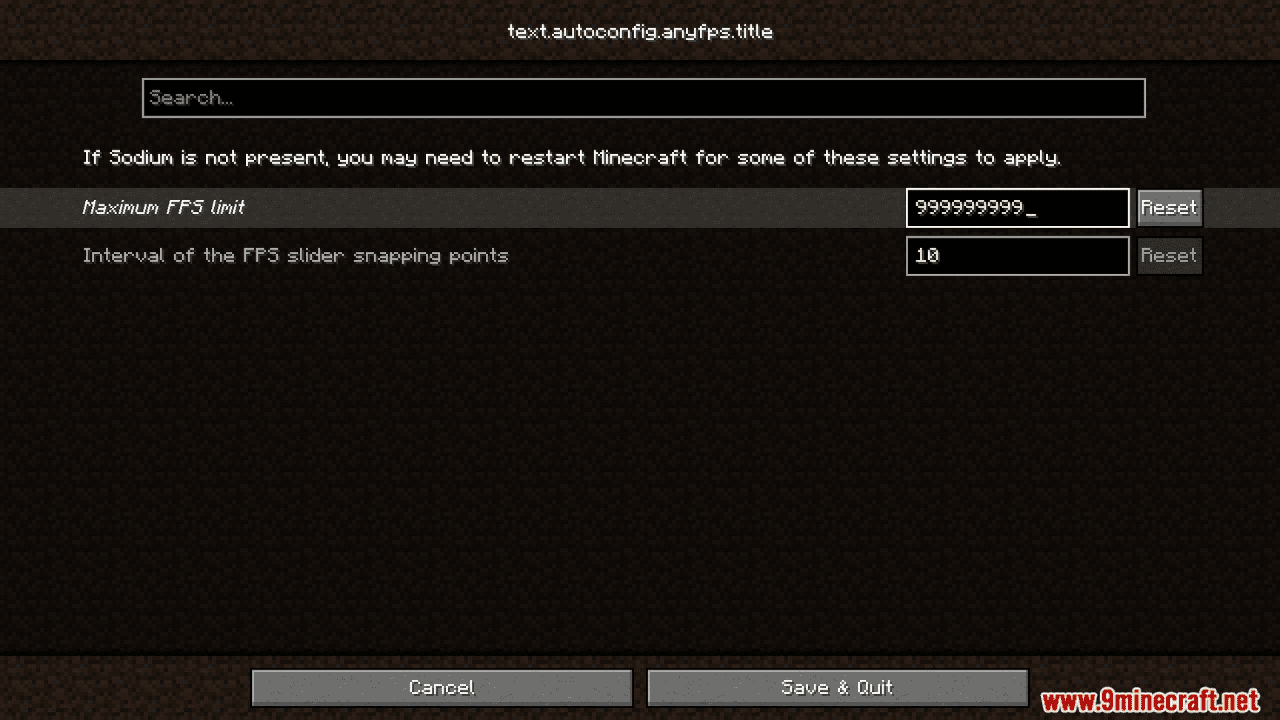
Any FPS Mod is your solution to improve FPS. Now you can set your FPS limit to your desired range, giving you complete control over your gameplay smoothness. With easy configuration through ModMenu mod, you can adjust the FPS slider functionality, including its range and snapping points.
Features:
- Set FPS to any specific value for smooth gameplay.
- Full control over FPS slider functionality, including range and snapping points.
- Configurable features through ModMenu mod.
- Future updates to fix bugs in the Vanilla FPS limiter for enhanced performance.
Screenshots:
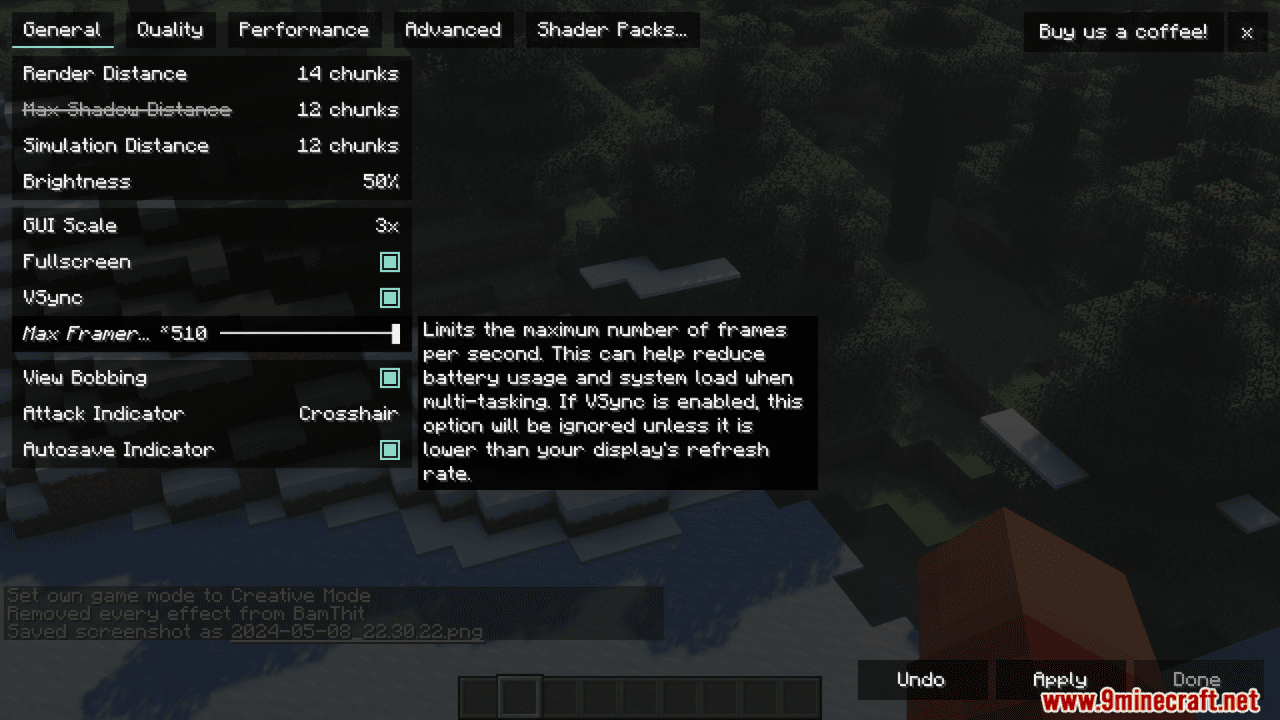
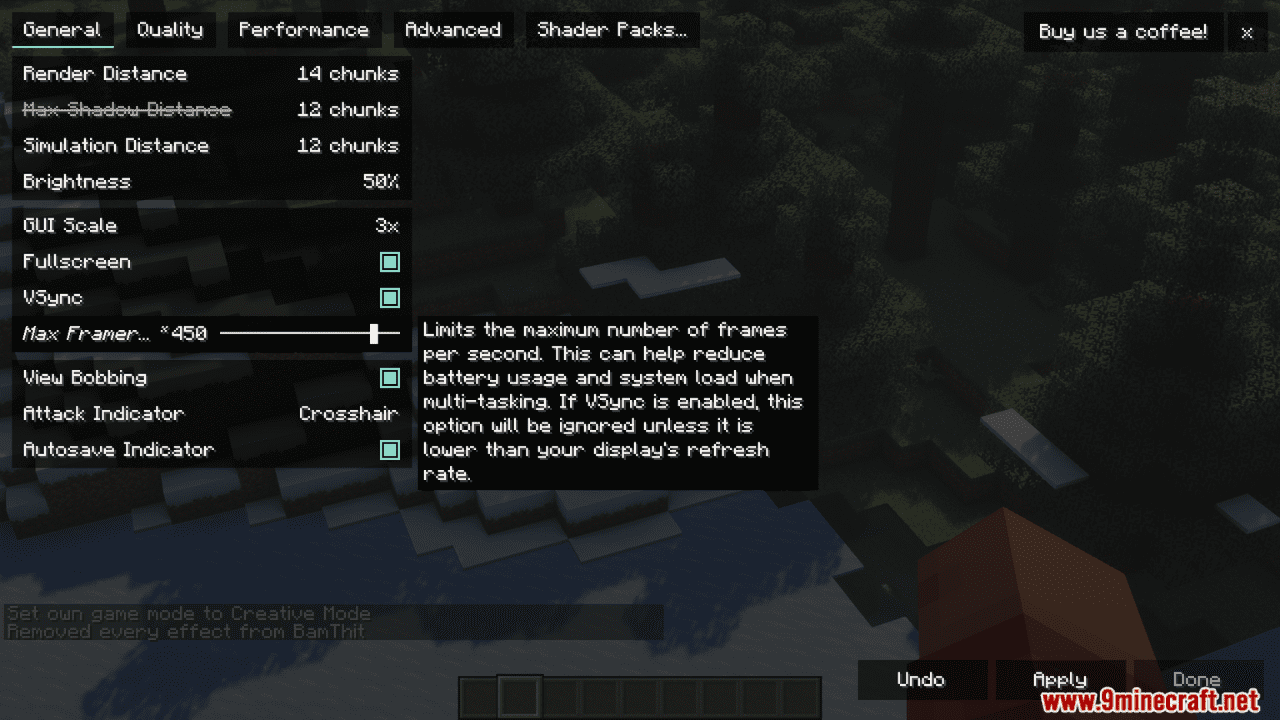
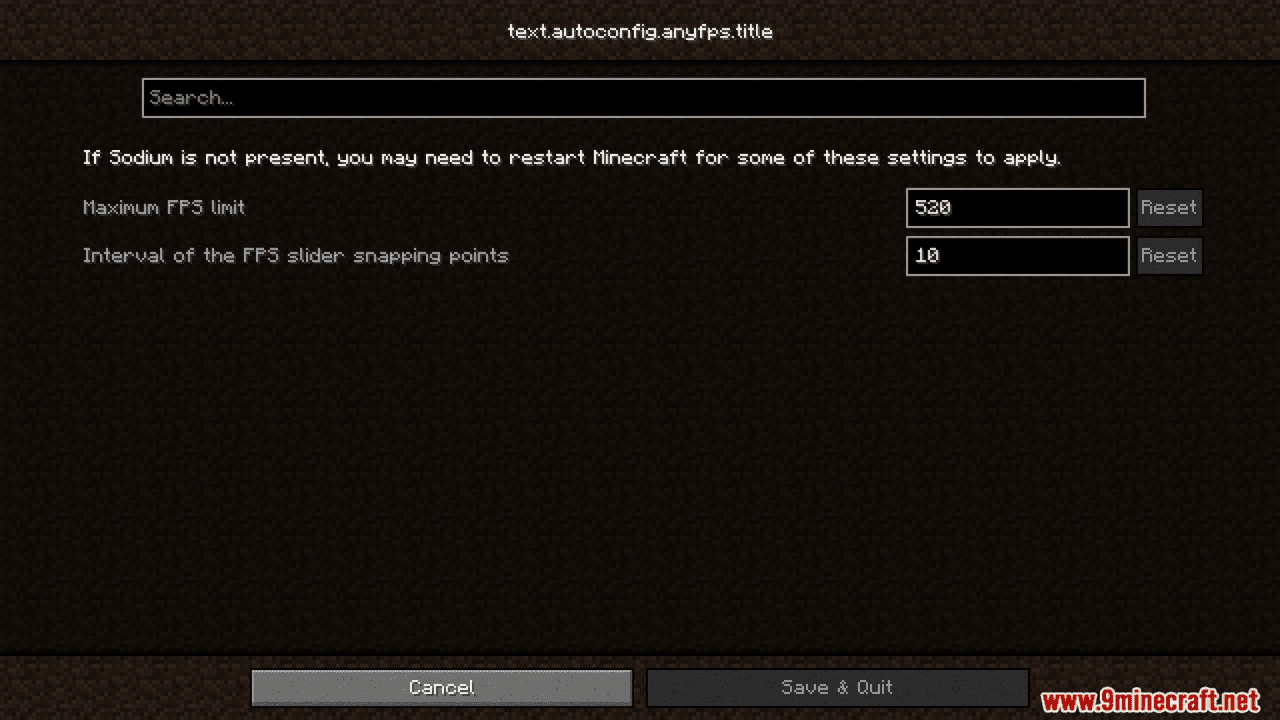
Any FPS Mod Download Links
For Minecraft 1.20.6, 1.20.5, 1.20.4, 1.20.3, 1.20.2, 1.20.1, 1.20
Fabric Version: Download from Server 1 – Download from Server 2
Quick facts
- Edition: Minecraft Java
- File type: .jar
- Minecraft versions listed: 1.20.6, 1.20.1
- How to install: Install the matching mod loader (Forge, Fabric or NeoForge) for your Minecraft version. → Download the .jar. → Put it in the .minecraft/mods folder and launch that loader profile.
- Where to get it: In MC Java Mods, or directly above on this page.
Install steps are the general flow for this file type — How to install Minecraft Java mods & modpacks walks through it step by step.
Verified by MCModsHub
- Downloads as 201336.mcaddon
- Download size: 25 KB
- Download link checked 22 Jul 2026 — working
- Mirrored on our own servers — the download does not depend on the original host
These come from our own check of the pack file, not from the source page.