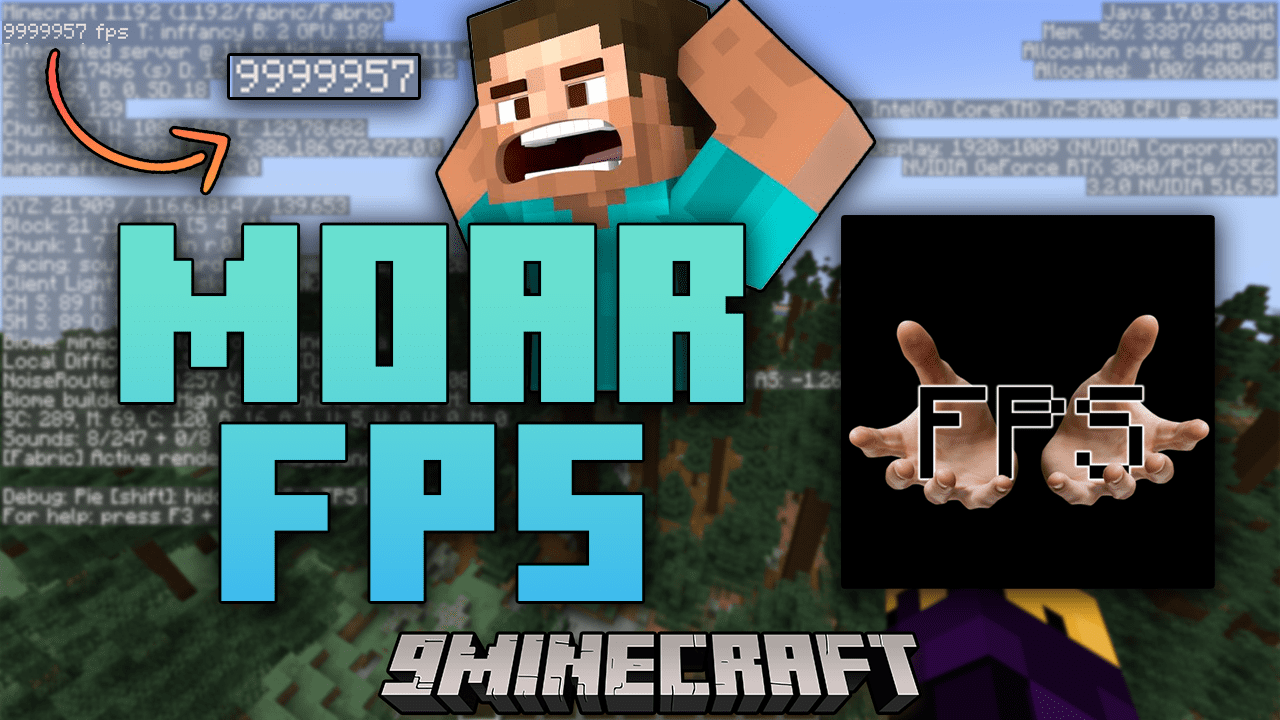
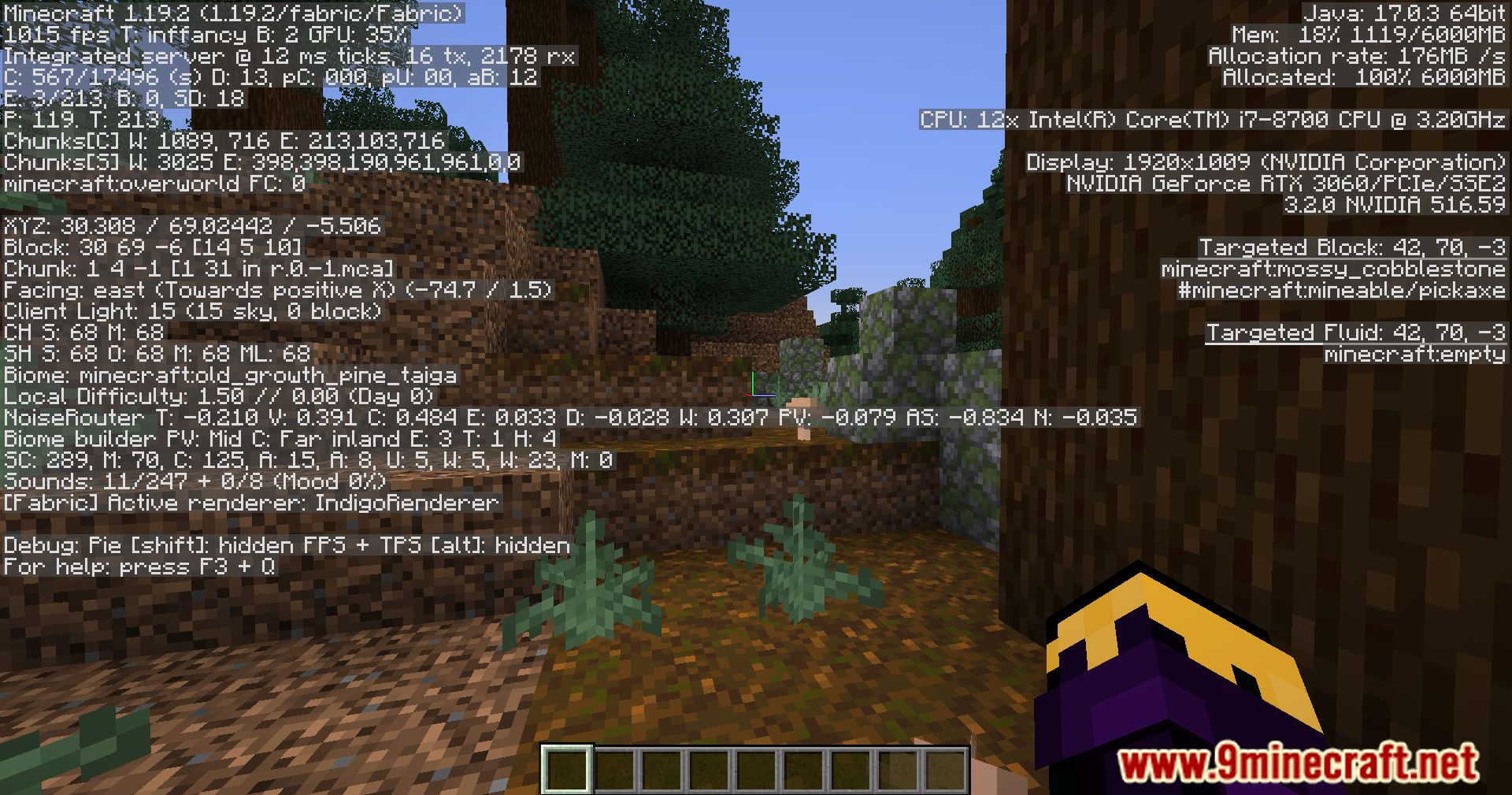
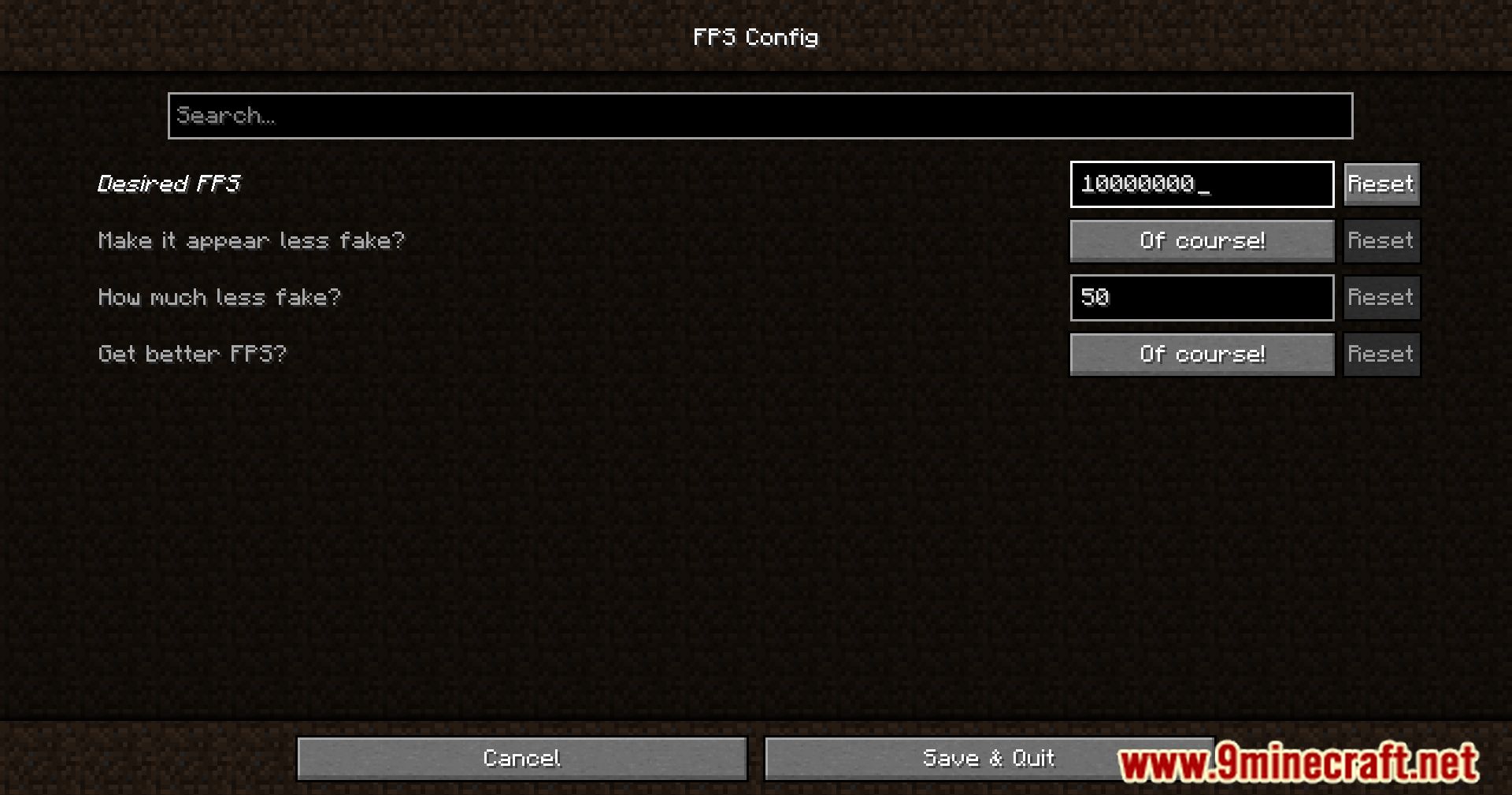
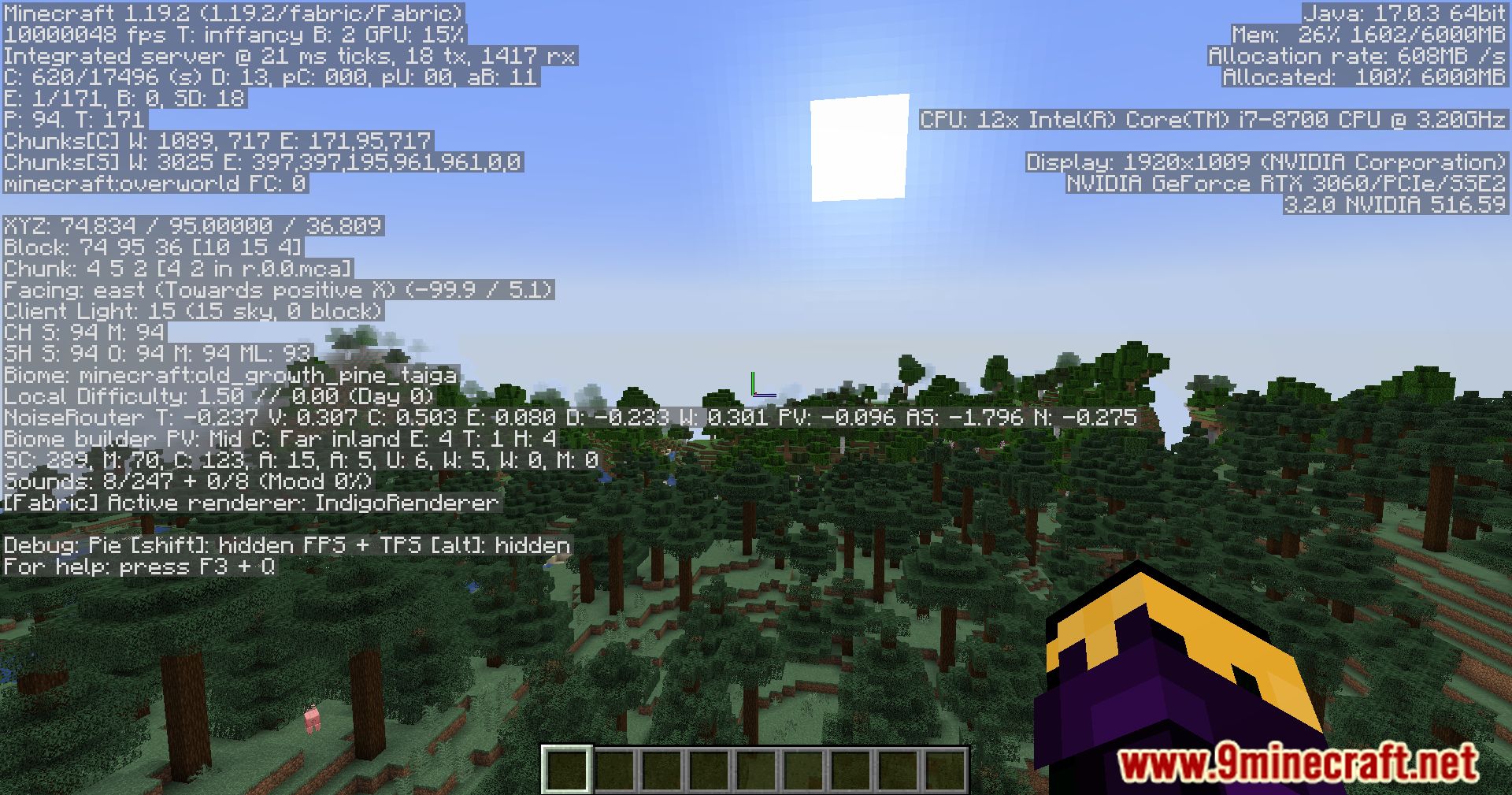
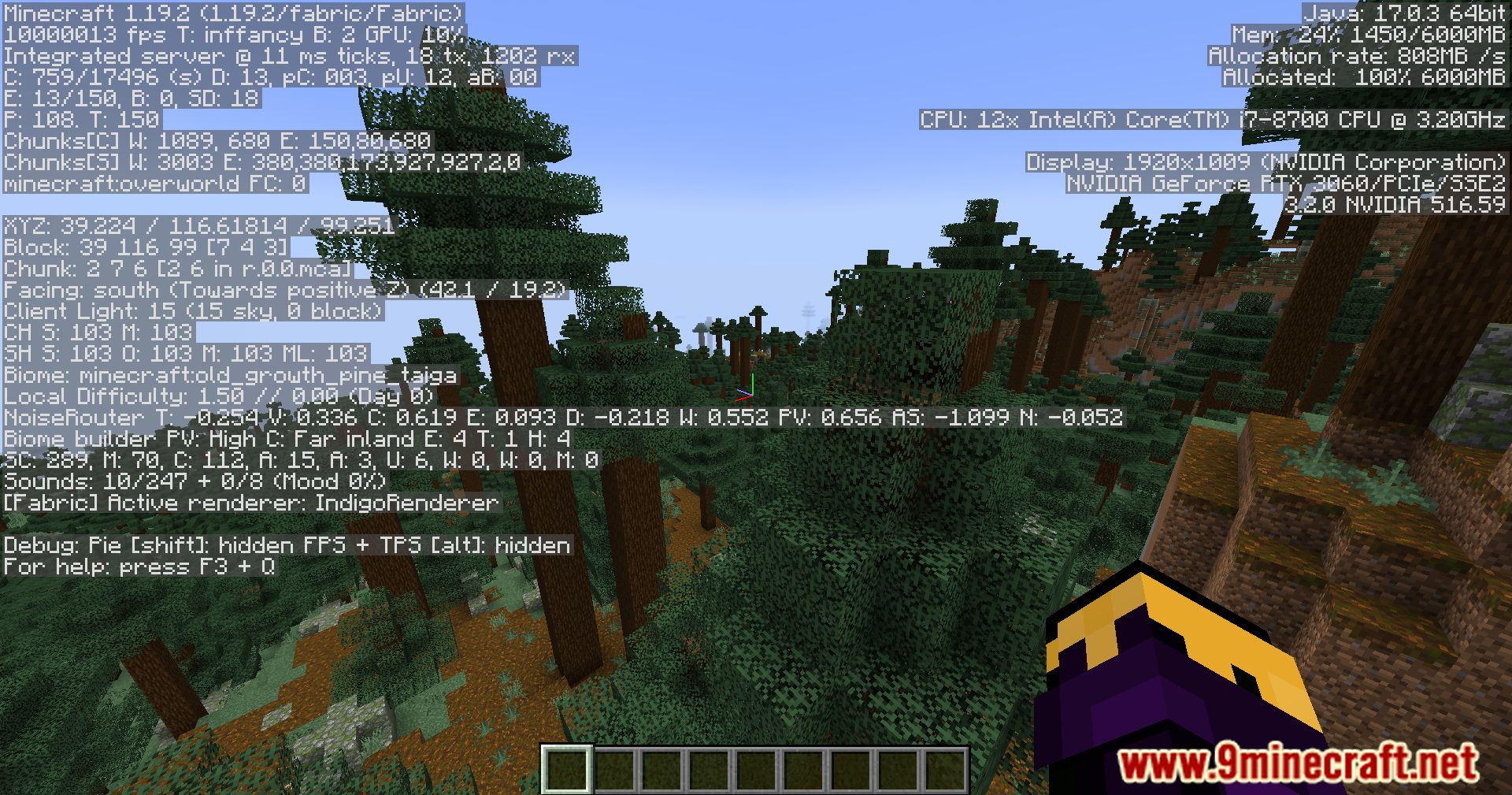
Moar FPS Mod injects a playful twist into the world of Minecraft optimization with its clever implementation of fake frames per second (FPS) numbers. While this mod doesn’t alter the game’s performance, it adds a lighthearted touch to the FPS display, allowing players to customize and personalize their gaming experience whimsically. Upon installation, this mod provides players with the ability to showcase as many FPS as they desire, offering a customizable and exaggerated display of FPS numbers for comedic effect. Whether you’re aiming for a modest boost in performance or indulging in the fantasy of unlimited FPS, this mod caters to players of all preferences with its tongue-in-cheek approach to optimization. While it may not change the actual performance of the game, it injects a sense of humor and whimsy into the Minecraft experience, inviting players to embrace the absurdity of fake FPS numbers for the sake of entertainment. Whether you’re engaged in intense battles, exploring vast landscapes, or embarking on epic adventures, the exaggerated FPS display adds an extra layer of fun to your gameplay sessions. With its simple yet effective implementation, this mod transforms the mundane task of monitoring frame rates into a delightful and amusing experience. Elevate your Minecraft experience with a touch of humor and whimsy, courtesy of it.
Features:
- Customizable display of fake frames per second (FPS) numbers for comedic effect.
- Adds a lighthearted touch to the Minecraft optimization experience.
- Does not alter actual game performance, only showcases fake FPS numbers.
- Suitable for players looking to inject humor and whimsy into their gameplay sessions.
- Enhances the overall enjoyment and entertainment value of Minecraft with its playful implementation.
Screenshots:
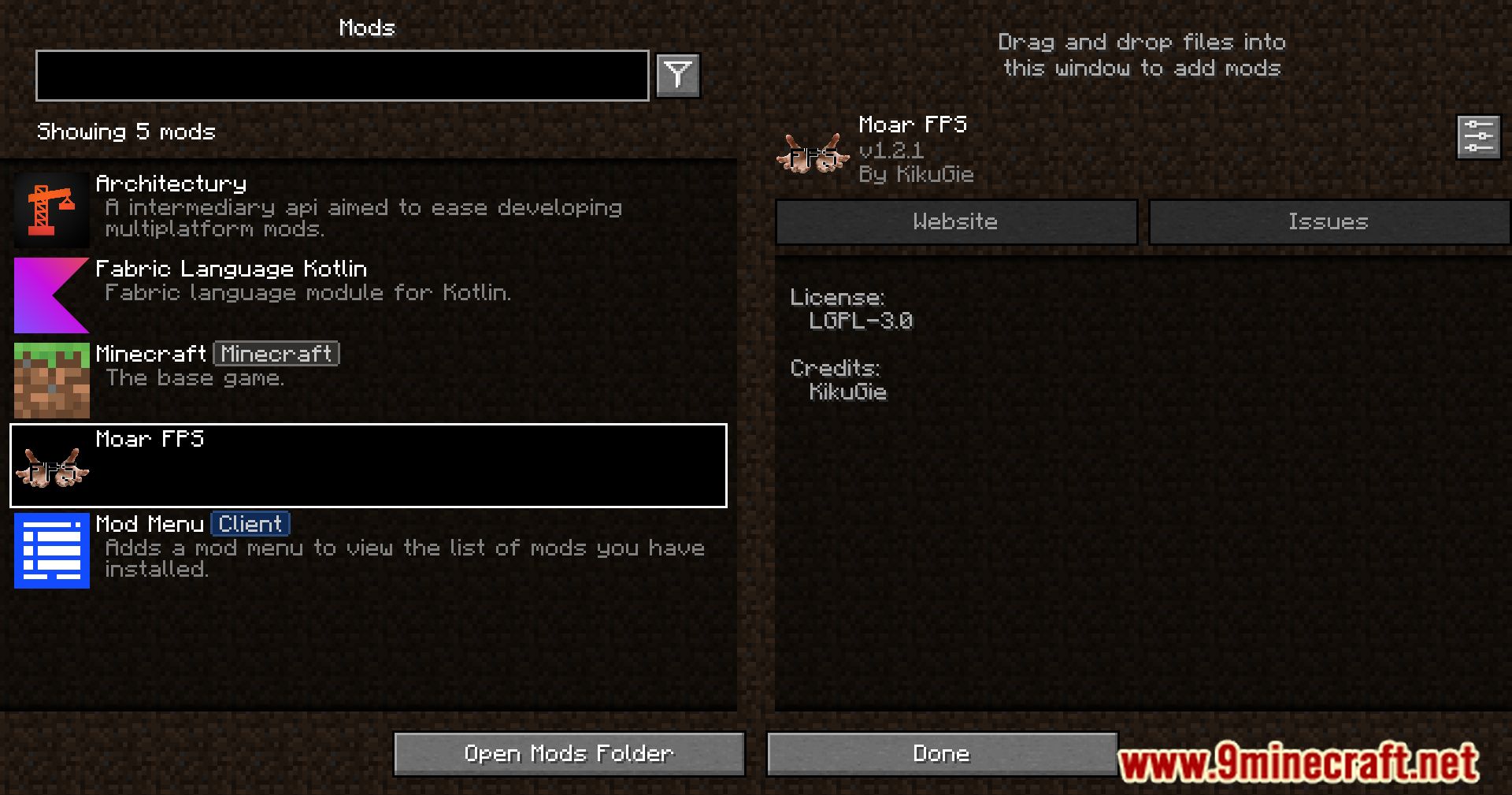
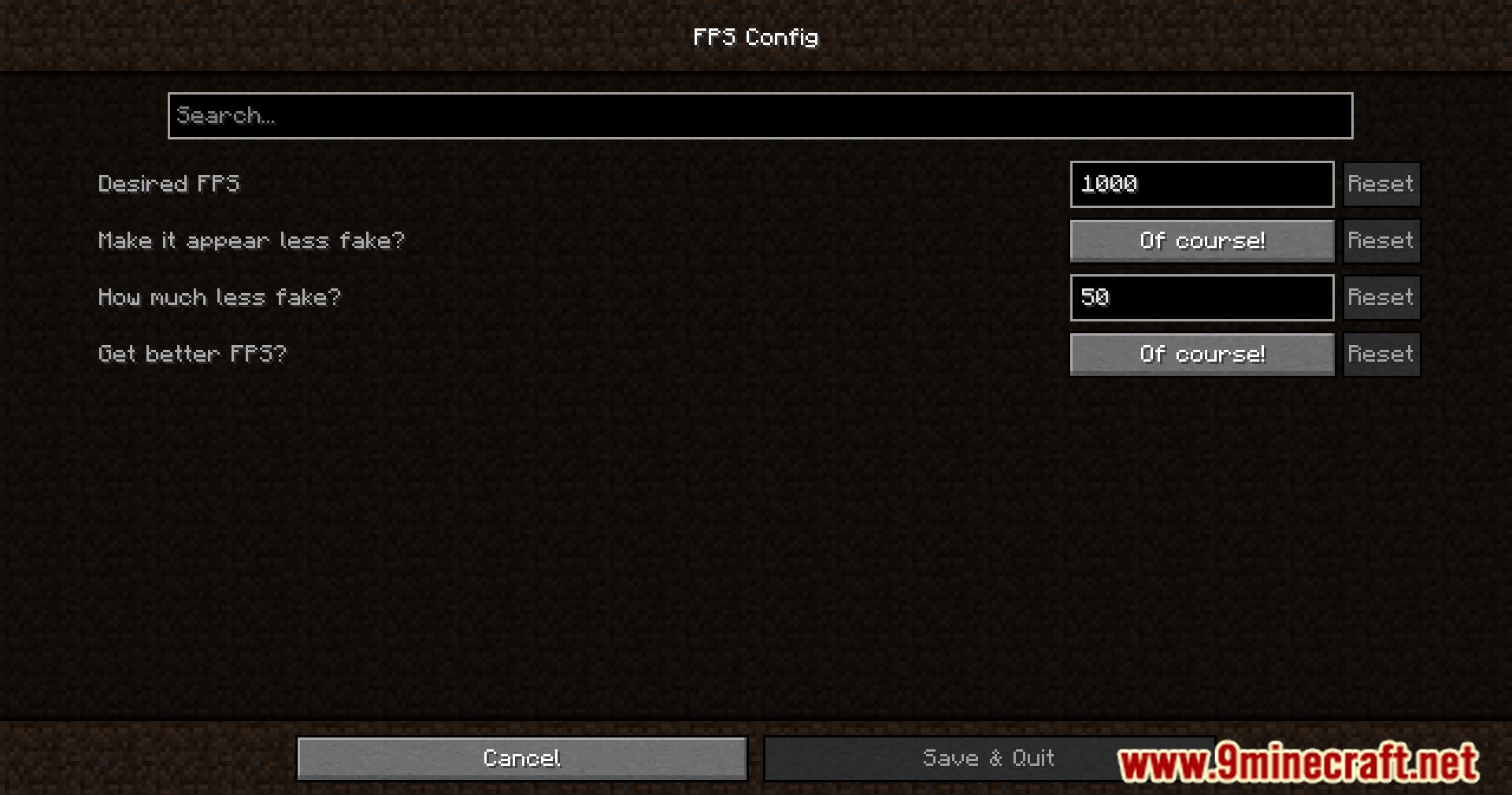
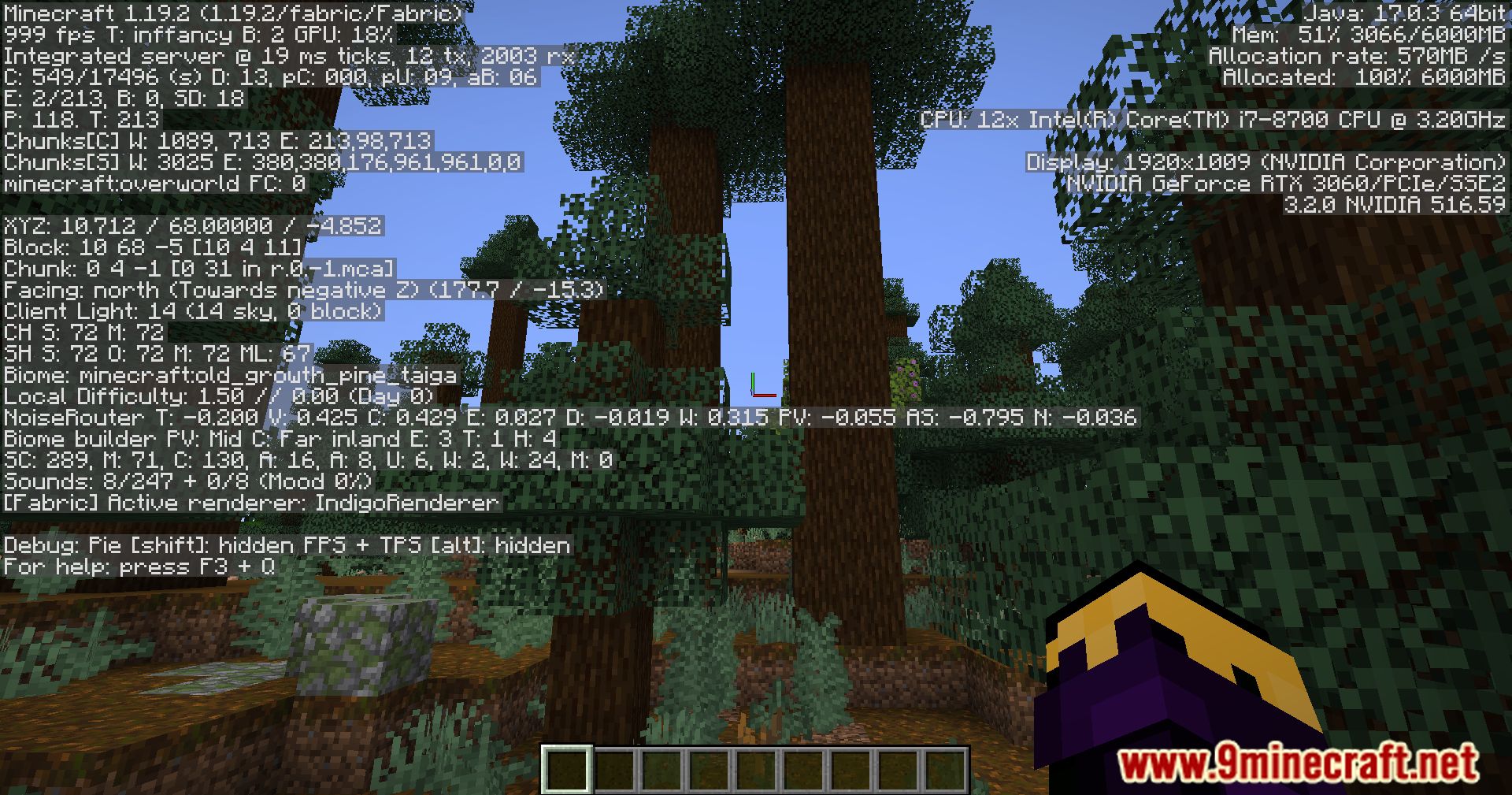
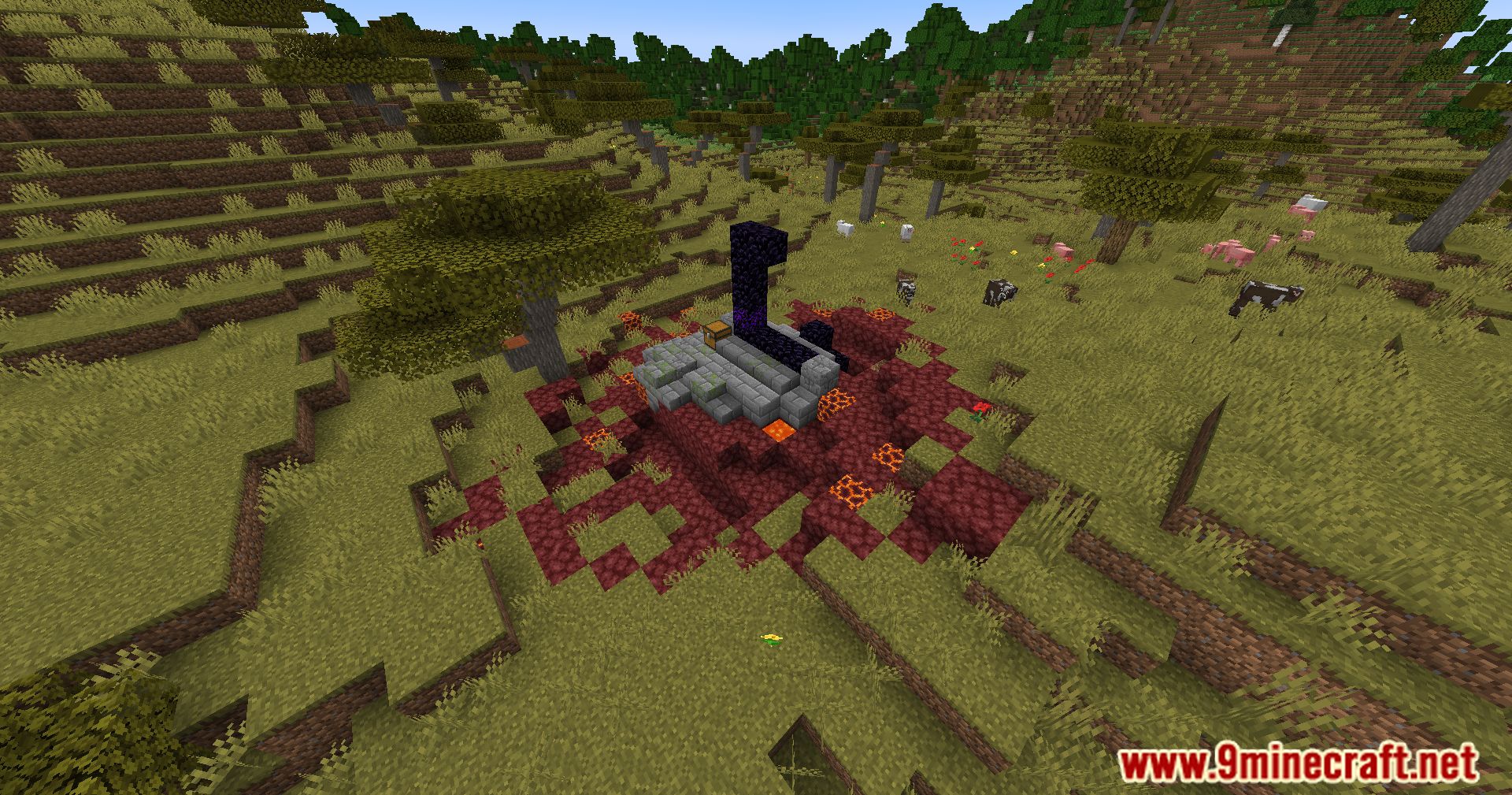
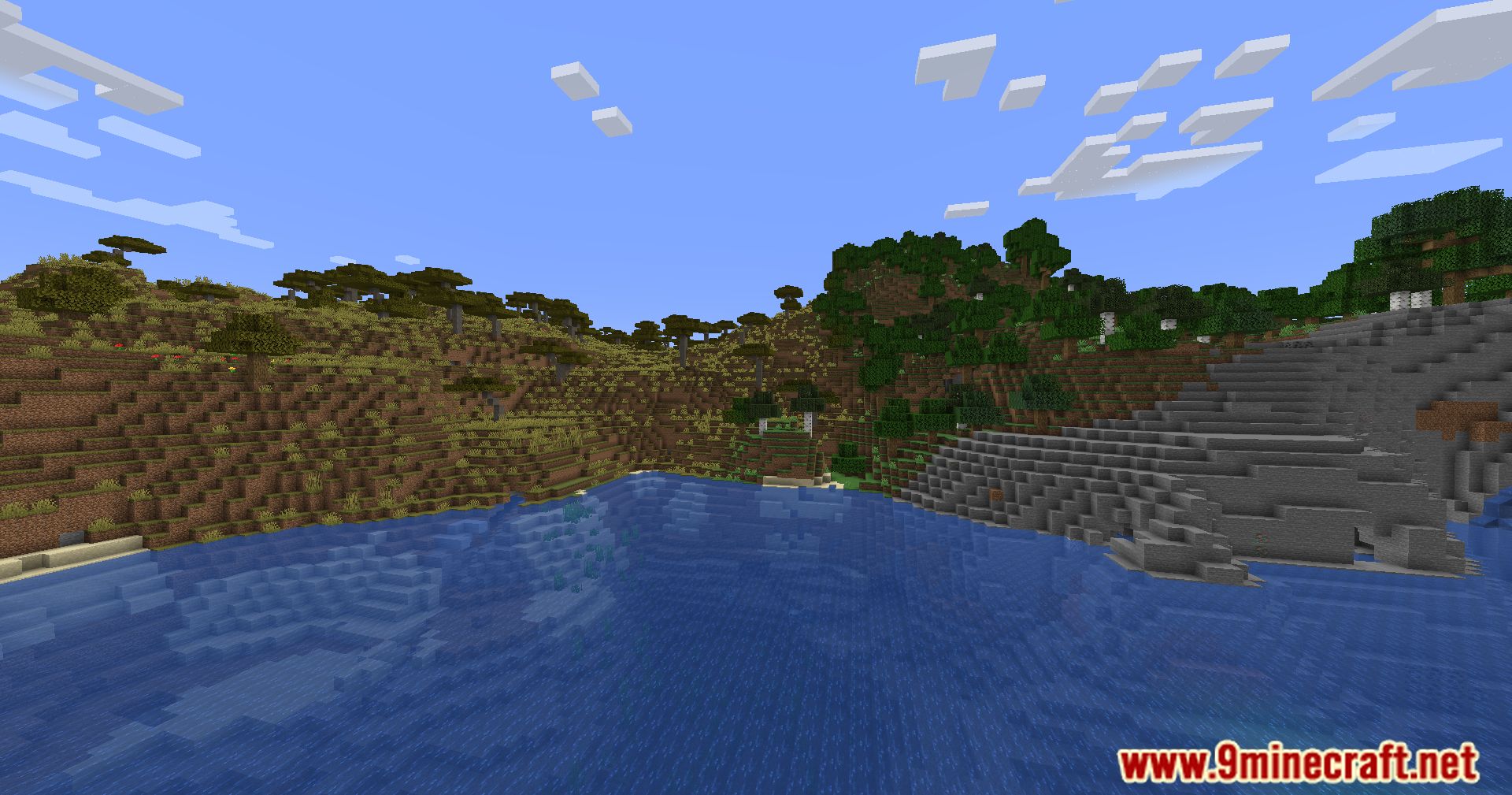
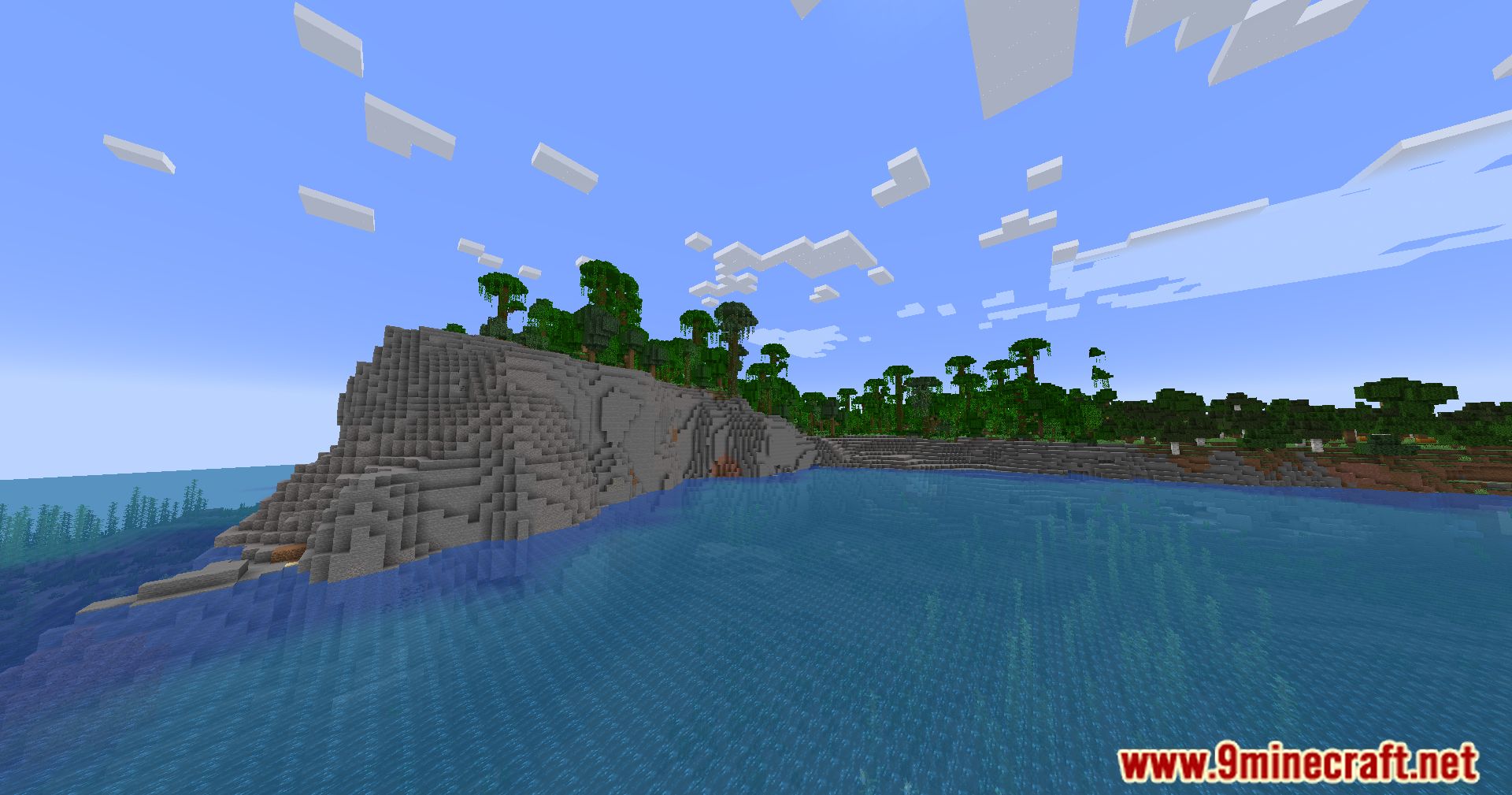
Moar FPS Mod Download Links
For Minecraft 1.20.6
Fabric/Quilt version: Download from Server 1 – Download from Server 2
For Minecraft 1.20.5
Fabric/Quilt version: Download from Server 1 – Download from Server 2
For All Versions from Minecraft 1.19 to Minecraft 1.20.4
Fabric/Quilt version: Download from Server 1 – Download from Server 2
For All Versions from Minecraft 1.16.5 to Minecraft 1.18.2
Fabric/Quilt version: Download from Server 1 – Download from Server 2
- Edition: Minecraft Java
- File type: .jar
- Minecraft versions listed: 1.20.6, 1.20.1
- How to install: Install the matching mod loader (Forge, Fabric or NeoForge) for your Minecraft version. → Download the .jar. → Put it in the .minecraft/mods folder and launch that loader profile.
- Where to get it: In MC Java Mods, or directly above on this page.
Install steps are the general flow for this file type — How to install Minecraft Java mods & modpacks walks through it step by step.
- Downloads as 201383.mcaddon
- Download size: 67 KB
- Download link checked 29 Jul 2026 — working
- Mirrored on our own servers — the download does not depend on the original host
These come from our own check of the pack file, not from the source page.