
Loot Control Utility Mod (1.20.4, 1.20.2) – Configurable Mob Drops
Java mod listed for Minecraft 1.20. Downloads from the MC Java Mods app on Android.
⬇ DownloadLoot Control Utility Mod allows modpack developers and server owners to configure the mob drops in their world. This is done by adjusting the loot table based on difficulty. By default, the difficulty is determined by the distance of the layer from the world spawn. A point farther away from the world spawn will be considered to be more dangerous than a point closer to the world spawn. The mobs that you face at a farther distance will be stronger, deal more damage and will be harder to kill. Their drops upon killing them can be increased using this mod.
Features:
- Ability to specify a bonus loot table based on difficulty. The default difficulty is distance from worldspawn.
- Integration with Harder Farther Core will allow more complex difficulty types based on distance from grim areas or life areas.
- This can optionally add extra loot to mobs.
- This can optionally add extra loot to containers with desired looting tables.
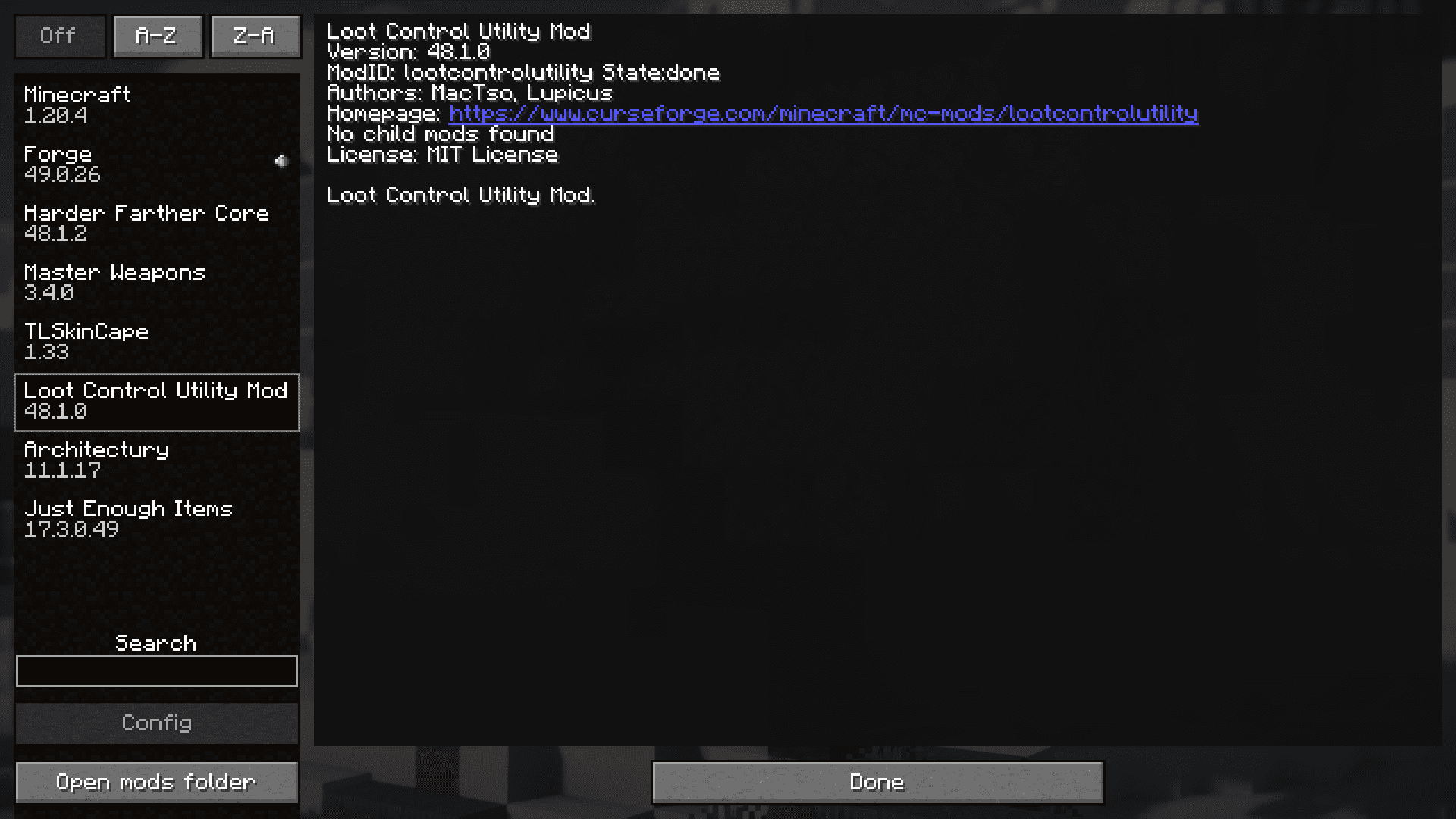
Screenshots:





Loot Control Utility Mod Download Links
For Minecraft 1.20.4, 1.20.2
Forge version: Download from Server 1 – Download from Server 2
- Edition: Minecraft Java
- File type: .jar
- Minecraft versions listed: 1.20.4, 1.20.2
- How to install: Install the matching mod loader (Forge, Fabric or NeoForge) for your Minecraft version. → Download the .jar. → Put it in the .minecraft/mods folder and launch that loader profile.
- Where to get it: In MC Java Mods, or directly above on this page.
Install steps are the general flow for this file type — How to install Minecraft Java mods & modpacks walks through it step by step.
- Downloads as 201422.mcaddon
- Download size: 46 KB
- Download link checked 22 Jul 2026 — working
- Mirrored on our own servers — the download does not depend on the original host
These come from our own check of the pack file, not from the source page.