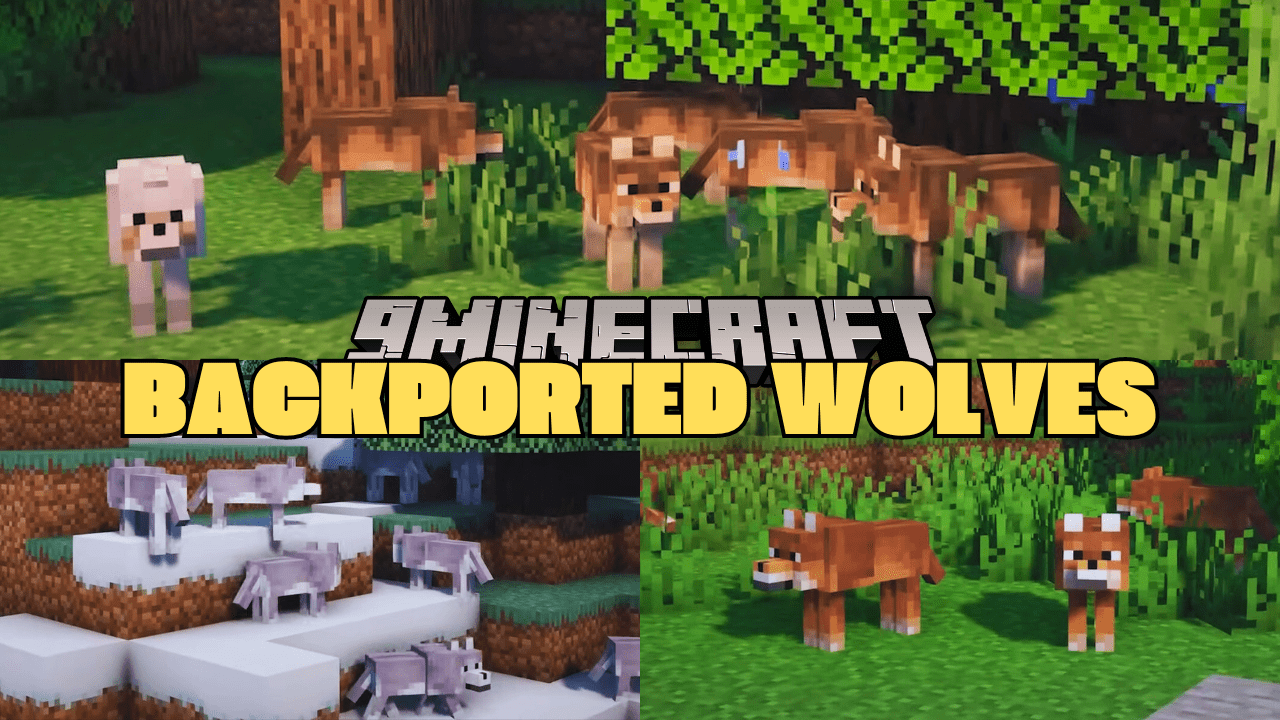
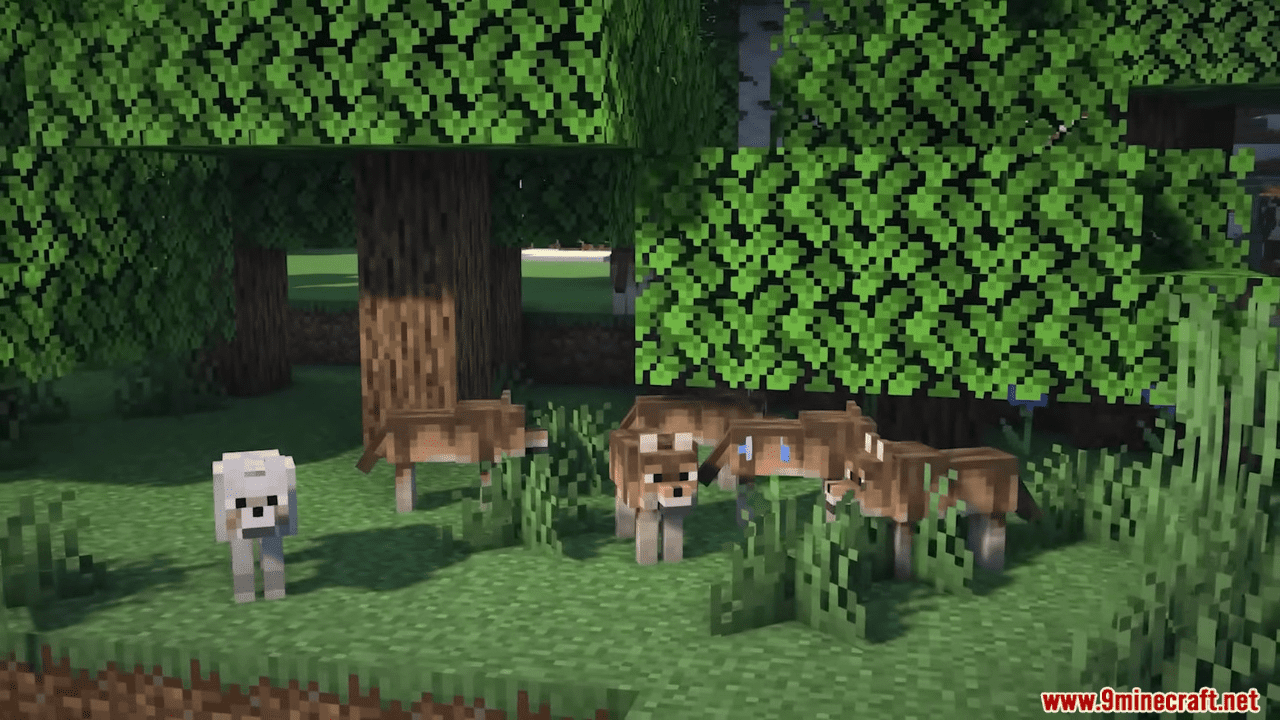
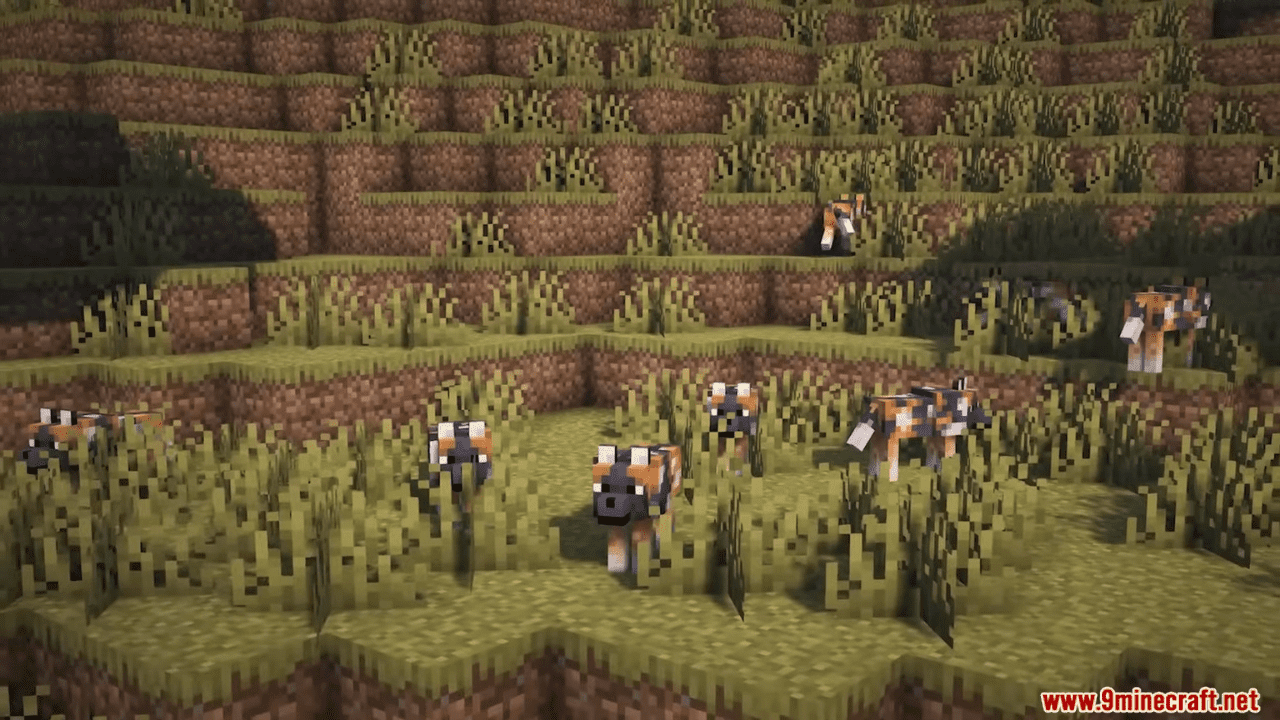
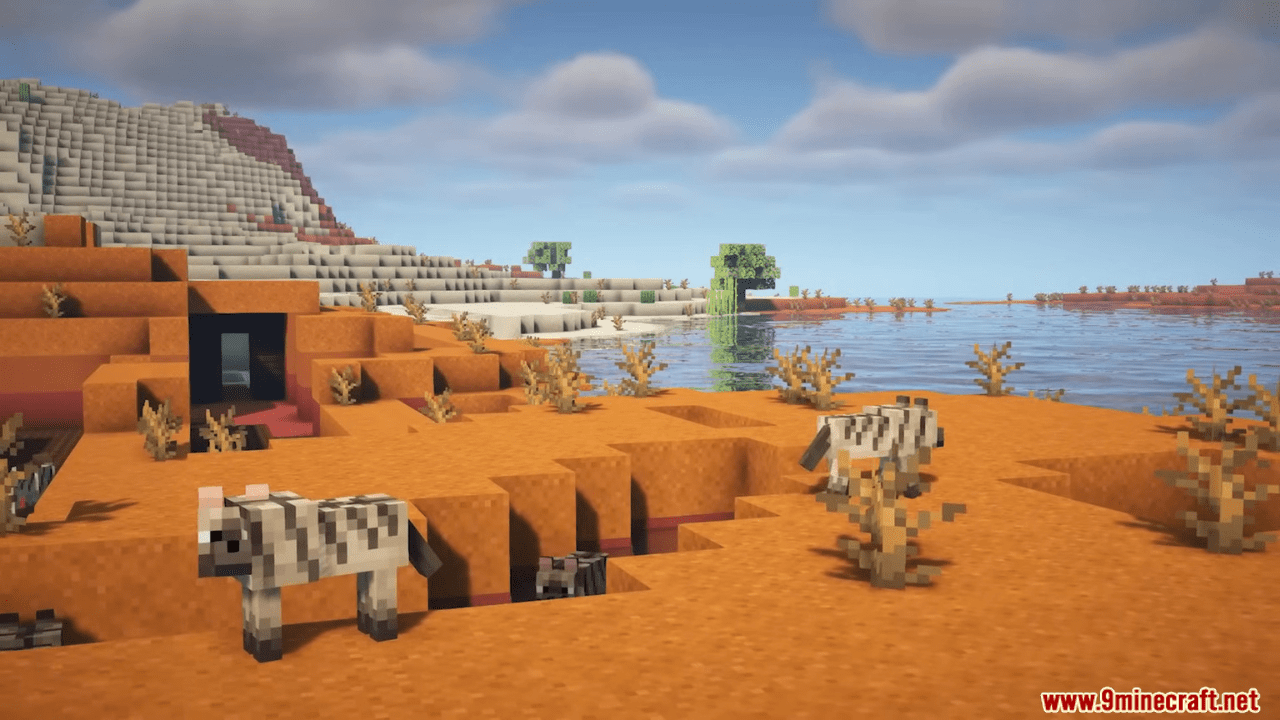
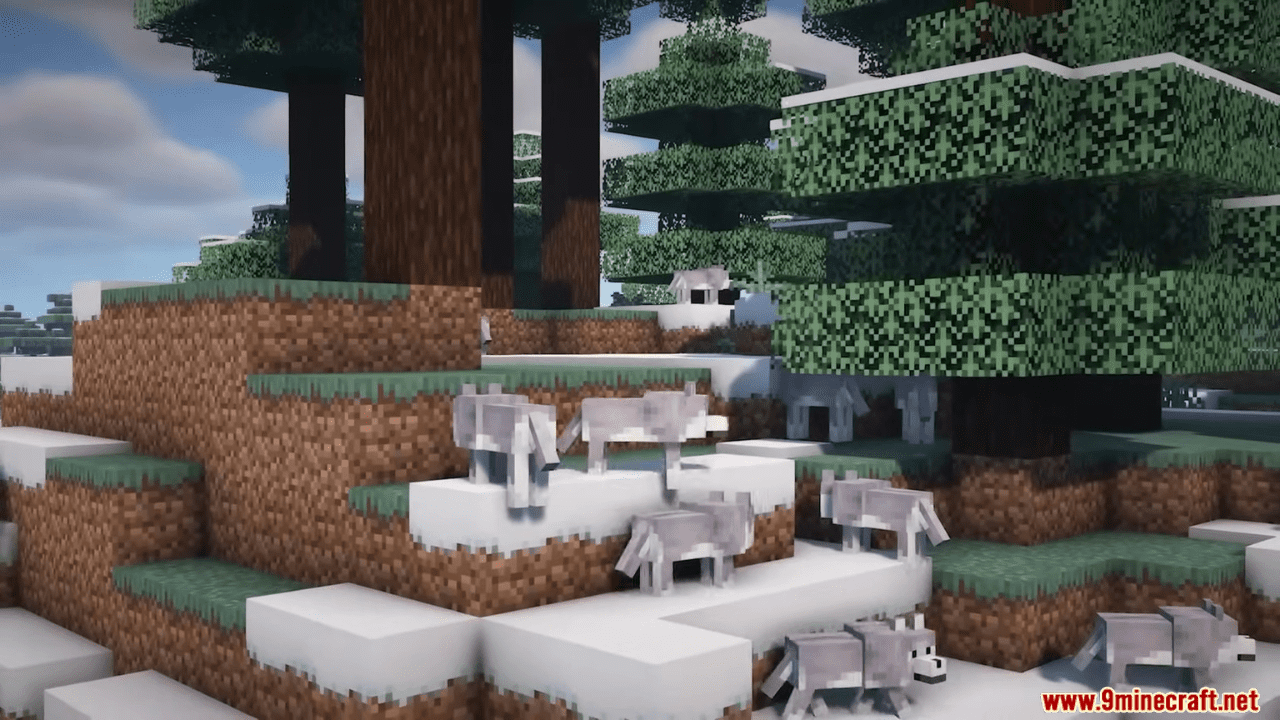
Backported Wolves Mod is the mod that bridges the gap between Minecraft’s latest updates and older versions, ensuring you can enjoy the newest wolf variants right away. No need to wait for the next big update – Backported Wolves brings all 8 new wolf variants introduced by Minecraft to your game, even in older versions. From the Pale Wolf to the Snowy Wolf, each variant adds a unique touch to your gameplay, spawning in different biomes and offering a fresh experience. What’s more, they’re all tameable, and breeding them allows you to pass down their distinct traits to the next generation. Explore the wilderness with these diverse companions by your side.
Features:
- Adds 8 new wolf variants: Pale, Woods, Ashen, Black, Chestnut, Rusty, Spotted, and Striped.
- Compatible with older versions of Minecraft.
- Wolves spawn in various biomes, including Taiga, Forest, Snowy Taiga, Old Growth Pine Taiga, Old Growth Spruce Taiga, Sparse Jungle, Savanna Plateau, Wooded Badlands, and Grove.
- All variants are tameable and breedable, allowing players to pass down traits to offspring.
Screenshots:
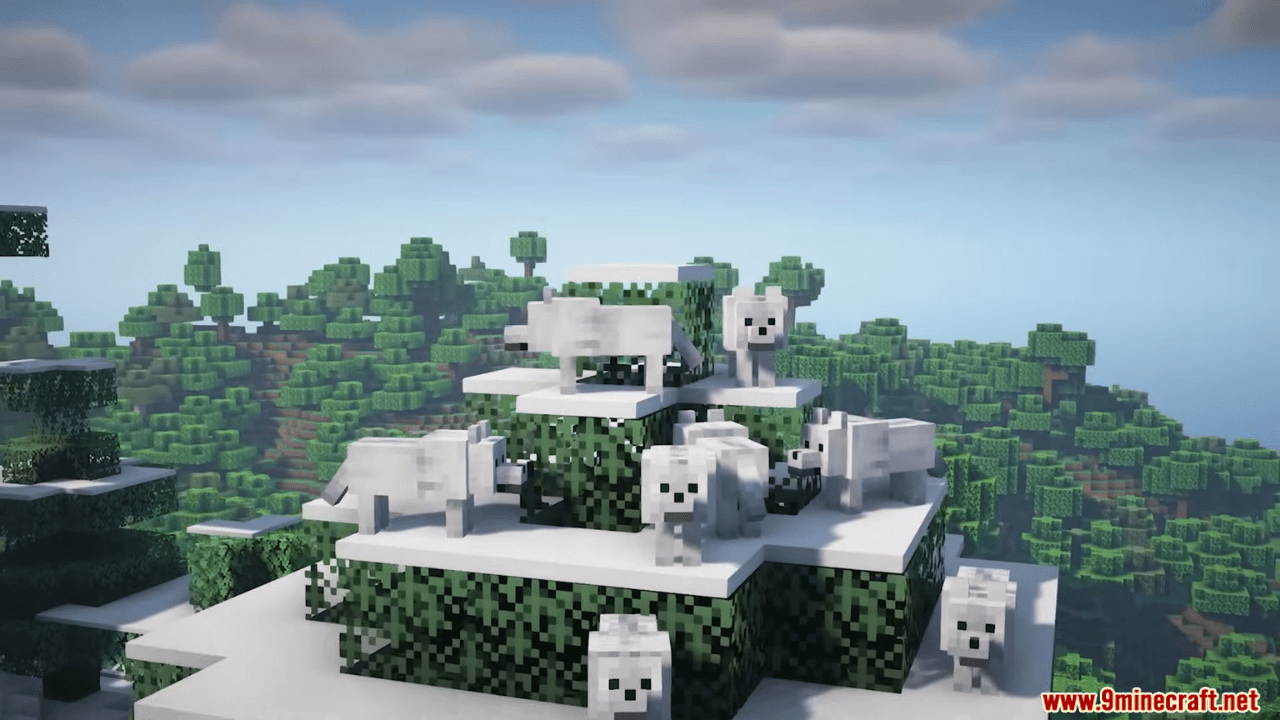
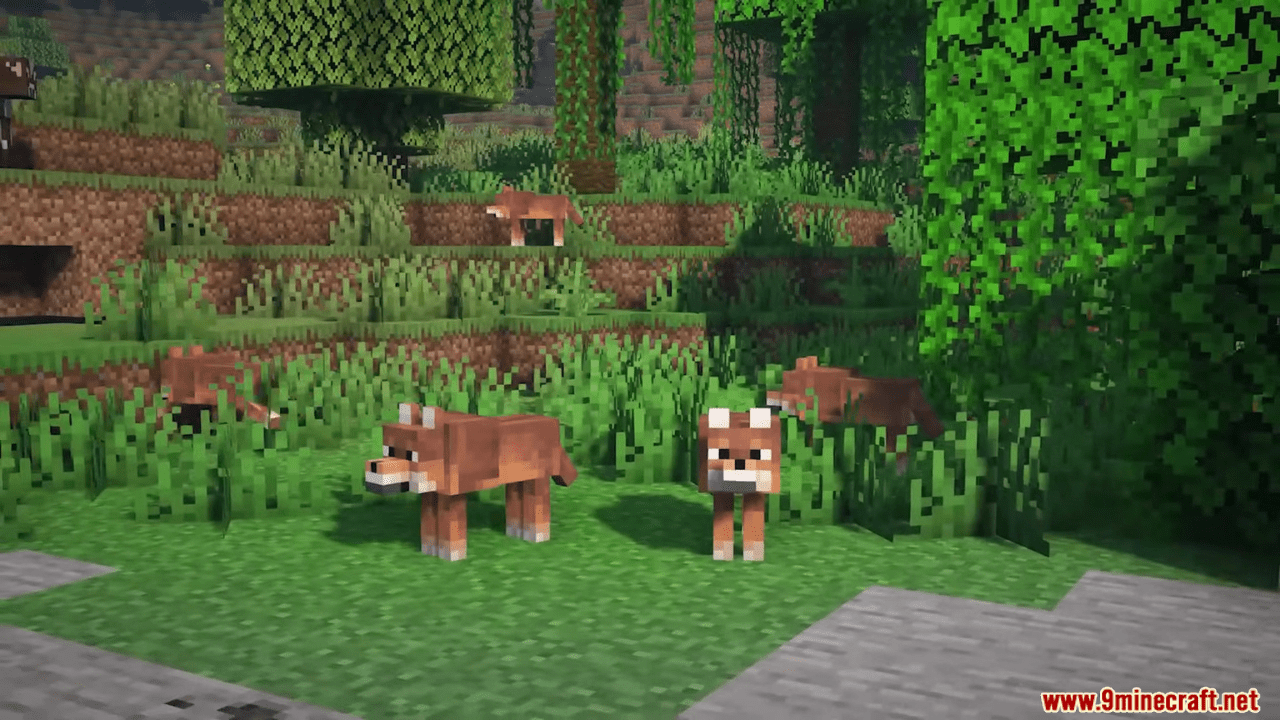
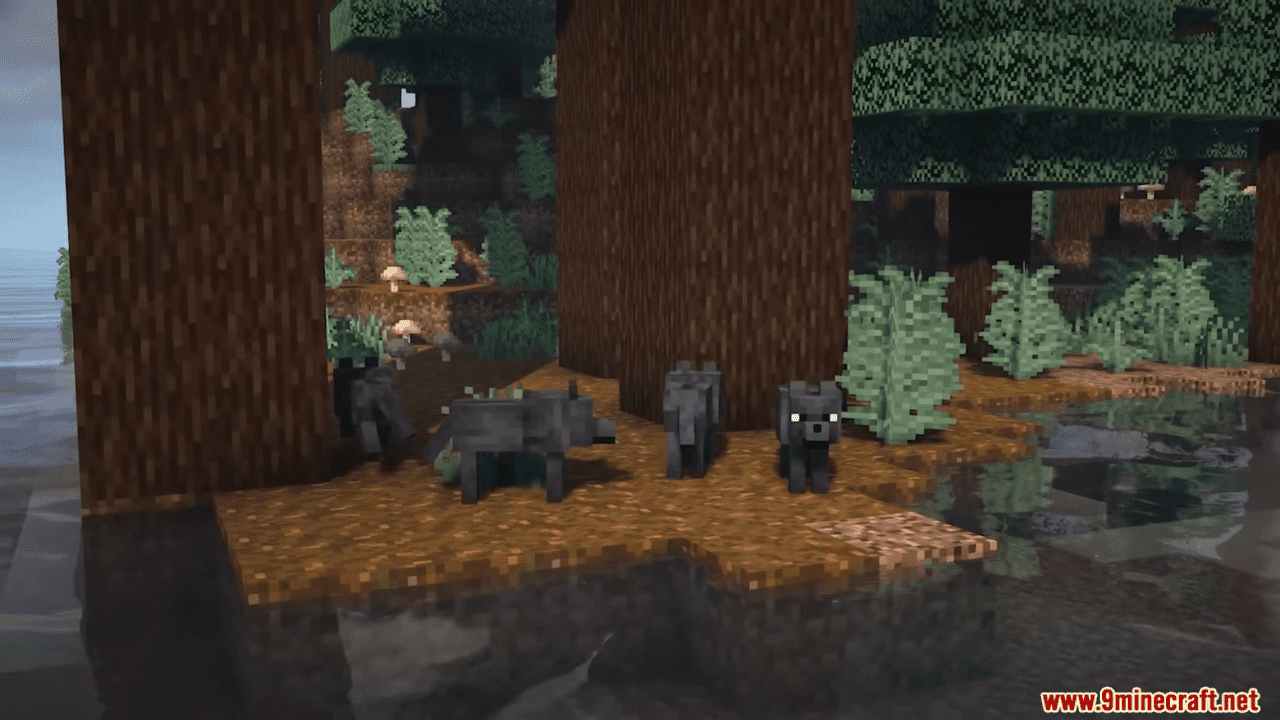
Backported Wolves Mod Download Links
For Minecraft 1.20.6
Fabric/Quilt Version: Download from Server 1 – Download from Server 2
For Minecraft 1.20.5
Fabric/Quilt Version: Download from Server 1 – Download from Server 2
For All Version from Minecraft 1.19.3 to Minecraft 1.20.4
Fabric/Quilt Version: Download from Server 1 – Download from Server 2
For Minecraft 1.20.1
Forge Version: Download from Server 1 – Download from Server 2
For Minecraft 1.19.4
Forge Version: Download from Server 1 – Download from Server 2
For Minecraft 1.19.2
Forge Version: Download from Server 1 – Download from Server 2
For Minecraft 1.19, 1.19.1, 1.19.2
Fabric/Quilt Version: Download from Server 1 – Download from Server 2
For Minecraft 1.18.2
Forge Version: Download from Server 1 – Download from Server 2
Fabric Version: Download from Server 1 – Download from Server 2
- Edition: Minecraft Java
- File type: .jar
- Minecraft versions listed: 1.20.6, 1.20.1
- How to install: Install the matching mod loader (Forge, Fabric or NeoForge) for your Minecraft version. → Download the .jar. → Put it in the .minecraft/mods folder and launch that loader profile.
- Where to get it: In MC Java Mods, or directly above on this page.
Install steps are the general flow for this file type — How to install Minecraft Java mods & modpacks walks through it step by step.
- Downloads as 201438.mcaddon
- Download size: 294 KB
- Download link checked 22 Jul 2026 — working
- Mirrored on our own servers — the download does not depend on the original host
These come from our own check of the pack file, not from the source page.