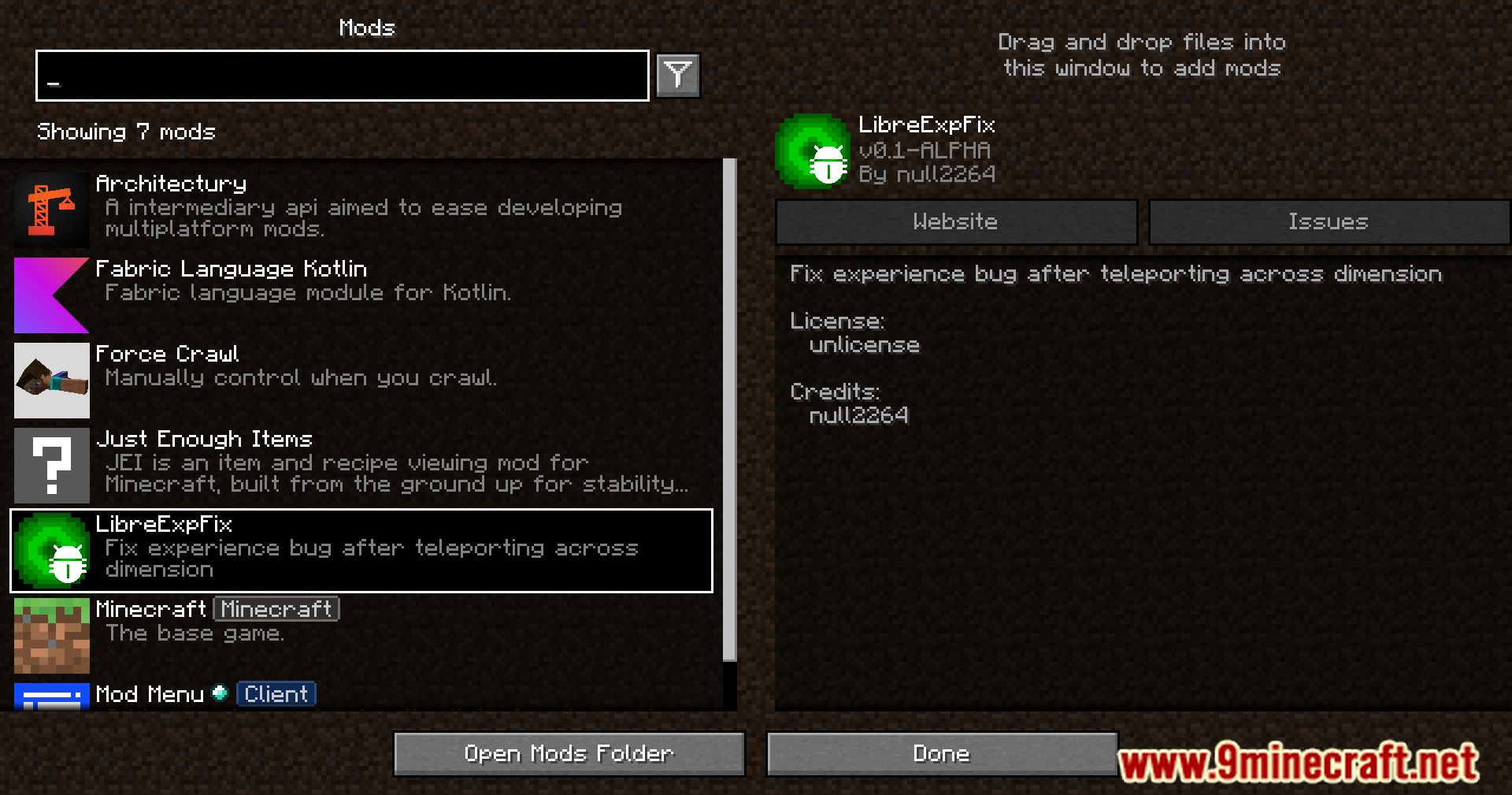
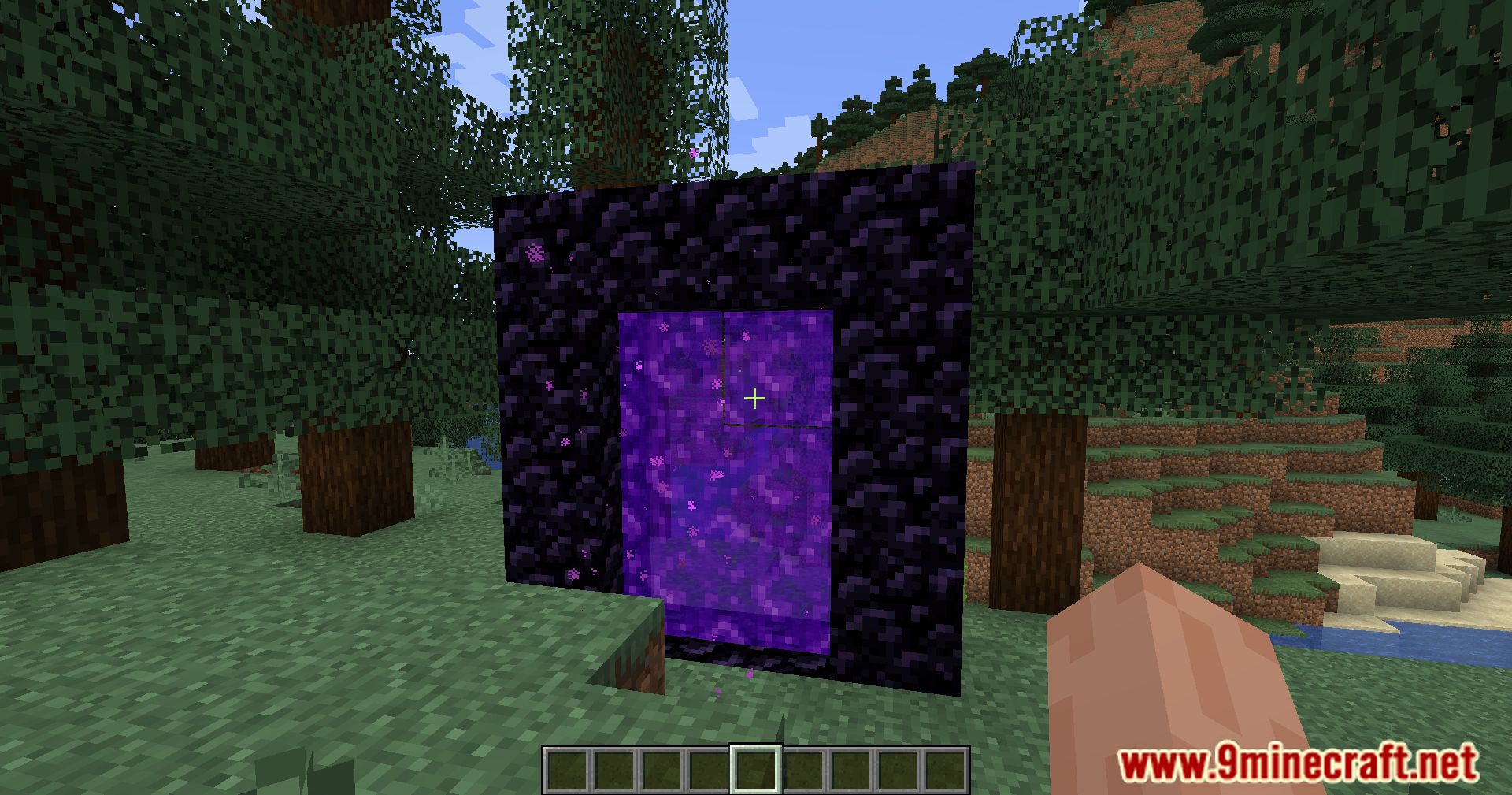
On the official Minecraft bug tracking website, a bug with the code MC-124177 has been reported. The bug is reported under the title “Teleporting to another dimension loses some client states”. Client states are various player data that determine certain information regarding the player, and player experience/level is one of these client states. This means, when a player teleports between dimensions using portals, there is a chance for his XP bar to be empty and show xero level upon teleportation. This bug is reported to occur even in the latest versions of the game. LibreExpFix Mod fixes this for you.
Features:
- Corrects the issue where players lose experience points after teleporting between dimensions.
- Fixes other issues related to teleporting between dimensions.
How to check if mod is working?
You can test if this mod working properly by creating a superflat creative world, go into flight mode then execute these sequence of commands:
- /effect give @p minecraft:night_vision 99999 1 true
- /execute in the_nether run tp @s ~ 10 ~
- /execute in overworld run tp @s ~ 10 ~
If you still have night vision without having to wait a few seconds or experience doesn’t disappear or your character is still in flight mode, then the mod is working.
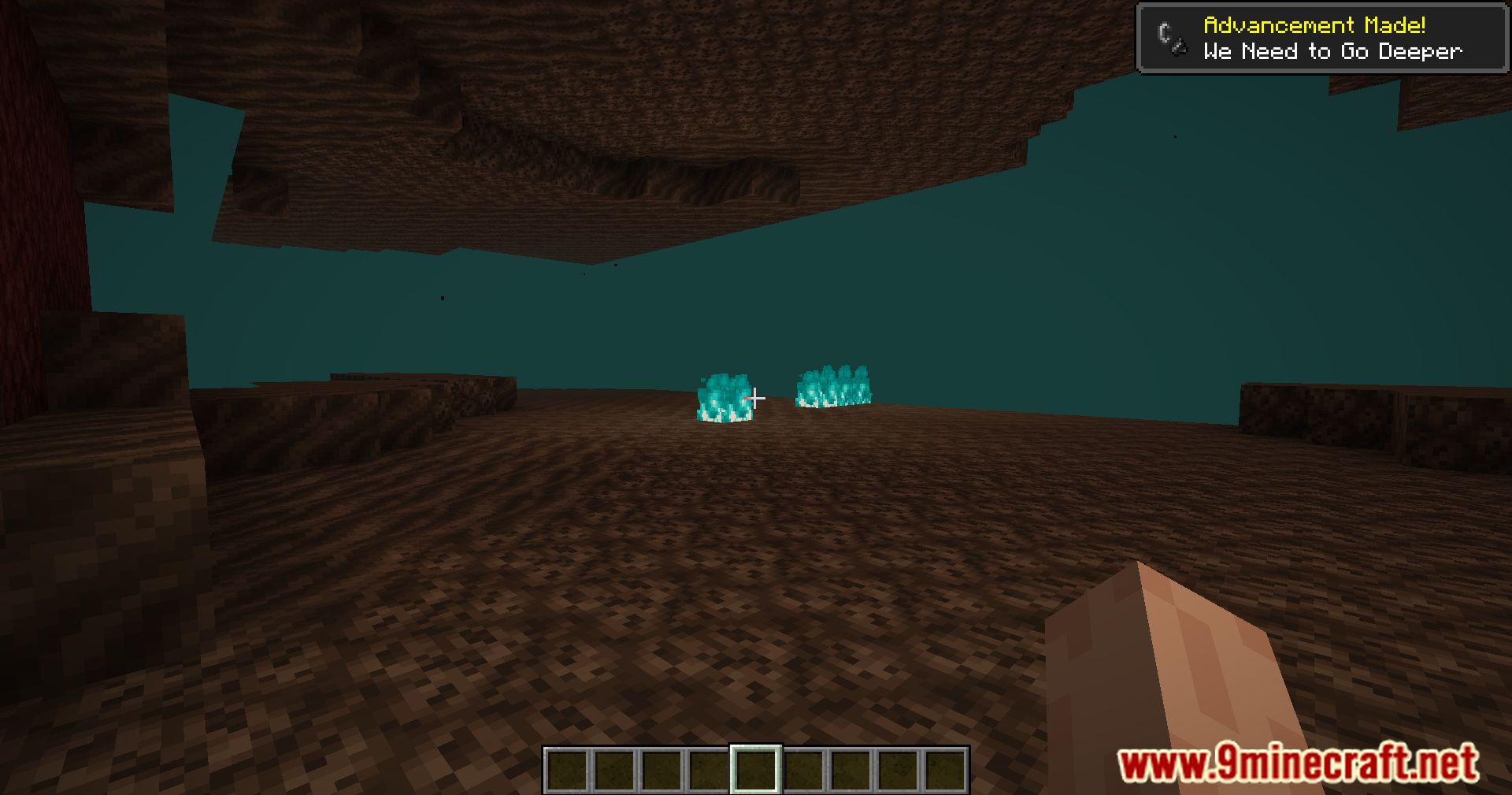
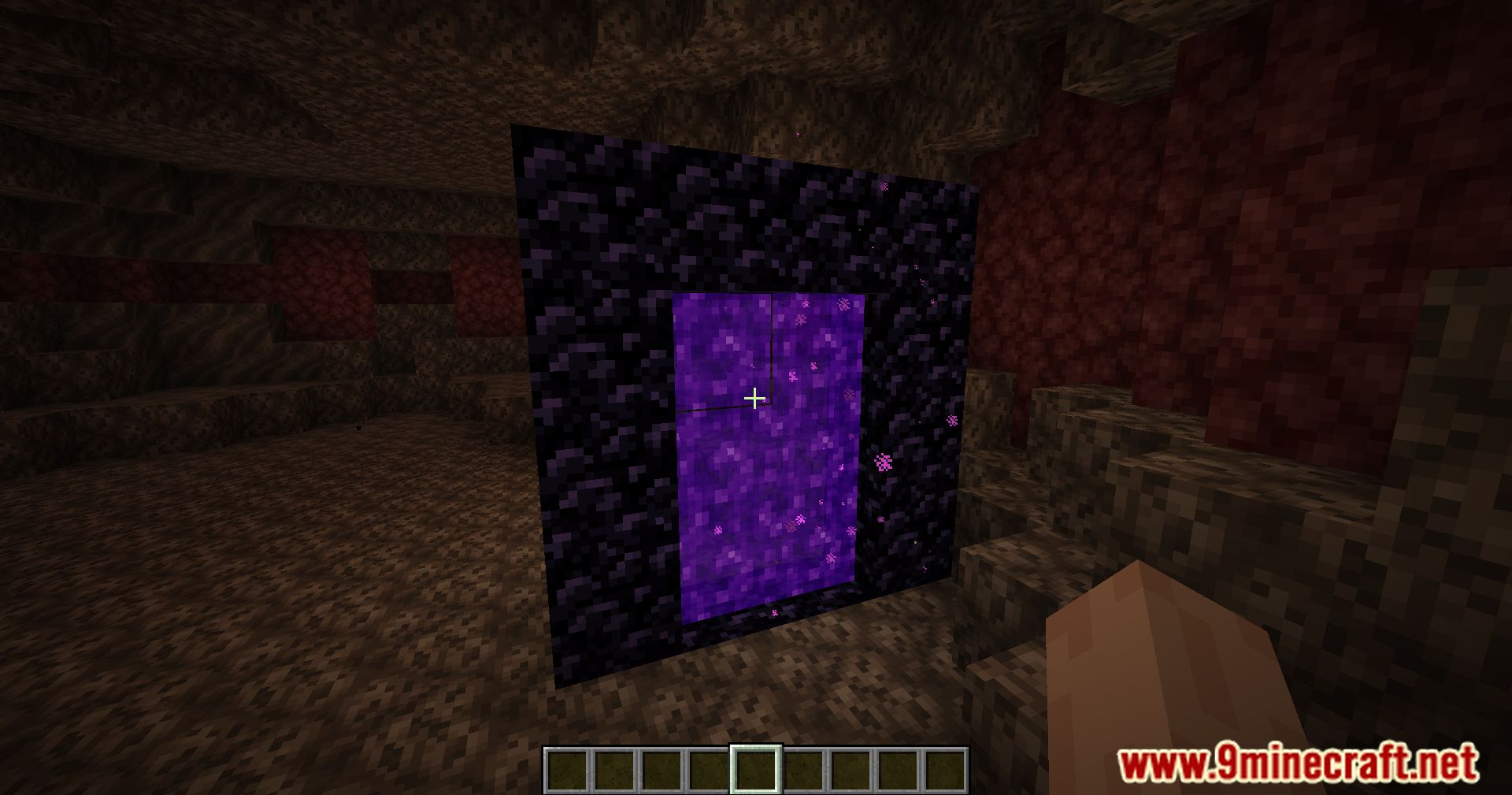
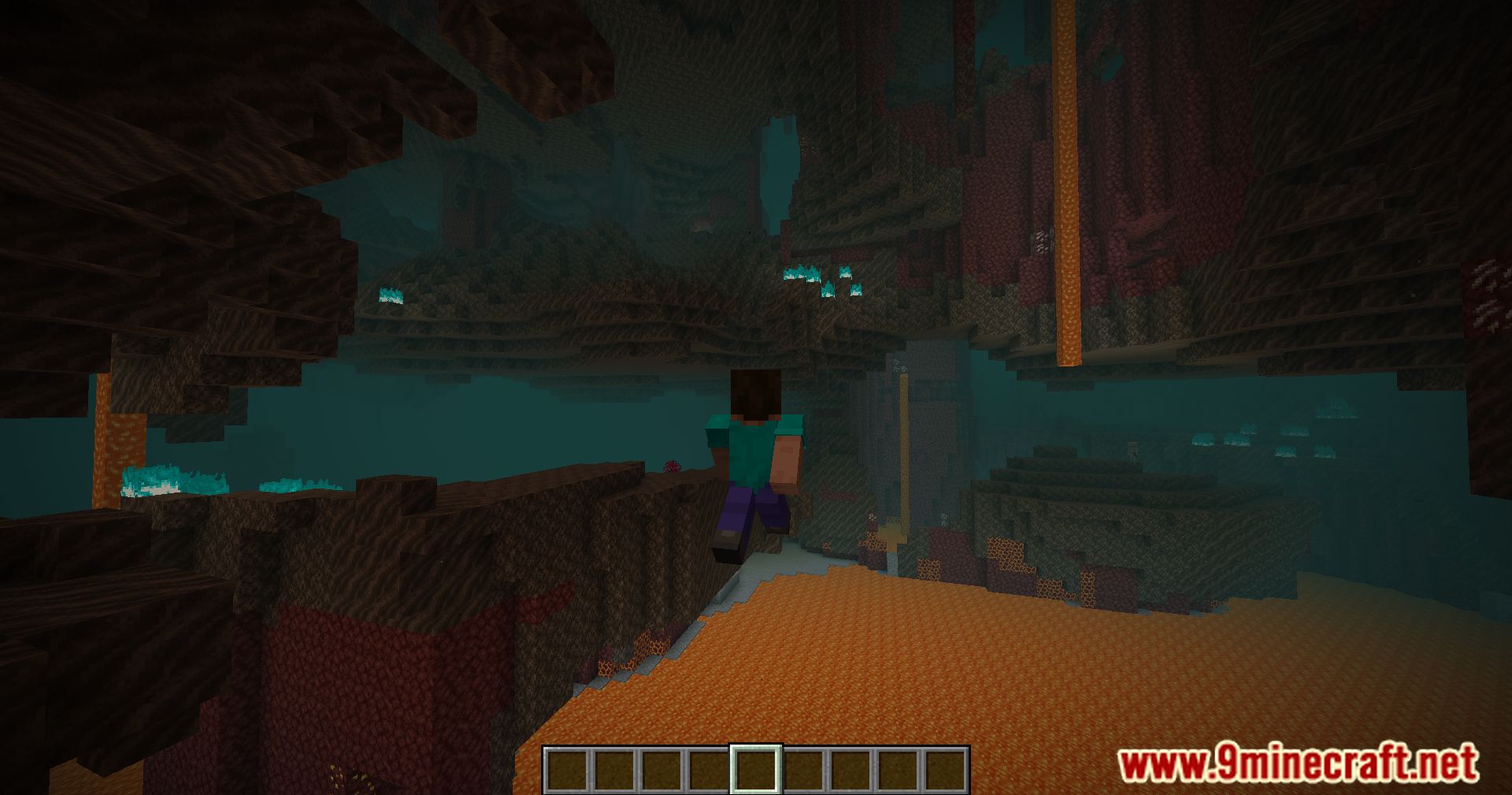
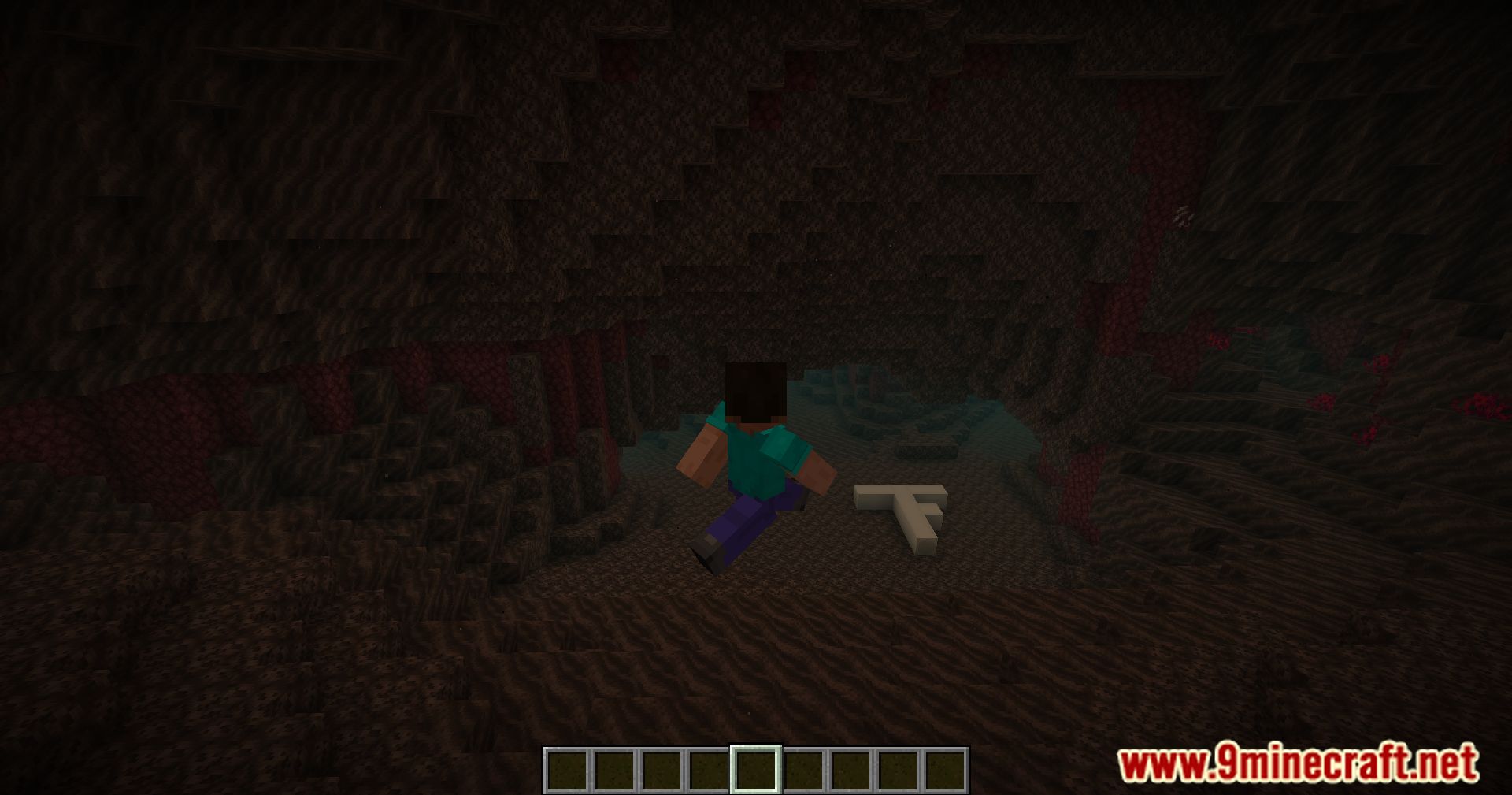
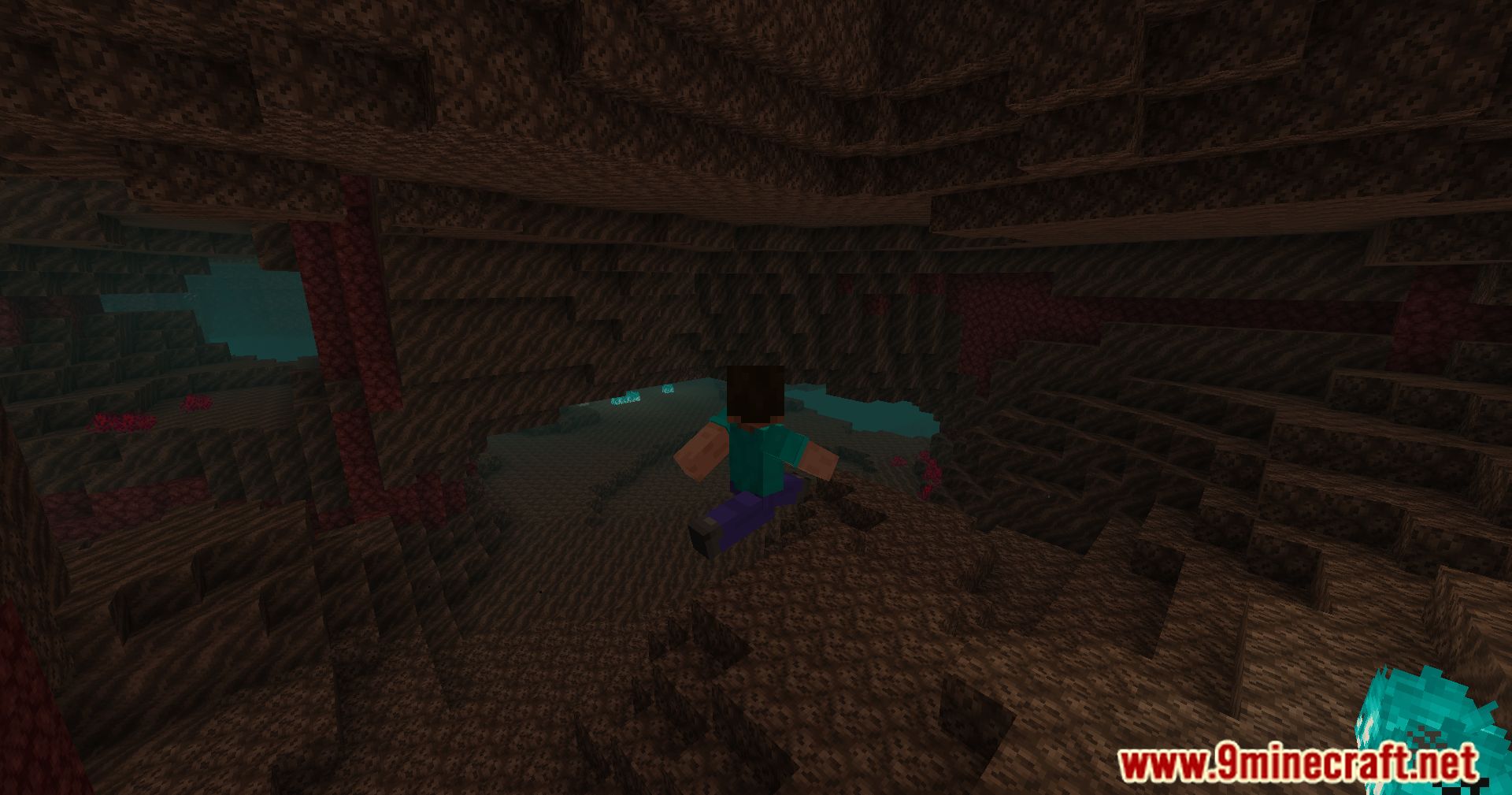
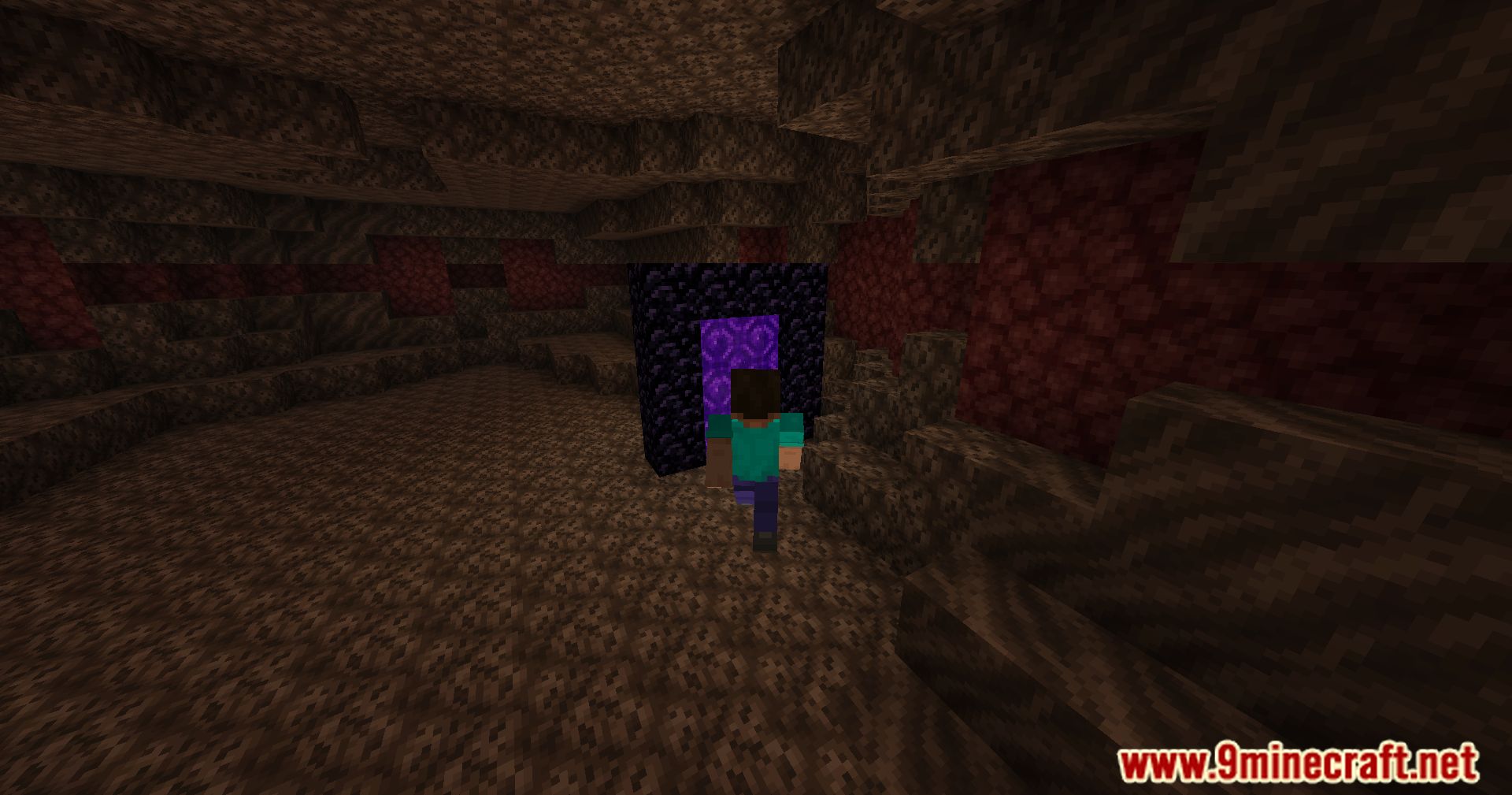
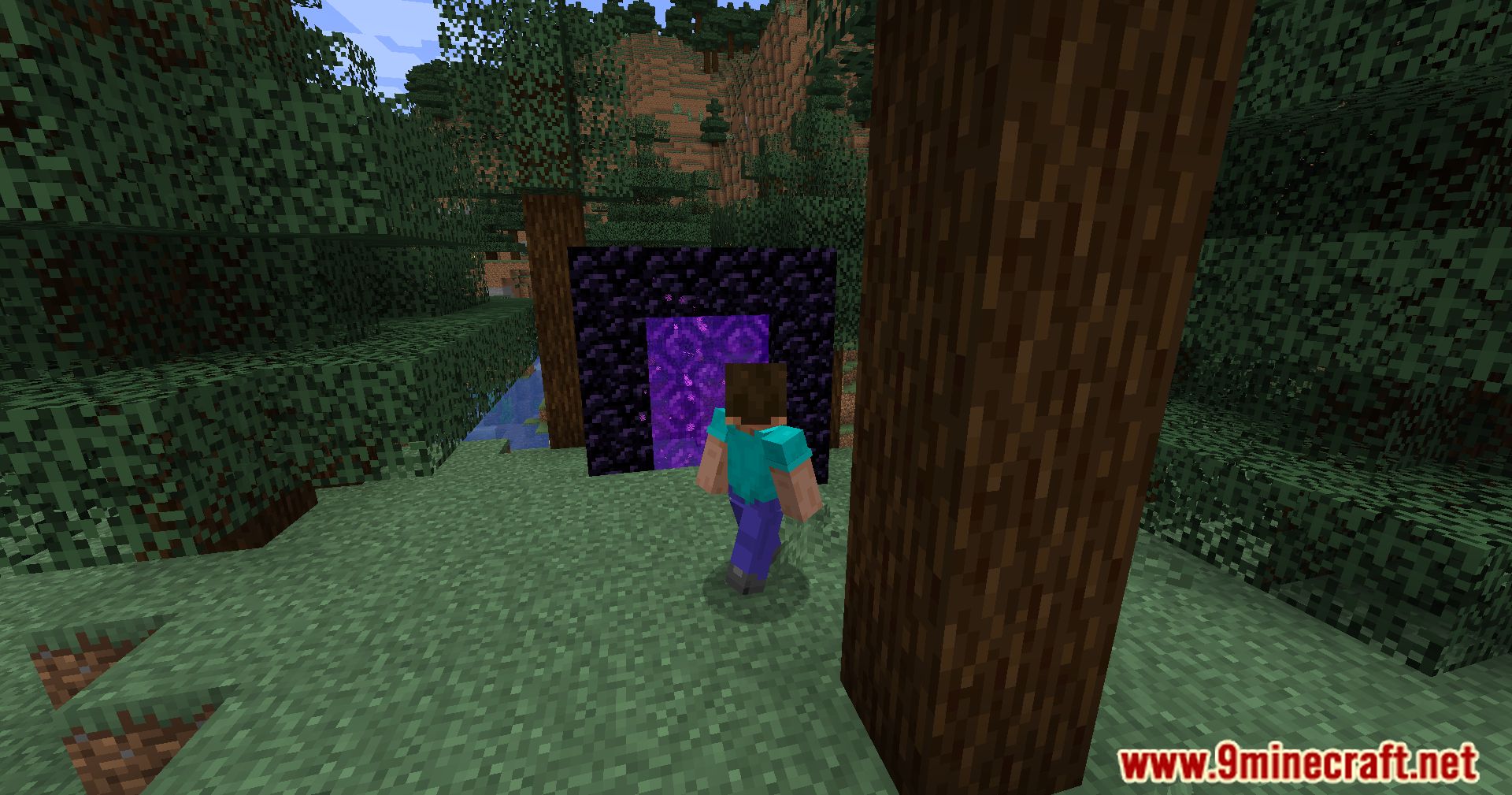
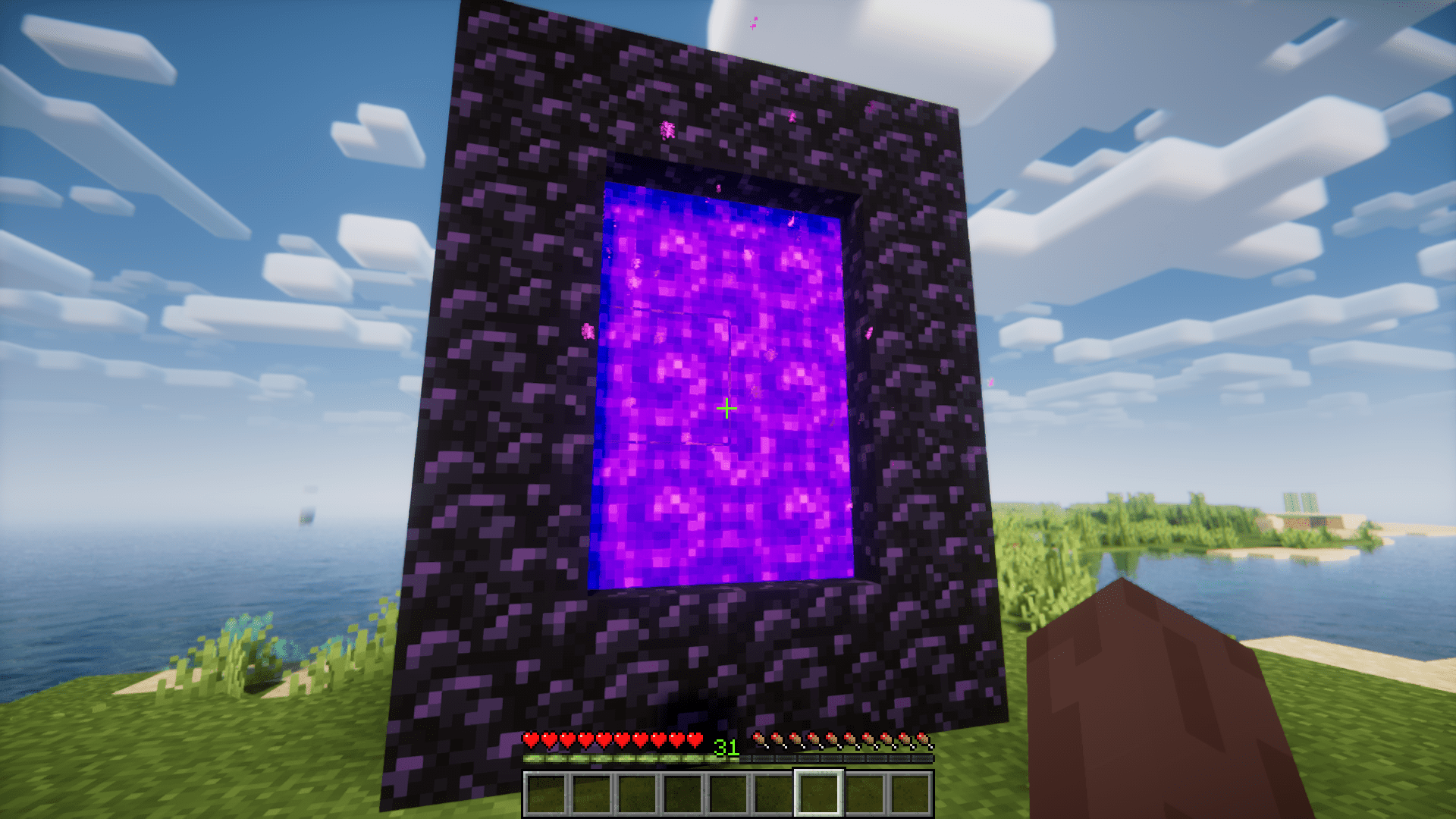
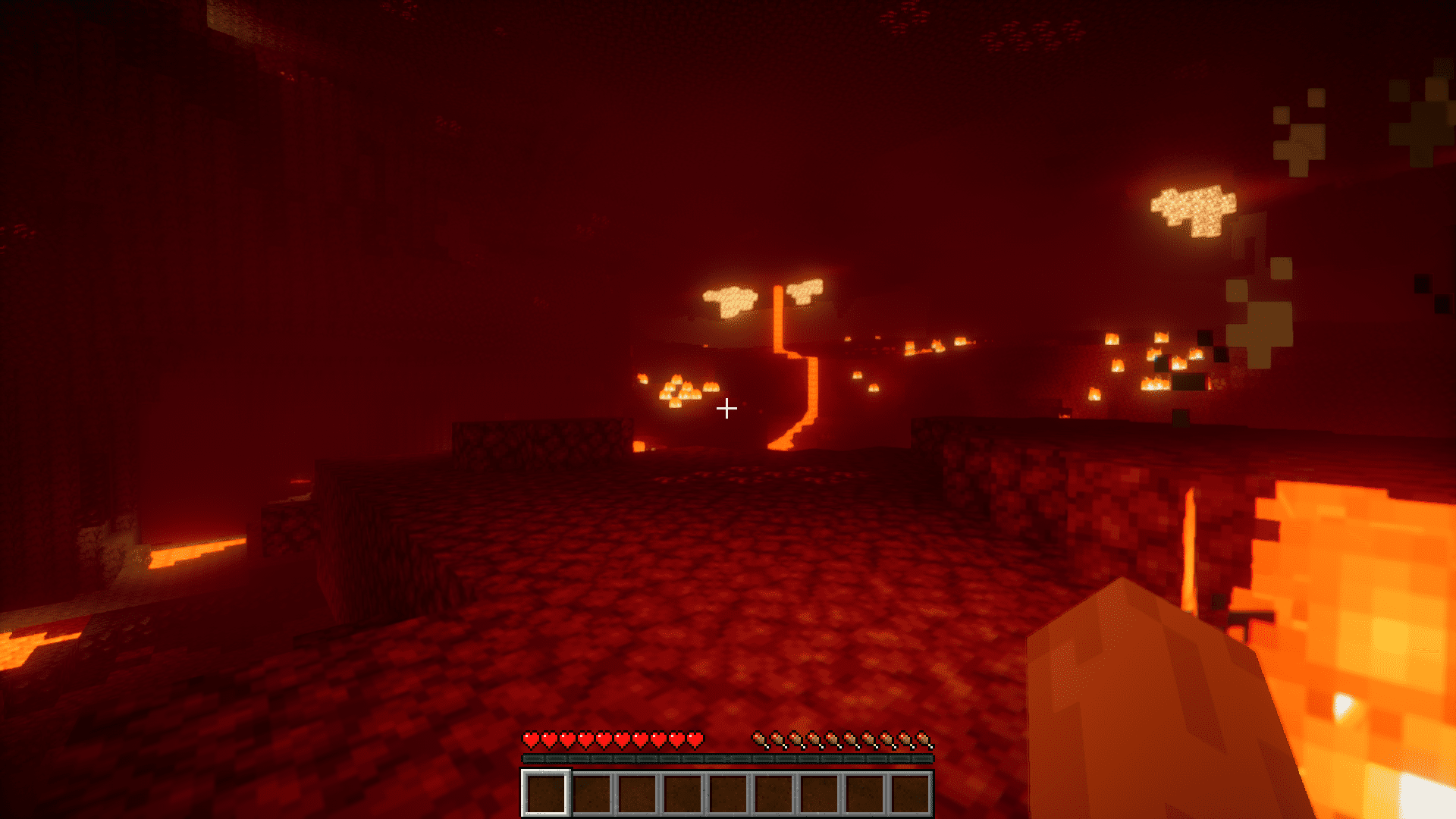
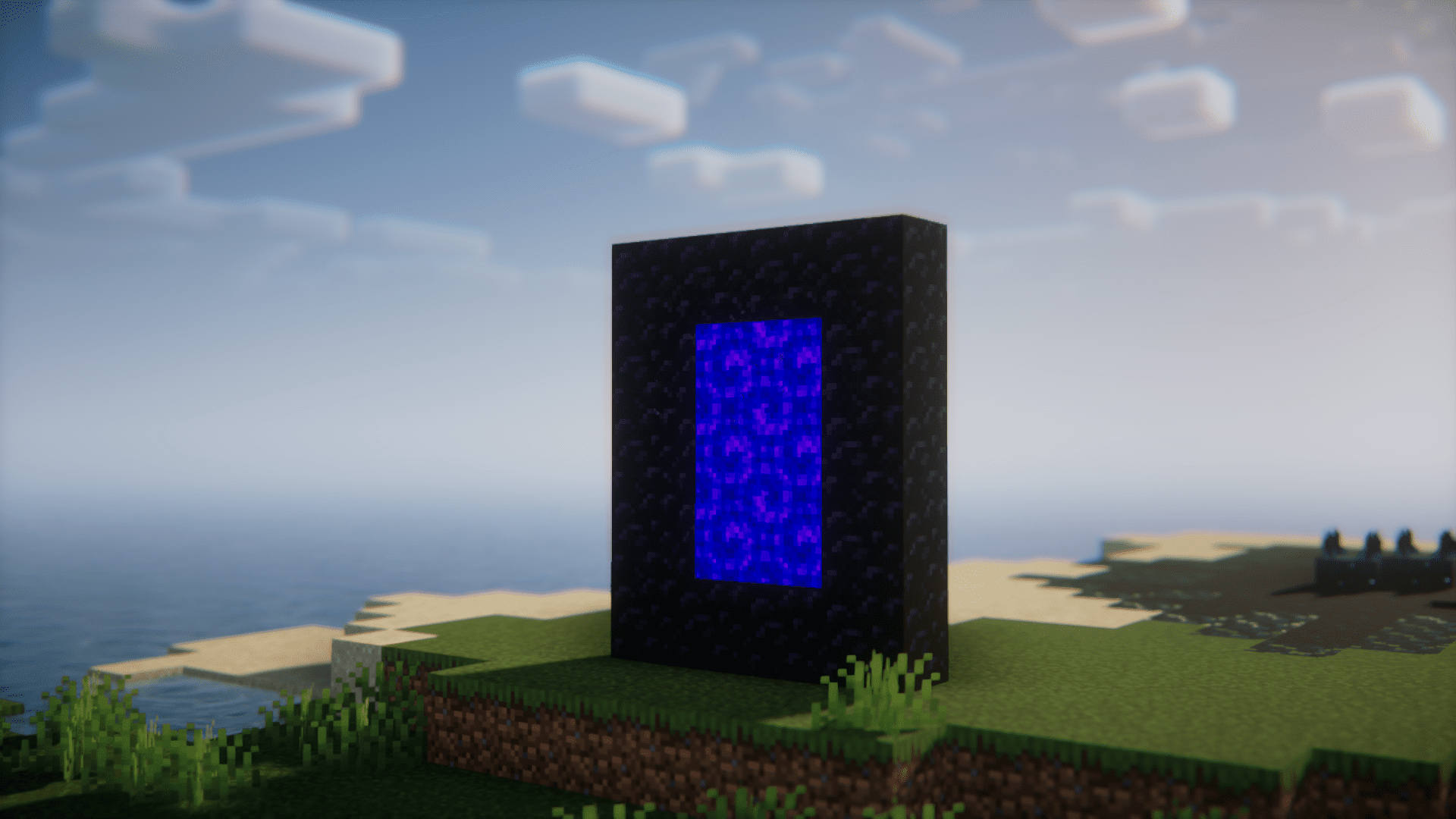
Screenshots:



LibreExpFix Mod Download Links
For All Versions from Minecraft 1.18.1 to Minecraft 1.20.2
Fabric version: Download from Server 1 – Download from Server 2
Forge/NeoForge version: Download from Server 1 – Download from Server 2
Fabric/Quilt version: Download from Server 1 – Download from Server 2
For Minecraft 1.20.4
Forge version: Download from Server 1 – Download from Server 2
NeoForge version: Download from Server 1 – Download from Server 2
Fabric/Quilt version: Download from Server 1 – Download from Server 2
For Minecraft 1.20.6
NeoForge version: Download from Server 1 – Download from Server 2
Fabric/Quilt version: Download from Server 1 – Download from Server 2
- Edition: Minecraft Java
- File type: .jar
- Minecraft versions listed: 1.20.6, 1.20.1
- How to install: Install the matching mod loader (Forge, Fabric or NeoForge) for your Minecraft version. → Download the .jar. → Put it in the .minecraft/mods folder and launch that loader profile.
- Where to get it: In MC Java Mods, or directly above on this page.
Install steps are the general flow for this file type — How to install Minecraft Java mods & modpacks walks through it step by step.
- Downloads as 201446.mcaddon
- Download size: 7 KB
- Download link checked 29 Jul 2026 — working
- Mirrored on our own servers — the download does not depend on the original host
These come from our own check of the pack file, not from the source page.