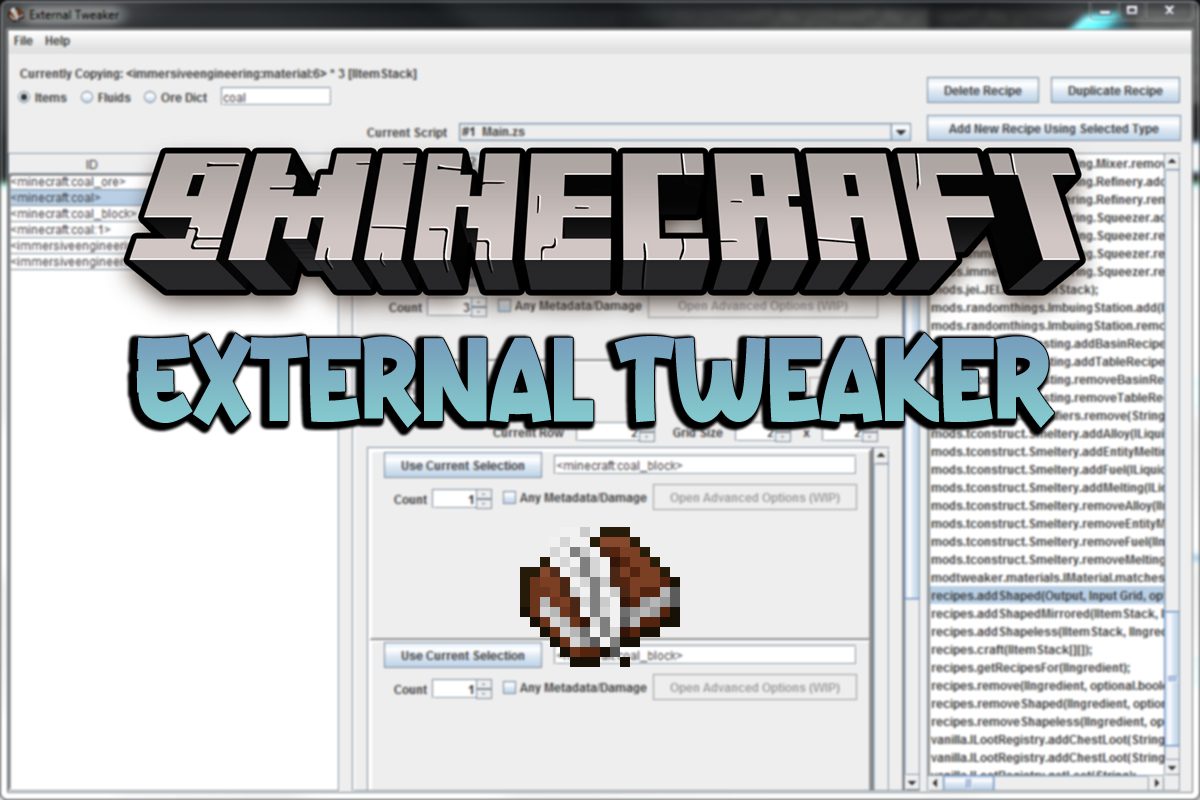
External Tweaker Mod acts as a mod and outside program for creating, managing, and editing scripts for CraftTweaker.
Features:
- Create new, open, or delete scripts with multiple scripts open at the same time!
- Only 1 required launch from in-game!
- Works with scripts made outside of External Tweaker! Supports reading variables!
- Dynamically get a list of all items, fluids, ore dictionaries for use in the program! Never use the /mt hand command again!
- Dynamically get a list of all recipe functions from the mods loaded! No list to update! (NOTE: It may detect some recipes that don’t do anything or aren’t loaded, especially with support added by Modtweaker)
- Works with all types of recipes including crafting tables, furnaces, Modtweaker added support, along with support added by mods for themselves etc!
- Name the parameters so that you know what it is! Make sure to export the data to save these changes!
- Import and export data and be able to keep it all separated between recipes, items, fluids, or ore dict, and only import what needs to be changed!
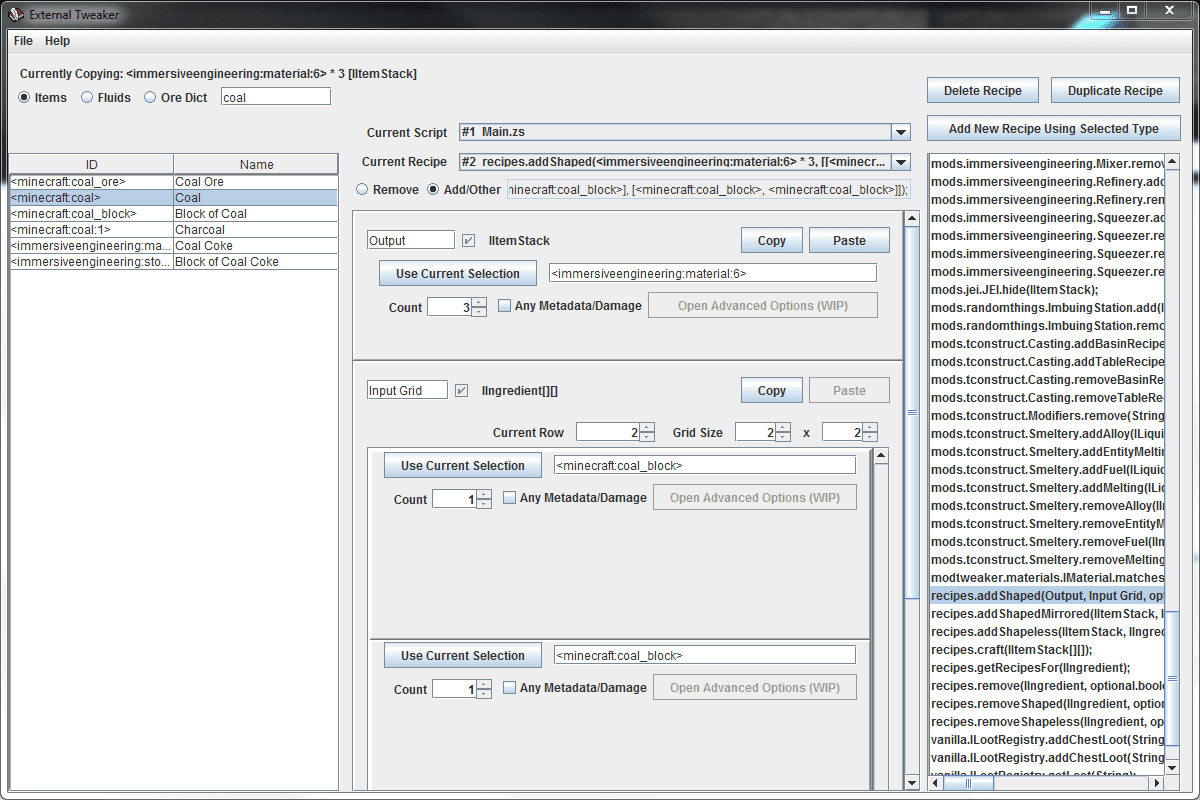
Screenshots:
How to use:
- Open Minecraft and run the /extTweaker command in-game
- Once the program is open, just look at the buttons say, and edit away!
- Make sure to set whether the type of recipe is remove or add/other as it’s important for script saving!
- Just make sure to save the script!
- If you want to use the program without opening Minecraft every time, export the data, and then import the data anytime you open the program! Just make sure you import data before opening scripts!
Requires:
Minecraft Forge
CraftTweaker Mod
External Tweaker Mod Download Links
For Minecraft 1.12.2
Forge version: Download from Server 1 – Download from Server 2
For Minecraft 1.11.2
Forge version: Download from Server 1
For Minecraft 1.10.2
Forge version: Download from Server 1
For Minecraft 1.7.10
Forge version: Download from Server 1 – Download from Server 2
Quick facts
- Edition: Minecraft Java
- File type: .jar
- How to install: Install the matching mod loader (Forge, Fabric or NeoForge) for your Minecraft version. → Download the .jar. → Put it in the .minecraft/mods folder and launch that loader profile.
- Where to get it: In MC Java Mods, or directly above on this page.
Install steps are the general flow for this file type — How to install Minecraft Java mods & modpacks walks through it step by step.
Verified by MCModsHub
- Downloads as 201461.mcaddon
- Download size: 93 KB
- Download link checked 29 Jul 2026 — working
- Mirrored on our own servers — the download does not depend on the original host
These come from our own check of the pack file, not from the source page.