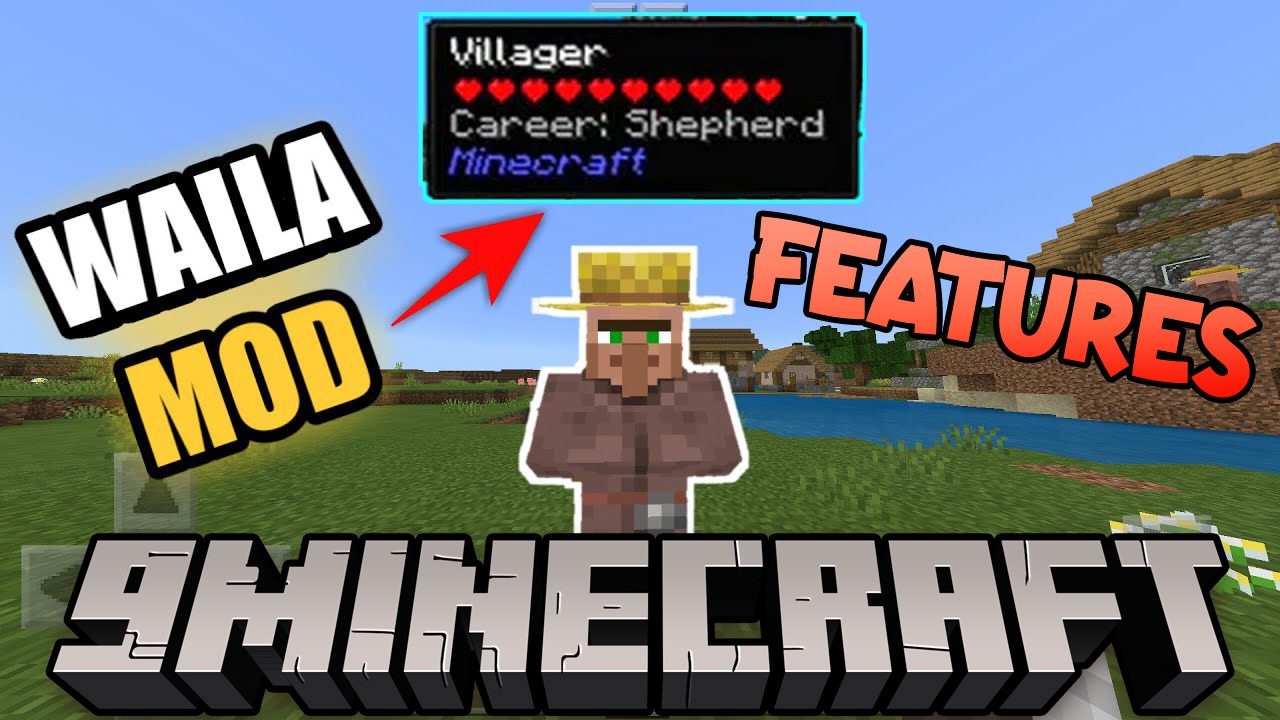
Waila Features Mod adds some extra features to WAILA Mod. Each feature can be disable by config.
Features:
- Hold shift to see the author(s) of the mod. Works in an inventory as well in the WAILA tooltip.
- A NEI colour filter to search blocks and items by their colour.
- A NEI material filter to search blocks by material type.
Author Listing:
- Hold shift to see the author(s) of the mod. Works in an inventory as well in the WAILA tooltip.
Colour NEI filter:
Search for blocks and items by their colour. Can be set to have a prefix.
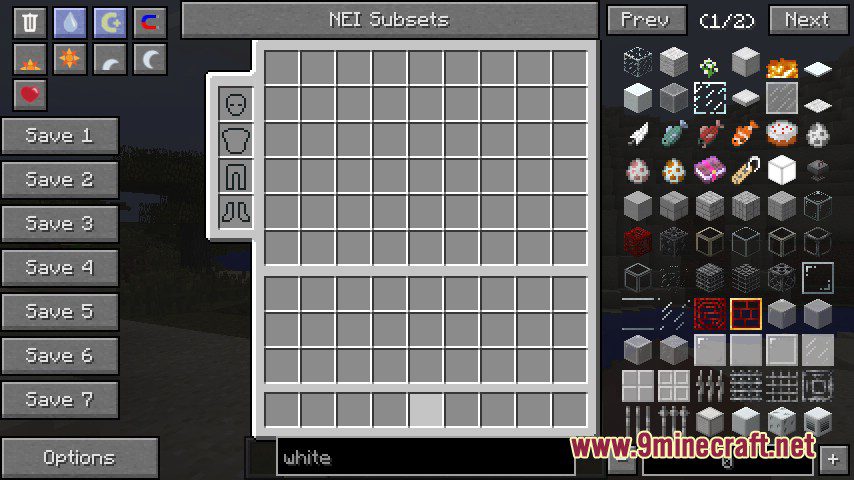
- white
- black
- green
- lime (green)
- red
- maroon (red)
- navy (blue)
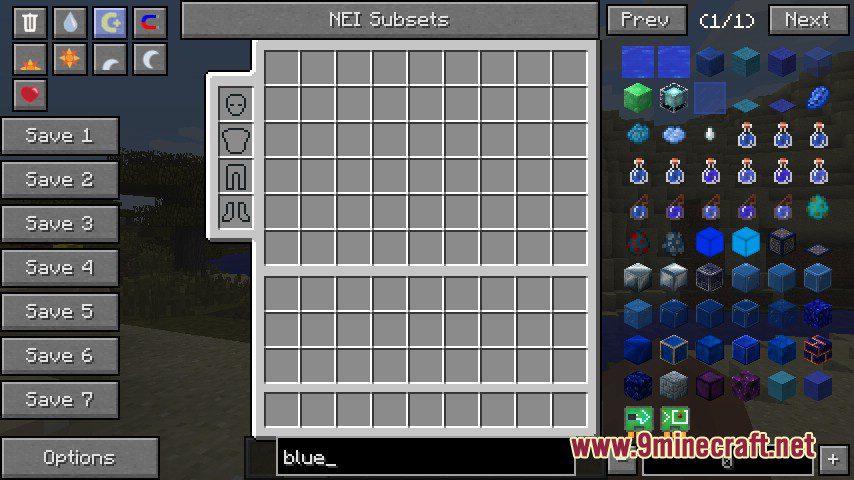
- blue
- magenta (purple)
- teal (blue)
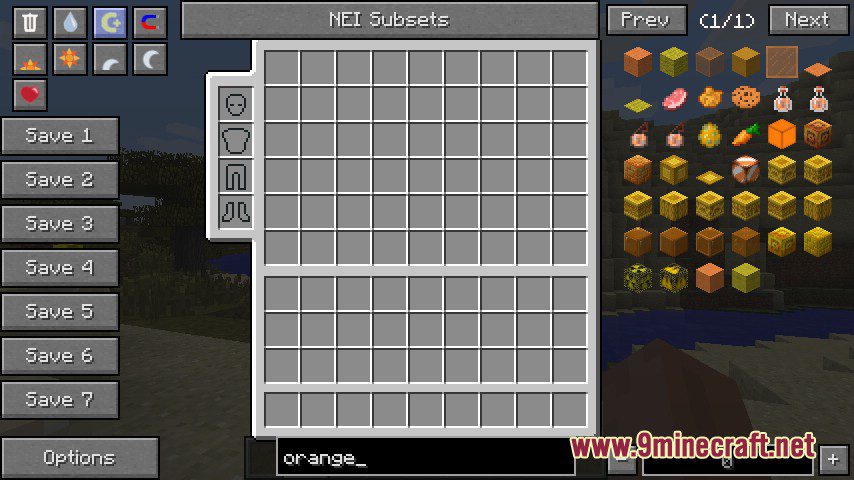
- orange
- yellow
- purple
- cyan
- pink
- brown
- gray
- lightGray (gray)
Material NEI filter:
Search for blocks by their material. Can be set to have a prefix.
- air
- grass
- ground
- wood
- rock
- iron
- anvil
- water
- lava
- leaves
- plants
- vine
- sponge
- cloth
- fire
- sand
- circuits
- carpet
- glass
- redstoneLight
- tnt
- coral
- ice
- packedIce
- snow
- craftedSnow
- cactus
- clay
- gourd
- dragonEgg
- portal
- cake
- web
- piston
Screenshots:
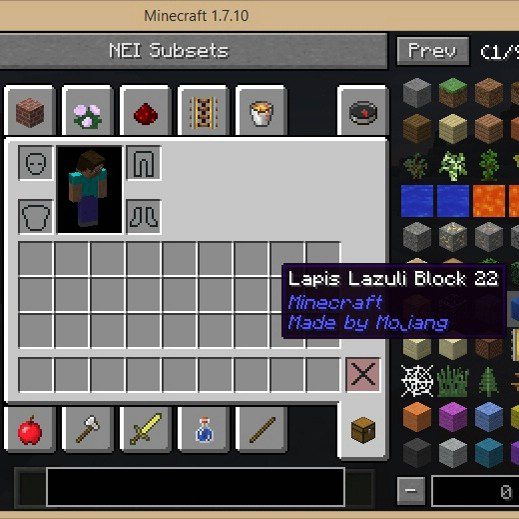
The settings used are fuzzy and debug mode. Debug means that NEI will only show the results fitting my filter so no results from other filters. Fuzzy mode makes it so that the colour has to be a bit less specific.
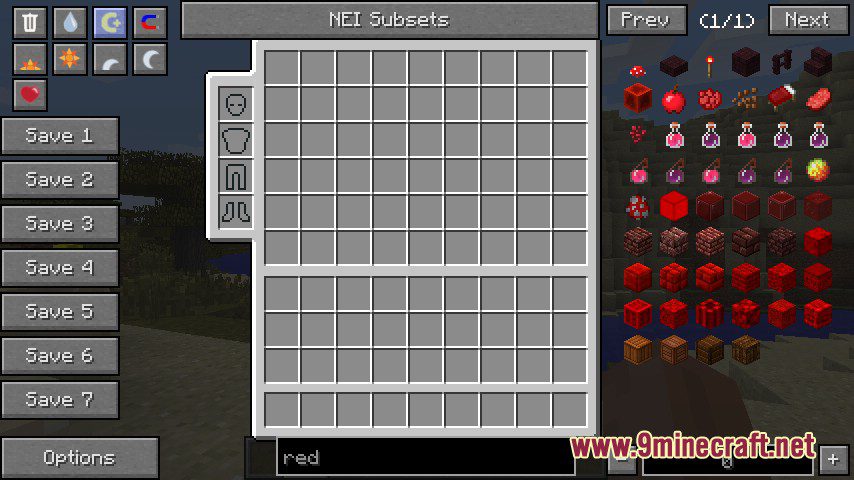
Same settings but using a more specific colour. Maroon is a subset of red when fuzzy is activated
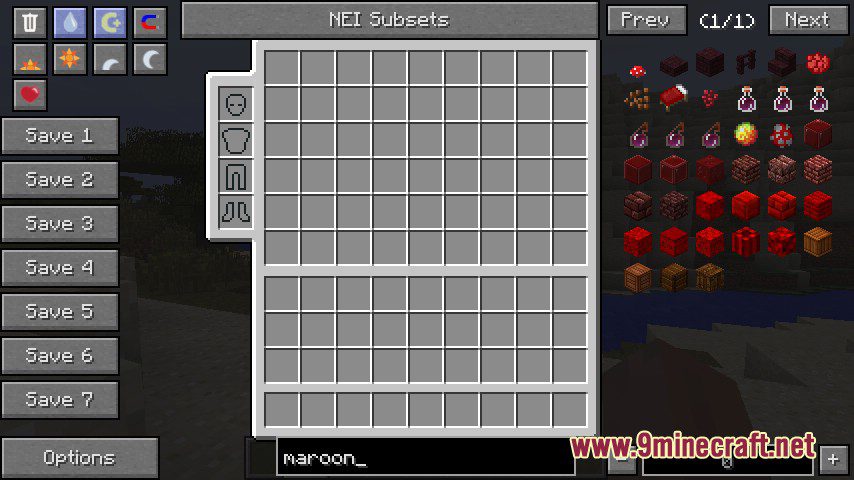
Also fuzzy so it will show magenta as well
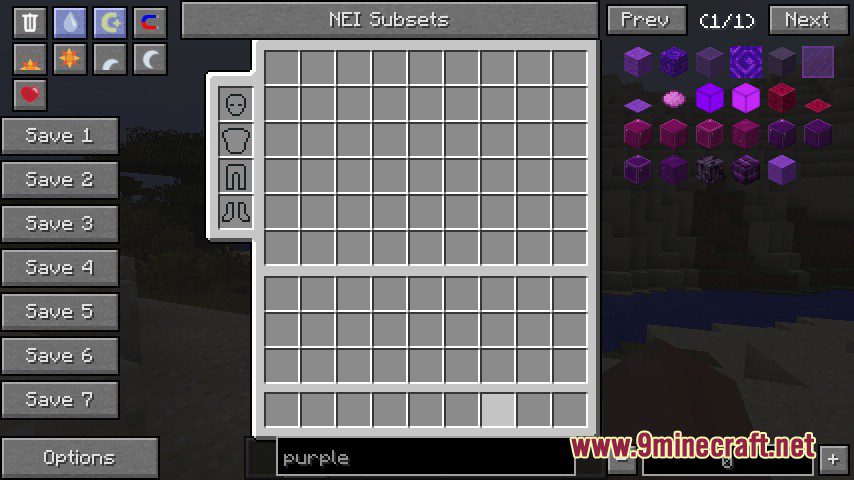
White seems to catch a lot of very light grays
Blue in fuzzy mode thus being a collection of navy, blue and teal. For some reason there are some green blocks in there (the emerald)
Waila Features Mod Download Links
For Minecraft 1.10.2
Forge version: Download from Server 1 – Download from Server 2
For Minecraft 1.9.4
Forge version: Download from Server 1
For Minecraft 1.7.10
Forge version: Download from Server 1 – Download from Server 2
- Edition: Minecraft Java
- File type: .jar
- How to install: Install the matching mod loader (Forge, Fabric or NeoForge) for your Minecraft version. → Download the .jar. → Put it in the .minecraft/mods folder and launch that loader profile.
- Where to get it: In MC Java Mods, or directly above on this page.
Install steps are the general flow for this file type — How to install Minecraft Java mods & modpacks walks through it step by step.
- Downloads as 201522.mcaddon
- Download size: 15 KB
- Download link checked 29 Jul 2026 — working
- Mirrored on our own servers — the download does not depend on the original host
These come from our own check of the pack file, not from the source page.