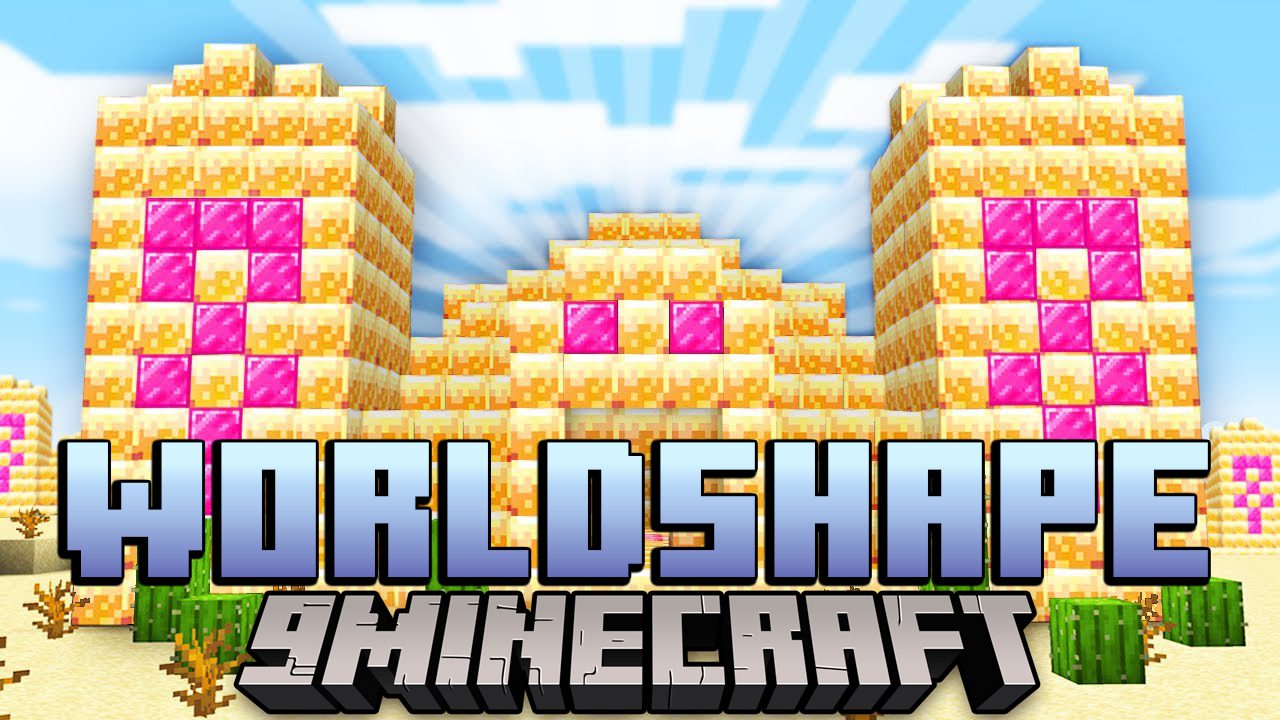
Worldshape Mod (1.16.5) – Customized Level Generation Utility
Java mod listed for Minecraft 1.16. Downloads from the MC Java Mods app on Android.
⬇ DownloadWorldshape Mod is a powerful Structure Spawner for your custom modpacks. Embellish the environment you create for your players, simply by throwing your Schematics into worldshape’s data folder. Customise spacing, spawn conditions and vertical alignment, or even use the Jigsaw system to create intricate and varied new Points of Interest to explore.
How to use:
Relevant Folders:
Worldshape operates on modpack-level, this means that the worldshape directory to control worldgen in your game will be located inside the instance folder. Other folders you might know from the instance folder are screenshots, logs or the mods folder, too.
- Worldshape creates this folder automatically once it’s launched with the game.
Inside the worldshape folder can be the following:
- The
datafolder, containing namespaced datapacks. (<datapack name> is a placeholder for any datapack in this folder)data/<datapack name>/structure_spawners/contains structure placement configurations. Changes in this folder will require re-launching your game.data/<datapack name>/structures/contains .nbt files of schematics. These are placed in the world by structure spawners or template pools.data/<datapack name>/worldgen/template_pool/contains .json files which define a set of schematics with different weights. Important for mc’s jigsaw blocks
Custom Structures:
Worldshape can generate your new ruins, dungeons, villages or other points of interest in any worlds you create.
In order to register a structure, create a <structure name>.json file in your datapacks’ structure_spawners/ folder.
The content of this file is as follows:
{
    "template": { ... },        // required
    "placement": { ... },       // required

    "averageSpacing": integer,  // required
    "minimumSpacing": integer,  // optional, defaults to (averageSpacing / 2)
    "seed": integer,            // optional, defaults to random number
    "avoidOthers": bool,        // optional, defaults to (true if placement is set to avoid villages)

    "biomes": [ ... ],          // optional, defaults to empty array
    "dimensions": [ ... ]       // optional, defaults to empty array
}
averageSpacingdenotes the average horizontal distance (in chunks) between every attempts of generating this structure.minimumSpacingmarks the lower boundary of the possible distance (in chunks) between two structures of this type.seedis cryptographic salt for the placement algorithm. Structure types with equal spacing and equal seeds will always target the same set of chunks to generate in.avoidOthersunlocks additional checks in the placement algorithm where before spawning, a structure checks all other structure types withavoidOthersset to true and only generates when none of the prior ones did.
Note that if the placement type iscave, the structure only checks for othercavestructure types.biomeswill create a biome filter. Add biome ids or categories prefixed with a#. Your structure now only spawns in these biomes.
[ "minecraft:desert", "#forest", "#beach" ]matches the desert biome and any biomes categorised as either forest or beach.dimesionswill create a dimension filter. Your structure now only spawns in these dimensions.
[ "minecraft:overworld", "minecraft:the_end" ]matches the overworld and end dimension.
The template section:
    "template": {
        "type": string,           // required, allows "single" and "pool"
        "id": string,             // required
        "maxDepth": integer,      // optional, defaults to 10

                                  // relevant if type is single
        "followTerrain": bool     // optional, defaults to false
    }
idtells the location of the structure in loaded datapacks. Format isnamespace:pathtypechooses a way to load the actual structure when a suitable place is found.singlewill look for a template .nbt file atworldshape/data/<namespace>/structures/<path>.nbt, or for structures with matching resource location in any other datapacks currently loaded. You can use Structure Blocks or the Create mod to make .nbt files from things you built in-world.
id: "my_pack:houses/wooden"would refer to the fileworldshape/data/my_pack/structures/houses/wooden.nbtpoolwill spawn from a template pool .json file atworldshape/data/<namespace>/worldgen/template_pool/<path>.nbt, or from pools with matching resource location in any other datapacks currently loaded. These pools are the same as the ones Jigsaw Blocks use to spawn structure clusters.
id: "my_pack:random_house"would refer to the fileworldshape/data/my_pack/worldgen/template_pool/random_house.json
maxDepthbecomes relevant if the spawned structure contains jigsaw blocks. The resulting graph depth is limited by this value. Increase with cautionfollowTerraincauses a template to ‘collapse’ onto the terrain, like for instance a path would. Only relevant for single templates, as a template pool gives you this option within its own .json structure.
The placement section:
    "placement": {
        "type": string,            // required, allows "surface", "nether", "cave" and "underground"
        "minY": integer,           // optional, defaults to 0
        "maxY": integer,           // optional, defaults to 256
        "offset": integer,         // optional, defaults to 0
        "fluidSurface": bool,      // optional, defaults to false

                                   // relevant if type is surface or nether or underground
        "terraform": integer,      // optional, disabled if missing

                                   // relevant if type is cave or nether
        "ceiling": bool,           // optional, defaults to false
        "pickHighest": bool,       // optional, defaults to false
        "minSpace": integer,       // optional, defaults to 1

                                   // relevant if type is underground
        "surfaceMargin": integer,  // optional, defaults to 0
    }
typechooses a way to determine the vertical location.surfacewill place structures on the highest point of generated blocks in the chunk.netherwill spawn structures in below-surface spaces formed by the noise generator. (mountain overhangs, the nether)undergroundwill spawn structures at a randomly selected y value between the surface andminY.cavewill spawn structures in caves formed by carvers. (caves, ravines, etc.)
Note that on the technical level, using the cave type makes the structure a “feature”, which means large jigsaw clusters may generate inconsistently and the/locatecommand cannot be used to find these structures.
minY & maxYwill narrow the placement scope between two y values. If the placement type cannot provide a suitable height for a location, the structure will not spawn there.offsetnudges the template above or below the y value found by the placement type. Helps to align your structure with the respective surfaces you are generating them on.fluidSurfaceset to true allows structure placement on water or lava only. Otherwise structures will avoid fluid surfaces. This setting also affects cave and nether placement.terraformset to a value will inform the terrain noise generator to form a base around your structure, and to elegantly carve out any intersecting landmass. The value denotes the height relative to the structure, which the landmass should target. Set to “0” merges only the lowest layer of your schematic into the ground. “-1” neatly places the schematic on top of the surface. Positive values submerge it further.
Note thatterraformgenerally only works well on structures spawned above a dimensions’ “sea level”.
The following settings are relevant only for cave or nether type placement:
ceilingwill cause it to find the y value of the first empty space beneath a ceiling, instead of the first above a surface.pickHighestwill cause it to search for suitable spaces from top-to-bottom, instead of the reverseminSpacedenotes the minimum height of a cave to qualify as “enough room” to spawn the structure
The following setting is relevant only for underground type placement:
surfaceMarginchanges boundary of randomly chosen y values depending on the surface.
If the surface at a sampled spawn is at y=70, the resulting y value is chosen betweenminYandmin( maxY, 70 - surfaceMargin )
Note that surface margin can be negative, to spawn structures a at random distance above the surface.
All Vanilla Dimension ids:
"dimensions": [
        "minecraft:overworld",
        "minecraft:the_nether",
        "minecraft:the_end"
    ]
All available Biome Categories:
 "biomes": [
        "#none",
        "#taiga",
        "#extreme_hills",
        "#jungle",
        "#mesa",
        "#plains",
        "#savanna",
        "#icy",
        "#beach",
        "#forest",
        "#ocean",
        "#desert",
        "#river",
        "#swamp",
        "#mushroom",
        "#nether",
        "#the_end"
    ]
Requires:
Minecraft Forge
Worldshape Mod Download Links
For Minecraft 1.16.5
Forge version: Download from Server 1 – Download from Server 2
- Edition: Minecraft Java
- File type: .jar
- Minecraft version listed: 1.16.5
- How to install: Install the matching mod loader (Forge, Fabric or NeoForge) for your Minecraft version. → Download the .jar. → Put it in the .minecraft/mods folder and launch that loader profile.
- Where to get it: In MC Java Mods, or directly above on this page.
Install steps are the general flow for this file type — How to install Minecraft Java mods & modpacks walks through it step by step.
- Downloads as 201587.mcaddon
- Download size: 49 KB
- Download link checked 29 Jul 2026 — working
- Mirrored on our own servers — the download does not depend on the original host
These come from our own check of the pack file, not from the source page.