Haven: Creator Cam Mod (1.20.4, 1.19.2) – Easy Perspective Toggle
Java mod listed for Minecraft 1.19–1.20. Downloads from the MC Java Mods app on Android.
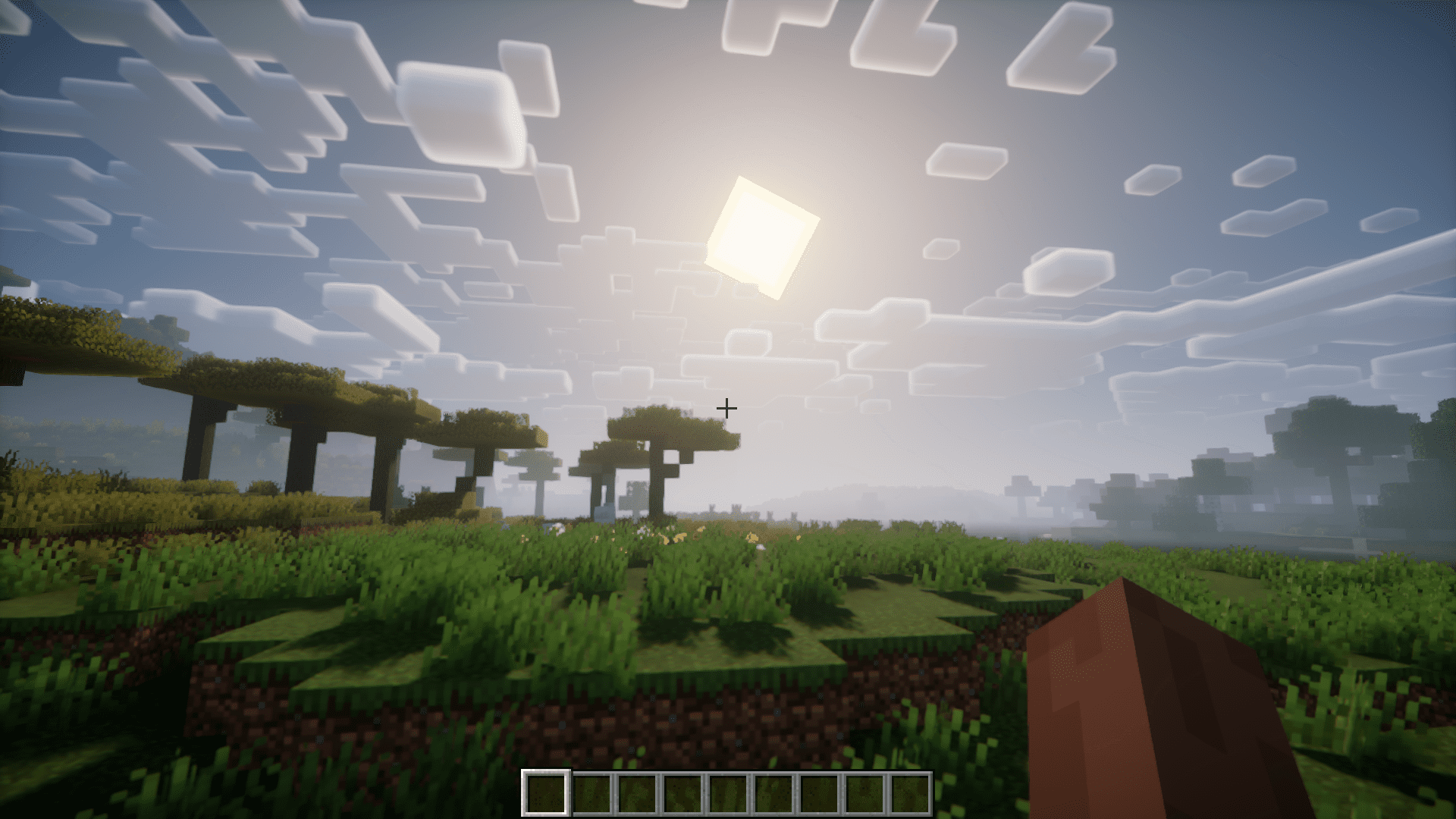
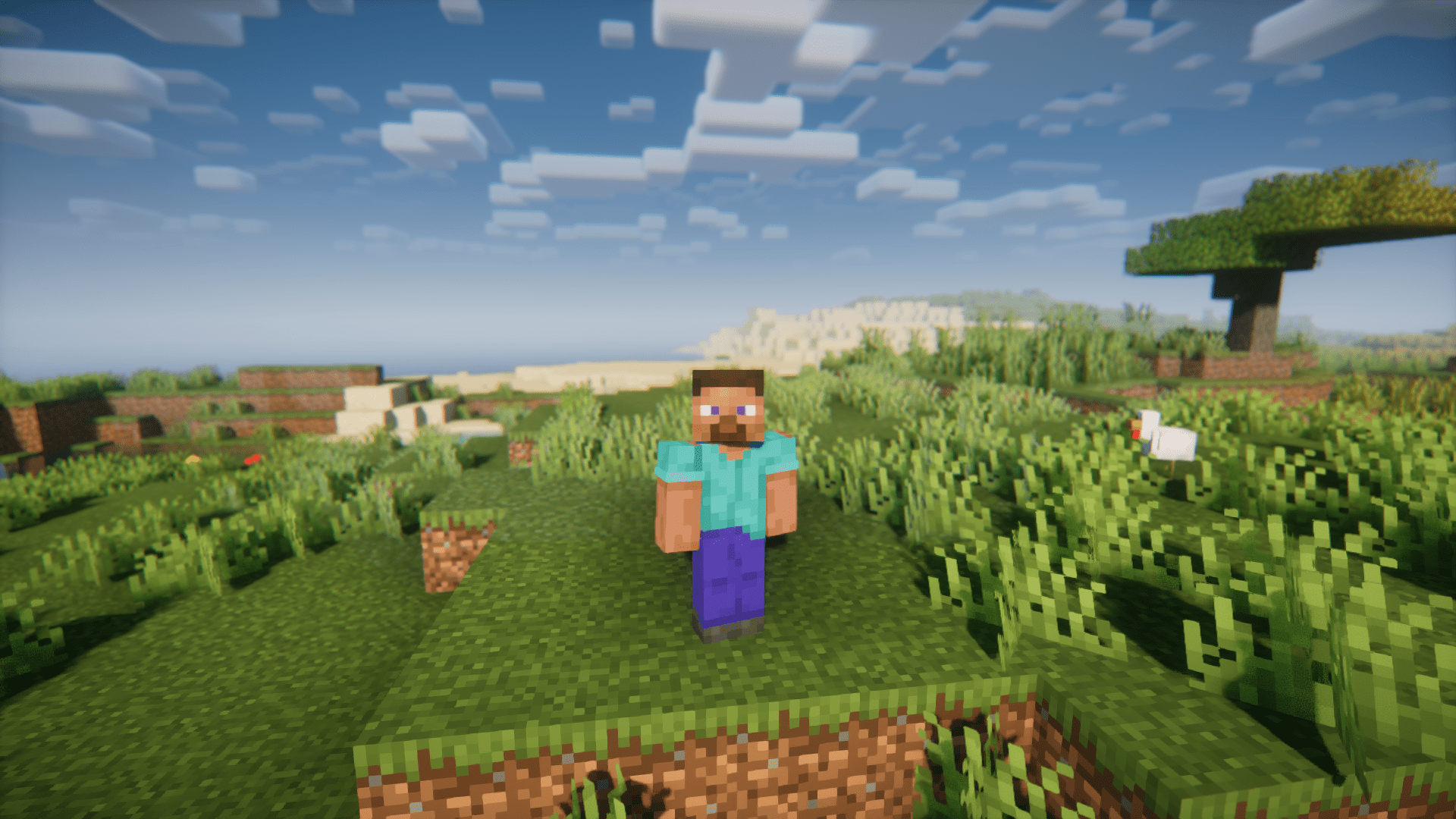
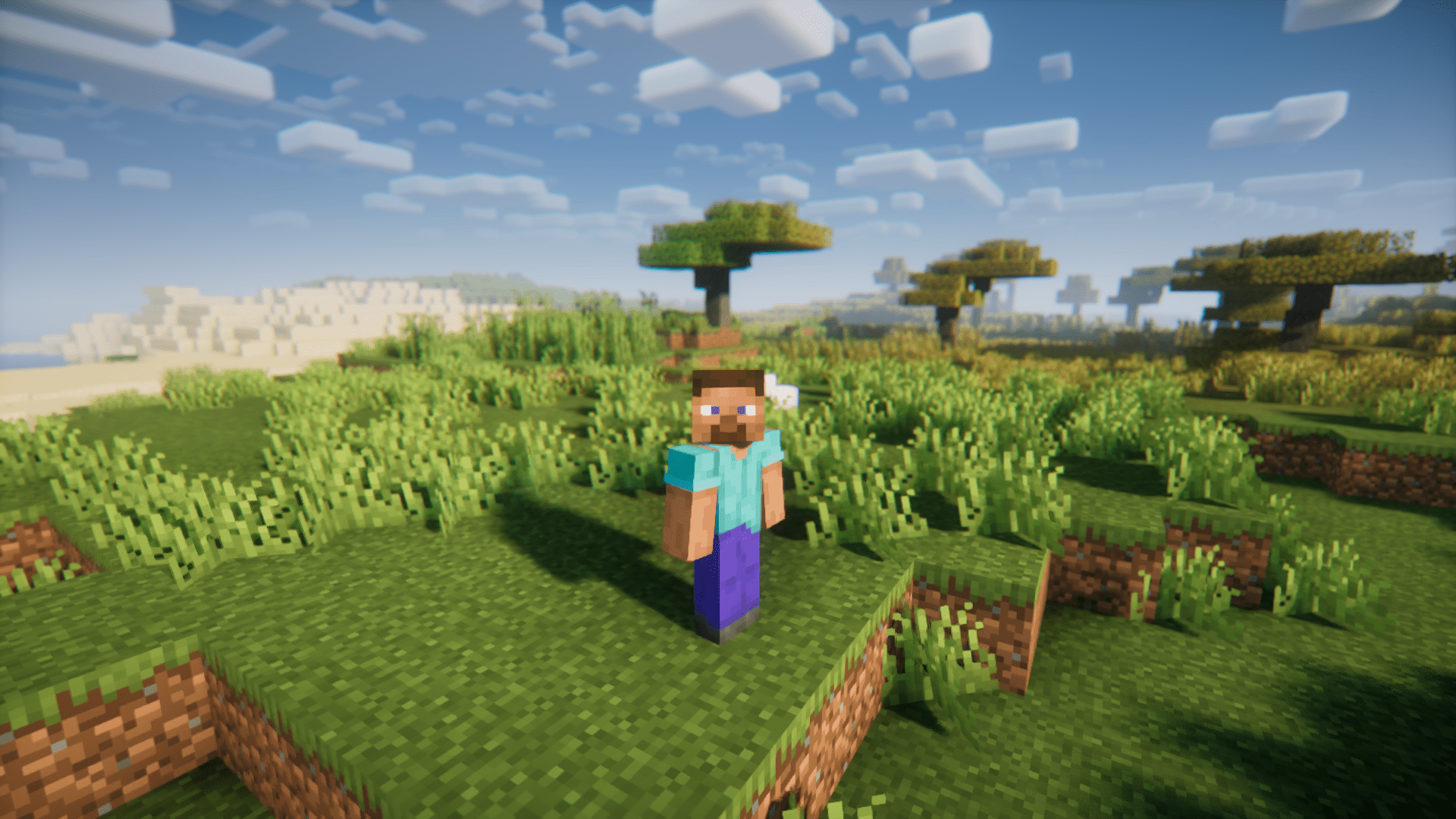
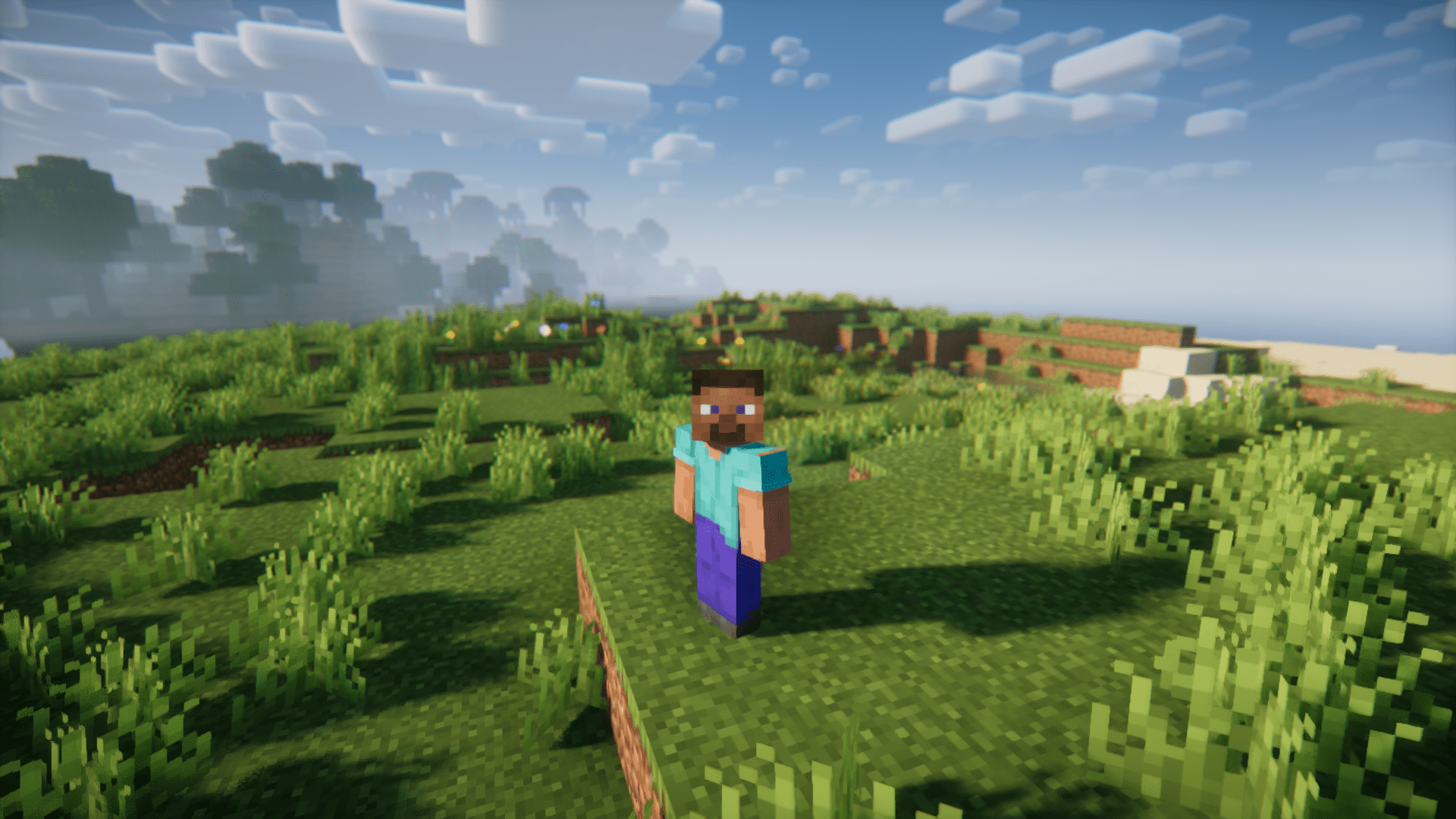
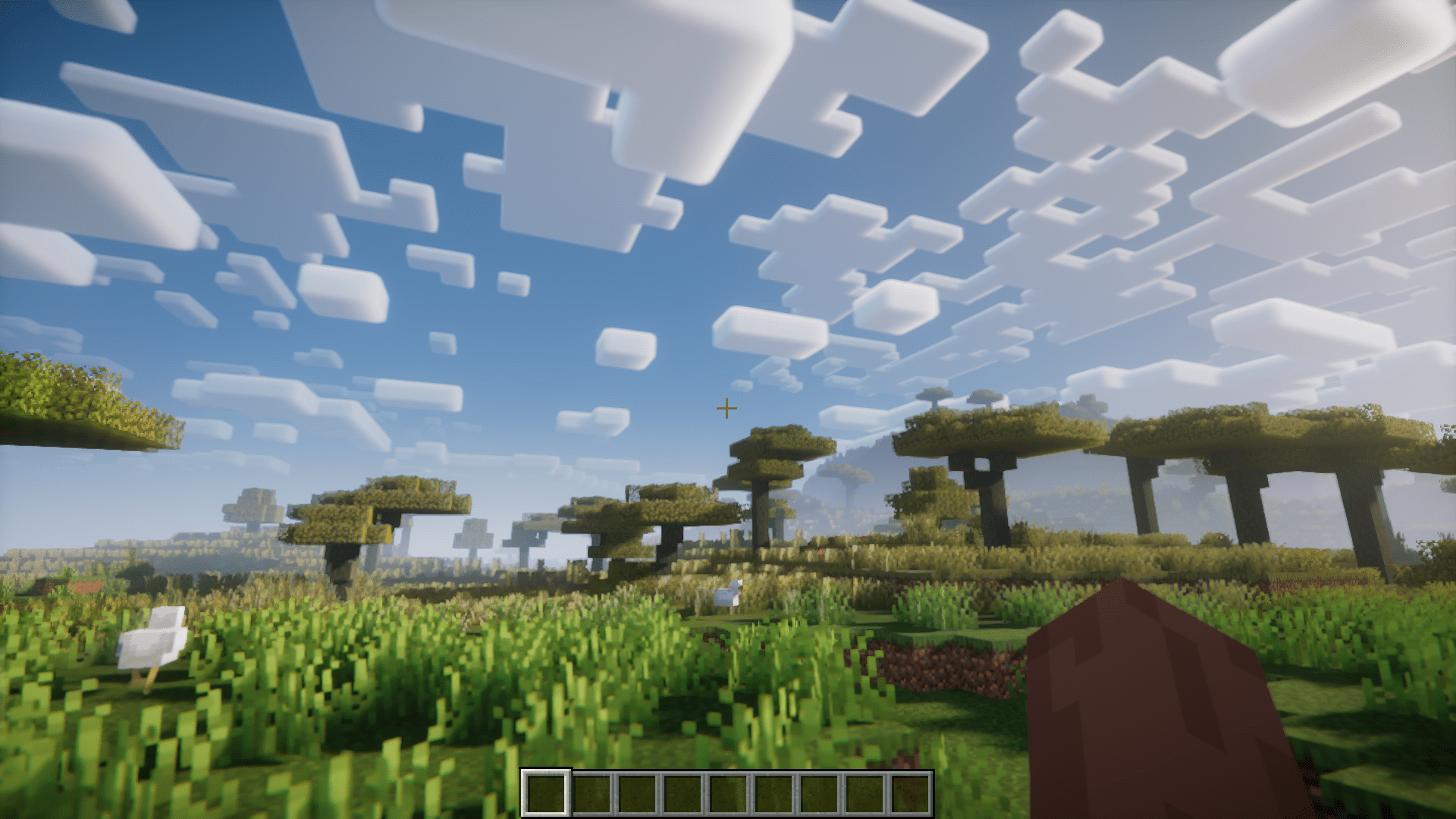
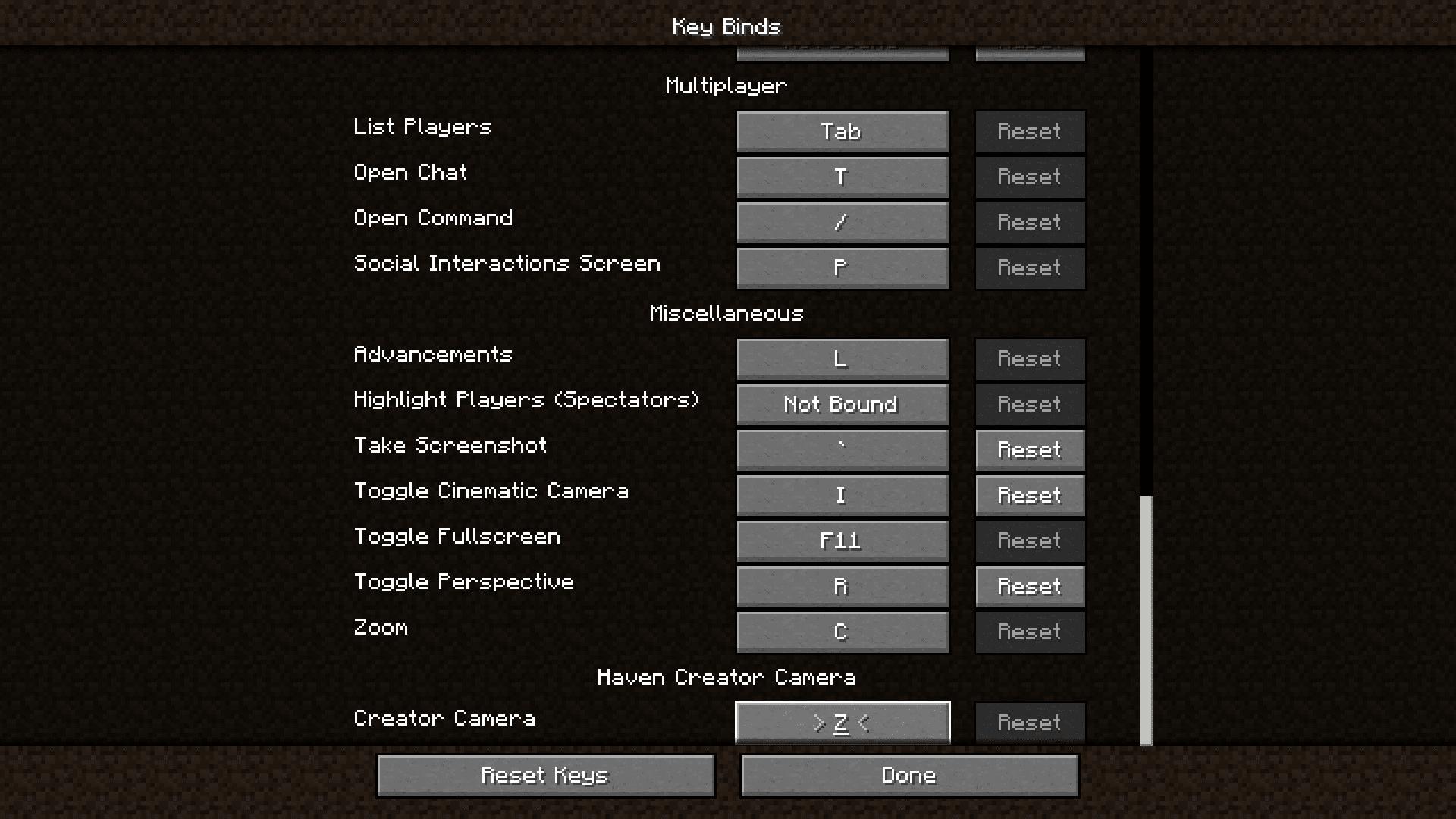
⬇ DownloadHaven: Creator Cam Mod introduces a feature that allows you to easily change the perspective in-game on holding a key. This is a feature that is found in many other games that have similar player mechanics. The key to toggle the perspective is Z by default, but this can be changed in the keybind settings. In the vanilla game, pressing the F5 key will allow you to toggle perspective. But it toggles the perspective and you will have to click the F5 again key to change the perspective back. But the perspective change added by this mod works on a hold mechanic. This means that the camera will change perspective only while the hotkey is being pressed. Releasing the hotkey will change the perspective back to normal.
Features:
- Hold based perspective change.
- Configurable keybind.
- Available for Forge.
Screenshots:
Haven: Creator Cam Mod Download Links
For Minecraft 1.20.4
NeoForge version: Download from Server 1 – Download from Server 2
For Minecraft 1.20.2
NeoForge version: Download from Server 1 – Download from Server 2
For Minecraft 1.20.1
Forge version: Download from Server 1 – Download from Server 2
For Minecraft 1.19.2
Forge version: Download from Server 1 – Download from Server 2
- Edition: Minecraft Java
- File type: .jar
- Minecraft versions listed: 1.20.4, 1.19.2
- How to install: Install the matching mod loader (Forge, Fabric or NeoForge) for your Minecraft version. → Download the .jar. → Put it in the .minecraft/mods folder and launch that loader profile.
- Where to get it: In MC Java Mods, or directly above on this page.
Install steps are the general flow for this file type — How to install Minecraft Java mods & modpacks walks through it step by step.
- Downloads as 201629.mcaddon
- Download size: 41 KB
- Download link checked 22 Jul 2026 — working
- Mirrored on our own servers — the download does not depend on the original host
These come from our own check of the pack file, not from the source page.