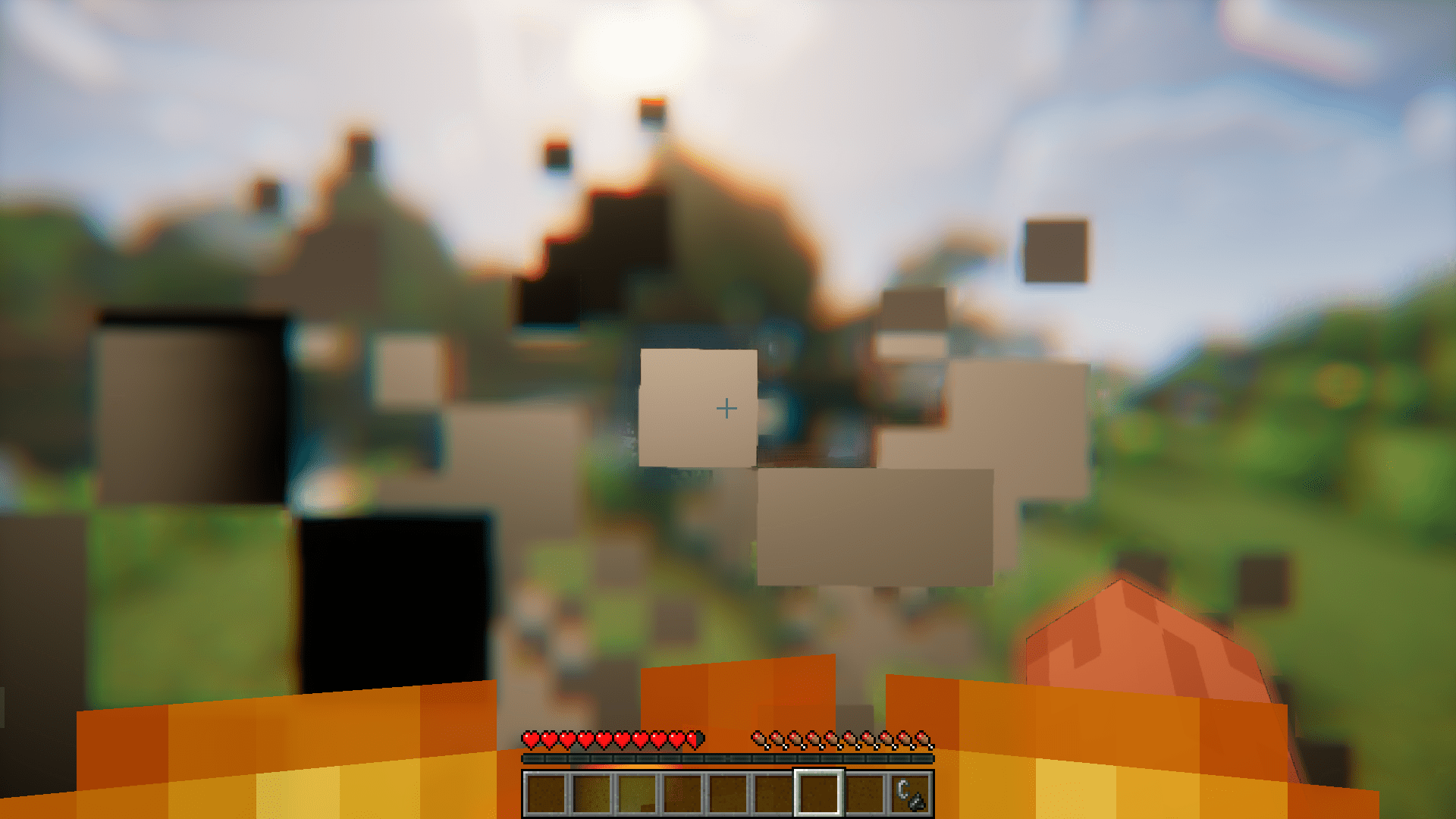
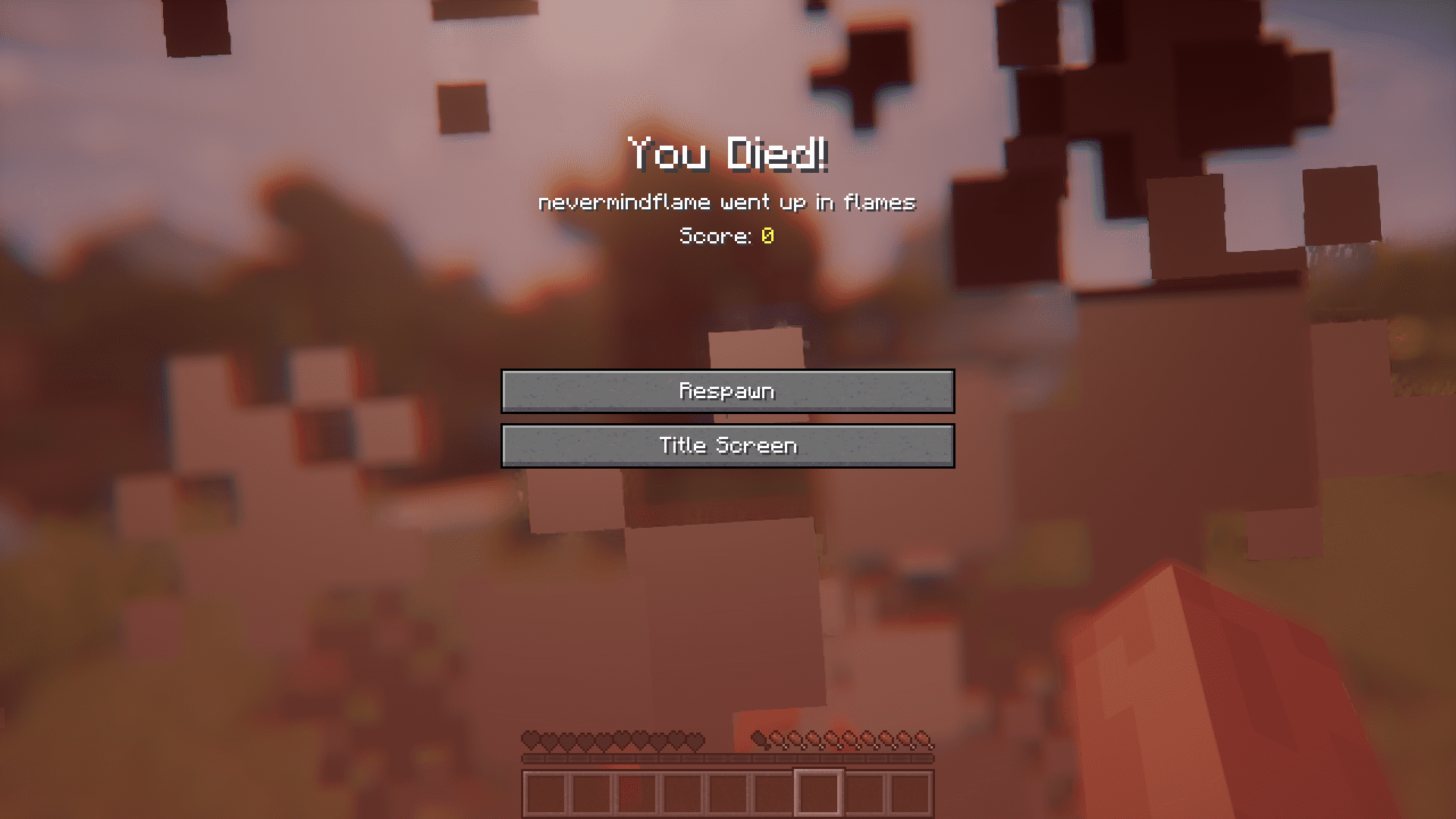
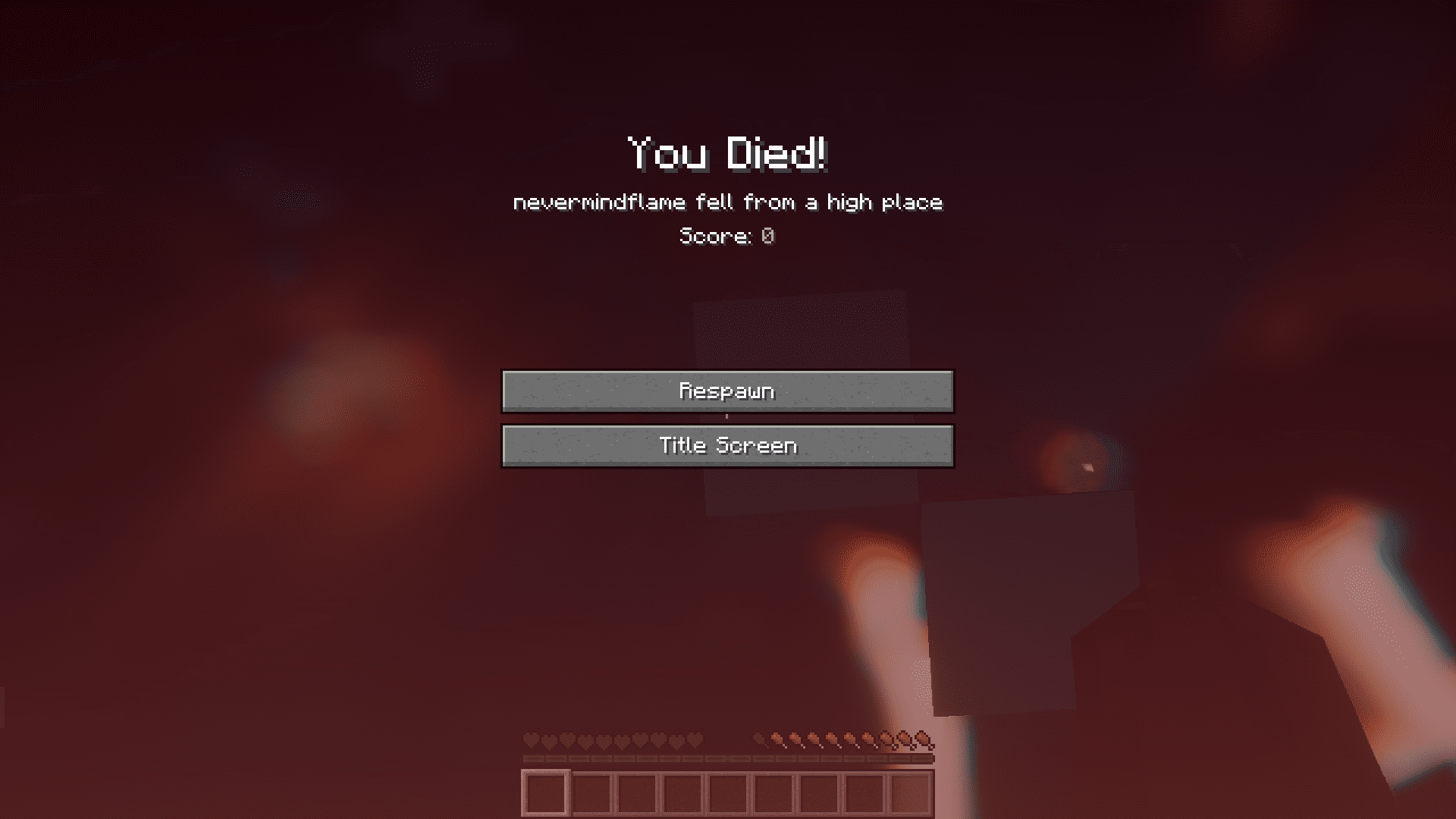
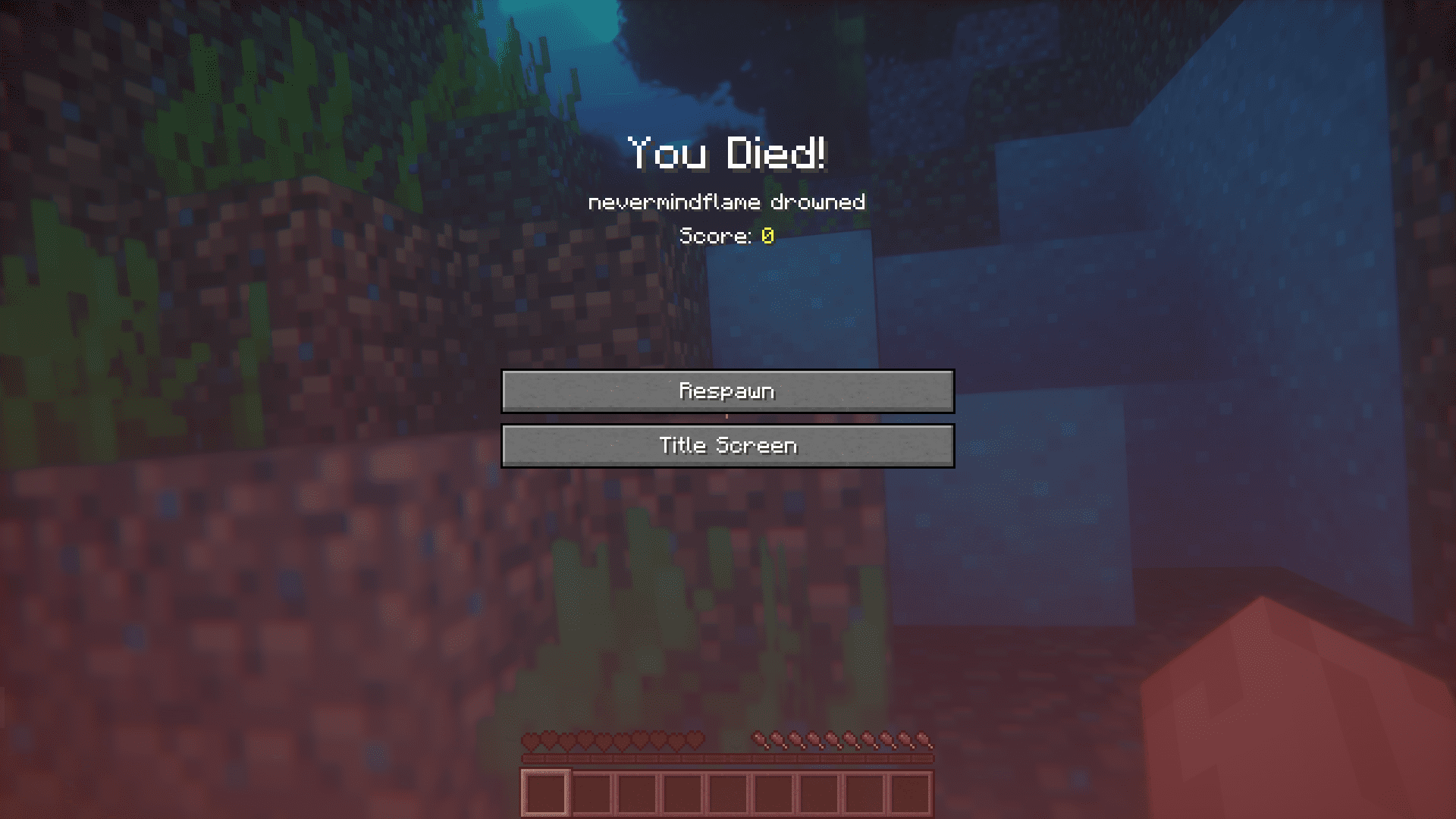
When a player dies in-game, a death screen is displayed. This screen contains the options to respawn or teleport to the title screen. Along with these options, a message is also shown. This message is supposed to give an idea about how the player’s death occurred. For example, a player who died burning in fire will get a message that says “Player went up in flames”. A player who dies by drowning will get a message that says “Player drowned”. A different message is shown if the player dies by falling from a height. But what if you wanted to replace these boring death messages with something witty, detailed or maybe even insulting. This is where Heroic Death Mod will help you. This mod allows you to configure the death screen message that is shown when a player dies. This is done by creating config files with custom messages included in them. The mod by itself does not create any config file when installed. The player himself has to create custom .json files into the config folder. The title of the json should be the name of the damage source that caused the death. A list of damage sources and their corresponding file names are given below.
Features:
Here are some Vanilla damage source names, note that some mods may add their own damage sources which would require a json under their name:
- Standing in fire : inFire.json
- Struck by lightning : lightningBolt.json
- Being on fire = onFire.json
- Contact with lava = lava.json
- Contact with hot blocks such as magma blocks : hotFloor.json
- suffocating in a wall : inWall.json
Entity cramming : cramming.json - Drowning : = drown.json
- Starving : starve.json
- Cactus = cactus.json
- Fall damage : fall.json
- flying into a wall while wearing elytra : flyIntoWall.json
- Damage caused by falling into the void or the /kill command : outOfWorld.json
- Generic damage : generic.json
- Damage caused by splash potions of harming : magic.json
- Withering debuff : wither.json
- Crushed by an anvil : anvil.json
- being hit by a falling block : fallingBlock.json
- Dragon’s breath smoke : dragonBreath.json
- Standing too close to fireworks : fireworks.json
Now inside most json, there are 2 entries: normal, and afk.
- Normal is used when the player is not afk, and is an array of possible death messages.
- Afk is used when the player has been afk for more than 5 minutes.
Both entries are formatted as an array of strings with %s being used to substitute the player’s name.
There are a few special exceptions to this format.
- generic.json – This is used when the game is unable to find a cause of death for the player, it’s otherwise formatted like above.
- mob.json – This one is a bit more complicated, the game uses it for when killed by a normal mob attack such as a zombie.
At the root, there is a list of json entries labeled with the registry name of the mob that caused the damage.
Inside the entry, there are 3 sub entries; normal, afk and biggest.
normal and afk are the same as described above. But the biggest works a bit differently. Biggest comes into play when another source that caused more damage than the fatal blow is involved in the attack such as taking fall damage then dying to a zombie (Player was doomed to fall by Zombie).
If this is the case, then an entry from this category will be chosen instead of normal, note that biggest has its own damage type categories similar to the json titles. a second %s can be used to substitute the mob name.
If the mod is unable to find the json for the death cause, then a warning will be logged and it will fallback to the vanilla message.
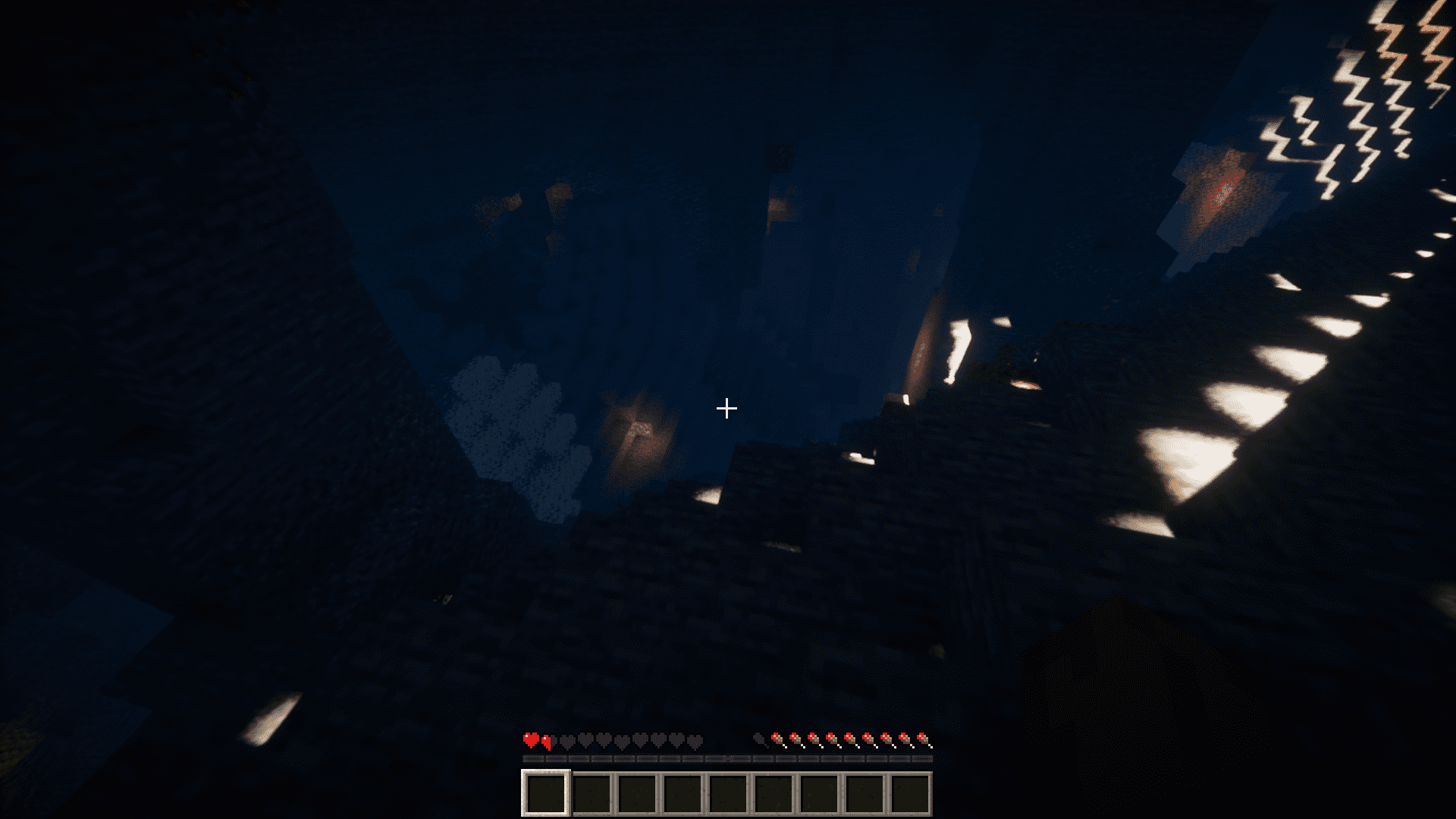
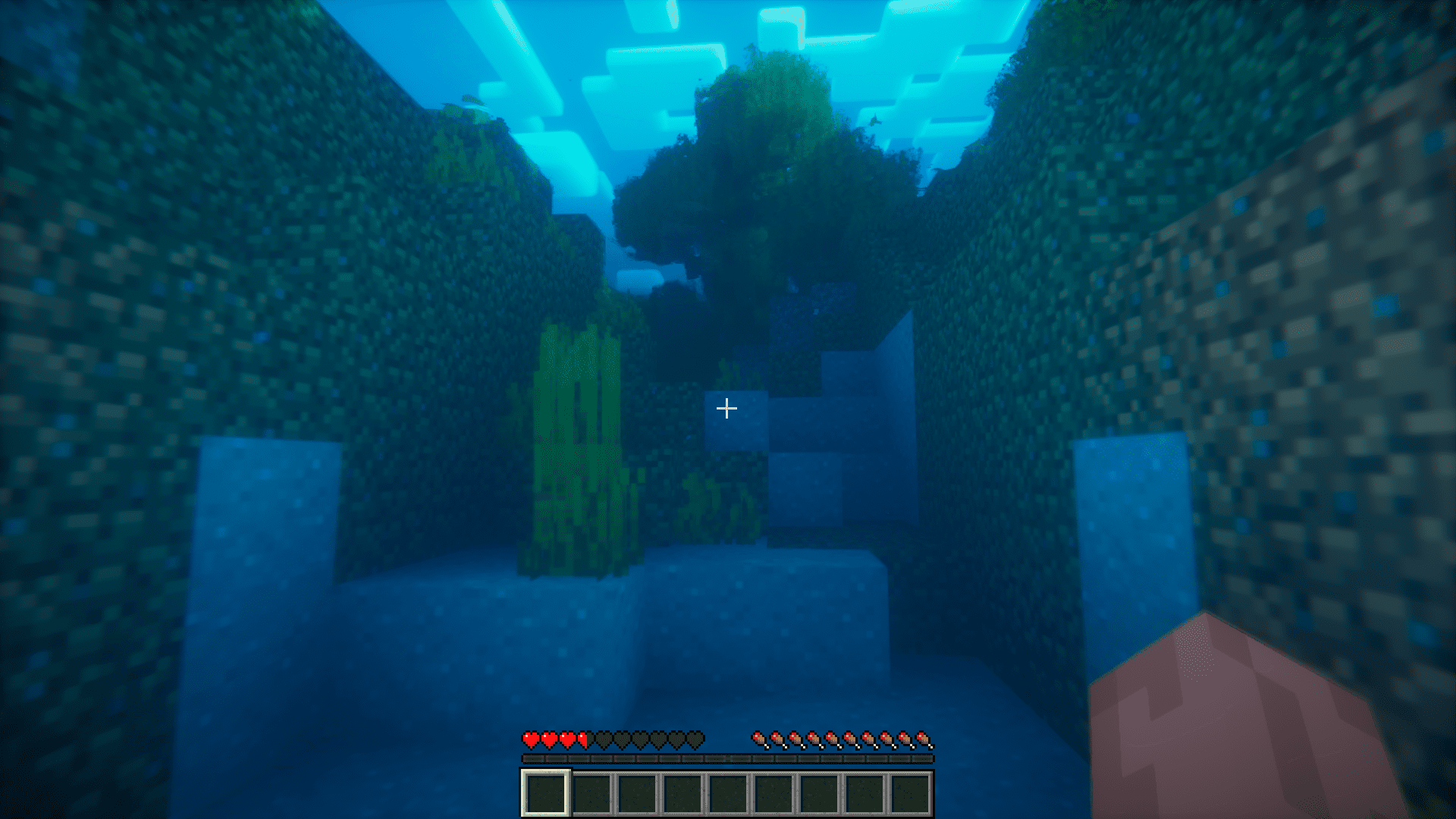
Screenshots:
Requires:
Minecraft Forge
Heroic Death Mod Download Links
For Minecraft 1.20.1
Forge version: Download from Server 1 – Download from Server 2
For Minecraft 1.19.3
Forge version: Download from Server 1 – Download from Server 2
For Minecraft 1.19.2
Forge version: Download from Server 1 – Download from Server 2
For Minecraft 1.18.2
Forge version: Download from Server 1 – Download from Server 2
For Minecraft 1.16.5
For Minecraft 1.12.2
- Edition: Minecraft Java
- File type: .jar
- Minecraft versions listed: 1.20.1, 1.19.3
- How to install: Install the matching mod loader (Forge, Fabric or NeoForge) for your Minecraft version. → Download the .jar. → Put it in the .minecraft/mods folder and launch that loader profile.
- Where to get it: In MC Java Mods, or directly above on this page.
Install steps are the general flow for this file type — see the MC Java Mods guides for the full walkthrough.
- Downloads as 201671.mcaddon
- Download size: 17 KB
- Download link checked 29 Jul 2026 — working
- Mirrored on our own servers — the download does not depend on the original host
These come from our own check of the pack file, not from the source page.