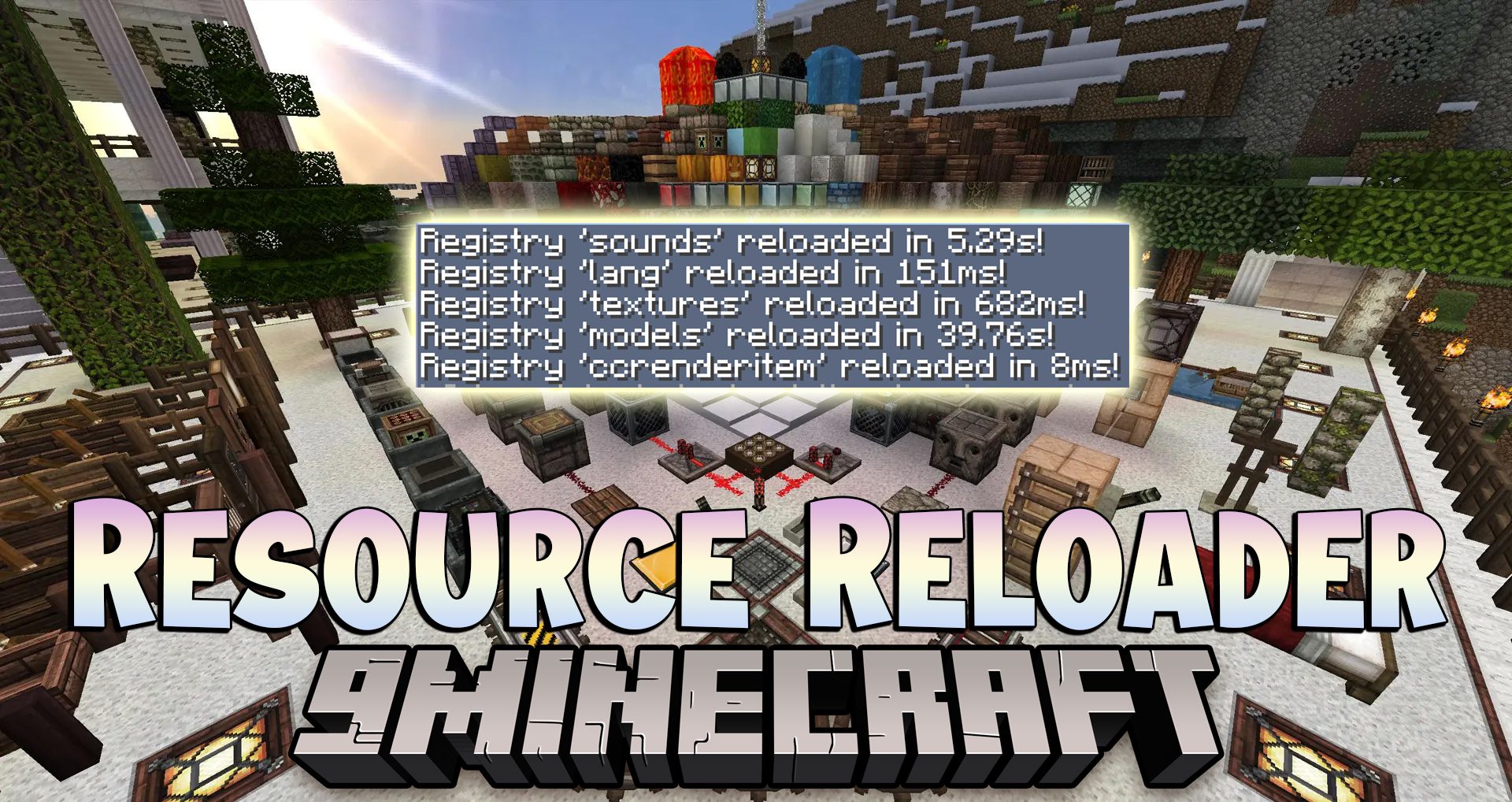
Hate waiting eons while F3+T reloads all resources when you need to test a single texture or language changes? Well then, Resource Reloader Mod is for you.
Features:
Support for individually reloading models will be added later.
- To reload specific registry, type /reload_resources textures
- To reload group of registries, type /reload_resources #models
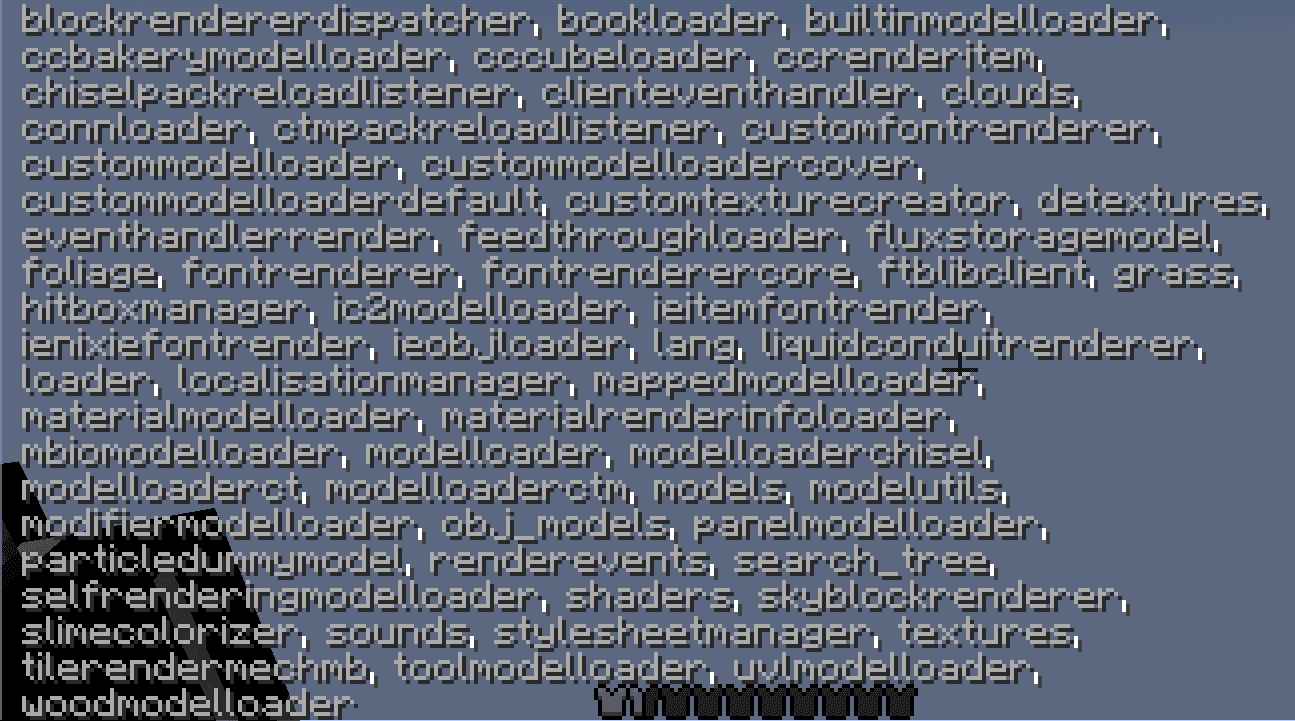
- To get the list of registries and groups, press Tab with the command typed in
Because groups are new to forge, not many mods support them, so it might be slow to reload whole group, but reloading single registry might have negative effects, like item models missing, or textures being messed up. Choose whichever fits you best. For textures, language files and sounds I recommend reloading registries, but for models – groups.
Registry list in average sized modpack:
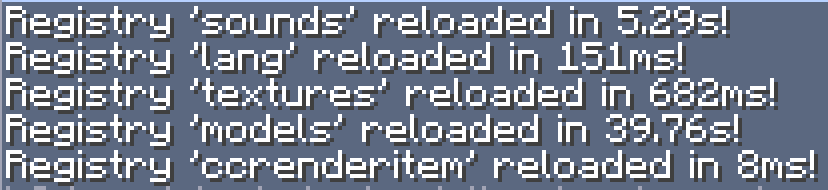
Reloading times in an average sized modpack:
Resource Reloader Mod Download Links
For Minecraft 1.12.2
Forge version: Download from Server 1 – Download from Server 2
- Edition: Minecraft Java
- File type: .jar
- How to install: Install the matching mod loader (Forge, Fabric or NeoForge) for your Minecraft version. → Download the .jar. → Put it in the .minecraft/mods folder and launch that loader profile.
- Where to get it: In MC Java Mods, or directly above on this page.
Install steps are the general flow for this file type — How to install Minecraft Java mods & modpacks walks through it step by step.
- Downloads as 201685.mcaddon
- Download size: 13 KB
- Download link checked 22 Jul 2026 — working
- Mirrored on our own servers — the download does not depend on the original host
These come from our own check of the pack file, not from the source page.