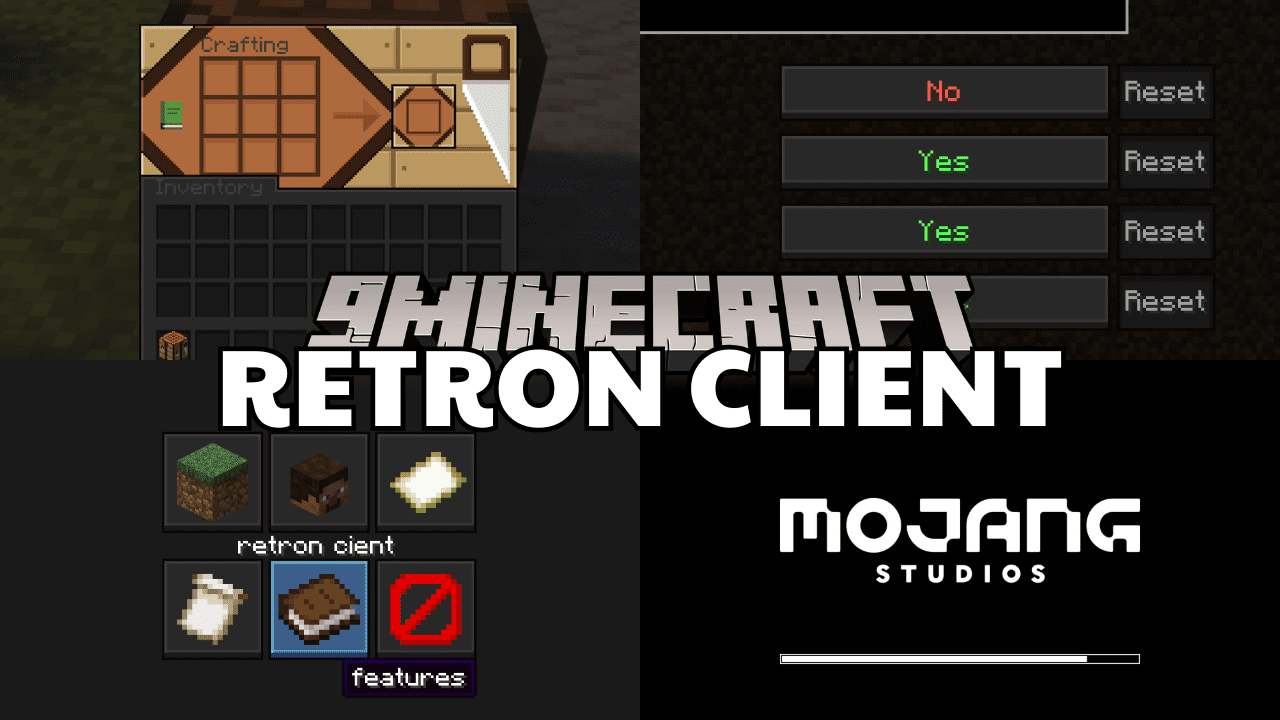
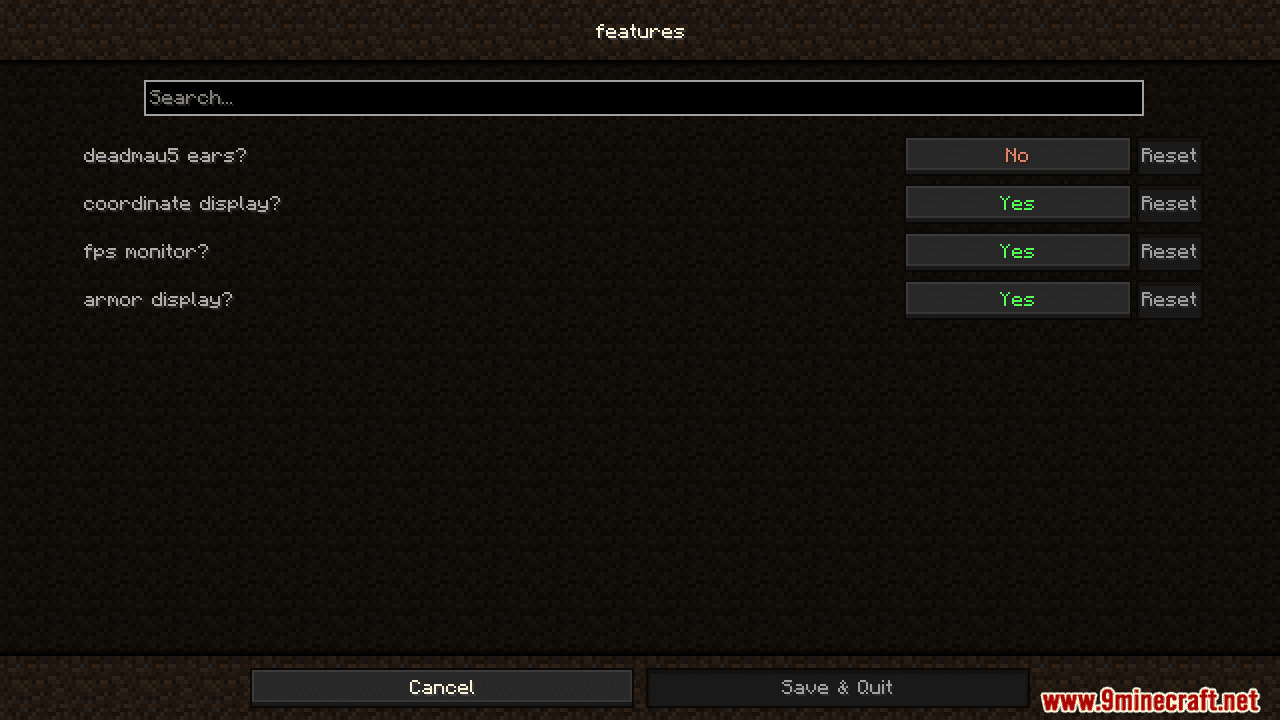
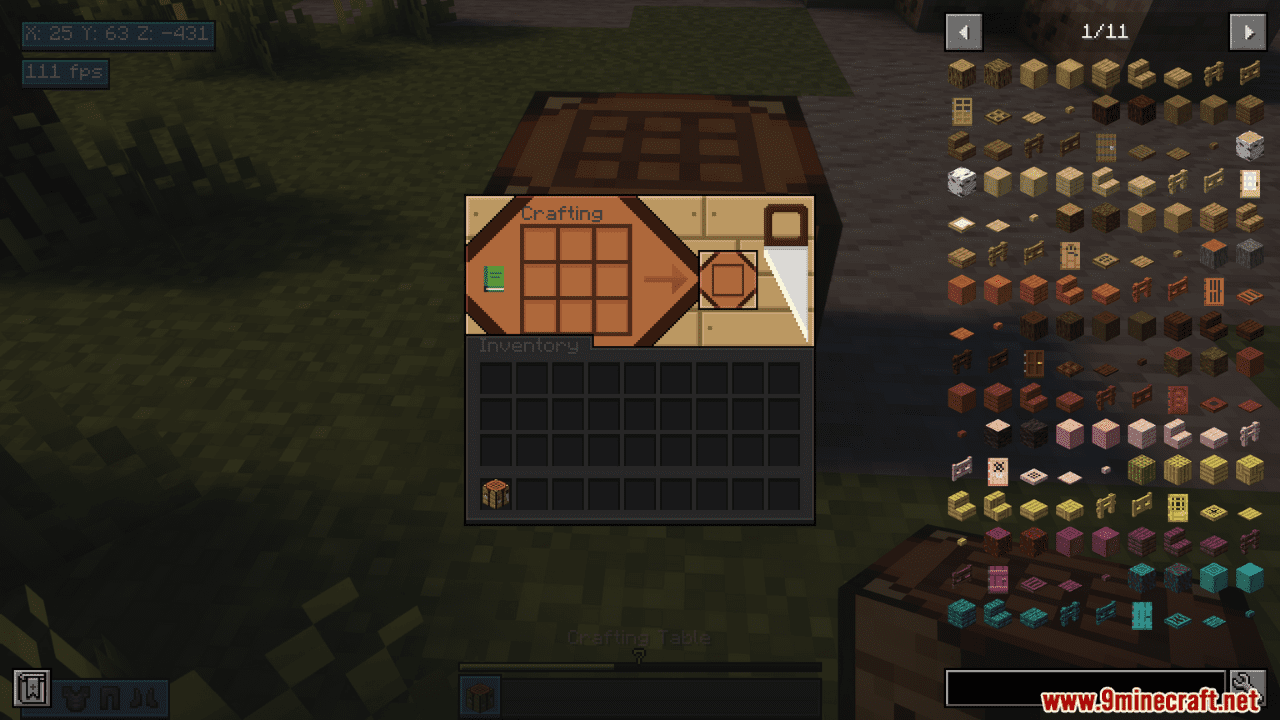
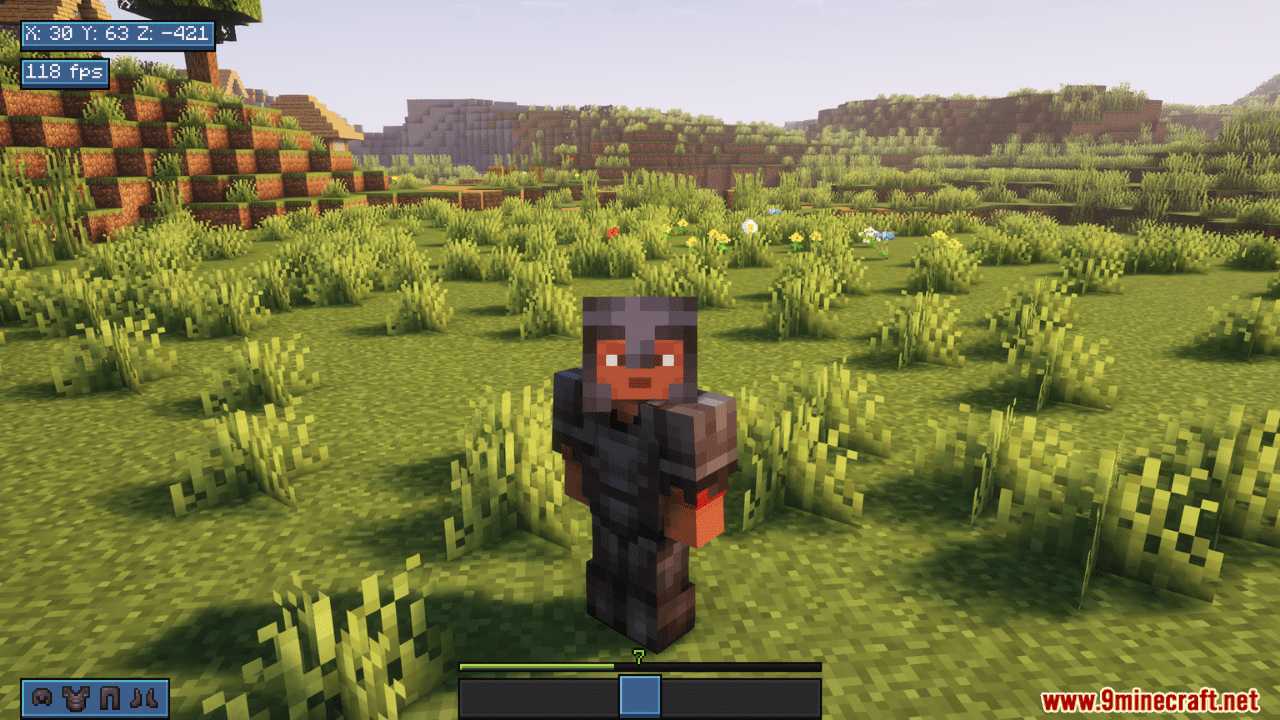
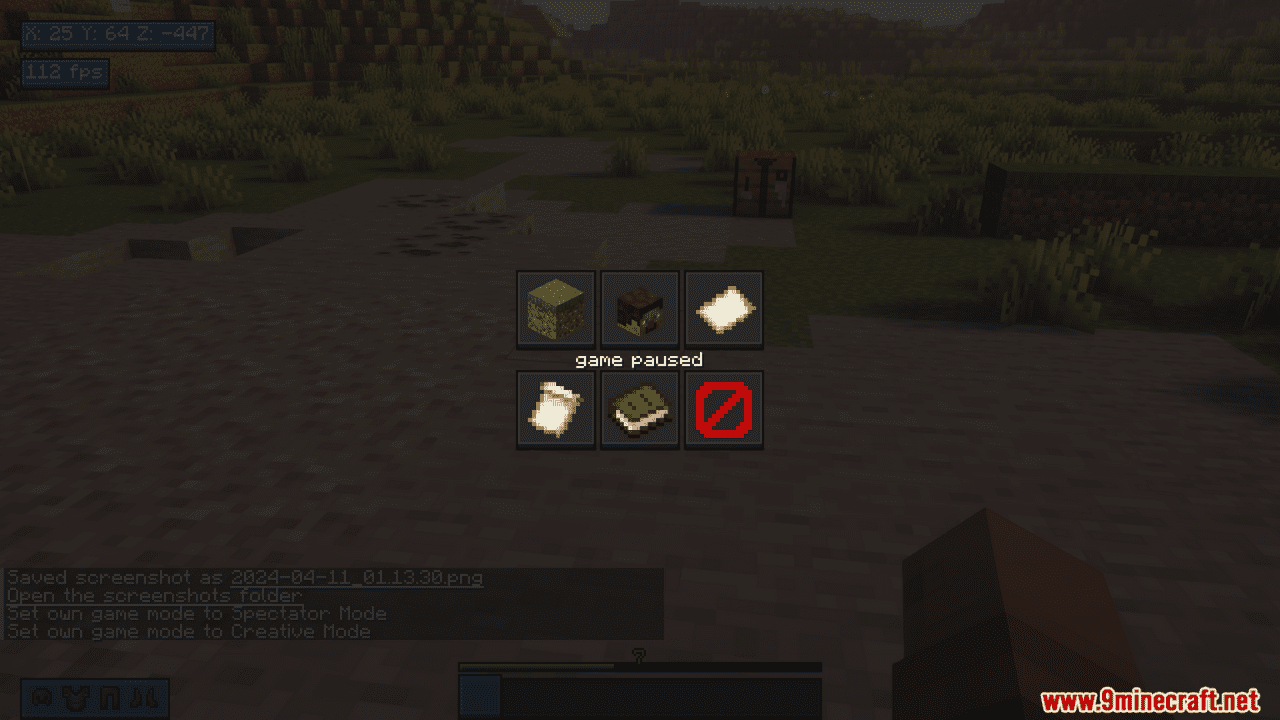
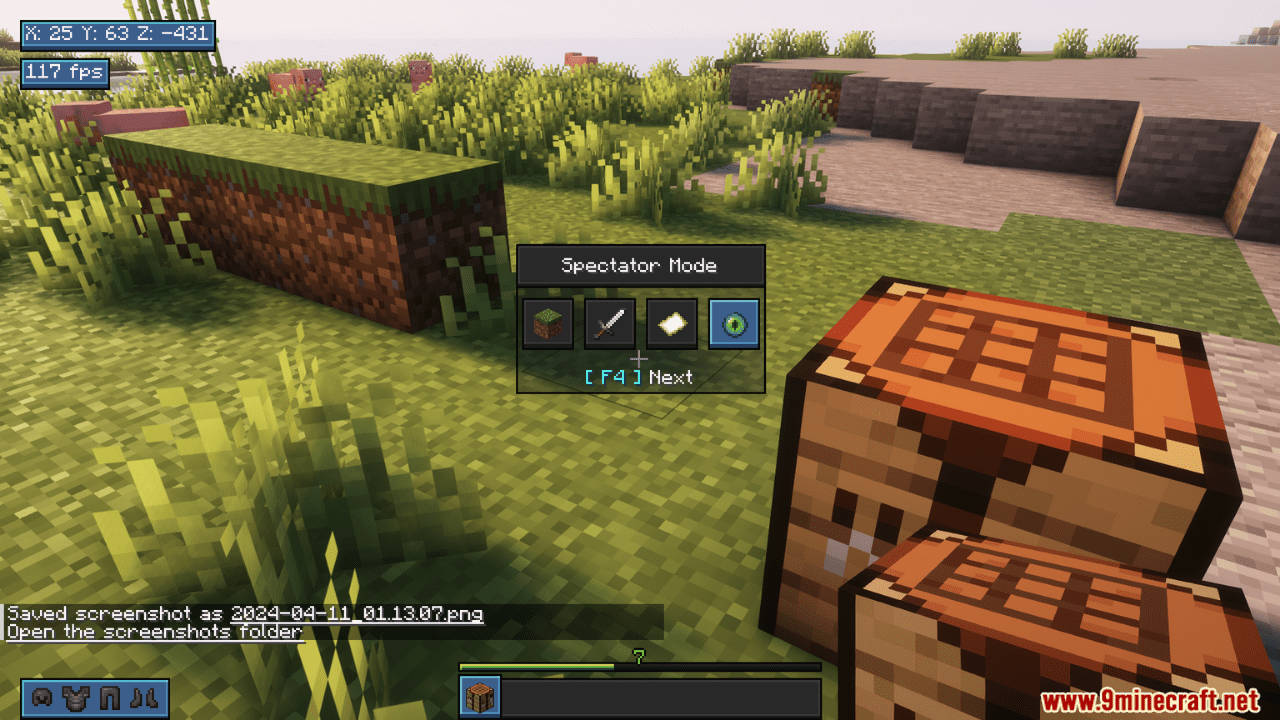
Retron Client Mod goes beyond simple aesthetics, offering a suite of practical enhancements that streamline your gameplay. Retron Client overhauls the in-game interface for a smoother experience, including a redesigned pause menu for intuitive navigation. Switch between game modes on the fly with the convenient in-game switcher, perfect for adapting your playstyle in an instant. Keep track of your vital stats with the informative overlay displaying coordinates, FPS, and even your current armor status – all accessible directly within the game world. Retron Client empowers you to personalize your Minecraft experience while providing the tools you need to optimize your gameplay.
Features:
- Enhanced Interface: Redesigned pause menu for intuitive navigation.
- Seamless Mode Switching: In-game game mode switcher for quick playstyle adjustments.
- Informative Overlays: Convenient on-screen displays for coordinates, FPS, and armor status.
Screenshots:
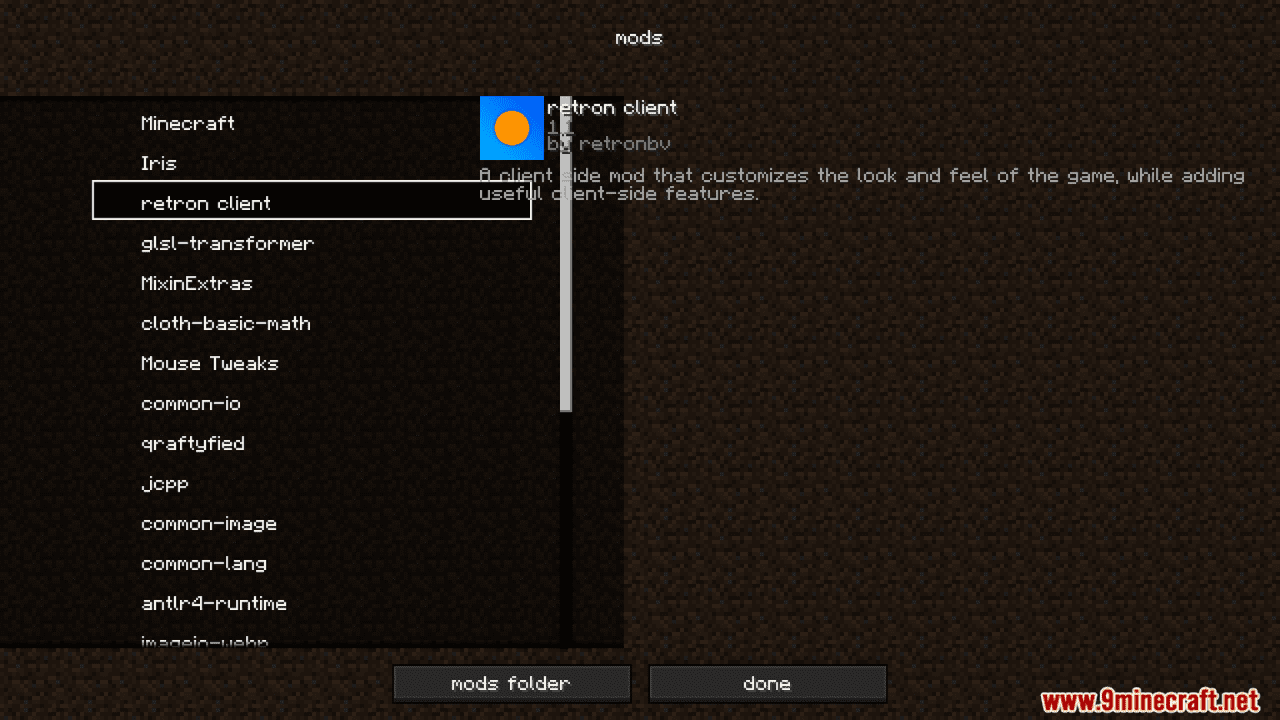
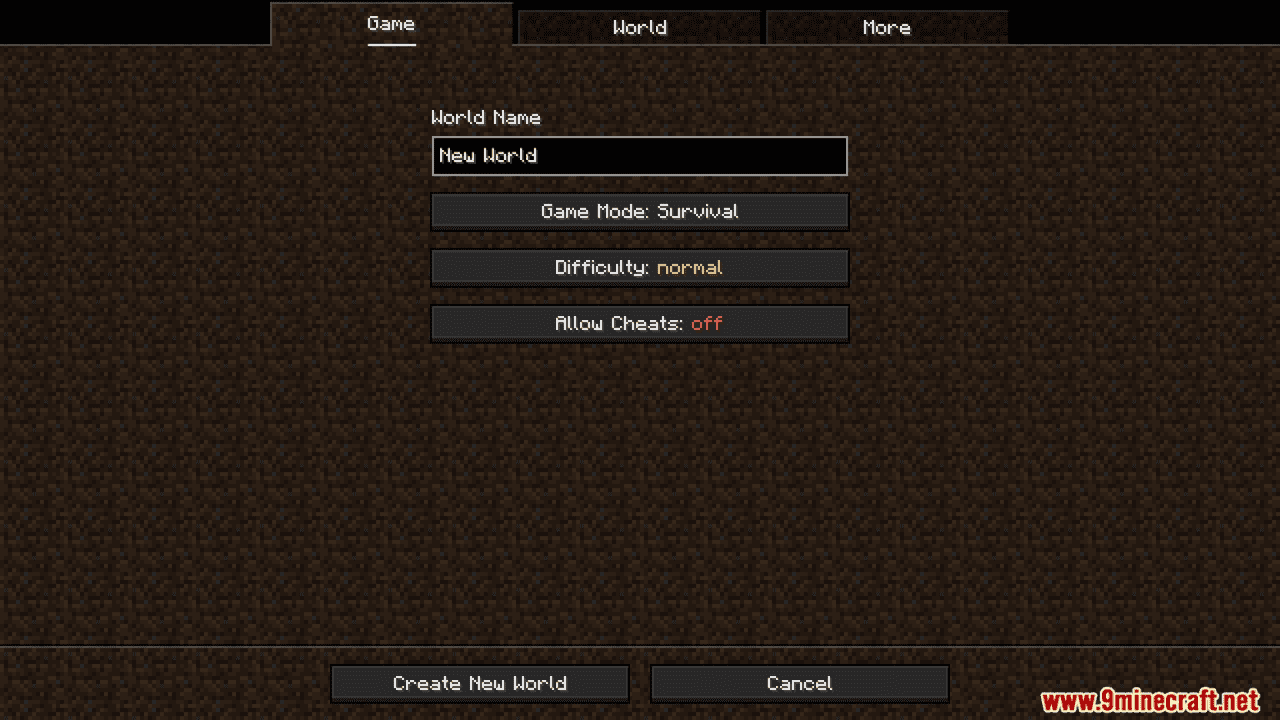
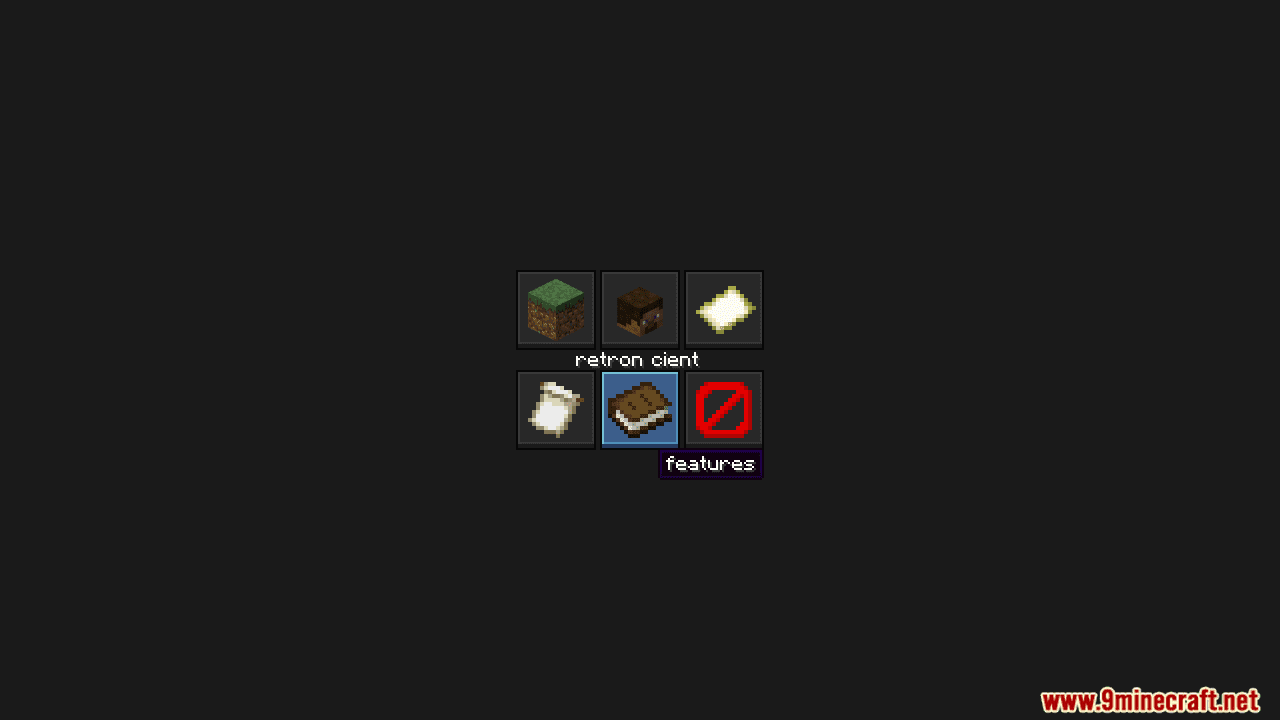

Retron Client Mod Download Links
For Minecraft 1.20.4
Fabric Version: Download from Server 1 – Download from Server 2
- Edition: Minecraft Java
- File type: .jar
- Minecraft version listed: 1.20.4
- How to install: Install the matching mod loader (Forge, Fabric or NeoForge) for your Minecraft version. → Download the .jar. → Put it in the .minecraft/mods folder and launch that loader profile.
- Where to get it: In MC Java Mods, or directly above on this page.
Install steps are the general flow for this file type — How to install Minecraft Java mods & modpacks walks through it step by step.
- Downloads as 201728.mcaddon
- Download size: 591 KB
- Download link checked 29 Jul 2026 — working
- Mirrored on our own servers — the download does not depend on the original host
These come from our own check of the pack file, not from the source page.