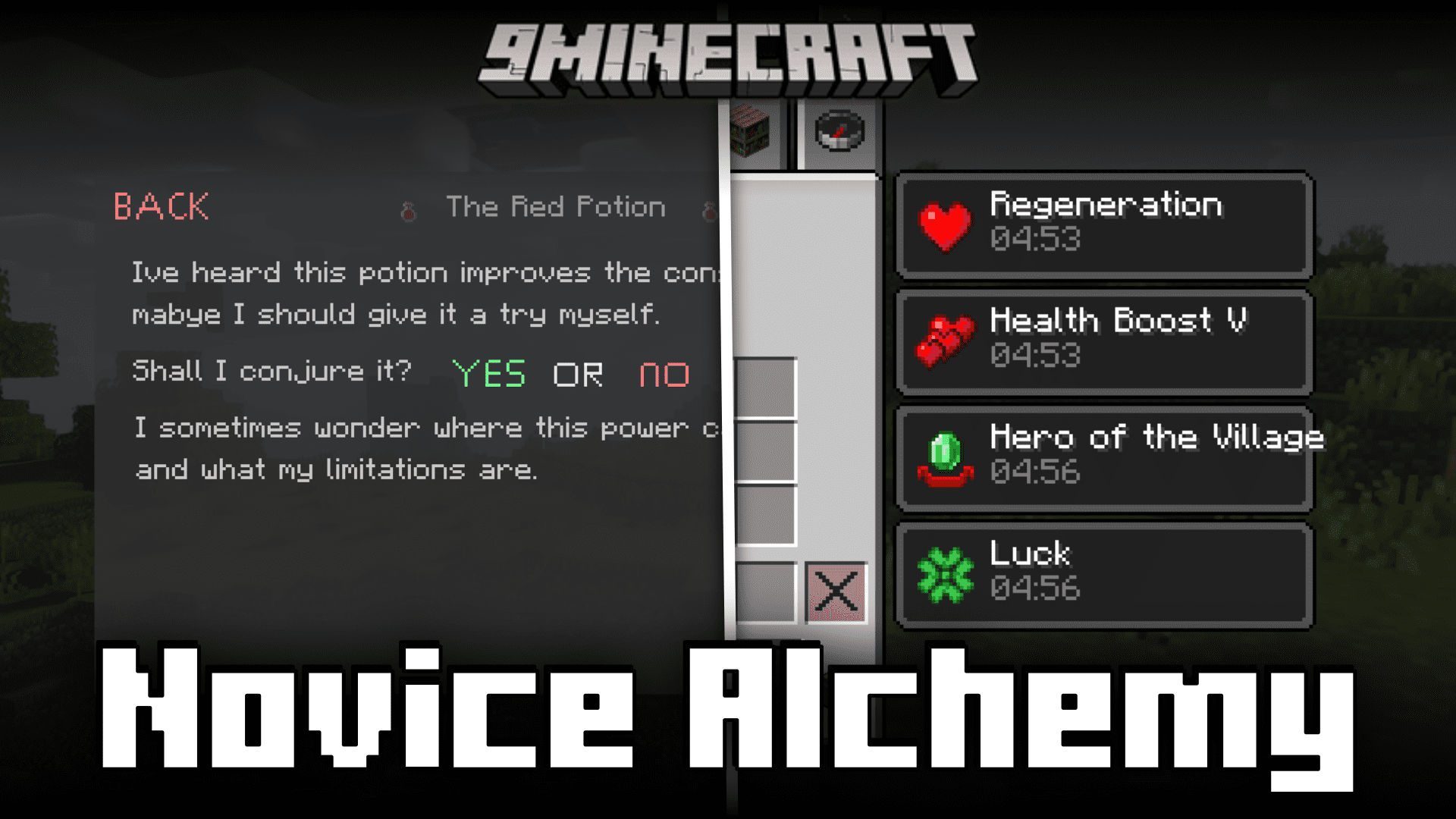
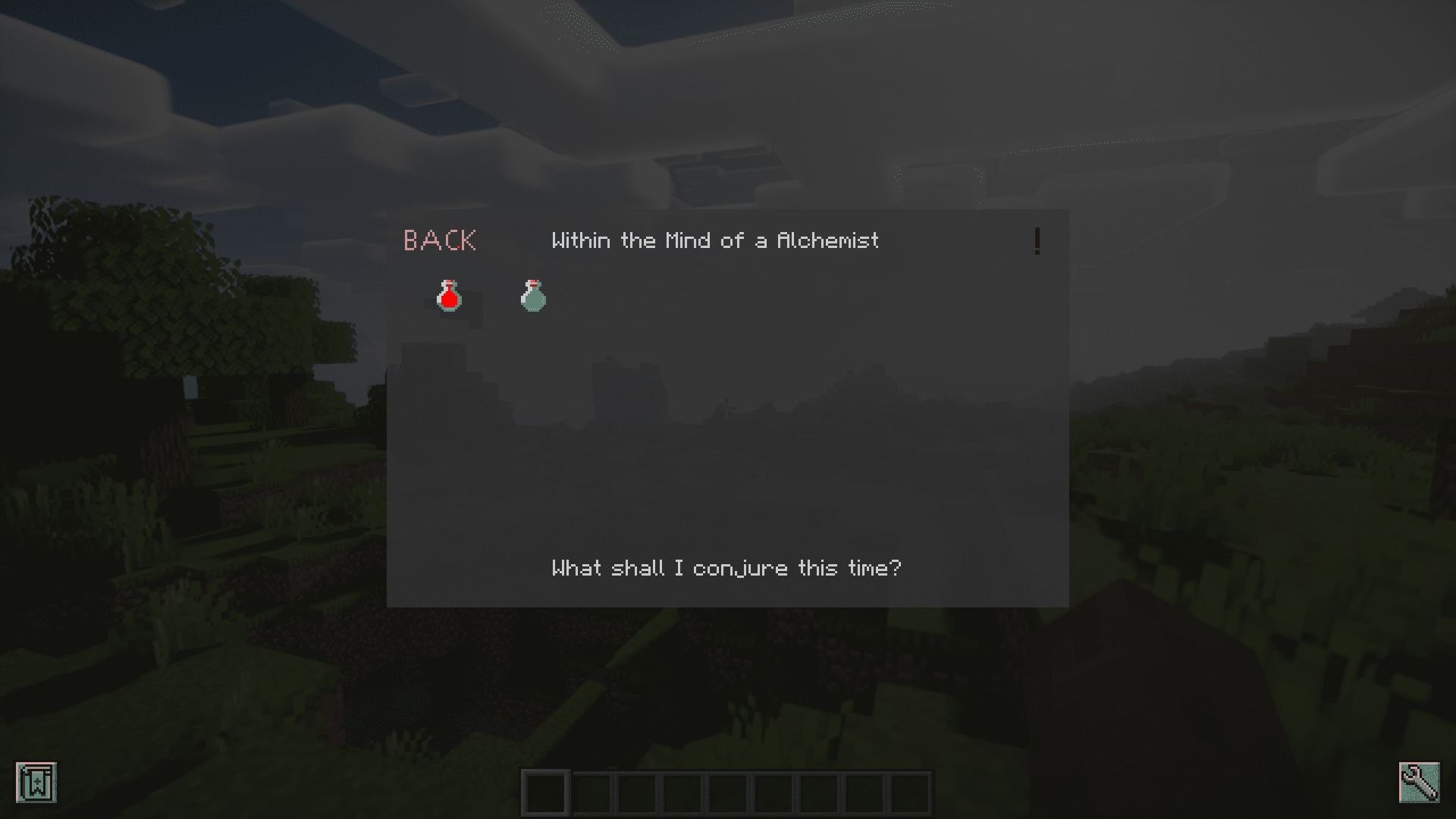
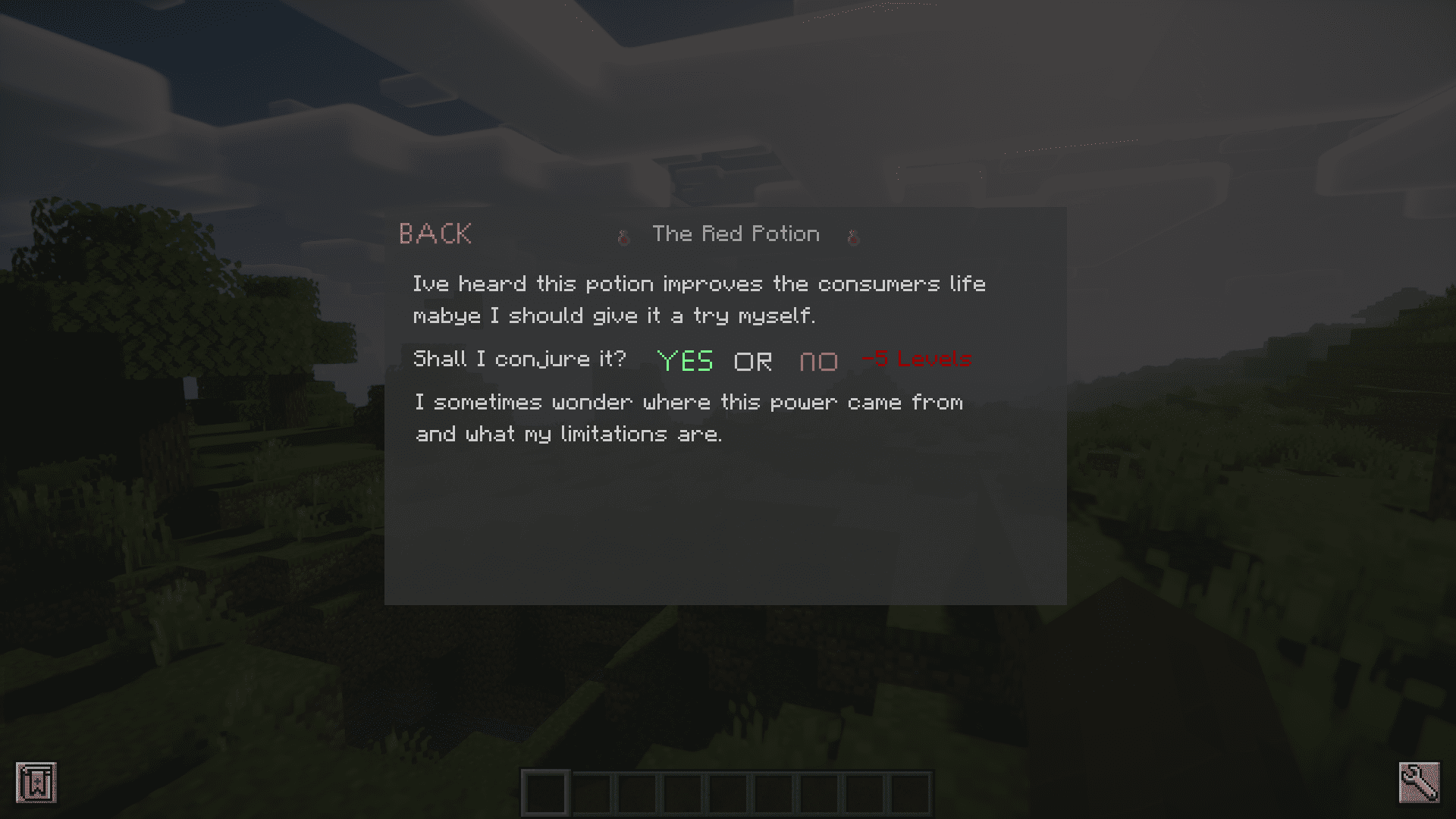
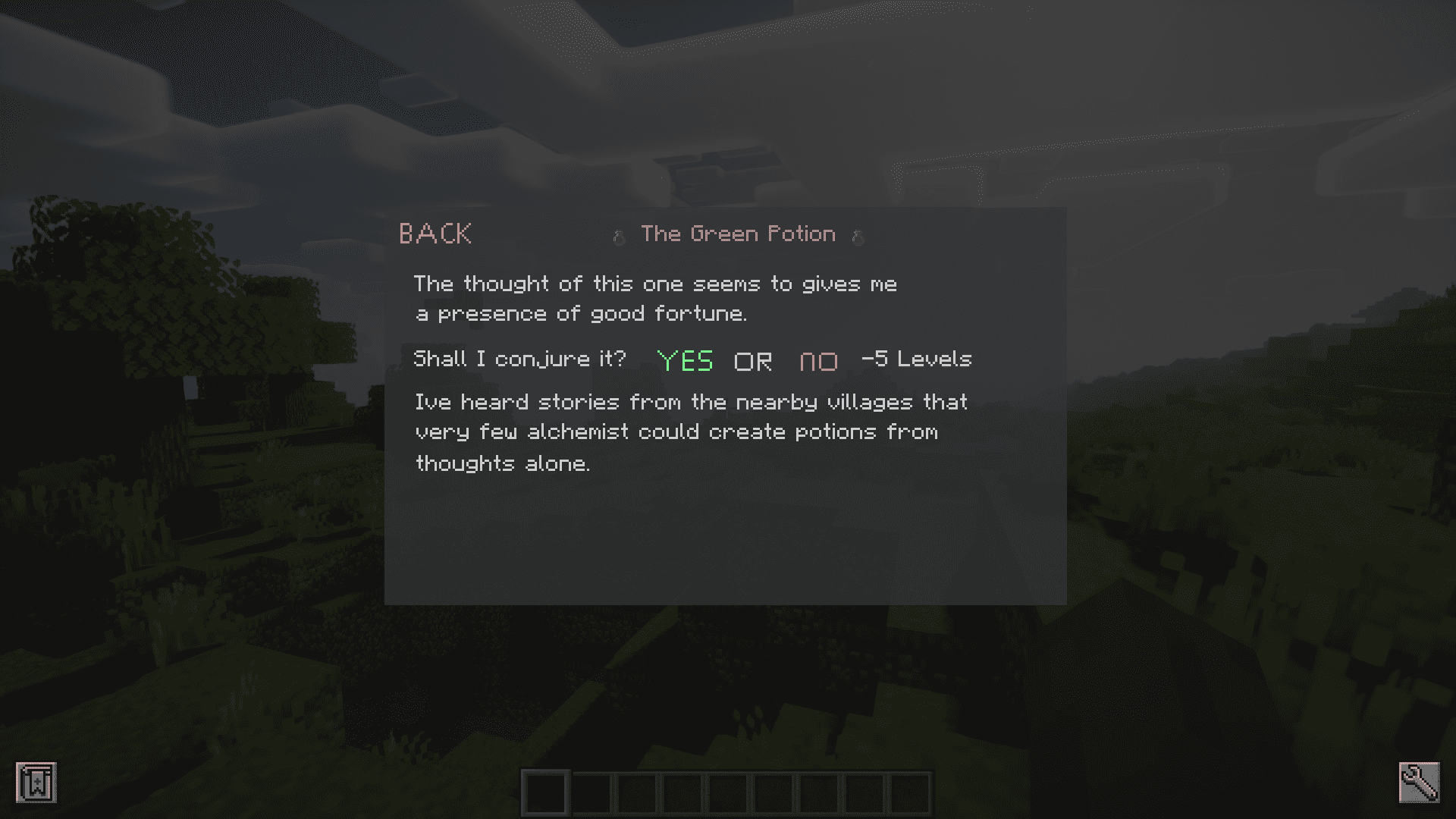
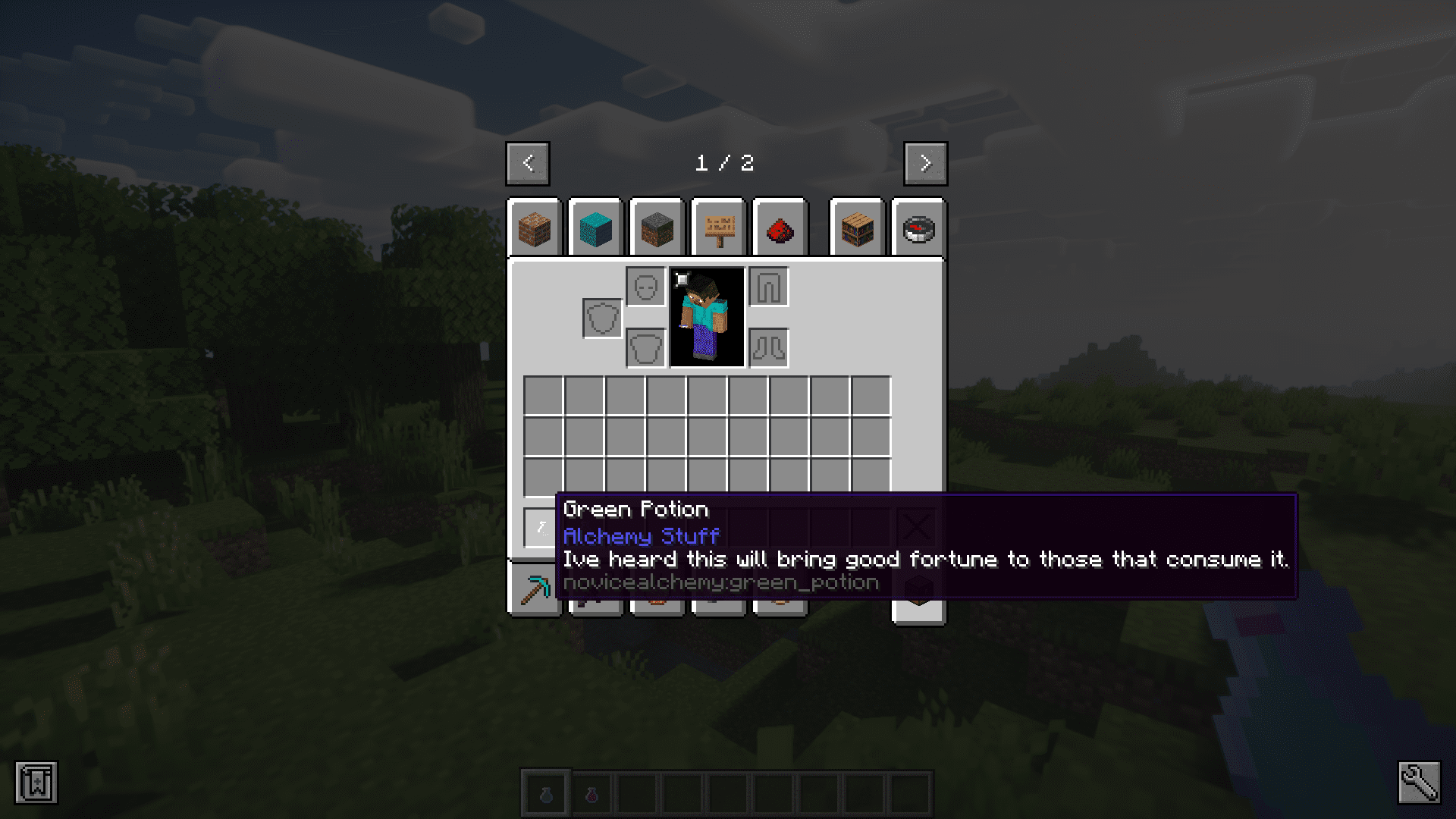
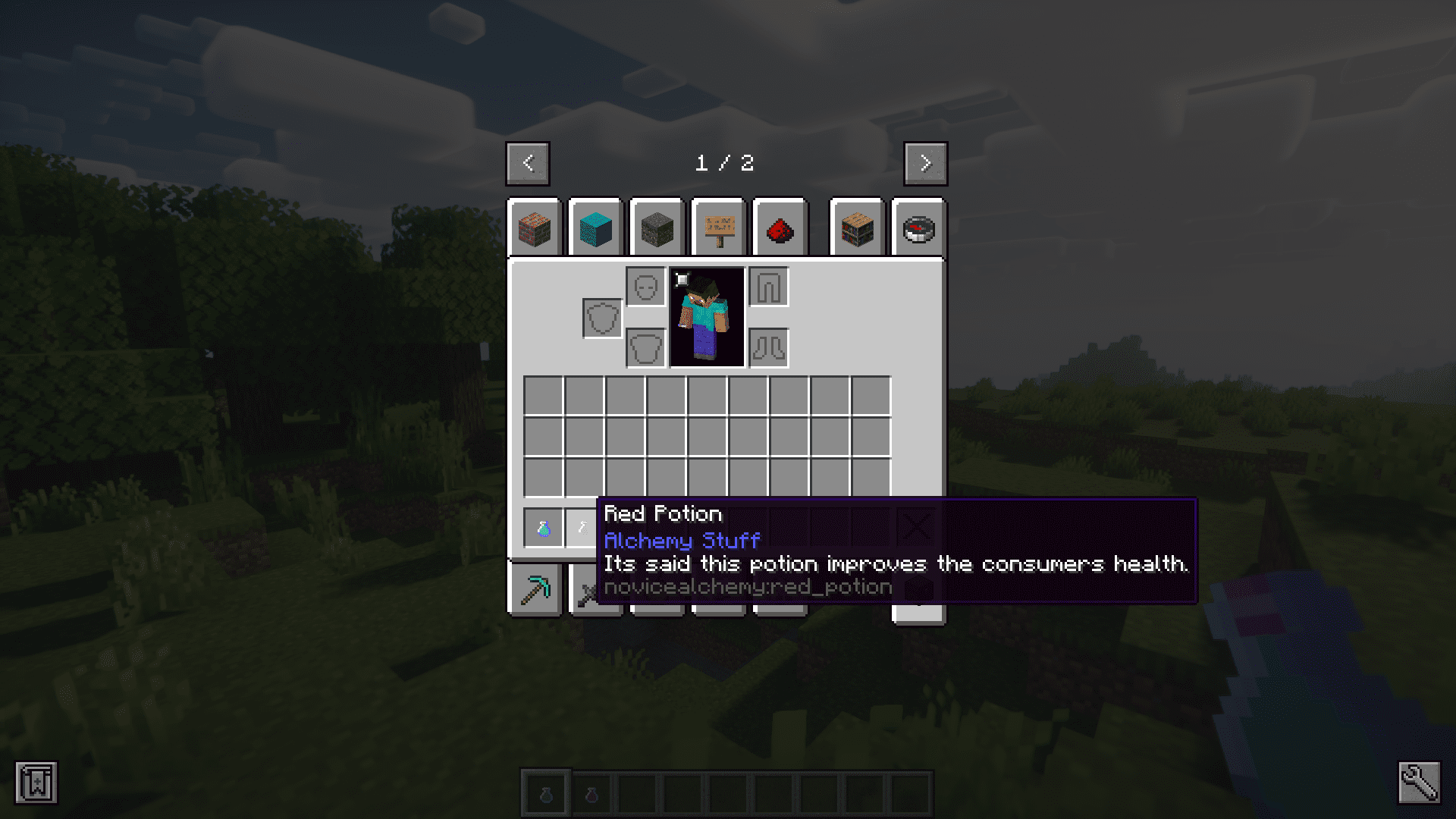
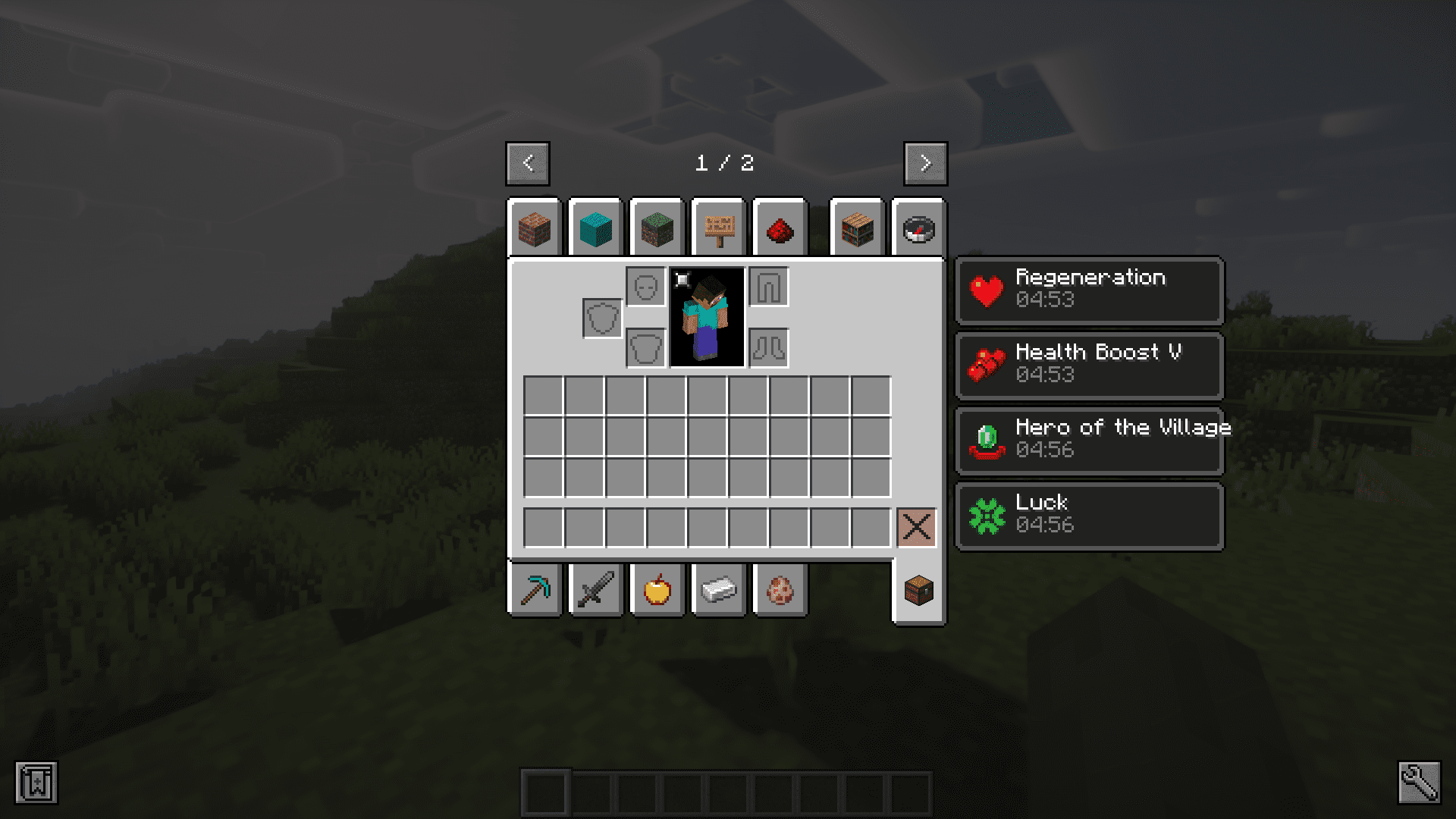
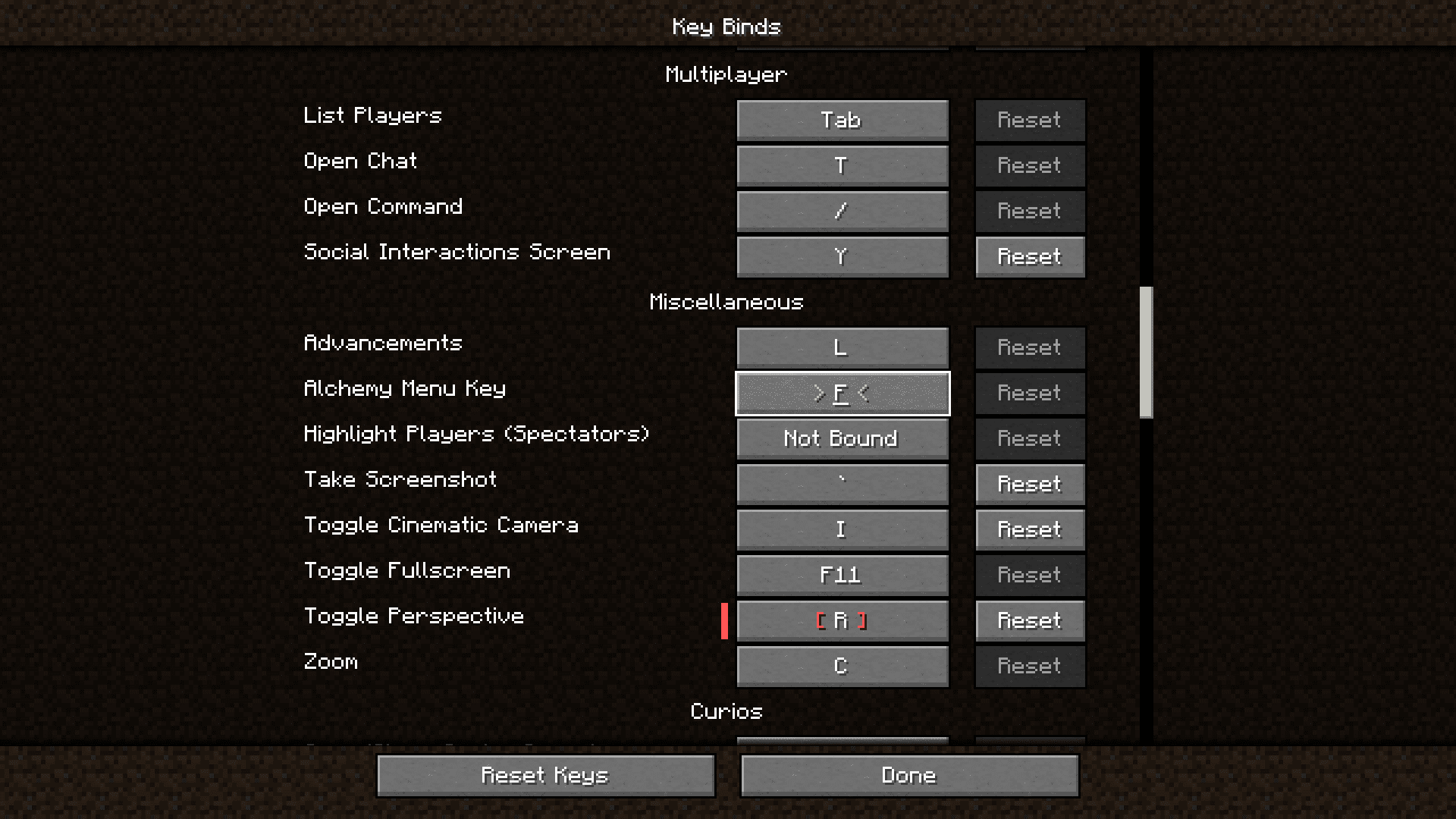
Novice Alchemy Mod introduces a new way for players to obtain potions in Minecraft. This is done through a new custom GUI introduced by thismod. This new GUI can be opened by pressing the F key. This keybind can be configured in the keybind settings. The new GUI has a screen where potions are listed and clicking on will give a brief description of that specific option. The GUI also has an option to transfer the potion into the player inventory. Currently, the mod has two potions – Red and Green. The red potion suggests to “improve the consumer’s life”, and gives the player Regeneration and Health Boost 5 effects. The green potion suggests to “bring more fortune”, and it gives the Hero of the Village and Luck effects. More potions are expected to be added soon.
Features:
- Introduces a new GUI that allows users to read descriptions and pick potions.
- Press the F key on the keyboard to open it.
- Red Potion – Regeneration and Health Boost 5 effects.
- Green Potion – Hero of the Village and Luck effects
- More potions are expected to be added soon.
Screenshots:
Requires:
Minecraft Forge
Novice Alchemy Mod Download Links
For Minecraft 1.20.1
Forge version: Download from Server 1 – Download from Server 2
- Edition: Minecraft Java
- File type: .jar
- Minecraft version listed: 1.20.1
- How to install: Install the matching mod loader (Forge, Fabric or NeoForge) for your Minecraft version. → Download the .jar. → Put it in the .minecraft/mods folder and launch that loader profile.
- Where to get it: In MC Java Mods, or directly above on this page.
Install steps are the general flow for this file type — How to install Minecraft Java mods & modpacks walks through it step by step.
- Downloads as 201905.mcaddon
- Download size: 73 KB
- Download link checked 29 Jul 2026 — working
- Mirrored on our own servers — the download does not depend on the original host
These come from our own check of the pack file, not from the source page.